



Backup, Restore and Migrate your sites with XCloner
XCloner is a backup plugin that allows you to safely back up and restore your WordPress sites. You can send your site backups to SFTP, Dropbox, Amazon, Google Drive, Backblaze and other locations. You can create backups…

Solid choice
Backup, Restore and Migrate you… is a solid plugin choice in 2026, with a few things worth checking first. It runs on 10K+ sites, is rated 4.2/5 and was last updated 3 weeks ago, and scores 70/100 on our health check.
- Proven at scale on 10K+ active sites
- Actively developed — last update 3 weeks ago
- Momentum — downloads up 208.1% vs the previous 30 days
How does it stack up?
Side-by-side on installs, updates, ratings & support



Daily downloads
Download spikes usually follow a new release — each site that auto-updates counts as a download.
Rankings
Where Backup, Restore and Migrate… stands todayWordPress.org search rankings
Live position in the plugin search, top 100| Keyword | Position |
|---|---|
| backup | #23 |
| cloud backup | #20 |
| database backup | #21 |
| wordpress backup | #22 |
| wordpress migration | #50 |
Version adoption
Share of active sites per release.
Rating breakdown
★★★★★★★★★★ 4.2 from 129 reviews
About Backup, Restore and Migrate your sites…
From the official readme · v4.8.8Description
XCloner is a backup plugin that allows you to safely back up and restore your WordPress sites. You can send your site backups to SFTP, Dropbox, Amazon, Google Drive, Backblaze and other locations. You can create backups manually or automatically with XCloner’s built-in scheduler.
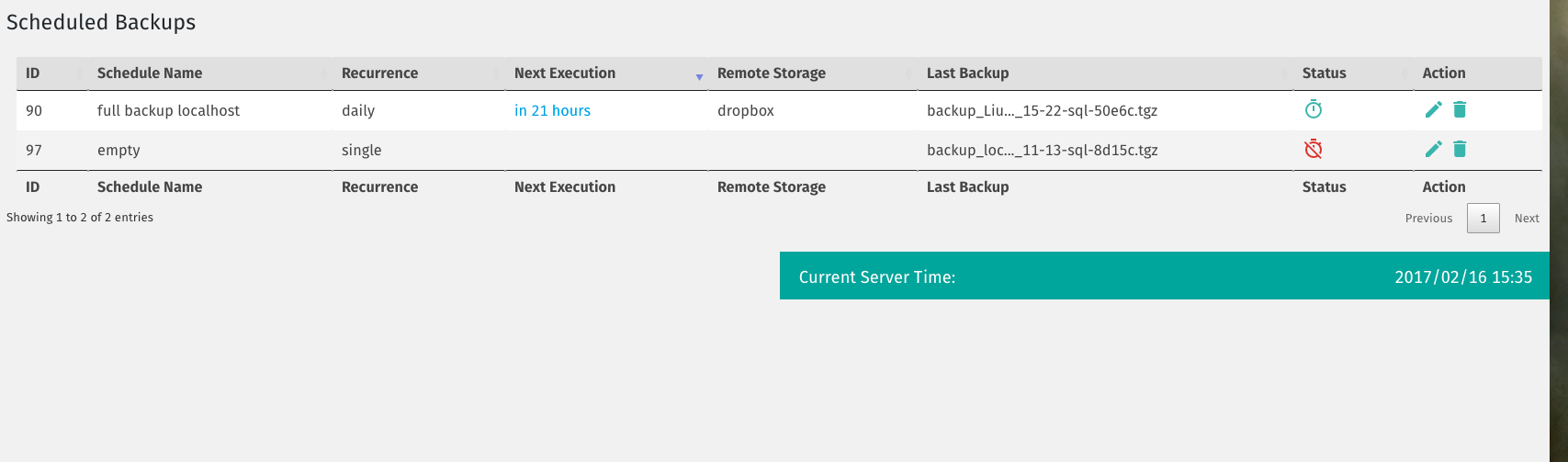
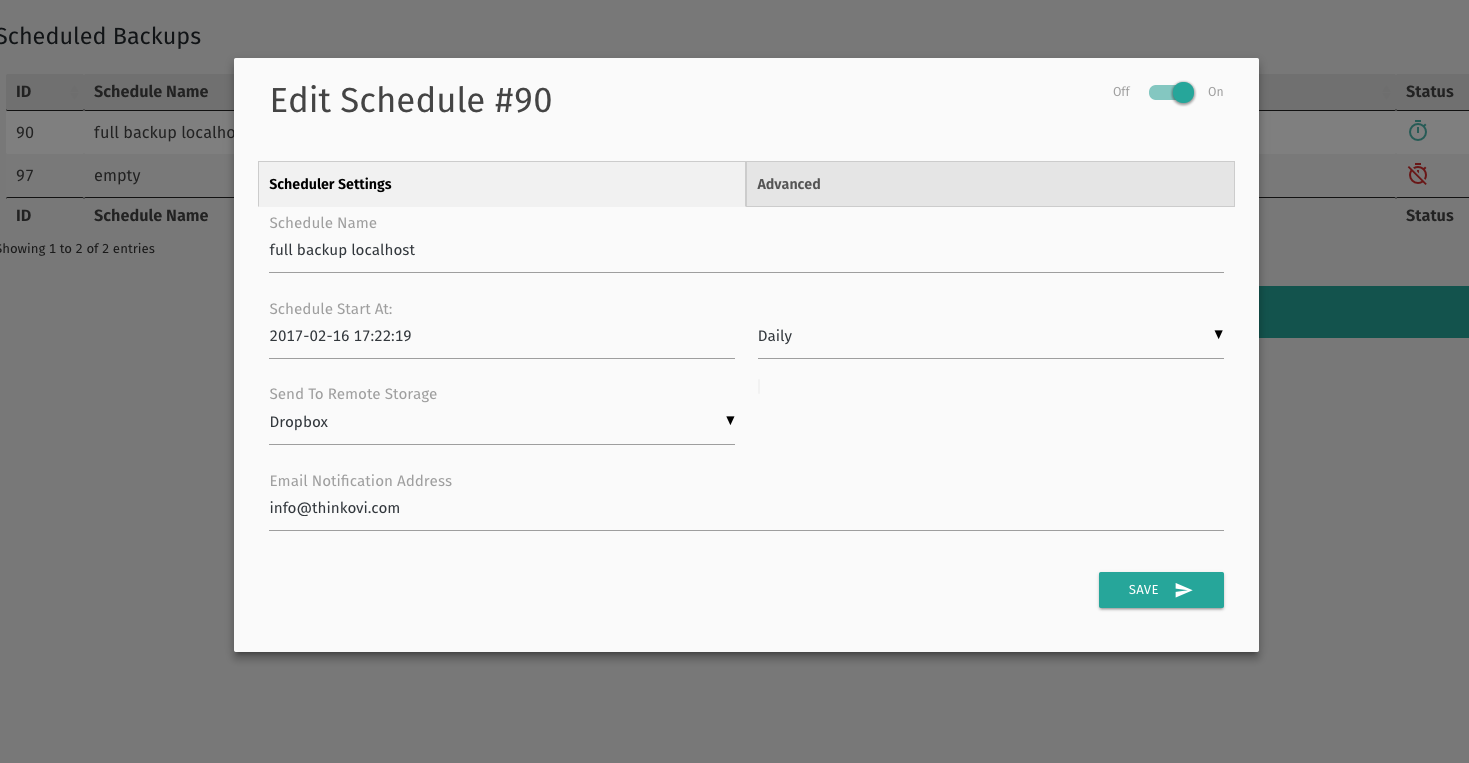
XCloner enables you to automatically generate backups with the built-in cron script. These cron jobs can run daily, weekly, monthly or even hourly.
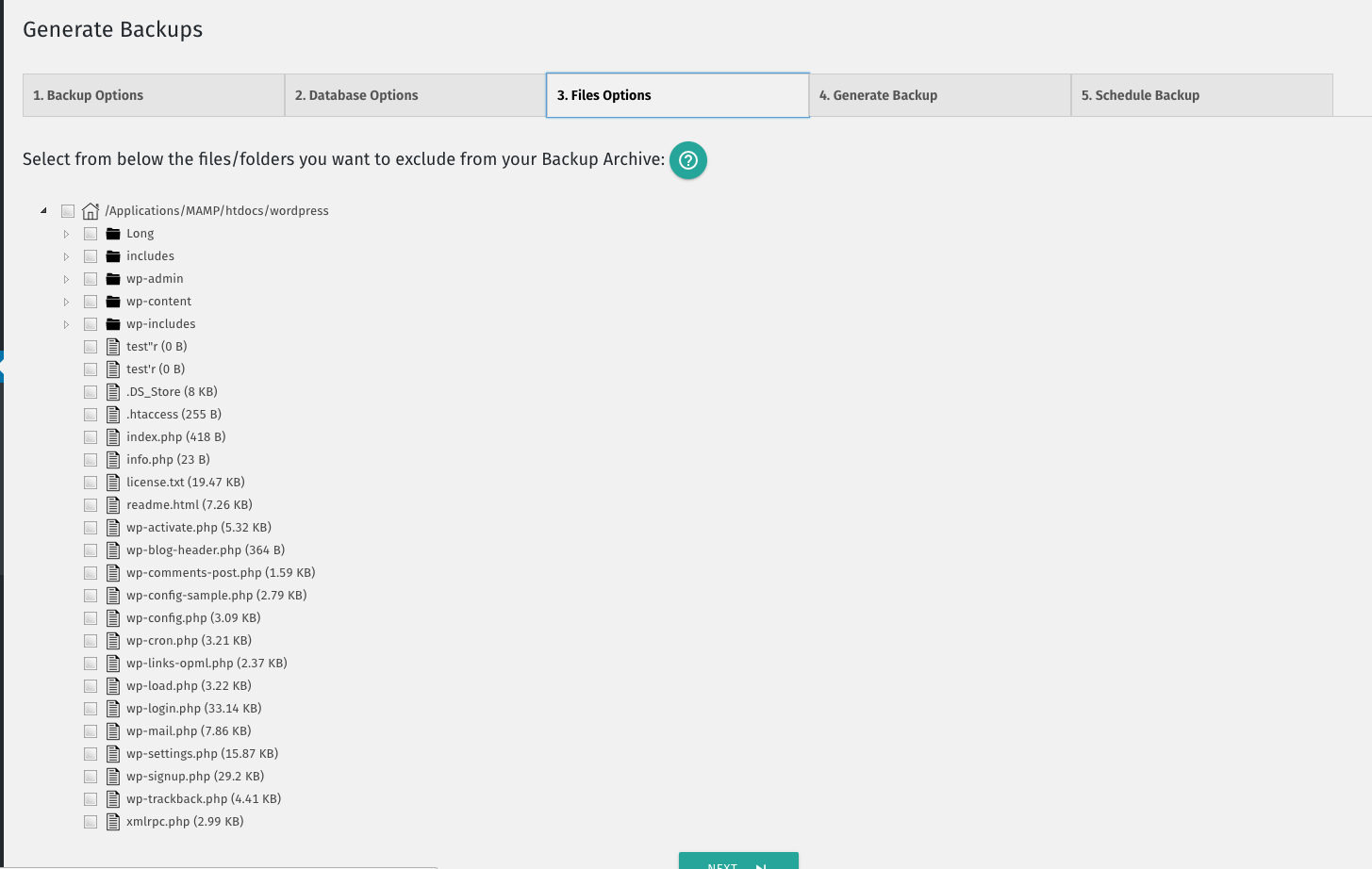
XCloner allows you to generate custom backups of any WordPress site, and then restore the backup on any other location with the help of the automatic restore script we provide!
XCloner has many useful safety features. For example, XCloner will generate a core, plugins, themes or languages files backup before the automatic update of WordPress core, plugins, themes or languages files.
Remote Storage for WordPress Backups
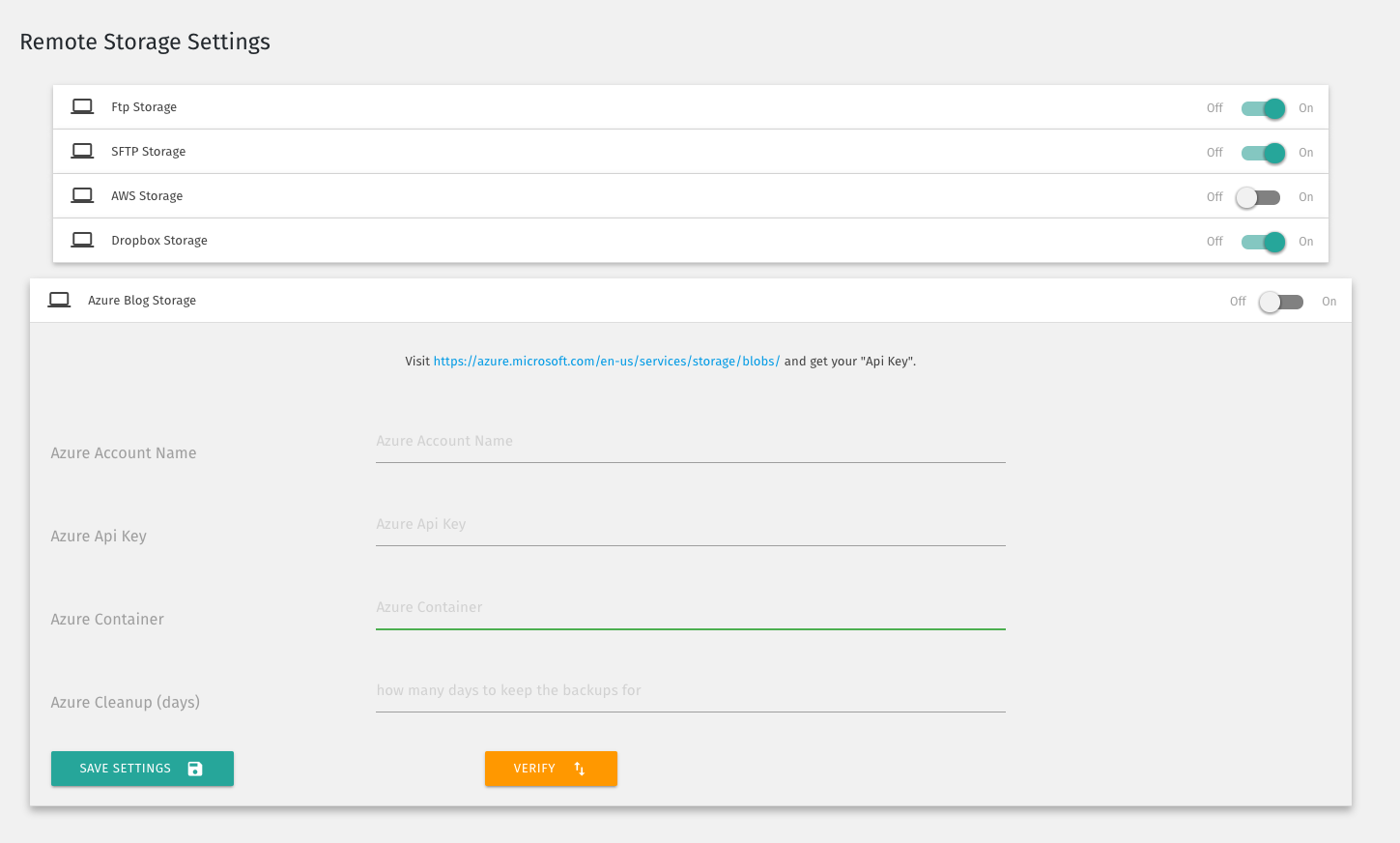
XCloner allows you to send your backups to remote storage locations supporting FTP, SFTP, DropBox, Amazon S3, Google Drive, WebDAV, Backblaze, Azure and many more to come
You can generate “Differential Backups” so your backup will include only files modified after a certain date. This can decrease the space needed to store your backups.
XCloner also has safety features to make sure your backups are successful. One example: you have the ability to split backups into multiple smaller parts if a certain size limit is reached. Another example: XCloner can also store a local copy of the backup that it will then delete when the backup has been sent to the remote location.
Secure, GDPR Compliant WordPress Backups
XCloner is the best backup choice for people who care about security and privacy.
XCloner uses open source standards like TAR, MySQL and CSV formats so you can be sure that your backups can be restored in a variety of ways, giving you more flexibility and full control.
XCloner has a built-in security layer to protect your backups. You can create encrypted backup archives with AES-128-CBC algorithm. This encryption helps to ensure that your data is still GDPR compliant even if the backup fails.
Restore Backups Anywhere
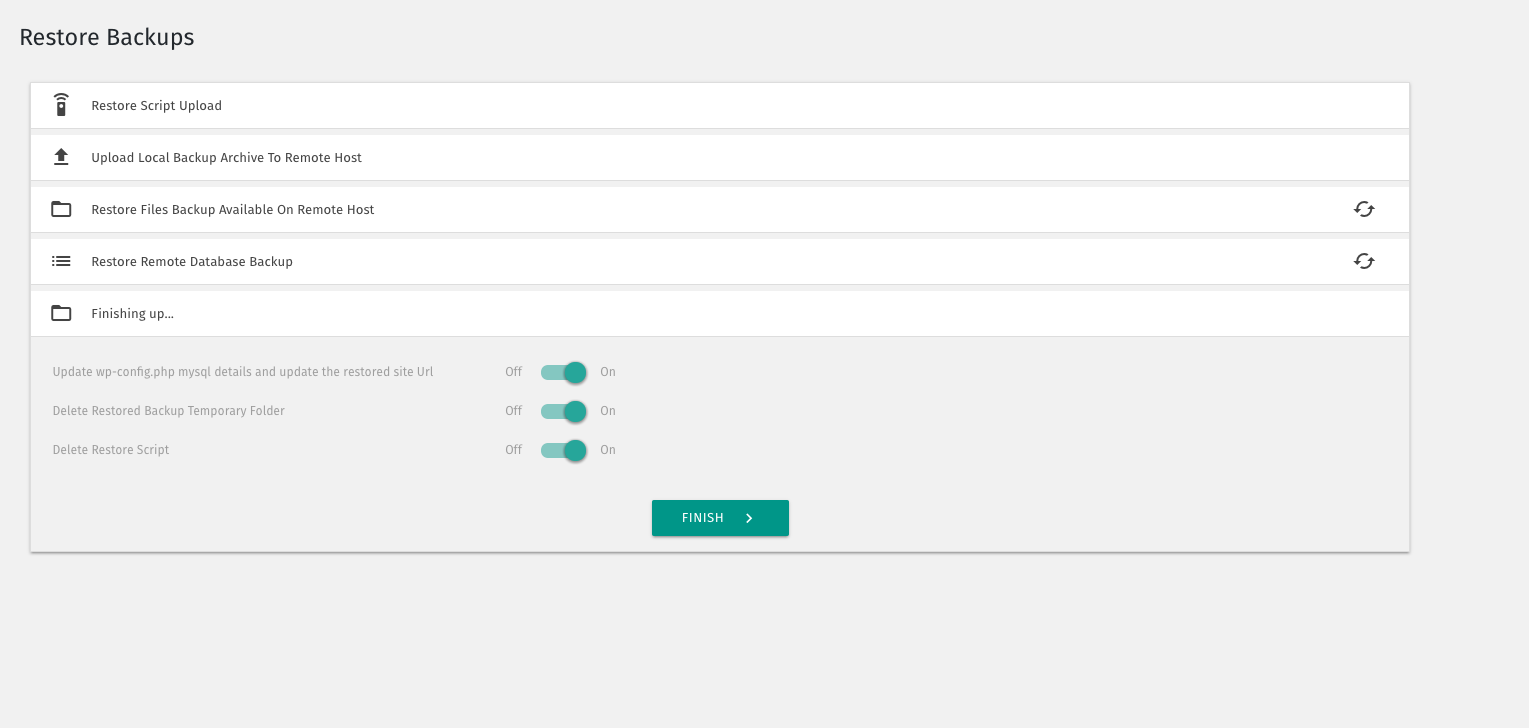
You can restore backups on any location compatible with your website by using the XCloner restore feature. Your site clone can be restored on a totally different server, with new server and MySQL details.
XCloner will attempt to extract the backup archive files for you, as well as import the MySQL dump and update your WordPress configuration details.
The restore script is located inside the XCloner archive, in the /restore/ directory. XCloner can restore your original file and directory permissions. XCloner can also automatically update the new host settings to the configuration file.
XCloner has a variety of restoration options including: All Files, Only Plugins Files, Only Theme Files, Only Uploads Files, and Only Database Backup.
XCloner works best with the Watchful dashboard
Watchful is a web developers toolbox for remotely managing and monitoring multiple WordPress websites. Simply add all your production and staging sites into the Watchful Dashboard and use our tools to monitor uptime and site backups, plus updates to WordPress and core and plugins, and more. XCloner integrates smoothly with Watchful. You’ll be amazed at how much time and money you save managing your WordPress sites with Watchful.
Installation
- In the WordPress backend, select Plugins > Add New.
- In the search bar enter
xcloner. - When the XCLoner listing is shown, click the ‘Install` button.
- Following installation, click the
Activatebutton.
UPGRADE:
XCloner can be updated from the plugins list in the WordPress backend.1. In the WordPress backend, select Plugins > Add New.
2. In the search bar enter xcloner.
3. When the XCLoner listing is shown, click the ‘Installbutton.Activate` button.
4. Following installation, click the
UPGRADE:
XLCloner can be updated from the plugins list in the WordPress backend.
Changelog
4.8.8
- Fix backup storage path resolution in chrooted CLI environments by resolving relative paths against the WordPress root, including local remote storage connections: https://github.com/watchfulli/XCloner-Wordpress/issues/336
- Preserve the configured backup storage path when the directory cannot be created or is not writable, and report an error instead of falling back to a default location
- Clarify supported backup storage paths in the Local Storage settings
4.8.7
- Restrict OneDrive auth token access to users with manage_options capability
- Improve output escaping for security compliance
- Add ABSPATH check to prevent direct access to plugin files
- Remove obsolete assets
- Add translation domain to various strings to enhance translation
- Improve date handling for consistency
Screenshots
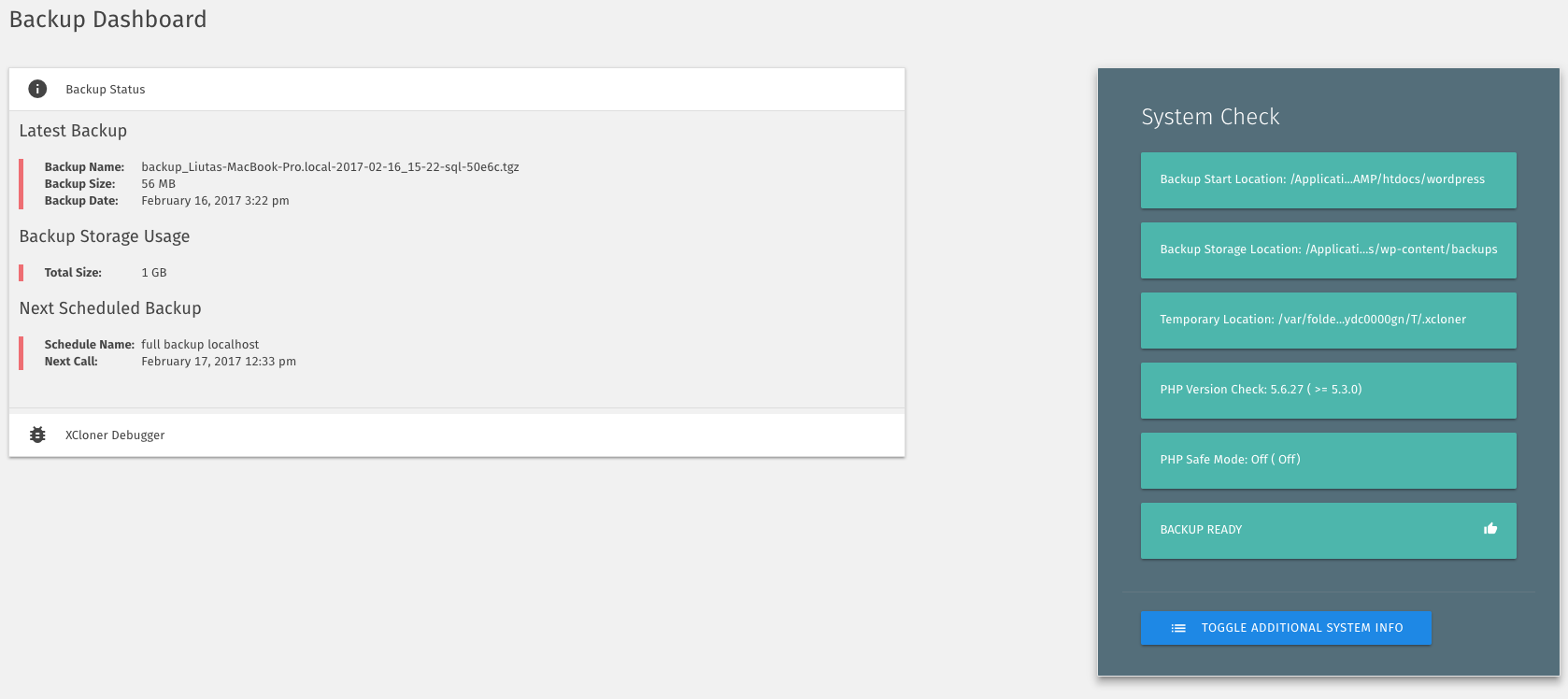
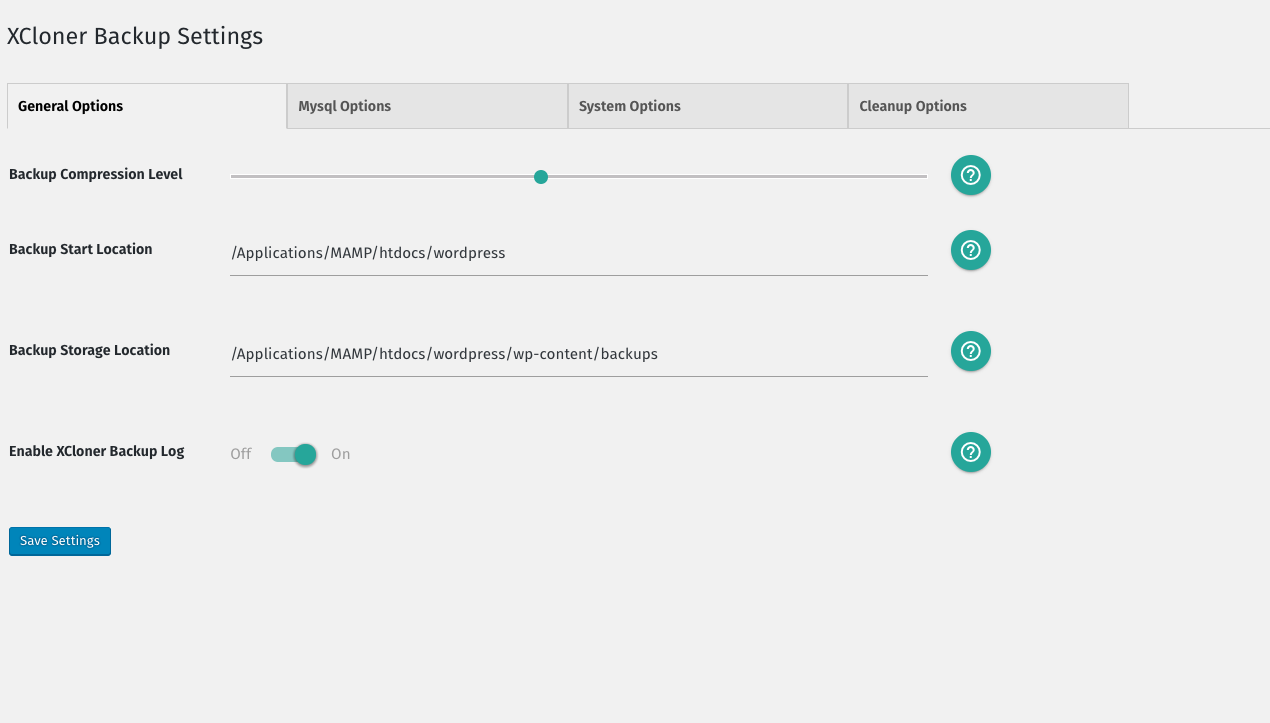
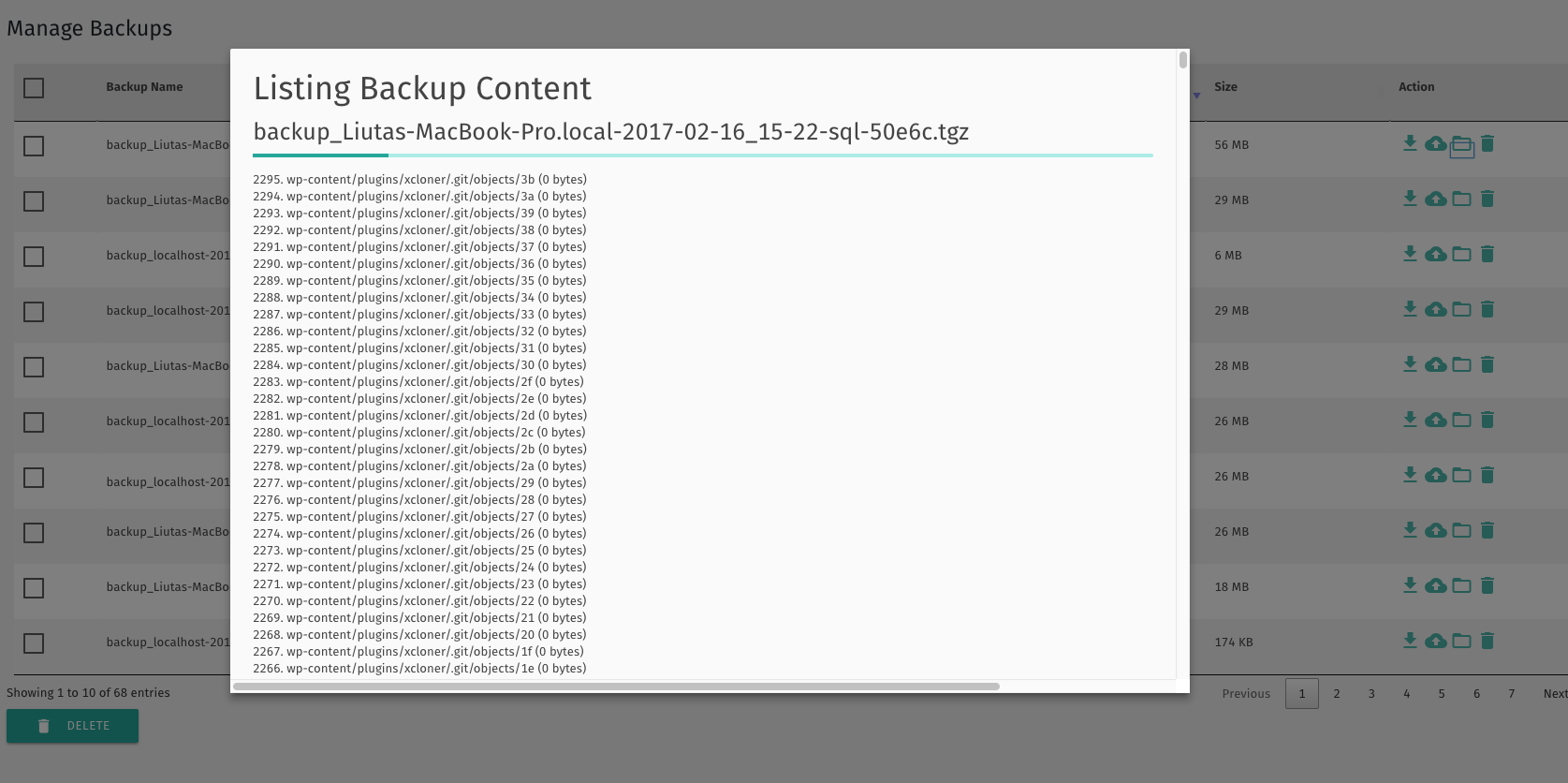
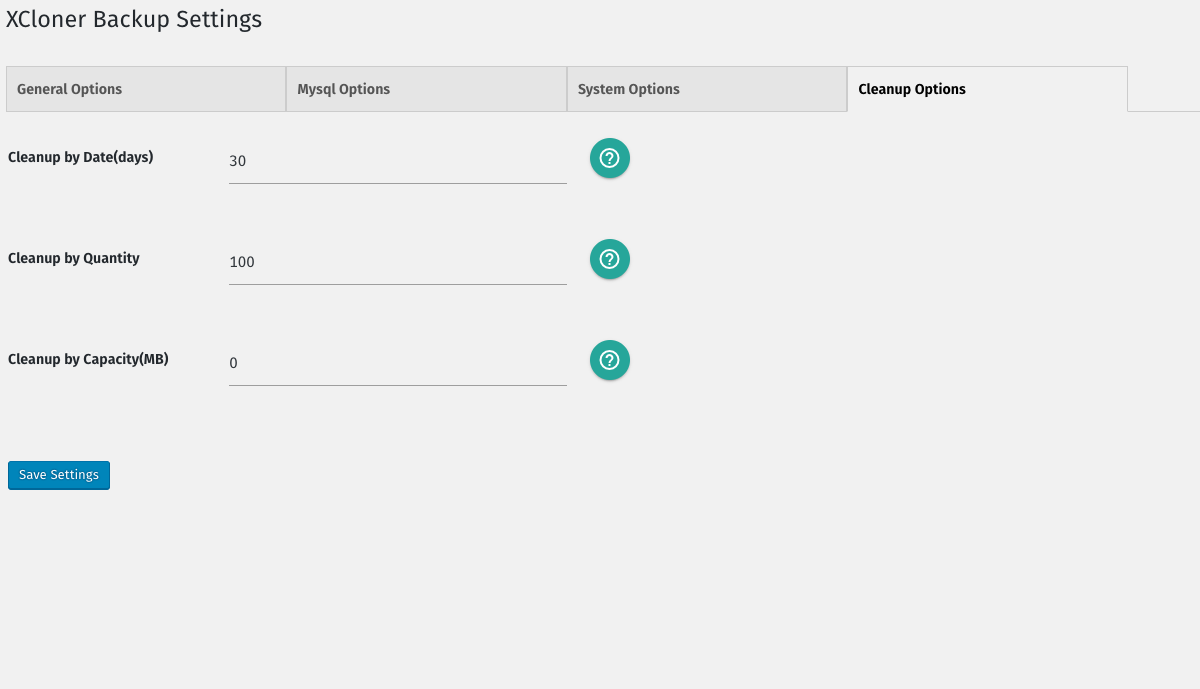
For developers
Is this your plugin? Show off the numbers.
Add a live badge to your site, docs or GitHub README. It updates on its own — no account needed.
Best Backup, Restore and Migrate y… alternatives
All backup plugins →





FAQ
Backup, Restore and Migrate your si…: quick answers
Straight answers, pulled from live WordPress.org data.
Live data from WordPress.org · checked Nov 17, 2026
Is Backup, Restore and Migrate you… free?
Yes. Backup, Restore and Migrate you… is free to download and use from the official WordPress.org plugin directory.
Is Backup, Restore and Migrate you… safe to use in 2026?
Backup, Restore and Migrate you… is a solid plugin choice in 2026, with a few things worth checking first. It runs on 10K+ sites, is rated 4.2/5 and was last updated 3 weeks ago, and scores 70/100 on our health check.
How many websites use Backup, Restore and Migrate you…?
Backup, Restore and Migrate you… is active on 10K+ WordPress websites and has been downloaded 1,465,259 times since it launched in September 2010. It was downloaded 8,445 times in the last 30 days.
Does Backup, Restore and Migrate you… work with WordPress 7.1?
Backup, Restore and Migrate you… is officially tested up to WordPress 7.0.8, while the latest release is 7.1.4. It may still work, but try it on a staging site first.
What PHP version does Backup, Restore and Migrate you… need?
Backup, Restore and Migrate you… requires PHP 7.3 or higher. Most hosts run PHP 8.x today, so it works on any modern WordPress hosting.
When was Backup, Restore and Migrate you… last updated?
The latest version, 4.8.8, was released on October 28, 2026 (3 weeks ago).
Who makes Backup, Restore and Migrate you…?
Backup, Restore and Migrate you… is developed and maintained by watchful.
What are the best alternatives to Backup, Restore and Migrate you…?
The most popular alternatives to Backup, Restore and Migrate you… are All-in-One WP Migration and… (5M+ installs), UpdraftPlus: WP Backup & Mi… (4M+ installs) and Jetpack (3M+ installs).
Powered by PageForge
Want thousands of pages that rank like these? Build them in an afternoon.
This directory runs on the same engine as PageForge. Turn any spreadsheet, CSV or API into thousands of fast, SEO-ready WordPress pages — with schema, internal links and AI-written copy baked in.
- CSV, Google Sheets & API data sources
- AI content, schema & internal links per page
- Works with Elementor, Gutenberg, Yoast & Rank Math
- Free on WordPress.org — no credit card


