


Use Elementor Templates to Build Programmatic SEO Pages in WordPress
PageForge provides Elementor programmatic SEO inside a WordPress-native production workflow. Start with structured page records and a versioned Elementor JSON master, use a complete responsive Elementor, Gutenberg, Divi, or supported WordPress template, control native headings, text editors, images, buttons, FAQs, URLs, metadata, schema, internal links, and page status, generate representative drafts, and release only after human review confirms that the result is accurate, useful, connected, and ready for the live site.
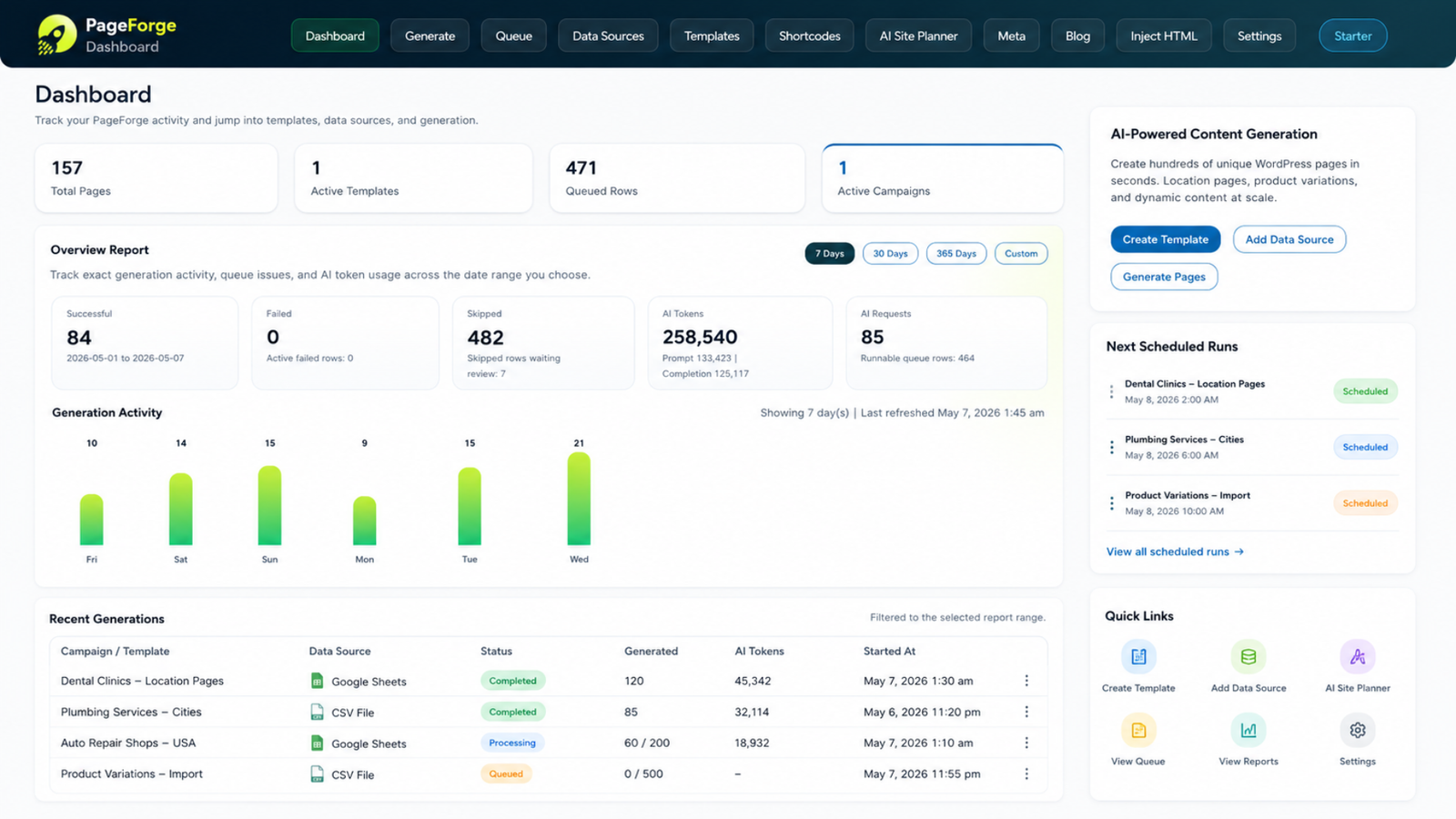
Scale the page pattern without flattening it into one HTML block or losing responsive controls









How does Elementor programmatic SEO work with PageForge?
The Elementor master is the production contract
Elementor programmatic seo begins with structured page records and a versioned Elementor JSON master and a documented page or content model. Each page record supplies the facts and decisions that genuinely change, while the reusable WordPress template provides a consistent hierarchy, responsive design, and conversion path.
PageForge can connect approved fields to native headings, text editors, images, buttons, FAQs, URLs, metadata, schema, internal links, and page status. The goal is not the largest possible output. The goal is a maintainable system in which every generated or updated record serves a distinct purpose, uses verified information, and remains editable in WordPress.
The safest implementation is draft-first. Process representative edge cases, inspect the source-to-output mapping, correct systematic problems in the source or template, and expand only after the pilot passes content, media, SEO, schema, internal-link, and mobile checks.
Manual cloning creates widget drift, missed replacements, inconsistent mobile layouts, and no reliable source relationship
Manual production becomes fragile when the campaign grows from a few records into a repeatable matrix. Teams copy content, replace values in several interfaces, and gradually create inconsistent design, metadata, links, and ownership.
A basic import or one-click generator does not solve the complete workflow. It may move fields or produce fluent text while leaving the team to repair hierarchy, responsive layout, native headings, text editors, images, buttons, FAQs, URLs, metadata, schema, internal links, and page status, and publication status after generation.
The most important risks are duplicate element IDs, stale widget copy, HTML-heavy output, broken breakpoints, wrong media, empty buttons, addon incompatibility, and uncontrolled template drift. PageForge reduces repetitive work so the team can focus on source quality, unique value, user experience, accountable review, and continuous improvement.
A nine-stage workflow from visual master to validated dynamic page family
Organize the operation as intent → design → widget map → data → pilot → responsive QA → SEO → publish → maintain. Treat each stage as a quality gate and fix the source rule or template before a repeated issue reaches more Elementor pages.
1. Define dynamic boundaries
2. Build the complete Elementor master
3. Inventory widgets and IDs
4. Prepare structured page data
5. Map fields to native settings
6. Generate representative drafts
7. Inspect every breakpoint
8. Apply SEO, schema, and links
9. Publish and maintain the master
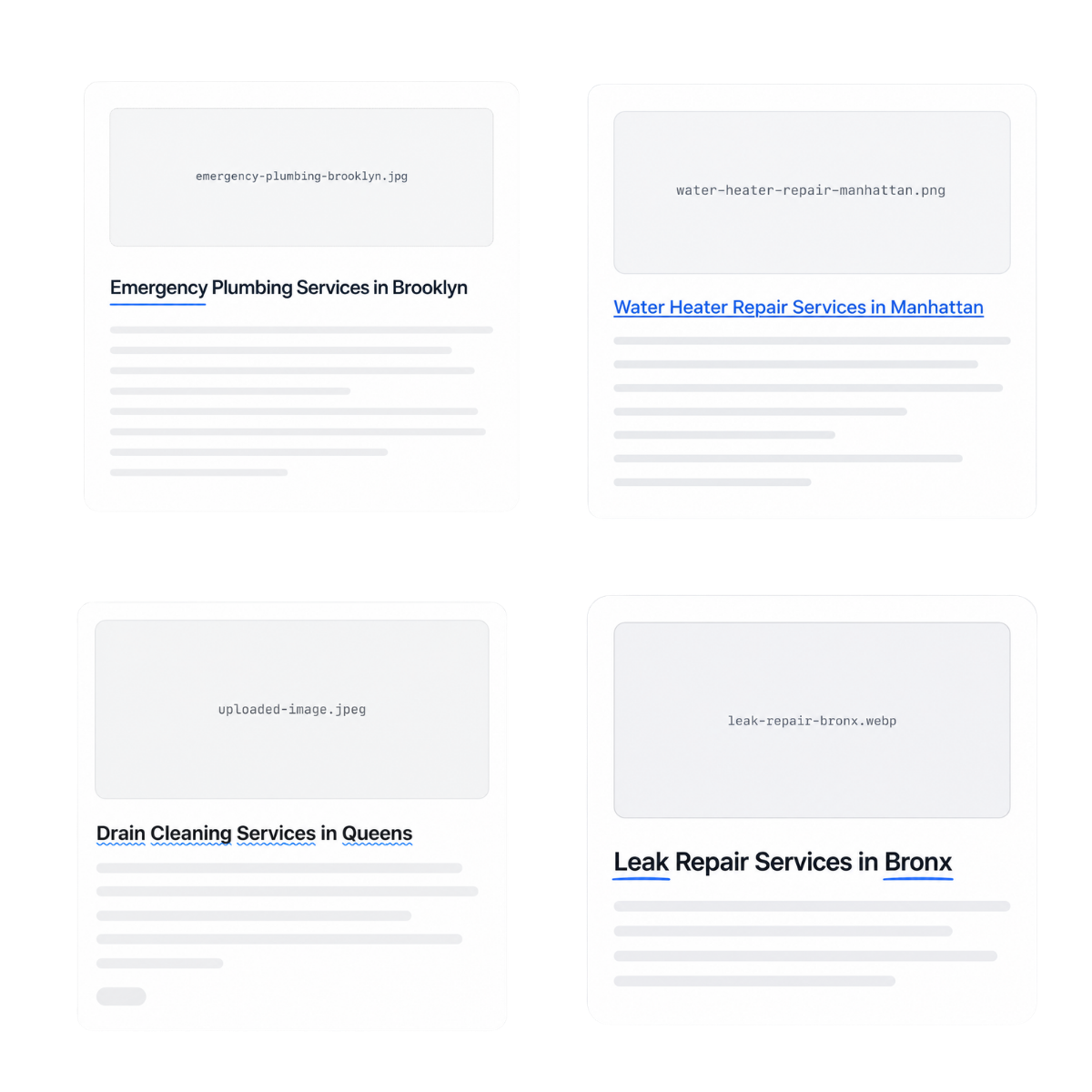
Fix one widget map or responsive rule before it becomes a repeated defect across every generated page
Document the owner, permitted values, validation rule, destination, and approval requirement for every important field. Stable IDs prevent duplicate records. Required-field checks block incomplete output. Explicit statuses separate preparation from publication eligibility.
Test the complete data range: long names, short values, missing optional content, unusual characters, different media ratios, multiple buttons, tables, FAQs, and desktop, laptop, tablet, and mobile breakpoints. A polished template cannot compensate for unreliable source data, and verified data cannot compensate for a broken layout.
Preserve the relationship between page record IDs and WordPress IDs. When facts, URLs, rules, or designs change, identify affected outputs, create or update drafts, review the delta, and retain a publication log.
Reuse a premium Elementor design while retaining native editing and controlled SEO generation
Native Elementor containers and widgets
Responsive breakpoint settings

Dynamic content and media placement

Metadata and schema alignment

FAQ and resource systems

Versioned templates and pilots
Define stable records, approved fields, ownership, validation, and publication rules before Elementor programmatic SEO reaches WordPress
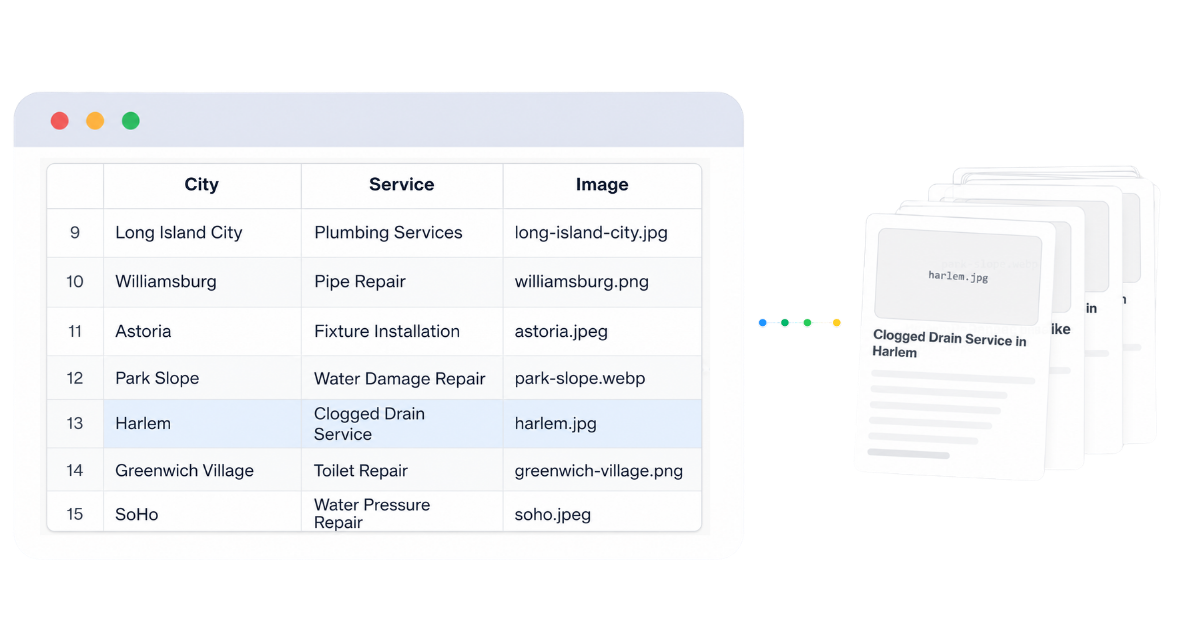
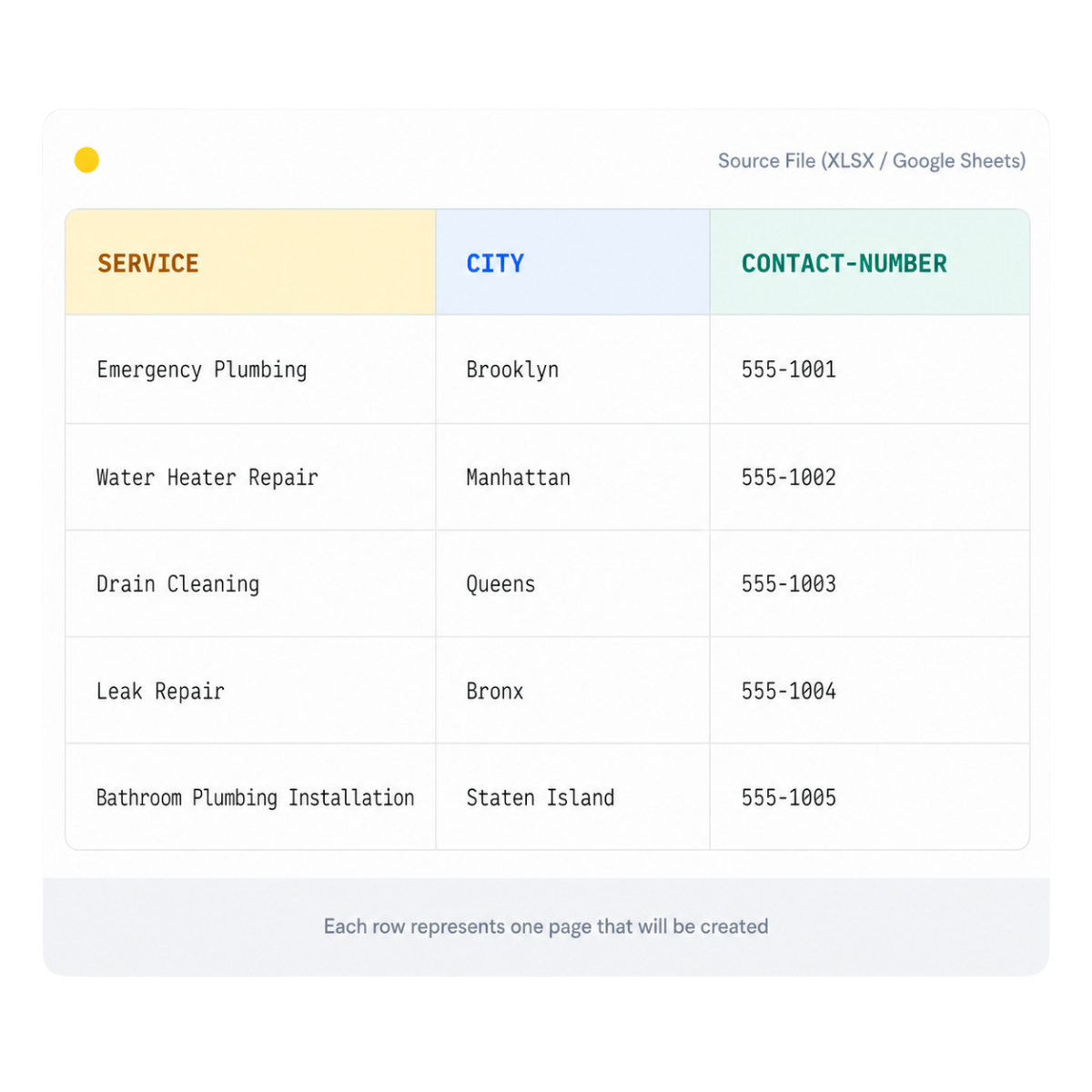
Start with a representative source set for Elementor programmatic SEO. Document a stable record ID, the intended URL, public title, page-specific facts, media, alt text, metadata, schema properties, internal-link destinations, owner, review status, and publication eligibility. Keep working notes and experiments outside the approved production view.
Use explicit field names, accepted values, required-field rules, and exclusion logic. Normalize URLs and identifiers before generation, detect duplicates, and preserve a versioned snapshot of the exact values processed. The source should explain why each WordPress record exists and what makes it materially different from the others.
A clean source model turns Elementor Programmatic SEO into an auditable operation rather than an uncontrolled content shortcut. It also makes future updates safer because maintainers can identify the responsible owner, the original source, the affected WordPress ID, and the expected public result.
Keep the public page and its machine-readable fields connected to the same approved facts
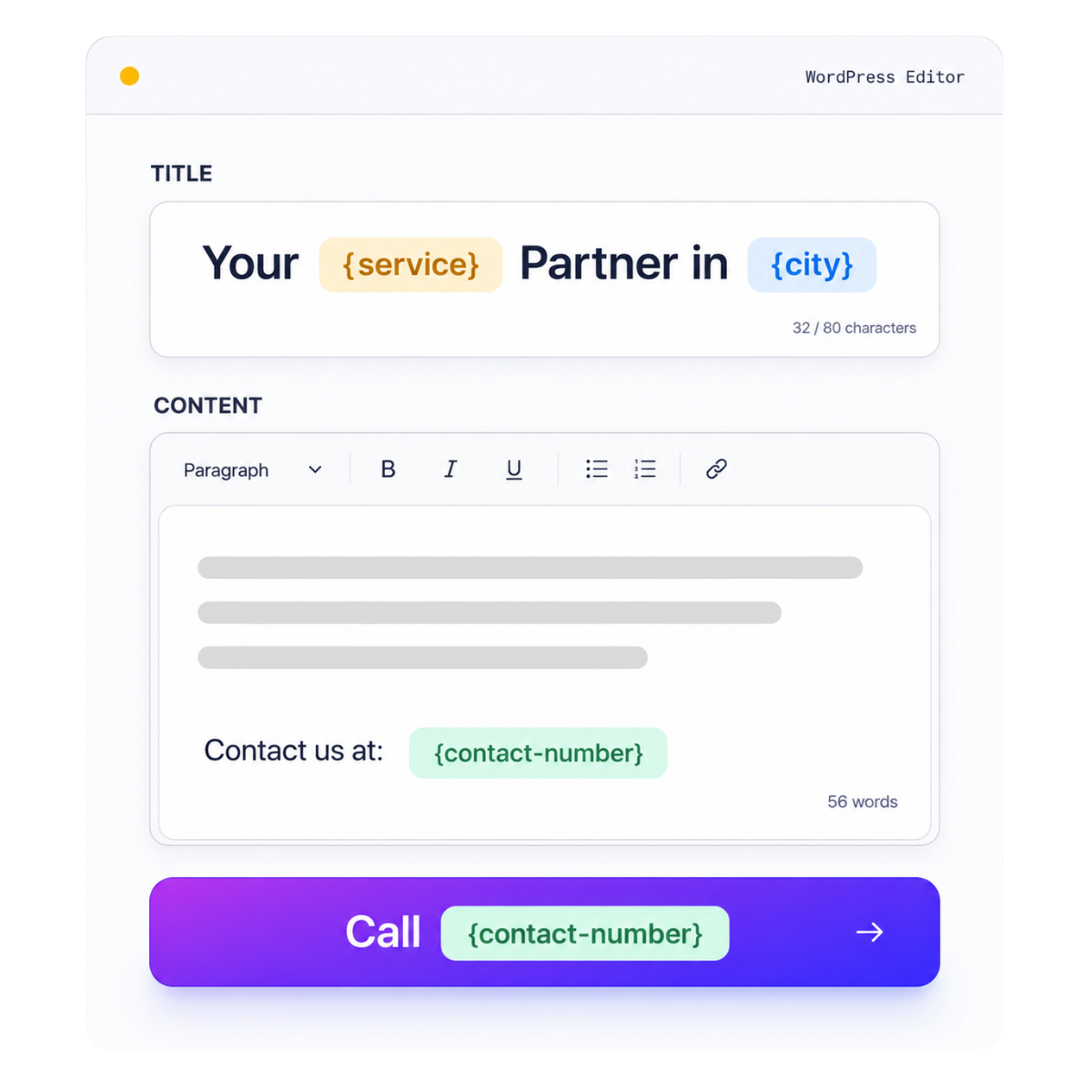
Mapping begins with search intent. Decide which fields control the WordPress title, H1, slug, short answer, body sections, images, buttons, FAQs, SEO title, meta description, canonical, schema, breadcrumbs, and related links. Every output field should trace back to an approved source or a clearly governed template rule.
Use deterministic URL patterns and normalize punctuation, spaces, casing, accents, and reserved words. Audit the live site before creating a record so an existing relevant URL is updated rather than duplicated. Keep visible claims and schema synchronized; structured data must never describe facts that the visitor cannot verify on the page.
For Elementor programmatic SEO, the safest approach is to generate a small draft pilot and compare every mapped field against the source. Fix recurring errors in the mapping or template instead of manually correcting individual outputs that will later drift apart.
Design the complete page once, then let approved records control only the facts and decisions that genuinely change
A scalable Elementor programmatic SEO workflow starts with a complete responsive landing-page template, not an empty canvas filled with one generated text block. Build the hierarchy, direct answer, capabilities, screenshots, use cases, practical example, comparison, safeguards, FAQs, related resources, and conversion path before processing a large record set.
Keep durable explanatory content in the template and place changing entities, attributes, proof, availability, examples, images, CTAs, and relationship fields in the source model. Define how optional sections behave when data is absent: hide the section, use an approved fallback, or block the record. Never leave tokens, empty headings, broken images, or generic filler visible.
The final pages must remain editable in WordPress. Preserve supported Elementor, Gutenberg, Divi, template, post-type, metadata, and schema data so editors can improve a page without rebuilding the campaign.
Separate stable template explanations from record-specific facts
Use explicit approval and fallback rules instead of blank or invented values
Keep every generated or updated record editable inside WordPress
Choose Pages, Posts, or supported custom post types according to information architecture—not because one generation screen defaults to a single type
Commercial feature, service, location, and evergreen landing pages usually belong as WordPress Pages. Supporting articles belong as Posts when dates, authors, categories, archives, and editorial feeds matter. Directories, profiles, documentation, listings, or other structured collections may justify a custom post type when the site already has a stable public template and taxonomy model.
For Elementor programmatic SEO, select the record type before mapping fields. Confirm the public URL base, parent relationships, archive behavior, sitemap inclusion, SEO-plugin support, Elementor or theme compatibility, and editing permissions. Do not create a new custom post type only to avoid planning the site hierarchy.
Whatever type is selected, test a representative draft, verify frontend rendering and source metadata, and confirm that the final record can be discovered through navigation and contextual internal links.
Generate efficiently, but require content, media, SEO, schema, link, and responsive approval before public release
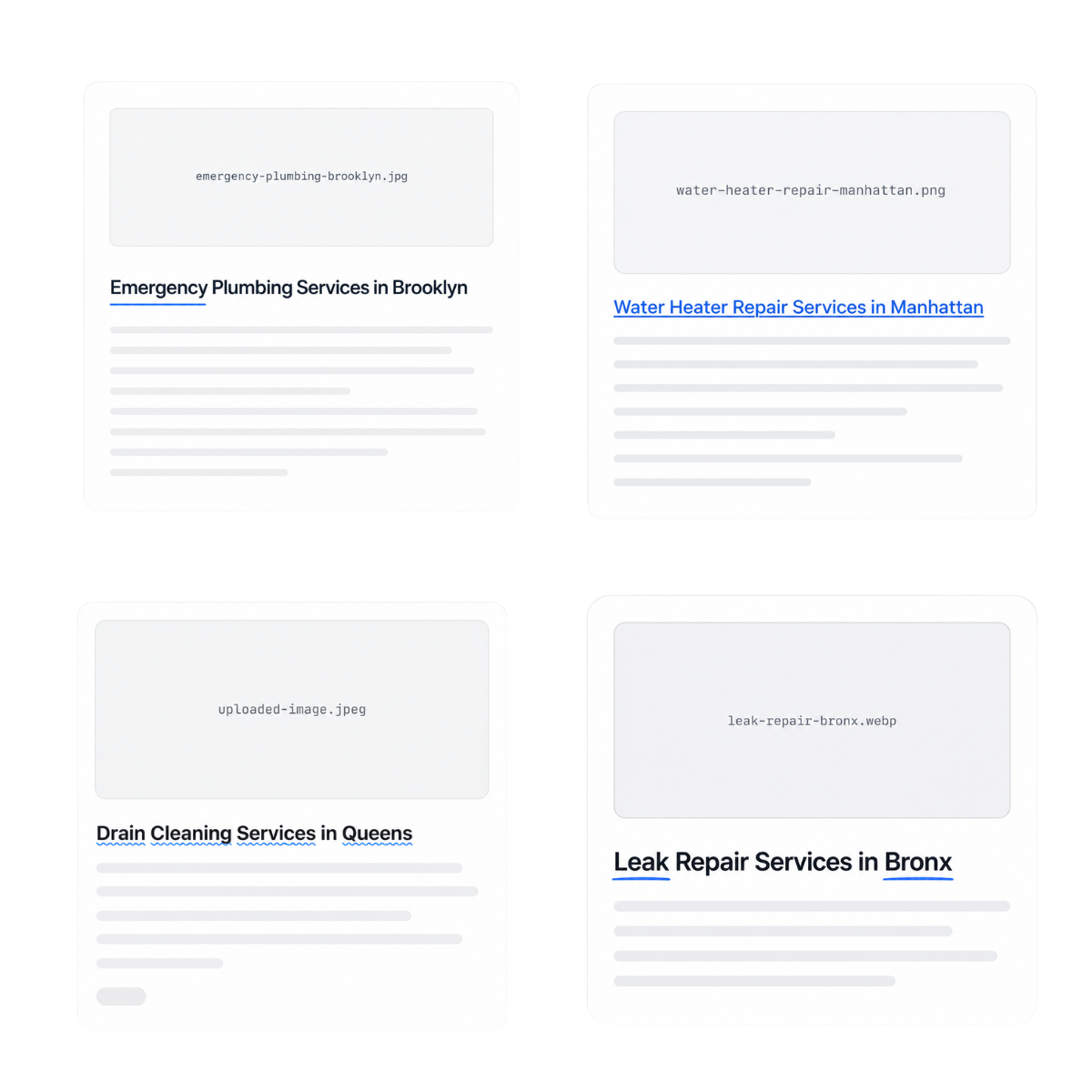
Automation can repeat a mistake as quickly as it repeats a correct rule. Begin Elementor programmatic SEO with Draft or Pending Review. Test long and short values, missing optional data, duplicate URL proposals, different media ratios, special characters, tables, buttons, FAQ toggles, and desktop, laptop, tablet, and mobile breakpoints.
Review the H1 and hierarchy, direct answer, factual claims, images and alt text, metadata, canonical, schema, breadcrumbs, internal links, CTAs, forms, analytics, caching, and page speed. Record the reviewer, decision, source snapshot, WordPress ID, final URL, and rollback instruction.
Publish a limited cohort, confirm HTTP 200, index/follow directives, sitemap inclusion, and conversion paths, then expand only after the pattern works reliably. No plugin can guarantee ranking or indexation; the pages still need demand, originality, authority, crawlability, useful content, and ongoing improvement.
Elementor programmatic seo use cases
Service and location pages
SaaS features and integrations

Agency client systems

Directories and profiles

Ecommerce collections and guides
Multilingual page families
From one approved Elementor service template to 180 responsive market pages
A B2B consultancy has twelve services across fifteen valid markets. Designers create one Elementor master with a premium hero, answer, proof, process, use cases, screenshots, comparison, FAQs, resources, and consultation CTA.
Stable element IDs and supported fields are inventoried. Records provide market facts, service availability, regulatory notes, proof, screenshots, links, metadata, schema, and CTAs.
Nine pilot drafts expose a long mobile H1, a portrait screenshot stretching a card, and excess padding when optional proof is absent. The master is corrected before the approved pages are built.
Every output remains editable in Elementor. Future design changes start with a versioned master and pilot migration rather than uncontrolled edits across 180 pages.
Elementor page-production workflow comparison
Safeguards for responsible Elementor programmatic SEO
Preserve unique IDs and supported fields
Test real content ranges at every breakpoint
Restrict HTML and validate on the target site
Keep every generated or updated record editable, auditable, and connected to the website your team owns
Document the owner, permitted values, validation rule, destination, and approval requirement for every important field. Stable IDs prevent duplicate records. Required-field checks block incomplete output. Explicit statuses separate preparation from publication eligibility.
Test the complete data range: long names, short values, missing optional content, unusual characters, different media ratios, multiple buttons, tables, FAQs, and desktop, laptop, tablet, and mobile breakpoints. A polished template cannot compensate for unreliable source data, and verified data cannot compensate for a broken layout.
Preserve the relationship between page record IDs and WordPress IDs. When facts, URLs, rules, or designs change, identify affected outputs, create or update drafts, review the delta, and retain a publication log.
Validate the model with a controlled pilot, then expand when the data, template, and review process are proven
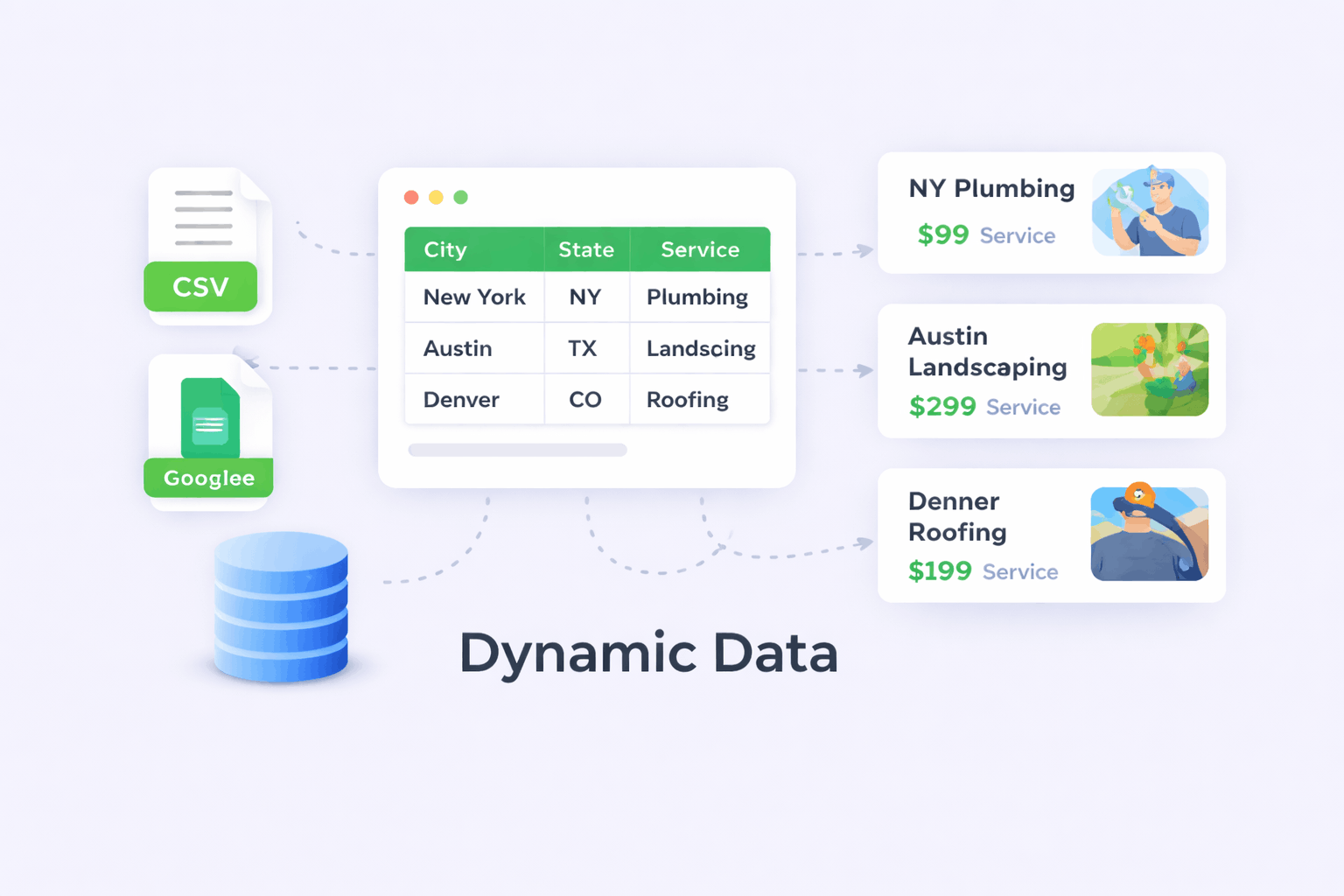
Use a controlled CSV and representative Elementor template to test tokens, widgets, media, URLs, metadata, schema, links, status, and responsive rendering.
Choose Pro for Elementor cloning, Google Sheets, larger operations, queues, scheduling, reporting, source updates, or advanced controls available in the active plan.
Validate an Elementor page family with PageForge Free
Use PageForge Pro for Elementor cloning and advanced operations
Who should use Elementor programmatic SEO
A strong fit
Best starting condition
Use another workflow when
Operational commitment
Elementor programmatic seo: practical questions answered
-
What is Elementor programmatic SEO?
Elementor programmatic seo combines structured page records and a versioned Elementor JSON master with a reusable WordPress workflow to create or manage native editable Elementor landing pages. A responsible implementation keeps the result editable, validates native headings, text editors, images, buttons, FAQs, URLs, metadata, schema, internal links, and page status, and requires human review before public release.
-
Does PageForge guarantee rankings or indexation?
No. PageForge improves production and operational control, but rankings and indexation depend on demand, intent match, originality, authority, technical health, internal links, competition, user satisfaction, and maintenance.
-
Can the workflow begin with drafts?
Yes. Draft or Pending Review is the safest starting status for a new campaign. Review content, media, metadata, canonical URLs, schema, links, responsive rendering, and conversion paths before publishing.
-
Can I use CSV and Google Sheets?
CSV is supported for controlled campaigns. Google Sheets connectivity is described as a Pro workflow in the current PageForge listing. Verify the installed version and plan before publishing time-sensitive capability claims.
-
Does PageForge work with Elementor?
PageForge supports Elementor workflows and can preserve a complete native layout when the template and mapped widgets are compatible. Test the target theme, Elementor version, and essential addons before scaling.
-
Can PageForge populate SEO metadata and schema?
PageForge supports dynamic metadata and structured-data workflows. Map only approved values, verify the active SEO-plugin integration, and ensure structured data matches the visible page without duplicate conflicting output.
-
How should I prevent duplicate URLs?
Use stable record IDs, normalized slug inputs, uniqueness checks, and a live-site slug audit. Update an existing relevant URL in place when it already owns the intended search intent.
-
What happens when required source data is missing?
Block the record or route it to review. Optional values may hide a section or use an approved fallback, but required facts must not be replaced with invented or generic content.
-
Can I import an Elementor JSON template?
Yes. Use the export as the structural master, preserve unique IDs, set Elementor Canvas where appropriate, hide the WordPress title, and validate the imported page.
-
Will pages remain editable in Elementor?
They should when supported widgets and Elementor data are preserved. Confirm representative drafts in the target Elementor editor before scaling.
-
How do I prevent broken mobile layouts?
Define explicit responsive direction, widths, typography, padding, grid columns, images, buttons, and overflow; test long and short values at every breakpoint.
-
Can I use custom Elementor addons?
Compatibility depends on the addon and stored settings. Inventory and test every essential widget before promising support.


