



WP Coder – Insert & Manage Code Snippets
Snippets made simple — easily insert and manage custom PHP, CSS, JS & HTML without coding in theme files.

Safe pick
Yes — WP Coder is a safe, well-maintained plugin to use in 2026. It runs on 10K+ sites, is rated 4.9/5 and was last updated 1 month ago, and scores 86/100 on our health check.
- Proven at scale on 10K+ active sites
- Loved by users — 4.9/5 from 32 reviews
- Tested with the latest WordPress (7.1)
How does it stack up?
Side-by-side on installs, updates, ratings & support



Daily downloads
Download spikes usually follow a new release — each site that auto-updates counts as a download.
Rankings
Where WP Coder stands todayWordPress.org search rankings
Live position in the plugin search, top 100| Keyword | Position |
|---|---|
| code | #28 |
| code-snippets | #8 |
| shortcode | >100 |
| snippets | #10 |
Version adoption
Share of active sites per release.
Rating breakdown
★★★★★★★★★★ 4.9 from 32 reviews
About WP Coder – Insert & Manage Code Snippets
From the official readme · v4.5.1Description
Tired of editing theme files to add custom scripts or styles?
WP Coder lets you insert custom HTML, CSS, JavaScript, and PHP snippets directly from your dashboard — no coding in theme files required. Gain full control and flexibility over your site.
Documentation | Upgrade to Pro
Why WP Coder?
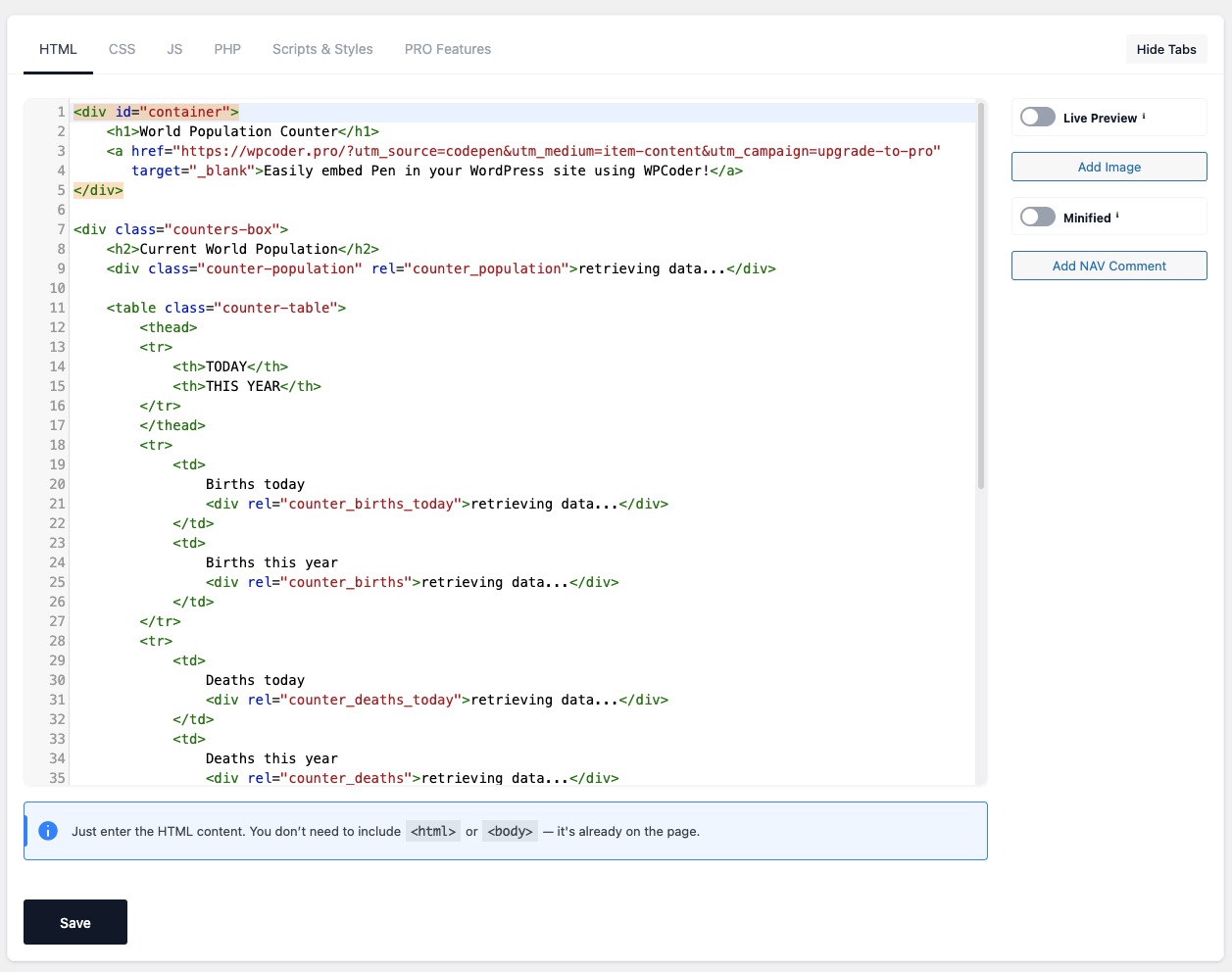
- All-in-One Code Editor: Tabbed editor for HTML, CSS, JS & PHP with CodeMirror syntax highlighting.
- Gutenberg Block: Insert snippets directly in the block editor with live preview and custom attribute support.
- Shortcode Integration: Use
[wp_code id="X"]to embed snippets anywhere. - Live Preview: Instantly preview HTML & CSS without reloads in both the backend and Gutenberg.
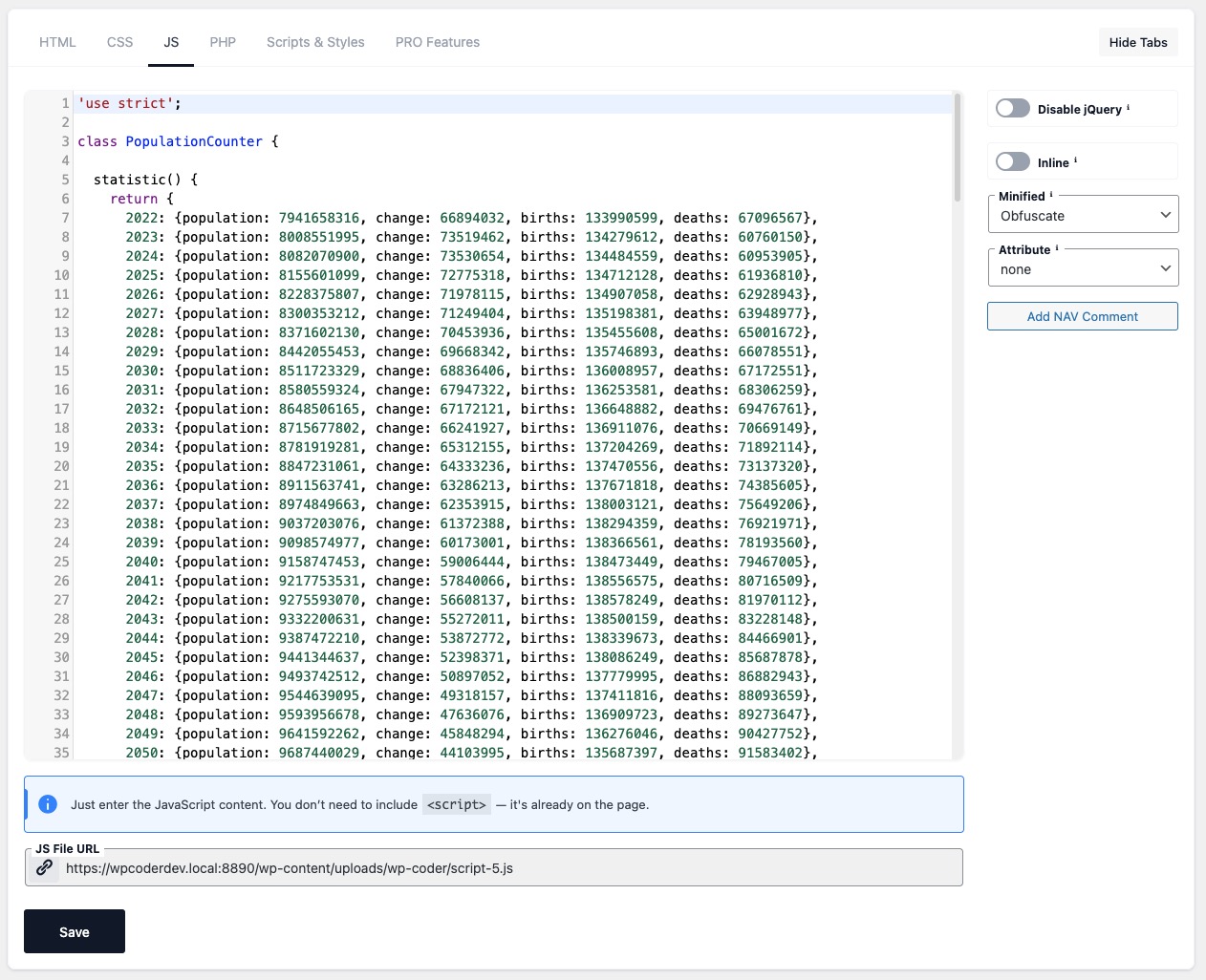
- Performance Ready: Minify CSS/JS, obfuscate JavaScript, and control script loading with
async/defer.
Ideal For
- Developers: Test snippets, hooks, and debug quickly.
- Marketers: Insert tracking pixels, analytics, and ad scripts.
- Designers & Bloggers: Customize layouts, styles, and enhance engagement.
Key Features
- Insert HTML, CSS, JS, and PHP via powerful shortcodes.
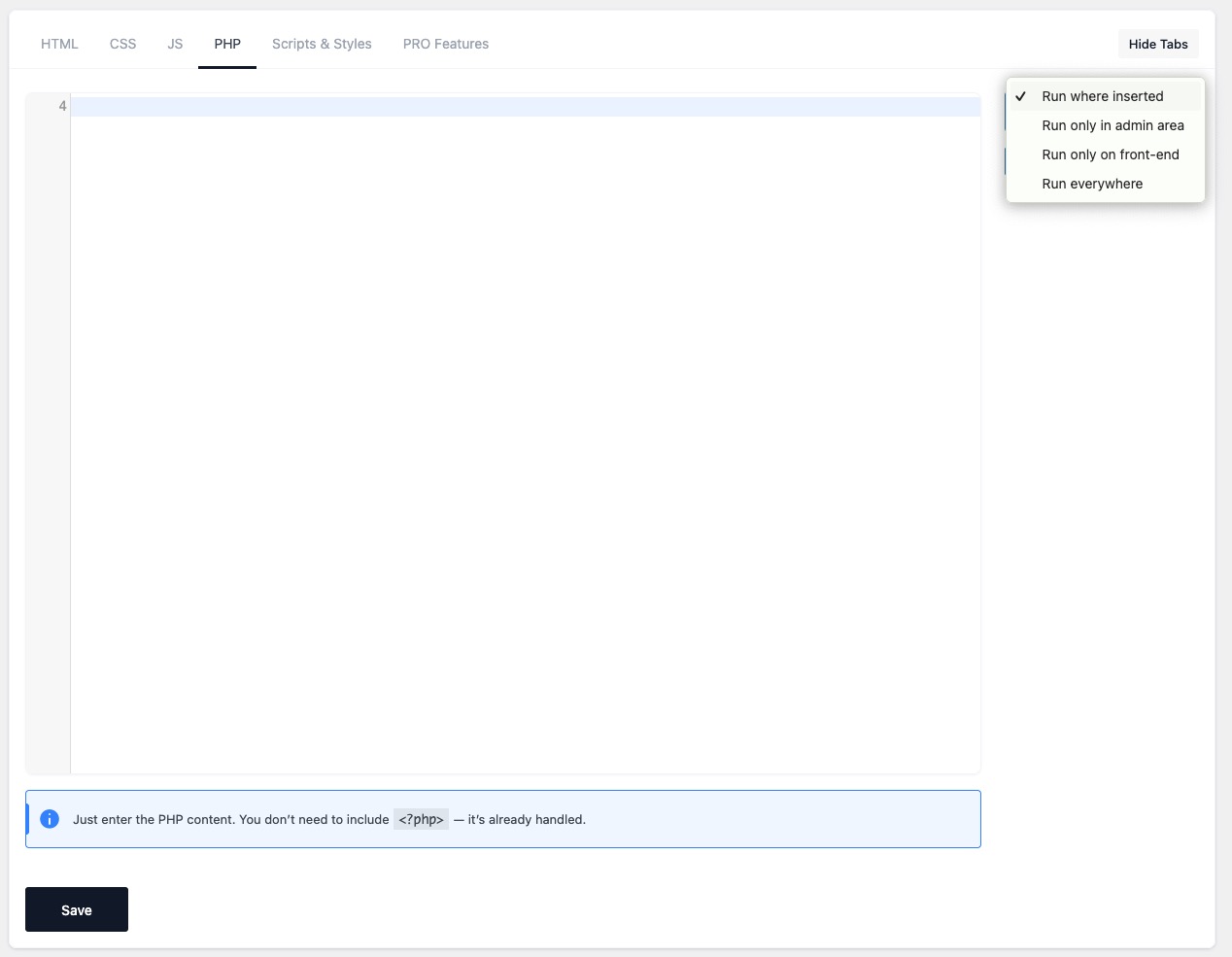
- Smart PHP handling: run in admin, front-end, everywhere, or only where inserted.
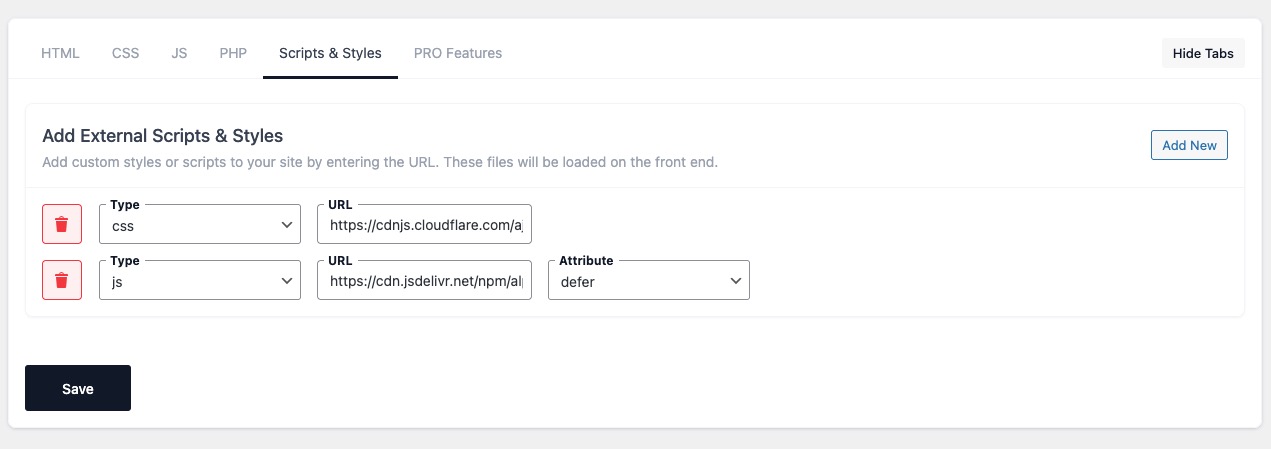
- Include external libraries (Google Fonts, CDN scripts & styles).
- Test Mode: Preview snippets safely before going live.
- Import/Export snippets and settings between sites.
- JavaScript Obfuscation: Protect your scripts with Dean Edwards’ Packer.
- Customizable Interface: Hide unused editor tabs (HTML, CSS, JS, etc.) for a cleaner workflow.
- NAV comments: Add inline navigation markers for faster code editing.
- Lightweight & secure — built for performance.
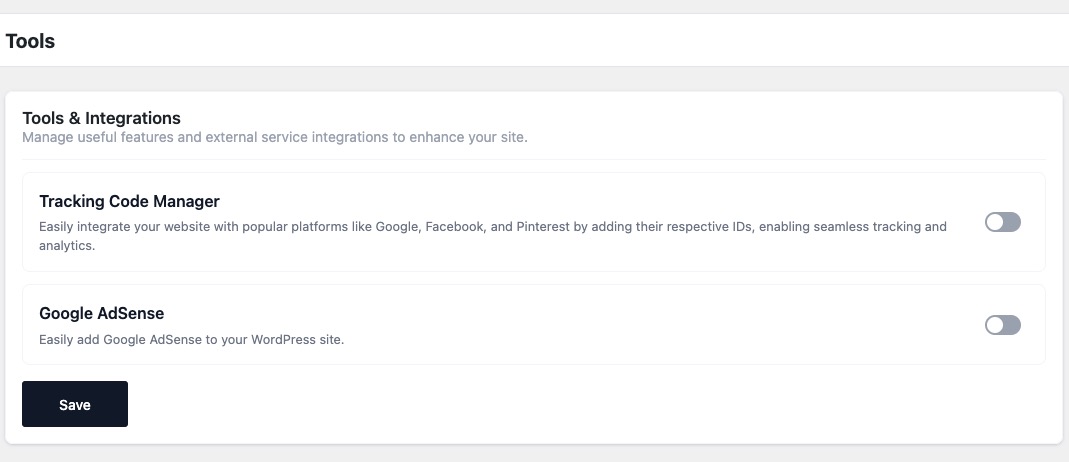
Included Tools:
Integrations
- Google Tag Manager (GTM) integration with user role controls.
- Google Analytics, Facebook Pixel, and Pinterest Pixel integration.
- Google AdSense integration with the option to disable ads for selected user roles.
Content & Templates
- Markdown Editor – Disables Gutenberg and TinyMCE, replacing them with a Markdown editor powered by CodeMirror.
Developer Tools
- Debug Log management (enable/disable and clear log).
- Show Page Debug Info – Display technical info for the current request in the Admin Bar (template, query type, object, body classes). Admins only.
- Theme Switcher – Quickly switch between installed themes directly from the admin bar.
Included Snippets:
Editor & Content
- Disable Gutenberg Editor
- Remove Gutenberg Block CSS
- Disable Widget Blocks
- Enable Shortcode Execution in Widgets
- Enable Excerpt for Pages
- Open External Links in New Tabs
- Change “Read More” Text
Admin Interface Tweaks
- Disable Screen Options Tab
- Disable Welcome Panel
- Duplicate Posts
- Disable Admin Bar
Login & User Access
- Disable Login Page Language Switcher
- Disable Login by Email
- Disable Admin Password Reset Emails
- Custom Login Logo
- Custom Login Redirect URLs
- Change Redirect After Login
- Change Redirect After Logout
Media & Embeds
- Enable SVG Upload
- Force Lowercase Filenames
- Default ALT Text for Avatars
- Enable/Disable Lazy Load
- Disable Embeds
- Adjust oEmbed Max Dimensions
Core Functionality
- Disable XML-RPC
- Disable REST API
- Disable Automatic Updates
- Disable Automatic Updates Emails
- Disable Emojis
- Disable Shortlinks
- Limit Post Revisions
Comments & Feedback
- Disable Comments Globally
- Disable Comment URL Field
- Disable Self Pingbacks
- Disable Trackbacks & Pingbacks
- Disable HTML in Comments
- Limit Comment Length
Cleanup & Optimization
- Remove WP Version
- Disable Attachment Pages
- Disable RSS Feeds
- Disable Built-in Search
- Disable wlwmanifest Link
- Disable Automatic Trash Emptying
- Redirect 404 to Homepage
WP Coder simplifies your WordPress development workflow and makes customization safe, fast, and flexible!
Get started today and simplify your WordPress development workflow with WP Coder!
Quick Start Video
Plugin Demo:
Support
Need help? Ask questions and get quick answers in our support center.
Installation
📌 Option 1: Install via WordPress Admin
- Go to
Plugins→Add Newin your WordPress admin panel. - Search for “WP Coder” and click Install Now.
- Click Activate after installation.
📌 Option 2: Install Manually
- Download the WP Coder plugin ZIP file from WordPress.org.
- In WordPress admin, go to
Plugins→Add New→ Upload Plugin. - Click Choose File, select the downloaded ZIP file, then click Install Now.
- After installation, click Activate.
📌 Option 3: Install via FTP
- Download and unzip the WP Coder plugin ZIP file.
- Upload the extracted
wp-coderfolder to/wp-content/plugins/via FTP. - Go to
Pluginsin WordPress admin and click Activate.
🚀 Getting Started
- Navigate to the
Wow Plugins → WP Codersection in your WordPress admin panel. - Click
Add New Snippetto create your first code snippet. - Configure your snippet settings (HTML, CSS, JavaScript, PHP).
- Click Save to apply your changes.
Frequently asked questions
Does WP Coder support Network activation?
Currently, WP Coder doesn’t support network-wide activation. If you’re using WordPress Multisite, activate the plugin individually on each site within your network.
Where can I find detailed documentation?
Visit our comprehensive official documentation for detailed guides and step-by-step instructions.
How can I use shortcode content in HTML code?
If you include content within the shortcode like [wp_code id="1"]Some Text[/wp_code], you can insert this content into your HTML snippet using the variable {{$shortcode_content}}.
Can I use shortcodes from other plugins within WP Coder snippets?
Absolutely! WP Coder allows you to embed shortcodes from any plugin within your HTML snippet content. You can also use WP Coder’s own shortcodes, offering enhanced flexibility for customization.
What is the purpose of tags in the ‘Publish’ block?
Tags help categorize and organize your snippets. When creating or editing a snippet, assign tags in the ‘Publish’ block to easily filter and manage your snippets later.
How do I use the link feature in the ‘Publish’ block?
The link feature helps you track where your shortcode is placed. Simply enter the URL of the page where your shortcode is inserted in the ‘Link’ field when creating or editing your snippet.
Changelog
Helpful Links
4.5.1
- Fixed: Security – restricted the Gutenberg block REST endpoints (snippet preview and attributes) to logged-in users with the
edit_postscapability, preventing unauthenticated access.
4.5
- Added: Lazy load option for images
- Added: Google Tag Manager integration in Tools & Integrations
- Fixed: Snippet Open External Links in New Tab now correctly identifies internal links
4.4
- Added: Gutenberg block – insert and manage WP Coder snippets directly inside the WordPress block editor with live preview.
4.3.1
- Fixed: includes css to Live preview
4.3
- Added: Markdown Editor in Tools for writing with Markdown syntax.
- Added: Debug Tools section in Tools, including:
- Show Page Debug Info
- Theme Switcher
- Plugin Switcher
- Improved: Tools page layout – tools are now grouped into sections for easier navigation.
4.2
- Added: Debug Log page in WP Coder admin menu with options to enable/disable logging and clear log.
- Added: Admin bar indicator with link to Debug Log when entries are present.
Screenshots




For developers
Is this your plugin? Show off the numbers.
Add a live badge to your site, docs or GitHub README. It updates on its own — no account needed.
Best WP Coder alternatives
All code plugins →




FAQ
WP Coder: quick answers
Straight answers, pulled from live WordPress.org data.
Live data from WordPress.org · checked Sep 26, 2026
Is WP Coder free?
Yes. WP Coder is free to download and use from the official WordPress.org plugin directory.
Is WP Coder safe to use in 2026?
Yes — WP Coder is a safe, well-maintained plugin to use in 2026. It runs on 10K+ sites, is rated 4.9/5 and was last updated 1 month ago, and scores 86/100 on our health check.
How many websites use WP Coder?
WP Coder is active on 10K+ WordPress websites and has been downloaded 388,652 times since it launched in February 2018. It was downloaded 2,176 times in the last 30 days.
Does WP Coder work with WordPress 7.1?
Yes. The developer has tested WP Coder up to WordPress 7.1.2, the latest release. It requires WordPress 5.4 or newer.
What PHP version does WP Coder need?
WP Coder requires PHP 7.4 or higher. Most hosts run PHP 8.x today, so it works on any modern WordPress hosting.
When was WP Coder last updated?
The latest version, 4.5.1, was released on August 25, 2026 (1 month ago).
Who makes WP Coder?
WP Coder is developed and maintained by Wow-Company.
What are the best alternatives to WP Coder?
The most popular alternatives to WP Coder are WPCode (3M+ installs), Code Snippets (1M+ installs) and Head & Footer Code (100K+ installs).
Powered by PageForge
Want thousands of pages that rank like these? Build them in an afternoon.
This directory runs on the same engine as PageForge. Turn any spreadsheet, CSV or API into thousands of fast, SEO-ready WordPress pages — with schema, internal links and AI-written copy baked in.
- CSV, Google Sheets & API data sources
- AI content, schema & internal links per page
- Works with Elementor, Gutenberg, Yoast & Rank Math
- Free on WordPress.org — no credit card


