



Login Security Captcha
Secure WordPress login, registration, and comment form with Google reCAPTCHA or Cloudflare Turnstile. Prevent Brute-force attacks and more.

Safe pick
Yes — Login Security Captcha is a safe, well-maintained plugin to use in 2026. It runs on 10K+ sites, is rated 4.9/5 and was last updated 3 weeks ago, and scores 90/100 on our health check.
- Proven at scale on 10K+ active sites
- Loved by users — 4.9/5 from 20 reviews
- Actively developed — last update 3 weeks ago
- Tested with the latest WordPress (7.1)
- Momentum — downloads up 51.9% vs the previous 30 days
How does it stack up?
Side-by-side on installs, updates, ratings & support



Daily downloads
Download spikes usually follow a new release — each site that auto-updates counts as a download.
Rankings
Where Login Security Captcha stands todayWordPress.org search rankings
Live position in the plugin search, top 100| Keyword | Position |
|---|---|
| captcha | #17 |
| cloudflare | #39 |
| login | #38 |
| recaptcha | #19 |
| security | #24 |
Version adoption
Share of active sites per release.
Rating breakdown
★★★★★★★★★★ 4.9 from 20 reviews
About Login Security Captcha
From the official readme · v1.9.4Description
Login Security Captcha is a security plugin for WordPress to add CAPTCHA or CAPTCHA-free services such as Cloudflare Turnstile and Google reCAPTCHA to the WordPress login, registration, lost password, and comment form. This is a fast and lightweight security plugin to place captcha on standard WordPress forms with minimal footprints. It can prevent spam comments and protect the login form against Brute-force attacks. It has simple settings to configure the plugin quickly.
The plugin supports Cloudflare Turnstile, Google reCAPTCHA Version 2, and Version 3 with multiple options. This is the best WordPress captcha plugin for antispam protection to secure comment form and WordPress login page. It allows you to place different versions of reCAPTCHA and also Turnstile on different forms at the same time. This plugin comes with a set of simple options to quickly set up captcha validation on the common forms.
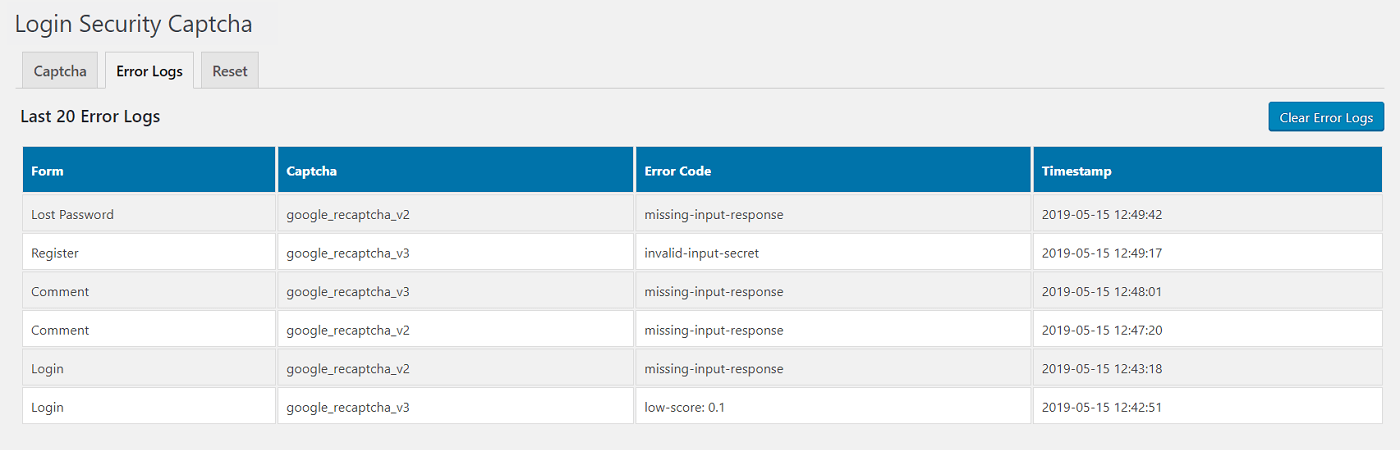
Using this security plugin, you can change the captcha theme to light or dark depending on your preferences for Cloudflare Turnstile and Google reCAPTCHA. You can also configure various other parameters like the score value for reCAPTCHA version 3. You can monitor the error logs and have the option to disable the captcha on the comment form for logged-in users. Also, you can adjust the captcha size to compact or normal for Cloudflare Turnstile.
Login Security Captcha Features
- Cloudflare Turnstile
- Google reCAPTCHA v2
- Google reCAPTCHA v3
- Set reCAPTCHA v3 Position
- Captcha Theme and Size
- Secure Login Form
- Secure Registration Form
- Secure Lost Password Form
- Protect Comment Spam
- Monitor Error Logs
- Prevent Brute-force Attack
Upgrade To Pro – Get Pro Version
Login Security Pro Features
- Limit Login Attempts by IP Address
- Check and Monitor Last Login
- Check Login History by Username
- Recent Login Dashboard Widget
- Cloudflare Turnstile Support
- Google reCAPTCHA v2 and v3
- Redirect after Login or Logout
- Role-Based Redirection
- Secure Login and Registration Form
- Secure Lost Password Form
- Easy to Protect Comment Spam
- Login Form – WooCommerce
- Lost Password Form – WooCommerce
- Registration Form – WooCommerce
- Secure WooCommerce Checkout Form
- Advanced Security and Much More
Check Pro Plugin – View Pro Features
Installation
Login Security Captcha [Installation Guide]
- You can:
- Upload the entire
login-security-recaptchafolder to the/wp-content/plugins/directory via FTP. - Upload the zip file of plugin via Plugins -> Add New -> Upload in your WordPress Admin Panel.
- Search Login Security Captcha in the search engine available on Plugins -> Add New and press Install Now button.
- Upload the entire
- Activate the plugin through Plugins menu in WordPress Admin Panel.
- Click on Login Security under Settings menu to configure the plugin.
- Ready, now you can use it.
Frequently asked questions
How to get Cloudflare Turnstile Site Key and Secret Key?
To get the Site Key and Secret Key, signup for the Cloudflare account and navigate to Cloudflare Turnstile dashboard. Next, provide your domain to generate Site Key and Secret Key for Turnstile. You may also read our guide on How to Get Site Key and Secret Key for Cloudflare Turnstile.
How to get Google reCAPTCHA Site Key and Secret Key?
To get the Site Key and Secret Key, go to Google reCAPTCHA Admin Console. Sign in into your Google account to proceed next into reCAPTCHA dashboard. After Sign in, you will be redirected to your Google reCAPTCHA dashboard. Now, you will need to provide your domain (website URL) and specify reCAPTCHA version to create Site Key and Secret Key. You can also read our Step-by-Step Instructions in Detail.
Changelog
1.9.4
- Improvement: Removed fail-open behavior from the comment and registration forms.
1.9.3
- Code improvements.
1.9.2
- Improvement: Settings page.
- Tested up to 7.1.
1.9.1
- Code improvements.
- Readme updated.
1.9.0
- Updated minimum WordPress version to 5.3.
1.8.9
- Readme updated.
- Improvement: Settings page.
Screenshots
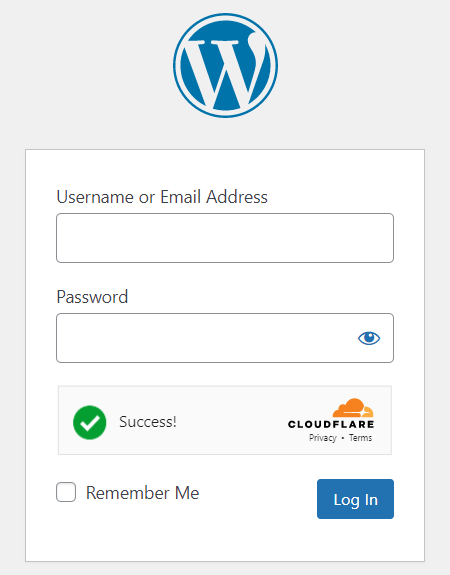
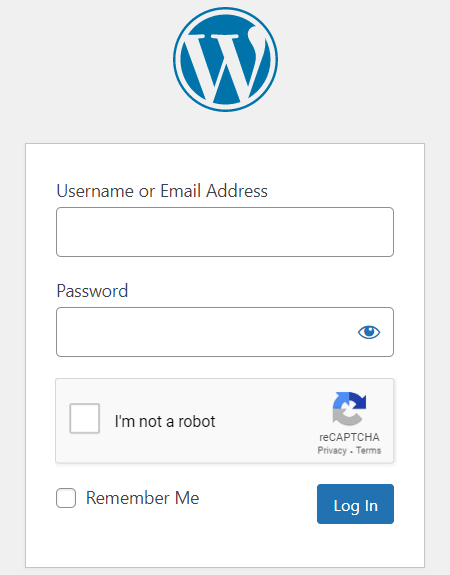
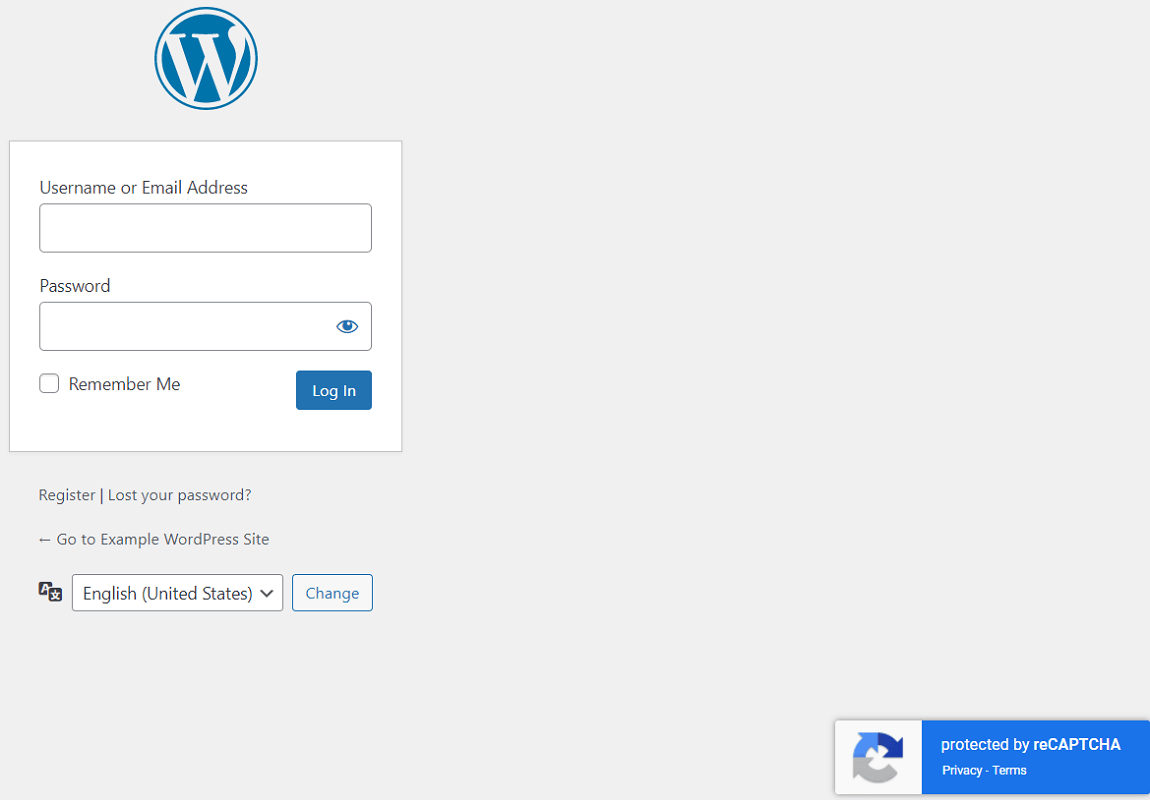
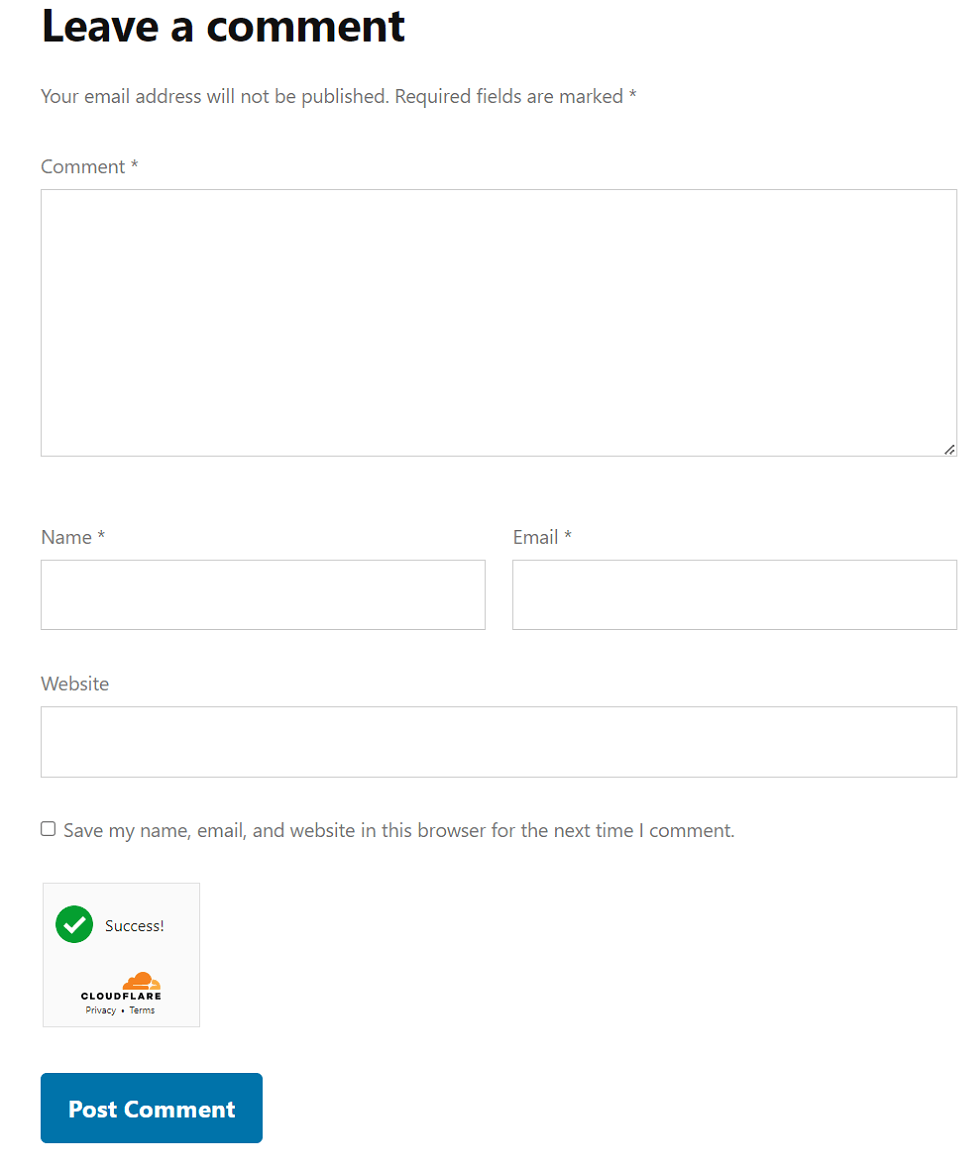


For developers
Is this your plugin? Show off the numbers.
Add a live badge to your site, docs or GitHub README. It updates on its own — no account needed.
Best Login Security Captcha alternatives
All captcha plugins →





FAQ
Login Security Captcha: quick answers
Straight answers, pulled from live WordPress.org data.
Live data from WordPress.org · checked Sep 27, 2026
Is Login Security Captcha free?
Yes. Login Security Captcha is free to download and use from the official WordPress.org plugin directory. The developer also sells premium add-ons or a Pro version with extra features.
Is Login Security Captcha safe to use in 2026?
Yes — Login Security Captcha is a safe, well-maintained plugin to use in 2026. It runs on 10K+ sites, is rated 4.9/5 and was last updated 3 weeks ago, and scores 90/100 on our health check.
How many websites use Login Security Captcha?
Login Security Captcha is active on 10K+ WordPress websites and has been downloaded 346,914 times since it launched in May 2019. It was downloaded 10,918 times in the last 30 days.
Does Login Security Captcha work with WordPress 7.1?
Yes. The developer has tested Login Security Captcha up to WordPress 7.1.2, the latest release. It requires WordPress 5.3 or newer.
What PHP version does Login Security Captcha need?
Login Security Captcha requires PHP 7.0 or higher. Most hosts run PHP 8.x today, so it works on any modern WordPress hosting.
When was Login Security Captcha last updated?
The latest version, 1.9.4, was released on September 7, 2026 (3 weeks ago).
Who makes Login Security Captcha?
Login Security Captcha is developed and maintained by ScriptsTown.
What are the best alternatives to Login Security Captcha?
The most popular alternatives to Login Security Captcha are SiteGuard WP Plugin (600K+ installs), CF7 Apps (300K+ installs) and Really Simple CAPTCHA (300K+ installs).
Powered by PageForge
Want thousands of pages that rank like these? Build them in an afternoon.
This directory runs on the same engine as PageForge. Turn any spreadsheet, CSV or API into thousands of fast, SEO-ready WordPress pages — with schema, internal links and AI-written copy baked in.
- CSV, Google Sheets & API data sources
- AI content, schema & internal links per page
- Works with Elementor, Gutenberg, Yoast & Rank Math
- Free on WordPress.org — no credit card


