



atec Backup
All-in-one backup and restore solution – fast & reliable.

Use with caution
atec Backup works, but test it on a staging site before relying on it in 2026. It runs on 40+ sites, is rated 5/5 and was last updated 3 months ago, and scores 59/100 on our health check.
- Small user base (40+ active installs)
- Very few reviews so far
How does it stack up?
Side-by-side on installs, updates, ratings & support



Daily downloads
Download spikes usually follow a new release — each site that auto-updates counts as a download.
Rankings
Where atec Backup stands todayWordPress.org search rankings
Live position in the plugin search, top 100| Keyword | Position |
|---|---|
| backup | #45 |
| database | >100 |
| files | >100 |
| ftp | #86 |
| restore | >100 |
Version adoption
Share of active sites per release.
Rating breakdown
★★★★★★★★★★ 5 from 2 reviews
About atec Backup
From the official readme · v1.1.46Description
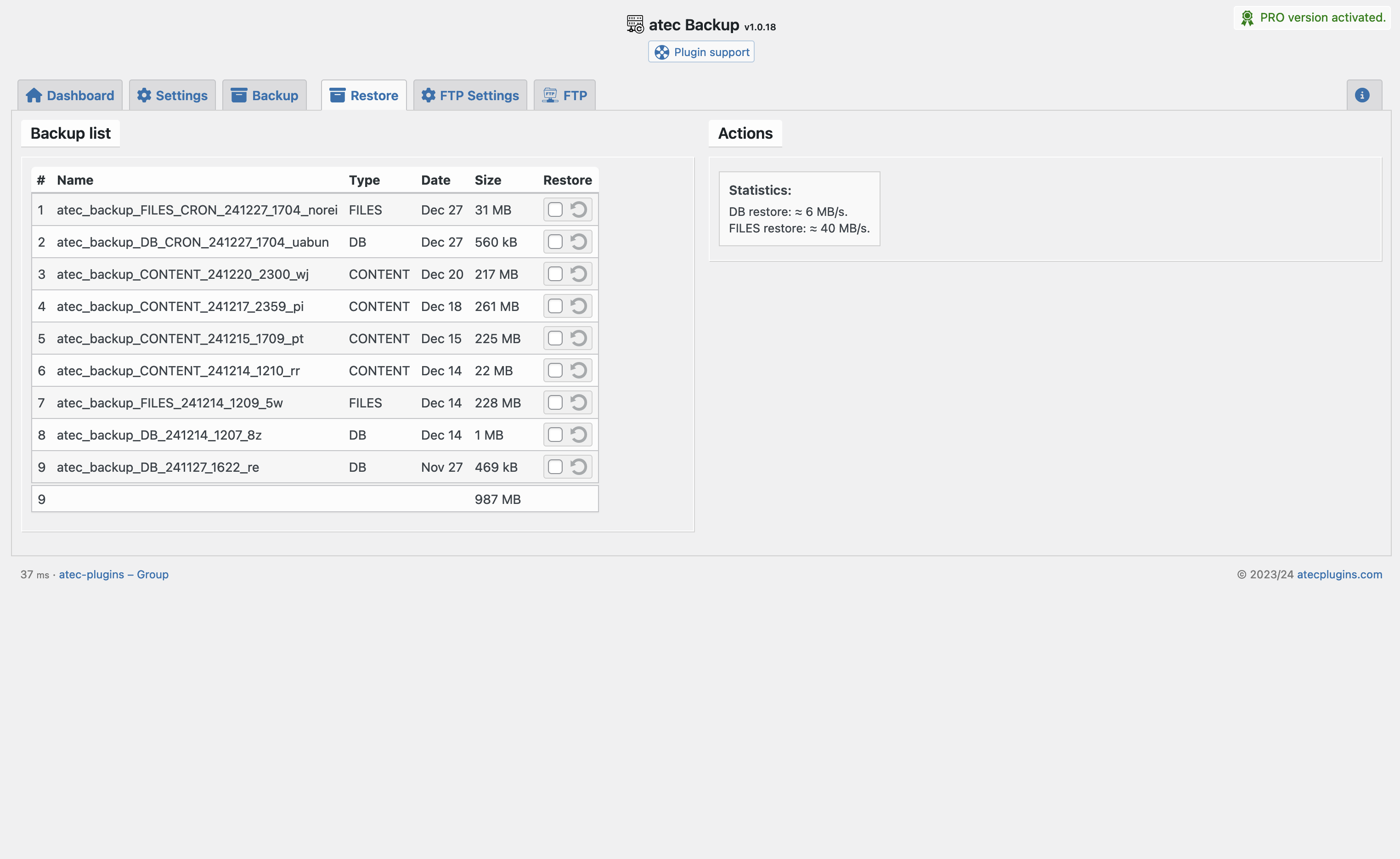
atec Backup provides a clean, high-performance backup and restore system for WordPress.
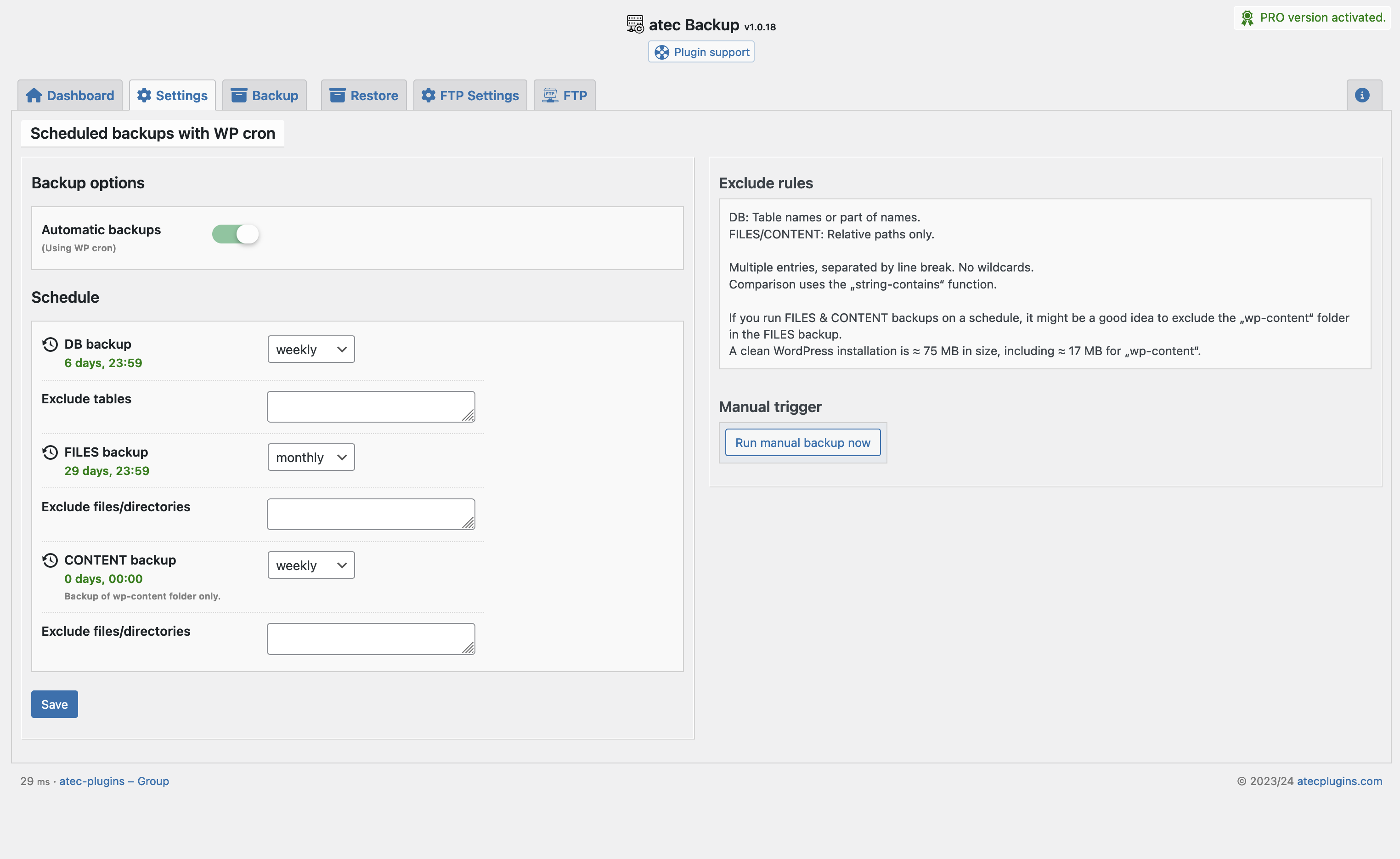
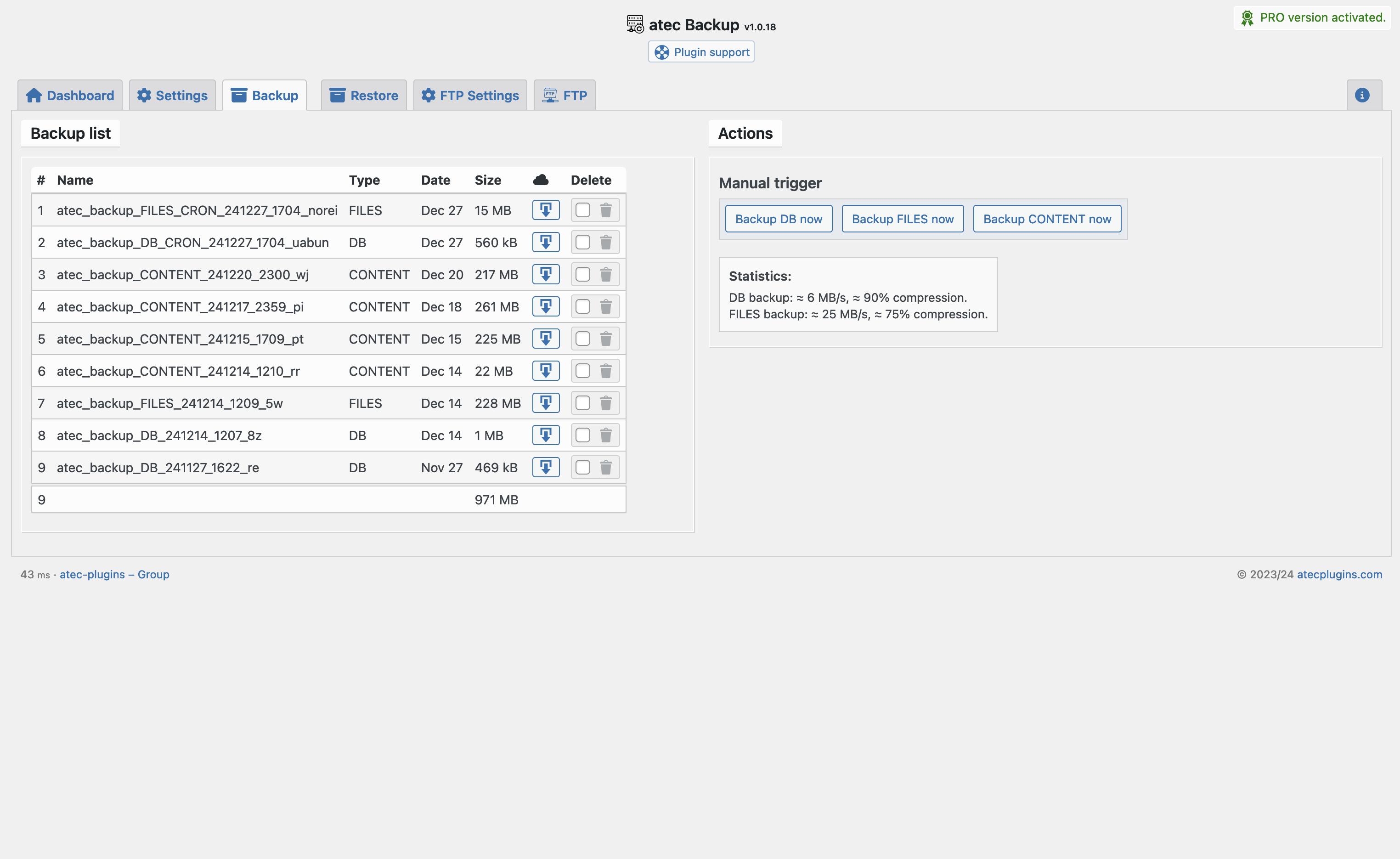
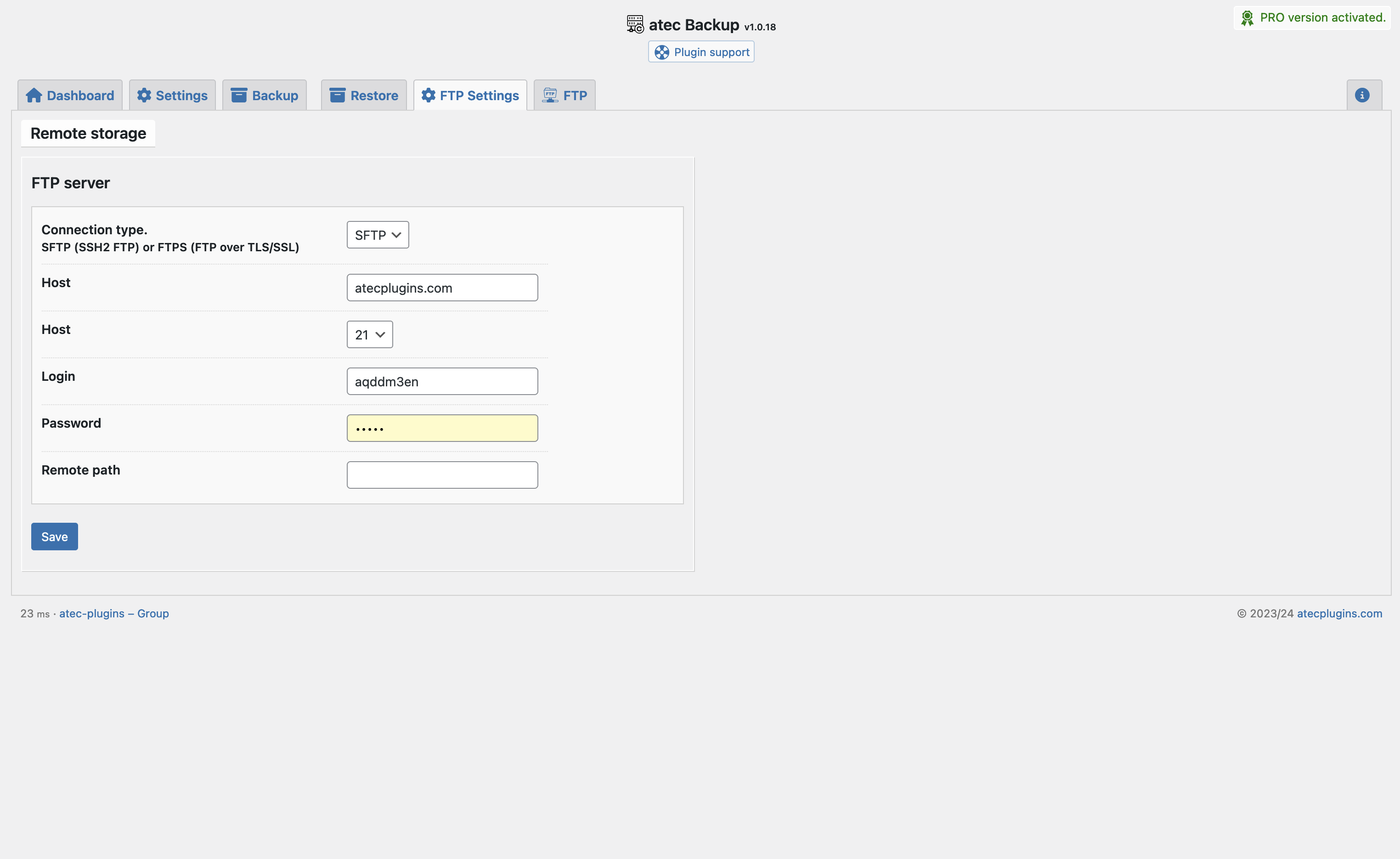
Back up your full database and selected file paths with precision. You can exclude specific tables or folders and optionally upload backups to a remote FTP server.
Manual and automatic backups are supported. The background job uses WP-Cron to execute scheduled backups silently.
Specifications
- Schedule: Manual and automatic (via WP-Cron)
- Storage: Local + optional FTP
Requirements
- ZIP extension
- PDO extension
- Write access to the uploads directory
Third-Party Services
Integrity check
Once, when activating the plugin, an integrity check is requested from our server – if you give your permission.
Source: https://atecplugins.com/
Privacy policy: https://atecplugins.com/privacy-policy/
Installation
- Upload the plugin to
/wp-content/plugins/or install via the WP admin panel. - Activate the plugin from the Plugins menu.
- Select “atec Backup” link in admin menu bar.
- Configure backup preferences from the plugin settings page.
Frequently asked questions
Where are the backups stored?
By default, backups are saved in your wp-content/uploads/atec-backup directory.
Will backups be compressed?
Yes, backups are stored as .zip files.
Can I use FTP storage?
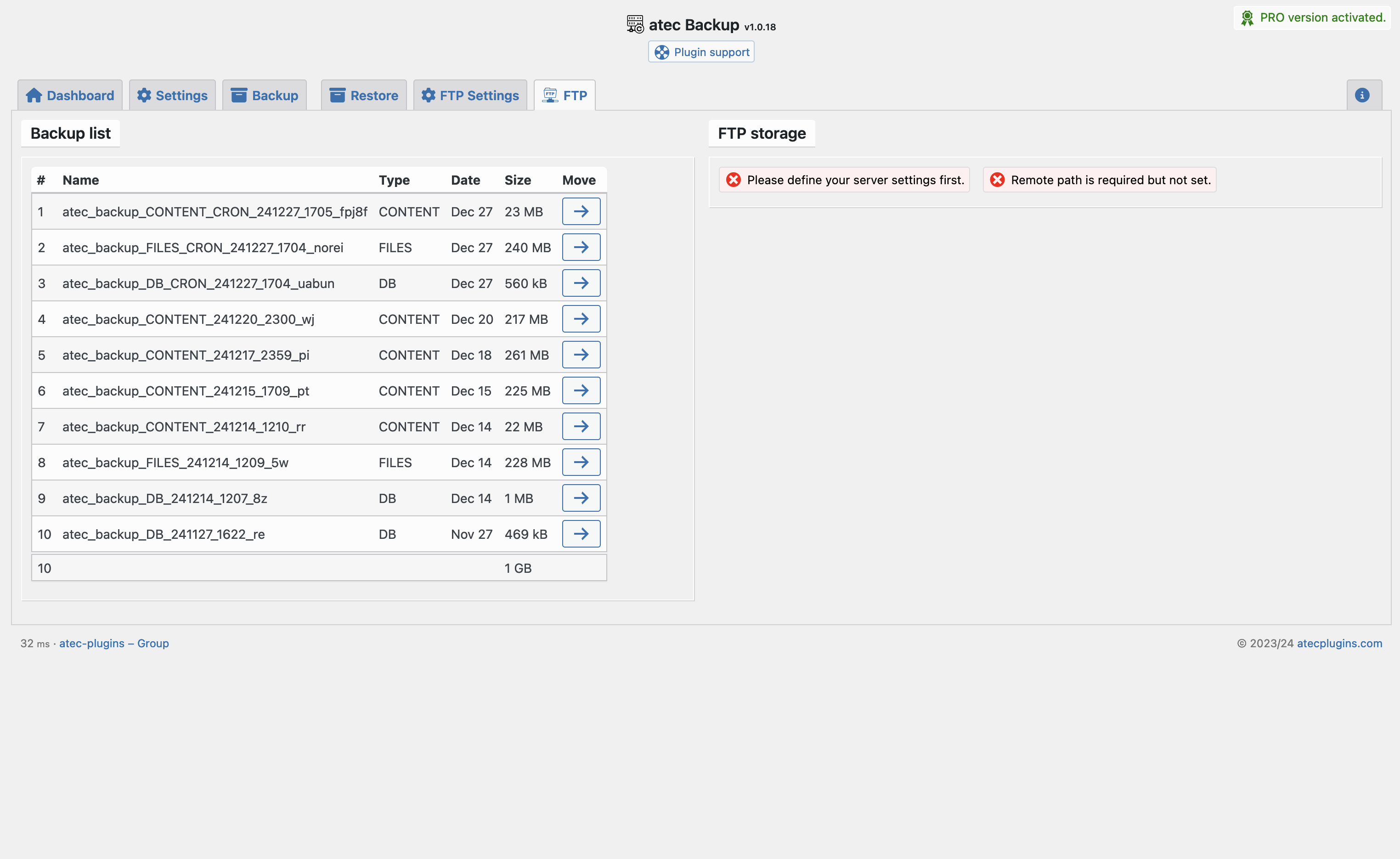
Yes. Remote FTP storage is supported in the “PRO” version and can be configured via the settings.
Will this impact performance?
No. Scheduled backups are designed to run in the background using WP-Cron with minimal CPU usage.
Can I select specific database tables or paths?
Yes. Both selective table and file path exclusion are supported.
Changelog
1.1.46 [2026.06.24]
- Update Guard: DB backup before WordPress core update
1.1.45 [2026.06.24]
- New CPANEL framework class
1.1.44 [2026.06.20]
- Introduces $instructions
1.1.43 [2026.06.05]
- removed random+download script; moved download to admin_post; secure backup path by obfuscation (10 char)
1.1.42 [2026.05.28]
- webDAV and Auto offload
1.1.41 [2026.03.23]
- Dashboard undefined issue
Screenshots

For developers
Is this your plugin? Show off the numbers.
Add a live badge to your site, docs or GitHub README. It updates on its own — no account needed.
Best atec Backup alternatives
All backup plugins →





FAQ
atec Backup: quick answers
Straight answers, pulled from live WordPress.org data.
Live data from WordPress.org · checked Oct 7, 2026
Is atec Backup free?
Yes. atec Backup is free to download and use from the official WordPress.org plugin directory.
Is atec Backup safe to use in 2026?
atec Backup works, but test it on a staging site before relying on it in 2026. It runs on 40+ sites, is rated 5/5 and was last updated 3 months ago, and scores 59/100 on our health check.
How many websites use atec Backup?
atec Backup is active on 40+ WordPress websites and has been downloaded 4,647 times since it launched in February 2025. It was downloaded 356 times in the last 30 days.
Does atec Backup work with WordPress 7.1?
atec Backup is officially tested up to WordPress 7.0.7, while the latest release is 7.1.3. It may still work, but try it on a staging site first.
What PHP version does atec Backup need?
atec Backup requires PHP 7.4 or higher. Most hosts run PHP 8.x today, so it works on any modern WordPress hosting.
When was atec Backup last updated?
The latest version, 1.1.46, was released on July 3, 2026 (3 months ago).
Who makes atec Backup?
atec Backup is developed and maintained by docjojo.
What are the best alternatives to atec Backup?
The most popular alternatives to atec Backup are All-in-One WP Migration and… (5M+ installs), UpdraftPlus: WP Backup & Mi… (4M+ installs) and Jetpack (3M+ installs).
Powered by PageForge
Want thousands of pages that rank like these? Build them in an afternoon.
This directory runs on the same engine as PageForge. Turn any spreadsheet, CSV or API into thousands of fast, SEO-ready WordPress pages — with schema, internal links and AI-written copy baked in.
- CSV, Google Sheets & API data sources
- AI content, schema & internal links per page
- Works with Elementor, Gutenberg, Yoast & Rank Math
- Free on WordPress.org — no credit card


