



Zonify – Amazon Product Importer for WooCommerce
Import Amazon products into WooCommerce and optionally redirect customers to Amazon using affiliate links.

Solid choice
Zonify is a solid plugin choice in 2026, with a few things worth checking first. It runs on 80+ sites, is rated 2.5/5 and was last updated 1 week ago, and scores 63/100 on our health check.
- Actively developed — last update 1 week ago
- Small user base (80+ active installs)
- Very few reviews so far
How does it stack up?
Side-by-side on installs, updates, ratings & support



Daily downloads
Download spikes usually follow a new release — each site that auto-updates counts as a download.
Rankings
Where Zonify stands todayWordPress.org search rankings
Live position in the plugin search, top 100| Keyword | Position |
|---|---|
| affiliate links | >100 |
| amazon | #44 |
| dropshipping | #93 |
| product importer | #20 |
| woocommerce | >100 |
Version adoption
Share of active sites per release.
Rating breakdown
★★★★★★★★★★ 2.5 from 2 reviews
About Zonify
From the official readme · v1.0.6Description
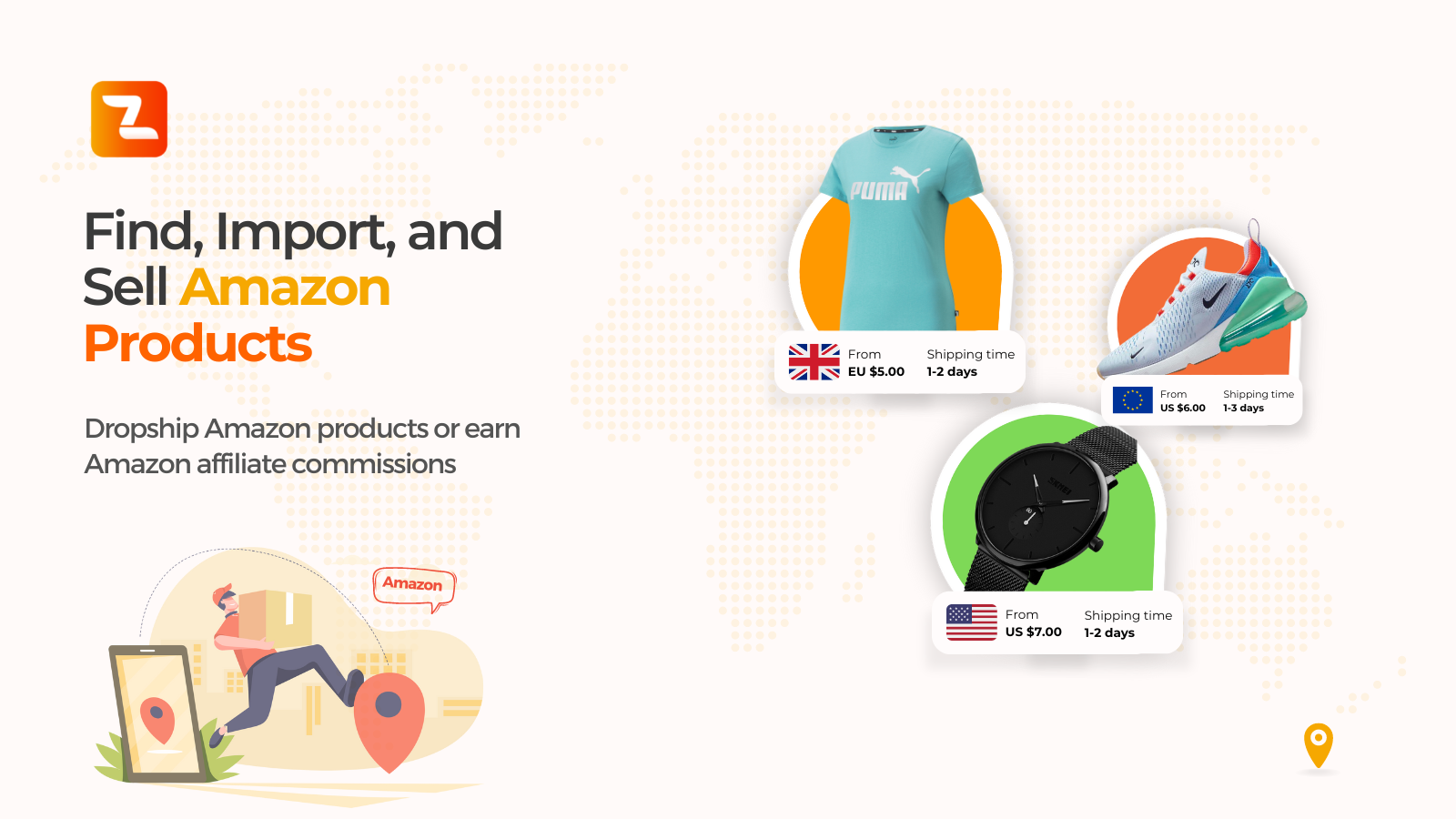
Zonify is a plugin for WooCommerce store owners who want to import products from Amazon into their WooCommerce store, and optionally use the Amazon Associates (Affiliate) program to redirect customers to Amazon for checkout.
This plugin helps streamline product catalog creation and setup inside WooCommerce.
► How does it work?
- Import products from Amazon to your WooCommerce store.
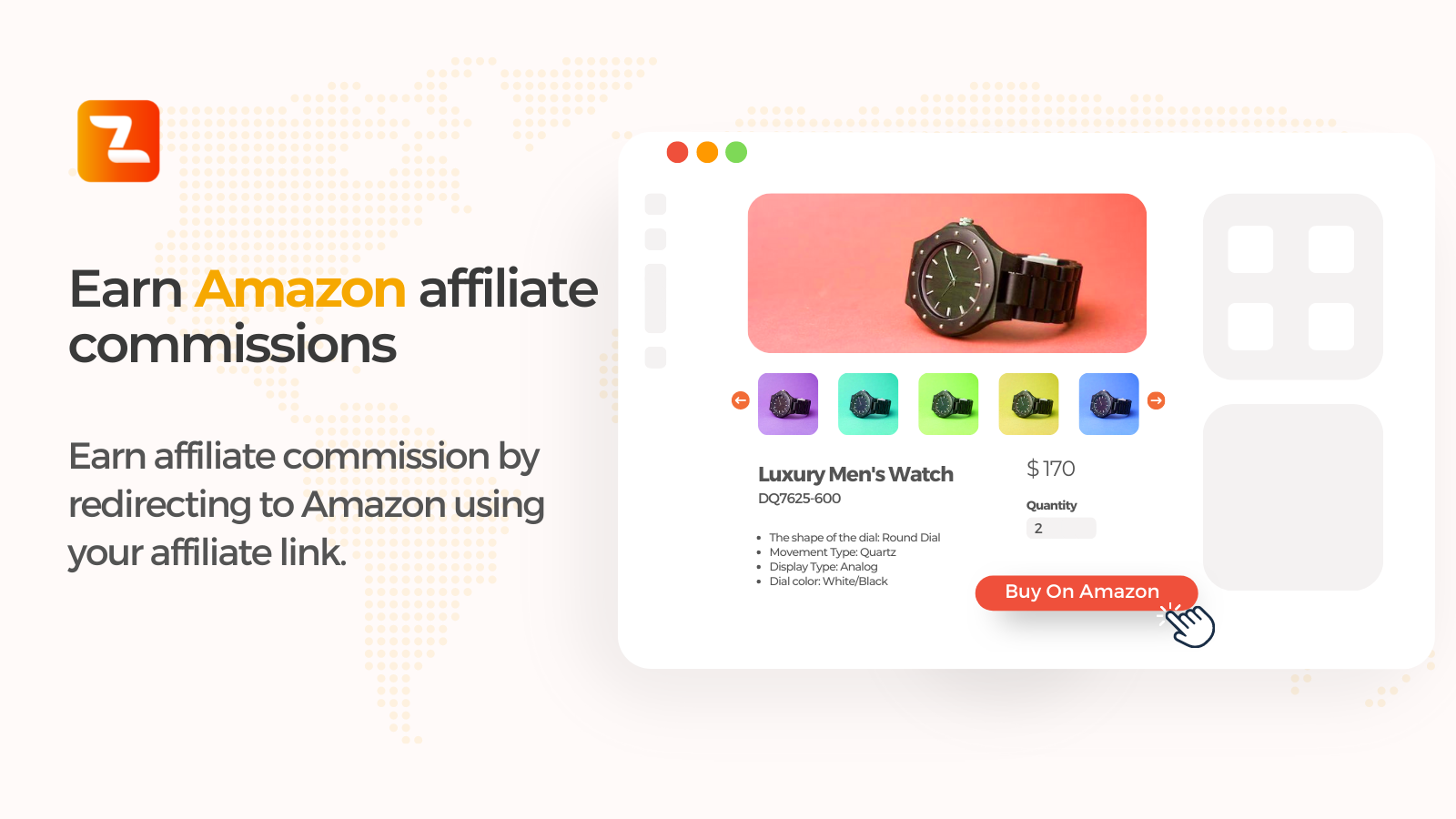
- Optionally enable affiliate mode (customers click “View on Amazon”).
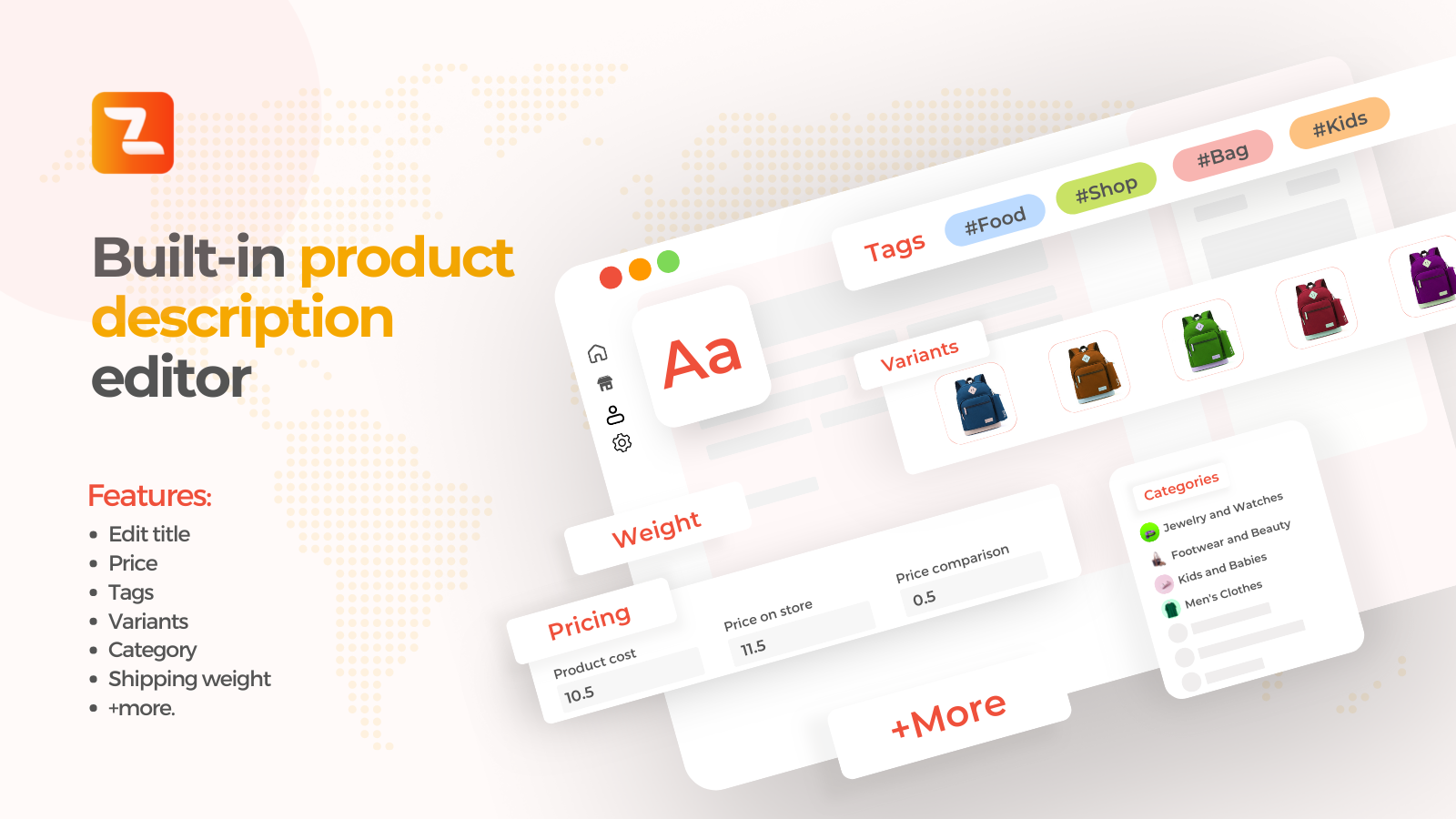
- Manage product details (title, description, price, images, variants, etc).
► HOW TO USE ZONIFY?
Zonify Dropshipping Mode
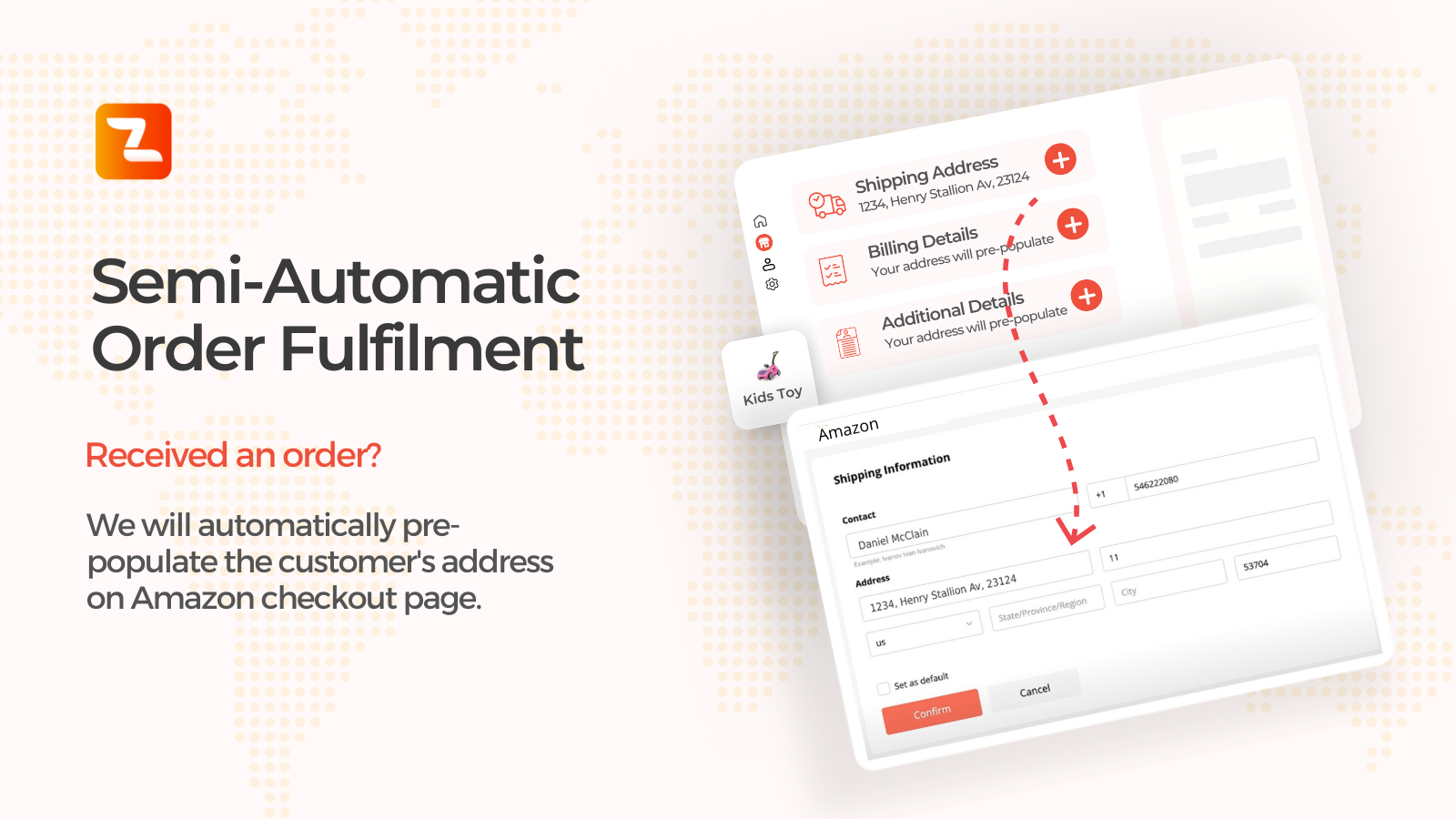
Let your visitors purchase the product directly on your WooCommerce store. You manage pricing and fulfillment.
Zonify Affiliate Mode
Enable affiliate mode from the dashboard. This changes the buy button to “View on Amazon” and redirects visitors to Amazon using your affiliate link.
► WHAT ARE THE SYSTEM REQUIREMENTS?
To use Zonify’s import workflow, you must use Google Chrome (required for the Zonify browser extension).
► HOW DOES THE FREE TRIAL WORK?
When starting your free trial, you can use Zonify immediately. Billing starts when the trial ends.
► CAN I CANCEL MY ACCOUNT AT ANY TIME?
Yes. You can cancel your subscription at any time.
External services
This plugin connects to Zonify (app.zonifyapp.com) to link your WooCommerce store to your Zonify account. On activation it sends your site address and admin email, and it creates WooCommerce REST API keys (read/write) so Zonify can add the products you import; Zonify checks that the keys work on your store before it links an existing account. The settings page sends your site address and your Zonify key to check the connection, together with the WordPress, WooCommerce and PHP versions, the plugin version and the system check results, so Zonify support can see what the page shows. “Go to Zonify Dashboard” asks Zonify for a single-use sign-in code. On your storefront the plugin loads Zonify’s script (app.zonifyapp.com/dashboard/js/affiliate-woo.js), which shows the “View on Amazon” button when affiliate mode is on. Zonify Terms: https://zonify.app/terms-of-use/ Privacy: https://zonify.app/privacy-policy/
Installation
Zonify plugin installation works with both WordPress and WooCommerce.
Instructions:
- Install the plugin through the WordPress Plugins screen OR unzip the plugin archive to ‘/wp-content/plugins’
- In the WordPress ‘Plugins’ page, activate the plugin
- Click on “Zonify” from your admin sidebar
- Check that all system checks pass, then click “Go to Zonify Dashboard”
- Install the Zonify Chrome extension (required for importing)
Changelog
Security release: verified reconnects, single-use dashboard sign-in, and a new settings page with system checks. Update recommended.
1.0.6
- SECURITY: Reconnecting a reinstalled store is verified with WooCommerce keys that work on your store, so only the store’s own admin can link to an existing Zonify account.
- SECURITY: “Go to Zonify Dashboard” now signs you in with a single-use code that expires after two minutes, instead of a link containing your account key.
- SECURITY: Only the WooCommerce consumer key and secret are sent to Zonify; the key id and WordPress user id stay on your site.
- SECURITY: Uninstalling Zonify deletes the WooCommerce REST API keys it was given, and reconnecting removes older “Zonify – API” keys.
- SECURITY: Removed the old zonify_installation admin-ajax action (nothing uses it any more).
- NEW: Redesigned settings page: your store, connection status and plan, quick links (Chrome extension, import guide, Help Center), and eight system checks (SSL, WooCommerce, permalinks, PHP, security firewall, Cloudflare, API connection, plugin version), each with the steps to fix it.
- NEW: The API Connection check asks Zonify whether it can actually reach your store with its keys, and shows “Not linked”, “Account not found”, “Not connected” or “Blocked (HTTP code)” with the fix.
- NEW: When the plugin isn’t linked to your Zonify account, it tries to reconnect on its own when you open the Zonify page.
- COMPAT: Declared compatible with WooCommerce High-Performance Order Storage (HPOS) and the block checkout. Requires the WooCommerce plugin.
- PRIVACY: The settings page no longer loads fonts from Google; it uses your system font and built-in icons.
- IMPROVEMENT: The settings page loads faster (status is reused for 10 minutes; “Re-run System Checks” refreshes it), and its styles and scripts load only on the Zonify page.
- IMPROVEMENT: Uninstalling no longer clears your site’s caches.
1.0.5
- Security: the
zonify_installationadmin-ajax action was reachable by logged-out visitors and returned the stored Zonify account token. The logged-out registration was removed and the handler now requires themanage_optionscapability. Reported by Pablo González Pérez, Francisco José Ramírez Vicente and Iñigo Sánchez Enciso via WPScan. - Security: debug logging is disabled by default and no longer writes a log file inside the plugin folder; the account token is never written to any log.
- Fix: WooCommerce detection now works when WooCommerce is network-activated on multisite.
1.0.4
- Updated readme to comply with WordPress.org plugin directory guidelines (name, license, and description cleanup).
- Updated compatibility information.
1.0.3
- Maintenance update.
1.0.0
- Initial release.
Screenshots
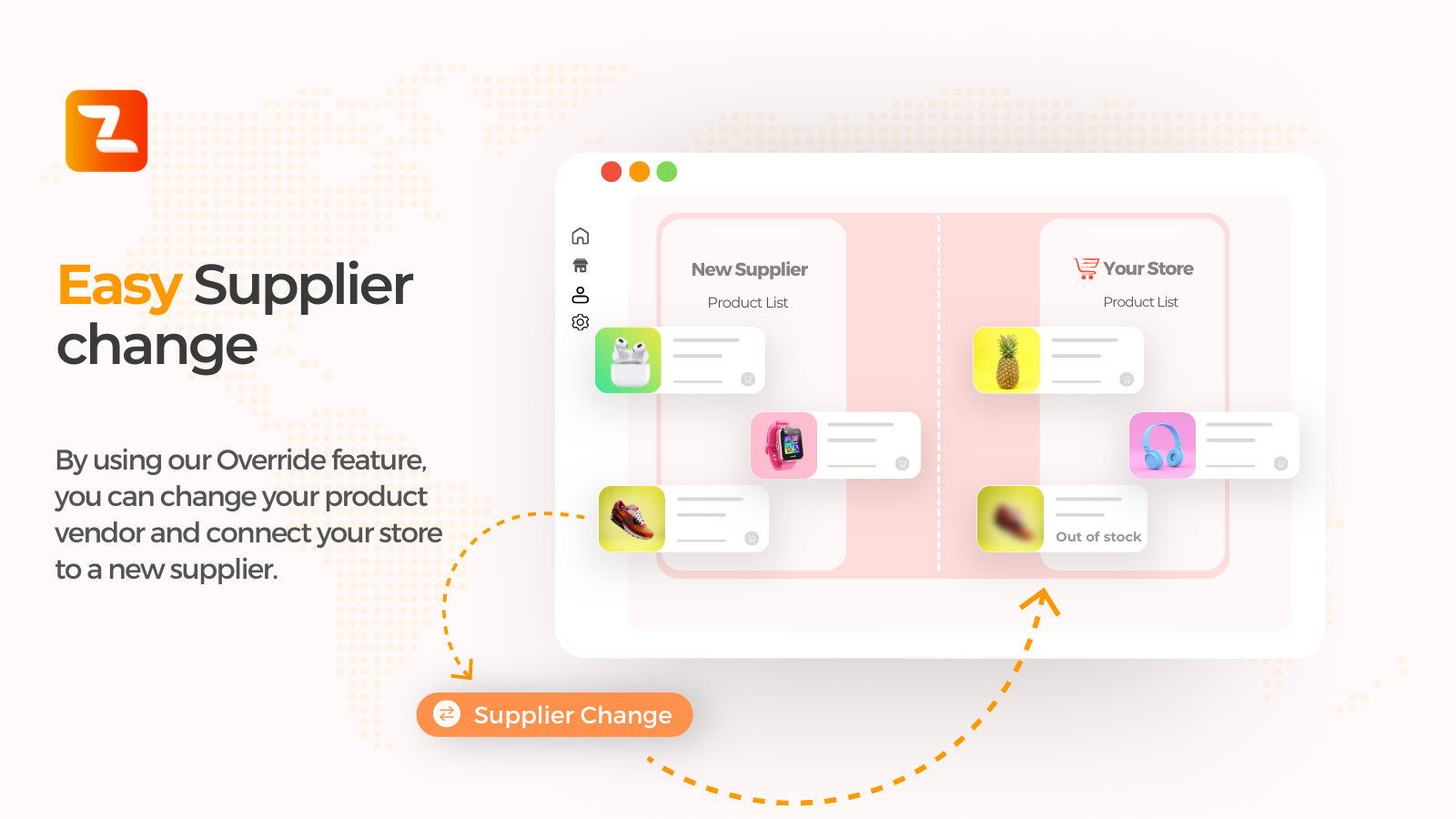
For developers
Is this your plugin? Show off the numbers.
Add a live badge to your site, docs or GitHub README. It updates on its own — no account needed.
Best Zonify alternatives
All affiliate links plugins →




FAQ
Zonify: quick answers
Straight answers, pulled from live WordPress.org data.
Live data from WordPress.org · checked Nov 16, 2026
Is Zonify free?
Yes. Zonify is free to download and use from the official WordPress.org plugin directory.
Is Zonify safe to use in 2026?
Zonify is a solid plugin choice in 2026, with a few things worth checking first. It runs on 80+ sites, is rated 2.5/5 and was last updated 1 week ago, and scores 63/100 on our health check.
How many websites use Zonify?
Zonify is active on 80+ WordPress websites and has been downloaded 8,631 times since it launched in May 2022. It was downloaded 393 times in the last 30 days.
Does Zonify work with WordPress 7.1?
Zonify is officially tested up to WordPress 7.0.8, while the latest release is 7.1.4. It may still work, but try it on a staging site first.
What PHP version does Zonify need?
Zonify requires PHP 7.4 or higher. Most hosts run PHP 8.x today, so it works on any modern WordPress hosting.
When was Zonify last updated?
The latest version, 1.0.6, was released on November 6, 2026 (1 week ago).
Who makes Zonify?
Zonify is developed and maintained by importify.
What are the best alternatives to Zonify?
The most popular alternatives to Zonify are PrettyLinks (200K+ installs), ThirstyAffiliates (30K+ installs) and BetterLinks (20K+ installs).
Powered by PageForge
Want thousands of pages that rank like these? Build them in an afternoon.
This directory runs on the same engine as PageForge. Turn any spreadsheet, CSV or API into thousands of fast, SEO-ready WordPress pages — with schema, internal links and AI-written copy baked in.
- CSV, Google Sheets & API data sources
- AI content, schema & internal links per page
- Works with Elementor, Gutenberg, Yoast & Rank Math
- Free on WordPress.org — no credit card


