


Trusona for WordPress
FREE passwordless 2FA login for WordPress. Secure your admin account with one-click install.

Solid choice
Trusona for WordPress is a solid plugin choice in 2026, with a few things worth checking first. It runs on 400+ sites, is rated 5/5 and was last updated 4 months ago, and scores 71/100 on our health check.
- Small user base (400+ active installs)
- Needs PHP 8.1 or newer
How does it stack up?
Side-by-side on installs, updates, ratings & support



Daily downloads
Download spikes usually follow a new release — each site that auto-updates counts as a download.
Rankings
Where Trusona for WordPress stands todayWordPress.org search rankings
Live position in the plugin search, top 100| Keyword | Position |
|---|---|
| 2FA | #41 |
| login | >100 |
| MFA | #5 |
| passwordless | #16 |
| security | >100 |
Version adoption
Share of active sites per release.
Rating breakdown
★★★★★★★★★★ 5 from 19 reviews
About Trusona for WordPress
From the official readme · v2.0.3Description
Trusona provides the most popular passwordless 2FA login for FREE. Just point your phone to the secure QR code and voila – you are in.
Top Features
- FREE passwordless MFA including support
- Hide username and password from login form
- Login without typing or remembering passwords
- NEW: Trusona ONLY Mode – get rid of the password fields FOREVER!
- Dynamic QR code displayed at login
- No SMS or OTP (one-time passwords)
- Patented anti-replay for added security
- One-click installation
What is the Cost?
Trusona’s passwordless 2FA is completely FREE – just download it today and start using it with one-click install. Support is included. We really mean it – it is totally FREE.
How do I know it is secure?
73% of WordPress sites are vulnerable to attack – and passwords are most likely to blame. Trusona’s passwordless 2FA for WordPress is based on the most secure technology you will ever use. And now you can experience this level of true security for your WordPress accounts, too. In this version we added a Trusona ONLY mode in settings. This feature does not allow to show the user name and password fields. Setting this page to this mode is the most secure approach. Only recommended to advanced users.
Please note:
Once you download the Trusona WordPress Plugin you need to download the Trusona app. To download for iOS, visit the App Store. For Android devices, visit Google Play.
Installation
Quick Start
Getting started with Trusona’s passwordless 2FA plugin is easy. Check-out our step-by-step getting started video.
If downloading from a browser:
-
Download and install the Trusona WordPress plugin. Click Activate.
-
On the top header, you will see the email address that you should enter when you register in the Trusona app.
-
Download and install the Trusona app. To download for iOS, visit the App Store. For Android devices, visit Google Play.
-
Follow the prompts to register within the Trusona app. Make sure to register with the same email address shown in step 2.
-
Return to your WordPress account and logout. When you log back in, you will see the “Login With Trusona” button.
-
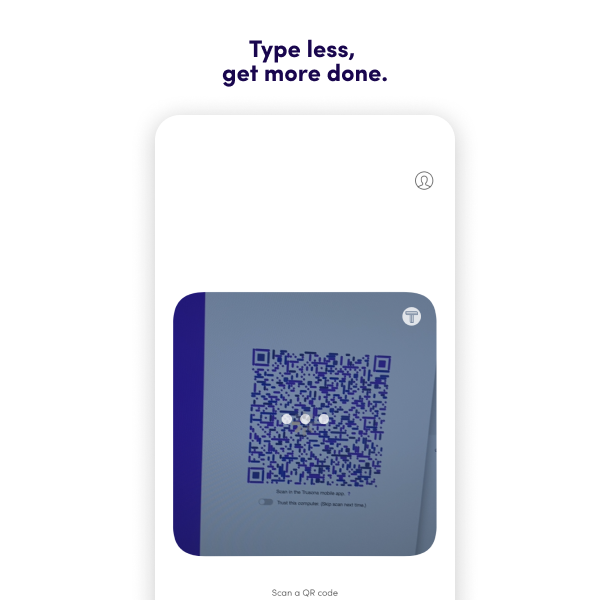
Click “Login With Trusona” and the secure QR code will appear. Open the Trusona app on your mobile device and scan the QR code that is displayed.
-
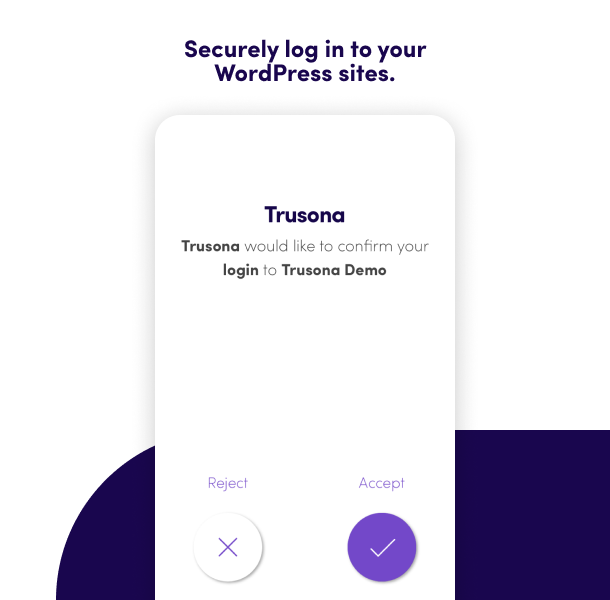
Click “Accept” in the Trusona app.
-
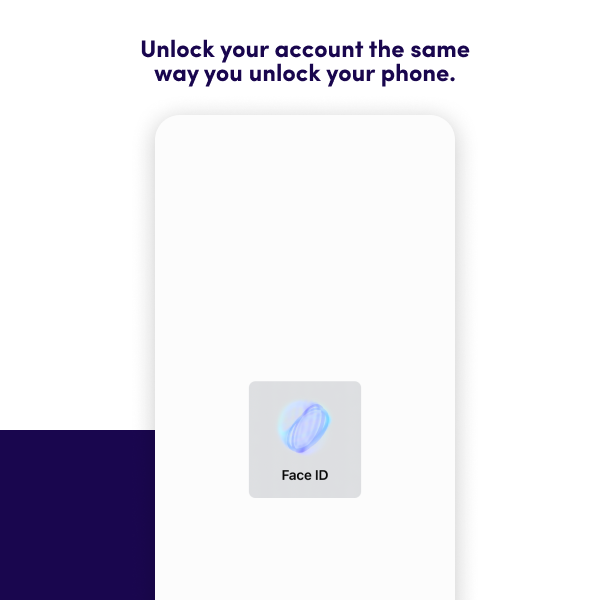
Use your OS security (Face ID, Biometric or Device Lock) to confirm your True Persona.
-
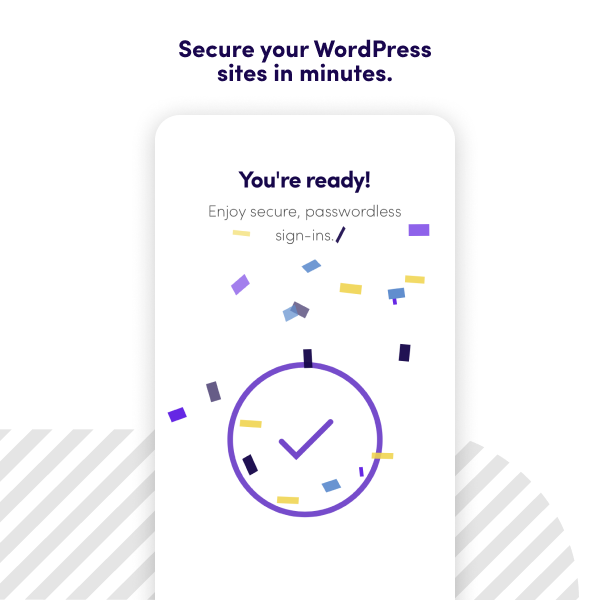
And voila! You logged in to your WordPress admin account without needing a password!
-
Optional: in settings, set to Trusona ONLY mode.
What does it cost?
Nothing. Trusona’s WordPress plugin is 100% FREE and can be used on all of your WordPress sites.
Is support included?
Yes, support is included. Please visit support.trusona.com
Where can I find more information on Trusona?
Visit our website at www.trusona.com
Does this plugin work with the WordPress REST API?
No, at this moment, the plugin will not work with the WordPress REST API.
Changelog
= 2.0.3
* Security: bind the OpenID state and nonce to the browser that started the login, preventing login CSRF (forced authentication) and replay of a captured authorization response
* Security: validate the ID token nonce claim during login
* Removed the unused bundled firebase/php-jwt library from the plugin package
* Repaired and expanded the unit test suite
= 2.0.2
* Fixed login page rendering unstyled when the default form is disabled (wp_kses_post() was stripping the page’s stylesheets and scripts)
= 2.0.1
* Fixed WordPress Plugin Check compliance issues
* Added proper function prefixes for all global functions
* Added direct file access protection to include files
* Improved output escaping and input sanitization
* Replaced deprecated parse_url() with wp_parse_url()
* Fixed slow meta_key query with proper meta_query
* Updated readme.txt formatting and tags
* Tested with WordPress 6.9
= 2.0.0
* Major security update – Fixed multiple XSS vulnerabilities
* Added CSRF protection with WordPress nonces
* Improved input sanitization throughout the plugin
* Full PHP 8.1, 8.2, and 8.3 compatibility
* Updated minimum PHP requirement to 8.1
* Updated minimum WordPress requirement to 6.0
* Tested and verified with WordPress 6.8.2
* Removed deprecated WordPress functions
* Modernized JavaScript implementation
* Fixed JWT validation security issues
* Enhanced error handling for PHP 8 compatibility
* Improved secret storage security
= 1.6.3
* Verifies functionality on WordPress 6.3
= 1.6.0
* Verifies functionality on WordPress 6.0
= 1.5.5
* Verifies functionality on WordPress 5.8
= 1.5.4
* Verifies functionality on WordPress 5.7
= 1.5.3
* Verifies functionality on WordPress 5.5
* Fixes bug introduced in WordPress 5.5 by explicitly enabling the password field when it is visible.
= 1.5.2
* Verifies functionality on WordPress 5.4.2
= 1.5.1
* Changed buttons to mention “Login With Trusona”
* Added Trusona ONLY mode
* Improve searchability based on “passwordless”
= 1.5.0
* Verifies received JWT tokens – fails authentication otherwise
* Verifies functionality on WordPress 5.3.2
= 1.4.6
* Tested upto WordPress version 5.2.2
= 1.4.5
* Updating message shown to user if they are not registered in WP site.
= 1.4.4
* Tested upto WordPress version 5.1
1.4.3
- Bug fixing
1.4.2
- Verifying functionality with WordPress 5.0.x
1.4.1
- Bug fixing
1.4.0
- Adding self-service onboarding feature
1.3.1
- Bug fixing
1.3.0
- Bug fixing
Screenshots

For developers
Is this your plugin? Show off the numbers.
Add a live badge to your site, docs or GitHub README. It updates on its own — no account needed.
Best Trusona for WordPress alternatives
All 2FA plugins →





FAQ
Trusona for WordPress: quick answers
Straight answers, pulled from live WordPress.org data.
Source: WordPress.org
Is Trusona for WordPress free?
Yes. Trusona for WordPress is free to download and use from the official WordPress.org plugin directory.
Is Trusona for WordPress safe to use in 2026?
Trusona for WordPress is a solid plugin choice in 2026, with a few things worth checking first. It runs on 400+ sites, is rated 5/5 and was last updated 4 months ago, and scores 71/100 on our health check.
How many websites use Trusona for WordPress?
Trusona for WordPress is active on 400+ WordPress websites and has been downloaded 20,797 times since it launched in September 2016. It was downloaded 386 times in the last 30 days.
Does Trusona for WordPress work with WordPress 7.1?
Trusona for WordPress is officially tested up to WordPress 7.0.9, while the latest release is 7.1.5. It may still work, but try it on a staging site first.
What PHP version does Trusona for WordPress need?
Trusona for WordPress requires PHP 8.1 or higher. Most hosts run PHP 8.x today, so it works on any modern WordPress hosting.
When was Trusona for WordPress last updated?
The latest version, 2.0.3, was released on July 31, 2026 (4 months ago).
Who makes Trusona for WordPress?
Trusona for WordPress is developed and maintained by Trusona.
What are the best alternatives to Trusona for WordPress?
The most popular alternatives to Trusona for WordPress are Wordfence Security (5M+ installs), Really Simple Security (3M+ installs) and Limit Login Attempts Securi… (1M+ installs).
Powered by PageForge
One template and a spreadsheet. A real page for every search.
PageForge turns each row of a CSV into a WordPress page with its own title, URL, SEO fields and schema, built on the layout you already designed. Free on WordPress.org.
- CSV and XLSX, plus Google Sheets on Professional and Enterprise
- Its own title, URL, SEO fields and schema for every page
- Works with the block editor, Elementor, Divi and Avada
- Free on WordPress.org, no credit card