


Smooth Page Scroll Up/Down Buttons
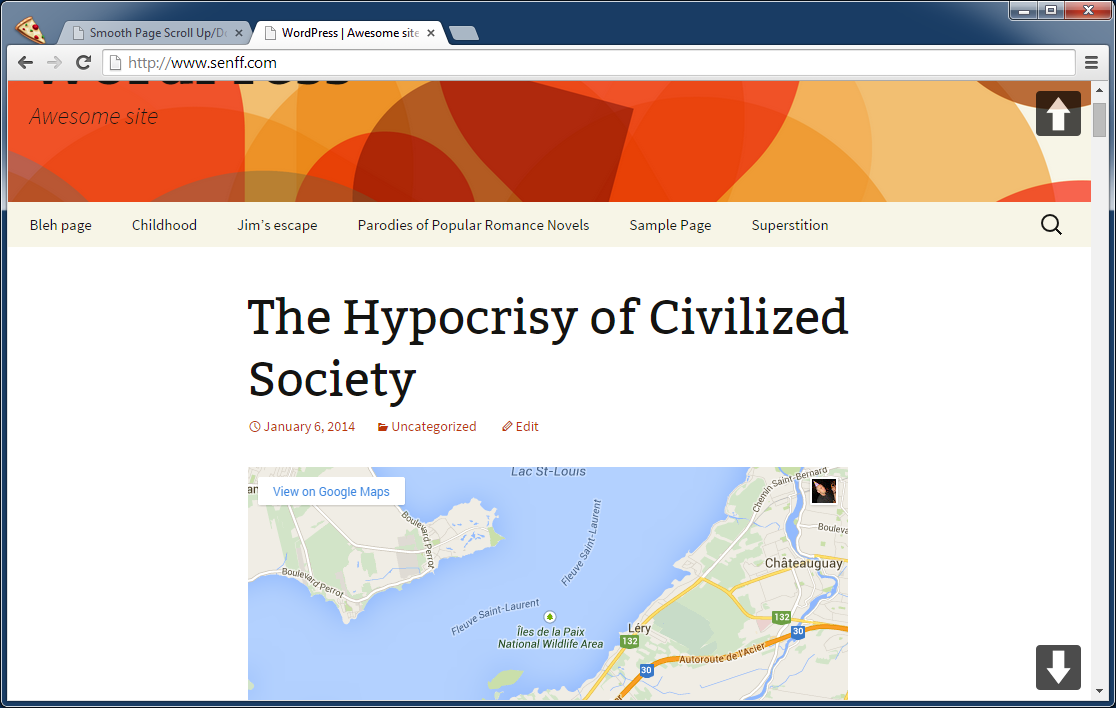
Smooth Scroll Page Up/Down Buttons adds buttons that enables your site visitors to easily scroll up or down one screen/page at a time.

Safe pick
Yes — Smooth Page Scroll Up/Down Butt… is a safe, well-maintained plugin to use in 2026. It runs on 2K+ sites, is rated 5/5 and was last updated 2 months ago, and scores 84/100 on our health check.
- Loved by users — 5/5 from 21 reviews
- Tested with the latest WordPress (7.1)
How does it stack up?
Side-by-side on installs, updates, ratings & support



Daily downloads
Download spikes usually follow a new release — each site that auto-updates counts as a download.
Rankings
Where Smooth Page Scroll Up/Down… stands todayWordPress.org search rankings
Live position in the plugin search, top 100| Keyword | Position |
|---|---|
| buttons | #13 |
| page | #76 |
| smooth scroll | #9 |
| top | #76 |
Version adoption
Share of active sites per release.
Rating breakdown
★★★★★★★★★★ 5 from 21 reviews
About Smooth Page Scroll Up/Down Buttons
From the official readme · v1.4.2Description
Summary
The Smooth Page Scroll Up/Down Buttons plugin for WordPress adds buttons to every page of your site, that can be used to (smoothly) scroll up or down exactly one screen/page at a time. This can be particularly handy for pages with a lot of text/content, or in cases wherever a browser’s scrollbar is just not good enough (or not present at all, like on tablets) to enable one-click, one-screen scrolling.
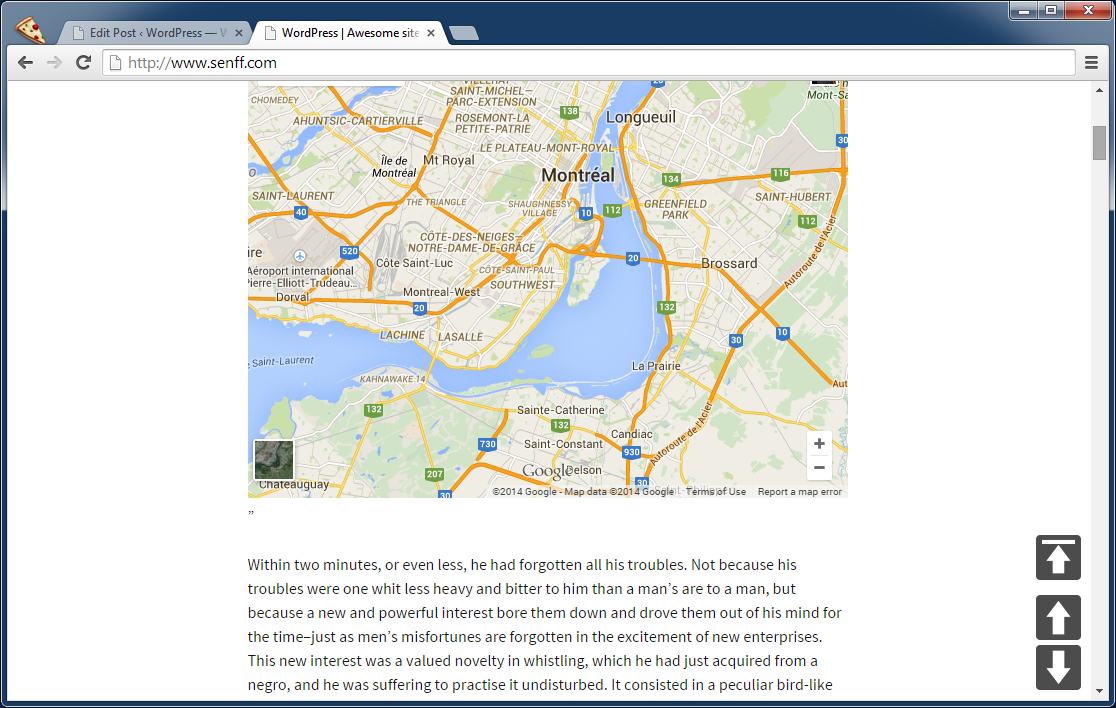
BONUS BUTTON! Optionally, you can add a “Back to top” button, that will take the visitor right back to the very top of the page.
No knowledge of any coding (HTML, CSS, JavaScript, PHP) is required at all.
Features
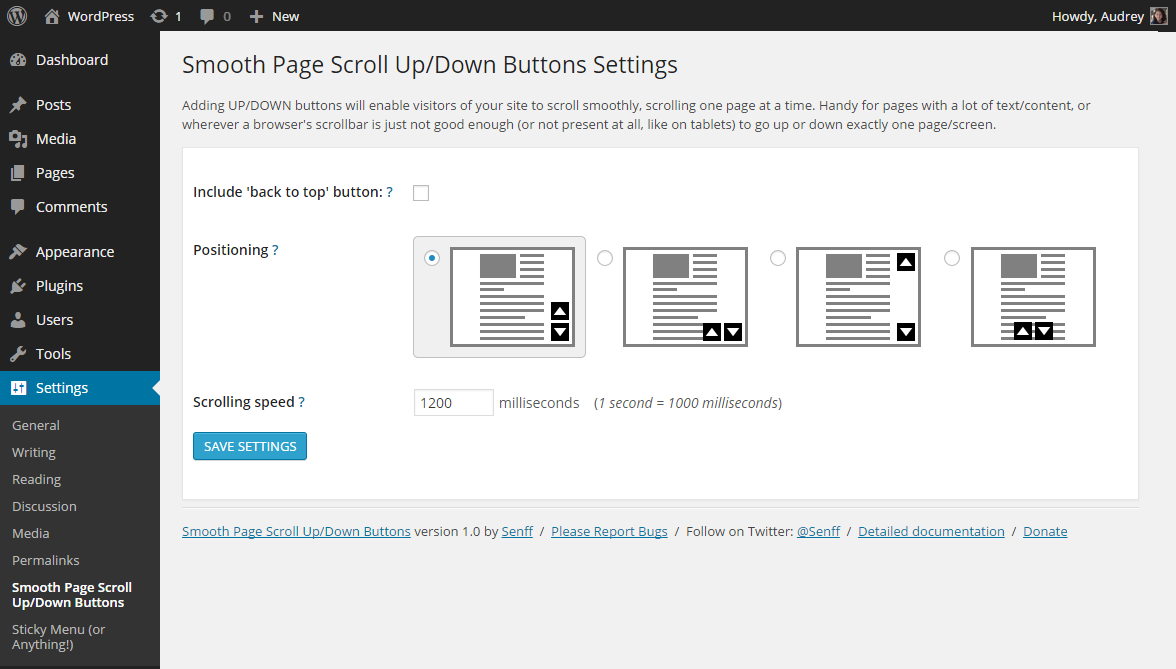
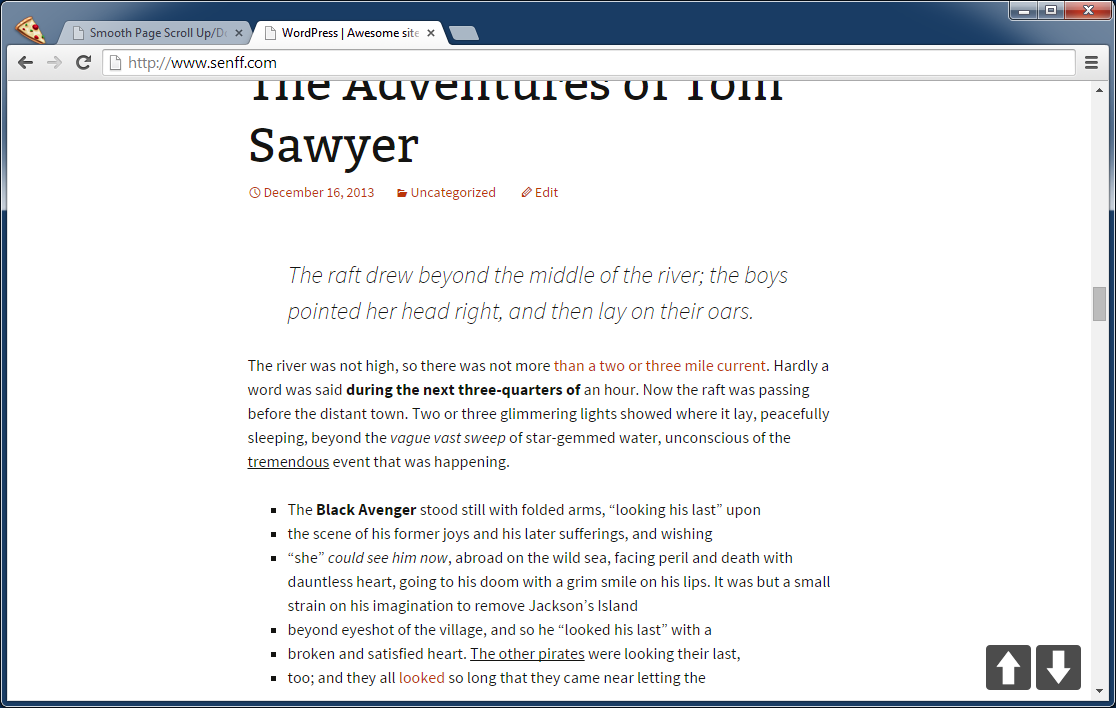
- Button positioning: choose between three options of where you want the buttons to appear — next to eachother at the bottom right, on top of eachother at the bottom right, or one at the top right and the other at the bottom right.
- Scrolling distance: scroll a full page with each click, half a page, or however far you want.
- Button size: choose the size of the buttons.
- Scrolling speed: set the speed at which pages should scroll from one page to another.
- ‘Back to top’ button: optionally, include an additional button that takes the user back to the very top of the page.
Installation
- Upload the “smooth-page-scroll-updown-buttons” directory to your “wp-content/plugins” directory.
- In your WordPress admin, go to PLUGINS and activate “Smooth Page Scroll Up/Down Buttons”
- Go to SETTINGS – SMOOTH SCROLL PAGE UP/DOWN BUTTONS
- Choose the layout (where you want the buttons to appear) and the scroll speed
Frequently asked questions
Is it possible to use different buttons/arrows?
Currently, the only thing you can change about the buttons, is their SIZE and POSITIONING (using any of the 4 layout templates). A future version may include more buttons, and/or the option to upload your own button graphics or point to your own uploaded images.
Is it possible to use another layout/positioning than the 4 options I get?
From my own experience, the four options you have are the most common ones that people use. If, however, there is another layout that you think could be useful, please let me know and I might add it in a future update.
It’s not working. What could be wrong?
As with every plugin, it’s possible that things don’t work. The most common reason for this is that the plugin has a conflict with another plugin you’re using. It’s impossible to tell what could be wrong exactly, but if you post a support request in the plugin’s support forum on WordPress.org, I’d be happy to give it a look and try to help out. Please include as much information as possible, including a link to your site where the problem can be seen.
I’ll need more help please!
For any other issues, please use the WordPress.org forum.
Changelog
Code updates
1.4.2
- Adjusted some code to better adhere to plugin standards.
1.4.1
Compatibility update
1.4
Fixed some security issues.
1.3
Added option to resize buttons.
1.2.1
Removed restriction to not scroll more than 100%.
1.2
Adding option to control how far the page scrolls with a click.
Screenshots
For developers
Is this your plugin? Show off the numbers.
Add a live badge to your site, docs or GitHub README. It updates on its own — no account needed.
Best Smooth Page Scroll Up/Down Bu… alternatives
All buttons plugins →


FAQ
Smooth Page Scroll Up/Down Buttons: quick answers
Straight answers, pulled from live WordPress.org data.
Live data from WordPress.org · checked Oct 16, 2026
Is Smooth Page Scroll Up/Down Butt… free?
Yes. Smooth Page Scroll Up/Down Butt… is free to download and use from the official WordPress.org plugin directory.
Is Smooth Page Scroll Up/Down Butt… safe to use in 2026?
Yes — Smooth Page Scroll Up/Down Butt… is a safe, well-maintained plugin to use in 2026. It runs on 2K+ sites, is rated 5/5 and was last updated 2 months ago, and scores 84/100 on our health check.
How many websites use Smooth Page Scroll Up/Down Butt…?
Smooth Page Scroll Up/Down Butt… is active on 2K+ WordPress websites and has been downloaded 51,446 times since it launched in November 2014. It was downloaded 303 times in the last 30 days.
Does Smooth Page Scroll Up/Down Butt… work with WordPress 7.1?
Yes. The developer has tested Smooth Page Scroll Up/Down Butt… up to WordPress 7.1.3, the latest release. It requires WordPress 3.8 or newer.
When was Smooth Page Scroll Up/Down Butt… last updated?
The latest version, 1.4.2, was released on August 25, 2026 (2 months ago).
Who makes Smooth Page Scroll Up/Down Butt…?
Smooth Page Scroll Up/Down Butt… is developed and maintained by Senff - a11n.
What are the best alternatives to Smooth Page Scroll Up/Down Butt…?
The most popular alternatives to Smooth Page Scroll Up/Down Butt… are WP Edit (40K+ installs), Sticky Side Buttons (10K+ installs) and Qty Increment Buttons for W… (9K+ installs).
Powered by PageForge
Want thousands of pages that rank like these? Build them in an afternoon.
This directory runs on the same engine as PageForge. Turn any spreadsheet, CSV or API into thousands of fast, SEO-ready WordPress pages — with schema, internal links and AI-written copy baked in.
- CSV, Google Sheets & API data sources
- AI content, schema & internal links per page
- Works with Elementor, Gutenberg, Yoast & Rank Math
- Free on WordPress.org — no credit card


