



Floating Button – Easily Create Sticky, Fixed & Floating Buttons
Floating Buttons let you easily create sticky, fixed, and floating action buttons

Use with caution
Floating Button works, but test it on a staging site before relying on it in 2026. It runs on 4K+ sites, is rated 3/5 and was last updated 1 month ago, and scores 61/100 on our health check.
- Tested with the latest WordPress (7.1)
- Mixed reviews — 3/5 from 15 ratings
How does it stack up?
Side-by-side on installs, updates, ratings & support



Daily downloads
Download spikes usually follow a new release — each site that auto-updates counts as a download.
Rankings
Where Floating Button stands todayWordPress.org search rankings
Live position in the plugin search, top 100| Keyword | Position |
|---|---|
| buttons | #50 |
| call button | #12 |
| contact button | #21 |
| floating button | #2 |
| nav menu | #47 |
Version adoption
Share of active sites per release.
Rating breakdown
★★★★★★★★★★ 3 from 15 reviews
About Floating Button
From the official readme · v7.0.2Description
The Floating Button is a free WordPress plugin for creating original sticky floating action buttons. It allows you to install floating buttons with unique thematic icons on your site. The plugin serves for placing both a traditional navigation bar and an additional block with useful information for the user.
The Floating Button plugin will be an effective solution for increasing the recognition of your web resource. Its integration will bring originality and novelty to the theme of the site. The plugin helps to configure user-friendly navigation, place useful information, or a contact panel.
Main Features
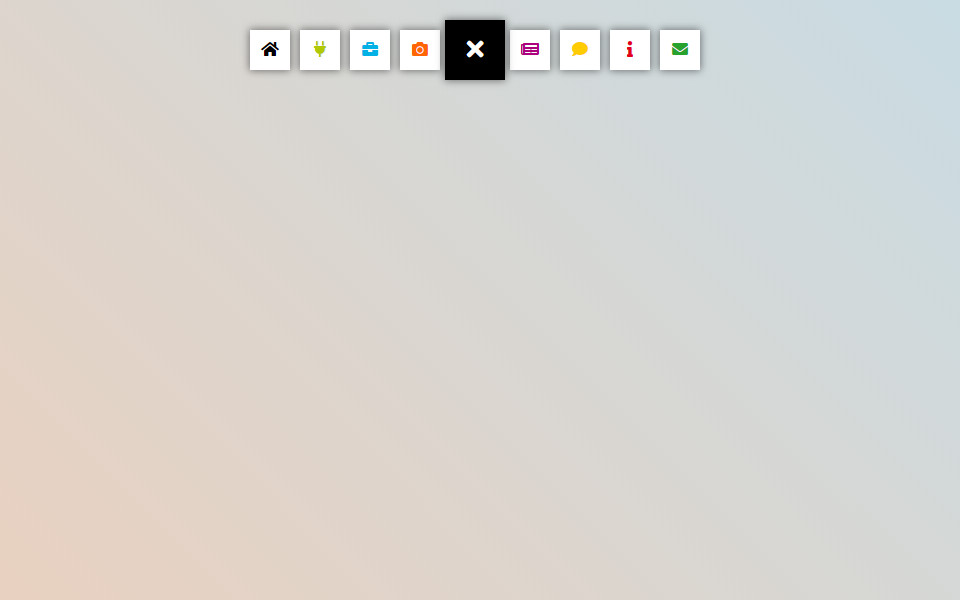
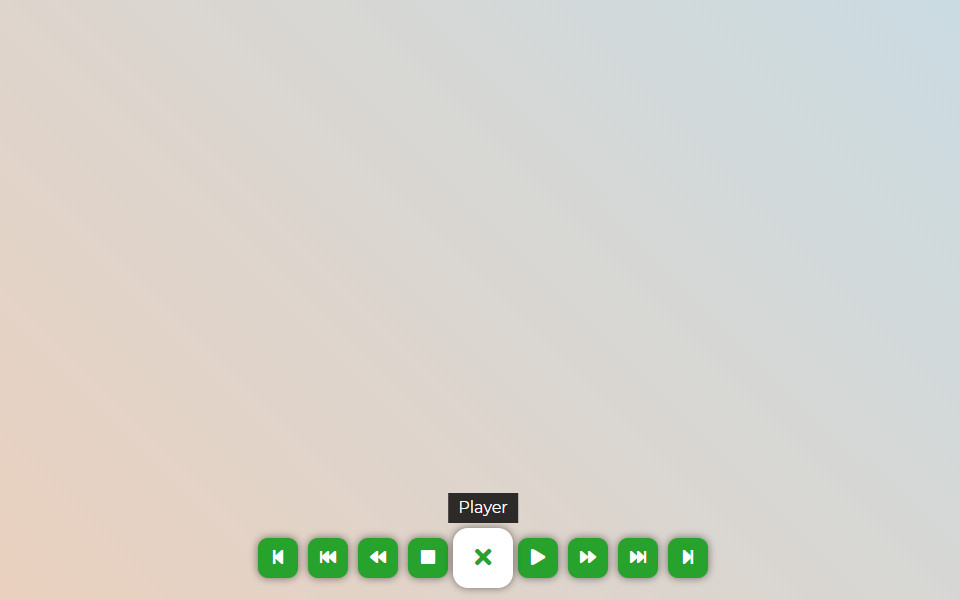
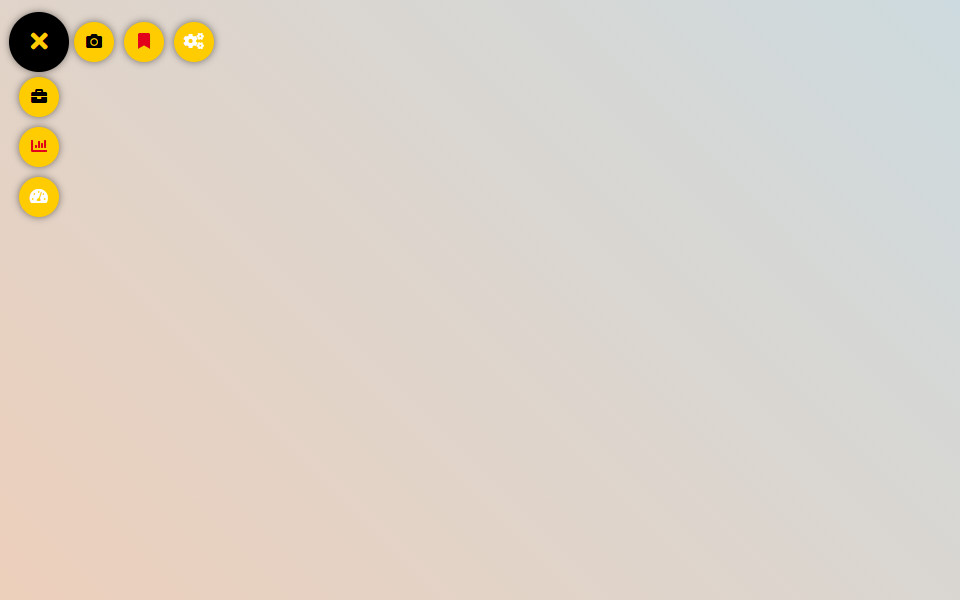
- 2 submenus (Vertical and Horizontal)
- More than 2000+ FontAwesome 7.1 icons
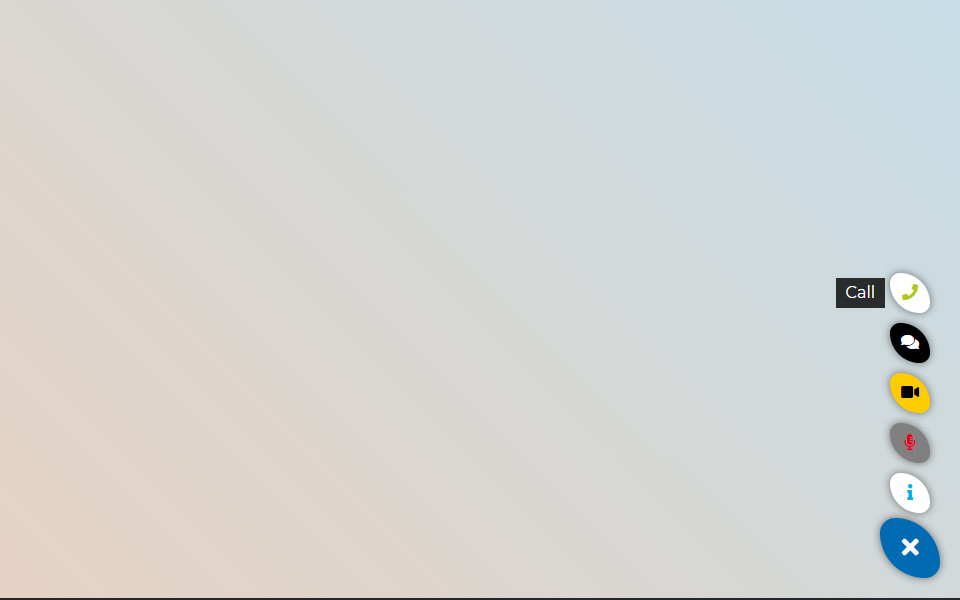
- New button shapes: Circle, Rounded square, Ellipse, Square
- Advanced color settings for each button and hover effects
- Button types: Link, Email, Phone, Login, Logout, Register, Lost password
- Using tooltips to provide more information
- Responsive visibility: hide on mobile or desktop devices
- Shortcode support to place the button anywhere
- Export and Import functions
Use Cases for Floating Button
- Site navigation
- Additional menu
- Social panel
- User menu
- Skype menu and others
- And more…
Pro Version
Connect the Pro-version of the plugin to gain access to more features:
- Create an unlimited number of buttons
- Set the display according to the user role and status
- Change the menu output depending on the language of the page
- Use the categories on the site, exceptions, and ID to place the menu on individual pages
- Accompany the change in navigation behavior with the highlight when hovering the mouse cursor
- Use the built-in user menu, social panel, and print function
- And more…
Plugins for Enhanced Results
- Popup Box – a new WordPress popup plugin
- Counter Box – a powerful creator of counters, timers, and countdowns
- Button Generator – an easy Button Builder
- Herd Effects – a fake notifications and social proof plugin
- Side Menu Lite – add sticky fixed buttons
- Sticky Buttons – a floating buttons builder
- Bubble Menu – a circular floating menu
- Float Menu – an awesome floating side menu
- Modal Window – a plugin to create modal windows
- Calculator Builder
Support
Search for answers and ask your questions at support center
Installation
- Installation option 1: Find and install this plugin in the
Plugins->Add newsection of yourwp-admin - Installation option 2: Download the zip file, then upload the plugin via the wp-admin in the
Plugins->Add newsection. Or unzip the archive and upload the folder to the plugins directory/wp-content/plugins/via ftp - Press
Activatewhen you have installed the plugin via the dashboard or pressActivatein thePluginslist - Go to the
Floating Buttonsection that will appear in your main menu on the left - Click
Add newto create your first menu - Setup your menu
- Click Save
Changelog
7.0.2
- Fixed: issue with method
Settings::option(). - Fixed: grammar issue in ListTable.php
7.0.1
- Updated: Font Awesome Icons to version 7.1
7.0
- Added: New button shapes – ellipse, square, and rounded square
- Added: New button types – email and phone
- Changed: Updated admin interface style for better usability
- Changed: Improved plugin structure for performance and maintainability
6.1
- Updated: Font Awesome library upgraded to version 7.0.0.
6.0.13
- Improved: Refactored AdminActions class for better performance and readability
- Improved: Reordered condition checks for better execution performance
- Updated: Added strict type hinting for method arguments in AdminActions
6.0.12
- Improved: Reorganized method order in DBManager class for better readability and maintenance
- Improved: Minor SQL formatting for consistency
- Cleaned: Minor code style improvements according to WordPress Coding Standards (WPCS)
Screenshots


For developers
Is this your plugin? Show off the numbers.
Add a live badge to your site, docs or GitHub README. It updates on its own — no account needed.
Best Floating Button alternatives
All buttons plugins →



FAQ
Floating Button: quick answers
Straight answers, pulled from live WordPress.org data.
Live data from WordPress.org · checked Sep 26, 2026
Is Floating Button free?
Yes. Floating Button is free to download and use from the official WordPress.org plugin directory.
Is Floating Button safe to use in 2026?
Floating Button works, but test it on a staging site before relying on it in 2026. It runs on 4K+ sites, is rated 3/5 and was last updated 1 month ago, and scores 61/100 on our health check.
How many websites use Floating Button?
Floating Button is active on 4K+ WordPress websites and has been downloaded 134,211 times since it launched in September 2018. It was downloaded 732 times in the last 30 days.
Does Floating Button work with WordPress 7.1?
Yes. The developer has tested Floating Button up to WordPress 7.1.2, the latest release. It requires WordPress 5.5 or newer.
What PHP version does Floating Button need?
Floating Button requires PHP 7.4 or higher. Most hosts run PHP 8.x today, so it works on any modern WordPress hosting.
When was Floating Button last updated?
The latest version, 7.0.2, was released on August 25, 2026 (1 month ago).
Who makes Floating Button?
Floating Button is developed and maintained by Wow-Company.
What are the best alternatives to Floating Button?
The most popular alternatives to Floating Button are WP Edit (40K+ installs), Sticky Side Buttons (10K+ installs) and Qty Increment Buttons for W… (9K+ installs).
Powered by PageForge
Want thousands of pages that rank like these? Build them in an afternoon.
This directory runs on the same engine as PageForge. Turn any spreadsheet, CSV or API into thousands of fast, SEO-ready WordPress pages — with schema, internal links and AI-written copy baked in.
- CSV, Google Sheets & API data sources
- AI content, schema & internal links per page
- Works with Elementor, Gutenberg, Yoast & Rank Math
- Free on WordPress.org — no credit card


