



SAB PDF Flipbook
Turn a PDF into a realistic page-flip flipbook — visual builder, shortcode, and Gutenberg block, all sharing one rendering engine.

Use with caution
SAB PDF Flipbook works, but test it on a staging site before relying on it in 2026. Was last updated 1 month ago, and scores 60/100 on our health check.
- Tested with the latest WordPress (7.1)
- Small user base (<10 active installs)
- Very few reviews so far
How does it stack up?
Side-by-side on installs, updates, ratings & support


Daily downloads
Download spikes usually follow a new release — each site that auto-updates counts as a download.
Rankings
Where SAB PDF Flipbook stands todayWordPress.org search rankings
Live position in the plugin search, top 100| Keyword | Position |
|---|---|
| document viewer | >100 |
| flipbook | #29 |
| gutenberg | >100 |
| page flip | >100 |
| >100 |
About SAB PDF Flipbook
From the official readme · v1.0.0Description
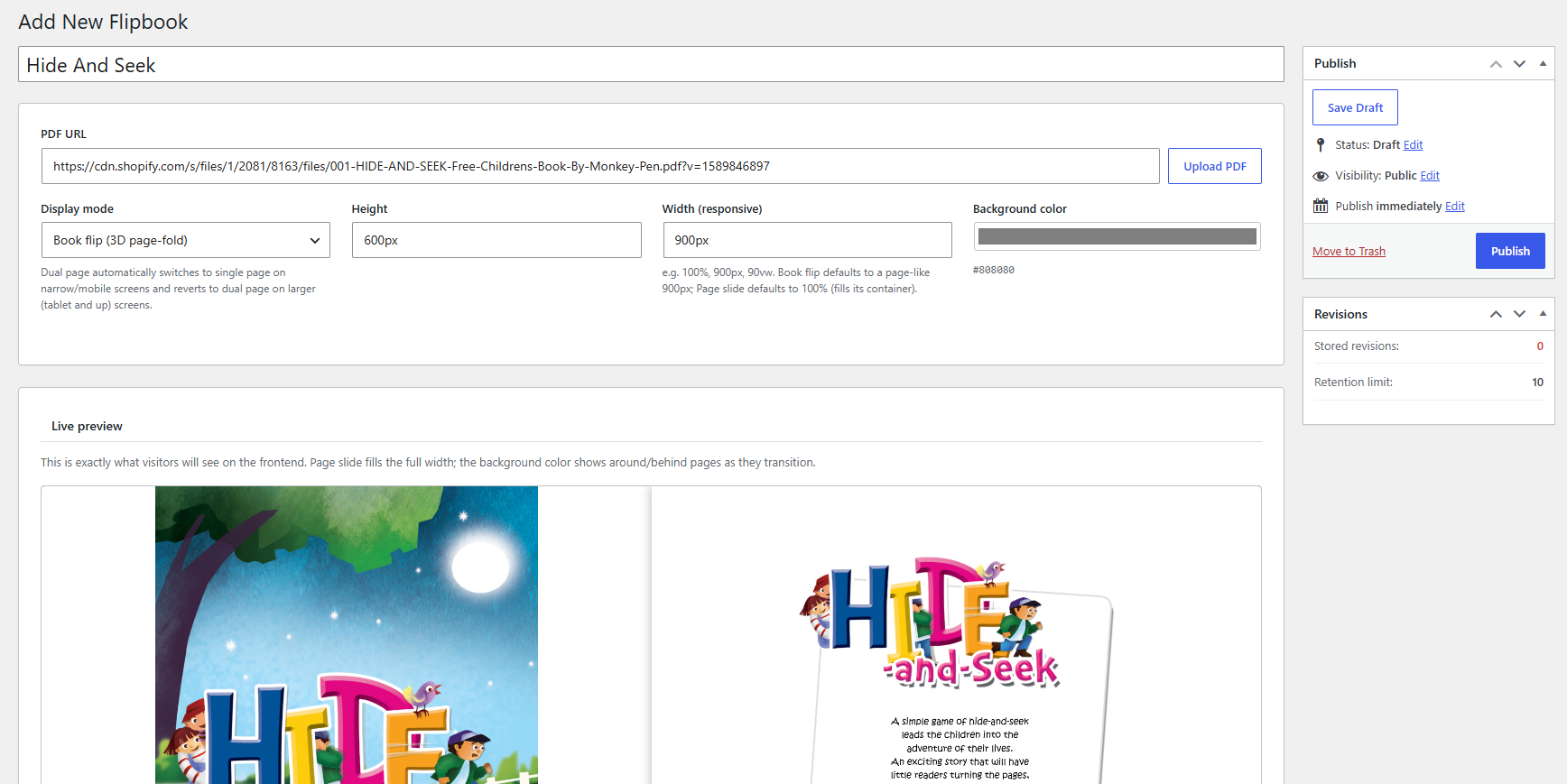
SAB PDF Flipbook turns a PDF into an interactive, page-turning flipbook you can embed anywhere on your site. Provide a PDF URL or upload a file, pick a display type, and publish — no shortcode syntax to memorize.
Every flipbook is its own WordPress post behind the scenes (a sabpf_flipbook), so it gets its own title, its own admin list screen, and standard WordPress edit/publish permissions.
Display types in this version:
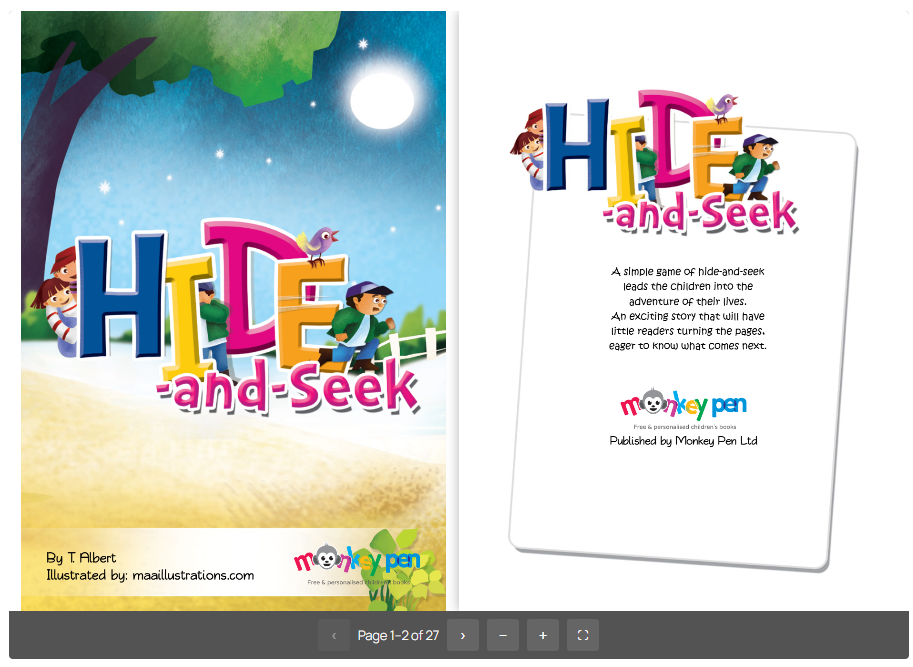
- Book Flip — a realistic 3D page-fold turn. Two pages at a time in the default two-page view, one page at a time on mobile, with the turn direction mirrored for previous/next on small screens.
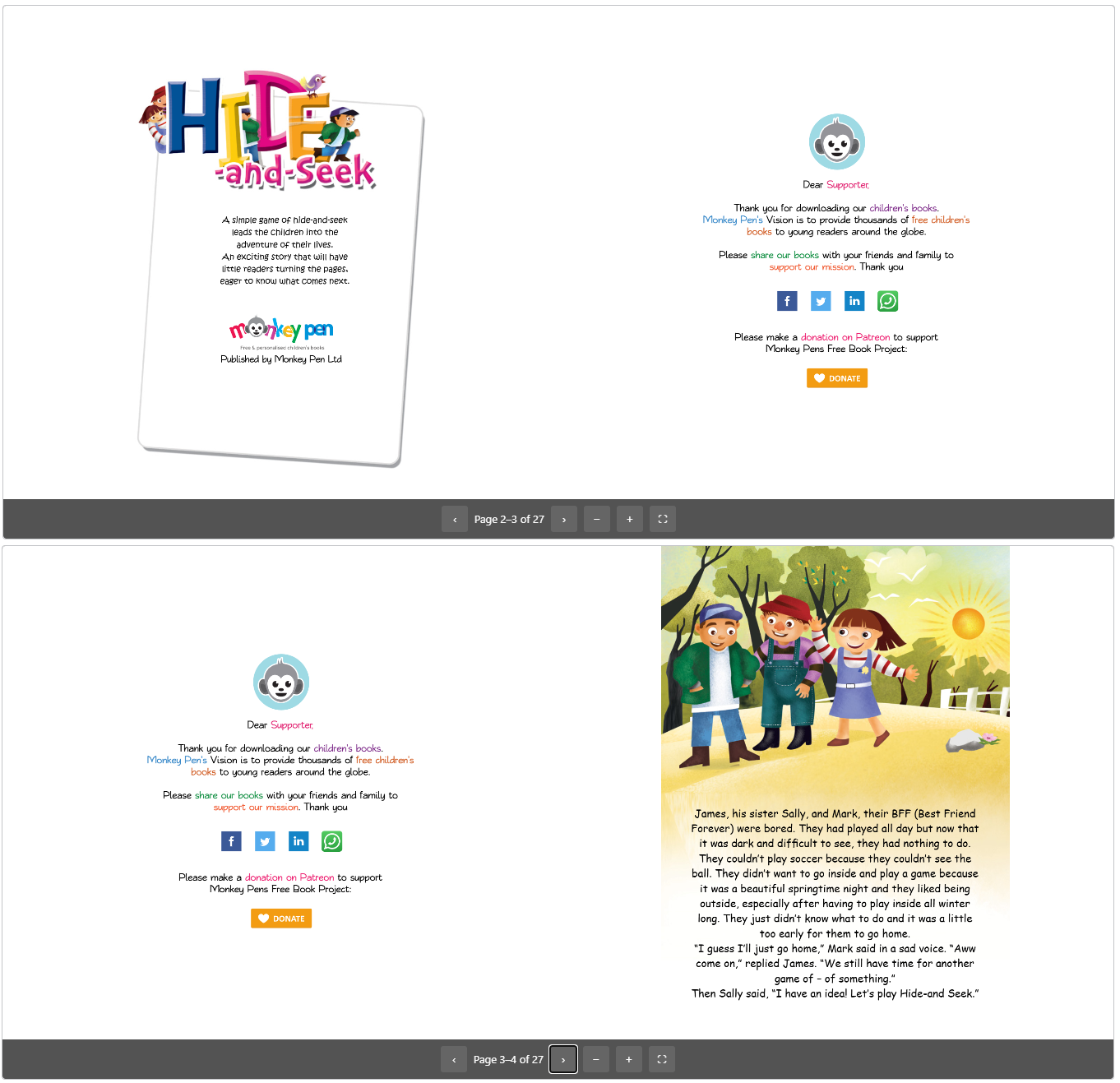
- Page Slide — a flatter slide/fade transition, direction configurable (left, top, or fade), in Dual (two pages side by side, auto-collapsing to one page on mobile) or Single (always one page) layout.
Every flipbook picks its display type explicitly on the flipbook itself — there’s no ambiguous “inherit” placeholder to fall back on.
Features
- Visual builder: create a flipbook from a PDF URL or a direct Media Library upload, no coding required
- Live preview pane on the builder screen, sized to match the real frontend output, reflecting the in-progress unsaved form state as you edit
- Display mode presented as a single dropdown — Book Flip / Page Slide (Dual) / Page Slide (Single)
- Per-flipbook Height and Width fields accept any responsive CSS length (px, %, vh, vw, em, rem)
- Per-flipbook background color picker for the area shown behind/around pages during a transition
- Pages render on demand via a locally bundled copy of PDF.js — never the whole document up front, and no CDN or external service involved
- Preloads the full next and previous spread so a next/prev click never waits on an in-flight render
- Skeleton placeholder shown until the first spread paints
- Toolbar with previous/next, fullscreen, zoom, and an optional download toggle, backed by the native Fullscreen API
- One rendering engine behind both the
[sabpf-flip]shortcode and the SAB PDF Flipbook Gutenberg block, so a given embed can never drift from the builder’s saved settings - The block carries no display-mode/height/width overrides of its own — it always renders exactly what’s saved on the flipbook
- Three-tier settings cascade — hardcoded defaults → sitewide option → per-flipbook override — so every setting has a predictable fallback
- Multiple flipbooks on one page are fully isolated — each instance gets scoped inline styles for its own background color, height, and width
- No frontend footprint unless a flipbook is actually embedded on a page
Installation
- Upload the
sab-pdf-flipbookfolder to/wp-content/plugins/, or install the plugin ZIP through Plugins → Add New → Upload Plugin. - Activate the plugin through the Plugins menu in WordPress.
- Go to SAB PDF Flipbook → Add New, provide a PDF URL or upload a PDF, and save.
- Pick a display mode and set height, width, and background color in the builder’s live preview.
- Publish, then insert it on any page via the SAB PDF Flipbook block, or the
[sabpf-flip id="X"]shortcode.
Frequently asked questions
Do I need coding skills to build a flipbook?
No. The visual builder handles everything — provide a PDF, pick a display mode, and publish.
Does this plugin rely on any external service to render PDFs?
No. PDF rendering runs entirely client-side via a bundled copy of PDF.js — no CDN, no third-party service, no data transmitted anywhere.
What’s the difference between Book Flip and Page Slide?
Book Flip gives a realistic 3D page-fold turn. Page Slide is a flatter slide/fade transition, available in Dual (two pages side by side) or Single (always one page) layout, with a configurable slide direction (left, top, or fade).
Can I embed the same flipbook in multiple places with different settings?
Display mode, layout, height, width, and background color are configured once on the flipbook itself, so every embed of that flipbook — shortcode or block — always shows the same settings. This keeps embeds from silently drifting out of sync with what you set in the builder.
Can I change settings for just one flipbook, without affecting the others?
Yes. Display type, height, width, and background color can all be overridden per flipbook from the builder. A flipbook that hasn’t overridden a setting still follows the sitewide default, so changing the sitewide default keeps applying to it.
Is fullscreen supported?
Yes. The toolbar includes a fullscreen toggle backed by the native Fullscreen API, with the toolbar and click-to-turn still available while fullscreen.
Is it mobile-friendly?
Yes. Book Flip switches to a single-page view with a mirrored turn direction for previous/next, and Page Slide Dual auto-collapses to one page below the mobile breakpoint. Page Slide Single stays one page at every breakpoint.
What happens to my flipbooks if I deactivate the plugin?
Nothing. Flipbooks and settings are never deleted on deactivation.
Changelog
Initial release.
1.0.0
- Initial release: CPT-backed visual builder, shortcode, and Gutenberg block, all rendered through one shared engine.
- Two display types: Book Flip (3D page-fold) and Page Slide (flat slide/fade, configurable direction).
- Page Slide Dual and Single layouts, with Dual auto-collapsing to one page on mobile.
- PDF.js-powered viewer with on-demand page rendering and spread-aware preloading.
- Toolbar: previous/next, fullscreen, zoom, optional download.
- Live preview pane on the builder screen, matching the real frontend output.
- Per-flipbook background color, height, and width, resolved through a three-tier settings cascade.
- Skeleton placeholder while the first spread loads.
- Fixed sizing and pre-render timing across Book Flip and Page Slide, in both directions, on desktop and mobile.
Screenshots
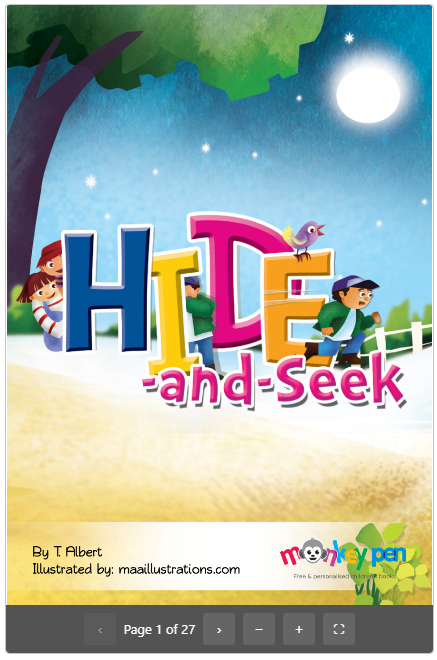
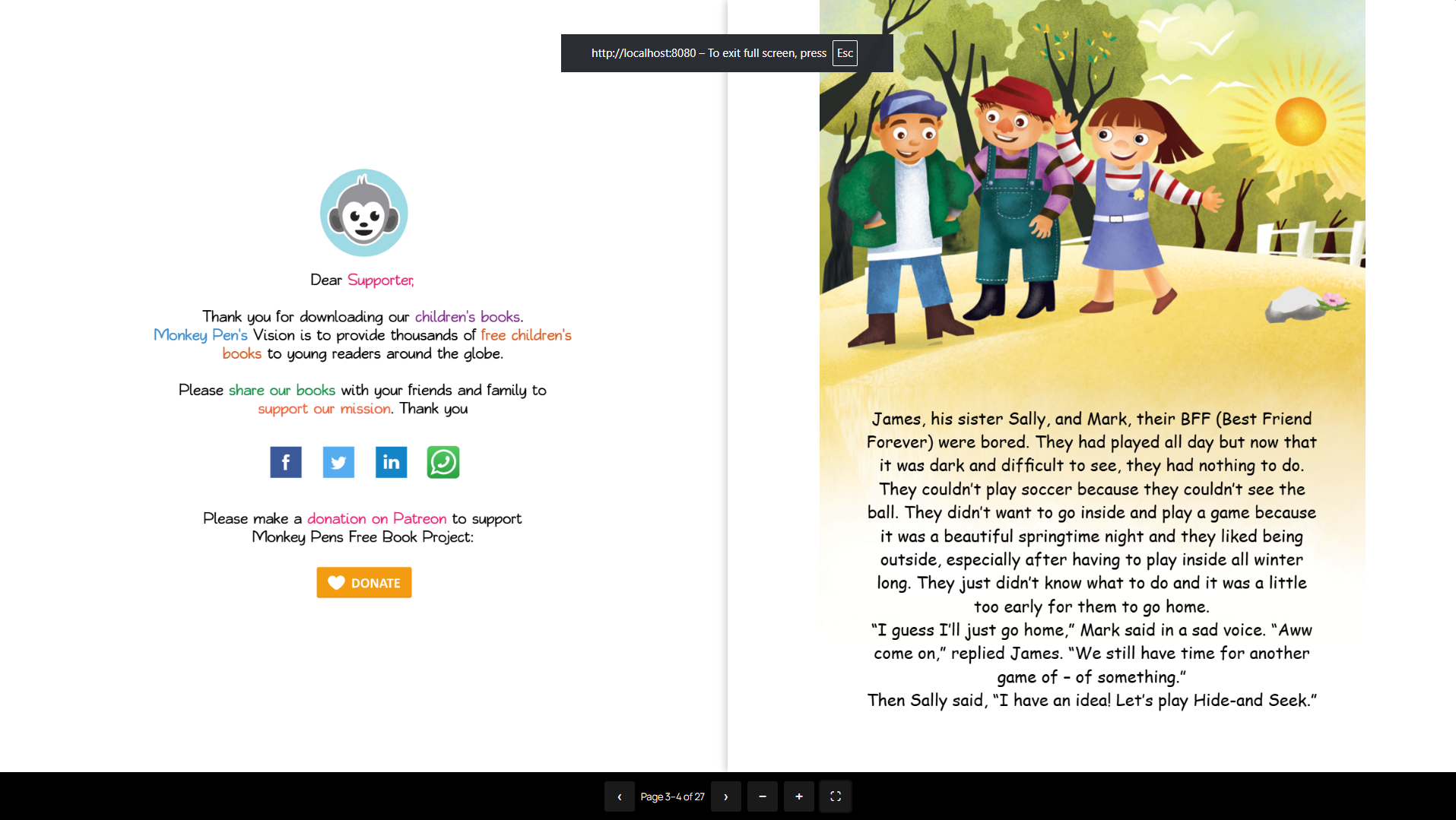
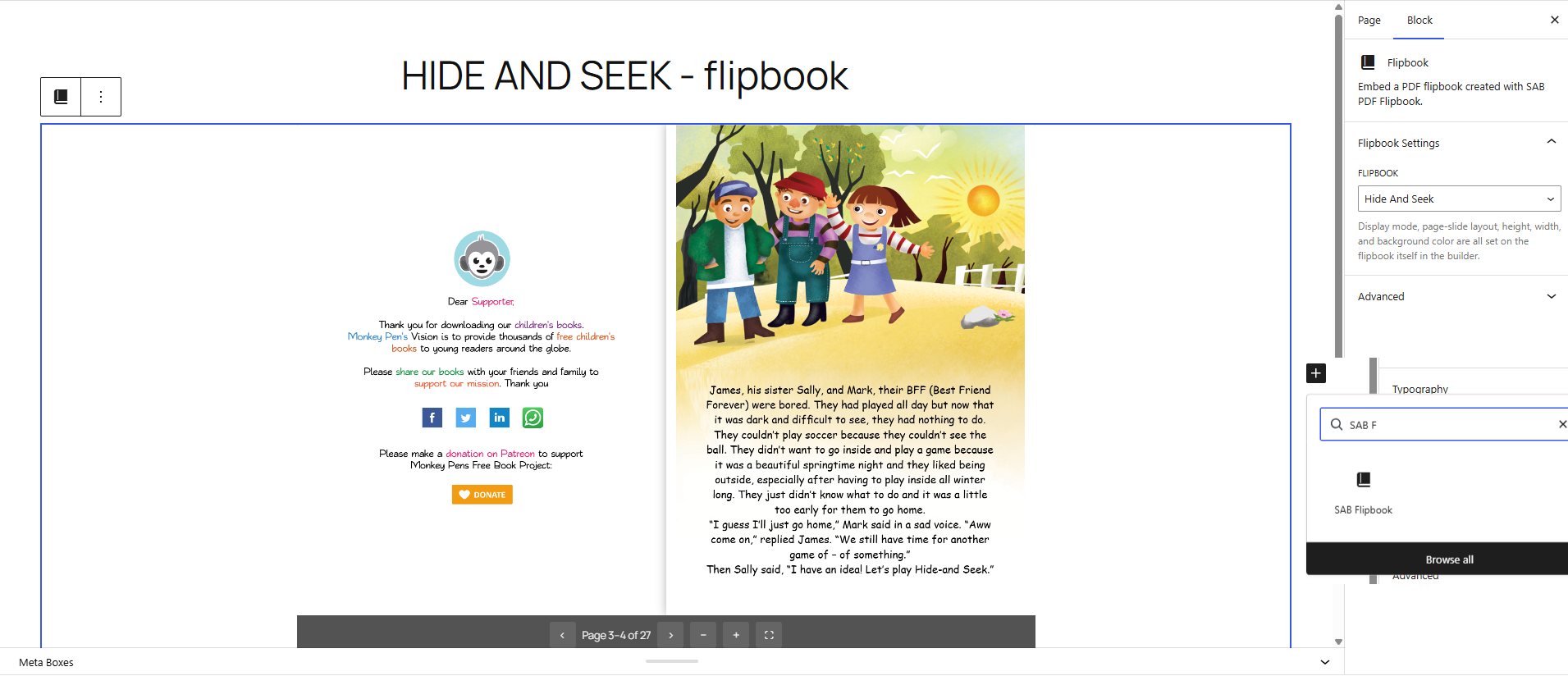
For developers
Is this your plugin? Show off the numbers.
Add a live badge to your site, docs or GitHub README. It updates on its own — no account needed.
Best SAB PDF Flipbook alternatives
All document viewer plugins →


FAQ
SAB PDF Flipbook: quick answers
Straight answers, pulled from live WordPress.org data.
Live data from WordPress.org · checked Oct 4, 2026
Is SAB PDF Flipbook free?
Yes. SAB PDF Flipbook is free to download and use from the official WordPress.org plugin directory.
Is SAB PDF Flipbook safe to use in 2026?
SAB PDF Flipbook works, but test it on a staging site before relying on it in 2026. Was last updated 1 month ago, and scores 60/100 on our health check.
How many websites use SAB PDF Flipbook?
SAB PDF Flipbook is active on <10 WordPress websites and has been downloaded 150 times since it launched in August 2026. It was downloaded 73 times in the last 30 days.
Does SAB PDF Flipbook work with WordPress 7.1?
Yes. The developer has tested SAB PDF Flipbook up to WordPress 7.1.2, the latest release. It requires WordPress 6.0 or newer.
What PHP version does SAB PDF Flipbook need?
SAB PDF Flipbook requires PHP 7.4 or higher. Most hosts run PHP 8.x today, so it works on any modern WordPress hosting.
When was SAB PDF Flipbook last updated?
The latest version, 1.0.0, was released on August 24, 2026 (1 month ago).
Who makes SAB PDF Flipbook?
SAB PDF Flipbook is developed and maintained by Shahriar Ahmed Biddut.
What are the best alternatives to SAB PDF Flipbook?
The most popular alternatives to SAB PDF Flipbook are Embed Any Document (50K+ installs), Document Viewer (2K+ installs) and Document Preview For WooCom… (100+ installs).
Powered by PageForge
Want thousands of pages that rank like these? Build them in an afternoon.
This directory runs on the same engine as PageForge. Turn any spreadsheet, CSV or API into thousands of fast, SEO-ready WordPress pages — with schema, internal links and AI-written copy baked in.
- CSV, Google Sheets & API data sources
- AI content, schema & internal links per page
- Works with Elementor, Gutenberg, Yoast & Rank Math
- Free on WordPress.org — no credit card


