



Planet Pop
Interactive 3D planet viewer with hotspots, tooltips, animations, environment maps and realistic lighting.

Use with caution
Planet Pop works, but test it on a staging site before relying on it in 2026. Was last updated 4 months ago, and scores 49/100 on our health check.
- Small user base (<10 active installs)
- Very few reviews so far
How does it stack up?
Side-by-side on installs, updates, ratings & support



Daily downloads
Download spikes usually follow a new release — each site that auto-updates counts as a download.
Rankings
Where Planet Pop stands todayWordPress.org search rankings
Live position in the plugin search, top 100| Keyword | Position |
|---|---|
| 3D viewer | >100 |
| gltf viewer | #27 |
| model viewer | >100 |
| product viewer | >100 |
About Planet Pop
From the official readme · v1.0Description
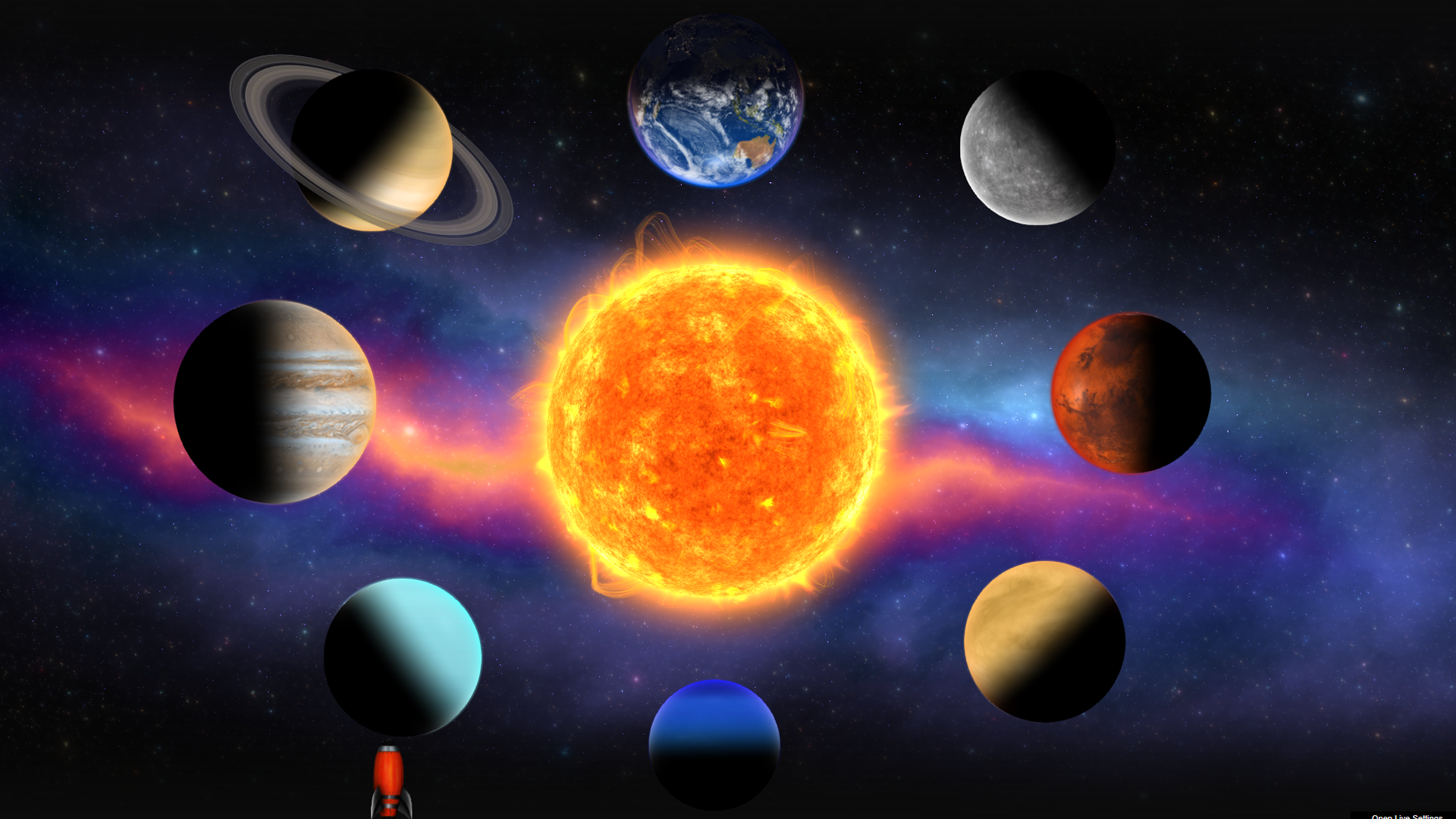
Showcase authentic 3D planets with realistic rendering (lights, environment maps and shadows). Add markers with tooltips and info windows, control animations, and tween the camera to predefined positions.
Video Tutorial
Highlights
Realistic 3D Planets – Realistic rendering with lights, environment maps and shadows.
Easy To Configure And Install – Includes documentation, video tutorials, demo pages, updates, and support from the developer – Tibi @ FWD.
Main Features
- Responsive Layout – Fully responsive and adaptable regardless of which device or screen size is used.
- Desktop & Mobile Optimized – Adapts to any screen size and device, whether on iOS/iPhone, Android, or desktop browsers.
- Two Intro Transition Types – When the scene is displayed for the first time, there are two available transitions: teleportation and opacity.
- Parallax – Optional vertical parallax.
- Scale On Scroll – This option lets Planet Pop start zoomed in, and as the user scrolls the page, the celestial smoothly returns to its normal scale.
- Customizable Size – The size of the images and the spacing between them can be adjusted as needed.
- Customizable Geometry – Configure the radius on the X and Z axes independently to create a true oval shape.
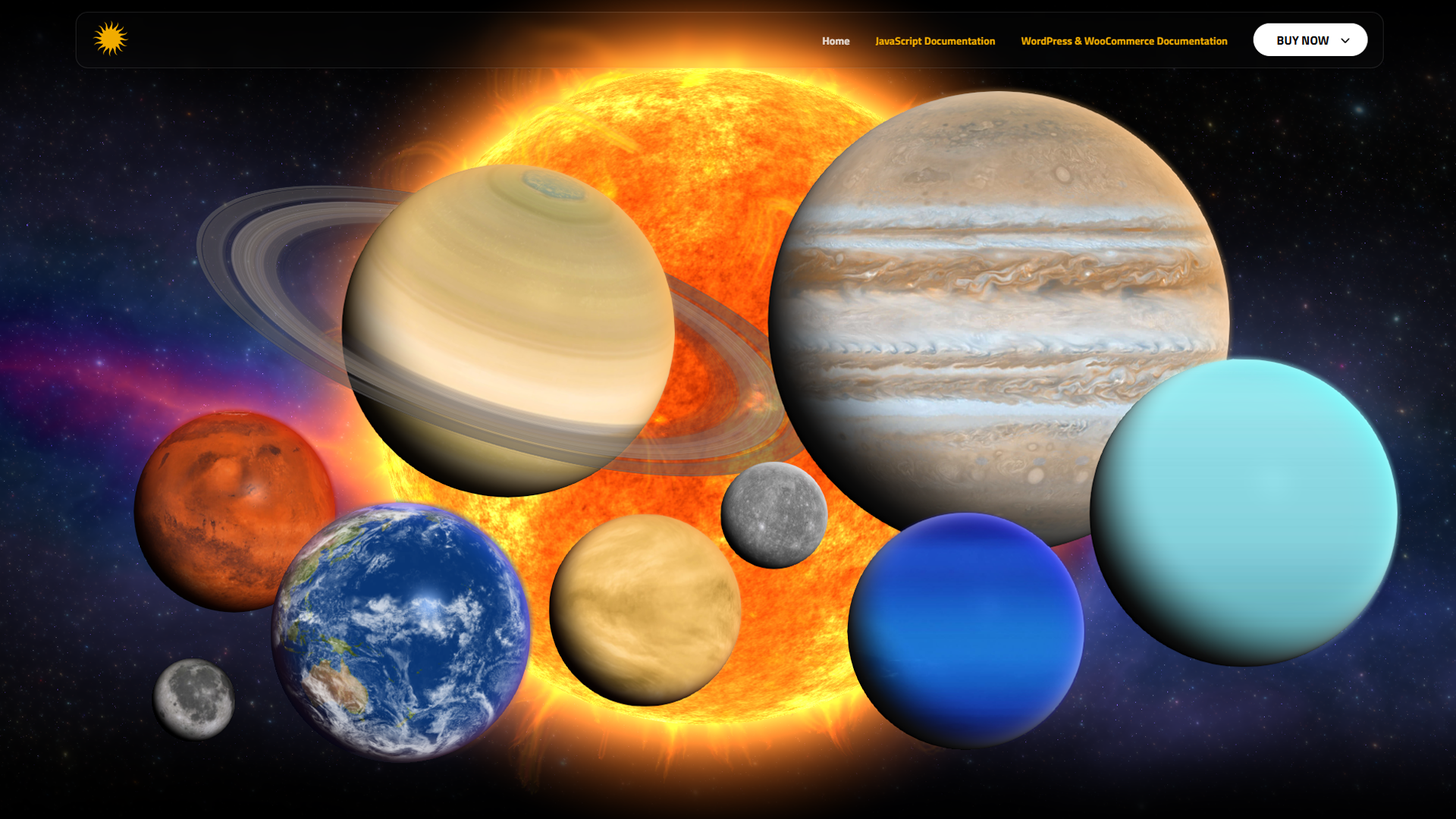
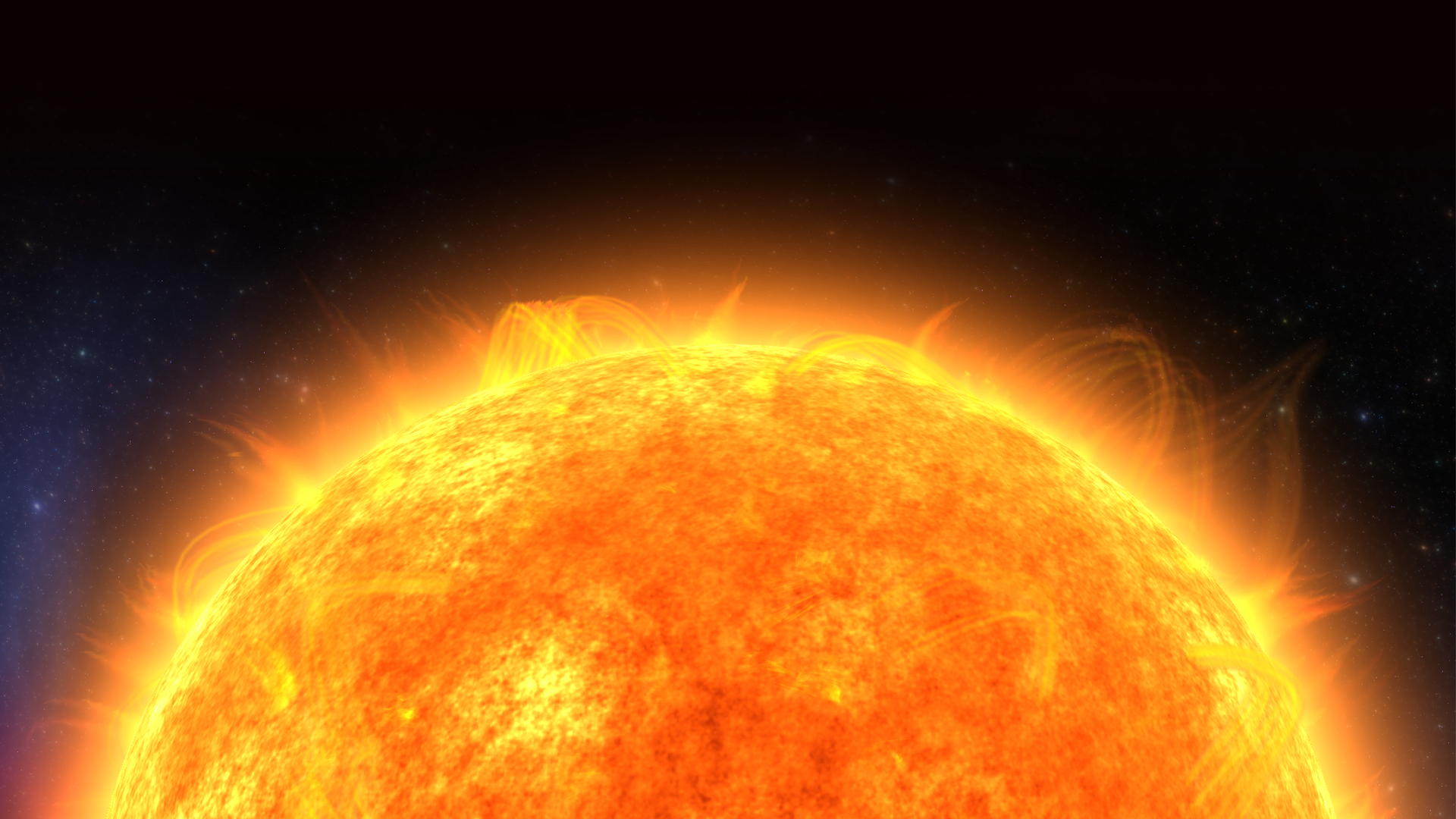
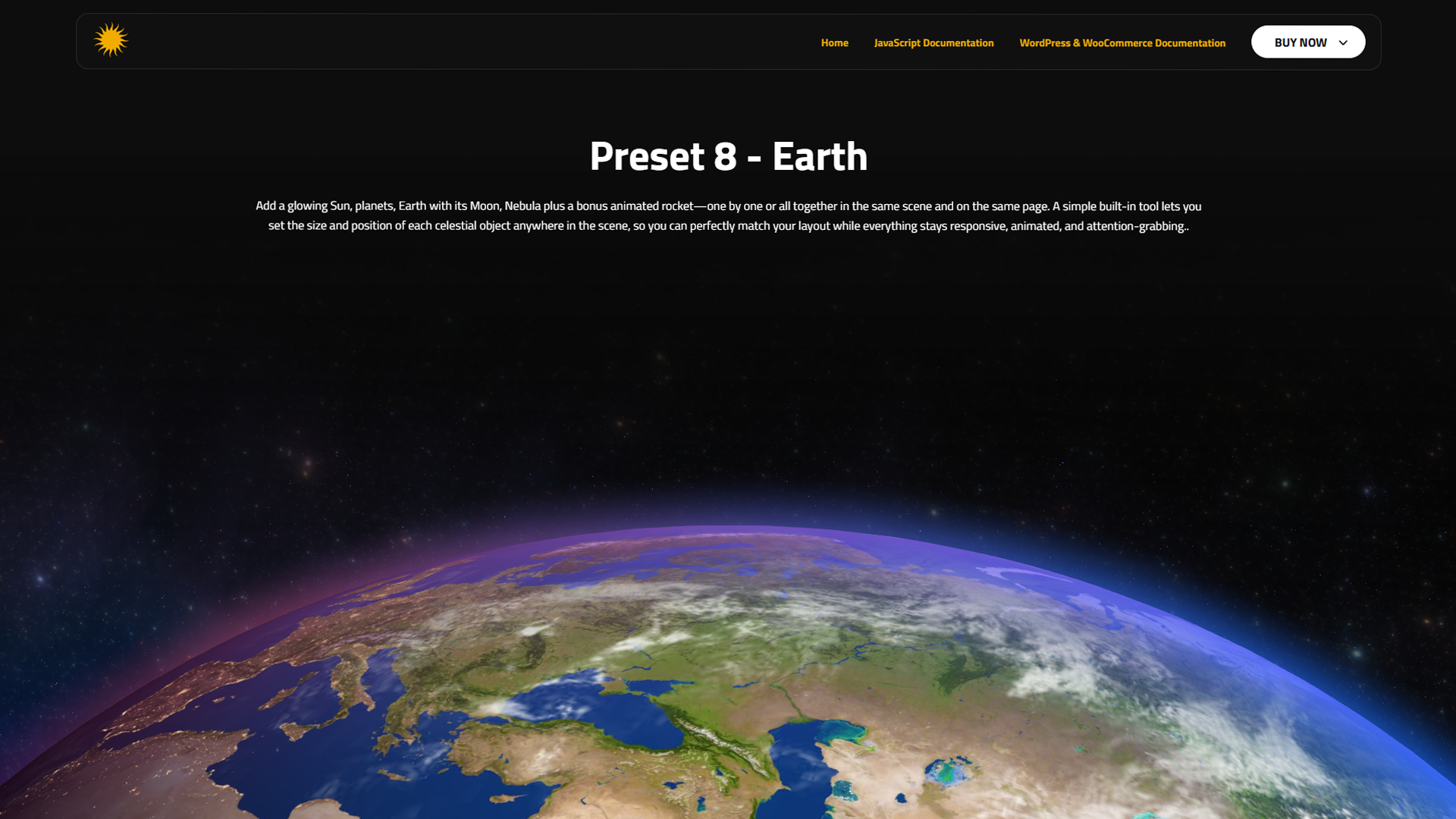
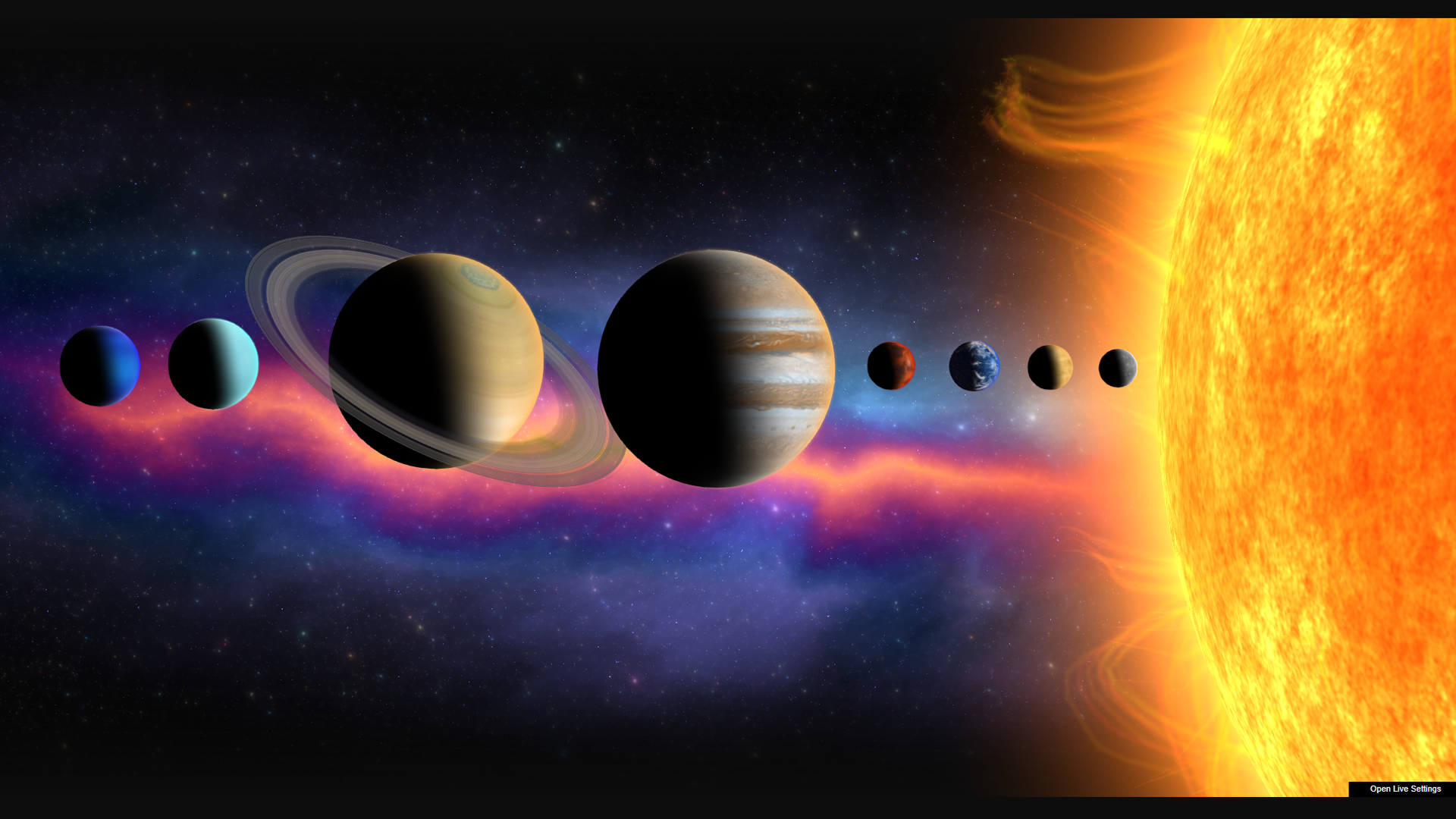
- Sun – Add realistic solar system planets to your page at any size, with configurable parameters like spin speed, light direction, and more… Saturn, Jupiter, Uranus, Neptune, Mercury, Venus, Earth, Moon, Mars, Nebula.
- Planets – Subtle camera rotation that follows the mouse, with adjustable strength for fine-tuned interaction.
- Bonus Rocket – Bonus rocket that can be added to your page at any size. Example here.
- Custom Tool To Place Celestials – Detailed documentation for both WordPress and JavaScript versions.
Configuration
After activation, open the plugin settings in the WordPress admin area and create a new viewer preset. Then use the shortcode below in any post or page.
Use Cases
- Embedding 3D planets in posts or pages
- Product visualization with 3D previews
- Showcasing GLTF/GLB planets interactively
- Creating 3D hotspots and annotations
- Displaying 3D assets in portfolios or documentation
Links
Shortcode
Basic example:
[fwdpp id=”1″]
Development
This plugin’s full source code is publicly available for transparency and verification.
Developed and maintained by FutureWebDesign.
- Source code & build tools — includes original uncompiled files and Vite build configuration.
- Distributed plugin uses a compiled build generated by Vite for optimal performance.
Installation
- Upload the plugin folder to the
/wp-content/plugins/directory. - Activate the plugin through the ‘Plugins’ menu in WordPress.
- Use the provided shortcode in your posts or pages.
Frequently asked questions
Does it work with Gutenberg?
Yes. You can use the shortcode in any block or the Classic block.
Is it mobile-friendly?
Yes. Planet Pop is fully responsive and optimized for touch.
Can I use it with external media?
Yes, it supports many external media types (YouTube, Vimeo, Google Drive, etc.).
Screenshots
For developers
Is this your plugin? Show off the numbers.
Add a live badge to your site, docs or GitHub README. It updates on its own — no account needed.
Best Planet Pop alternatives
All 3D viewer plugins →




FAQ
Planet Pop: quick answers
Straight answers, pulled from live WordPress.org data.
Live data from WordPress.org · checked Oct 3, 2026
Is Planet Pop free?
Yes. Planet Pop is free to download and use from the official WordPress.org plugin directory.
Is Planet Pop safe to use in 2026?
Planet Pop works, but test it on a staging site before relying on it in 2026. Was last updated 4 months ago, and scores 49/100 on our health check.
How many websites use Planet Pop?
Planet Pop is active on <10 WordPress websites and has been downloaded 432 times since it launched in January 2026. It was downloaded 57 times in the last 30 days.
Does Planet Pop work with WordPress 7.1?
Planet Pop is officially tested up to WordPress 7.0.6, while the latest release is 7.1.2. It may still work, but try it on a staging site first.
What PHP version does Planet Pop need?
Planet Pop requires PHP 8.0 or higher. Most hosts run PHP 8.x today, so it works on any modern WordPress hosting.
When was Planet Pop last updated?
The latest version, 1.0, was released on May 21, 2026 (4 months ago).
Who makes Planet Pop?
Planet Pop is developed and maintained by FWD.
What are the best alternatives to Planet Pop?
The most popular alternatives to Planet Pop are 3D Viewer Block (1K+ installs), 3D viewer by Visody (1K+ installs) and PausAR (300+ installs).
Powered by PageForge
Want thousands of pages that rank like these? Build them in an afternoon.
This directory runs on the same engine as PageForge. Turn any spreadsheet, CSV or API into thousands of fast, SEO-ready WordPress pages — with schema, internal links and AI-written copy baked in.
- CSV, Google Sheets & API data sources
- AI content, schema & internal links per page
- Works with Elementor, Gutenberg, Yoast & Rank Math
- Free on WordPress.org — no credit card


