



Offload Media – Cloud Storage
Offload Media moves your WordPress files to cloud storage (AWS S3, DigitalOcean, Cloudflare R2, Google Cloud) to improve site performance.

Solid choice
Offload Media – Cloud Storage is a solid plugin choice in 2026, with a few things worth checking first. It runs on 1K+ sites, is rated 4.4/5 and was last updated 4 weeks ago, and scores 79/100 on our health check.
- Actively developed — last update 4 weeks ago
- Momentum — downloads up 128.1% vs the previous 30 days
How does it stack up?
Side-by-side on installs, updates, ratings & support



Daily downloads
Download spikes usually follow a new release — each site that auto-updates counts as a download.
Rankings
Where Offload Media stands todayWordPress.org search rankings
Live position in the plugin search, top 100| Keyword | Position |
|---|---|
| cdn | #67 |
| cloud | #11 |
| media | #48 |
| offload | #3 |
| performance | >100 |
Version adoption
Share of active sites per release.
Rating breakdown
★★★★★★★★★★ 4.4 from 18 reviews
About Offload Media – Cloud Storage
From the official readme · v1.8.3Description
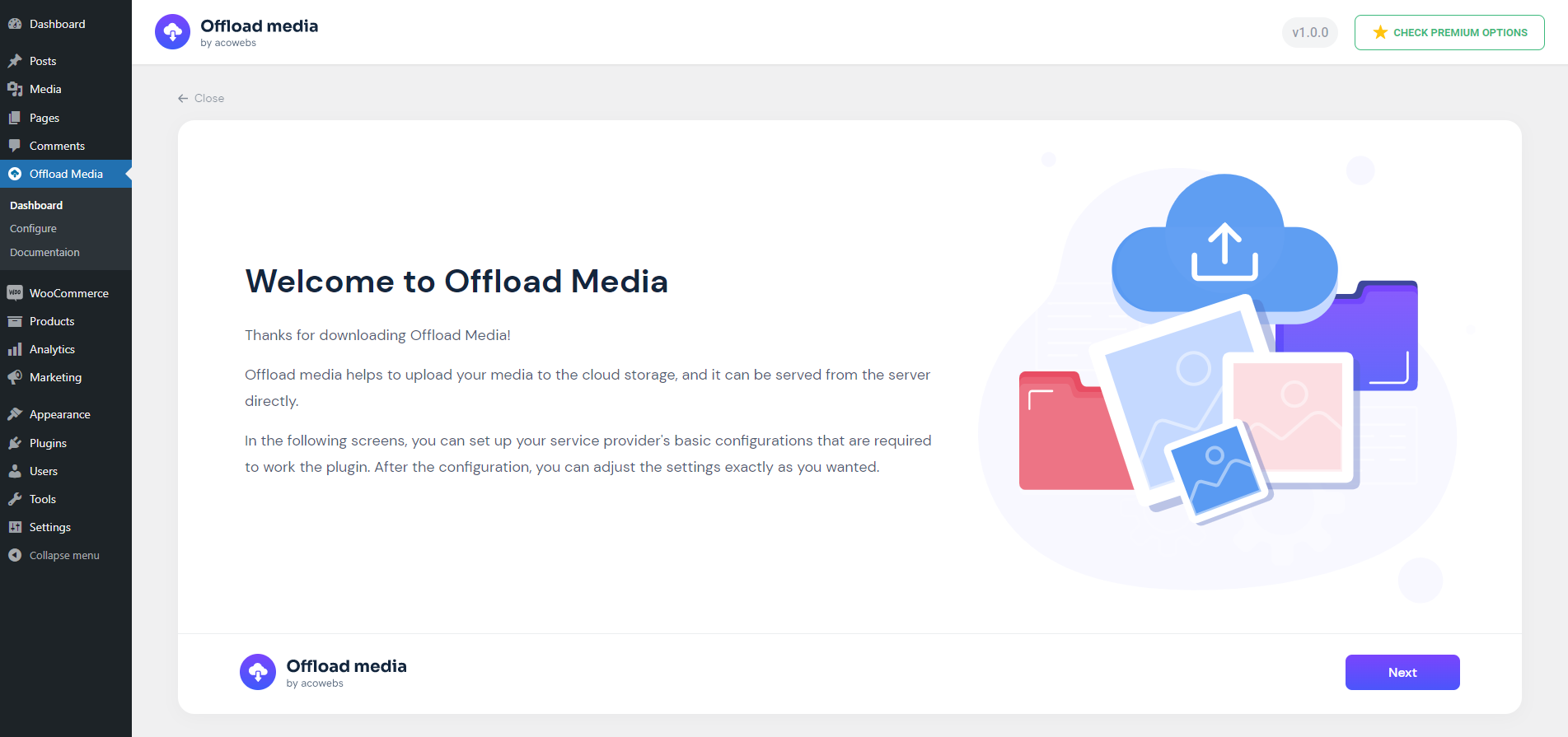
Offload- Media Cloud Storage is an innovative plugin for WordPress. It will dramatically transform how you interact with media in WordPress and increase the website’s performance. Media Cloud Storage is a way to transfer your files, media, and images from a WordPress server to online cloud storage, such as Amazon S3, DigitalOcean Spaces, Cloudflare R2, and Google Cloud Storage Services. And it rewrites the URL to serve files from the same storage provider or another CDN provider.
HOW TO MANAGE SETTINGS?
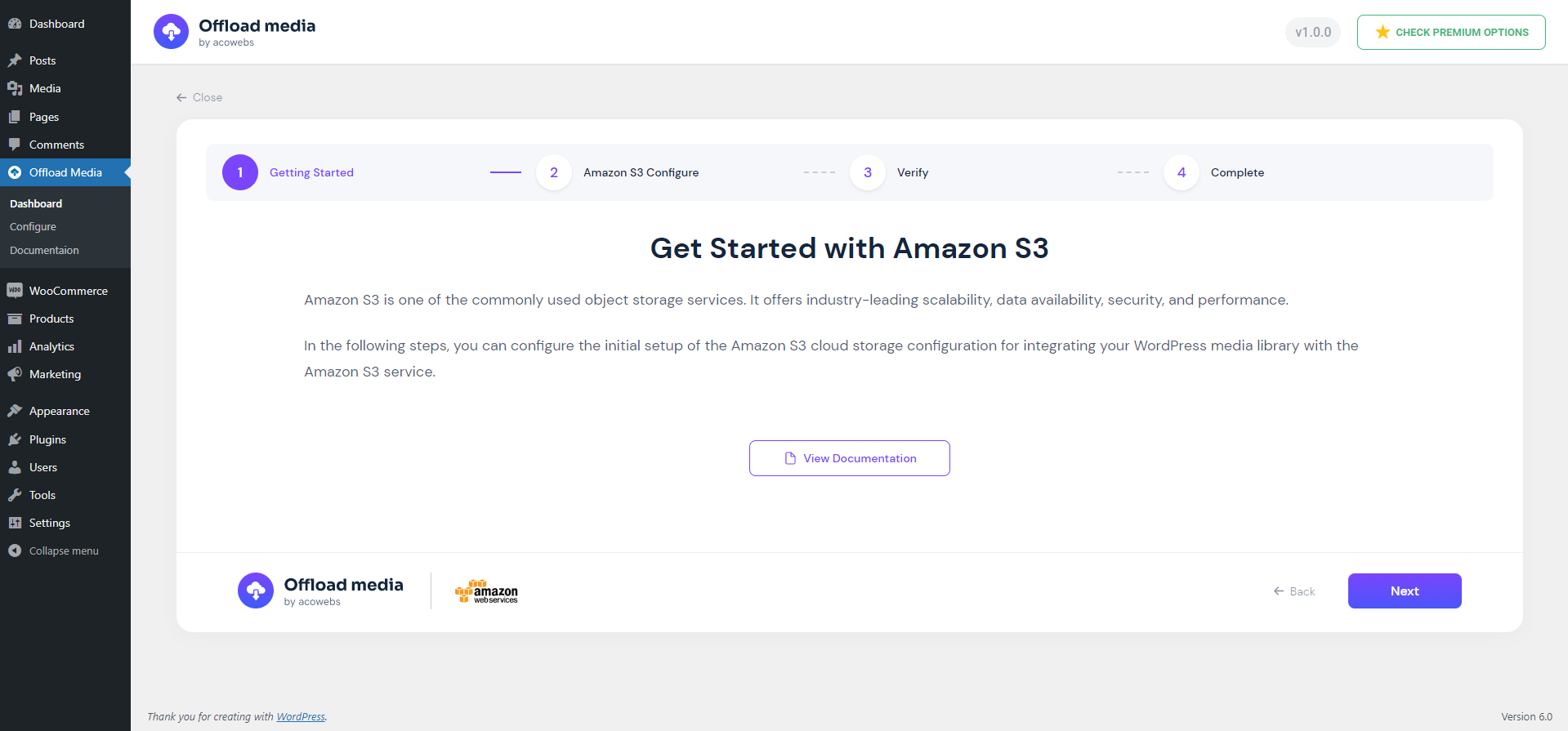
To manage settings in the Offload Media Cloud Storage, download and activate the WordPress plugin.
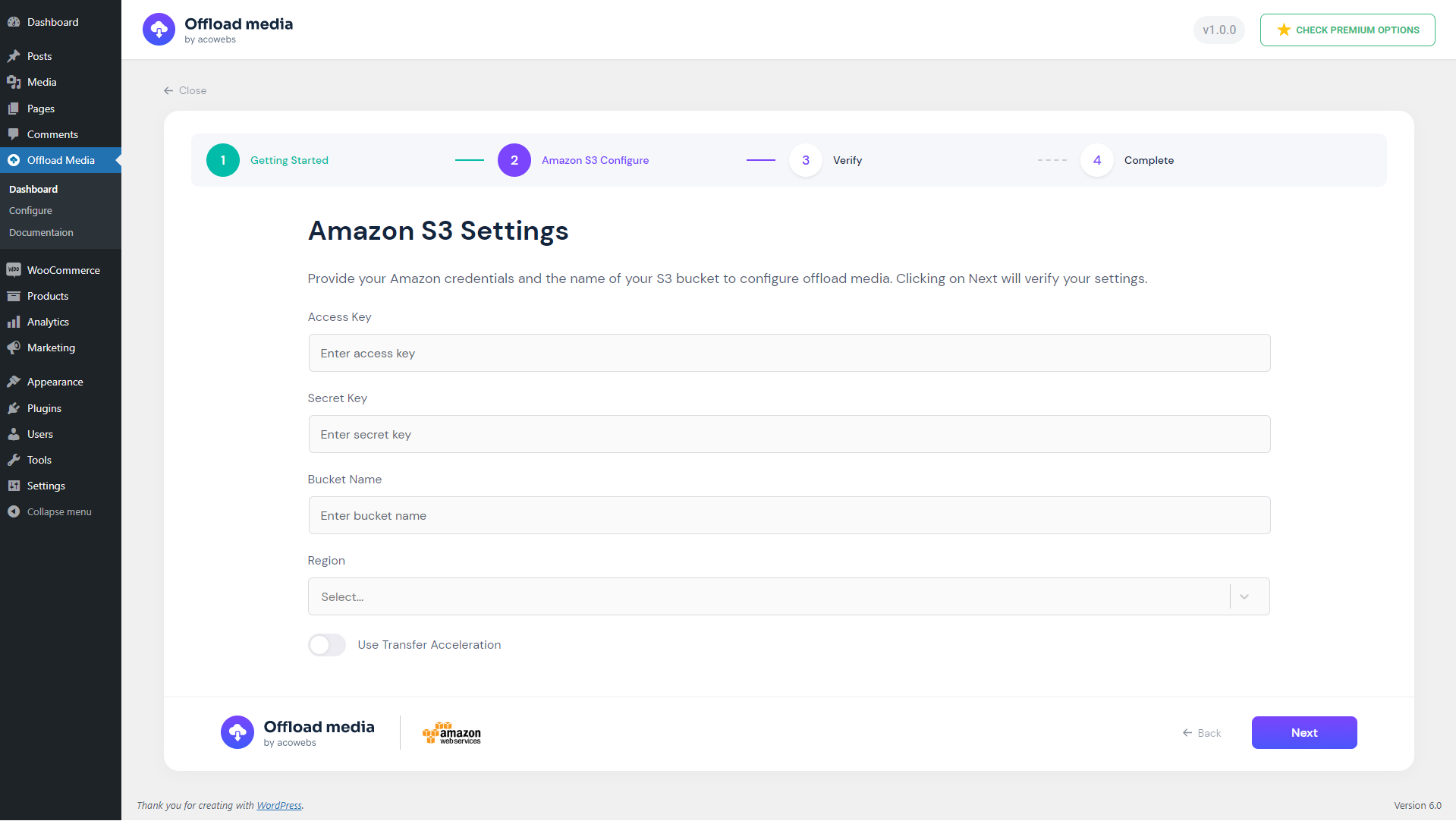
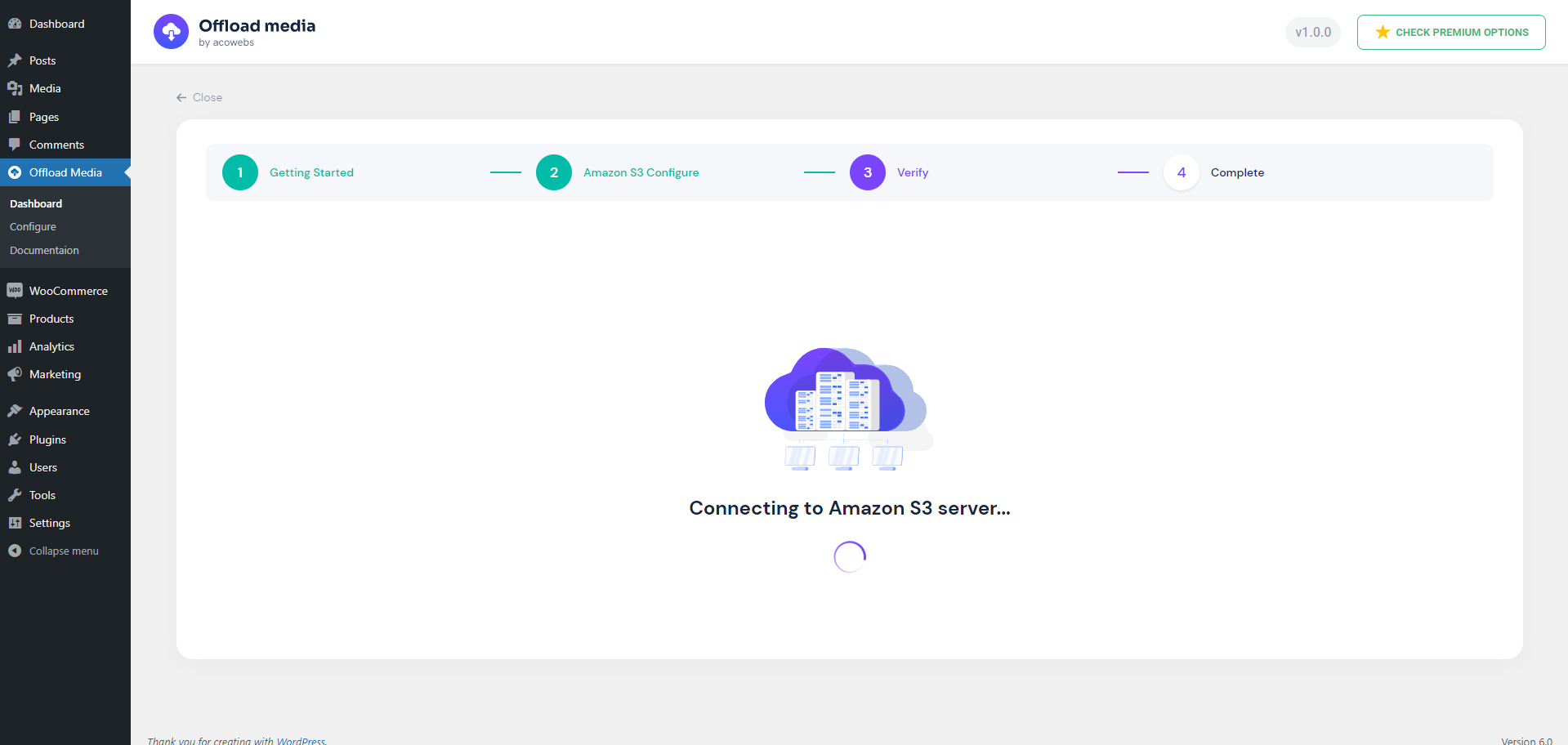
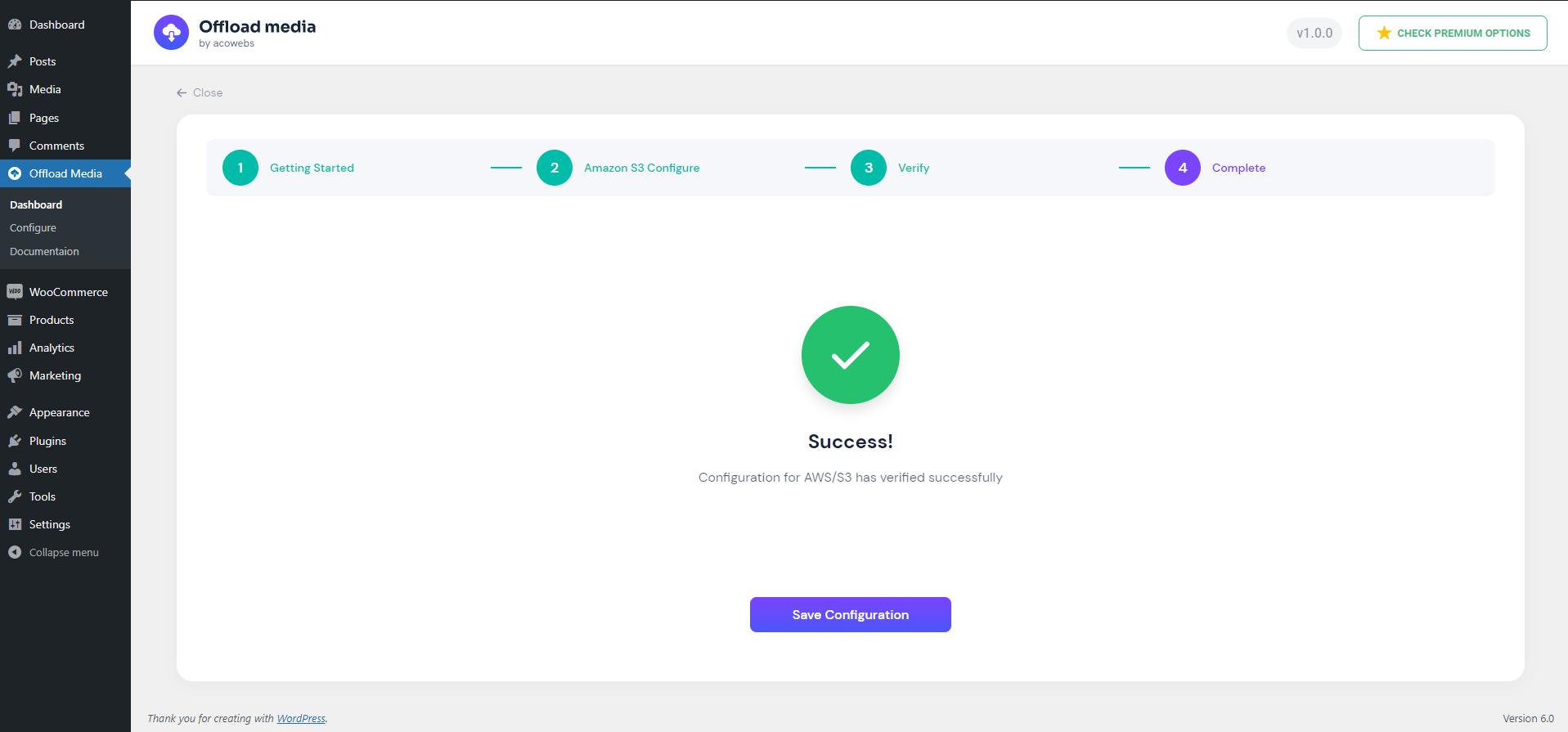
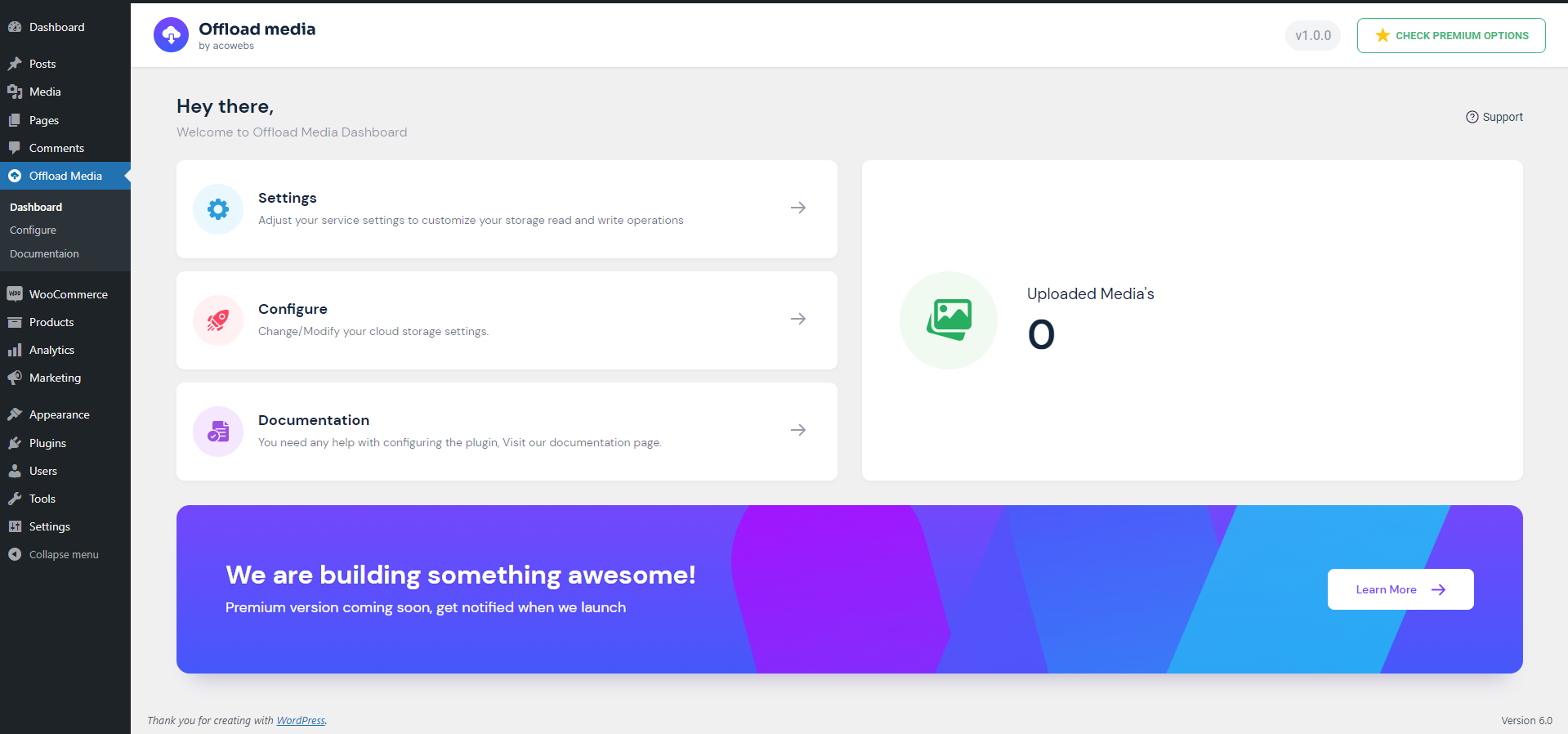
Go to the Offload media menu in the left menu bar of WordPress, where you can manage the settings. The settings include configure and Settings.
Configure settings allow you to set up the basic plugin settings, while Settings help for the customization of the media upload and serving strategies.
Basic Features
It improves your website speed. Your website will load more efficiently if the cloud media is being transferred to cloud servers. It can make your website faster because it reduces server requests.
The plugin you have installed no longer needs to serve the media contents like images, videos, pdfs, ZIPs, PDFs as well as other files that you uploaded to the server.
Here are the features of the Offload Media – Cloud Storage:
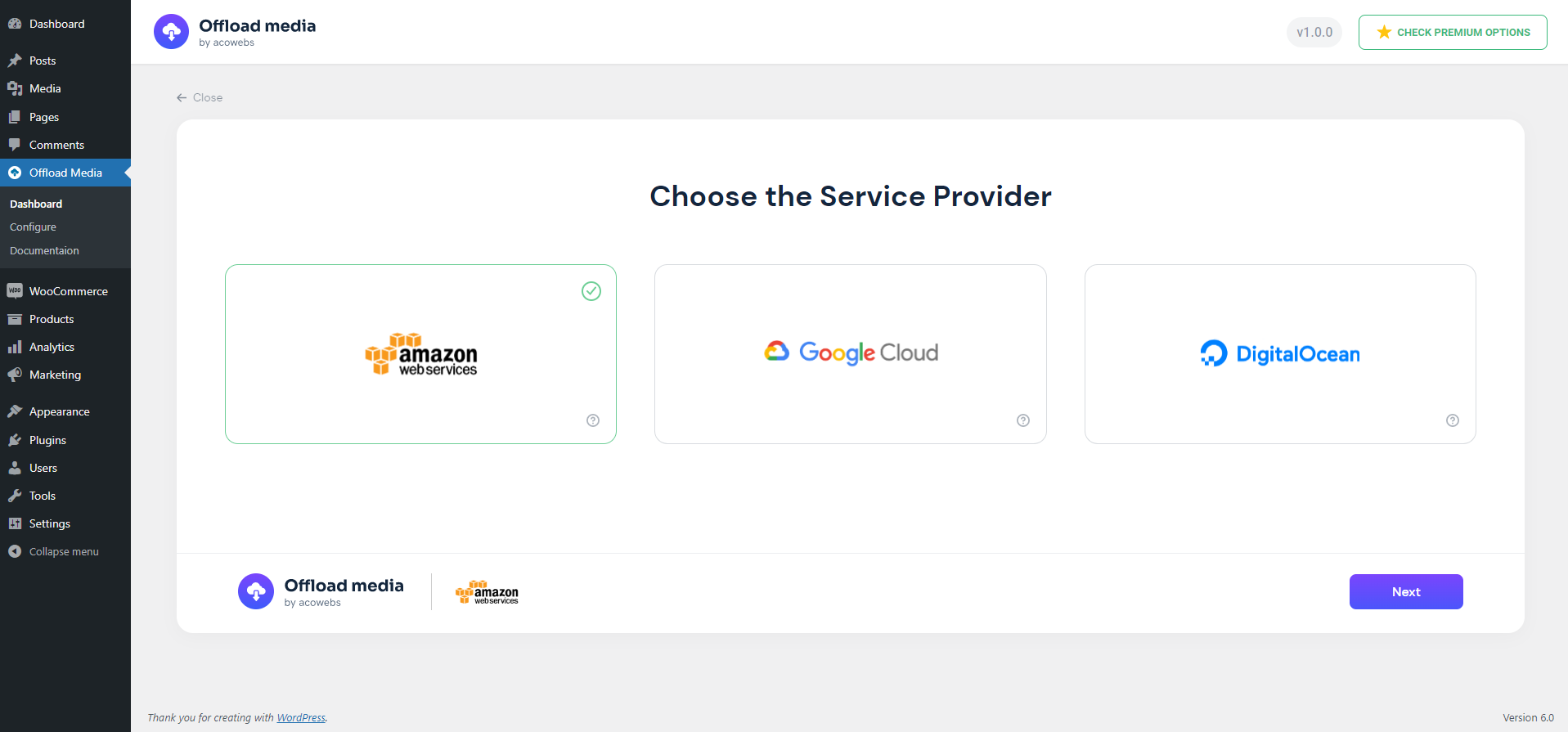
🔹 Sync your media to Amazon s3, Google Cloud Storage, Cloudflare R2 or Digital Ocean Spaces.
🔹 Delete files from the server once it is uploaded to the server.
🔹 Customizable base path of server storage.
🔹 Customizable URL structure.
🔹 Object versioning can be created for avoiding invalidations of media.
🔹 Custom CDN can be used for media URLs.
🔹 Pre-signed URLs can be created.
🔹 Woocommerce Support
🔹 Advanced Custom Fields Support
🔹 RTL Support
🔹 Fully compatible with all Acowebs plugins
🔹 WPML string Translations support
Offload Media – Cloud Storage Pro Features
Upgrade to the Pro version of Offload Media – Cloud Storage to unlock advanced automation, storage providers, bulk actions, and deep media optimizations:
🔹 Expanded Cloud Provider Support:
* Native integration for Wasabi and MinIO.
* Support for custom S3-compatible cloud storage services.
* Support for Google Cloud Storage Uniform Bucket-Level Access.
🔹 Media Library Status & Manual Actions:
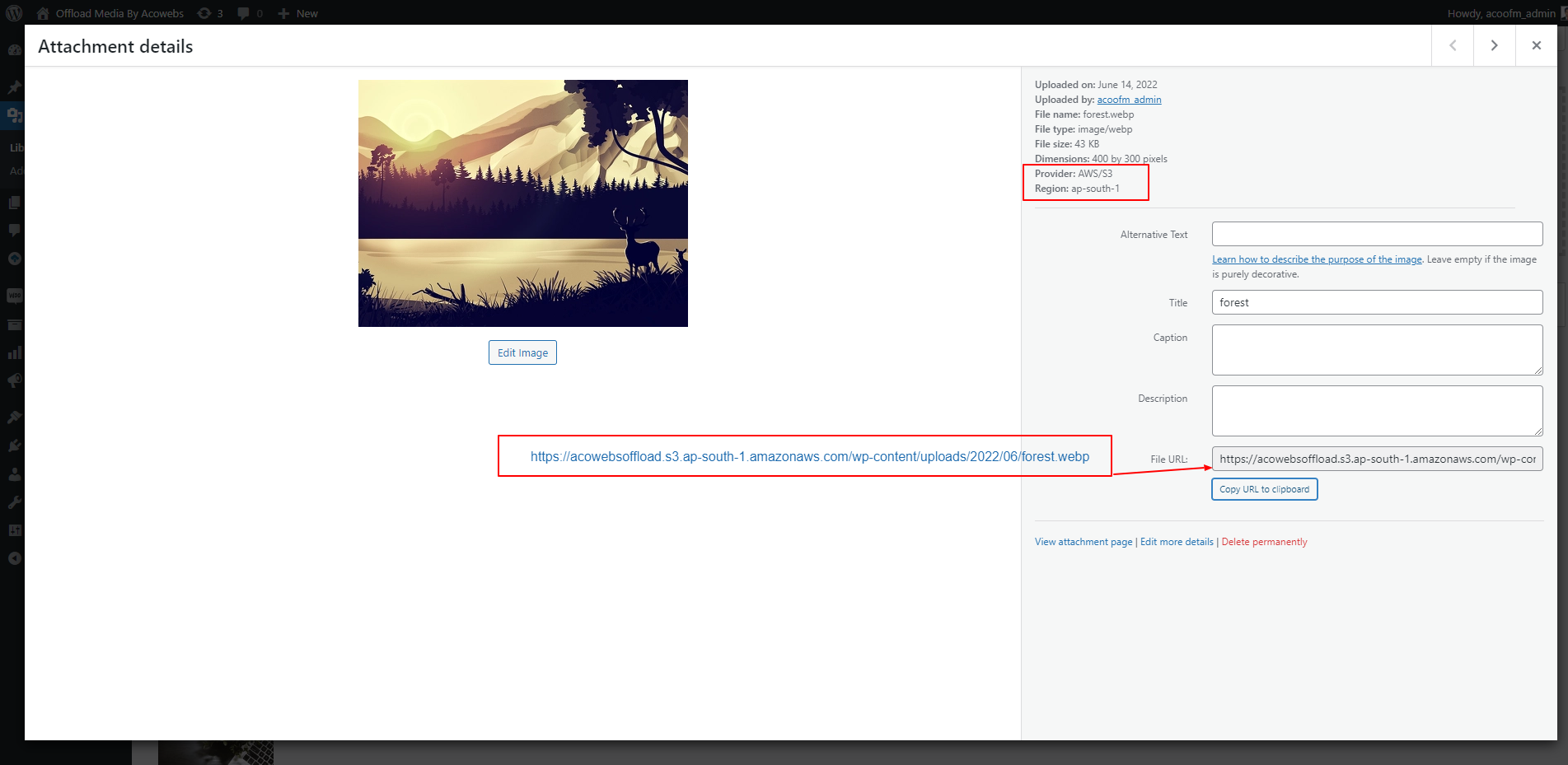
* Offload Status Column: View offload statuses (Stored on Server, Offloaded, Deleted from Server) directly in your Media Library list with sorting support.
* Inline Actions: Manual actions on the attachment details panel to Sync to Cloud, Remove from Cloud, Delete from Server, or Download back to Server.
🔹 Automated Bulk Operations:
* Bulk offload all existing WordPress media to your cloud bucket.
* Bulk delete local copies of offloaded media files to instantly reclaim server disk space.
* Bulk download media assets from the cloud back to your web server.
🔹 Image & WebP Optimization:
* Image Compression: Compress images (lossy or lossless).
* WebP Generation & Compression: Automatically generate WebP versions of images, compress them, and offload them to the cloud.
* WebP Cloud Sync: Rewrite URLs to serve WebP files automatically when supported.
* Original Backup Management: Back up original images during compression, with bulk offloading, deletion, and recovery actions.
🔹 Advanced Integrations:
* WooCommerce Support: Seamless handling and offloading of WooCommerce product files and digital downloads.
* Advanced Custom Fields (ACF): Offloads media referenced within ACF custom fields.
* WPML Translation Support: Full compatibility with multilingual WordPress setups and translation workflows.
🔹 Maintenance & Troubleshooting:
* Import Previous Data: Easily migrate settings and media metadata from older versions.
* Cache Management: Clear plugin cache and transients related to cloud assets.
* Data Cleanup: Complete option to reset and purge stored data, cached paths, database records, and offloaded media metadata.
Why Acowebs?
Acowebs has established the foundation by providing the experience and expertise to activate WooCommerce stores using compact and highly-performing WooCommerce plugins as well as Shopify applications. We develop top-quality themes and WordPress in the cloud to provide comprehensive solutions that are brimming with unparalleled UX features. Being an award-winning software company, and a part of Acodez, the globally recognized and multiple-award-winning digital agency, our team and support features assure you the best.
Check out our other WordPress plugins here.
OTHER USEFUL LINKS
🔹 Upgrade to Pro
🔹 Documentation
🔹 Find Our Other Plugins
🔹 Support Ticket
🔹 Facebook
🔹 Twitter
🔹 YouTube
Installation
Installation of “Offload Media – Cloud Storage” can be done either by searching for “Offload Media – Cloud Storage” via the “Plugins > Add New” screen in your WordPress dashboard, or by using the following steps:
- Download the plugin via WordPress.org
- Upload the ZIP file through the ‘Plugins > Add New > Upload’ screen in your WordPress dashboard
- Activate the plugin through the ‘Plugins’ menu in WordPress
Frequently asked questions
What is WordPress media offloading and how does it improve SEO?
WordPress media offloading is the process of automatically copying your media files (images, PDFs, videos, and audio) to a secure cloud storage provider and rewriting their URLs so they are served directly from the cloud or a Content Delivery Network (CDN). Offloading media dramatically reduces the load on your web server, speeds up page loading times, and saves server disk space. Since Google uses page speed as a ranking factor, faster loading times directly translate to improved search engine optimization (SEO) and a better user experience.
Which cloud storage providers are supported in the free version?
The free version of Offload Media – Cloud Storage natively supports: * Amazon S3 (AWS) * Google Cloud Storage (GCS) * Cloudflare R2 * DigitalOcean Spaces If you need support for Wasabi, MinIO, or custom S3-compatible storage services, you can upgrade to the Pro version.
Can I serve offloaded media files via a custom CDN?
Yes! Both the free and Pro versions allow you to configure a Custom CDN / Custom Endpoint URL (such as Cloudflare, Amazon CloudFront, KeyCDN, or Bunny CDN) to serve your offloaded media. This ensures that your assets are delivered from the edge server closest to your site visitors, resulting in lightning-fast response times.
Does the plugin delete local media library files after uploading them to the cloud?
Yes, you can enable the “Remove files from server” option in the settings. Once enabled, the plugin will automatically delete the local copy of an image or file from your WordPress server after it has been successfully offloaded to your cloud storage bucket. This is an excellent way to host large media libraries on affordable, small-storage web servers.
Are private files supported using secure pre-signed URLs?
Yes! You can enable the “Enable Pre-signed URL” feature. This generates secure, temporary, and expiring URLs for private files or digital assets, protecting your content from unauthorized sharing. You can customize the URL expiration time (in minutes) directly in the settings dashboard.
Is this plugin compatible with WooCommerce and Advanced Custom Fields (ACF)?
Yes! Offload Media is built to be fully compatible with WooCommerce, Advanced Custom Fields (ACF), and WPML. It handles rewriting URLs for WooCommerce product pages and ACF custom image/file fields, ensuring that translation workflows and e-commerce transactions run smoothly.
Why should I upgrade to Offload Media – Cloud Storage Pro?
The Pro version unlocks advanced optimization and automation capabilities for growing websites: * Additional Providers: Support for Wasabi, MinIO, and custom S3-compatible endpoints. * Bulk Tools: Bulk sync all historical media items, bulk download assets back to the server, and bulk delete local files via a safe background worker. * Advanced Media Library UI: Adds an “Offload Status” column with sorting, plus manual sync, download, and delete actions in the attachment details panel. * Image Optimization & WebP: Compress images, automatically generate and compress WebP versions, sync them to…
Changelog
Fix PHP fatal when rewriting image URLs in the block editor
1.8.3
- Fix PHP fatal when rewriting image URLs in the block editor REST API
1.8.2
- Fix Cloudflare R2 undefined account ID warning during setup
- Improve Cloudflare R2 credential error messages
- Remove unsupported object ACL usage for Cloudflare R2 uploads
- Improve configure wizard credential verification error display
1.8.1
- WordPress 7.0 compatibility
- Improvements and bug fixes
1.7.0
- WordPress 6.9 compatibility
- Improvements and bug fixes
1.6.0
- WordPress 6.8 compatibility
- Improvements and bug fixes
1.5.1
- WordPress 6.8 compatibility
- Improvements and bug fixes
Screenshots

For developers
Is this your plugin? Show off the numbers.
Add a live badge to your site, docs or GitHub README. It updates on its own — no account needed.
Best Offload Media – Cloud Storage alternatives
All cdn plugins →





FAQ
Offload Media – Cloud Storage: quick answers
Straight answers, pulled from live WordPress.org data.
Live data from WordPress.org · checked Sep 29, 2026
Is Offload Media – Cloud Storage free?
Yes. Offload Media – Cloud Storage is free to download and use from the official WordPress.org plugin directory.
Is Offload Media – Cloud Storage safe to use in 2026?
Offload Media – Cloud Storage is a solid plugin choice in 2026, with a few things worth checking first. It runs on 1K+ sites, is rated 4.4/5 and was last updated 4 weeks ago, and scores 79/100 on our health check.
How many websites use Offload Media – Cloud Storage?
Offload Media – Cloud Storage is active on 1K+ WordPress websites and has been downloaded 29,606 times since it launched in June 2022. It was downloaded 1,439 times in the last 30 days.
Does Offload Media – Cloud Storage work with WordPress 7.1?
Offload Media – Cloud Storage is officially tested up to WordPress 7.0.6, while the latest release is 7.1.2. It may still work, but try it on a staging site first.
What PHP version does Offload Media – Cloud Storage need?
Offload Media – Cloud Storage requires PHP 7.2 or higher. Most hosts run PHP 8.x today, so it works on any modern WordPress hosting.
When was Offload Media – Cloud Storage last updated?
The latest version, 1.8.3, was released on September 1, 2026 (4 weeks ago).
Who makes Offload Media – Cloud Storage?
Offload Media – Cloud Storage is developed and maintained by acowebs.
What are the best alternatives to Offload Media – Cloud Storage?
The most popular alternatives to Offload Media – Cloud Storage are W3 Total Cache (900K+ installs), SpeedyCache (600K+ installs) and Breeze Cache (300K+ installs).
Powered by PageForge
Want thousands of pages that rank like these? Build them in an afternoon.
This directory runs on the same engine as PageForge. Turn any spreadsheet, CSV or API into thousands of fast, SEO-ready WordPress pages — with schema, internal links and AI-written copy baked in.
- CSV, Google Sheets & API data sources
- AI content, schema & internal links per page
- Works with Elementor, Gutenberg, Yoast & Rank Math
- Free on WordPress.org — no credit card


