



My Calendar – Accessible Event Manager
Accessible WordPress event calendar plugin. Manage single or recurring events, event venues, and display your calendar anywhere on your site.

Safe pick
Yes — My Calendar is a safe, well-maintained plugin to use in 2026. It runs on 20K+ sites, is rated 4.7/5 and was last updated 4 hours ago, and scores 85/100 on our health check.
- Proven at scale on 20K+ active sites
- Loved by users — 4.7/5 from 159 reviews
- Actively developed — last update 4 hours ago
- Tested with the latest WordPress (7.1)
- Momentum — downloads up 84.9% vs the previous 30 days
How does it stack up?
Side-by-side on installs, updates, ratings & support


Daily downloads
Download spikes usually follow a new release — each site that auto-updates counts as a download.
Rankings
Where My Calendar stands todayWordPress.org search rankings
Live position in the plugin search, top 100| Keyword | Position |
|---|---|
| accessibility | #23 |
| event calendar | #6 |
| event manager | #4 |
| location | #17 |
| venue | #2 |
Version adoption
Share of active sites per release.
Rating breakdown
★★★★★★★★★★ 4.7 from 159 reviews
About My Calendar – Accessible Event Manager
From the official readme · v3.8.14Description
My Calendar offers easy-to-use WordPress event management with rich options for custom displays. Display individual event calendars in WordPress Multisite, offer multiple views of calendars limited by event categories, locations or author, or show simple text-based lists of your upcoming events.
Rich Event Calendar Features
You’ll find enormous design flexibility for your custom calendar. With recurring event support, design customization tools, custom templating, and category and venue support out of the box, My Calendar gives you a great feature set to get your calendar set up.
Built with Accessibility in Mind
My Calendar is an events calendar focused on holistic accessibility: providing a positive experience for site visitors and administrators who use assistive technology. It includes built-in settings where you can describe the ADA compliance features of your events and venues. Accessibility is a critical part of your website, so your audience can get equal access and experience to the events you list.
Learn about accessible events or visit the My Calendar demo
Accessibility-first Software
While My Calendar has a strong focus on backwards compatibility, it is officially built with an accessibility first mindset. That means that if a choice has to be made between improving accessibility and breaking backwards compatibility, the more accessible choice will always come first.
Premium Event Management
Looking for more? Buy My Calendar Pro, the premium extension for My Calendar.
My Calendar Pro adds tons of great additional features:
- Support for user-submitted events,
- Custom field creation and management,
- integration between posting and event creation,
- Import events from outside sources, and
- support for sharing events between multiple sites.
Sell Event Tickets
Do you sell tickets for your events? Use My Tickets and sell tickets for My Calendar events. Set prices, ticket availability, and sell multiple events at the same time using My Tickets.
Features:
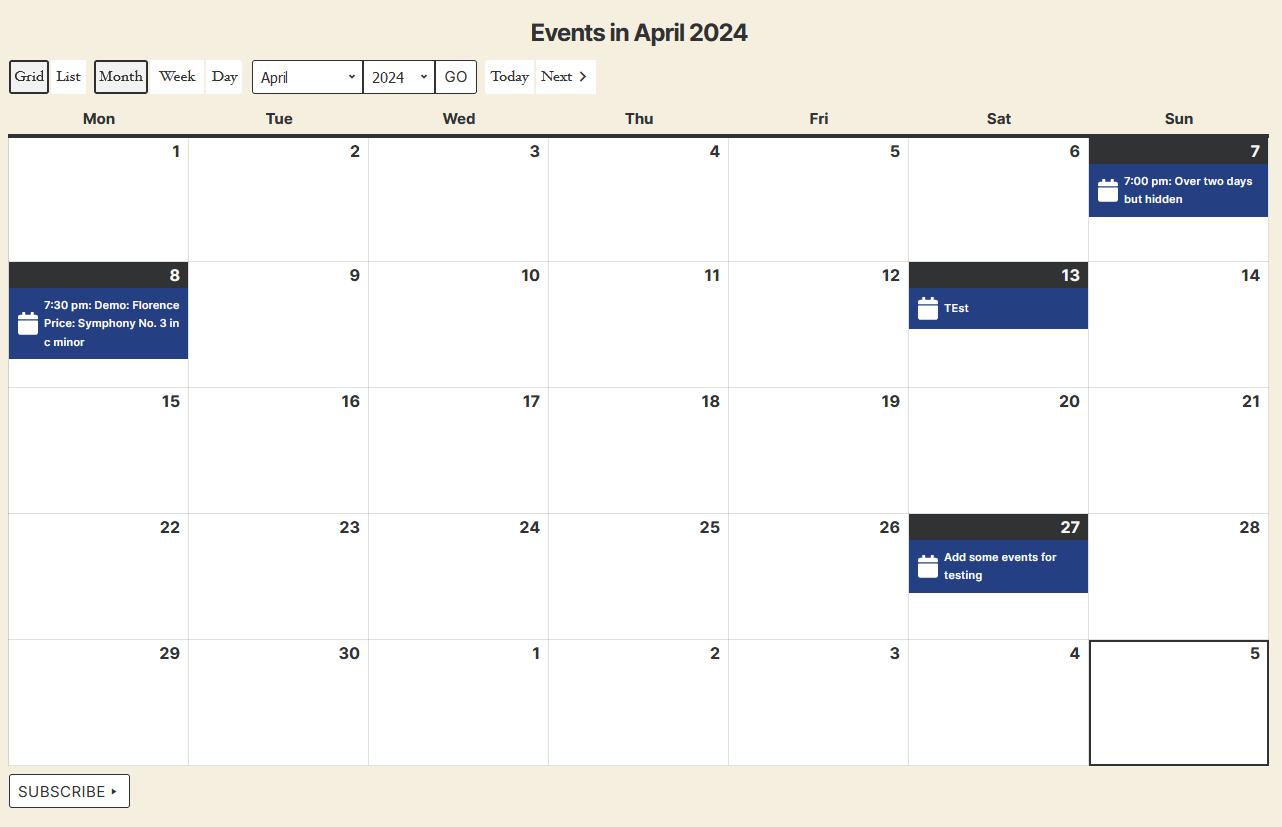
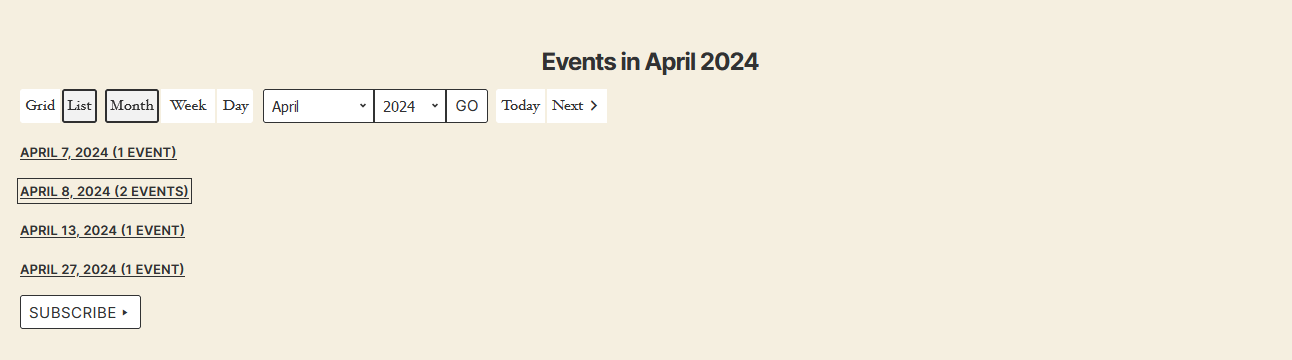
- Calendar grid, card, and list views of events
- Month, multi-month, week, or daily view.
- Mini-calendar for compact displays (as widget or shortcode)
- Widgets: today’s events, upcoming events, mini calendar, event search
- Customize templates for event output
- Limit views by categories, location, author, or host
- Extensive support for recurring events.
- Edit or add single dates in recurring events
- Rich permissions handling to restrict access to parts of My Calendar
- Email notifications when events are scheduled or drafted
- Post to X, Bluesky, or Mastodon when events are created (using XPoster)
- Event location management
- Fetch events from a remote database. (Sharing events in a network of sites.)
- Multisite-friendly
- Integrated help page
- Shortcode Generator to create customized views of My Calendar
- SEO with JSON-LD structured data for events and venues.
- Export or subscribe via iCal or Google Calendar.
- Completely responsive events views
- Extensive public documentation.
- Hundreds of actions and filters for custom development
Accessibility
My Calendar is designed with accessibility in mind. All interfaces – both front and back end – are tested with various assistive technology.
The plugin includes features for showing the accessibility services available for events and at physical venues, as well as providing access to your event information for users with disabilities.
What’s in My Calendar Pro?
- Let your site visitors submit events to your site (pay to post or free!).
- Let logged-in users edit their events from the front-end.
- Custom field creator
- Create events when you publish a blog post
- Publish a blog post when you create an event
- Advanced search features
- Import events from .ics or .csv formats via file or URL.
- REST API support for sharing events between multiple sites.
Translations
Visit WordPress Translations to check progress or contribute to your language.
Translating my plugins is always appreciated. Visit WordPress translations to help get your language to 100%!
Installation
-
Upload the
/my-calendar/directory into your WordPress plugins directory. -
Activate the plugin on your WordPress plugins page
-
Configure My Calendar using the settings pages in the admin panel:
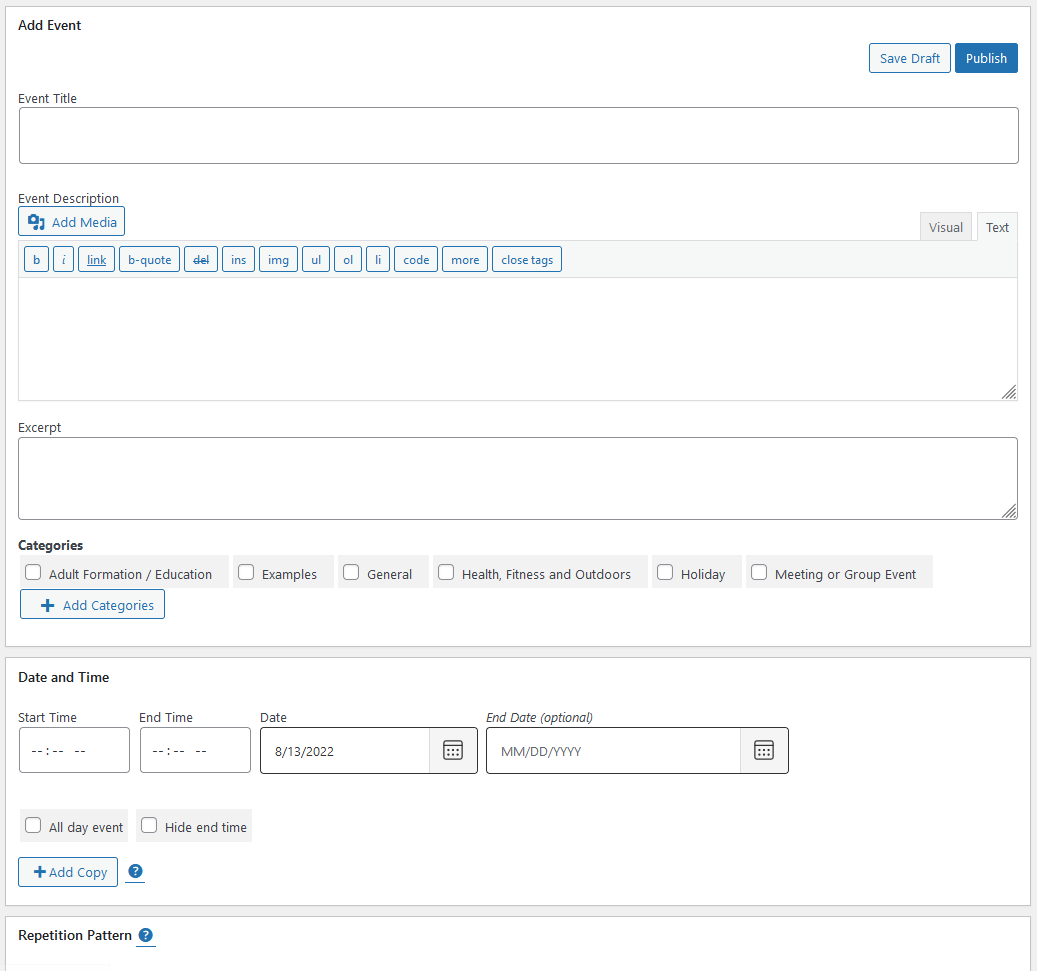
My Calendar -> Add Event
My Calendar -> Events
My Calendar -> Add New Location
My Calendar -> Locations
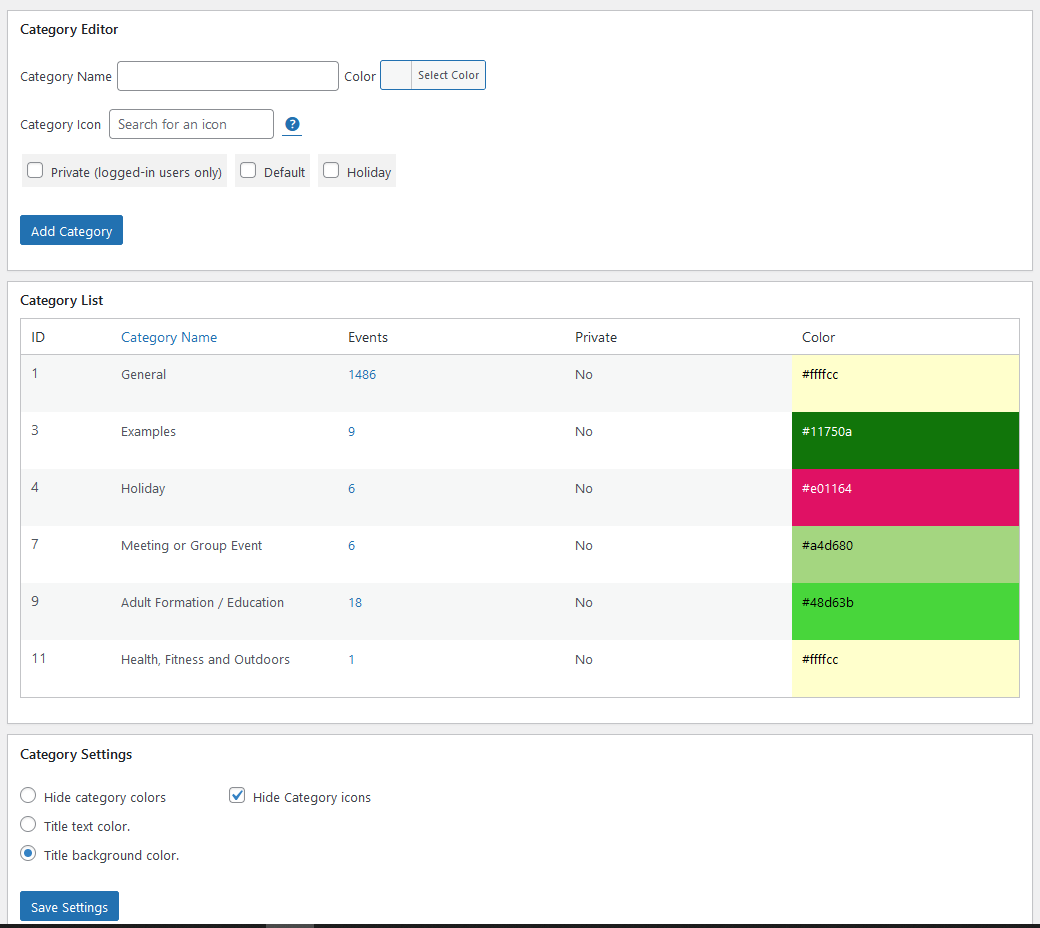
My Calendar -> Categories
My Calendar -> Access Terms
My Calendar -> Design
My Calendar -> Settings
My Calendar -> Shortcodes
My Calendar -> Help -
Visit My Calendar -> Help for assistance with shortcode options or widget configuration.
Changelog
3.8.14
- Bug fix: Guard against inserting empty locations by omitting event_zoom from empty value test.
- Bug fix: Guard against non-existing event objects in schema generation.
- Bug fix: If calendar URI not set, search did not render, though that’s not a requirement for search.
- Change: Remove checks for $_POST data in search. My Calendar search is never submitted via POST.
- Change: Set up calendar metaboxes on add_meta_box hook instead of admin_menu.
- Change: Remove jquery.stick library with CSS.
- Security: Authenticated Stored Cross-Site Scripting via event_post. Props @wordfence and @jiahao.
- Security: Authenticated Stored Cross-Site Scripting via event_street. Props @wordfence and @jiahao.
- Security: Authenticated Stored Cross-Site Scripting via event_title. Props @wordfence and @jiahao.
- Security: Authenticated Stored Cross-Site Scripting via event_title. Props @wordfence and @braintx.
- Security: Authenticated Stored Cross-Site Scripting via template shortcode parameter. Props @avrlab233.
- Security: Authenticated Missing Authorization check allowing event deletion. Props @duck4nh.
- Security: Extensive hardening across entire plugin.
- Tooling: Expand e2e and PHP unit tests.
3.8.13
- Bug fix: Used
get_current_screen()in a context that ran in the front-end on Pro, causing event submission errors.
3.8.12
- Bug fix: Yoast Schema graph only loaded if mc_id set.
- Bug fix: Stylesheet previewer didn’t pass style class into main container.
- Bug fix: Category settings should update before rendering the category editing form.
- Bug fix: Custom icons did not set value.
- Bug fix: Upcoming events navigation events were set multiple times.
- Bug fix: Improve error for users when a navigation nonce is expired.
- Bug fix: Legacy templates regex could miss closing braces, resulting in skipped tags.
- Bug fix: Make
brin list presets conditional where possible. - Bug fix: Improve consistency of upcoming events navigation, avoiding missed or repeated events.
- Bug fix: Make navigation buttons in upcoming events nav more predictable.
- Bug fix: Widget accepted ‘event’ as a display type, but navigation didn’t recognize that.
- Bug fix: Render ‘Untitled Category’ for categories with no title.
- Bug fix: Prevent saving categories with no title.
- Bug fix: Fix join for access limit queries in upcoming events lists.
- Bug fix: Default access terms not applied on new events.
- Bug fix: New location access terms could be assigned to the event access term taxonomy.
- Bug fix: Don’t display a ‘success’ status when setting import triggers an error.
- Change: Day view now switches to today’s date when on the current date view.
- Change: Week view now switches to the current week when on the current date view.
- Change: Add basic styling for filter widget.
- Change: Minor design change for category colors in admin.
- Change: Create custom My Calendar Print view template, overridable in themes.
- Security: Extensive review of nonce handling to meet current PHPCS standards; hardening.
- Code quality: Update to meet the WordPress Extras PHPCS sniffs.
- Tooling: Add extensive e2e and additional PHP unit tests.
- Performance: Remove use of
wp_reset_query()in URL handler.
3.8.11
- Bug fix: Extra ‘has-modal’ class in day view.
- Bug fix: Remove invalid location filter notice from front-end. It’s confusing.
- Change: Replace manually alternating row classes with
stripedon parent table. - Security: Fix reflected shortcode rendering in search results. Props Andres Poulin Mateos — Drakon Tech Solutions (Almería, Spain)
3.8.10
- Bug fix: Overwrote
$typevariable in template loader, causing templates in some paths to fail to render.
= 3.8.9
- Bug fix: Full $data object passed to two legacy template paths instead of rendered tags. Props @gkmyt
- Bug fix: If category colors disabled, editing categories failed due to expected field not existing. Props @christopherphillips
- Bug fix: Clear PHP deprecated notice thrown when sanitizing string runs on empty output parameter in CSV output.
- Usability: Add better visual affordances for exporting settings packages.
- Accessibility: Mismatched aria-describedby/aria-labelledby with title ID. Props @mandersen77
- Privacy: Only disclose host contact information in exported data if permission explicitly granted. Props anonymous reporter.
3.8.8
- Security: Fixes a severe unauthenticated privilege escalation flaw. Props @daroo and WordFence for responsible disclosure.
Screenshots
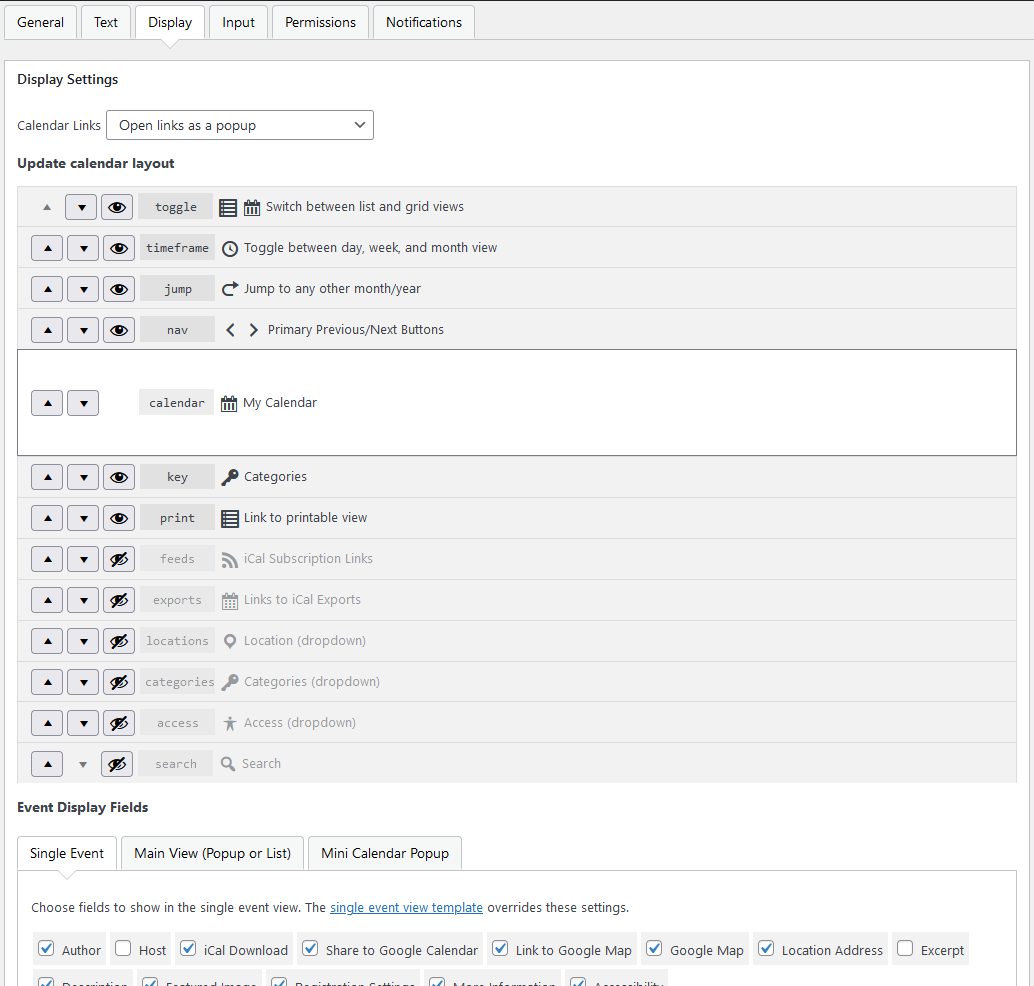
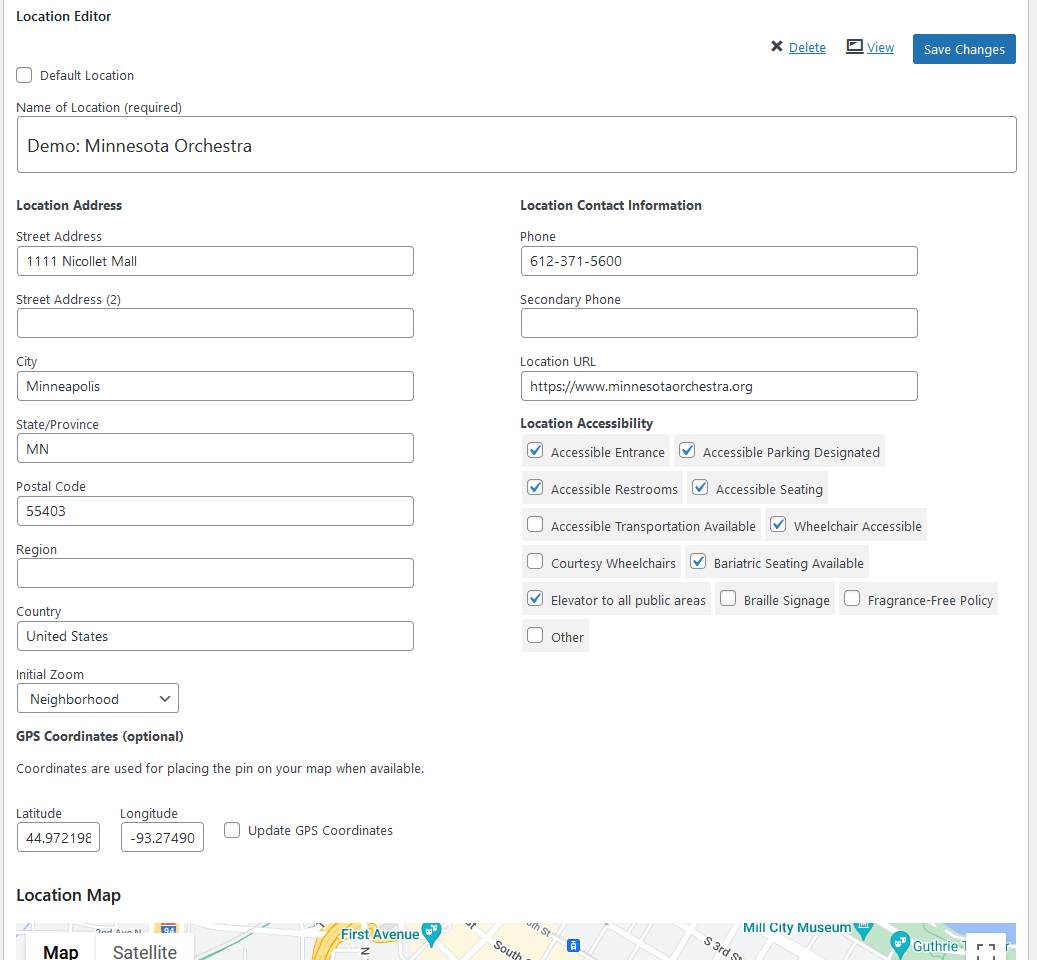
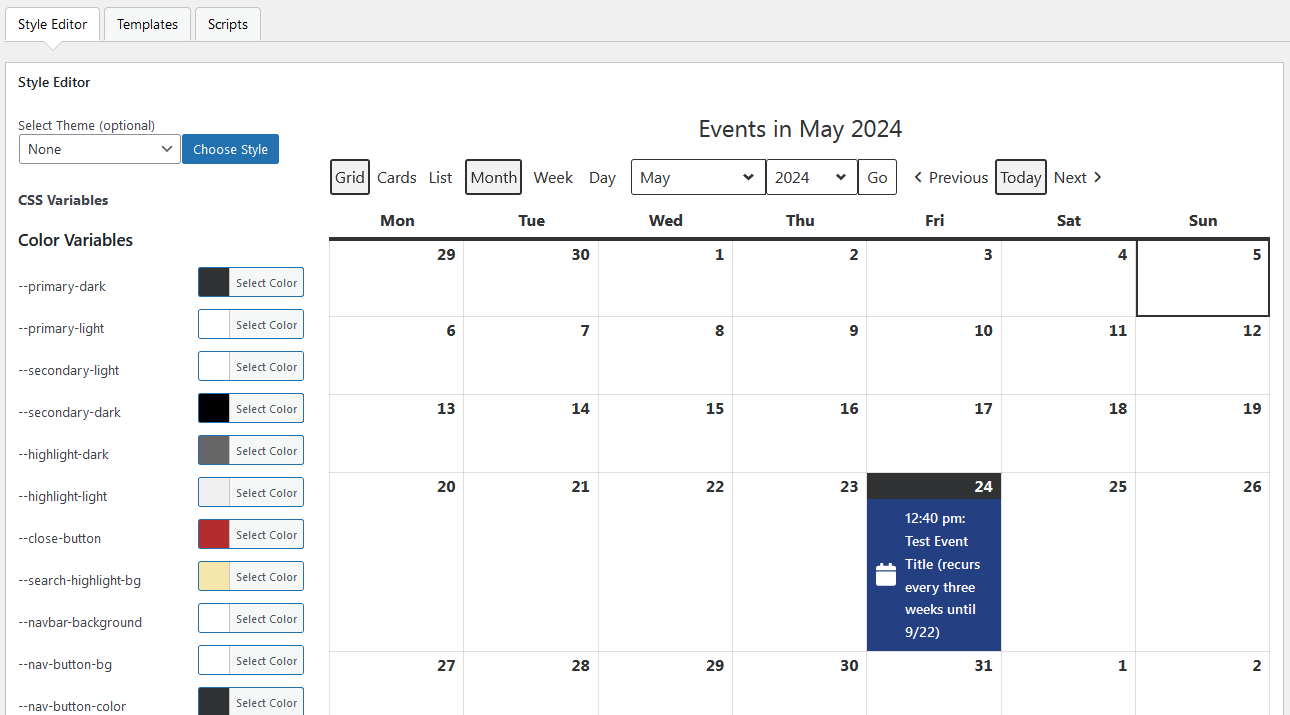
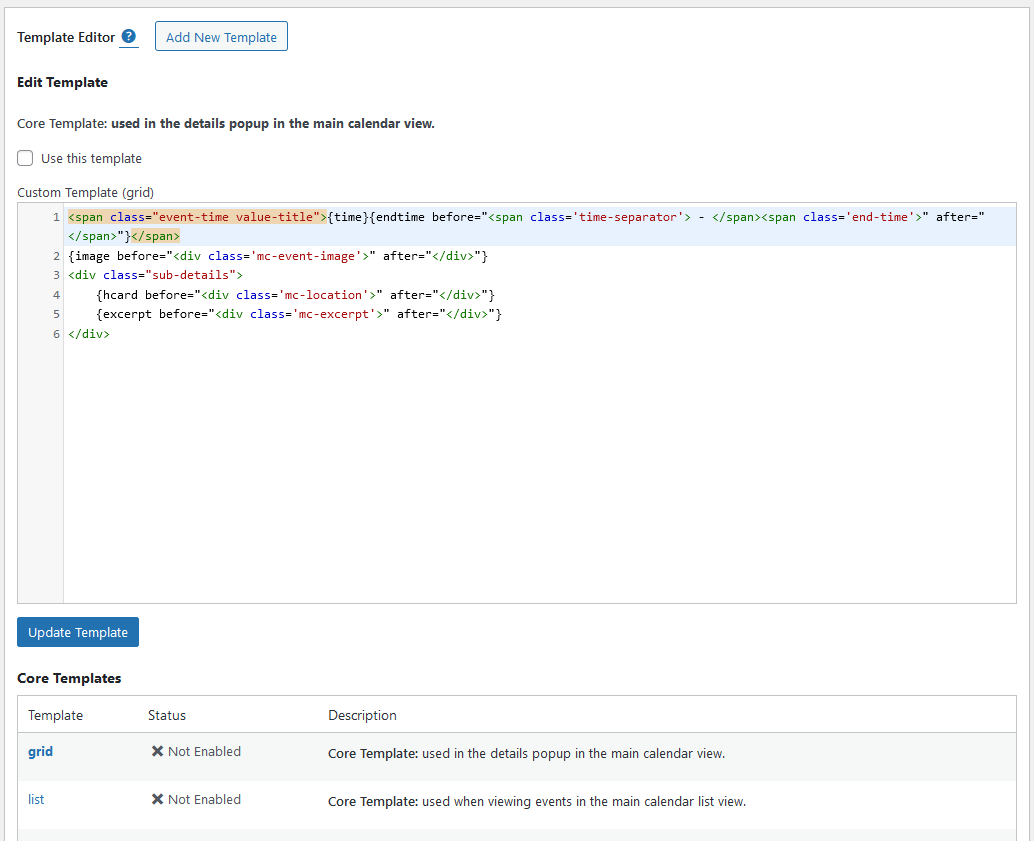
For developers
Is this your plugin? Show off the numbers.
Add a live badge to your site, docs or GitHub README. It updates on its own — no account needed.
Best My Calendar alternatives
All accessibility plugins →





FAQ
My Calendar: quick answers
Straight answers, pulled from live WordPress.org data.
Live data from WordPress.org · checked Nov 16, 2026
Is My Calendar free?
Yes. My Calendar is free to download and use from the official WordPress.org plugin directory.
Is My Calendar safe to use in 2026?
Yes — My Calendar is a safe, well-maintained plugin to use in 2026. It runs on 20K+ sites, is rated 4.7/5 and was last updated 4 hours ago, and scores 85/100 on our health check.
How many websites use My Calendar?
My Calendar is active on 20K+ WordPress websites and has been downloaded 3,290,144 times since it launched in April 2010. It was downloaded 67,741 times in the last 30 days.
Does My Calendar work with WordPress 7.1?
Yes. The developer has tested My Calendar up to WordPress 7.1.4, the latest release. It requires WordPress 6.5 or newer.
What PHP version does My Calendar need?
My Calendar requires PHP 7.4 or higher. Most hosts run PHP 8.x today, so it works on any modern WordPress hosting.
When was My Calendar last updated?
The latest version, 3.8.14, was released on November 15, 2026 (4 hours ago).
Who makes My Calendar?
My Calendar is developed and maintained by Joe Dolson.
What are the best alternatives to My Calendar?
The most popular alternatives to My Calendar are Web Accessibility (formally… (500K+ installs), Auto Image Attributes From… (100K+ installs) and Accessibility by UserWay (80K+ installs).
Powered by PageForge
Want thousands of pages that rank like these? Build them in an afternoon.
This directory runs on the same engine as PageForge. Turn any spreadsheet, CSV or API into thousands of fast, SEO-ready WordPress pages — with schema, internal links and AI-written copy baked in.
- CSV, Google Sheets & API data sources
- AI content, schema & internal links per page
- Works with Elementor, Gutenberg, Yoast & Rank Math
- Free on WordPress.org — no credit card


