


EaseAccess Lite
Free accessibility widget with text resize, contrast modes, reading guides, big cursor, dictionary lookup, and an accessibility statement generator.

Use with caution
EaseAccess Lite works, but test it on a staging site before relying on it in 2026. Was last updated 3 months ago, and scores 49/100 on our health check.
- Small user base (<10 active installs)
- Very few reviews so far
How does it stack up?
Side-by-side on installs, updates, ratings & support



Daily downloads
Download spikes usually follow a new release — each site that auto-updates counts as a download.
Rankings
Where EaseAccess Lite stands todayWordPress.org search rankings
Live position in the plugin search, top 100| Keyword | Position |
|---|---|
| a11y | >100 |
| accessibility | >100 |
| accessibility widget | >100 |
| ADA Compliance | #76 |
| wcag | >100 |
About EaseAccess Lite
From the official readme · v1.0.0Description
EaseAccess Lite is a free, lightweight accessibility plugin that helps WordPress site owners make their websites more inclusive and WCAG-friendly. It adds a customizable accessibility widget to the front of your site, giving visitors a set of tools to adjust the page to their needs.
Key features
- Text adjustments — increase / decrease font size, adjust line height and letter spacing
- Contrast modes — high contrast, dark mode, light mode, monochrome, low saturation
- Reading aids — reading guide, reading mask, highlight links, highlight headings, big cursor
- Content controls — pause animations, hide images, readable font
- Dictionary lookup — look up word definitions on demand
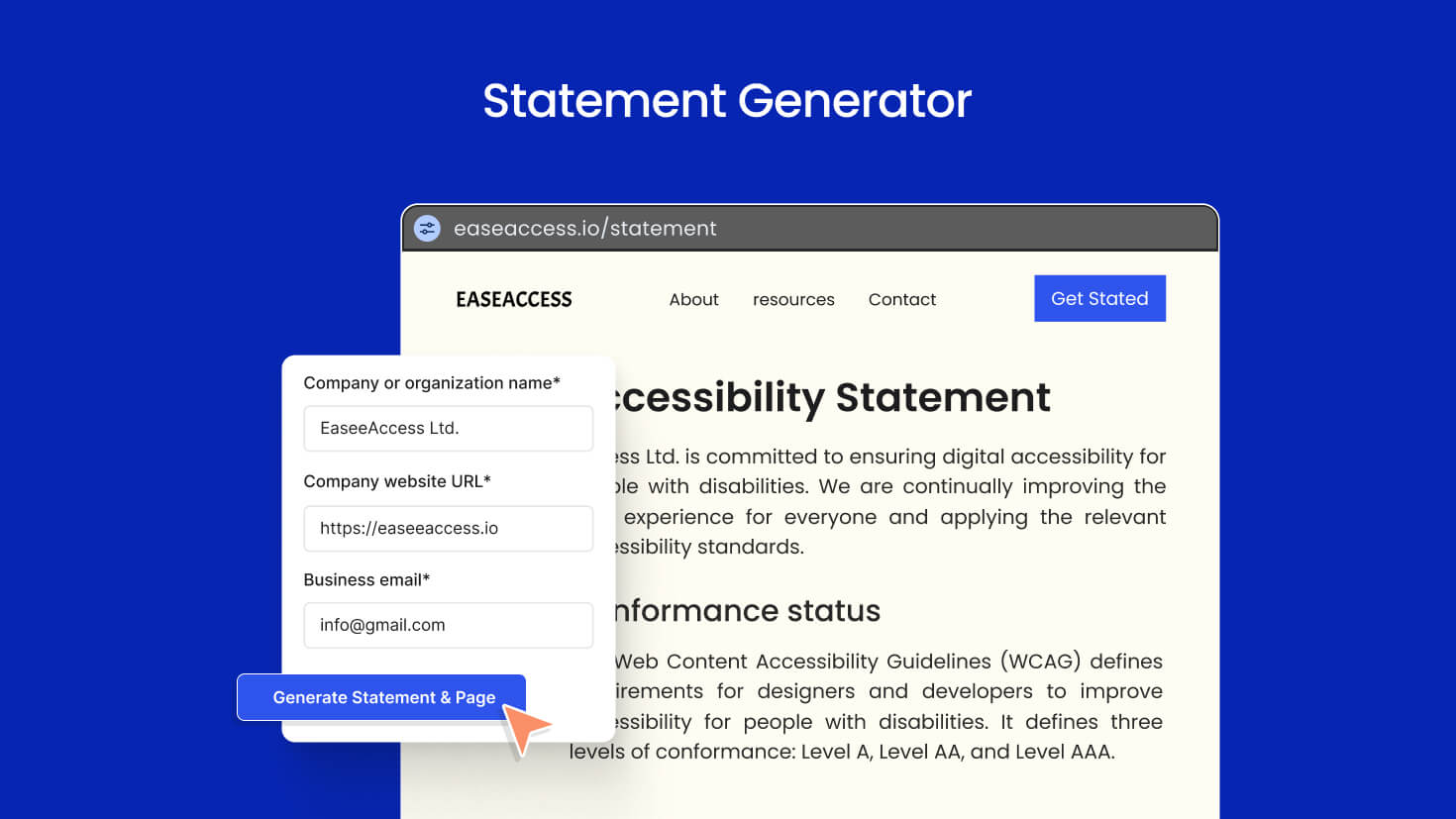
- Accessibility statement generator — create a WCAG-style accessibility statement page in seconds
- Smart display rules — show the widget everywhere, only on selected post types, or exclude specific ones
- Page builder aware — automatically skips Elementor, Divi, Beaver Builder, Oxygen, and Bricks editor sessions
- Nav menu integration — optionally render the widget as a menu item
- Customizable button — color, position, size, shape
- Translation ready — full i18n support, ships with
.potfile - Clean uninstall —
uninstall.phpremoves every option this plugin creates
External services
This plugin connects to one external service to provide an optional feature. The service is only contacted when a visitor explicitly triggers the corresponding action in the accessibility widget — nothing is sent automatically on page load.
Dictionary API (api.dictionaryapi.dev)
- What it does: Looks up the English definition of a single word.
- When it is contacted: Only when a site visitor uses the Dictionary feature inside the accessibility widget and submits a word.
- What data is sent: A single sanitized word (letters A–Z only). No personal data, no IP forwarding from the plugin, no cookies. The request is proxied through your own site’s REST API (
/wp-json/easeaccess-lite/v1/dictionary/{word}), and your server then makes the outbound request tohttps://api.dictionaryapi.dev/api/v2/entries/en/{word}. - Why it is needed: To return the definition back to the visitor.
- Service provider: Dictionary API — a free, open dictionary service.
- Terms of service: https://dictionaryapi.dev/
- Privacy policy: https://dictionaryapi.dev/
If you do not want this service used, you can disable the Dictionary feature in the EaseAccess Lite admin settings, in which case no requests are ever made.
Development
EaseAccess Lite is open source. Full source code, build tooling and contribution guide:
https://github.com/easeaccess/easeaccess-lite
Build steps:
1. npm install
2. npm run build
3. The compiled assets land in /build/.
Third-party assets:
* Country flag icons are bundled from the flag-icons project (MIT license) — https://github.com/lipis/flag-icons
Installation
- Upload the
easeaccess-litefolder to the/wp-content/plugins/directory, or install the plugin through the WordPress Plugins screen directly. - Activate the plugin through the Plugins screen in WordPress.
- Go to EaseAccess Lite in the admin sidebar to configure the widget.
- Visit your site — the accessibility widget will appear in the corner you selected.
Frequently asked questions
Does this plugin make my site WCAG compliant automatically?
No plugin can make a site automatically WCAG compliant. EaseAccess Lite provides user-facing accessibility tools and an accessibility statement generator to help your visitors and demonstrate your commitment, but full WCAG conformance also requires accessible content authoring (alt text, headings, color contrast, semantic HTML, etc.).
Will the widget slow down my site?
The frontend bundle is small and loads only on pages where the widget is enabled. You can also restrict it to specific post types via the display settings.
Can I hide the widget on certain pages?
Yes. In the admin settings, choose Display Mode → Exclude and select the post types where the widget should not appear. Include mode does the opposite.
Does it work with my page builder?
Yes. EaseAccess Lite automatically detects Elementor, Divi, Beaver Builder, Oxygen, and Bricks editor sessions and stays out of the way during editing. The widget still appears on the published page.
Is my data sent anywhere?
The plugin stores all of its settings in your own WordPress database. The only outbound network call is to a public dictionary lookup service, and only when a visitor explicitly clicks the dictionary feature inside the widget. See the External services section below for full details.
How do I uninstall cleanly?
When you delete the plugin from the Plugins screen, EaseAccess Lite removes all of its options from your database via uninstall.php. No orphan data is left behind.
Changelog
Initial release.
1.0.0
- Initial public release on WordPress.org.
Screenshots
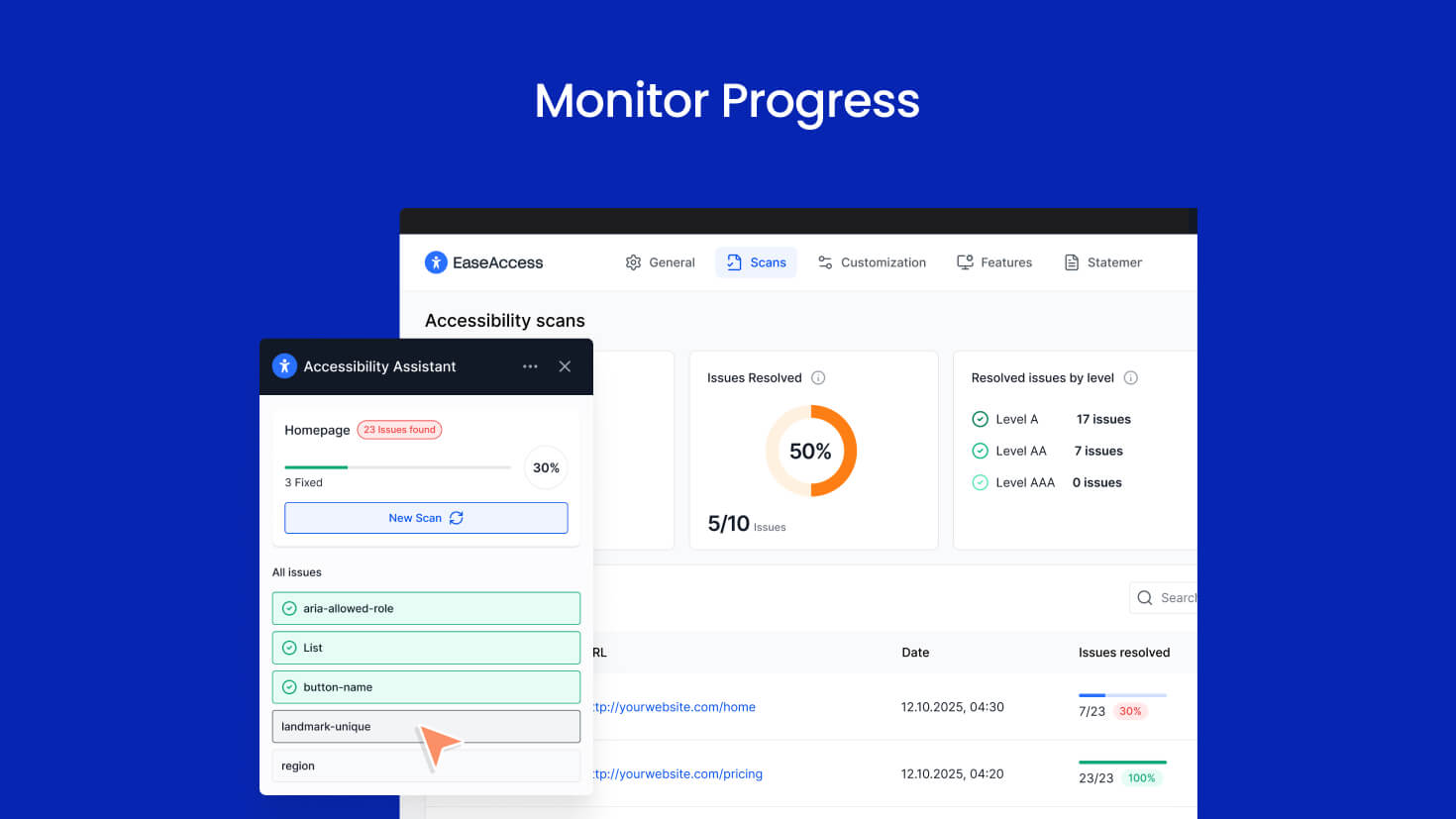
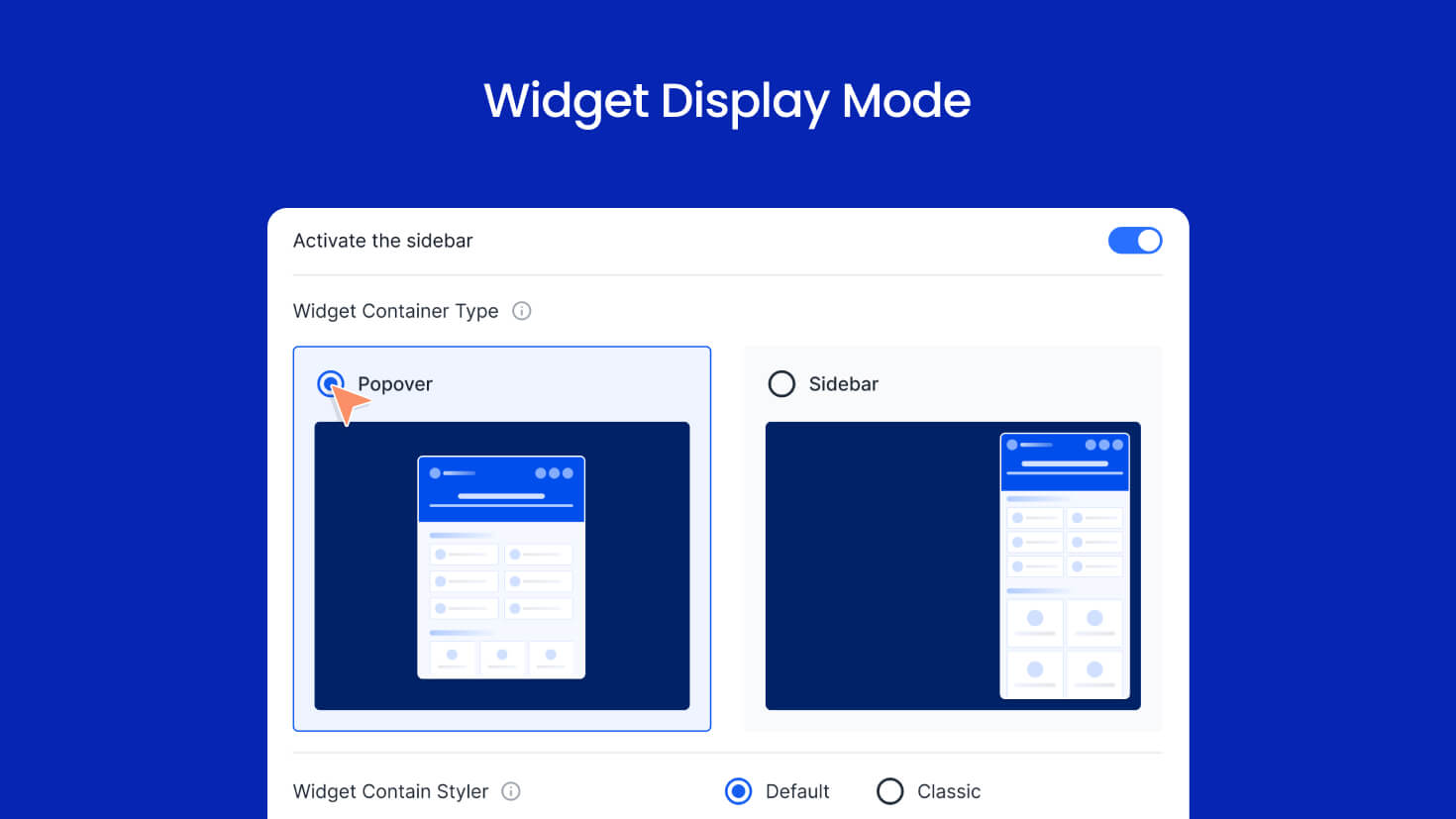
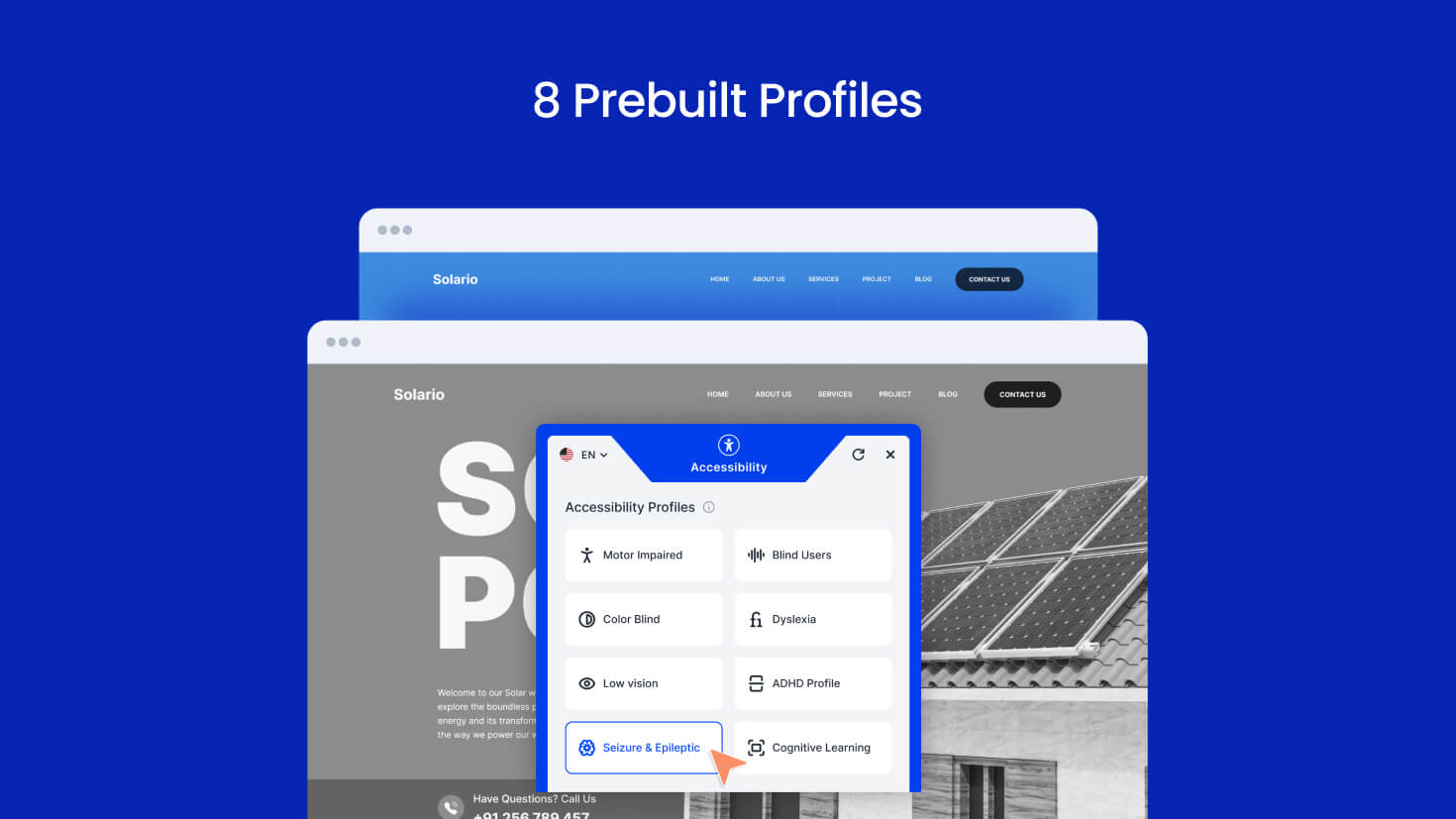
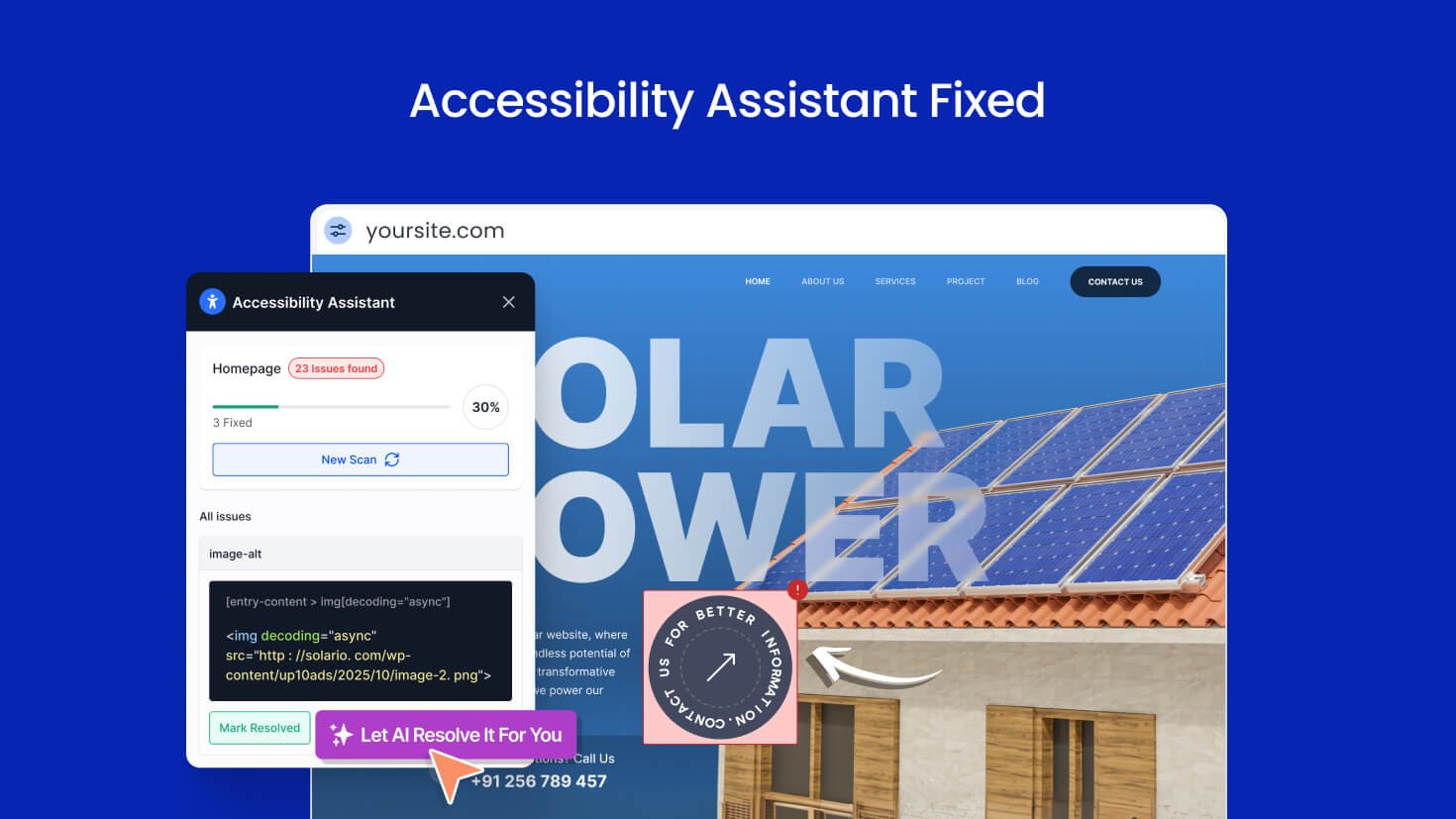
For developers
Is this your plugin? Show off the numbers.
Add a live badge to your site, docs or GitHub README. It updates on its own — no account needed.
Best EaseAccess Lite alternatives
All a11y plugins →





FAQ
EaseAccess Lite: quick answers
Straight answers, pulled from live WordPress.org data.
Live data from WordPress.org · checked Oct 4, 2026
Is EaseAccess Lite free?
Yes. EaseAccess Lite is free to download and use from the official WordPress.org plugin directory.
Is EaseAccess Lite safe to use in 2026?
EaseAccess Lite works, but test it on a staging site before relying on it in 2026. Was last updated 3 months ago, and scores 49/100 on our health check.
How many websites use EaseAccess Lite?
EaseAccess Lite is active on <10 WordPress websites and has been downloaded 211 times since it launched in June 2026. It was downloaded 55 times in the last 30 days.
Does EaseAccess Lite work with WordPress 7.1?
EaseAccess Lite is officially tested up to WordPress 7.0.6, while the latest release is 7.1.2. It may still work, but try it on a staging site first.
What PHP version does EaseAccess Lite need?
EaseAccess Lite requires PHP 7.4 or higher. Most hosts run PHP 8.x today, so it works on any modern WordPress hosting.
When was EaseAccess Lite last updated?
The latest version, 1.0.0, was released on June 28, 2026 (3 months ago).
Who makes EaseAccess Lite?
EaseAccess Lite is developed and maintained by EaseAccess.
What are the best alternatives to EaseAccess Lite?
The most popular alternatives to EaseAccess Lite are Web Accessibility (formally… (500K+ installs), WP Accessibility (60K+ installs) and AccessibleWP (20K+ installs).
Powered by PageForge
Want thousands of pages that rank like these? Build them in an afternoon.
This directory runs on the same engine as PageForge. Turn any spreadsheet, CSV or API into thousands of fast, SEO-ready WordPress pages — with schema, internal links and AI-written copy baked in.
- CSV, Google Sheets & API data sources
- AI content, schema & internal links per page
- Works with Elementor, Gutenberg, Yoast & Rank Math
- Free on WordPress.org — no credit card


