



Click-to-Call for Twilio
This Twilio plugin enables your website visitors to enter their mobile numbers and to be directed instantly to your Twilio endpoint numbers using voice or SMS/MMS actions. You need to configure yourself the incoming…

Consider an alternative
Click-to-Call for Twilio shows warning signs in 2026 — compare the alternatives below before installing. It runs on 30+ sites, is rated 5/5 and was last updated 5 years ago, and scores 31/100 on our health check.
- Small user base (30+ active installs)
- Very few reviews so far
- No update in 4 years
- Only tested up to WordPress 5.8 (latest is 7.1)
How does it stack up?
Side-by-side on installs, updates, ratings & support



Daily downloads
Download spikes usually follow a new release — each site that auto-updates counts as a download.
Rankings
Where Click-to-Call for Twilio stands todayWordPress.org search rankings
Live position in the plugin search, top 100| Keyword | Position |
|---|---|
| click to call | >100 |
| click2call | #3 |
| clicktocall | #2 |
| sms | >100 |
| twilio plugin | >100 |
Version adoption
Share of active sites per release.
Rating breakdown
★★★★★★★★★★ 5 from 3 reviews
About Click-to-Call for Twilio
From the official readme · v1.0.0Description
This Twilio plugin enables your website visitors to enter their mobile numbers and to be directed instantly to your Twilio endpoint numbers using voice or SMS/MMS actions. You need to configure yourself the incoming routes for both voice and text in your Twilio dashboard. The plugin comes with flexible shortcodes to add the widget anywhere on your WP website.
Simply put, this Twilio Plugin is a connector between your WordPress website and your Twilio numbers. We know that visitors don’t like to fill in long and intrusive contact forms, that is why we believe this is a great addition for those who need to decrease their interaction time with the website visitors and to grow their lead generation. With just a single phone input you can get connected to support, sales reps in less than 5 seconds! You can also use plugin’s SMS/MMS shortcodes to send your website visitors promotions, specials, directions, instructions or anything you like – directly on their mobile phones.
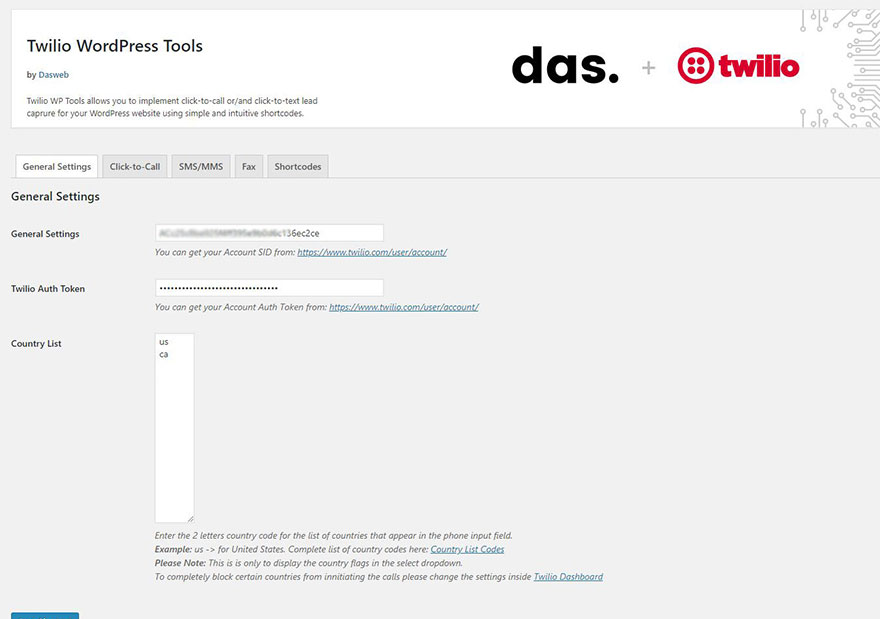
In order to get Click-to-Call for Twilio to work, you need to add your Twilio ACCOUNT SID and AUTH TOKEN. Basically these are the keys that will grant plugin access to your Twilio Cloud Infrastructure and will help to initiate voice or text actions.
If you don’t have a Twilio account don’t worry, setting up an account is very simple and you can get your trial credentials in a matter of seconds. You can find a very comprehensive video tutorial here.
Obtaining the Twilio SID and AUTH tokens
After you have your Twilio account set up navigate to your main Twilio Dashboard and copy your credentials into the general settings of the plugin.
Adding a Click-to-Call shortcode
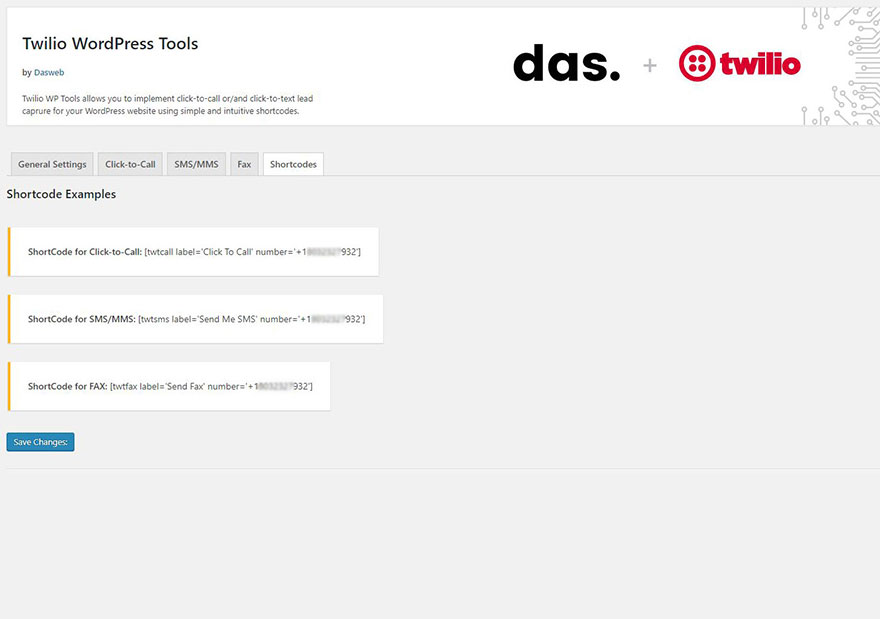
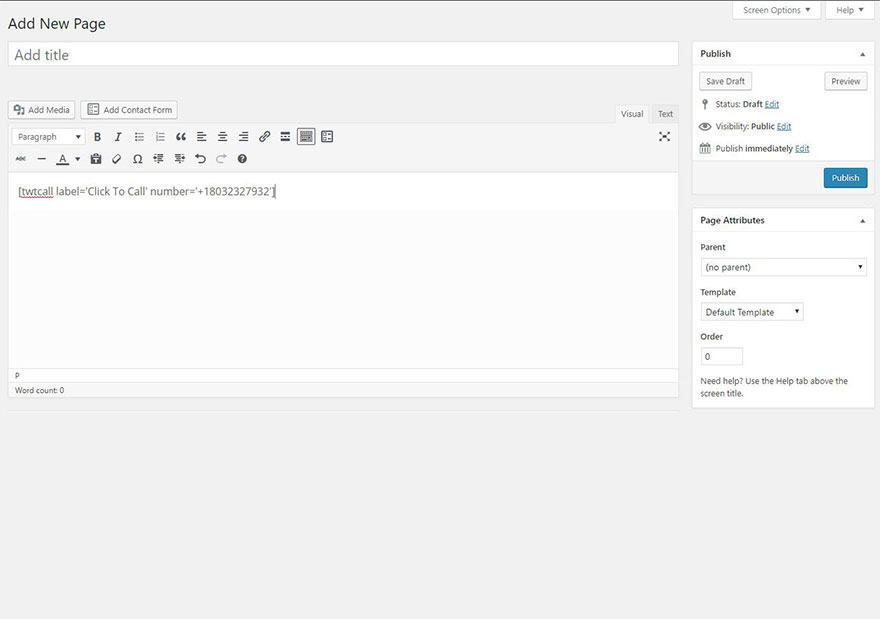
To add a shortcode of your Click-to-Call button simply add the following to any part of your WordPress page or visual editor:
[twtcall label='Click To Call' number='+1501222333']
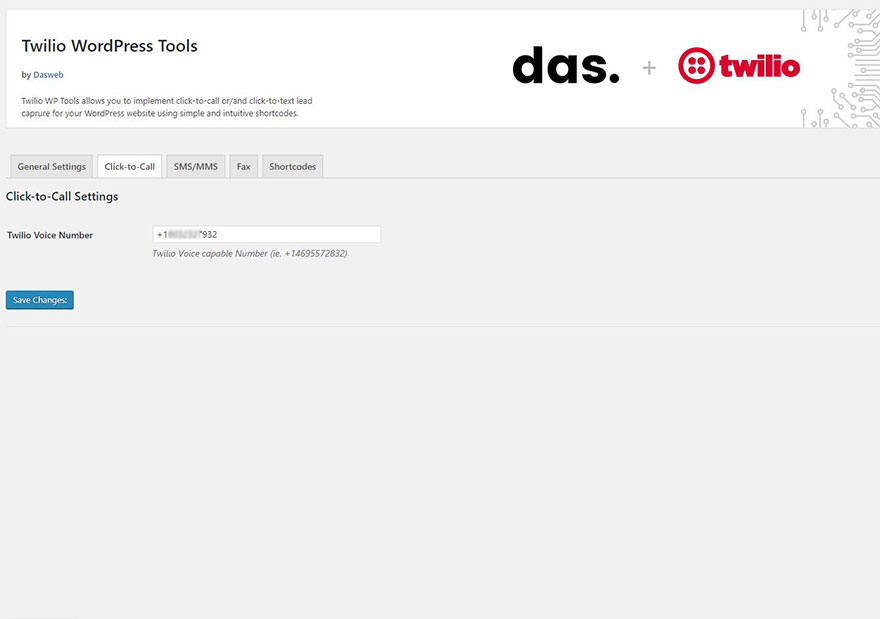
Notice that by default the label for the button is ‘Click to Call’ which you can change to whatever is the best for you. The second part of the shortcode is the default Voice number that you set up in the Settings page. You can overwrite it with another Voice capable number that you have in your Twilio account.
You can find more in the Documentation section on our website and you can also test the Demo of the Click-to-Call functionality.
Pro Version
The Pro Version offers you a full integration of the SMS/MMS and Fax options and offers you more options, customization and 6 months of free support.
- Click-to-Call feature – Direct contact with your website visitors
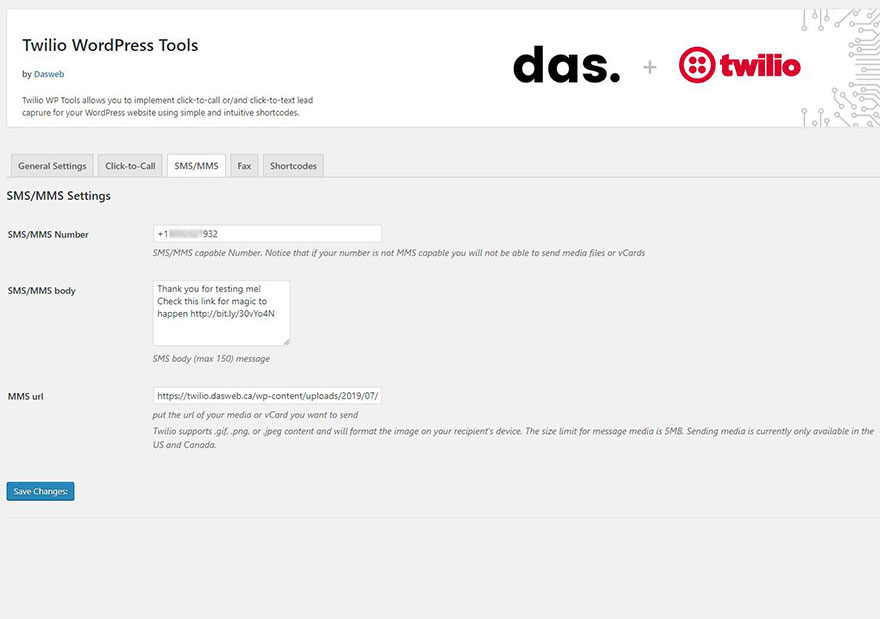
- SMS/MMS functionality – Capture visitors’ phone numbers and send marketing/contact info
- vCards sent to visitors – Send visitors your contact information in a phone-ready format
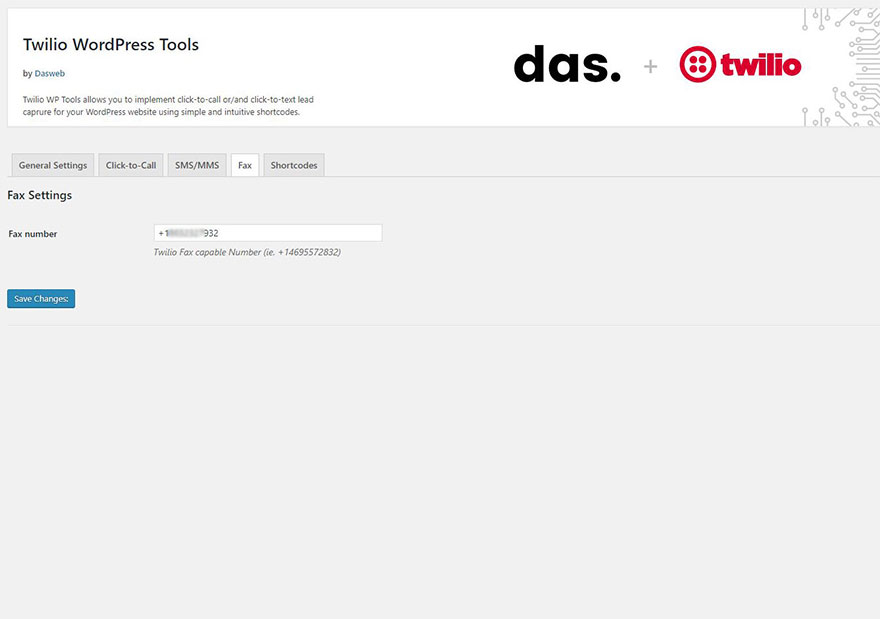
- Fax outbound feature – Use it internally as a virtual fax machine to send documents [discontinued by Twilio]
- Custom Voice Message – Write your own welcome message when placing click-to-call actions
- Custom Countries Flags – Select the countries you want to be visible in the input field
- WPMU/Translations – Ability to translate the plugin strings in different languages
- 6 months Free Support – Include installation and technical support
Installation
Using the WordPress dashboard
-
First, download the zip file containing Click-to-Call for Twilio Plugin. To do so, simply access the downloads page, log into your account, and click the button labeled TWILIO WP TOOLS. Be sure to save this zip file somewhere easily accessible as you will need it soon.
-
Next, log into your WordPress admin dashboard if you have not already done so.
- From within your WordPress admin dashboard, hover over Plugins on the left side navigation menu and click on Add New. Within this page, click the Upload Plugin button at the top.
- Once on the upload page, click the Browse button. Then, navigate to the zip file you previously downloaded and select it. Once the file is selected, click the Install Now button.
- WordPress will now automatically handle the installation of Click-to-Call for Twilio. Once complete, be sure to click Activate Plugin to activate Click-to-Call for Twilio.
Using FTP
- First, download Click-to-Call for Twilio Plugin. To do so, simply access the download page, log into your account, and download the plugin zip file.
- As you are installing via FTP, you will need to unpack the zip file that you downloaded.
- Next, access your WordPress site via FTP and navigate to the wp_content/plugins directory. Inside there, upload the entire ‘click-to-call-twilio’ folder that you have obtained as result of unzipping the zip file.
- Once fully uploaded, access your WordPress admin dashboard and click on Plugins. Inside this page, you should now see an entry for Twilio WP Tools. All you have to do now is activate it by clicking one Activate Plugin.
That’s it! Click-to-Call for Twilio Plugin is now installed and running on your WordPress site. To get started, you may now follow our guide on setting up Click-to-Call for Twilio.
Screenshots

For developers
Is this your plugin? Show off the numbers.
Add a live badge to your site, docs or GitHub README. It updates on its own — no account needed.
Best Click-to-Call for Twilio alternatives
All click to call plugins →





FAQ
Click-to-Call for Twilio: quick answers
Straight answers, pulled from live WordPress.org data.
Live data from WordPress.org · checked Oct 4, 2026
Is Click-to-Call for Twilio free?
Yes. Click-to-Call for Twilio is free to download and use from the official WordPress.org plugin directory.
Is Click-to-Call for Twilio safe to use in 2026?
Click-to-Call for Twilio shows warning signs in 2026 — compare the alternatives below before installing. It runs on 30+ sites, is rated 5/5 and was last updated 5 years ago, and scores 31/100 on our health check.
How many websites use Click-to-Call for Twilio?
Click-to-Call for Twilio is active on 30+ WordPress websites and has been downloaded 3,447 times since it launched in July 2019. It was downloaded 105 times in the last 30 days.
Does Click-to-Call for Twilio work with WordPress 7.1?
Click-to-Call for Twilio is officially tested up to WordPress 5.8.17, while the latest release is 7.1.2. It may still work, but try it on a staging site first.
What PHP version does Click-to-Call for Twilio need?
Click-to-Call for Twilio requires PHP 5.6 or higher. Most hosts run PHP 8.x today, so it works on any modern WordPress hosting.
When was Click-to-Call for Twilio last updated?
The latest version, 1.0.0, was released on October 29, 2021 (5 years ago).
Who makes Click-to-Call for Twilio?
Click-to-Call for Twilio is developed and maintained by Dasweb Agency.
What are the best alternatives to Click-to-Call for Twilio?
The most popular alternatives to Click-to-Call for Twilio are Call Now Button (200K+ installs), Really Simple Click To Call… (7K+ installs) and Mobile Call Now & Map Butto… (4K+ installs).
Powered by PageForge
Want thousands of pages that rank like these? Build them in an afternoon.
This directory runs on the same engine as PageForge. Turn any spreadsheet, CSV or API into thousands of fast, SEO-ready WordPress pages — with schema, internal links and AI-written copy baked in.
- CSV, Google Sheets & API data sources
- AI content, schema & internal links per page
- Works with Elementor, Gutenberg, Yoast & Rank Math
- Free on WordPress.org — no credit card


