


Chatrix
Matrix client for WordPress.

Consider an alternative
Chatrix shows warning signs in 2026 — compare the alternatives below before installing. It runs on 30+ sites, is rated 3/5 and was last updated 1 year ago, and scores 34/100 on our health check.
- Small user base (30+ active installs)
- Very few reviews so far
- No update in over a year
- Only tested up to WordPress 6.8 (latest is 7.1)
How does it stack up?
Side-by-side on installs, updates, ratings & support



Daily downloads
Download spikes usually follow a new release — each site that auto-updates counts as a download.
Rankings
Where Chatrix stands todayWordPress.org search rankings
Live position in the plugin search, top 100| Keyword | Position |
|---|---|
| chat | >100 |
| matrix | #43 |
Version adoption
Share of active sites per release.
Rating breakdown
★★★★★★★★★★ 3 from 1 reviews
About Chatrix
From the official readme · v0.9.2Description
Easily add a Matrix client to WordPress pages, either through the Block Editor, or as a popup.
Feedback welcome
If you have any feedback or questions about Chatrix, please do talk to plugin maintainers at #chatrix:matrix.org.
Frequently asked questions
How can I install this plugin on my site?
This plugin can be used in two distinct ways: By adding a block to a page through the block editor By selecting pages in which a popup will be displayed. You configure this through Settings -> Chatrix.
Is there a more flexible way to configure the popup?
Yes. Instead of configuring the popup through Settings -> Chatrix, you can configure it through code, by using the chatrix_instances filter: // functions.php add_filter( 'chatrix_instances', function ( array $default_instances ) { // The key is an instance_id, the value array is the config for that instance. // Set 'pages' to an array of the ids of the pages which should show chatrix. // You can also set 'pages' to 'all' which results in that instance always being used. // Only one instance can be shown on a given page. return array( 'foo' => array( 'homeserver' => 'https://foo.com'…
How can I configure WordPress user accounts to register and login on Matrix homeserver?
The plugin will respect the login methods configured on the Matrix homeserver. For example, if the homeserver has both password and SSO login enabled, both options will be available to the user. In light of the plan for Matrix to replace their user management with Open ID Connect (OIDC), we recommend to use a Single-Sign On (SSO) flow by configuring Open ID Connect login on Synapse and use the OpenID Connect Server WordPress plugin. The flow will then be as follows: When logging into your homeserver, it will redirect you to your own WordPress login page and ask you to authorize the login by…
Changelog
0.9.2
- Fix Chatrix iframe not loading in Gutenberg editor #256
0.9.1
- We now don’t enqueue scripts in embeds #249
- It is now possible to disable service worker at runtime #243
0.9.0
- Chatrix is now a single-session client. The session picker is no longer displayed [#239]. This fixes #236 #224 #200.
0.8.3
- Improve the view for rooms that are you not a member of (Upgraded our Hydrogen’s fork to latest)
0.8.2
- Fix issues with single-room mode and guest login [#222]
0.8.1
- Correctly remember last url when multiple blocks are on the same page [#217]
0.8.0
- Fix issue when chatrix plugin is not installed in the default location [#205]
- Fix issue with z-index of the popup [#207]
- Fix issue that prevented navigating away from the unknown room screen [#213]
- Allow multiple blocks on the same page or on different browser tabs (behind feature flag, still unstable) [#214]
0.7.1
- Fix button text from ‘Login’ to ‘Log In’
- Meta changes for WP.org plugins repo
0.7.0
- Implement Room Previews (Peeking) functionality [#199]
- Disable restoration to last screen when in Single room mode [#196]
- Switch to our Hydrogen’s fork (ahead of v0.3.8) as dependency which includes un-merged upstream contributions
- Fix query params in SSO
- Allow create room screen to be closed on smaller width screens
- Ensure Service worker is started before anything else
- Fix bug in normalization of homeserver
- Room Previews (Peeking) support
- Fix loading of messages & timelines in some cases
0.6.0
- Support for multiple blocks on the same page [#175]
- Support room alias in configuration [#179]
- Fixed a bug where port wasn’t allowed in homeserver in configuration [#184]
- Provide a filter to choose to not load the logout script if required [#165]
0.5.1
- Fix issue that caused popup configuration to be ignored [#173]
0.5.0
- Logout and delete data when user logs out of WordPress [#150, #153]
- Improvements to single room mode [#151]
- Add a Settings entry to the options menu of the room
- Closing the Settings screen navigates to configured
roomId - Closing the Room (timeline) screen navigates to session picker
- Hide the left panel completely
- Fix issue that caused Chatrix to not load in certain conditions [#160]
- Allow setting a unit for certain styling options (previously was always
px) [#154]
0.4.0
- Prevent data corruption when more than one Chatrix instance (block or Popup) is active, either in multiple browser tabs or windows, or in the same page [#75]
- Allow setting the height of the block from the block editor [#135]
- Allow styling the block’s border from the block editor [#139]
- Styling and layout improvements and fixes in pre-session screens (session selection, login, logout) [#134]
- Reduce plugin size by 50%, from 12MB to 6MB [#143]
- Update to Hydrogen 0.3.5
- Fix issue that prevented opening rooms with slashes in the room ID [#451]
- Improve date headers in room timeline [#938]
- Provide basic UI to join room [#870]
- Fix an error that can stop sync [#885]
- Fetch missing e2ee devices when verifying message sender [#913]
- Fix message verification not working in rooms where we haven’t sent a message yet [#920]
- Various maintenance fixes
0.3.9
- Initial public release
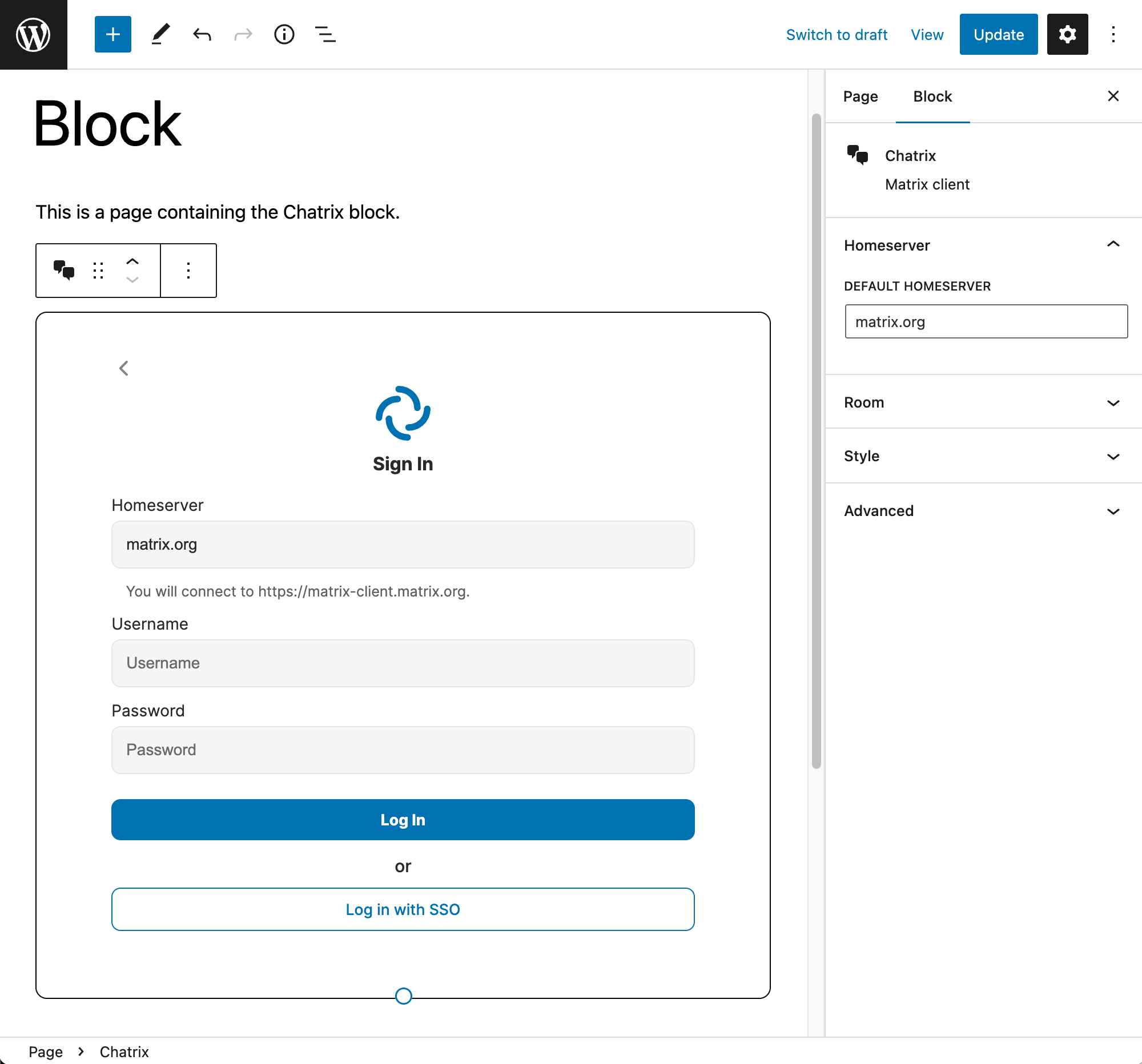
Screenshots


For developers
Is this your plugin? Show off the numbers.
Add a live badge to your site, docs or GitHub README. It updates on its own — no account needed.
Best Chatrix alternatives
All chat plugins →





FAQ
Chatrix: quick answers
Straight answers, pulled from live WordPress.org data.
Live data from WordPress.org · checked Oct 10, 2026
Is Chatrix free?
Yes. Chatrix is free to download and use from the official WordPress.org plugin directory.
Is Chatrix safe to use in 2026?
Chatrix shows warning signs in 2026 — compare the alternatives below before installing. It runs on 30+ sites, is rated 3/5 and was last updated 1 year ago, and scores 34/100 on our health check.
How many websites use Chatrix?
Chatrix is active on 30+ WordPress websites and has been downloaded 6,220 times since it launched in November 2022. It was downloaded 149 times in the last 30 days.
Does Chatrix work with WordPress 7.1?
Chatrix is officially tested up to WordPress 6.8.11, while the latest release is 7.1.3. It may still work, but try it on a staging site first.
What PHP version does Chatrix need?
Chatrix requires PHP 7.4 or higher. Most hosts run PHP 8.x today, so it works on any modern WordPress hosting.
When was Chatrix last updated?
The latest version, 0.9.2, was released on April 17, 2025 (1 year ago).
Who makes Chatrix?
Chatrix is developed and maintained by Automattic.
What are the best alternatives to Chatrix?
The most popular alternatives to Chatrix are Joinchat (700K+ installs), Floating Chat Widget: Conta… (300K+ installs) and Tidio (70K+ installs).
Powered by PageForge
Want thousands of pages that rank like these? Build them in an afternoon.
This directory runs on the same engine as PageForge. Turn any spreadsheet, CSV or API into thousands of fast, SEO-ready WordPress pages — with schema, internal links and AI-written copy baked in.
- CSV, Google Sheets & API data sources
- AI content, schema & internal links per page
- Works with Elementor, Gutenberg, Yoast & Rank Math
- Free on WordPress.org — no credit card


