



Bulk Fixtures for SportsPress
Quickly create multiple fixtures for SportsPress via a grid-based user interface.

Use with caution
Bulk Fixtures for SportsPress works, but test it on a staging site before relying on it in 2026. It runs on 40+ sites and was last updated 4 months ago, and scores 52/100 on our health check.
- Small user base (40+ active installs)
- Very few reviews so far
How does it stack up?
Side-by-side on installs, updates, ratings & support



Daily downloads
Download spikes usually follow a new release — each site that auto-updates counts as a download.
Rankings
Where Bulk Fixtures for SportsPre… stands todayWordPress.org search rankings
Live position in the plugin search, top 100| Keyword | Position |
|---|---|
| bulk | >100 |
| events | >100 |
| fixtures | #5 |
| sports | #89 |
| sportspress | #8 |
Version adoption
Share of active sites per release.
About Bulk Fixtures for SportsPress
From the official readme · v2.1Description
Bulk Fixtures for SportsPress is an add-on plugin that extends SportsPress with a powerful bulk fixture creation tool.
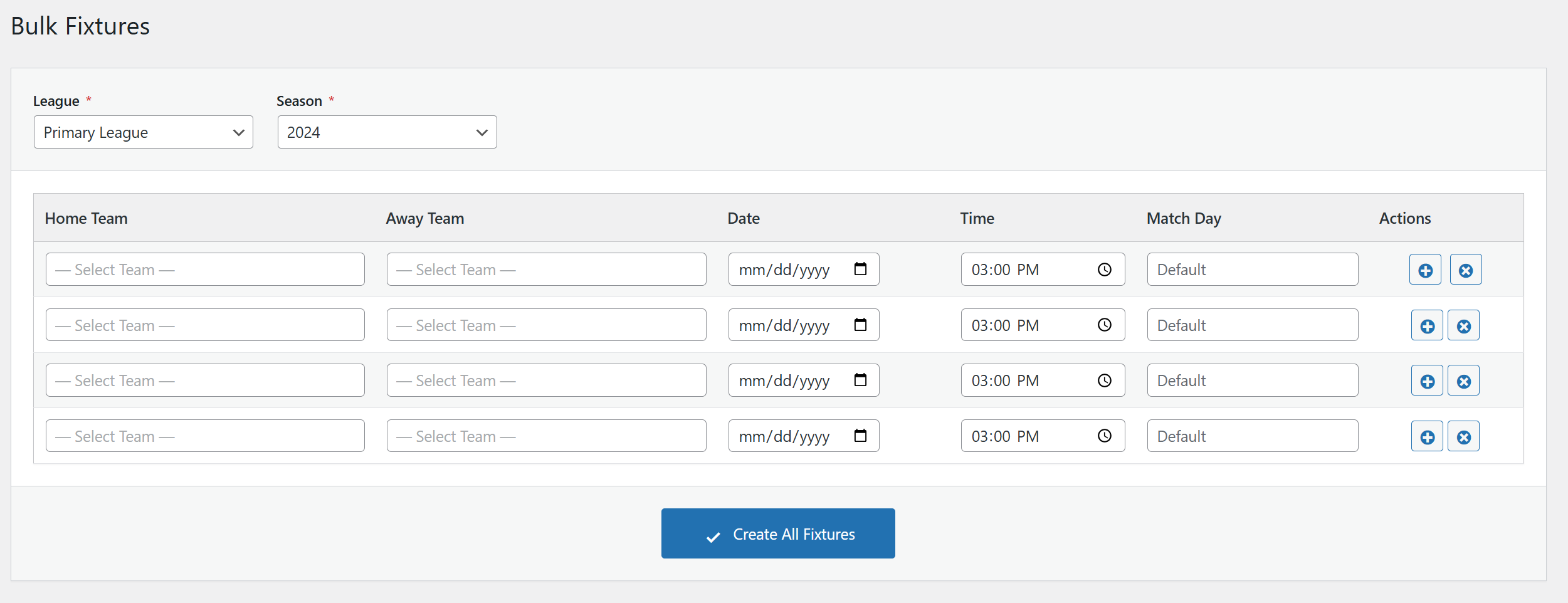
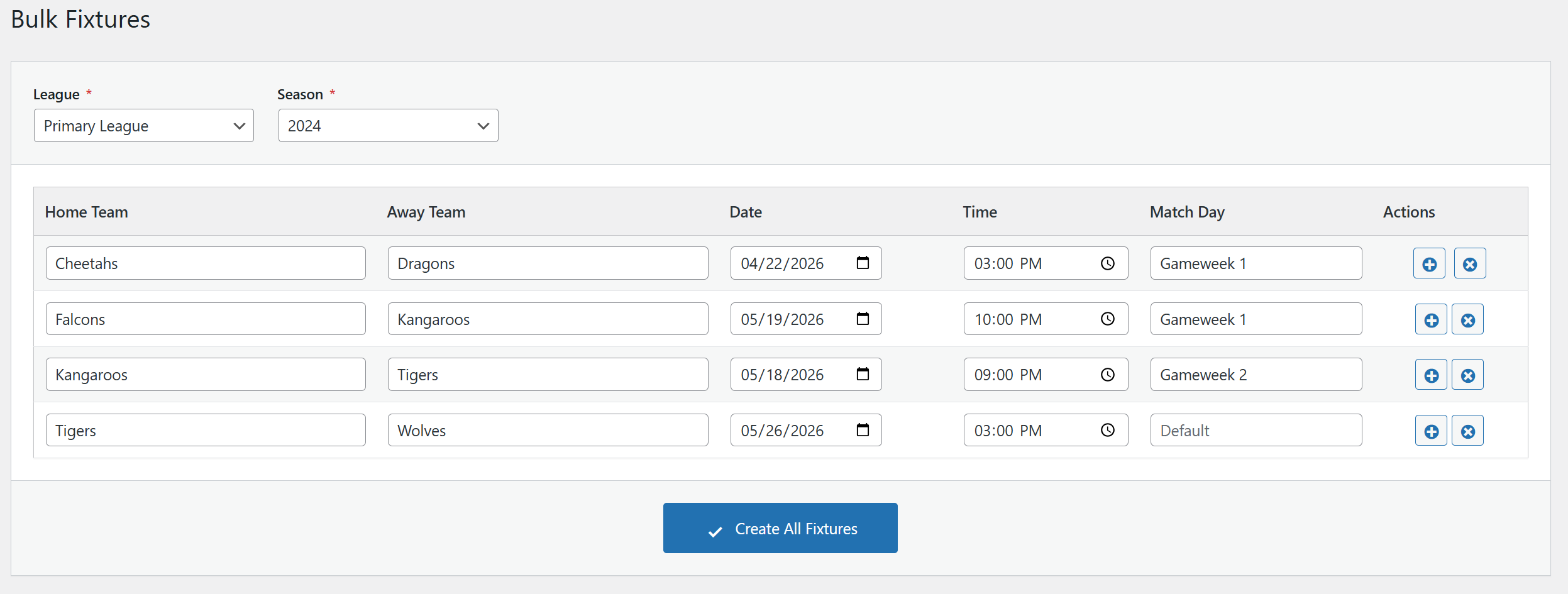
Instead of creating events one by one, this plugin provides a spreadsheet-like grid interface where you can quickly add multiple fixtures at once. Simply select a League and Season, then add as many fixtures as you need with Home Team, Away Team, Date, Time, and Match Day.
Key Features
- Grid-Based Interface – Add multiple fixtures in a spreadsheet-like table
- Smart Row Cloning – When adding a new row, Date, Time, and Match Day are automatically copied from the previous row
- Searchable Team Dropdowns – Searchable dropdowns for easy team selection
- Team Filtering – Teams are automatically filtered by the selected League and Season
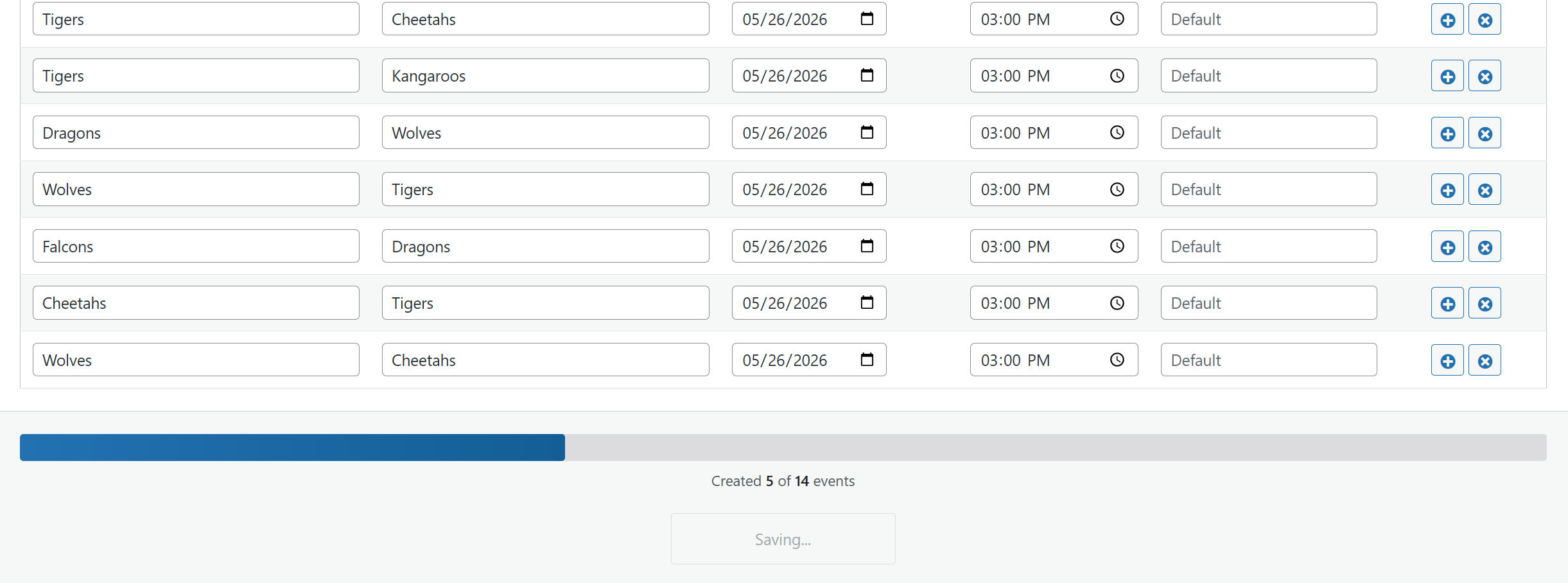
- Batch Processing – Fixtures are saved in batches for reliable performance
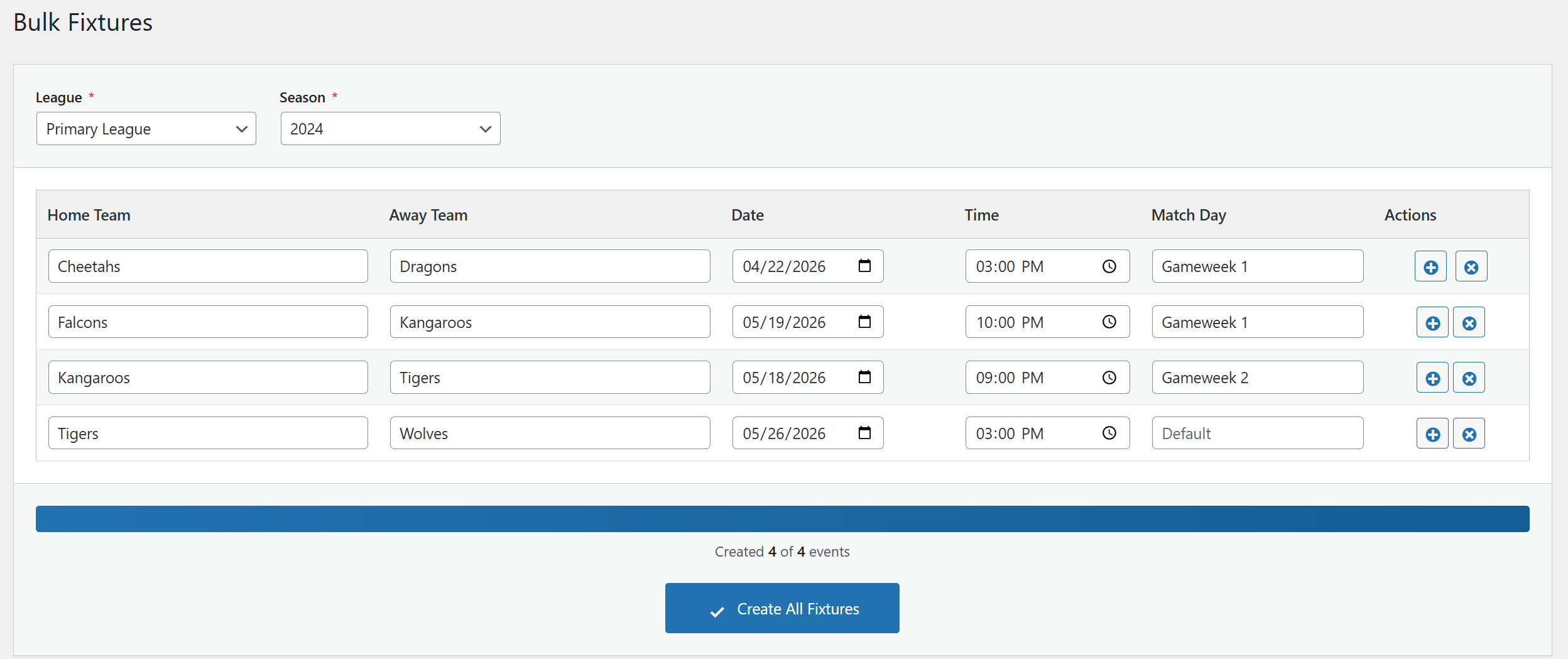
- Progress Tracking – Real-time progress bar shows how many fixtures have been created
- Error Handling – Graceful error handling with detailed feedback
Requirements
- WordPress 5.6 or higher
- PHP 7.4 or higher
- SportsPress plugin (free or Pro version)
How to Use
- Go to SportsPress → Events → Bulk Fixtures in your WordPress admin
- Select a League from the dropdown
- Select a Season from the dropdown
- Teams will be automatically loaded based on your selection
- Fill in the fixture details: Home Team, Away Team, Date, Time, and optionally Match Day
- Click the + button to add more rows (values are cloned for faster entry)
- Click Create All Fixtures to create all events
Support
For bug reports and feature requests, please visit the plugin’s support forum on WordPress.org.
Installation
Automatic Installation
- Go to Plugins → Add New in your WordPress admin
- Search for “Bulk Fixtures for SportsPress”
- Click Install Now and then Activate
- Make sure SportsPress is installed and activated
Manual Installation
- Download the plugin ZIP file
- Go to Plugins → Add New → Upload Plugin
- Upload the ZIP file and click Install Now
- Activate the plugin
- Make sure SportsPress is installed and activated
Requirements Check
The plugin requires SportsPress to be installed and activated. If SportsPress is not active, you will see an admin notice prompting you to install it.
Frequently asked questions
Does this plugin work with SportsPress Pro?
Yes, this plugin works with both the free version of SportsPress and SportsPress Pro.
Can I create fixtures for multiple leagues at once?
Currently, you can only create fixtures for one League/Season combination at a time. This is by design to ensure data accuracy and proper team filtering.
What happens if an error occurs during saving?
The plugin uses batch processing to save fixtures. If an error occurs with one fixture, it will be logged and the remaining fixtures will continue to be processed. You’ll see a summary of any errors after the save process completes.
Can I edit fixtures after creating them?
Fixtures are created as standard SportsPress events. After creation, you can edit them like any other event from the Events list in SportsPress.
How are teams filtered?
Teams are filtered based on both the selected League AND Season. Only teams that are assigned to both the chosen League and Season will appear in the dropdowns.
What is the Match Day field?
The Match Day field is a text string (e.g., “Matchday 1”, “Week 5”, “Round 3”) that helps organize fixtures. It’s stored as post meta and displayed on the event page. This field is optional.
Changelog
2.1
- FIX: Action buttons (add/delete row) display and coloring broken after WordPress 7.0 update
- FIX: Dashicon glyphs not centered in action buttons under WordPress 7.0 button styles
2.0
- NEW: Venues can be selected per event
- FIX: Dropdown lists are not hidden anymore
- FIX: Leagues and Seasons were not shown hierarchically
1.0
- Initial release
- Grid-based fixture creation interface
- League and Season filtering
- Searchable team dropdowns
- Smart row cloning (Date, Time, Match Day)
- Batch processing with progress bar
- Error handling and validation
Screenshots
For developers
Is this your plugin? Show off the numbers.
Add a live badge to your site, docs or GitHub README. It updates on its own — no account needed.
Best Bulk Fixtures for SportsPress alternatives
All bulk plugins →




FAQ
Bulk Fixtures for SportsPress: quick answers
Straight answers, pulled from live WordPress.org data.
Live data from WordPress.org · checked Oct 3, 2026
Is Bulk Fixtures for SportsPress free?
Yes. Bulk Fixtures for SportsPress is free to download and use from the official WordPress.org plugin directory.
Is Bulk Fixtures for SportsPress safe to use in 2026?
Bulk Fixtures for SportsPress works, but test it on a staging site before relying on it in 2026. It runs on 40+ sites and was last updated 4 months ago, and scores 52/100 on our health check.
How many websites use Bulk Fixtures for SportsPress?
Bulk Fixtures for SportsPress is active on 40+ WordPress websites and has been downloaded 943 times since it launched in February 2026. It was downloaded 188 times in the last 30 days.
Does Bulk Fixtures for SportsPress work with WordPress 7.1?
Bulk Fixtures for SportsPress is officially tested up to WordPress 7.0.6, while the latest release is 7.1.2. It may still work, but try it on a staging site first.
What PHP version does Bulk Fixtures for SportsPress need?
Bulk Fixtures for SportsPress requires PHP 7.4 or higher. Most hosts run PHP 8.x today, so it works on any modern WordPress hosting.
When was Bulk Fixtures for SportsPress last updated?
The latest version, 2.1, was released on June 1, 2026 (4 months ago).
Who makes Bulk Fixtures for SportsPress?
Bulk Fixtures for SportsPress is developed and maintained by Savvas.
What are the best alternatives to Bulk Fixtures for SportsPress?
The most popular alternatives to Bulk Fixtures for SportsPress are Manage (100K+ installs), WP Bulk Delete (90K+ installs) and Bulk Delete (30K+ installs).
Powered by PageForge
Want thousands of pages that rank like these? Build them in an afternoon.
This directory runs on the same engine as PageForge. Turn any spreadsheet, CSV or API into thousands of fast, SEO-ready WordPress pages — with schema, internal links and AI-written copy baked in.
- CSV, Google Sheets & API data sources
- AI content, schema & internal links per page
- Works with Elementor, Gutenberg, Yoast & Rank Math
- Free on WordPress.org — no credit card


