



AWCA – The Great Analytics Insights for Your eStore
Provides Google Analytics Integration for WooCommerce eStore. It provides detailed insights & powerful independent reports for WooCommerce website.

Safe pick
Yes — AWCA is a safe, well-maintained plugin to use in 2026. It runs on 2K+ sites, is rated 4.7/5 and was last updated 2 weeks ago, and scores 87/100 on our health check.
- Loved by users — 4.7/5 from 23 reviews
- Actively developed — last update 2 weeks ago
- Tested with the latest WordPress (7.1)
How does it stack up?
Side-by-side on installs, updates, ratings & support



Daily downloads
Download spikes usually follow a new release — each site that auto-updates counts as a download.
Rankings
Where AWCA stands todayWordPress.org search rankings
Live position in the plugin search, top 100| Keyword | Position |
|---|---|
| analytics | #33 |
| google analytics | #48 |
| insights | #13 |
| woocommece analytics | #1 |
Version adoption
Share of active sites per release.
Rating breakdown
★★★★★★★★★★ 4.7 from 23 reviews
About AWCA
From the official readme · v4.0.0Description
Easy and Faster Google Analytics Integration for WooCommerce eStore
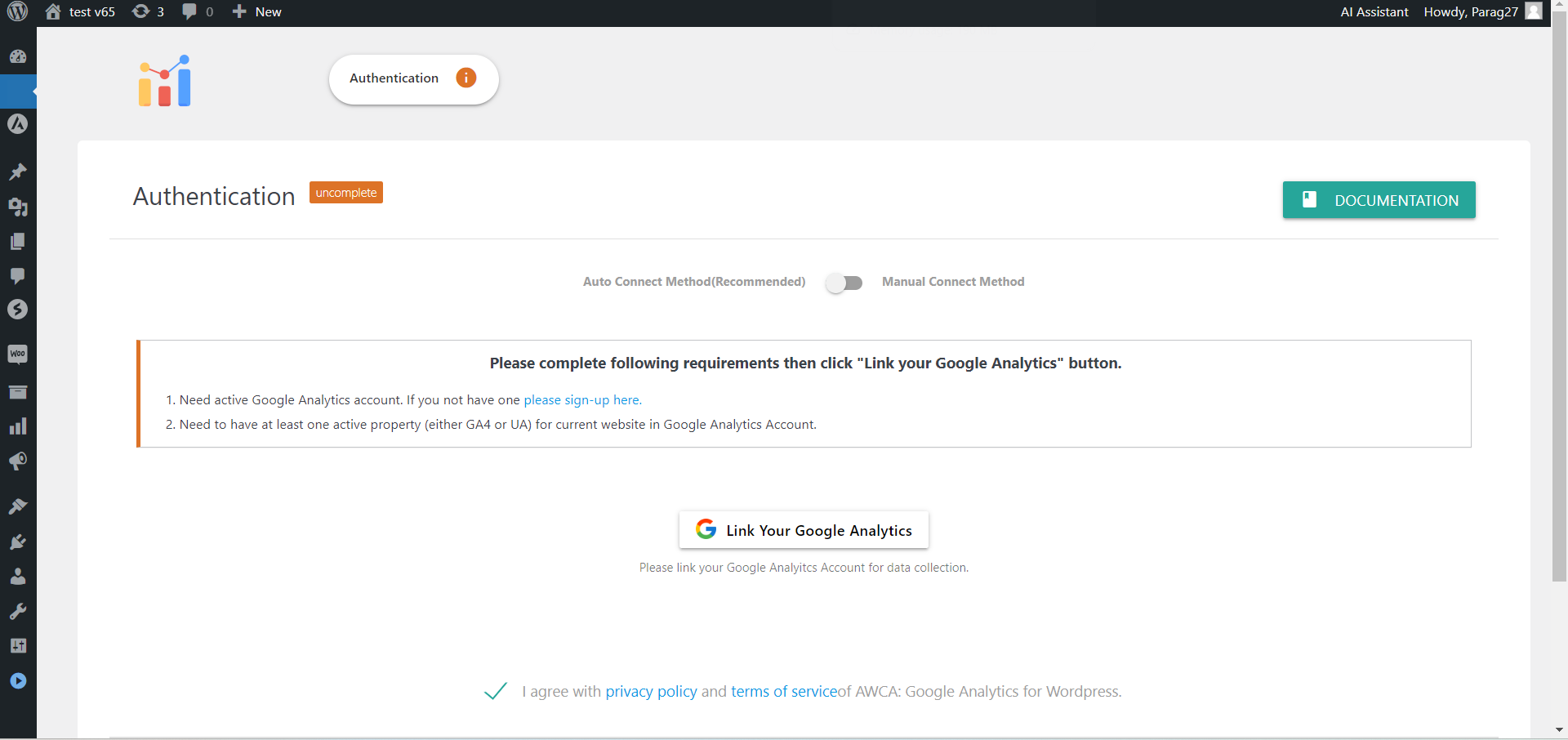
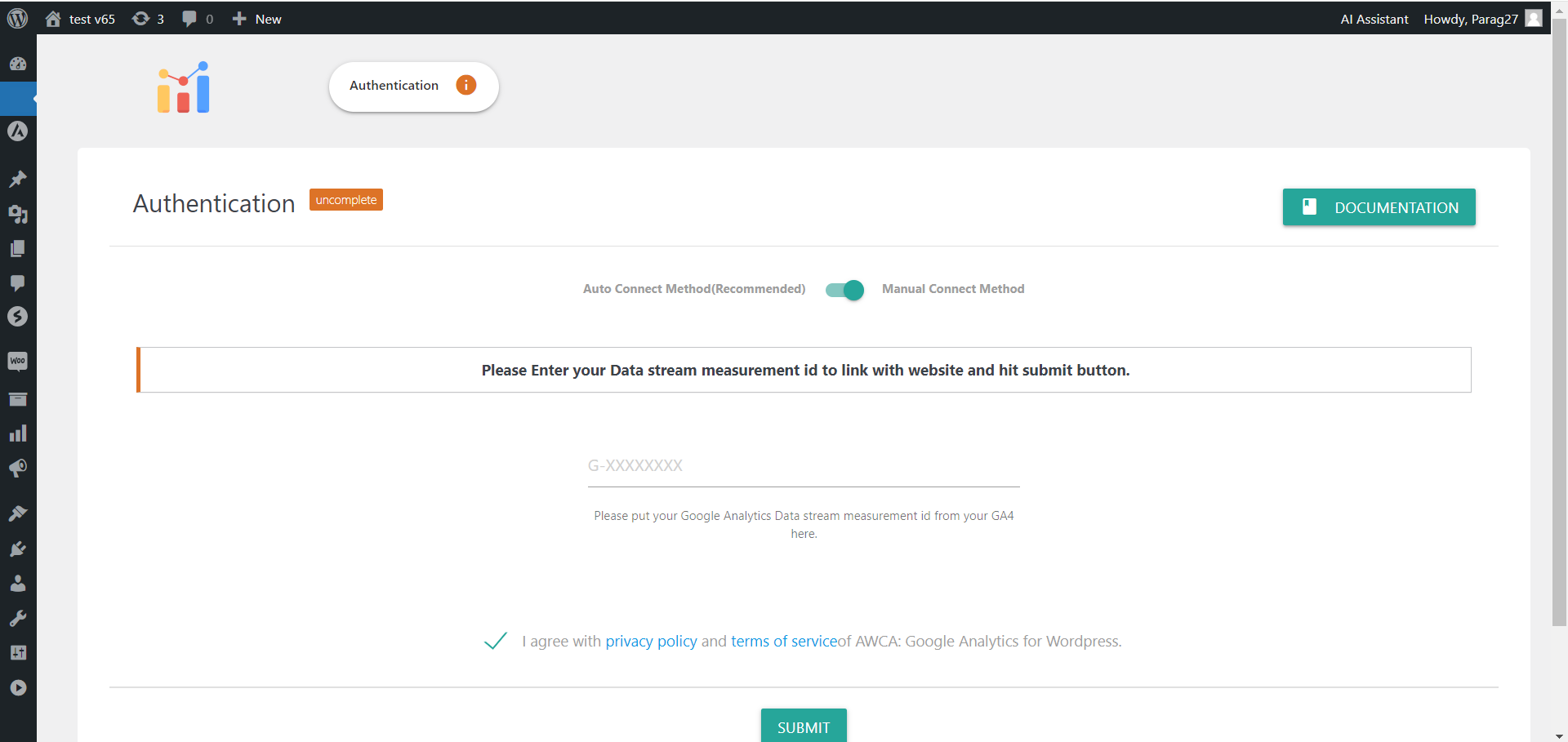
Our plugin allows you to easily set up a seamless WooCommerce Google Analytics integration with just a few clicks.
All you need is a free Google Analytics account and the property you want to link to your WooCommerce store.
Google Analytics Integration for WooCommerce
We have embedded the latest code in the plugin to ensure faster, more efficient, and accurate tracking of a wide range of events on your WooCommerce website. We also work to make the data transfer from your WooCommerce site to Google Analytics more secure and optimized, so your website won’t be affected by the plugin’s functionality.
The plugin tracks every single event on your WooCommerce site, providing comprehensive analytics in your Google Analytics account. You can also customize which events you want to track through the plugin’s Tracking Settings.
We continuously maintain the plugin to ensure seamless WooCommerce and Google Analytics integration, keeping it compatible with every new update in WooCommerce and any changes in Google Analytics tracking scripts.
External Services
This plugin connects to several external services to provide its functionality:
Google Analytics: This plugin integrates with Google Analytics to track website visitors, ecommerce events, and user behavior. It sends page view data, ecommerce transaction data, and user interaction events to Google Analytics. This service is provided by Google LLC: Terms of Service, Privacy Policy.
Google Analytics Management API: The plugin uses Google Analytics Management API to retrieve account and property information for setup purposes. This service is provided by Google LLC: Terms of Service, Privacy Policy.
Facebook Pixel: The plugin can integrate with Facebook Pixel to track conversions and user behavior for advertising purposes. It sends page view and conversion data to Facebook. This service is provided by Meta Platforms, Inc.: Terms of Service, Privacy Policy.
Google Ads: The plugin can integrate with Google Ads for conversion tracking. It sends conversion data to Google Ads when users complete purchases. This service is provided by Google LLC: Terms of Service, Privacy Policy.
AWCA Proxy Service: The plugin uses a proxy service for OAuth authentication with Google services. This service is provided by AWCA: Terms of Service, Privacy Policy.
Features of Plugin
-
Easy and Fast Integration : Plugin offers very Fast and Easy WooCommerce Google Analytics Integration. You can complete that with just few clicks.
-
Conversion Tracking : Tracking every single purchase made on your WooCommerce based estore.
-
Ads Conversion Tracking : Plugin help you to track Google Ads Conversions with easy integration.
-
Meta Pixel Integration : Plugin also help in tracking differnt events and converstion for FB Pixel
-
Coupon Performance : Helps in tracking coupon performance and associated events.
-
GDPR Compliance Support : Comprehensive compliance support for data privacy, user consent, and data security.
-
Account Behaviour Analysis : You can track different WooCommerce account related events using plugin.
-
Disable Admin Tracking : Disable admin tracking to improve privacy and reduce unnecessary data collection.
-
User ID Tracking : With User ID tracking you can learn more about behaviour of the users.
-
Refund Tracking : Track and monitor refund transactions easily with real-time data in Google Analytics.
-
Enhanced Link Attribution : Improves tracking by distinguishing multiple links on the same page for accuracy.
-
Anonymize IP Address : Easily anonymize user IP addresses to enhance privacy and GDPR compliance.
-
Consent Mode : Google Consent Mode support manages user consent preferences for analytics and ads compliance.
-
30+ Events Tracking : Listen Every Important Information Associated With Your WooCommerce Based Estore.
-
Google Analytics Measurement Protocol API Support : Seamlessly integrate Measurement Protocol API for accurate tracking and data collection.
-
Disable Page Tracking : Disable tracking of page views for improved streamlined data while using with other analytics plugins.
-
Debug View Support : Google Analytics Debug View helps developers troubleshoot tracking issues by providing detailed real-time diagnostic information.
-
New Features and Enhancements : New features and enhancements for improved functionality and performance.
-
User-friendly documentation : Clear, concise, and easy-to-follow documentation for enhanced plugin usability.
Elivate your WooCommerce Website Performance With Us!
Want to unlock more advanced tracking for your WooCommerce store? The Great Statistics Plugin for Your eStore by Advanced WC Analytics
Features of our Advanced WooCommerce Analytics Pro version:
-
Products Perfomance Tracking : Helps you tracks different events and impressions associated with WooCommerce products.
-
Checkout Performance : Help you to track performance of your checkout process using differnt events.
-
Cart Behaviour : Tracks differnet events associated with cart to help user behaviour.
-
Acquisition Report : Get Information about your traffic channels, resources and referrals from which your website receiving traffic.
-
Behaviour Analysis : With user id tracking you can learn more about behaviour of users
-
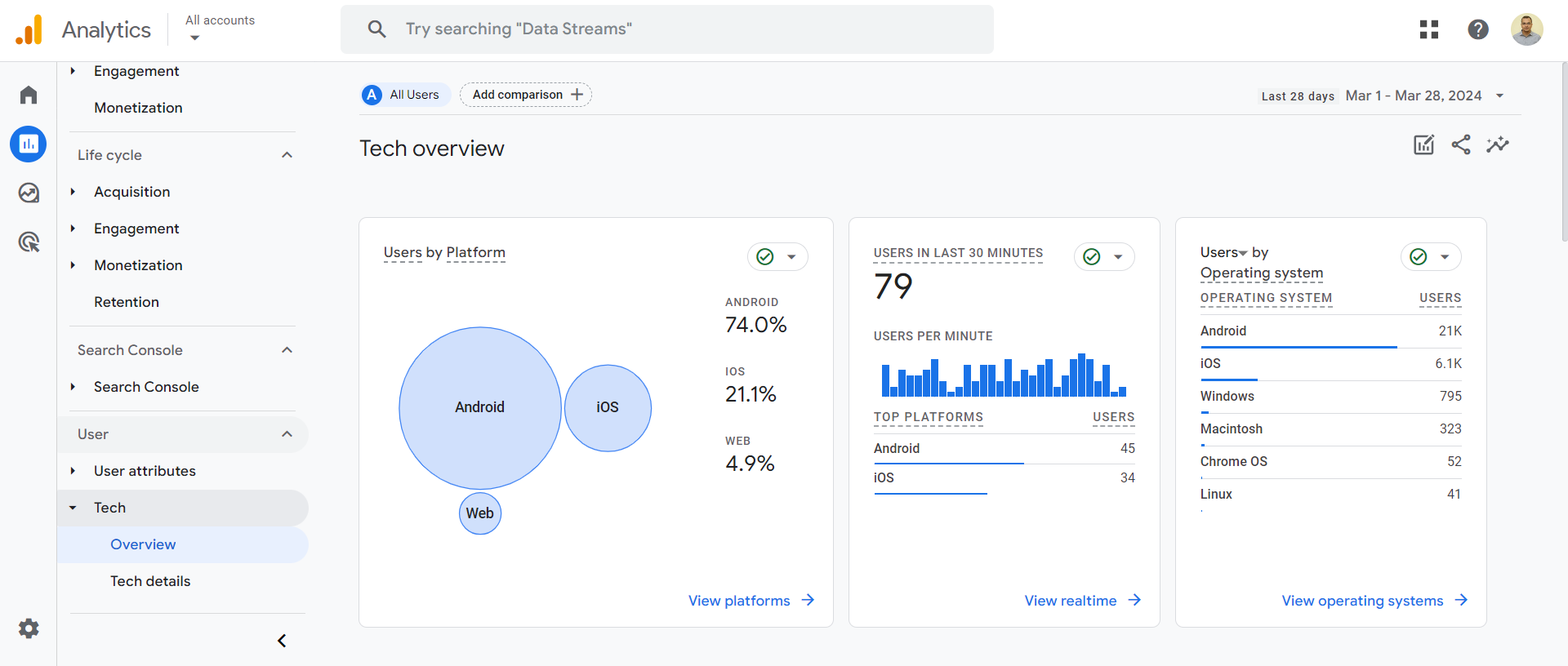
Tech Reports : Get details of different devices, browsers and screen resolutions your users using for accessing website.
-
Demographics : Find different demographics information such as location, gender, age, langauages and more about your site visitors.
-
Engagement Report : Get performance and engagements of users and content on website along with different event details.
-
Google Ads Reports : Track Google Ads performance for WooCommerce with detailed reports.
-
Retention Report : Get performance and engagements of users and content on website along with differnt event details.
-
Search Queries : Report offers valuable insights into search terms driving traffic, helping improve SEO and marketing strategies.
-
Organic Traffic Report : Track organic website traffic growth and performance with detailed analytics reports.
-
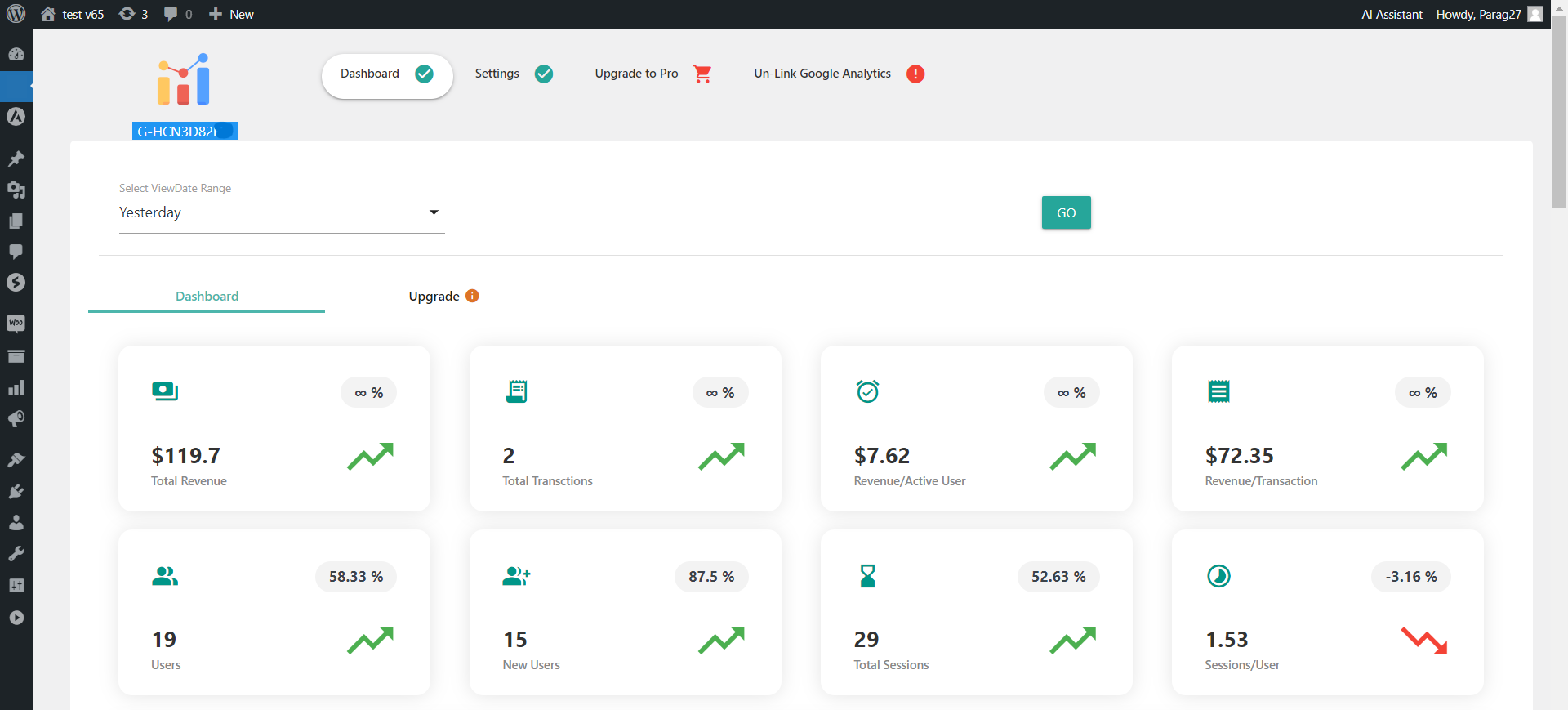
WordPress Google Analytics Dashboard Reports : Generate insightful Google Analytics reports directly from your WordPress dashboard.
-
Stats Comparison : Plugin provides comparison of data based on historical data collected over the same period.
-
Google Adsense Report : Track and analyze Google AdSense performance with detailed reports using this plugin.
-
Priority Support : Our support team is filled with professionals who can quickly solve your any problem.
-
Regular Updates : We regularly maintaing our plugin so plugin remain updated and adds more and more new functions.
-
Customization On Request : If you require customize solution for your website we are open to provide you with reasonable extra costing and timeline.
-
Enhanced Ecommerce Reports : Our Pro Plugin will provide Enhanced Ecommerce reports for your WooCommerce Website which includes all following reports.
Documentation
For Plugin documentation, please refer our Advanced WC Analytics Documentation Page.
Installation
-
Login as an administrator to your WordPress Admin account. Using the “Add New” menu option under the “Plugins” section of the navigation, you can either search for: “WooCommerce Google Analytics Integration By Advanced WC Analytics” or if you’ve downloaded the plugin already, click the “Upload” link, find the .zip file you download and then click “Install Now”. Or you can unzip and FTP upload the plugin to your plugins directory (wp-content/plugins/).
-
Activate the plugin through the “Plugins” menu in the WordPress administration panel.
-
Deactivate and uninstall any other Google Analytics WooCommerce Integration Plugin you may be using to avoid any conflicts.
Frequently asked questions
Where can I find the setting for this plugin?
You can find plugin settings in main admin menu with name “Advanced WC Analytics”. If you do not see it just scroll down or move to all plugins page.
Can I use this plugin with other Google Analytics Plugins ?
Other plugin is not tracking WooCommerce events then answer is yes But we do not recommend to do so, because our plugin provide all Google Analytics Integration functionalities which require by your WooCommerce Website. In any case you still want just select option “Do not track pageviews” to avoid conflict with other plugin for tracking general information.
Does this plugin will have any negative impact on WooCommerce performance?
No, this is very light weight plugin and it will have almost zero impact on WooCommerce performance.
Does this plugin match with GDPR compliance?
Advanced WC Analytics offers several features to support GDPR compliance, including control over user ID tracking, IP address anonymization, and the option to disable demographics and interest reporting. These measures ensure that data collection aligns with GDPR regulations, protecting user privacy. While no single plugin can guarantee 100% GDPR compliance in WordPress, Advanced WC Analytics goes to great length in helping business owners with Google Analytics GDPR compliance.
Does free Plugin supports Enhanced Ecommerce Reports of Google Analytics?
Yeah but some of reports needs our Pro Version.
How to upgrade to Pro Plugin?
Please find require information here.
Which Google Analytics script are you using for Tracking?
We are using latest gtag.js script for Google Analytics Tracking.
Plugin works with WooCommerce Product Variations?
Yes, Plugin works perfectly with WooCommerce Product Variations. But still if you got any issue open ticket in support forum we will help you out.
Does this plugin records refund events for WooCommerce?
No, for that you need to subscribe our Pro version.
Does this plugin provide User-ID Tracking?
Yes, Plugin have functionality for this but you need to enable it from “Tracking Settings” tab of plugin settings. You also need create a User-ID view in Google Analytics to see information. Please see our article with more information for same.
How to check plugin is properly configured or not?
After finishing plugin configuration login to your Google Analytics account and check your real-time reports if you configured perfectly in your WooCommerce then it will show data there. You can also check by adding google tag assistant extension in your browser.
Does this plugin will work smoothly with any customized WooCommerce installation?
It mostly, But we are not providing 100% guarantee about this. We tests plugin with standard version of WooCommerce only and we not provide any free support for issue arise due to customized version of your any plugins.
Does this plugin provide Facebook(Meta) Pixel Tracking?
The free version of our plugin does provide Facebook(Meta) Pixel Tracking feature.
How much time will it take to see the data in Google Analytics after plugin is activated?
Most probably you will see data in an hour to various reports once plugin is activated but in some reports and cases it can take maximum up to a day.
Have any suggestion for us?
Please send you suggestion from Plugin website.
Changelog
4.0.0
- Upgraded to Latest Stable Freemius SDK
- Performed Latest Secuity Check for code
3.19.0
- Upgraded to Latest Stable Freemius SDK
- Performed Latest Secuity Check for code
- Removed depricated functions
- Improved Tracking
- Review Notice Period Update
3.18.0
- Upgraded to Latest Stable Freemius SDK
- Performed Latest Secuity Check for code
3.17.0
- Updated security and other issues
3.16.0
- Upgraded to Latest Stable Freemius SDK
- Performed Latest Secuity Check for code
3.15.0
- Added support for Google Consent V2
- Fixing UI issue while saving plugin settings
Screenshots



For developers
Is this your plugin? Show off the numbers.
Add a live badge to your site, docs or GitHub README. It updates on its own — no account needed.
Best AWCA alternatives
All analytics plugins →





FAQ
AWCA: quick answers
Straight answers, pulled from live WordPress.org data.
Live data from WordPress.org · checked Sep 26, 2026
Is AWCA free?
Yes. AWCA is free to download and use from the official WordPress.org plugin directory.
Is AWCA safe to use in 2026?
Yes — AWCA is a safe, well-maintained plugin to use in 2026. It runs on 2K+ sites, is rated 4.7/5 and was last updated 2 weeks ago, and scores 87/100 on our health check.
How many websites use AWCA?
AWCA is active on 2K+ WordPress websites and has been downloaded 72,427 times since it launched in May 2020. It was downloaded 477 times in the last 30 days.
Does AWCA work with WordPress 7.1?
Yes. The developer has tested AWCA up to WordPress 7.1.2, the latest release. It requires WordPress 5.0 or newer.
What PHP version does AWCA need?
AWCA requires PHP 7.0 or higher. Most hosts run PHP 8.x today, so it works on any modern WordPress hosting.
When was AWCA last updated?
The latest version, 4.0.0, was released on September 14, 2026 (2 weeks ago).
Who makes AWCA?
AWCA is developed and maintained by Passionate Brains.
What are the best alternatives to AWCA?
The most popular alternatives to AWCA are Site Kit by Google (5M+ installs), MonsterInsights (2M+ installs) and WP Statistics (600K+ installs).
Powered by PageForge
Want thousands of pages that rank like these? Build them in an afternoon.
This directory runs on the same engine as PageForge. Turn any spreadsheet, CSV or API into thousands of fast, SEO-ready WordPress pages — with schema, internal links and AI-written copy baked in.
- CSV, Google Sheets & API data sources
- AI content, schema & internal links per page
- Works with Elementor, Gutenberg, Yoast & Rank Math
- Free on WordPress.org — no credit card


