


Portfolio Grid – Filterable Gallery, Grid & Slider Showcase
Create a responsive portfolio grid with a Filterable portfolio grid, portfolio gallery and portfolio slider for WordPress, Elementor and lightbox.

Safe pick
Yes — Portfolio Grid is a safe, well-maintained plugin to use in 2026. It runs on 800+ sites, is rated 4.4/5 and was last updated 1 week ago, and scores 84/100 on our health check.
- Actively developed — last update 1 week ago
- Tested with the latest WordPress (7.1)
- Small user base (800+ active installs)
How does it stack up?
Side-by-side on installs, updates, ratings & support



Daily downloads
Download spikes usually follow a new release — each site that auto-updates counts as a download.
Rankings
Where Portfolio Grid stands todayWordPress.org search rankings
Live position in the plugin search, top 100| Keyword | Position |
|---|---|
| filterable portfolio | #9 |
| portfolio gallery | #24 |
| portfolio grid | #4 |
| portfolio slider | #5 |
| wordpress portfolio | #14 |
Version adoption
Share of active sites per release.
Rating breakdown
★★★★★★★★★★ 4.4 from 33 reviews
About Portfolio Grid
From the official readme · v1.07.7Description
Portfolio Grid – Filterable Gallery, Grid & Slider Showcase is a powerful WordPress Portfolio Plugin for creating beautiful and responsive portfolio showcases, portfolio galleries, filterable portfolio grids, and portfolio sliders. Whether you’re building a portfolio website, project showcase, designer portfolio, agency website, or creative portfolio, this plugin makes it easy to display your work professionally.
Create a Filterable Portfolio Gallery with custom layouts, category filters, image grids, thumbnail galleries, gallery sliders, and portfolio lightbox popups. Showcase projects, case studies, photos, videos, products, or custom post types using responsive portfolio layouts that work perfectly across all devices.
This Portfolio Gallery Plugin supports portfolio grid layouts, masonry portfolio grids, portfolio carousel sliders, portfolio categories, and portfolio archive pages. Display your portfolio items with shortcodes, Elementor widgets, and Gutenberg blocks without writing any code.
Advance Portfolio Grid is a powerful and flexible WordPress plugin that helps you create stunning, responsive portfolio grids and galleries with ease. Designed for creative professionals, agencies, photographers, designers, and business websites, this portfolio grid plugin allows you to showcase your projects, work samples, case studies, or featured content in beautifully organized layouts that adapt seamlessly across devices.
Buy PRO Version | Free Demo | Pro Demo | Support | Pro Documentation
With a user-friendly interface and shortcode-based integration, Advance Portfolio Grid makes it simple to build customized portfolio grids without any coding knowledge. You can display portfolios in multiple layout styles, filterable categories, and customizable designs that match your site’s branding and visual identity. Whether you’re presenting individual projects or group collections, this portfolio grid solution helps you highlight your work in a visually compelling way that engages visitors and improves site interaction.
Built with performance and responsiveness in mind, Advance Portfolio Grid works smoothly with modern WordPress themes and supports mobile-friendly layouts, ensuring your portfolio looks great on desktops, tablets, and smartphones. Its flexible settings give you control over columns, spacing, hover effects, lightbox support, and more—making it a complete solution for creating professional portfolio displays without complexity.
Video Documentation:
WPB Filterable Portfolio V 1.07:
Plugin Features:
- Responsive Portfolio Grid and Filterable Portfolio Gallery.
- Flexible column control for desktop, tablet, and mobile devices.
- Display custom post types (CPT) in your portfolio grid or gallery.
- Easily include or exclude portfolio items.
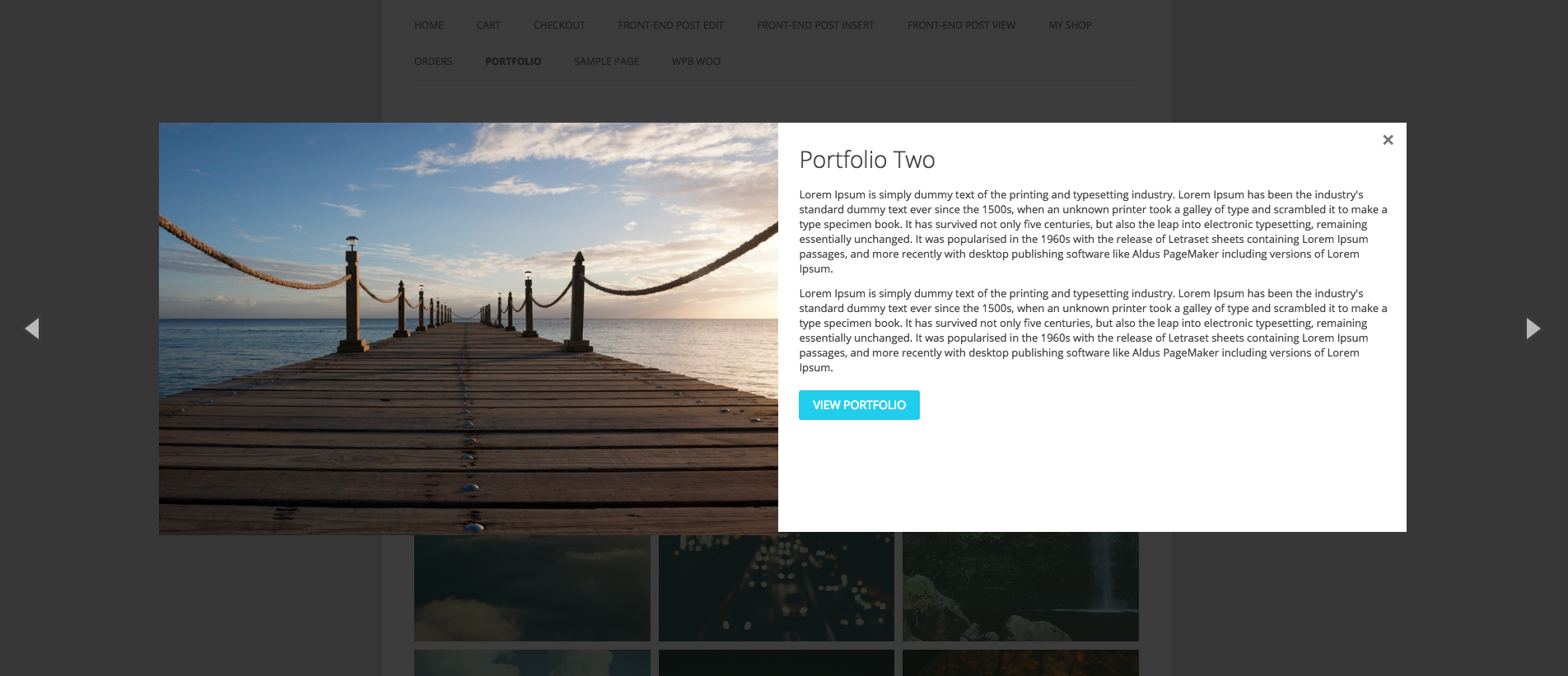
- Built-in Portfolio Lightbox Gallery and Gallery Quick View Popup.
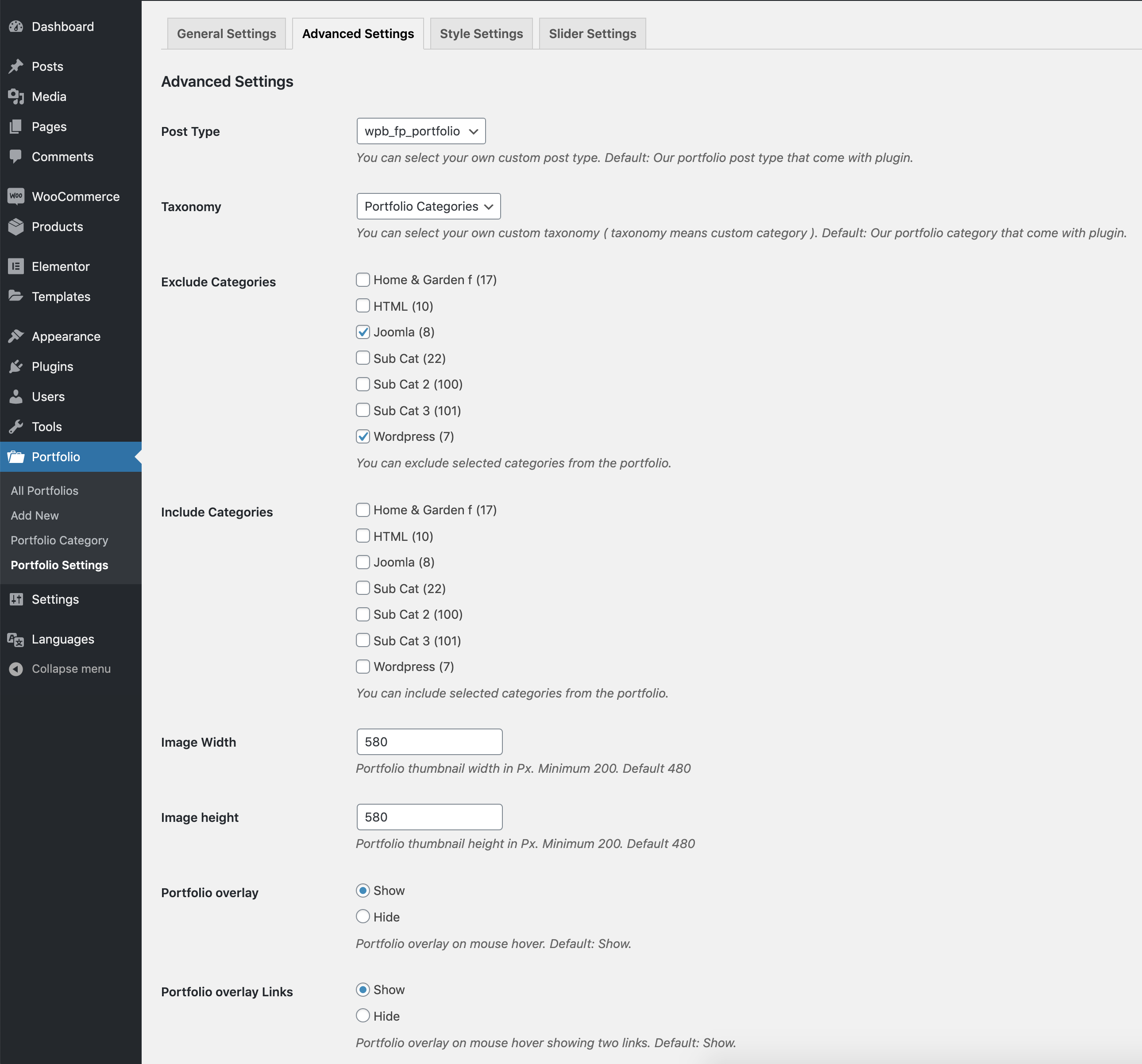
- Customizable image sizes and layout settings.
- Elementor Portfolio Widget compatibility.
- Portfolio Grid Layout and Masonry Portfolio Grid support.
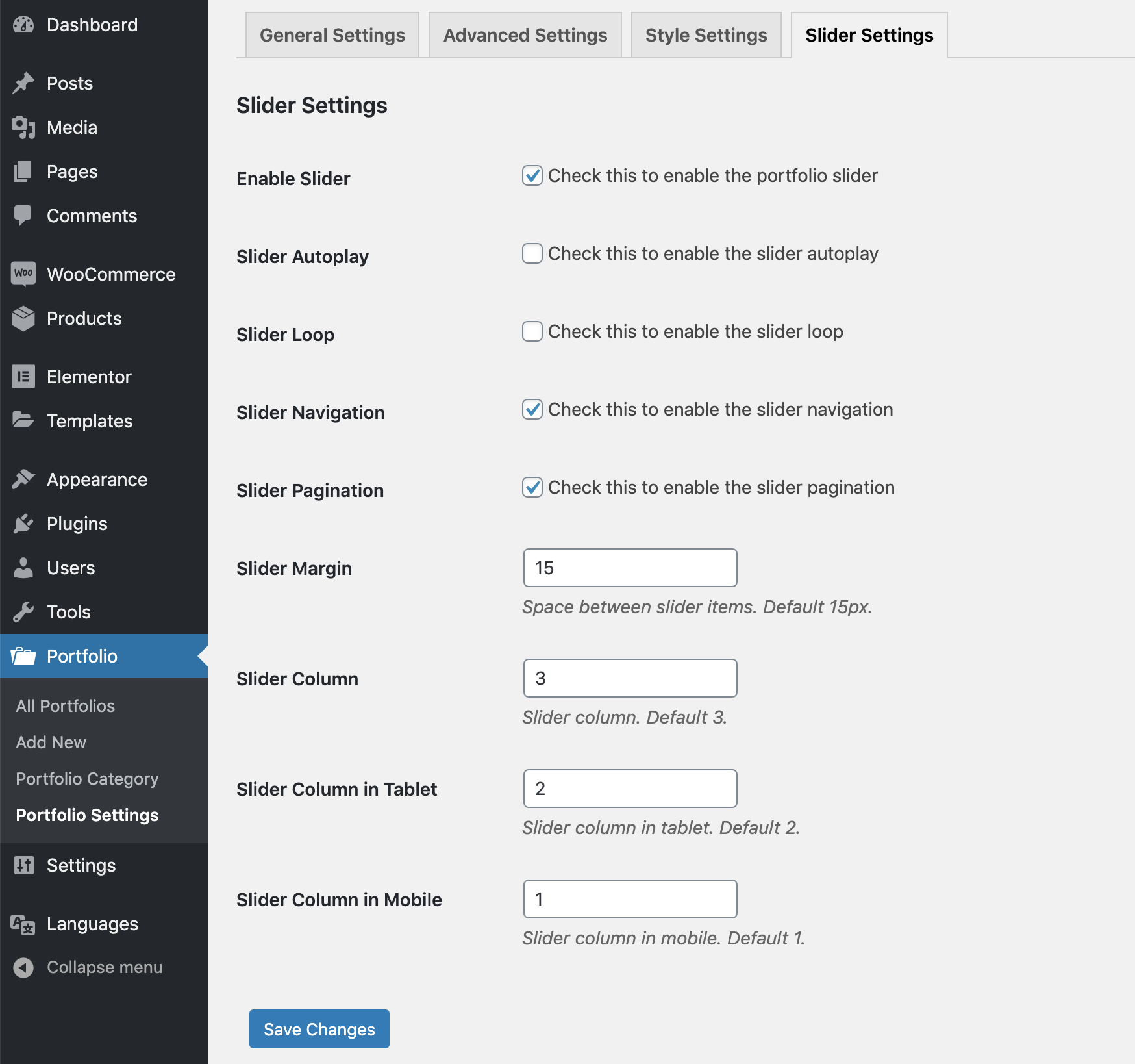
- Portfolio Carousel and Gallery Slider layouts.
- Portfolio Shortcode and Gutenberg Portfolio Block support.
- Portfolio Categories and Filterable Projects showcase.
- Image Portfolio, Photo Portfolio and Video Portfolio support.
- Portfolio Popup and Lightbox Gallery support.
- Project Gallery and Portfolio Showcase layouts.
- Simple and powerful shortcode system.
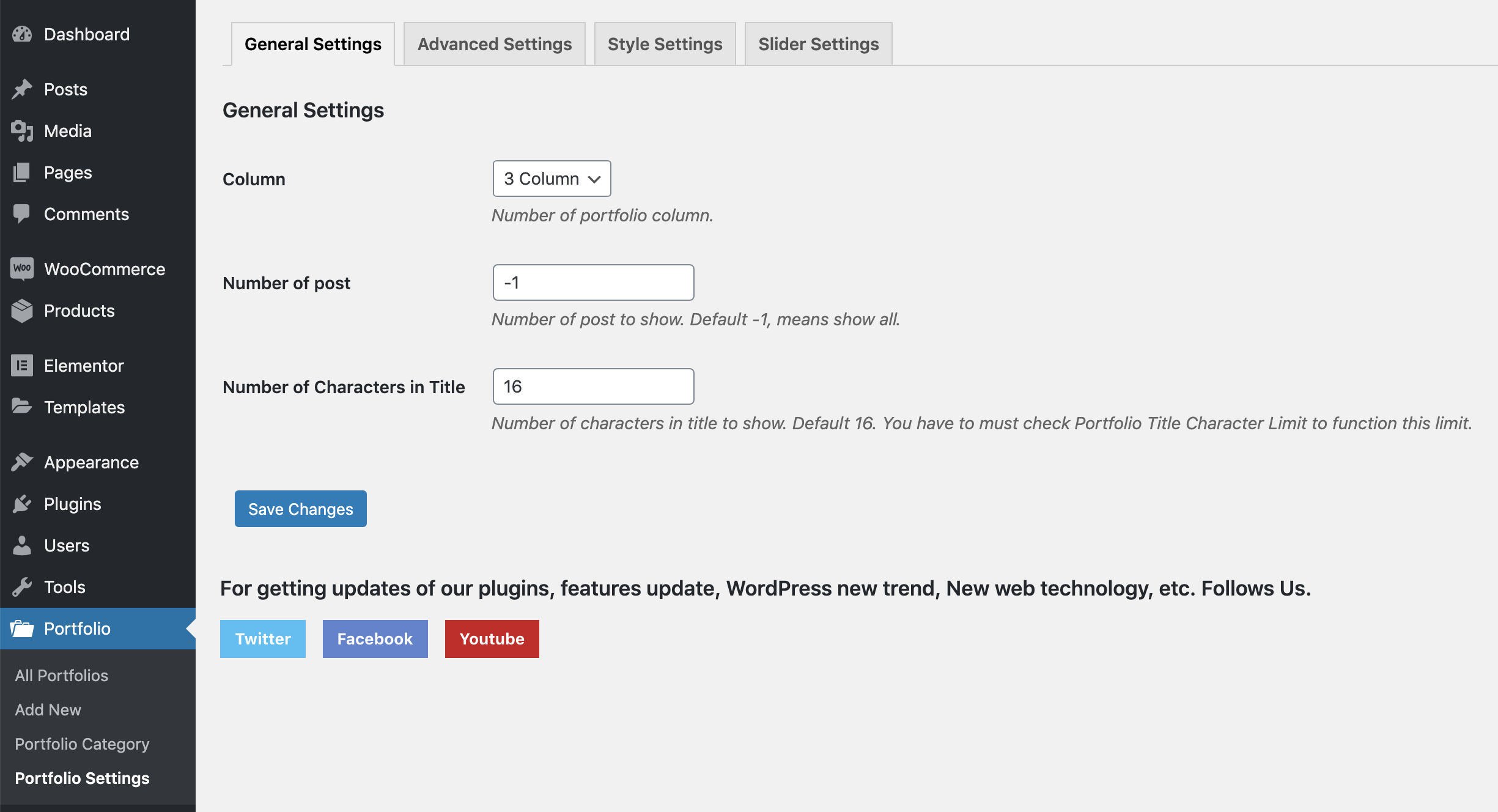
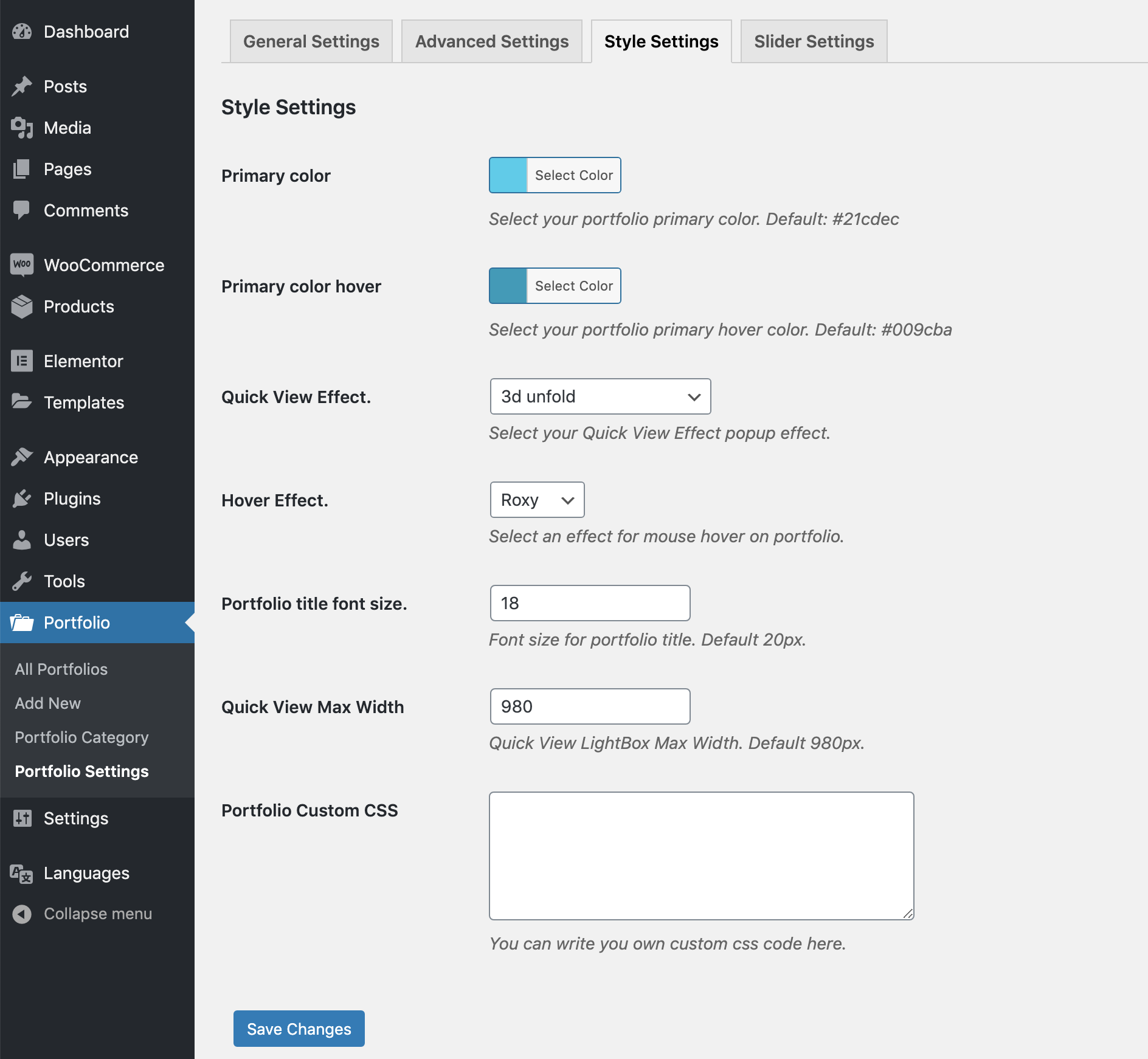
- Advanced settings panel for full control.
- Optimized for speed, performance, and modern browsers.
- Fully compatible with the Gutenberg block editor.
- Translation ready and works with WPML, Polylang, GTranslate, and other multilingual plugins.
Pro Version Features:
- Advanced Filterable Portfolio Grid, Portfolio Showcase Gallery, and Portfolio Slider.
- WordPress Filterable Portfolio with AJAX filtering.
- Filterable Image Gallery and Filterable Projects layouts.
- Portfolio Masonry Grid and Gallery Portfolio layouts.
- Portfolio Carousel Slider support.
- Portfolio Custom Post Type and Custom Taxonomy support.
- Portfolio with Filters for categories and projects.
- Elementor Portfolio integration.
- Divi Portfolio compatibility.
- Stylish masonry layout support for modern portfolio designs.
- Powerful portfolio category filtering with smooth animations.
- AJAX load more button for seamless content loading.
- Built-in pagination options for portfolio grid.
- Video support in both grid and quick view popup.
- Multiple image gallery support with slider in quick view.
- WooCommerce integration to showcase products as portfolios.
- Responsive column control for all screen sizes.
- Includes 7 unique portfolio skins/layout styles.
- 4 filter styles for category navigation.
- 6 quick view popup designs for better presentation.
- Option to add external links to portfolio items.
- Works smoothly with any WordPress theme.
-
24/7 dedicated support for Pro users.
Installation
-
Install it as a regular WordPress plugin
-
Add some post with feature images in Portfolio post type.
-
Then use the following shortcode for showing the portfolio.
[wpb-portfolio]
Shortcode Parameters
- type: Portfolio content type, Options: grid, slider. Default: grid.
- include: Comma separated portfolio category ids for showing only selected portfolios.
- exclude: Comma separated portfolio category ids for removing selected portfolio items.
- column: Portfolio column, accepted values – 2, 3, 4, 6
- orderby: Portfolio items order by. Default: date. Please visit this link for more details.
- order: Portfolio items order. Default: DESC. Accepted values – ASC, DESC.
- show_quickview_btn: Show quick-view icon or not, Options: on, off. Default: on.
- show_details_btn: Show details icon or not, Options: on, off. Default: on.
Basic Use
[wpb-portfolio]
Portfolio Exclude
[wpb-portfolio exclude="3,2"]
Portfolio Include
[wpb-portfolio include="3,2,4,5"]
Portfolio Column
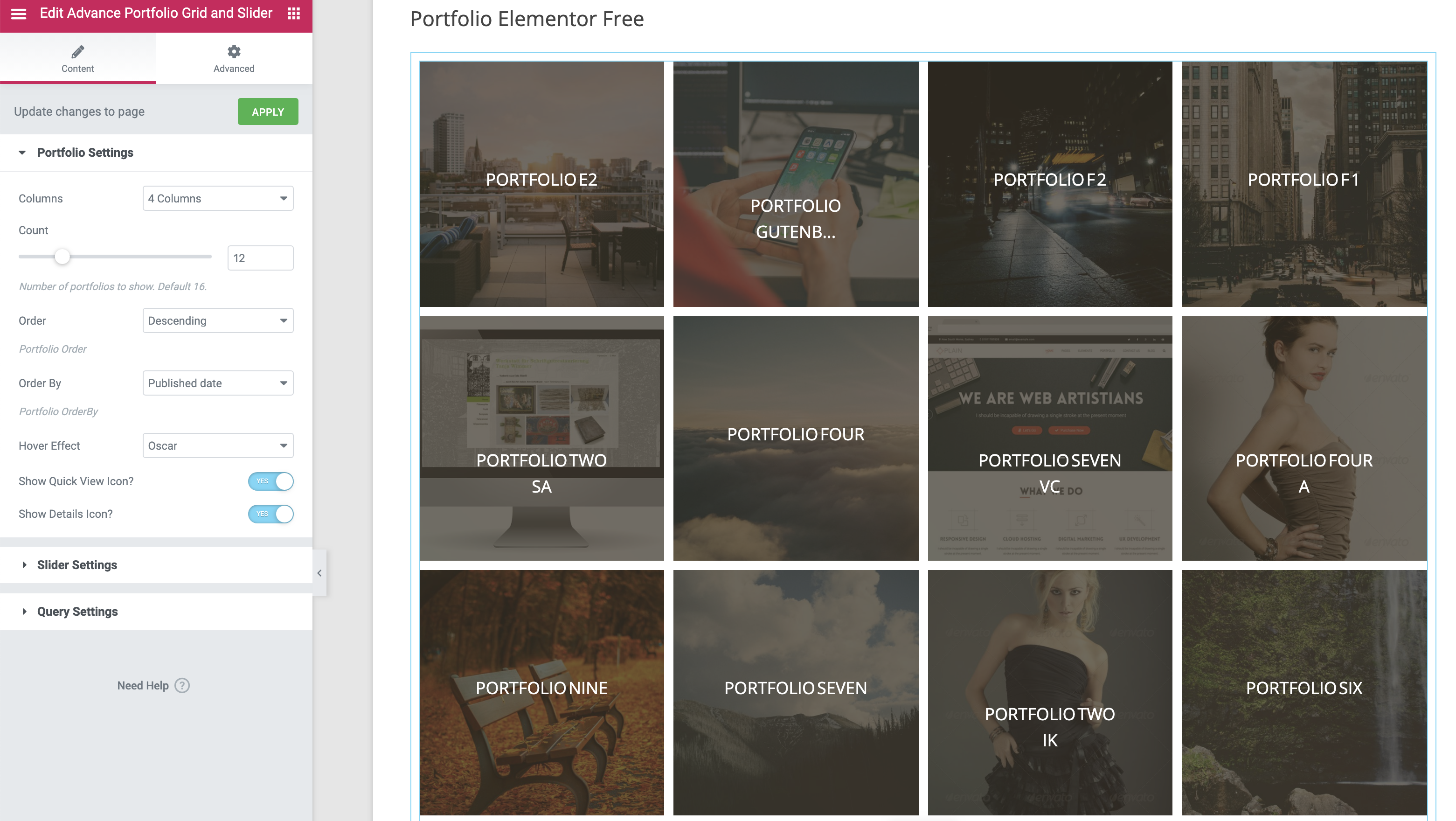
[wpb-portfolio column="4"]
Portfolio Slider
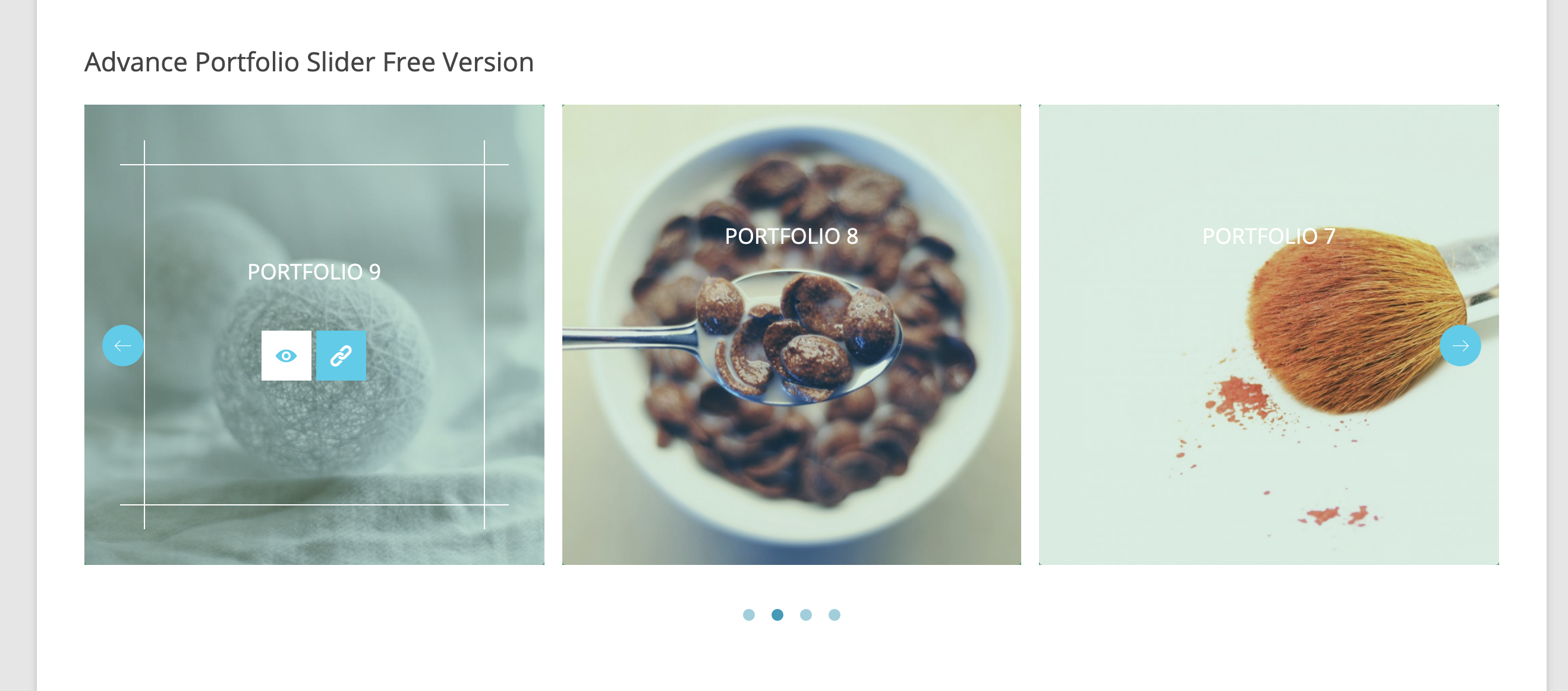
[wpb-portfolio type="slider"]
Frequently asked questions
Can I create a Filterable Portfolio Grid in WordPress?
Yes. The plugin lets you create a Filterable Portfolio Grid with category filtering, responsive layouts, and AJAX-powered filtering in the Pro version.
Does this plugin support Elementor Portfolio layouts?
Yes. You can easily create Elementor Portfolio showcases using the built-in Elementor widget support.
Can I display Custom Post Types as a Portfolio Showcase?
Yes. The plugin supports Portfolio Custom Post Type and other custom post types for building project showcases and portfolio websites.
Can I create a Portfolio Slider and Gallery Slider?
Yes. You can display your portfolio items in beautiful Portfolio Slider and Gallery Slider layouts that are fully responsive.
Changelog
version 1.0
- Initial release
version 1.01
- iPad issue fixed.
version 1.02
- Small CSS issue fixed.
version 1.03
- LightBox content filter added.
version 1.03.1
- Some style update in admin area.
version 1.03.2
- Added WordPress 4.7 support.
Screenshots

For developers
Is this your plugin? Show off the numbers.
Add a live badge to your site, docs or GitHub README. It updates on its own — no account needed.
Best Portfolio Grid alternatives
All filterable portfolio plugins →


FAQ
Portfolio Grid: quick answers
Straight answers, pulled from live WordPress.org data.
Live data from WordPress.org · checked Oct 1, 2026
Is Portfolio Grid free?
Yes. Portfolio Grid is free to download and use from the official WordPress.org plugin directory.
Is Portfolio Grid safe to use in 2026?
Yes — Portfolio Grid is a safe, well-maintained plugin to use in 2026. It runs on 800+ sites, is rated 4.4/5 and was last updated 1 week ago, and scores 84/100 on our health check.
How many websites use Portfolio Grid?
Portfolio Grid is active on 800+ WordPress websites and has been downloaded 80,838 times since it launched in March 2015. It was downloaded 358 times in the last 30 days.
Does Portfolio Grid work with WordPress 7.1?
Yes. The developer has tested Portfolio Grid up to WordPress 7.1.2, the latest release. It requires WordPress 6.7 or newer.
What PHP version does Portfolio Grid need?
Portfolio Grid requires PHP 7.4 or higher. Most hosts run PHP 8.x today, so it works on any modern WordPress hosting.
When was Portfolio Grid last updated?
The latest version, 1.07.7, was released on September 23, 2026 (1 week ago).
Who makes Portfolio Grid?
Portfolio Grid is developed and maintained by WPBean.
What are the best alternatives to Portfolio Grid?
The most popular alternatives to Portfolio Grid are Radius Portfolio (7K+ installs), Responsive Filterable Portf… (1K+ installs) and Portfolio Block (800+ installs).
Powered by PageForge
Want thousands of pages that rank like these? Build them in an afternoon.
This directory runs on the same engine as PageForge. Turn any spreadsheet, CSV or API into thousands of fast, SEO-ready WordPress pages — with schema, internal links and AI-written copy baked in.
- CSV, Google Sheets & API data sources
- AI content, schema & internal links per page
- Works with Elementor, Gutenberg, Yoast & Rank Math
- Free on WordPress.org — no credit card


