



ZenPress
Clean up unused WordPress features, close security gaps, and configure cache integrations from a single settings page.

Solid choice
ZenPress is a solid plugin choice in 2026, with a few things worth checking first. It runs on 70+ sites, is rated 5/5 and was last updated 1 month ago, and scores 71/100 on our health check.
- Tested with the latest WordPress (7.1)
- Small user base (70+ active installs)
- Very few reviews so far
- Needs PHP 8.1 or newer
How does it stack up?
Side-by-side on installs, updates, ratings & support


Daily downloads
Download spikes usually follow a new release — each site that auto-updates counts as a download.
Rankings
Where ZenPress stands todayWordPress.org search rankings
Live position in the plugin search, top 100| Keyword | Position |
|---|---|
| optimization | >100 |
| performance | >100 |
| security | >100 |
| woocommerce | >100 |
Version adoption
Share of active sites per release.
Rating breakdown
★★★★★★★★★★ 5 from 2 reviews
About ZenPress
From the official readme · v2.2.7Description
ZenPress disables unused WordPress and WooCommerce features, blocks security vulnerabilities, and configures cache plugins from a single settings page.
Combined with Cache Enabler, Autoptimize and SQLite Object Cache, ZenPress replaces the need for premium performance plugins.
Settings integrate directly into the WordPress core interface, without requiring a custom dashboard.
Why choose ZenPress?
- Use curated settings presets to configure your site quickly.
- Integrates with the WordPress core interface for a familiar experience.
- A free alternative to premium performance plugins.
- Disable unused features to reduce page load and remove unnecessary code.
- Block security vulnerabilities by disabling unused features.
- Remove unnecessary third-party plugin code.
- Lightweight codebase with no external dependencies.
Features
ZenPress includes the following features:
Dashboard Settings
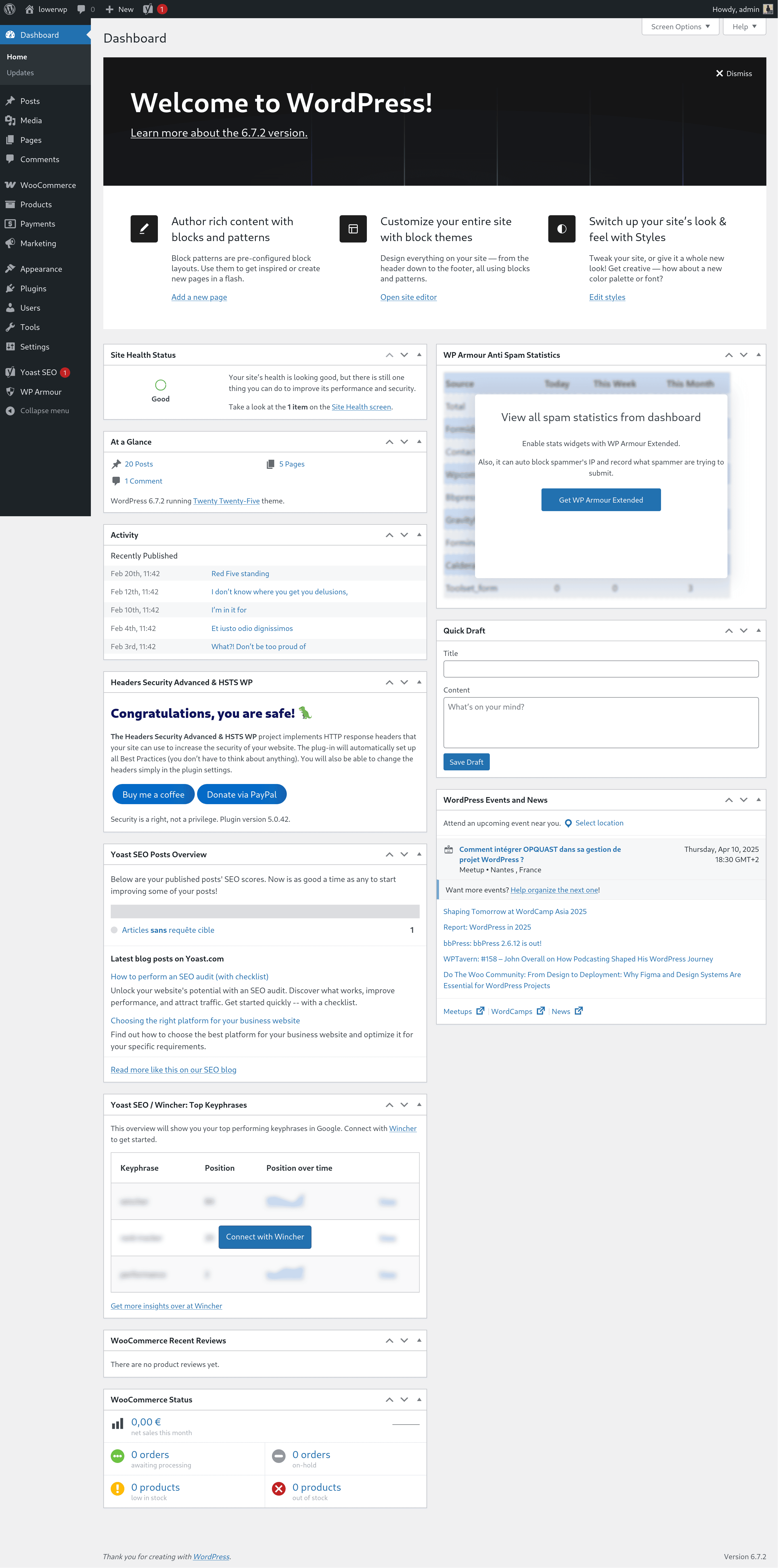
- Navigate between categories using a tabbed interface.
- Features are grouped by Performance, Security, and User Interface.
- Select from three presets: Corporate, Blog, or E-commerce.
- Each setting includes a description of what it does and what side effects to expect.
- ARIA-compliant tabs with full keyboard navigation.
- Design matches the WordPress core interface.
Core Settings
- Block user enumeration.
- Clean up the admin bar.
- Disable “WordPress” spelling correction.
- Disable all feeds (RSS, Atom, comments).
- Disable application passwords.
- Disable author archives.
- Disable autosave (classic editor).
- Disable Dashicons (admin icons).
- Disable default lazy loading for images.
- Disable DNS prefetch.
- Disable jQuery Migrate script.
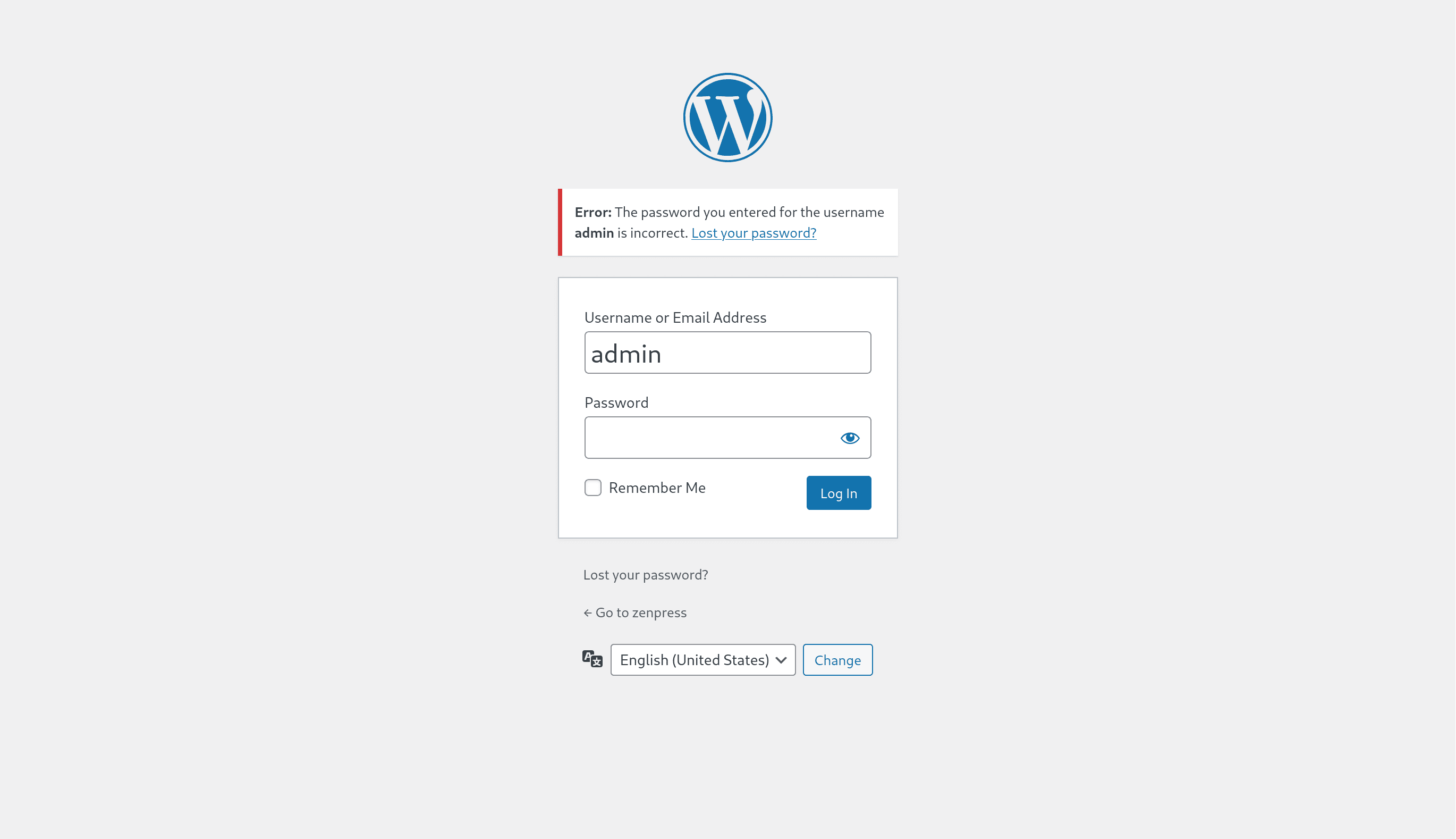
- Disable login language selector.
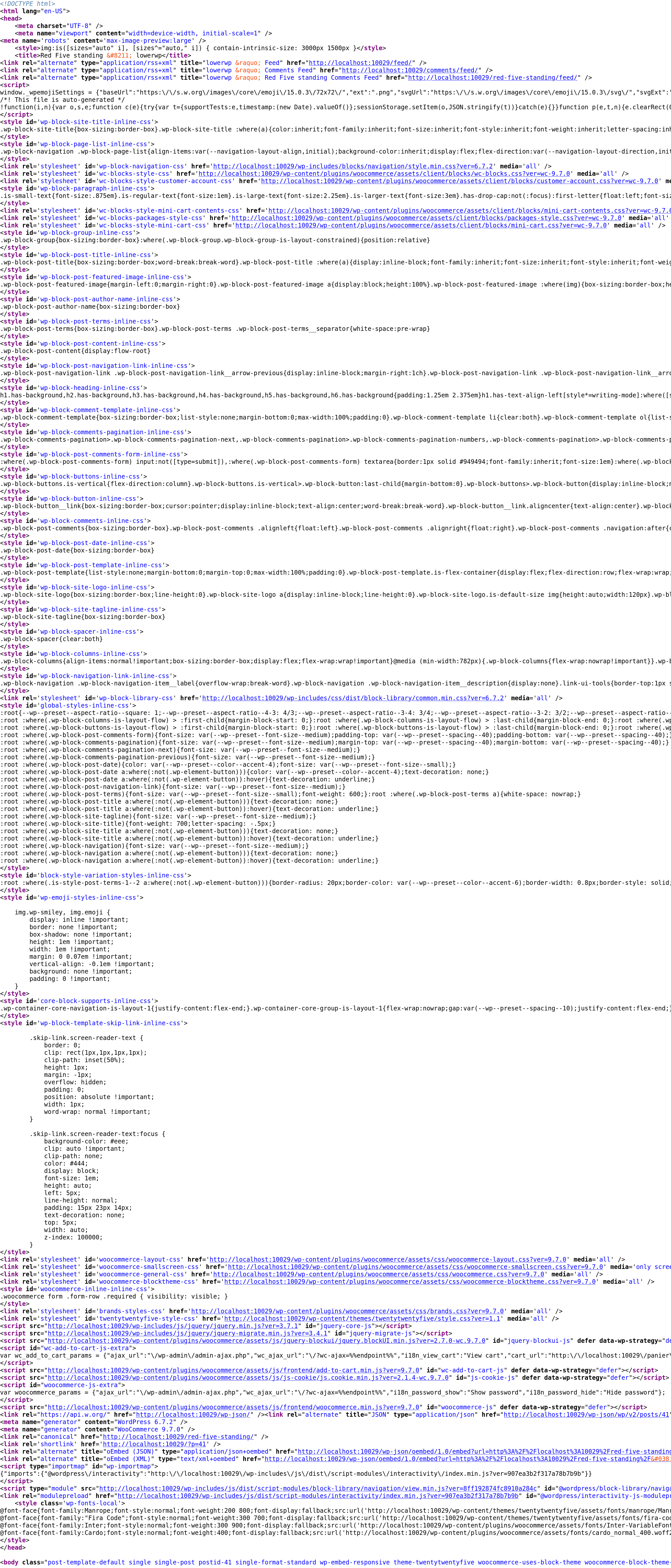
- Disable oEmbed.
- Disable password strength meter.
- Disable PDF thumbnails.
- Disable pingbacks and trackbacks.
- Disable prev/next post links in head.
- Disable shortlink.
- Disable Windows Live Writer link.
- Disable WordPress emoji scripts and styles.
- Disable XML-RPC and RSD link.
- Hide WordPress version.
- Limit post revisions to 10.
- Limit REST API to logged-in users.
- Remove “Thanks for using WordPress” from footer.
- Remove Help tab.
- Remove REST API links from page source.
- Remove WordPress logo from admin bar.
Gutenberg Settings
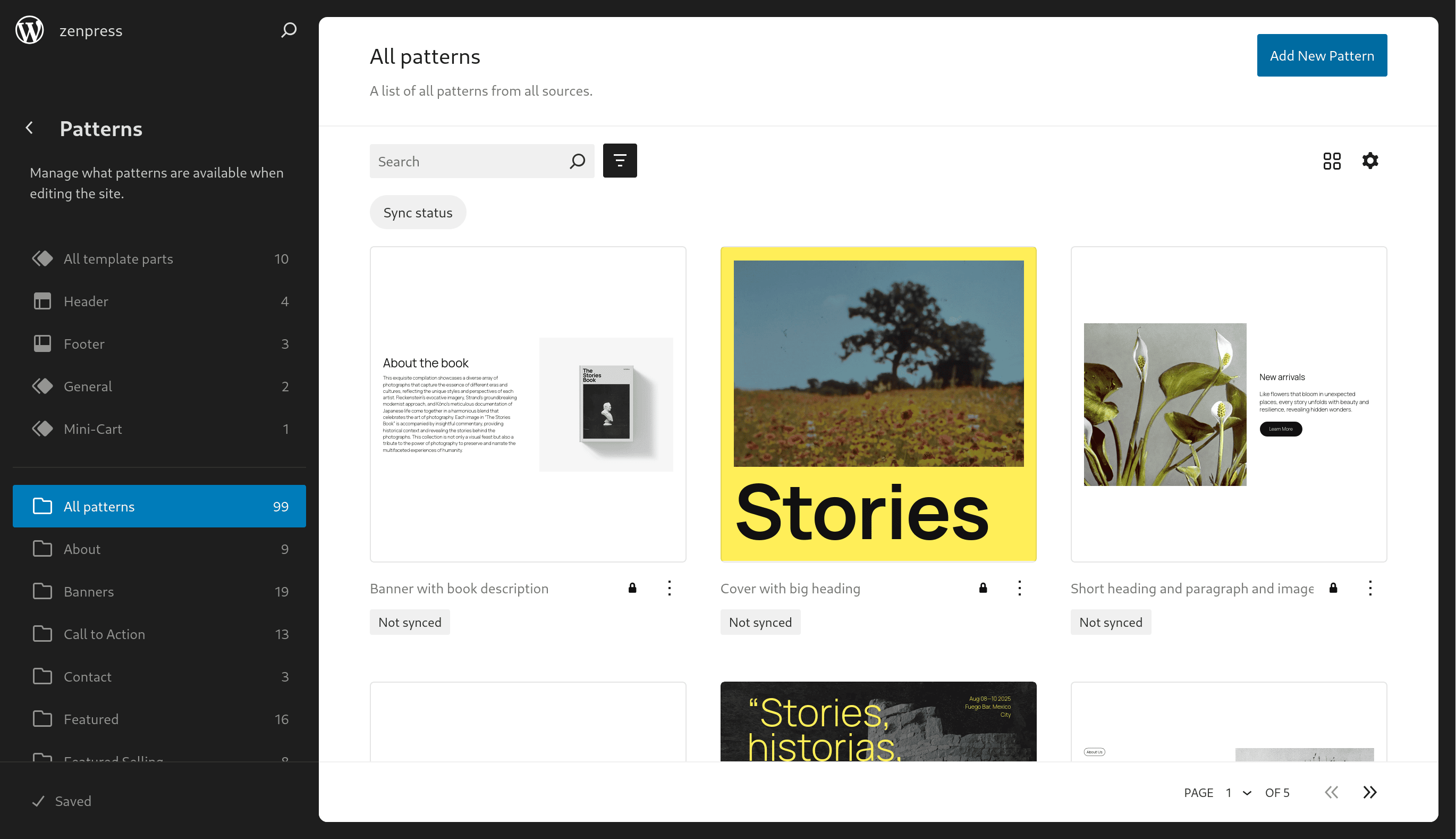
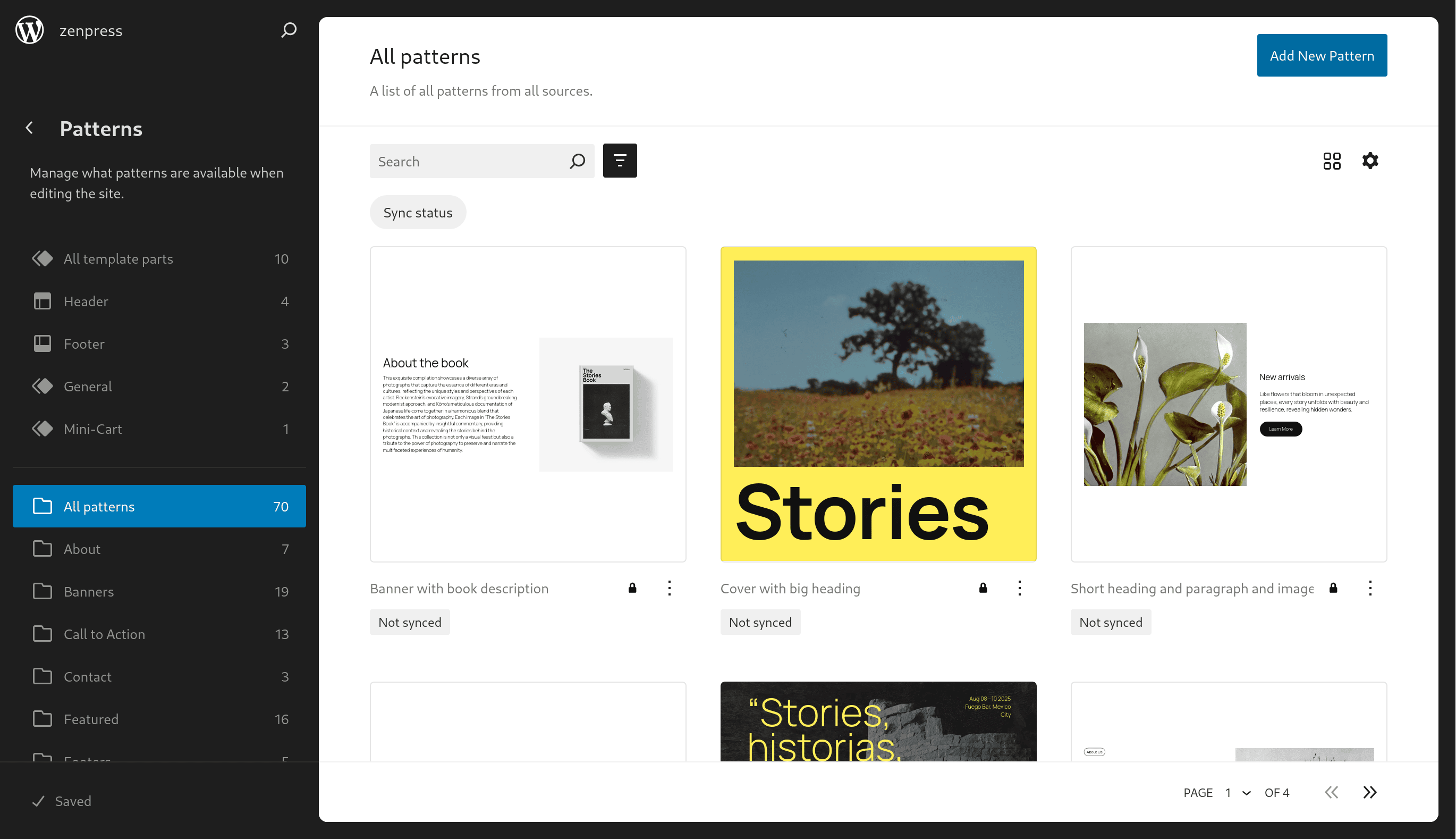
- Disable default pattern categories in Site Editor.
- Load block styles separately.
- Remove WordPress default block patterns.
WooCommerce Settings
- Disable Stripe scripts on product and cart pages.
- Disable WooCommerce cart fragments.
- Disable WooCommerce scripts and styles on non-shop pages.
- Disable WooCommerce widgets.
- Hide WooCommerce version.
- Remove WooCommerce default block patterns.
Ads-blocker Settings
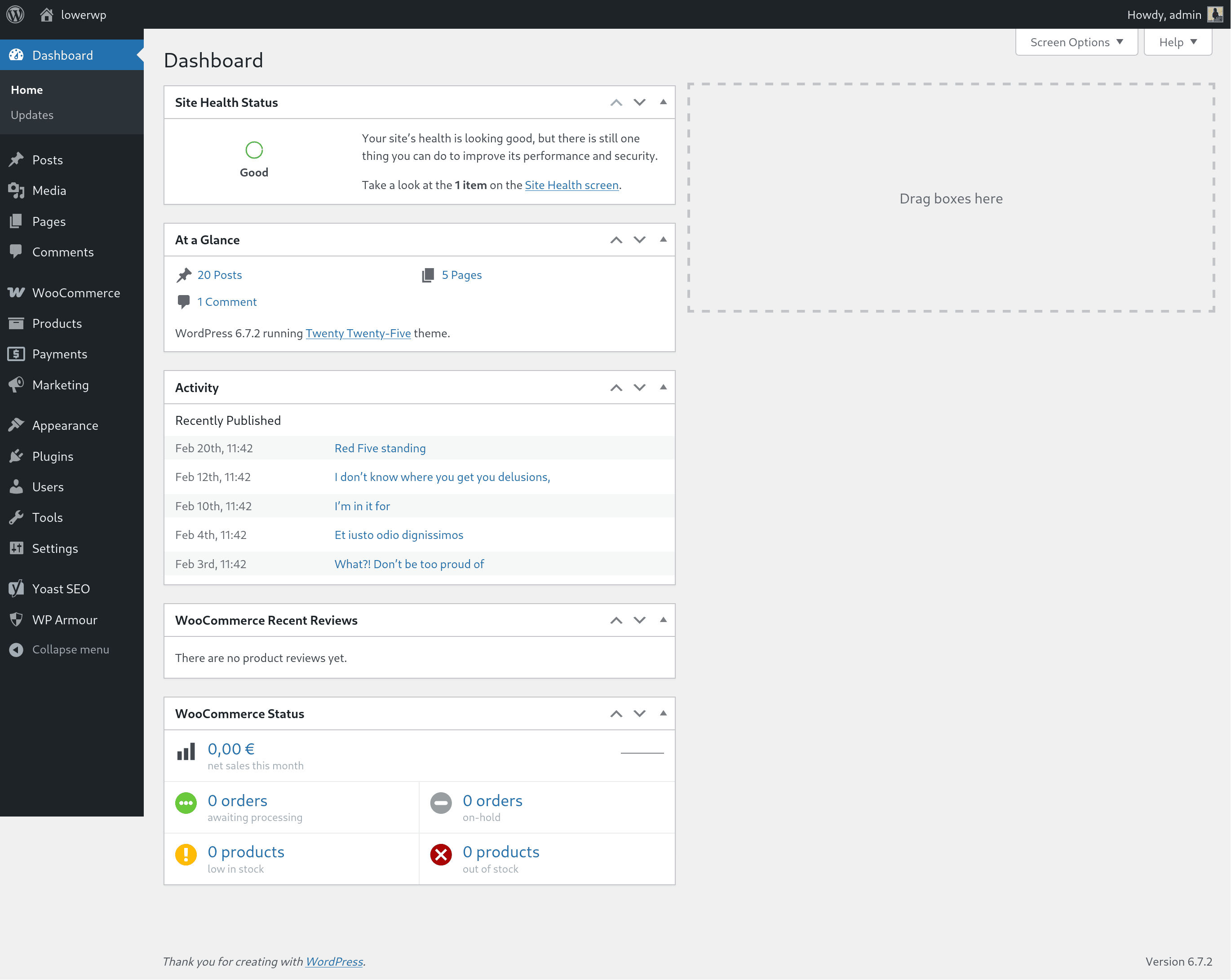
- Clean up the Dashboard.
Tools Settings
- Protect login from brute force.
- Show cache actions in admin bar.
Integrations
ZenPress integrates with Cache Enabler, Autoptimize, and SQLite Object Cache. When any of these plugins is active, the Tools tab shows integration status and one-click autoconfig actions.
- Admin bar: Adds a ZenPress menu to the admin bar with “Clear all caches” and options for each active cache (page, static files, object cache). Only appears when Cache Enabler, Autoptimize, or SQLite Object Cache is active. Hides those plugins’ own admin bar buttons.
- Autoptimize: Minify JS and CSS, combine CSS, static file caching, 404 fallbacks.
- Cache Enabler: Clear cache on content changes, WebP, compression, minify HTML.
- SQLite Object Cache: Enable “Use APCu” in the plugin if available.
Presets
- Corporate website: For business sites and portfolios. Disables RSS, author archives, and other features typically unused on company sites.
- Blog: For content-focused sites. Keeps RSS and other blog-related features while disabling unnecessary assets.
- E-commerce: For WooCommerce stores. Disables non-essential WooCommerce features and removes unused WordPress functionality.
Accessibility
- Navigate the dashboard using a keyboard: Tab, Arrow keys, Home, End, and Enter for all interactions.
- Tab panels activate immediately when focus moves between sections.
- Visible focus indicators on every interactive element.
- ARIA labels provide context for screen readers and assistive technologies.
Privacy Statement
ZenPress does not store, collect, or transmit any data. It does not send data to any third party and does not include third-party resources.
Accessibility Statement
ZenPress aims to be accessible to all users.
Frequently asked questions
No pro version? Really?
Yes, there is no pro version and there never will be. Sponsorships are accepted via the GitHub Sponsors program. If you work at an agency that develops with WordPress, ask your company to sponsor the project. If you like the plugin, leave a review.
Does ZenPress work with my existing caching or optimization plugins?
Yes. ZenPress disables unused WordPress core features and does not interfere with page caching or image optimization. If you notice overlapping features, toggle them off in either tool.
How do I know which snippets are safe to enable?
If you are new to these settings, start with a preset (Corporate, Blog, or E-commerce). For manual changes, begin with User Interface and performance settings, such as cleaning up the Admin Bar, before moving to more advanced core settings.
What happens if I disable the REST API?
The REST API allows external applications to communicate with your site. ZenPress blocks unauthenticated requests while keeping the API accessible to logged-in users. Some blocks or third-party integrations may require the REST API to be publicly accessible. If a feature stops working, use the zenpress_disable_wp_rest_api_post_var or zenpress_disable_wp_rest_api_server_var filters to allow specific requests.
Does ZenPress store any personal data?
No. ZenPress does not collect, store, or transmit any personal data. All settings are stored in standard WordPress options on your site.
Is ZenPress multisite compatible?
ZenPress is compatible with multisite networks. You can activate it across the entire network or on individual sites. Only Network Administrators can manage these settings across the network.
I have a suggestion
Visit the official support forum to share ideas. Developers can contribute directly on GitHub.
Changelog
Ready for translations.
2.2.7
- Tested up to WordPress 7.1.
2.2.6
- Documentation : Rewrote all snippet descriptions, inline comments, and plugin documentation to follow the WordPress Documentation Style Guide. Descriptions now document boundaries, side effects, and available filters.
- Readme : Removed promotional language throughout the short description, FAQ, and feature list.
- Fix : Corrected copy-paste bug in hide-wordpress-version meta file docblock.
2.2.5
- Linguistic improvements : Align to WordPress Style, voice, and tone.
- Accessibility improvements : Align to WordPress accessibility guidelines.
2.2.4
- Fix : Admin bar “Clear all caches” is now off by default; user turns it on if they want.
- Code quality : Split Settings page into smaller, modular piece.
- Interface : After clearing cache from the admin bar, show a WordPress success notice on the next admin load.
2.2.3
- Fix : Disable Cache enabler “clear page cache” button in admin bar when ZenPress admin bar button is active.
- Fix : ZenPress admin bar button default option is now “off”.
2.2.2
- Integration : Cache enabler autoconfig in one click.
- Integration : Autoptimize autoconfig in one click.
- Integration : SQLite Object cache autoconfig in one click.
- New actionable function: Enable Admin bar “Clear all caches” button, visible only when at least one integration is active; third-party cache buttons hidden when ZenPress admin bar is enabled.
- Fix: REST and AJAX handlers wrap integration calls in try/catch; failed autoconfig or cache clear returns 500 with message instead of fatal.
- Fix: get_active_integrations_for_ui() wraps ReflectionClass in try/catch so one missing integration does not break the settings UI.
- Fix: Metadata and snippet loader wrap include in try/catch so a single bad meta file or snippet does not fatal the site.
Screenshots


For developers
Is this your plugin? Show off the numbers.
Add a live badge to your site, docs or GitHub README. It updates on its own — no account needed.
Best ZenPress alternatives
All optimization plugins →





FAQ
ZenPress: quick answers
Straight answers, pulled from live WordPress.org data.
Live data from WordPress.org · checked Sep 28, 2026
Is ZenPress free?
Yes. ZenPress is free to download and use from the official WordPress.org plugin directory.
Is ZenPress safe to use in 2026?
ZenPress is a solid plugin choice in 2026, with a few things worth checking first. It runs on 70+ sites, is rated 5/5 and was last updated 1 month ago, and scores 71/100 on our health check.
How many websites use ZenPress?
ZenPress is active on 70+ WordPress websites and has been downloaded 2,589 times since it launched in March 2025. It was downloaded 137 times in the last 30 days.
Does ZenPress work with WordPress 7.1?
Yes. The developer has tested ZenPress up to WordPress 7.1.2, the latest release. It requires WordPress 6.0 or newer.
What PHP version does ZenPress need?
ZenPress requires PHP 8.1 or higher. Most hosts run PHP 8.x today, so it works on any modern WordPress hosting.
When was ZenPress last updated?
The latest version, 2.2.7, was released on August 18, 2026 (1 month ago).
Who makes ZenPress?
ZenPress is developed and maintained by Quentin Le Duff (--Q--).
What are the best alternatives to ZenPress?
The most popular alternatives to ZenPress are AMP (400K+ installs), Performance Lab (100K+ installs) and Optimization Detective (60K+ installs).
Powered by PageForge
Want thousands of pages that rank like these? Build them in an afternoon.
This directory runs on the same engine as PageForge. Turn any spreadsheet, CSV or API into thousands of fast, SEO-ready WordPress pages — with schema, internal links and AI-written copy baked in.
- CSV, Google Sheets & API data sources
- AI content, schema & internal links per page
- Works with Elementor, Gutenberg, Yoast & Rank Math
- Free on WordPress.org — no credit card


