



WP Editor
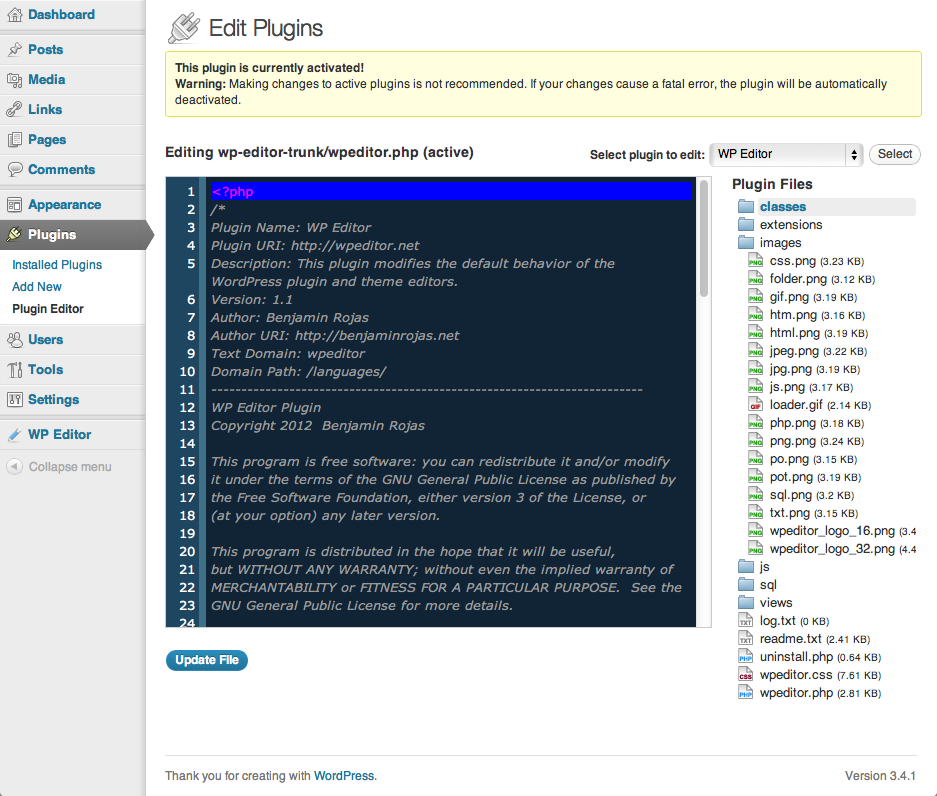
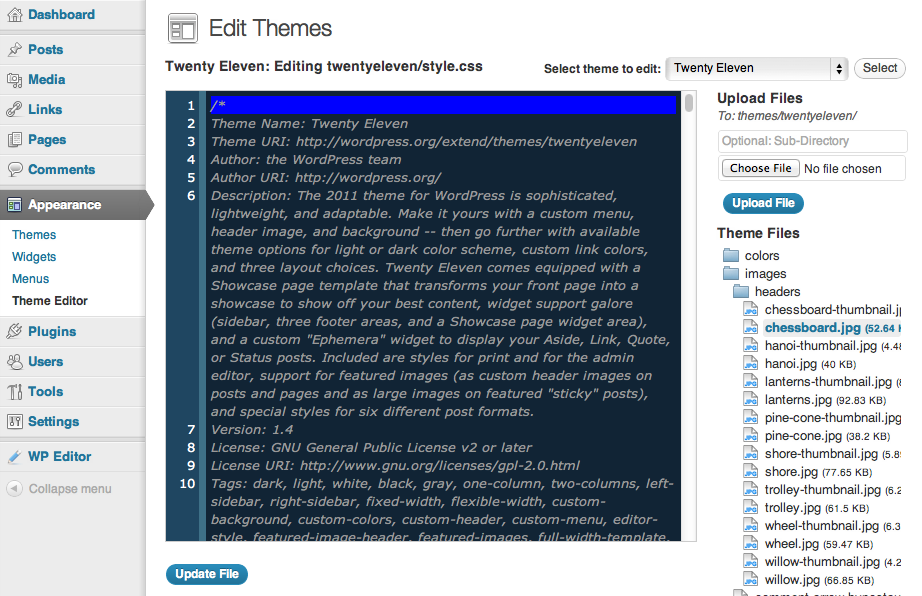
WP Editor is a plugin for WordPress that replaces the default plugin and theme editors as well as the page/post editor.

Use with caution
WP Editor works, but test it on a staging site before relying on it in 2026. It runs on 20K+ sites, is rated 4.5/5 and was last updated 7 months ago, and scores 60/100 on our health check.
- Proven at scale on 20K+ active sites
- Loved by users — 4.5/5 from 95 reviews
- Only tested up to WordPress 6.9 (latest is 7.1)
How does it stack up?
Side-by-side on installs, updates, ratings & support



Daily downloads
Download spikes usually follow a new release — each site that auto-updates counts as a download.
Rankings
Where WP Editor stands todayWordPress.org search rankings
Live position in the plugin search, top 100| Keyword | Position |
|---|---|
| code editor | #13 |
| Page Editor | #15 |
| plugin editor | #9 |
| post editor | #13 |
| theme editor | #10 |
Version adoption
Share of active sites per release.
Rating breakdown
★★★★★★★★★★ 4.5 from 95 reviews
About WP Editor
From the official readme · v1.2.9.3Description
WP Editor is a plugin for WordPress that replaces the default plugin and theme editors as well as the page/post editor. Using integrations with CodeMirror and FancyBox to create a feature rich environment, WP Editor completely reworks the default WordPress file editing capabilities. Using Asynchronous Javascript and XML (AJAX) to retrieve files and folders, WP Editor sets a new standard for speed and reliability in a web-based editing atmosphere.
Features:
- CodeMirror
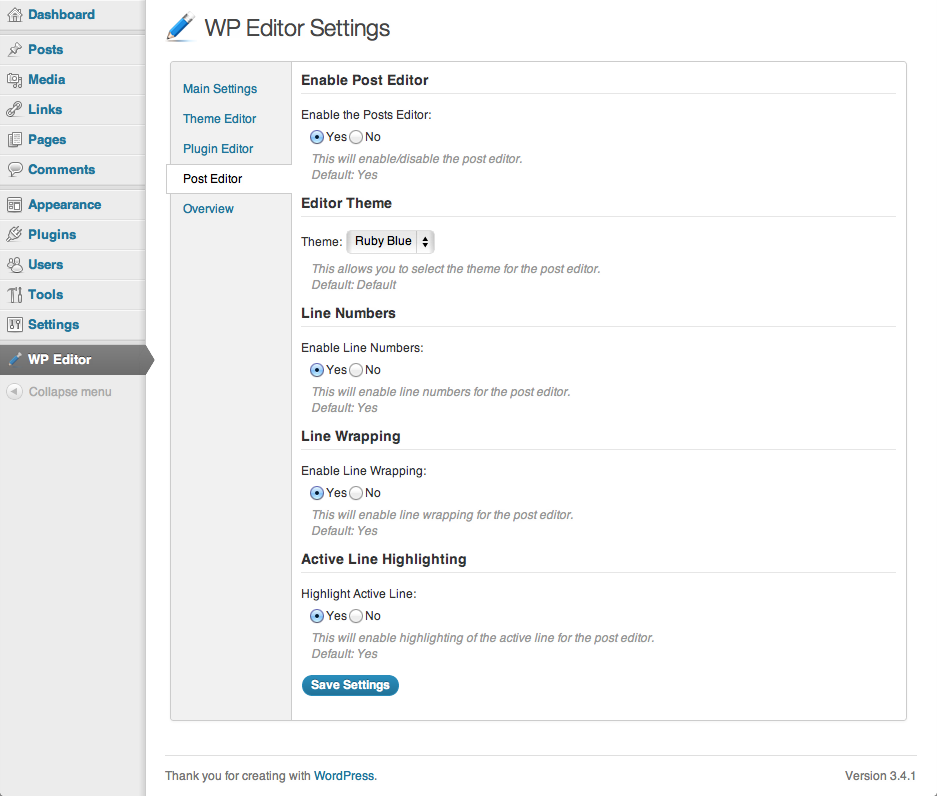
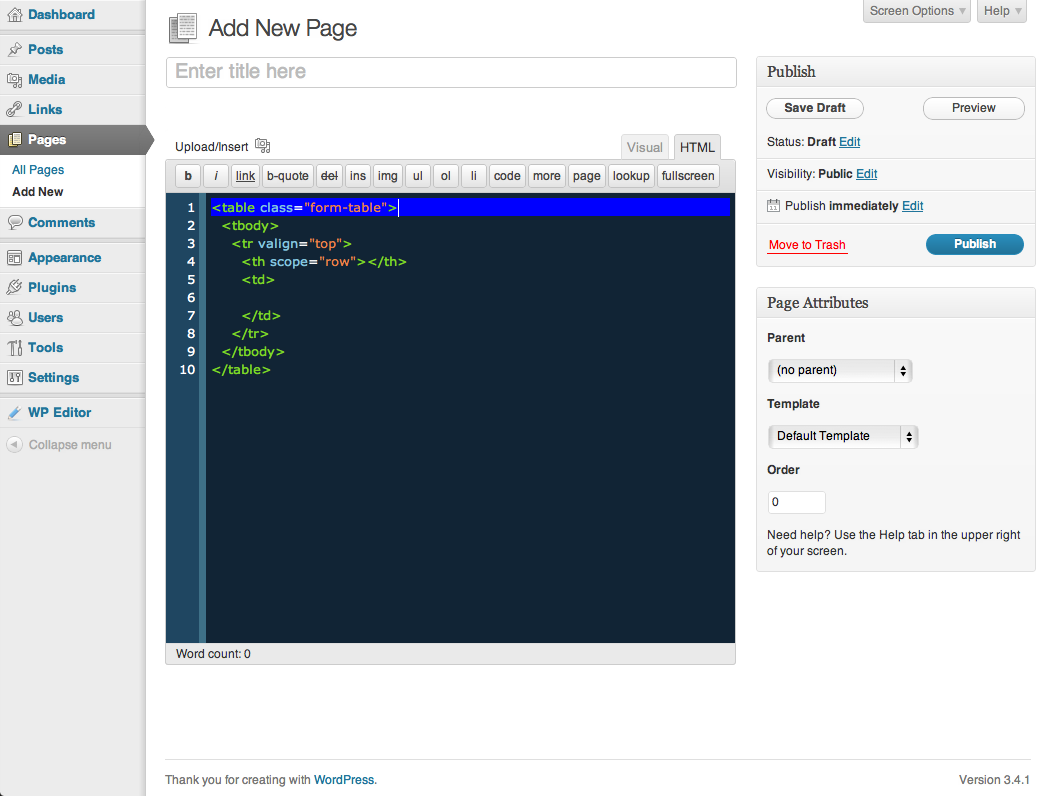
- Active Line Highlighting
- Line Numbers
- Line Wrapping
- Eight Editor Themes with Syntax Highlighting
- Fullscreen Editing (ESC, F11)
- Text Search (CMD + F, CTRL + F)
- Individual Settings for Each Editor
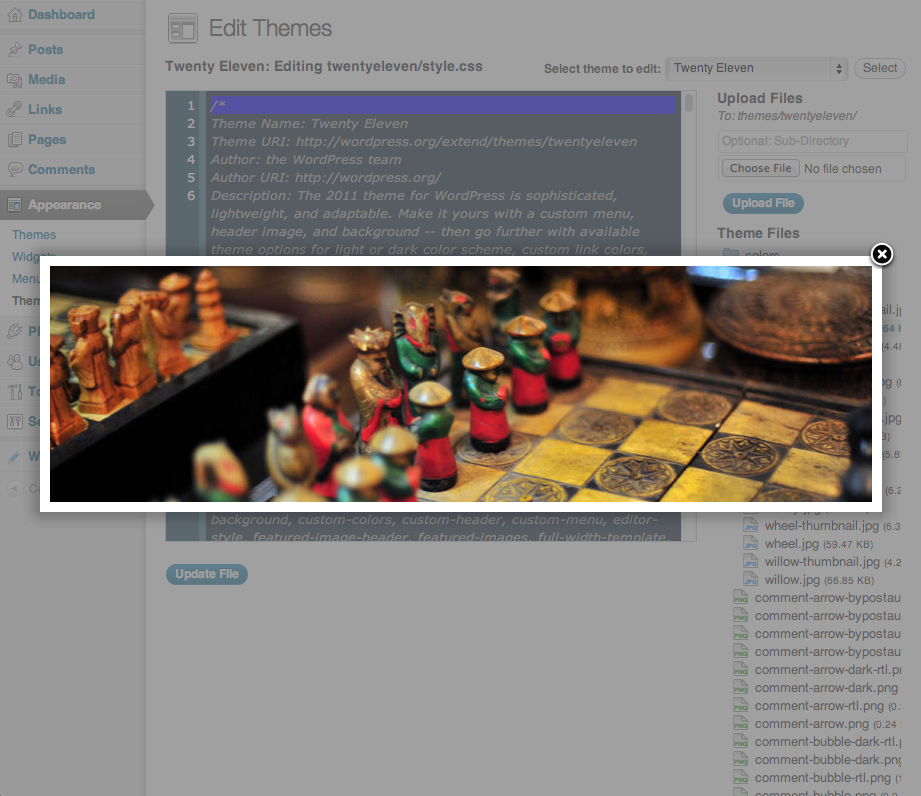
- FancyBox for image viewing
- AJAX File Browser
- Allowed Extensions List
- Easy to use Settings Section
Installation
- Upload the
wp-editor.zipto the/wp-content/plugins/directory - Activate the plugin through the ‘Plugins’ menu in WordPress
Frequently asked questions
Does WP Editor provide syntax highlighting for the page/post editor?
Yes! This feature was added in version 1.1 of WP Editor. If it’s not enabled by default, visit the settings page, click on the “Post Editor” section and enable it there.
Can I search for text within a file?
Yes! Just use the key combination, CTRL + F or CMD + F and it will open up a search dialog box that will allow you to type in a search string.
Does WP Editor have a fullscreen mode?
Yes! Just hit the Esc key or click on the fullscreen button on the post editor and it will take the editor to the full size of the browser.
I don’t like the active line highlighting in the editor, can I disable this?
Yes! Just visit the settings page and you can disable the active line highlighting there.
A file type that my theme uses is not supported by WP Editor, how can I get it added?
If there is a filetype that is not supported by WP Editor, just visit the WP Editor support page and fill out the support form. We will do our best to include it by the next release.
My custom quicktags don’t work with WP Editor, why not?
WP Editor uses a custom method for creating quicktags to get them to work with the update. If you use a specific quicktag that is not supported, fill out our support form and we will try to implement it as soon as possible.
Is WP Editor better than the competition?
Yes! Well, we like to think so. If there is a feature that another plugin has that you think WP Editor should include, let us know. We will do our best to add it in to the plugin!
I love WP Editor! Can I help somehow?
Yes! While we don’t have a need for further developers at this time, any financial contributions are welcome! Just visit the WP Editor website and click on the donate link, and thank you!
Changelog
Security release: fixes SQLi vulnerabilities. Please upgrade immediately.
1.2.9.2
- Sanitize ajax requests
1.2.9.1
- Sanitize inputs
1.2.9
- Sanitize outputs
1.2.8
- Randomize log file name
1.2.7
- Security release: fixes SQLi vulnerabilities.
1.2.6.3
- Fixed multiple XSS vulnerabilities
Screenshots
For developers
Is this your plugin? Show off the numbers.
Add a live badge to your site, docs or GitHub README. It updates on its own — no account needed.
Best WP Editor alternatives
All code editor plugins →

FAQ
WP Editor: quick answers
Straight answers, pulled from live WordPress.org data.
Live data from WordPress.org · checked Sep 27, 2026
Is WP Editor free?
Yes. WP Editor is free to download and use from the official WordPress.org plugin directory.
Is WP Editor safe to use in 2026?
WP Editor works, but test it on a staging site before relying on it in 2026. It runs on 20K+ sites, is rated 4.5/5 and was last updated 7 months ago, and scores 60/100 on our health check.
How many websites use WP Editor?
WP Editor is active on 20K+ WordPress websites and has been downloaded 1,095,054 times since it launched in January 2012. It was downloaded 2,120 times in the last 30 days.
Does WP Editor work with WordPress 7.1?
WP Editor is officially tested up to WordPress 6.9.9, while the latest release is 7.1.2. It may still work, but try it on a staging site first.
When was WP Editor last updated?
The latest version, 1.2.9.3, was released on March 11, 2026 (7 months ago).
Who makes WP Editor?
WP Editor is developed and maintained by benjaminprojas.
What are the best alternatives to WP Editor?
The most popular alternatives to WP Editor are WPIDE (40K+ installs), HTML Editor for Contact For… (1K+ installs) and Alkane Code (10+ installs).
Powered by PageForge
Want thousands of pages that rank like these? Build them in an afternoon.
This directory runs on the same engine as PageForge. Turn any spreadsheet, CSV or API into thousands of fast, SEO-ready WordPress pages — with schema, internal links and AI-written copy baked in.
- CSV, Google Sheets & API data sources
- AI content, schema & internal links per page
- Works with Elementor, Gutenberg, Yoast & Rank Math
- Free on WordPress.org — no credit card


