


WP Counter Up – Animated Number Counter & Milestone Showcase
Turn your numbers into a visual story with beautifully animated counters designed to capture attention and improve engagement.

Use with caution
WP Counter Up works, but test it on a staging site before relying on it in 2026. It runs on 1K+ sites, is rated 4/5 and was last updated 5 months ago, and scores 52/100 on our health check.
How does it stack up?
Side-by-side on installs, updates, ratings & support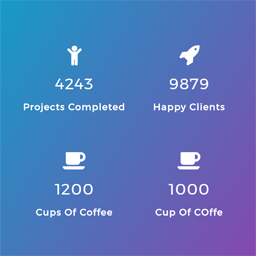


Daily downloads
Download spikes usually follow a new release — each site that auto-updates counts as a download.
Rankings
Where WP Counter Up stands todayWordPress.org search rankings
Live position in the plugin search, top 100| Keyword | Position |
|---|---|
| Animated Counter | #2 |
| counter up | #2 |
| milestone counter | #1 |
| number counter | #4 |
| stats counter | #4 |
Version adoption
Share of active sites per release.
Rating breakdown
★★★★★★★★★★ 4 from 5 reviews
About WP Counter Up
From the official readme · v4.2.0Description
Turn your numbers into a visual story with beautifully animated counters designed to capture attention and improve engagement.
Whether you’re a freelancer highlighting completed projects, a digital agency showcasing client success, an eCommerce store displaying products sold, or a business presenting company milestones, WP Counter Up helps transform static numbers into dynamic visual experiences.
Built with performance and flexibility in mind, the plugin delivers smooth scroll-triggered animations while remaining lightweight, responsive, and easy to customize — no coding required.
WP Counter Up by LogicHunt.com
Why Choose WP Counter Up?
- Lightweight and optimized for performance
- Smooth animated number counting on scroll
- SEO-friendly and responsive design
- Easy shortcode integration anywhere on your site
- Flexible layouts with Grid and Flexbox support
- Works perfectly with Gutenberg and page builders
- Developer-friendly yet beginner-friendly
- Modern, clean, and customizable design controls
- Fully tested with WordPress 7.0
- Cross-browser and mobile compatible
✅ FREE VERSION FEATURES
Core Counter Features
- Scroll-triggered animated number counters
- Smooth count-up animation from zero to target value
- Support for integers, floats, commas, currency values, and mixed formats
- Unlimited counter items
- Lightweight frontend rendering for faster loading
Layout & Display
- Multiple layout styles: Grid and Flexbox
- Fully responsive across desktop, tablet, and mobile
- Device-based column controls
- Background image and overlay support
- Works with all modern WordPress themes
Counter Items
- Add icons, images, titles, and descriptions
- Drag & drop item ordering
- Flexible content arrangement
- Clean and modern frontend display
Shortcode System
- Built-in shortcode generator
- Multiple shortcode instances per page
- Paste counters anywhere using shortcodes
- Compatible with Gutenberg, Elementor, Divi, WPBakery, and other page builders
Styling & Animation
- CSS3 animation effects
- Custom spacing and layout settings
- Responsive design controls
- Modern hover-ready layouts
⭐ PRO VERSION FEATURES
Unlock advanced layouts, styling, animations, and powerful customization options with the Pro Version.
Advanced Counter Controls
- Custom animation duration
- Animation delay controls
- Category filtering per shortcode
- Item limit control
- Sorting options: Drag & Drop, Title, Date, or Random
Flexible Content Layouts
- 11 content order combinations
- Left icon layouts and title-first layouts
- Individual item height controls
- Enable or disable titles and descriptions
Advanced Styling Options
- 50+ entrance and hover animations
- Floating animation effects
- Hover grayscale and box shadow effects
- Typography controls for numbers, titles, and descriptions
- Full control over spacing, padding, borders, radius, and backgrounds
Section Header Builder
- Section title and subtitle support
- Typography and color customization
- Header alignment options
- Margin and spacing controls
Background & Section Controls
- Background image settings
- Background attachment controls
- Overlay color with opacity
- Section width and container controls
- Section margin and padding customization
Responsive Controls
- Independent column settings for:
- Large Desktop
- Desktop
- Tablet
- Mobile
Preloader Support
- Enable section preloaders
- Custom preloader background colors and icons
Perfect For
- Digital agencies
- Business websites
- eCommerce stores
- SaaS landing pages
- Non-profit organizations
- Startup websites
- Corporate KPI displays
- Portfolio websites
- Marketing campaigns
- Event and milestone showcases
What Can You Count?
- Integers: 1234
- Floats: 1.234
- Numbers with commas: 1,234
- Currency values: $1,234.56
- Percentage values: 95%
- Mixed formats: 12,345.67
- Time-based values: hours, days, minutes, seconds
- Non-numeric content containing numbers
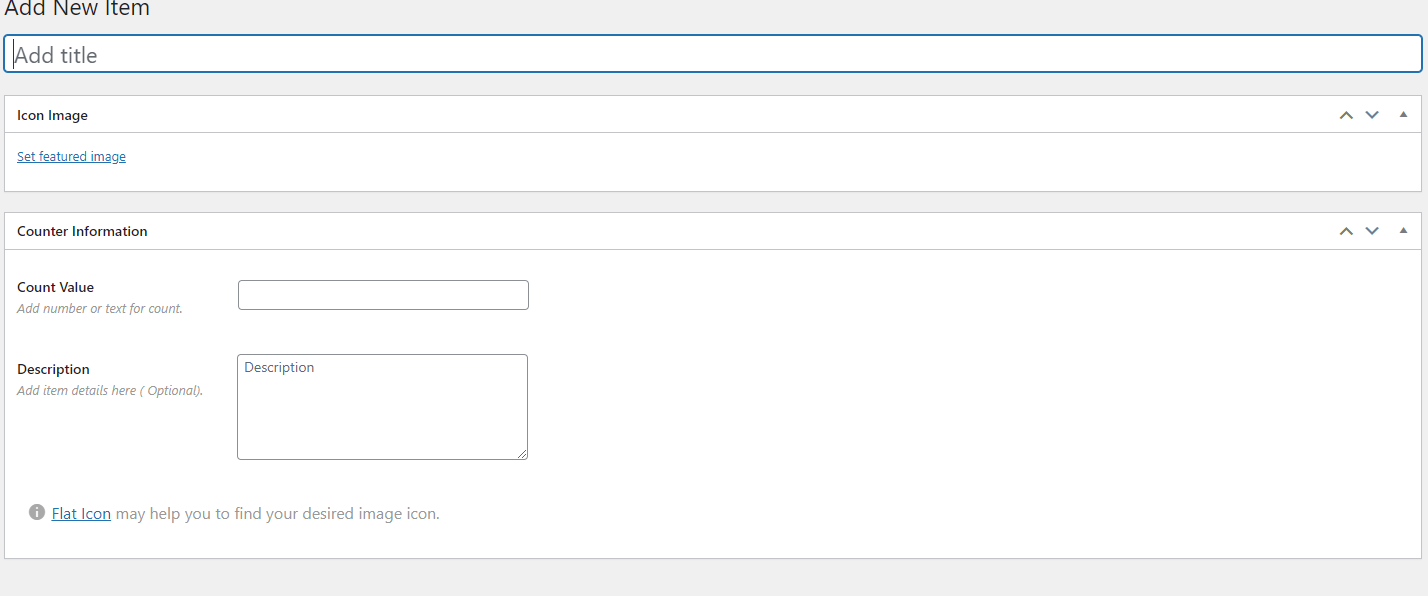
Basic Counter Item Fields
- Title
- Icon / Image
- Count Value
- Description
Getting Started
- Install and activate the plugin
- Go to Counter Up → Add New
- Create your counter items
- Open the Shortcode Generator
- Generate and copy your shortcode
- Paste the shortcode anywhere on your site
Installation
Via WordPress Dashboard
- Go to Plugins → Add New
- Search for “WP Counter Up”
- Click Install Now
- Activate the plugin
Manual Upload
- Download
wp-counter-up.zip - Navigate to Plugins → Add New → Upload Plugin
- Upload the ZIP file
- Click Install Now
- Activate the plugin
Frequently asked questions
How do I add counters to my website?
Create your counter items from the WordPress dashboard, generate a shortcode using the Shortcode Generator, and paste the shortcode into any page, post, widget, or page builder section.
Can I display multiple counter groups on one page?
Yes. You can create unlimited shortcode groups and place multiple counter sections anywhere on your site.
Does the plugin work with Elementor or Divi?
Yes. WP Counter Up works perfectly with Elementor, Divi, Gutenberg, WPBakery, and most modern WordPress page builders.
Can I customize layouts and colors?
Absolutely. You can customize layouts, colors, typography, spacing, animations, backgrounds, overlays, and responsive column settings.
Is the plugin mobile responsive?
Yes. All counter layouts are fully responsive and optimized for desktops, tablets, and smartphones.
What number formats are supported?
The plugin supports integers, decimals, commas, currency symbols, percentages, and mixed numeric content.
Is the Pro version a separate plugin?
Yes. The Pro version is an add-on plugin that extends the functionality of the free version.
Changelog
Recommended update for improved compatibility and WordPress 7.0 support.
4.2.0
- Compatibility: Fully tested and verified with WordPress 7.0.
4.0.0
- Security hardening improvements
- Fixed stored XSS vulnerabilities
- Optimized Settings API performance
- Improved frontend rendering
- Tested with WordPress 6.9
3.0.0
- Security enhancements
- Compatibility improvements
- Better responsive behavior
2.0.0
- Added shortcode generator
- Major plugin architecture improvements
1.0.0
- Initial release
Screenshots



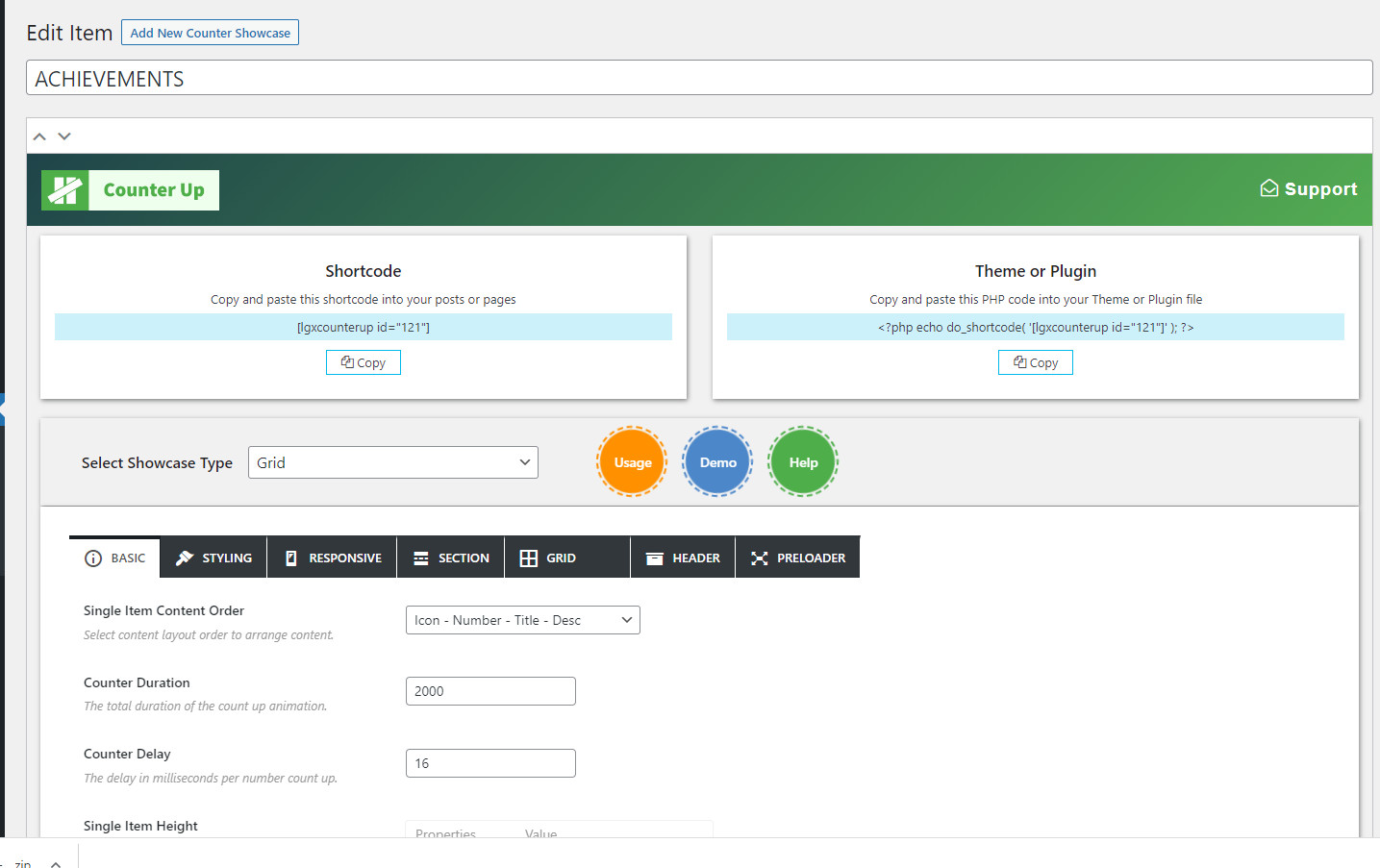
For developers
Is this your plugin? Show off the numbers.
Add a live badge to your site, docs or GitHub README. It updates on its own — no account needed.
Best WP Counter Up alternatives
All Animated Counter plugins →

FAQ
WP Counter Up: quick answers
Straight answers, pulled from live WordPress.org data.
Live data from WordPress.org · checked Oct 13, 2026
Is WP Counter Up free?
Yes. WP Counter Up is free to download and use from the official WordPress.org plugin directory.
Is WP Counter Up safe to use in 2026?
WP Counter Up works, but test it on a staging site before relying on it in 2026. It runs on 1K+ sites, is rated 4/5 and was last updated 5 months ago, and scores 52/100 on our health check.
How many websites use WP Counter Up?
WP Counter Up is active on 1K+ WordPress websites and has been downloaded 35,189 times since it launched in January 2018. It was downloaded 381 times in the last 30 days.
Does WP Counter Up work with WordPress 7.1?
WP Counter Up is officially tested up to WordPress 7.0.7, while the latest release is 7.1.3. It may still work, but try it on a staging site first.
When was WP Counter Up last updated?
The latest version, 4.2.0, was released on May 26, 2026 (5 months ago).
Who makes WP Counter Up?
WP Counter Up is developed and maintained by LogicHunt.
What are the best alternatives to WP Counter Up?
The most popular alternatives to WP Counter Up are Counter Number Showcase, Fu… (10K+ installs), Animated Number Counters (2K+ installs) and Animated Counter (60+ installs).
Powered by PageForge
Want thousands of pages that rank like these? Build them in an afternoon.
This directory runs on the same engine as PageForge. Turn any spreadsheet, CSV or API into thousands of fast, SEO-ready WordPress pages — with schema, internal links and AI-written copy baked in.
- CSV, Google Sheets & API data sources
- AI content, schema & internal links per page
- Works with Elementor, Gutenberg, Yoast & Rank Math
- Free on WordPress.org — no credit card


