



WindPress – Tailwind CSS integration for WordPress
Integrate Tailwind CSS 3 or 4 into WordPress easily, in seconds. Works well with the block editor, page builders, plugins, themes, and custom code.

Safe pick
Yes — WindPress is a safe, well-maintained plugin to use in 2026. It runs on 3K+ sites, is rated 5/5 and was last updated 1 week ago, and scores 83/100 on our health check.
- Loved by users — 5/5 from 37 reviews
- Actively developed — last update 1 week ago
- Momentum — downloads up 291.4% vs the previous 30 days
How does it stack up?
Side-by-side on installs, updates, ratings & support



Daily downloads
Download spikes usually follow a new release — each site that auto-updates counts as a download.
Rankings
Where WindPress stands todayWordPress.org search rankings
Live position in the plugin search, top 100| Keyword | Position |
|---|---|
| block | >100 |
| tailwind | #1 |
| tailwind css | #1 |
| tailwindcss | #2 |
Version adoption
Share of active sites per release.
Rating breakdown
★★★★★★★★★★ 5 from 37 reviews
About WindPress
From the official readme · v3.2.90Description
WindPress: the only Tailwind CSS v3 and v4 integration plugin for WordPress.
WindPress is a platform agnostic Tailwind CSS integration plugin for WordPress that allows you to use the full power of Tailwind CSS within the WordPress ecosystem.
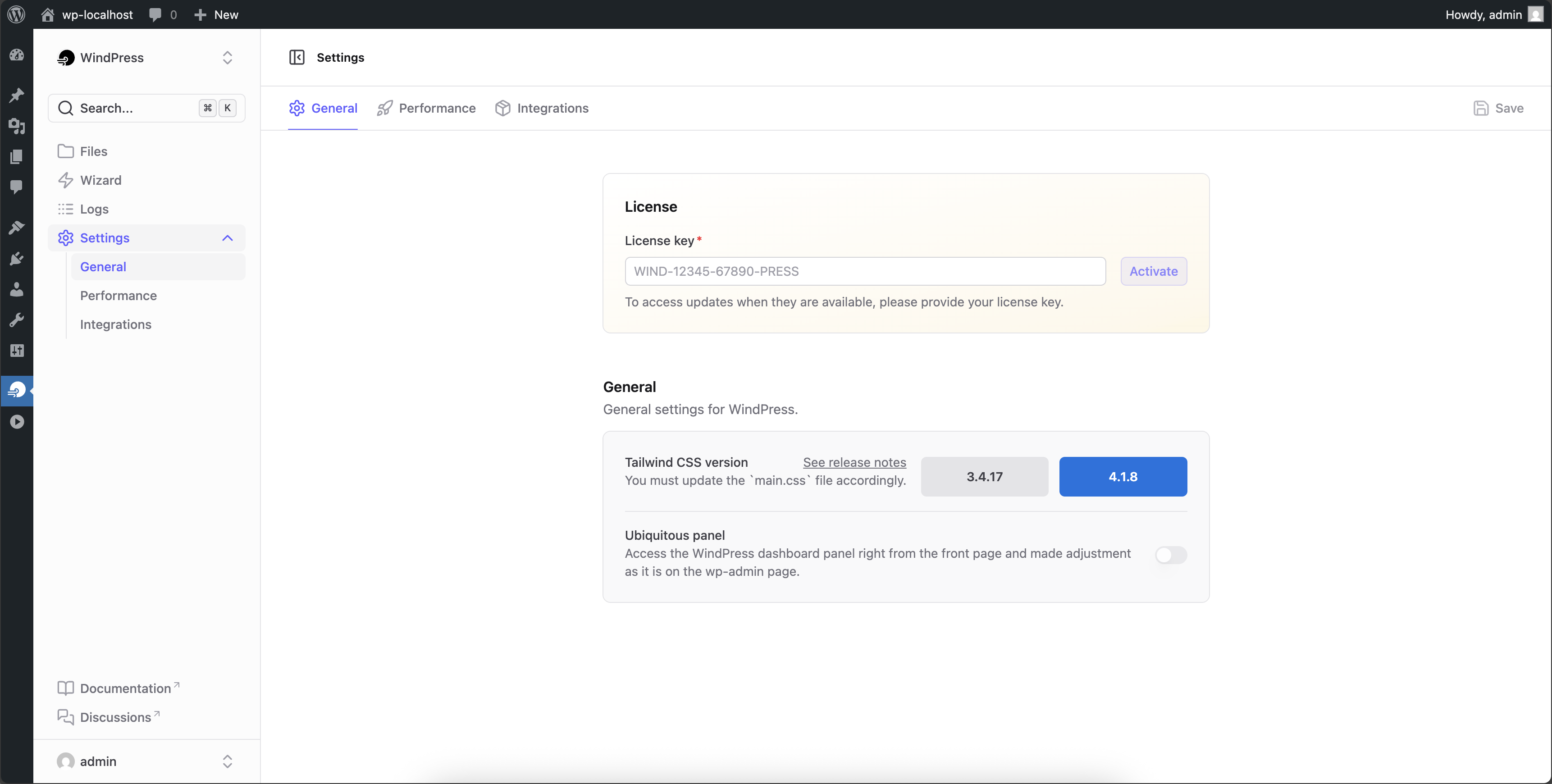
Tailwind CSS version:
– 3.4.19
– 4.3.3
Features
WindPress is packed full of features designed to streamline your workflow. Some of our favorites are:
- Dual Tailwind CSS version: Tailwind CSS
3.xand4.xready. - Plug and play: Start using Tailwind CSS in WordPress in seconds — no setup is required.
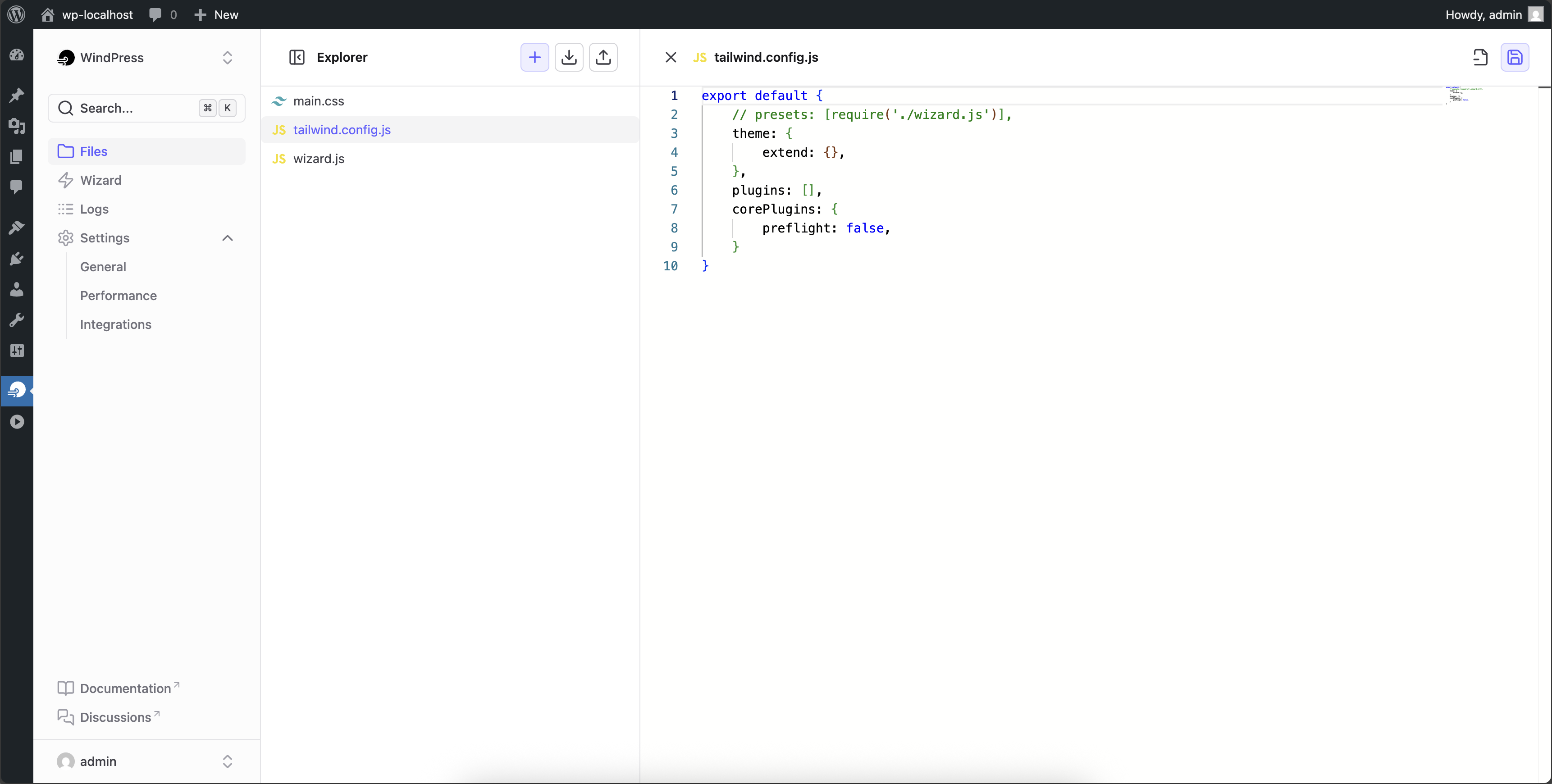
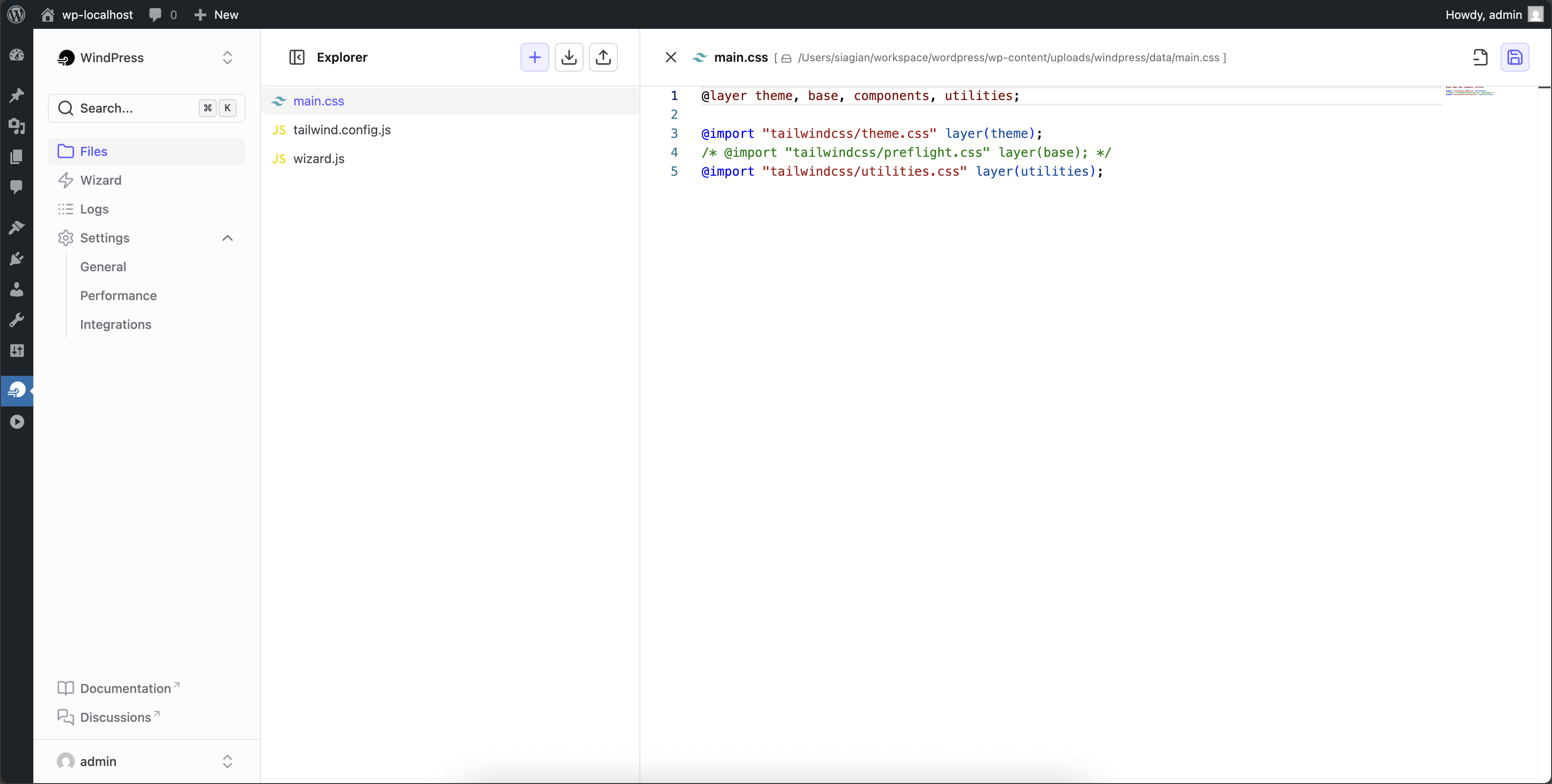
- Customizable Configuration: The plugin comes with a default Tailwind CSS configuration, but you can easily customize it to fit your needs.
- Easy to use: Simplified and intuitive settings to get you up and running quickly.
- Lightweight: The plugin dashboard built on top of WordPress REST API, and a modern JavaScript framework for an instant, responsive user experience. Yet it has a small footprint and won’t slow down your site.
- Blazingly fast: Cache makes your WordPress site blazing fast. Generate the final optimized CSS file in the browser without server-side tools. None of your data is transferred over the network.
And some specific integrations also include the following features:
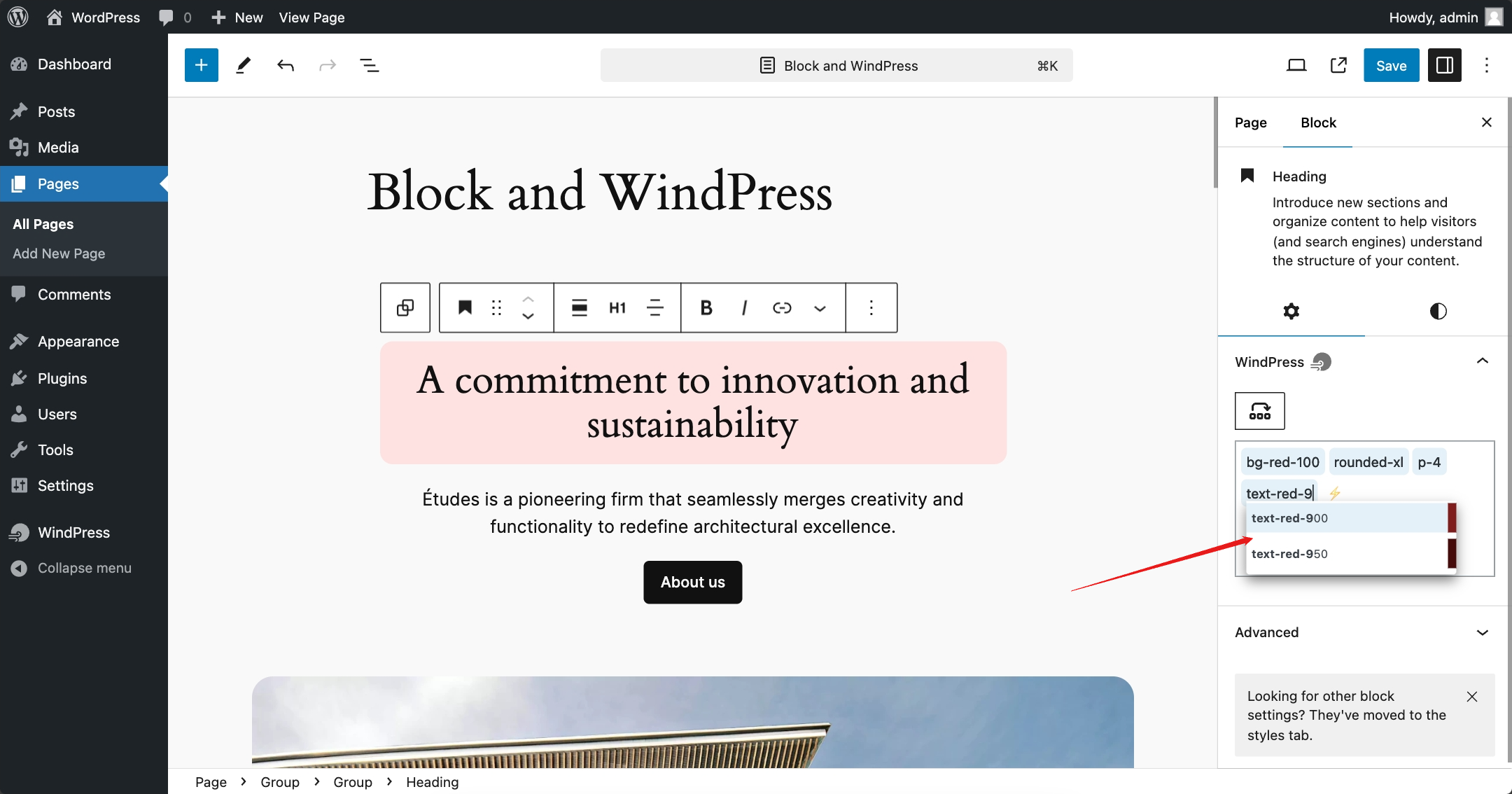
- Autocompletion: As you type, Tailwind CSS class names will be suggested automatically.
- Variable Picker: Easily select Tailwind CSS themes’ colors, fonts, and other variables from a panel.
- HTML to native elements: Convert Tailwind CSS HTML to native elements in the editor.
- Sort the classes: Sort the Tailwind CSS classes on the input field.
- Hover Preview the classes: Hover over the classes to see the complete outputted CSS and the preview of the design canvas.
- Ubiquitous Panel: A floating panel that allows you to quickly access the WindPress settings from anywhere on the page.
Visit our documentation for more information.
Seamless Integration
It’s easy to build design with Tailwind CSS thanks to the seamless integration with the most popular visual/page builders:
- Gutenberg / Block Editor
- GreenShift
- Kadence WP
- LiveCanvas
- Timber
- Blockstudio — Pro
- Breakdance — Pro
- Bricks — Pro
- Builderius — Pro
- Etch — Pro
- Meta Box Views — Pro
- Oxygen 6 / Classic — Pro
- WPCodeBox 2 — Pro
Planned / In Progress
Note: The core feature will remain available on all versions, but some integrations may be added or removed from the free version in the future.
Bring Your Own Integration
WindPress is designed to be easily extensible, so you can build your integrations with Tailwind CSS. The plugin provides a simple API for adding integrations.
Check out our detailed guide to get started.
Love WindPress?
- Give a 5-star review
- Purchase the Pro version
- Join our Facebook Group
- Sponsor us on GitHub or Ko-fi
Credits
- Image by Pixel perfect on Flaticon
Affiliate Disclosure: This readme.txt may contain affiliate links. If you decide to make a purchase through these links, we may earn a commission at no extra cost to you.
Frequently asked questions
Which version of Tailwind CSS is supported by WindPress?
WindPress supports both Tailwind CSS versions 3 and 4 and will receive regular updates to support the latest version.
Is WindPress support the Tailwind CSS plugins?
Yes, WindPress supports Tailwind CSS plugins. You can add the plugins in the tailwind.config.js file editor. The Tailwind CSS plugins will be loaded from the esm.sh CDN.
Do I need an internet connection to use WindPress?
No, by default, you do not need an internet connection to use WindPress. However, an internet connection is required to load the Tailwind CSS plugins from the CDN.
What themes is WindPress compatible with?
WindPress is compatible with any WordPress theme. A small adjustment may be needed for the compiler scanner to detect the used classes in the theme.
Changelog
3.2.90 – 2026-09-19
Fixed
- [Bricks] Missing WindPress Tailwind class input in the Bricks 2.4 builder editor.
3.2.89 – 2026-09-16
Changed
- Improved backend scanning and incremental cache builds, including detection of changed and deleted sources.
Fixed
- Prevented fatal errors when upgrading from older versions with a different updater SDK #83.
3.2.88 – 2026-09-02
Fixed
- [Wizard] Wizard settings now stay synchronized with direct edits to
wizard.css. - Fixed the Fluid Generator so complete spacing and text scales are created on the first attempt.
3.2.87 – 2026-08-29
Added
- File tree drag-and-drop support.
- Folder actions for creating files and folders.
Fixed
- Drag preview scrollbar flicker.
- File editor hotkeys not working correctly on MacOS.
- [Gutenberg] Canvas compatibility issue on the latest WordPress 7.1
- [Wizard] Reported volume save failures instead of displaying a false success message #81
3.2.86 – 2026-07-17
Added
- Updated bundled Tailwind CSS v4 to 4.3.3.
Fixed
- [TW3] Browser compiler throws “Unable to determine current node version” #78
- [Gutenberg] Fixed saving issues when WPML is enabled.
3.2.85 – 2026-06-18
Added
- Updated bundled Tailwind CSS v4 to 4.3.1
Screenshots
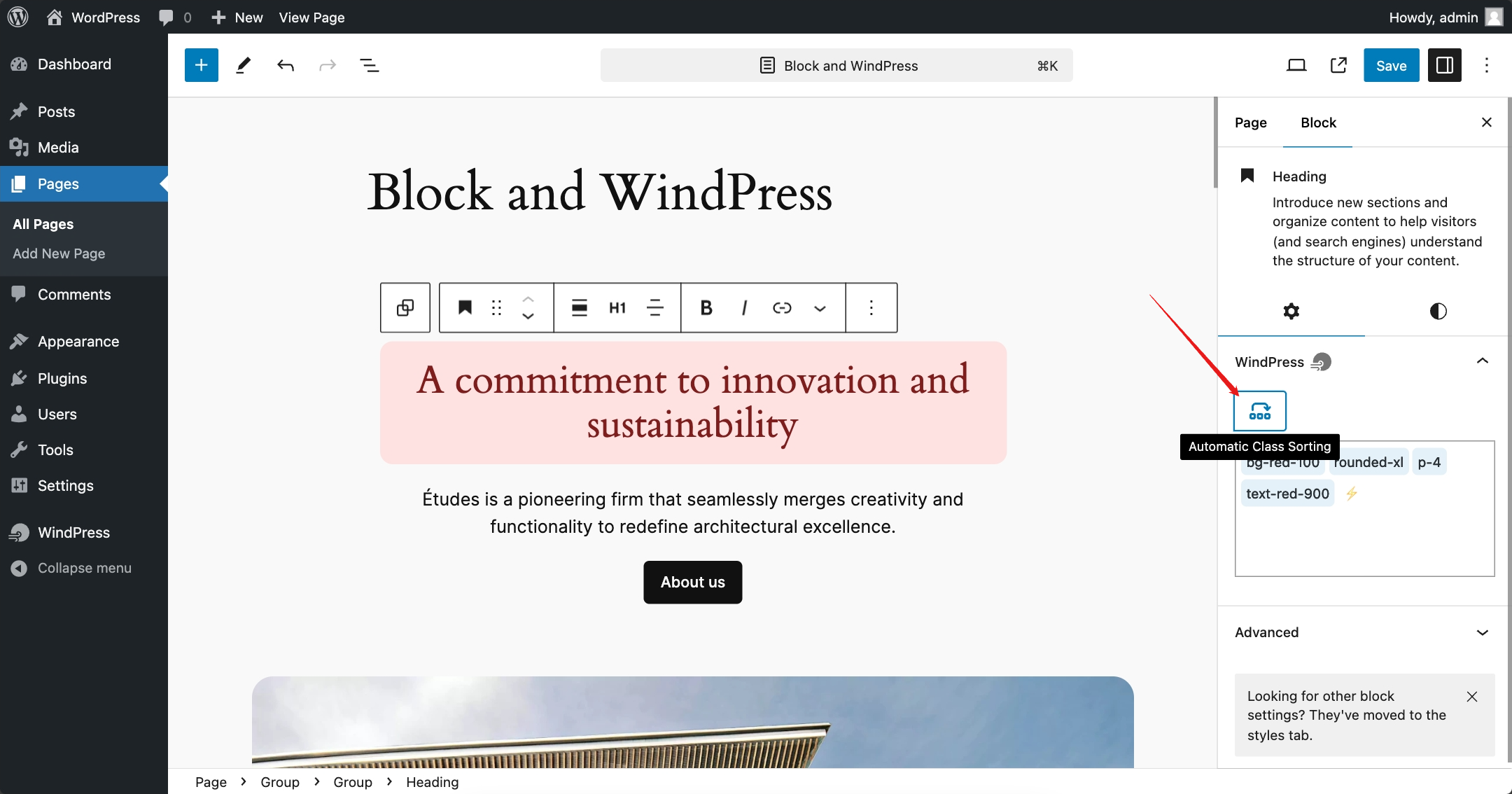
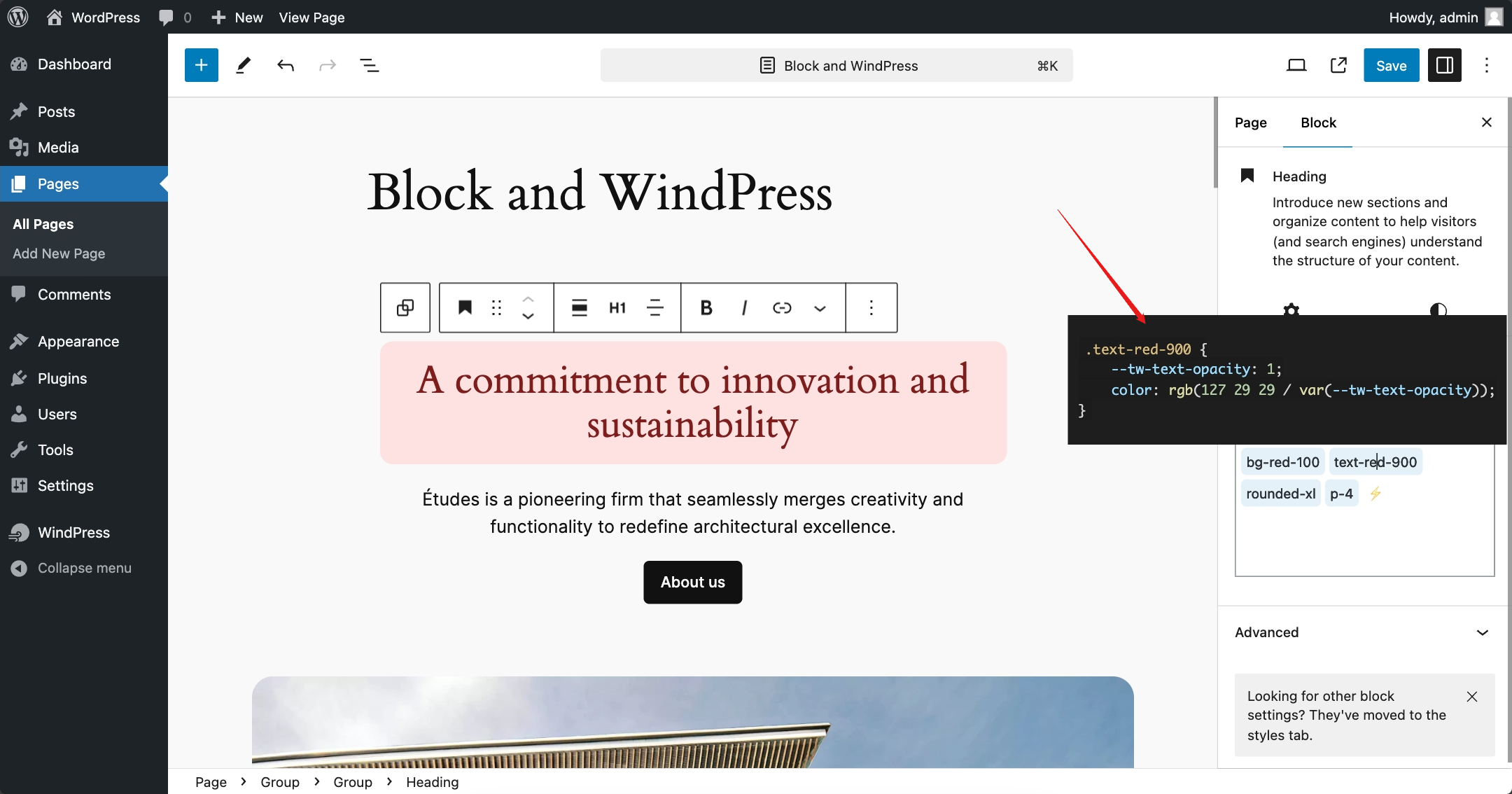
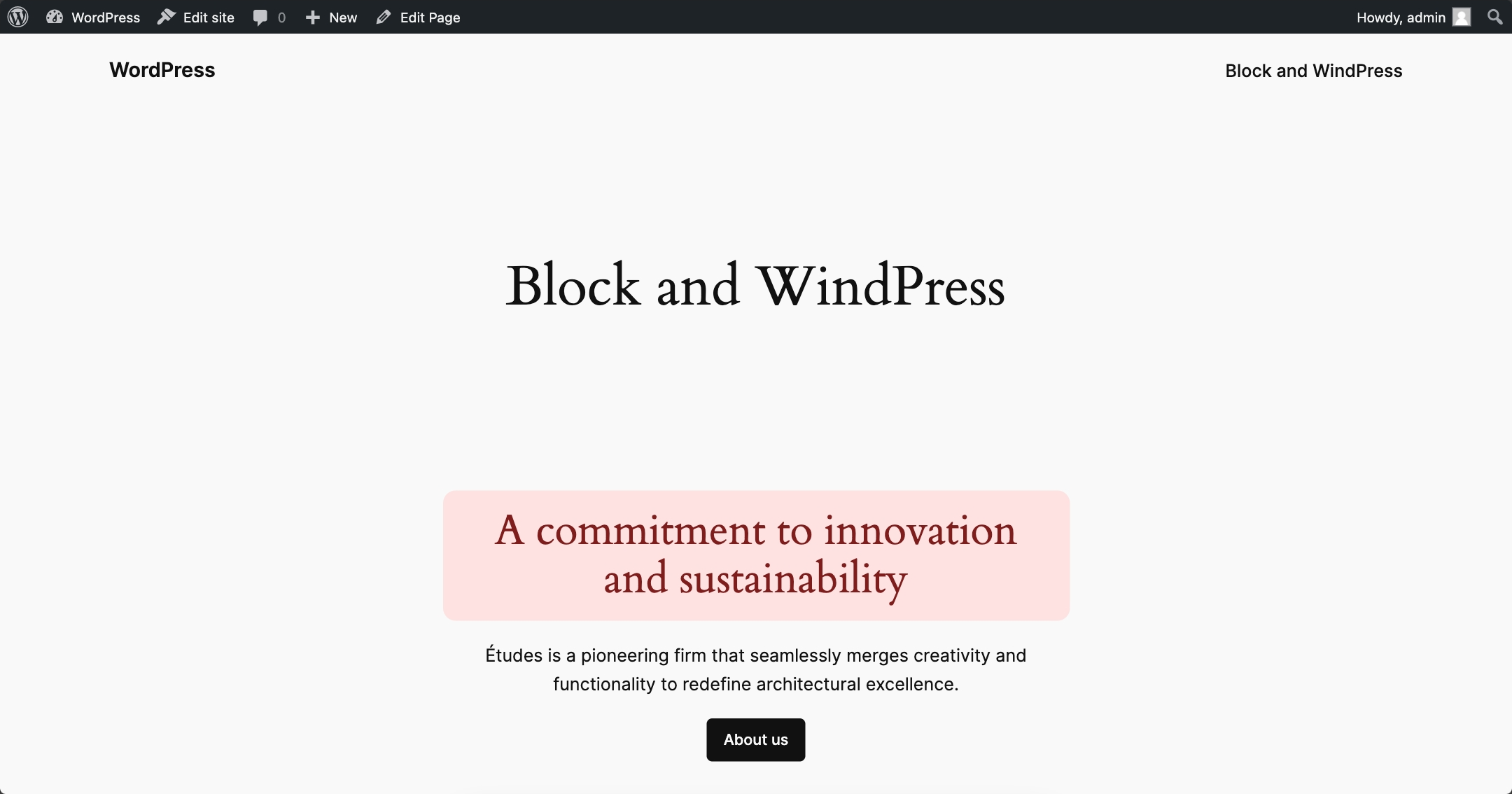
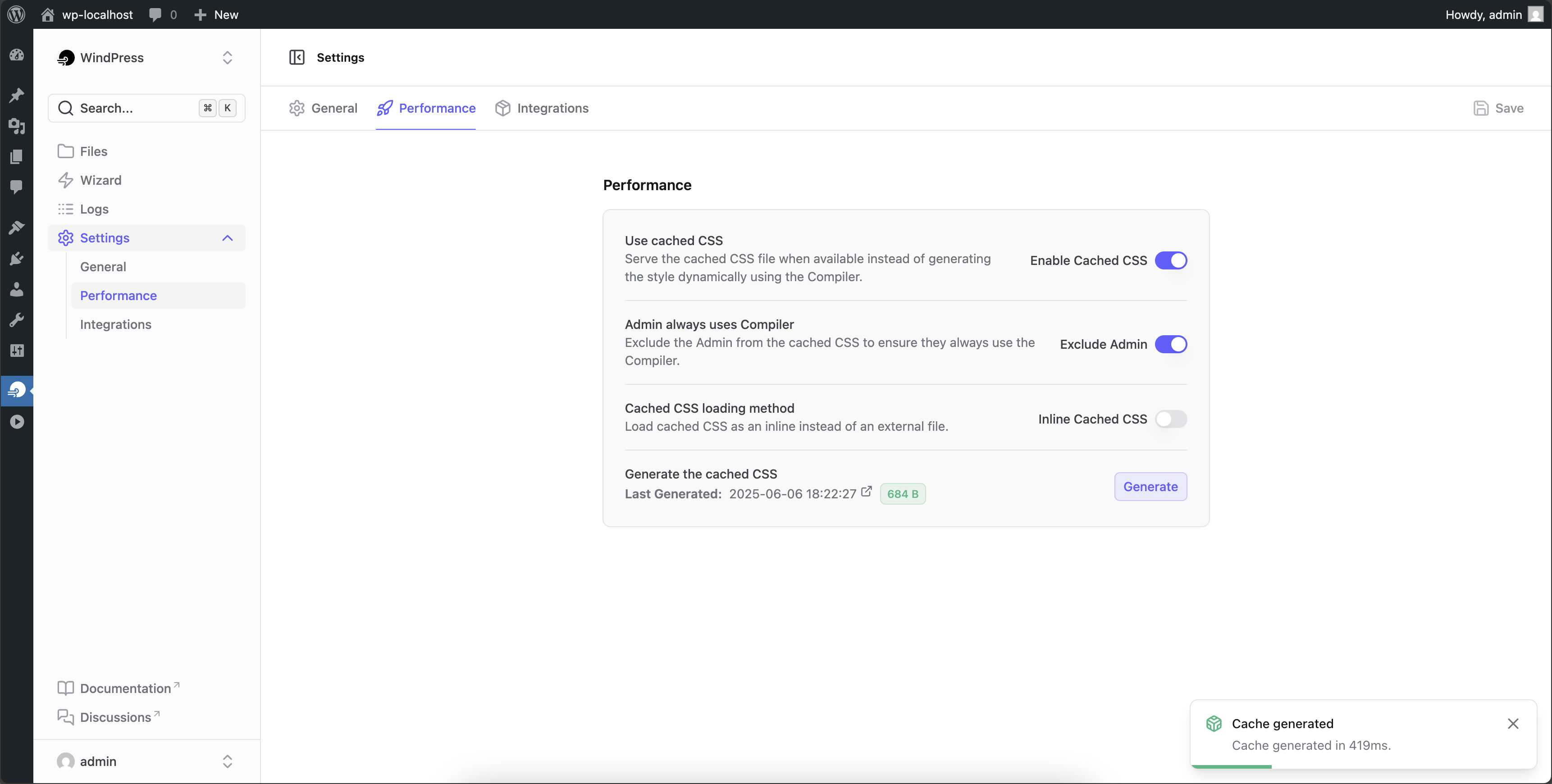
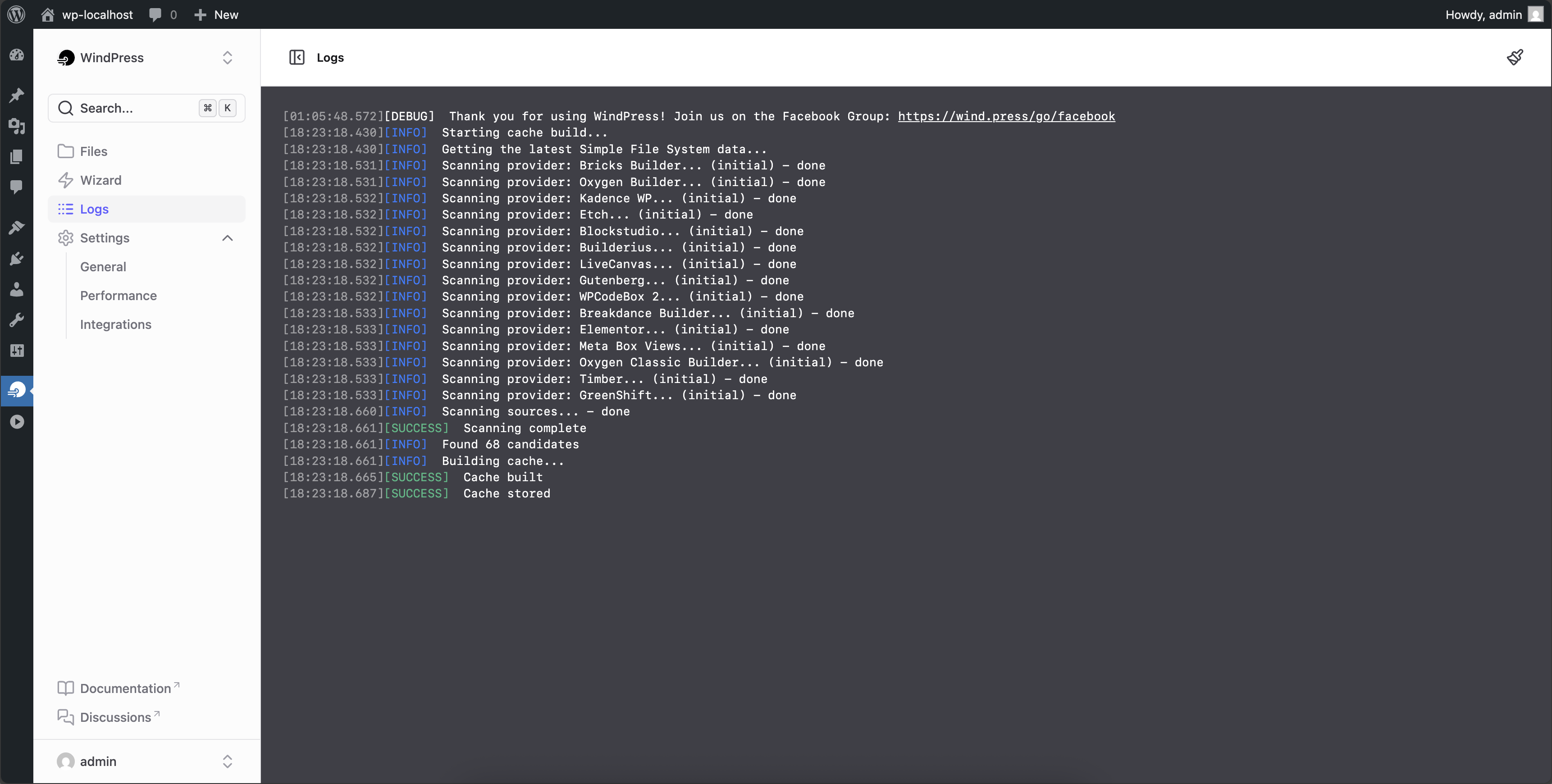
For developers
Is this your plugin? Show off the numbers.
Add a live badge to your site, docs or GitHub README. It updates on its own — no account needed.
Best WindPress alternatives
All block plugins →





FAQ
WindPress: quick answers
Straight answers, pulled from live WordPress.org data.
Live data from WordPress.org · checked Sep 26, 2026
Is WindPress free?
Yes. WindPress is free to download and use from the official WordPress.org plugin directory.
Is WindPress safe to use in 2026?
Yes — WindPress is a safe, well-maintained plugin to use in 2026. It runs on 3K+ sites, is rated 5/5 and was last updated 1 week ago, and scores 83/100 on our health check.
How many websites use WindPress?
WindPress is active on 3K+ WordPress websites and has been downloaded 65,978 times since it launched in August 2024. It was downloaded 4,575 times in the last 30 days.
Does WindPress work with WordPress 7.1?
WindPress is officially tested up to WordPress 7.0.6, while the latest release is 7.1.2. It may still work, but try it on a staging site first.
What PHP version does WindPress need?
WindPress requires PHP 7.4 or higher. Most hosts run PHP 8.x today, so it works on any modern WordPress hosting.
When was WindPress last updated?
The latest version, 3.2.90, was released on September 19, 2026 (1 week ago).
Who makes WindPress?
WindPress is developed and maintained by suasgn.
What are the best alternatives to WindPress?
The most popular alternatives to WindPress are Spectra Legacy (1M+ installs), Breadcrumb NavXT (800K+ installs) and PDF Embedder (300K+ installs).
Powered by PageForge
Want thousands of pages that rank like these? Build them in an afternoon.
This directory runs on the same engine as PageForge. Turn any spreadsheet, CSV or API into thousands of fast, SEO-ready WordPress pages — with schema, internal links and AI-written copy baked in.
- CSV, Google Sheets & API data sources
- AI content, schema & internal links per page
- Works with Elementor, Gutenberg, Yoast & Rank Math
- Free on WordPress.org — no credit card


