


Genesis Blocks
A collection of content blocks, sections, & full-page layouts for the block editor.

Solid choice
Genesis Blocks is a solid plugin choice in 2026, with a few things worth checking first. It runs on 40K+ sites, is rated 3.7/5 and was last updated 1 month ago, and scores 65/100 on our health check.
- Proven at scale on 40K+ active sites
How does it stack up?
Side-by-side on installs, updates, ratings & support



Daily downloads
Download spikes usually follow a new release — each site that auto-updates counts as a download.
Rankings
Where Genesis Blocks stands todayWordPress.org search rankings
Live position in the plugin search, top 100| Keyword | Position |
|---|---|
| block | #92 |
| blocks | #17 |
| editor | >100 |
| gutenberg | >100 |
| gutenberg blocks | #34 |
Version adoption
Share of active sites per release.
Rating breakdown
★★★★★★★★★★ 3.7 from 24 reviews
About Genesis Blocks
From the official readme · v3.1.11Description
Genesis Blocks is a collection of page building blocks for the Gutenberg block editor. Building pages with the block editor and Genesis Blocks gives you more control to quickly create and launch any kind of site you want!
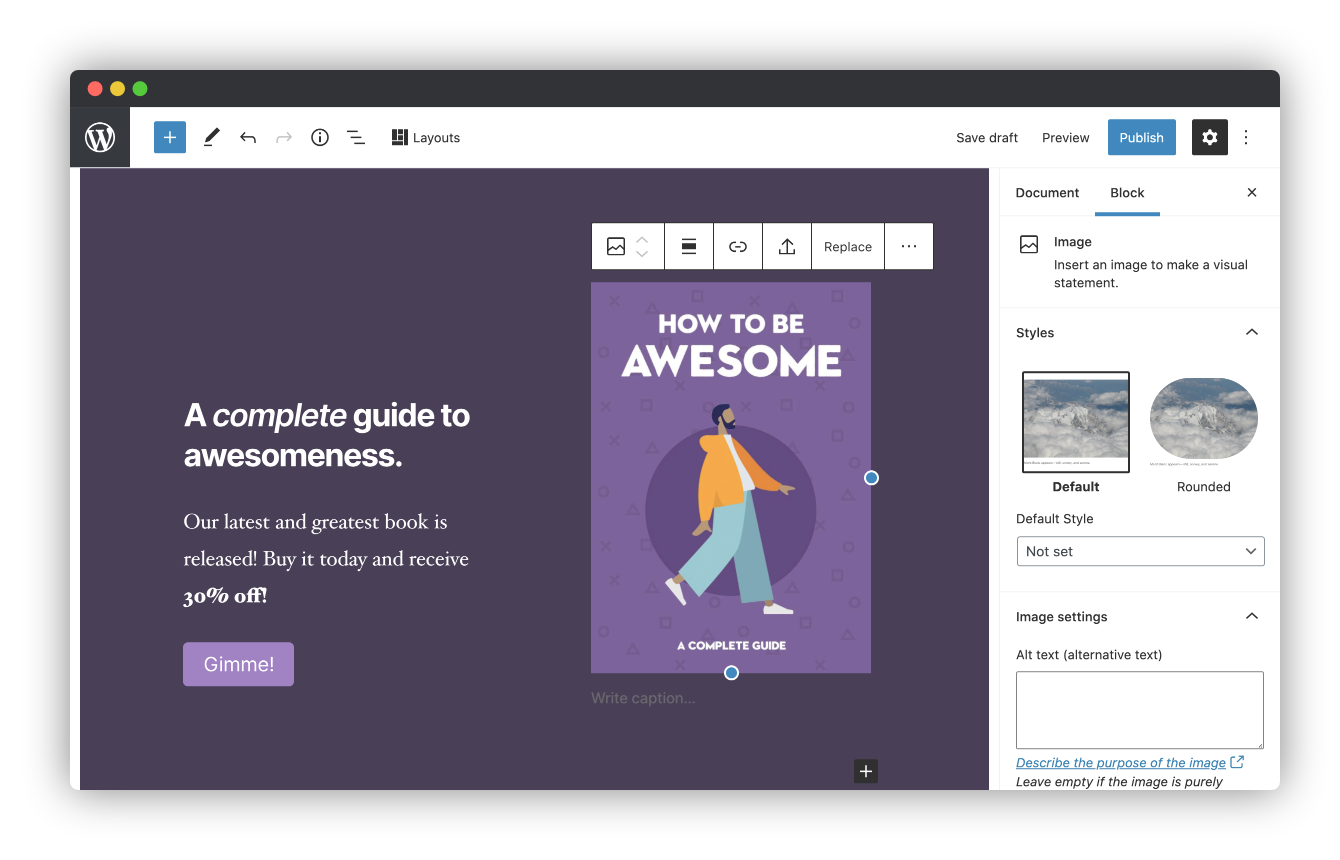
Installing the customizable Genesis Blocks plugin adds a collection of beautiful, site-building blocks to help you customize page layouts, increase engagement, and get results for your business. Genesis Blocks provides everything from customizable buttons, to beautifully-designed page sections and full-page layout designs via the Section & Layout block.
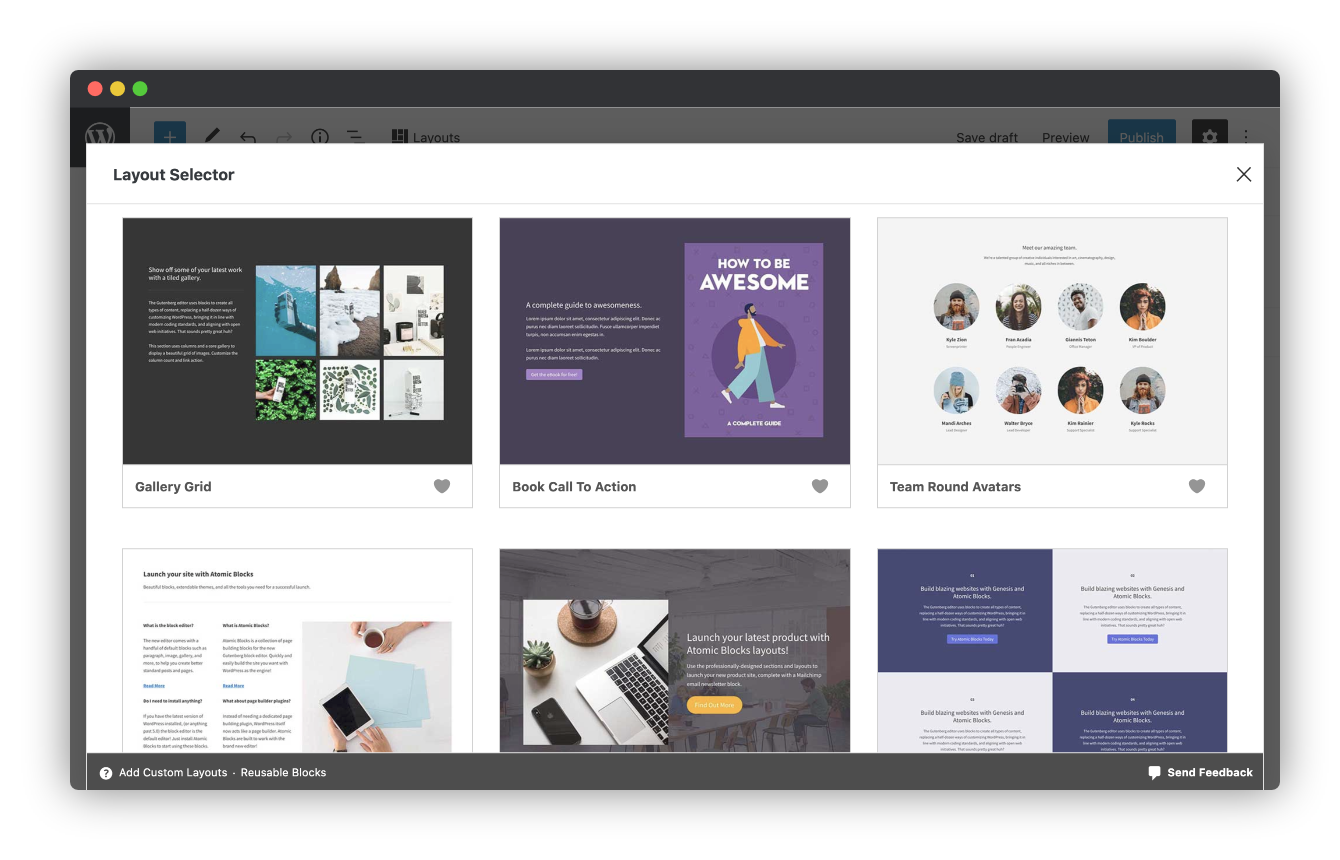
Along with the blocks themselves, Genesis Blocks extends the content creation experience by providing a library of page sections and full-page layouts, all available from within the block editor.
Create compelling content faster.
Create and use content quickly with prebuilt and custom content sections and full-page layouts.
Enhance the Gutenberg editor.
Additional content blocks and the layout selector make it easy to get the most value out of the block-based editor.
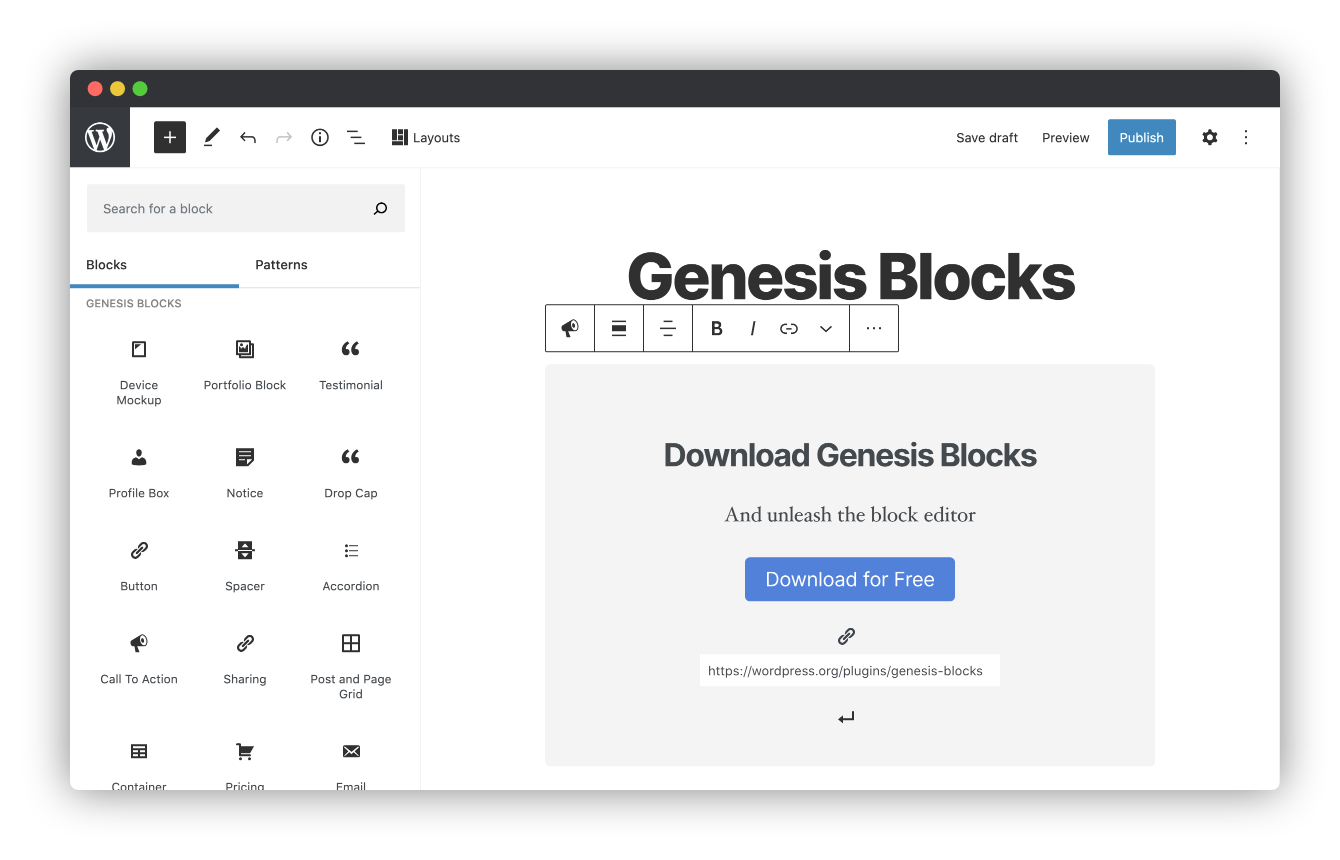
Genesis Blocks currently includes the following blocks to help you build content and pages quickly and effortlessly:
- Section & Layout Block
- Advanced Columns Block
- Newsletter Block
- Pricing Block
- Post Grid Block
- Container Block
- Testimonial Block
- Inline Notice Block
- Accordion Block
- Share Icons Block
- Call-To-Action Block
- Spacer & Divider Block
- Author Profile Block
- Drop Cap Block
Breaking change: The Genesis Blocks Button block is deprecated in favor of the Core Buttons block.
When you open the block editor, this will automatically convert your Genesis Blocks Button blocks to the Core Buttons block.
This will not convert Button blocks if you don’t open the block editor.
You might see some styling changes, especially if you have custom styling for classes other than ‘gb-block-button’.
Do more with Genesis Pro
For those wanting to level-up with Genesis Blocks, a Genesis Pro subscription brings even richer tooling and a bigger library of sections and layouts.
- 2 new blocks
- 26 pre-built full-page layouts
- 56 pre-built sections
- Save & reuse your own sections & layouts
- Advanced block-level user permissions
- Access to and support for Genesis Framework & all of our 35 StudioPress-made premium child themes.
- Additional advanced features for the rest of the Genesis Product Suite
Genesis Pro includes even more value for modern WordPress content creators, marketers, and developers. Learn more about Genesis Pro here.
Google AMP Support
The Accelerated Mobile Pages (AMP) project is a publishing format created by Google to enhance site performance for mobile website users. AMP pages are specially designed for Google search users to quickly load website pages without using any extraneous data. Genesis Blocks has support for AMP built into each block!
Help & Docs
User and developer docs for Genesis Blocks can be found here.
Installation
This plugin can be installed directly from your site.
- Log in and navigate to _Plugins → Add New.
- Type “Genesis Blocks” into the Search and hit Enter.
- Locate the Genesis Blocks plugin in the list of search results and click Install Now.
- Once installed, click the Activate link.
It can also be installed manually.
- Download the Genesis Blocks plugin from WordPress.org.
- Unzip the package and move to your plugins directory.
- Log into WordPress and navigate to the Plugins screen.
- Locate Genesis Blocks in the list and click the Activate link.
Frequently asked questions
Can Genesis Blocks be used with any theme?
Yes, you can use Genesis Blocks with any theme, but we recommend using one of the Gutenberg-ready StudioPress themes such as Revolution for the best presentation. Both of these themes have beautiful styles built in specifically for Genesis Blocks.
Do I need the new block editor to use Genesis Blocks?
Yes, you will need to have WordPress 5.3 or later installed to take advantage of Genesis Blocks.
Changelog
3.1.11
- Security: Fix a stored cross-site scripting vulnerability in the Sharing block.
3.1.10
- Fixed: Correct stylesheet loading to fix a regression in 3.1.9 where theme styles could load before block styles on the frontend.
3.1.9
- Changed: Updated all blocks to WordPress Block API version 3 for improved compatibility in preparation for WordPress 7.0.
- Fixed: Resolved WordPress 7.0 component deprecation warnings across all blocks.
- Fixed: Improved block editor compatibility with the iframe-based editor in WordPress 6.9+.
- Fixed: Resolved PHP 8.1+ compatibility issues with null values in post grid and newsletter blocks.
- Fixed: Corrected CSS selector targeting for blocks in the iframe editor environment.
3.1.8
- Fixed: Resolved deprecation notices related to the Newsletter block.
3.1.7
- Fixed: Resolved deprecation notices for use of translation functions too early.
3.1.6
- Security: Genesis Blocks now uses its own update mechanism from WP Engine servers.
Screenshots
For developers
Is this your plugin? Show off the numbers.
Add a live badge to your site, docs or GitHub README. It updates on its own — no account needed.
Best Genesis Blocks alternatives
All block plugins →





FAQ
Genesis Blocks: quick answers
Straight answers, pulled from live WordPress.org data.
Live data from WordPress.org · checked Sep 27, 2026
Is Genesis Blocks free?
Yes. Genesis Blocks is free to download and use from the official WordPress.org plugin directory.
Is Genesis Blocks safe to use in 2026?
Genesis Blocks is a solid plugin choice in 2026, with a few things worth checking first. It runs on 40K+ sites, is rated 3.7/5 and was last updated 1 month ago, and scores 65/100 on our health check.
How many websites use Genesis Blocks?
Genesis Blocks is active on 40K+ WordPress websites and has been downloaded 1,806,044 times since it launched in August 2020. It was downloaded 11,017 times in the last 30 days.
Does Genesis Blocks work with WordPress 7.1?
Genesis Blocks is officially tested up to WordPress 7.0.6, while the latest release is 7.1.2. It may still work, but try it on a staging site first.
What PHP version does Genesis Blocks need?
Genesis Blocks requires PHP 7.1 or higher. Most hosts run PHP 8.x today, so it works on any modern WordPress hosting.
When was Genesis Blocks last updated?
The latest version, 3.1.11, was released on August 20, 2026 (1 month ago).
Who makes Genesis Blocks?
Genesis Blocks is developed and maintained by StudioPress.
What are the best alternatives to Genesis Blocks?
The most popular alternatives to Genesis Blocks are Spectra Legacy (1M+ installs), Breadcrumb NavXT (800K+ installs) and PDF Embedder (300K+ installs).
Powered by PageForge
Want thousands of pages that rank like these? Build them in an afternoon.
This directory runs on the same engine as PageForge. Turn any spreadsheet, CSV or API into thousands of fast, SEO-ready WordPress pages — with schema, internal links and AI-written copy baked in.
- CSV, Google Sheets & API data sources
- AI content, schema & internal links per page
- Works with Elementor, Gutenberg, Yoast & Rank Math
- Free on WordPress.org — no credit card


