



Visa Acceptance Solutions
Accept payments securely with Visa Acceptance Solutions.

Solid choice
Visa Acceptance Solutions is a solid plugin choice in 2026, with a few things worth checking first. It runs on 10K+ sites and was last updated 3 months ago, and scores 62/100 on our health check.
- Proven at scale on 10K+ active sites
- Very few reviews so far
- Needs PHP 8.2.0 or newer
How does it stack up?
Side-by-side on installs, updates, ratings & support



Daily downloads
Download spikes usually follow a new release — each site that auto-updates counts as a download.
Rankings
Where Visa Acceptance Solutions stands todayWordPress.org search rankings
Live position in the plugin search, top 100| Keyword | Position |
|---|---|
| payments | >100 |
| visa | #1 |
| woocommerce | >100 |
Version adoption
Share of active sites per release.
About Visa Acceptance Solutions
From the official readme · v2.2.2Description
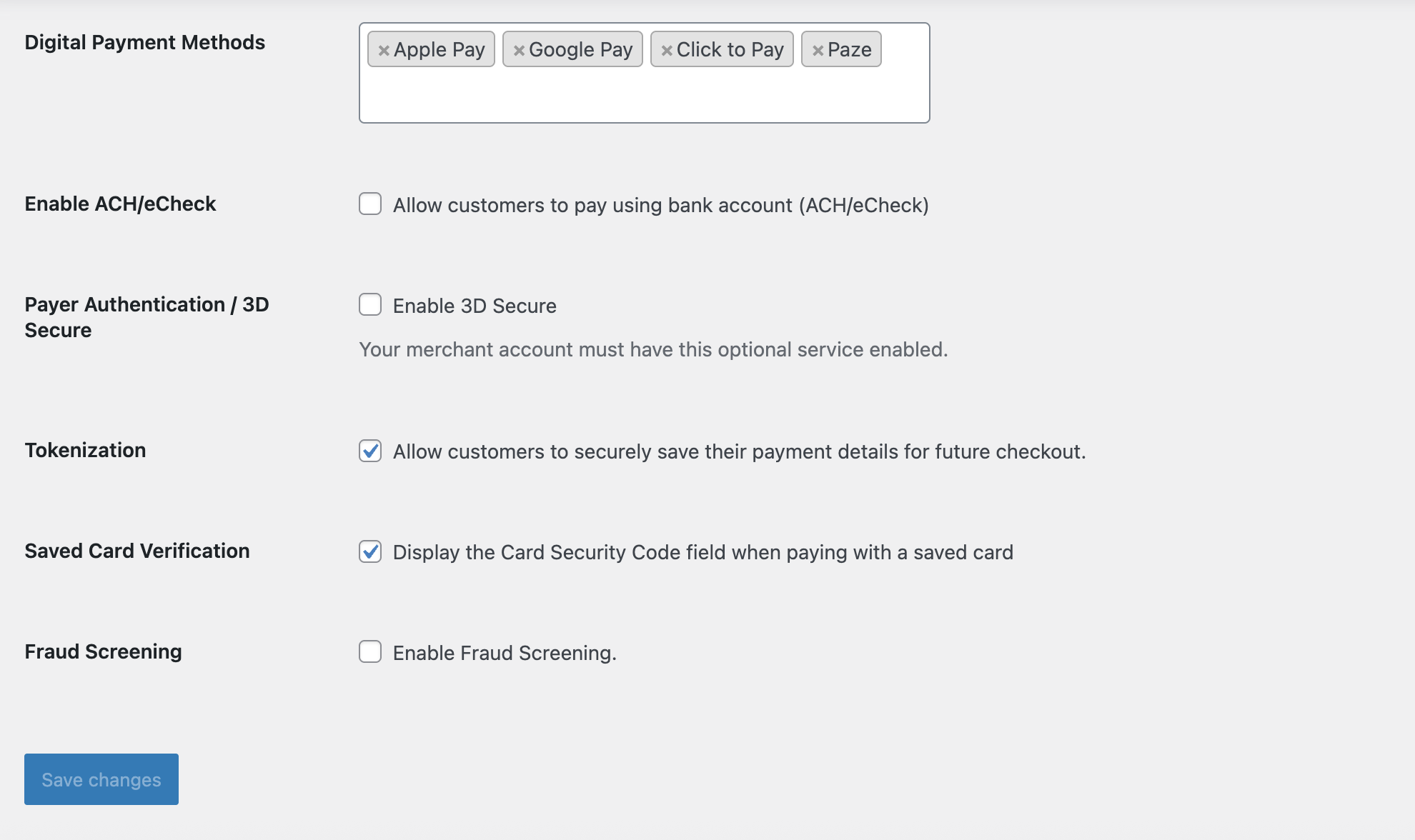
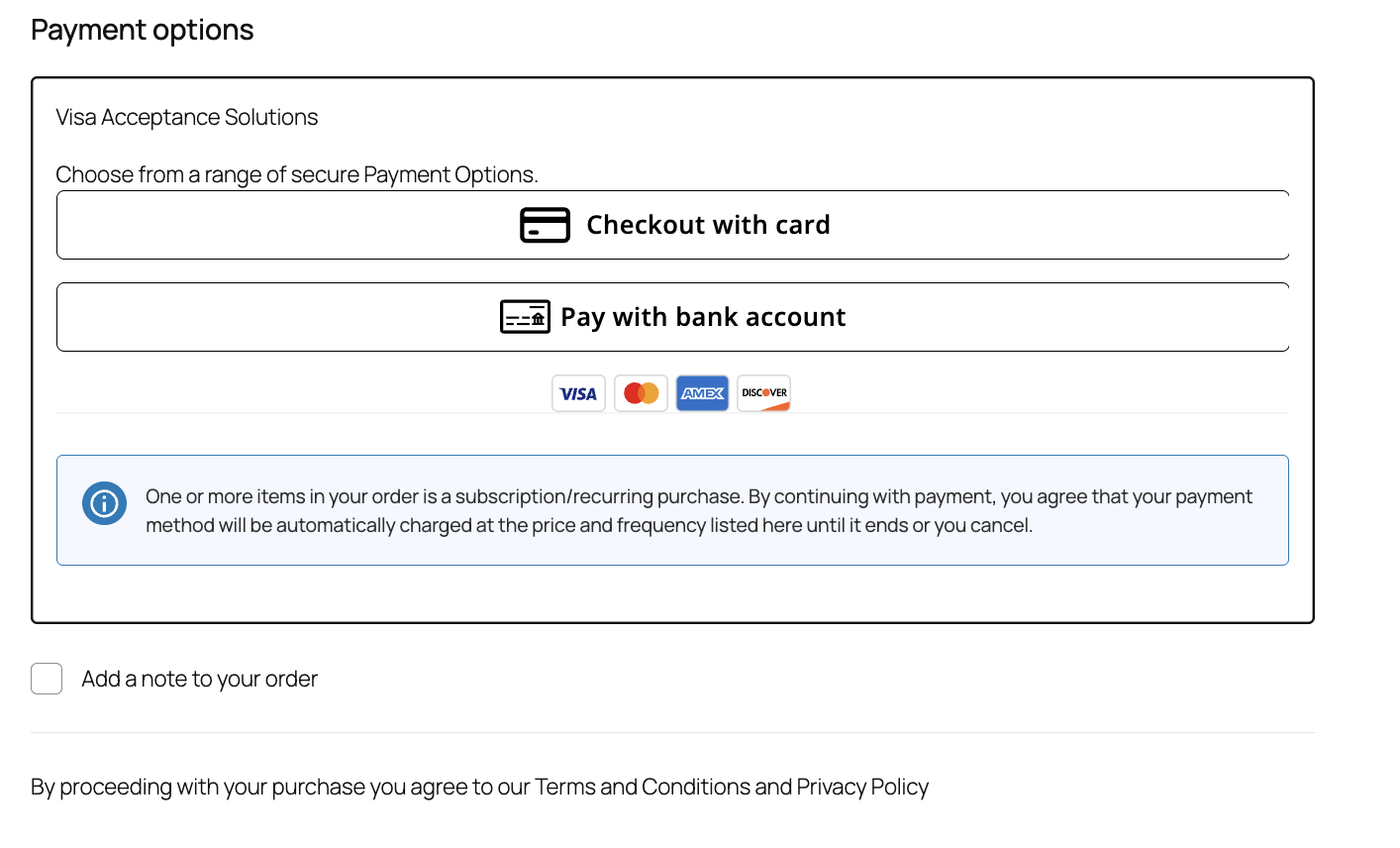
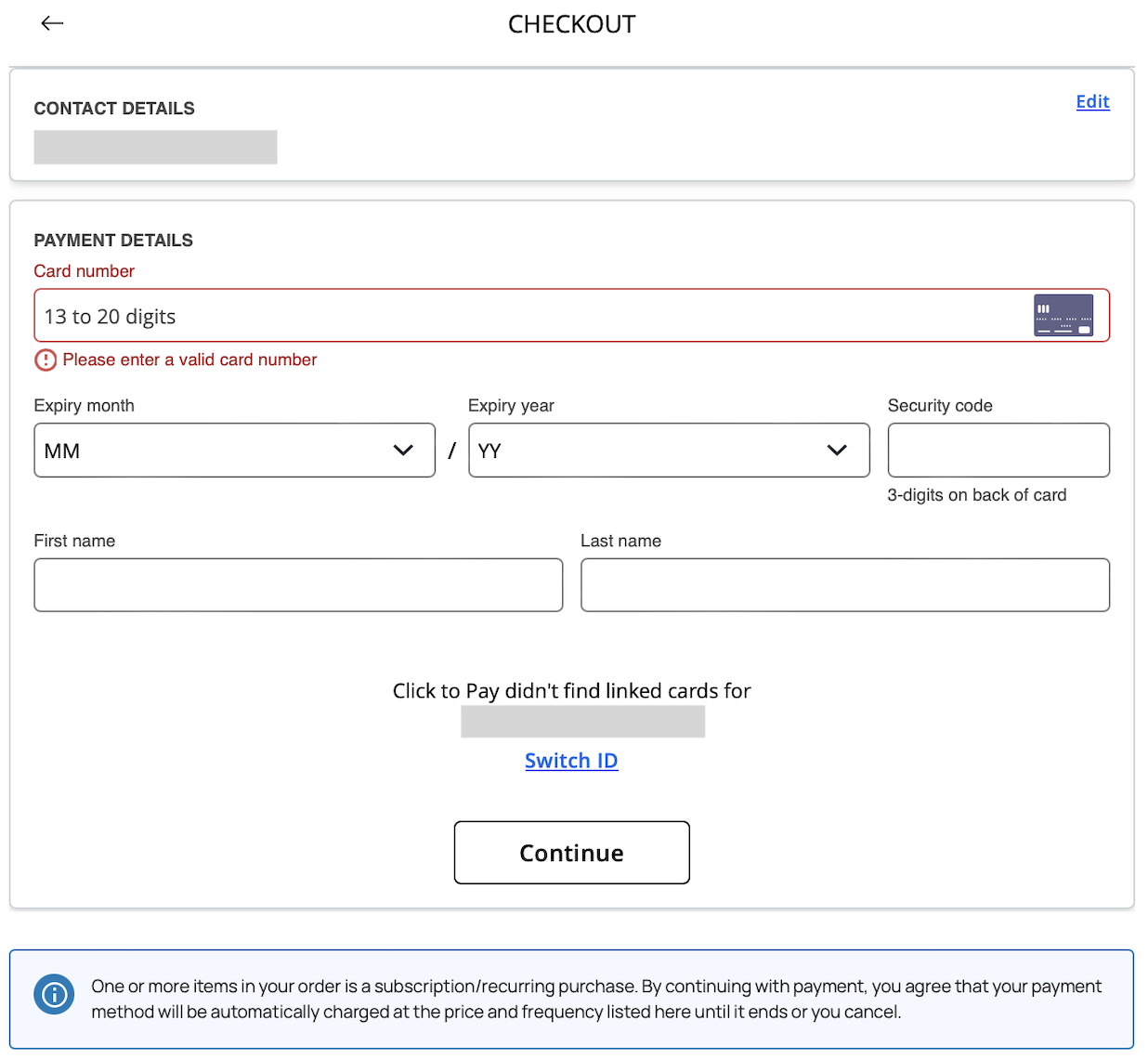
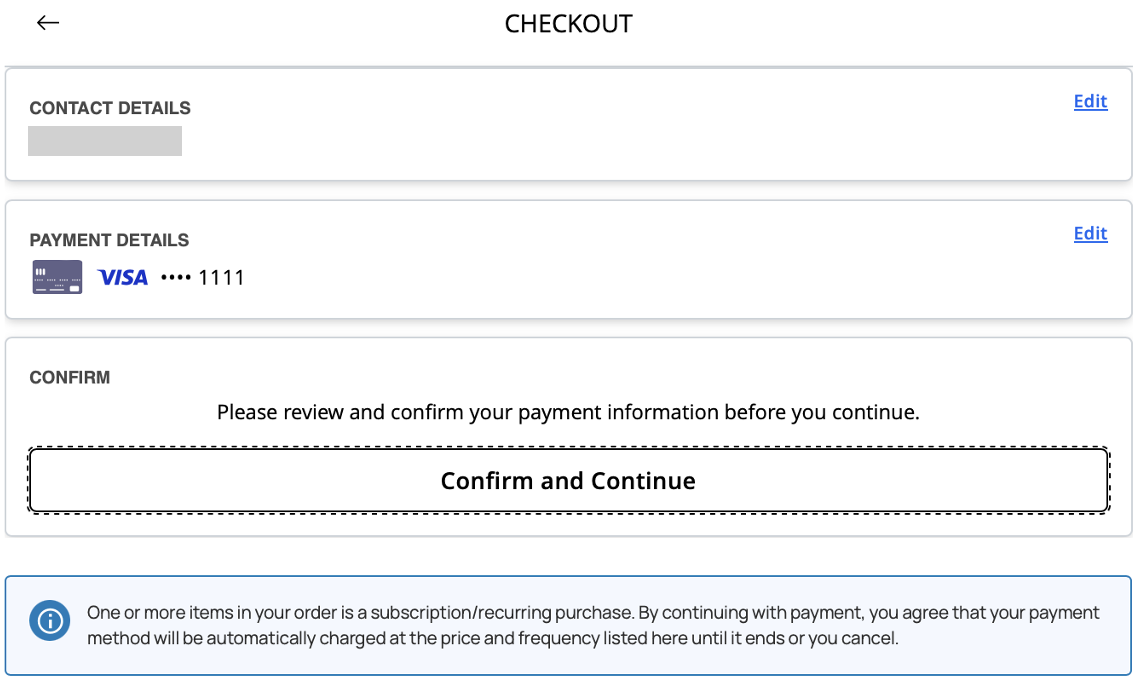
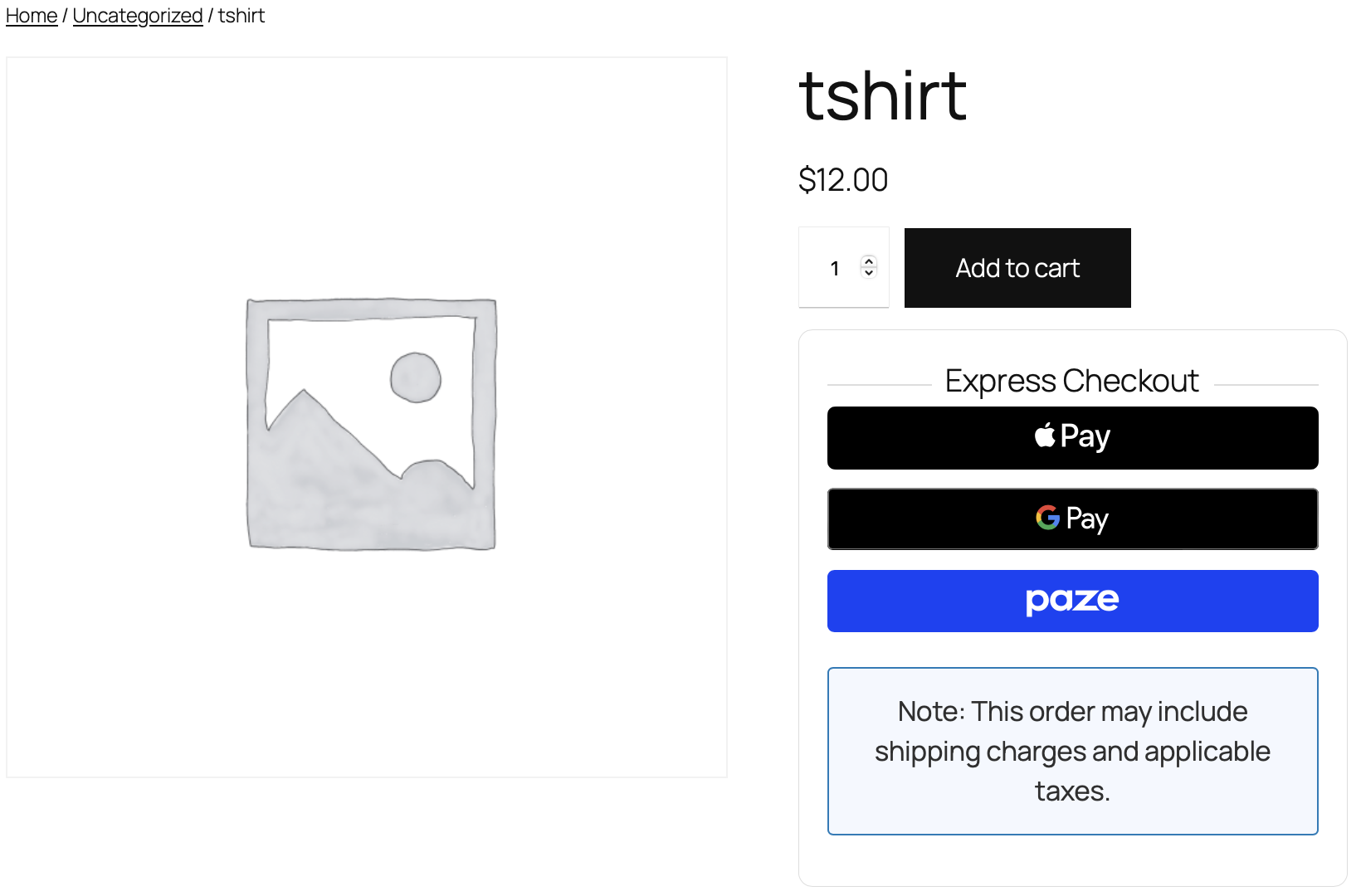
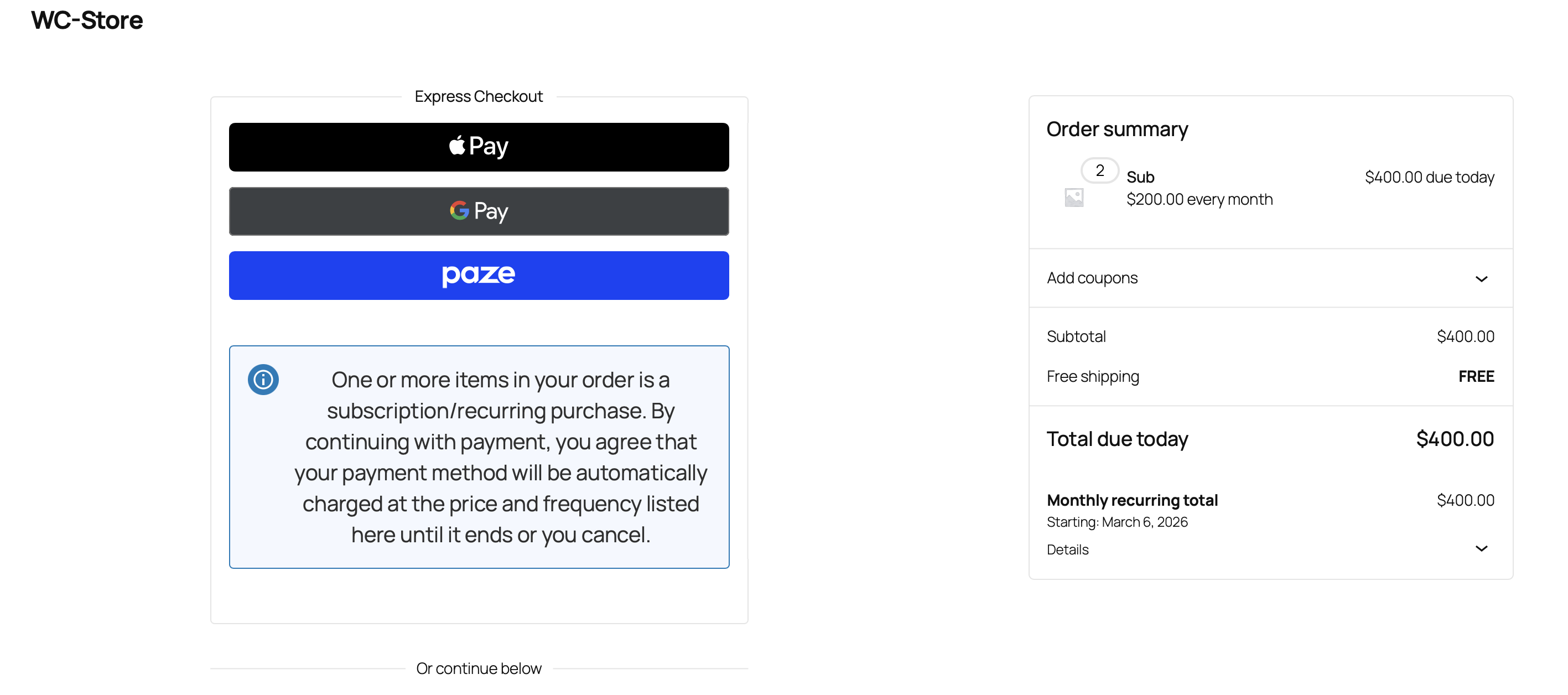
This plugin integrates Visa Acceptance Solutions into your WooCommerce store, offering multiple payment methods such as Card Payments, Apple Pay, Google Pay, Click to Pay, Paze, and eCheck/ACH.
Securely store customer payment details with our Token Management Services.
Utilize Cybersource’s fraud prevention services to process transactions safely.
Compatible with WooCommerce Subscriptions
Privacy Policy and Terms of Service
Refer to Terms of Service
Refer to Privacy Policy
Admin Notice
Version 2.2.2 is now available. Please refer to change log for details.
Installation
- Upload the entire “visa-acceptance-solutions” folder to the “/wp-content/plugins/” directory in your WordPress installation.
- Activate the plugin through the “Plugins” menu in WordPress.
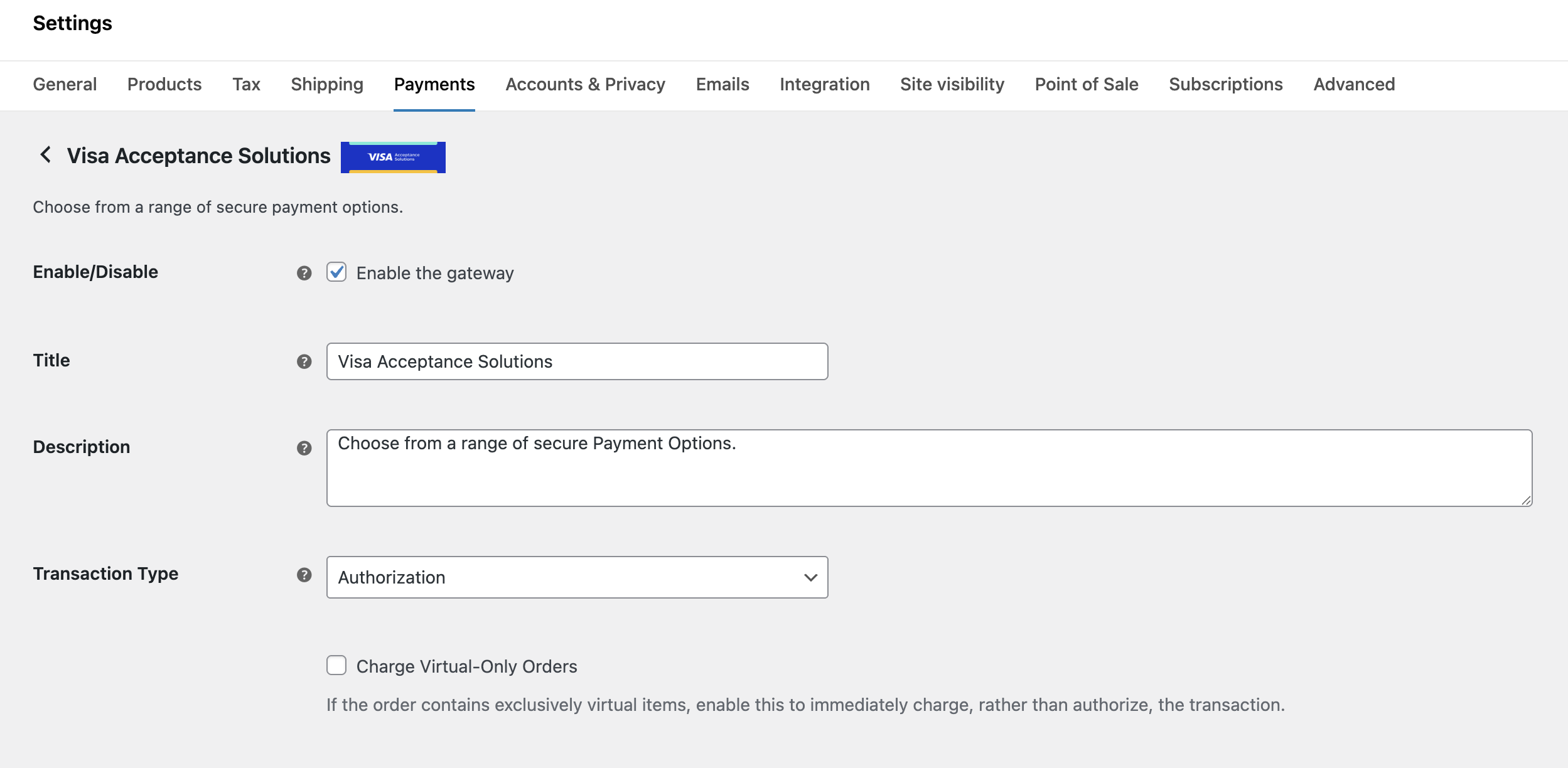
- Configure the plugin settings in WooCommerce → Settings → Payments → Visa Acceptance Solutions.
For full documentation, please visit our documentation center
Frequently asked questions
How can I test credit card transactions?
Configure Plugin in “Test” Environment. Then submit an order with valid billing address and payment information according to our test documentation
How can I test 3D Secure authentication?
Configure Plugin in “Test” Environment. Then submit an order with valid billing address, additional min required fields and payment information according to our 3D Secure Test documentation.
What are the required credentials to set up the plugin?
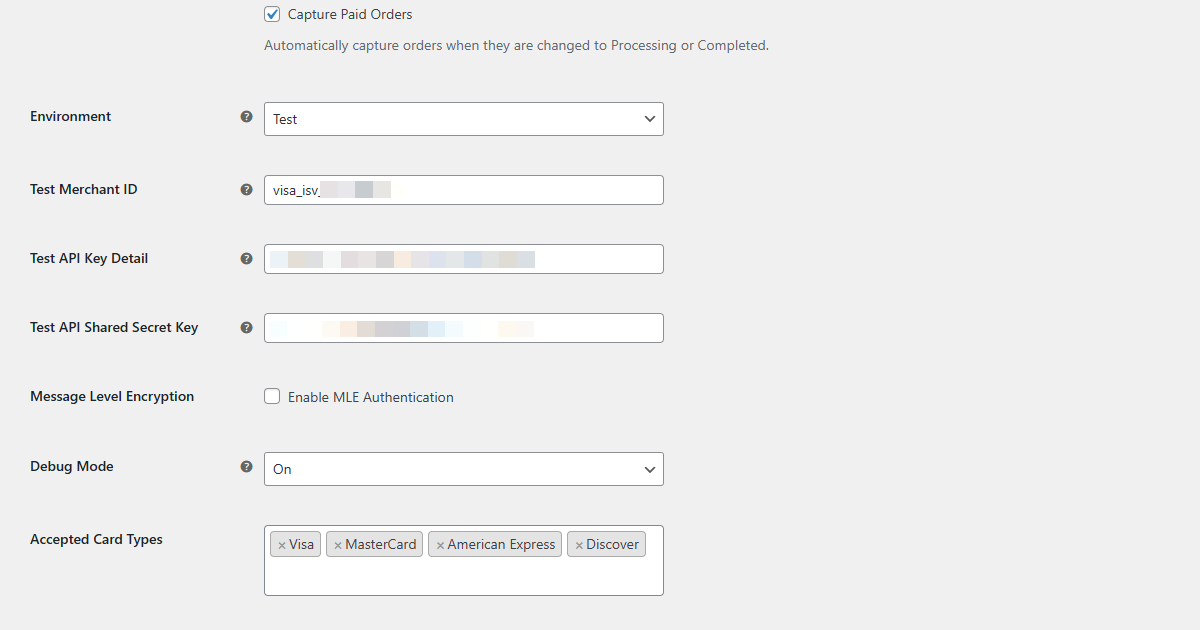
You’ll need your Visa Acceptance Solutions Merchant ID, API Key ID, and Shared Secret Key. For production, you’ll need production credentials, and for testing, you’ll need test credentials from your Visa Acceptance Solutions account. Please visit Support or contact your reseller.
How do I get support with this plugin?
In most cases we can provide support through the WordPress or WooCommerce forums. In some cases we may need you to contact our Support Team or your reseller, if some information is required that should not be in the public domain.
How can I get a sandbox account?
Sign up here. Note sandbox accounts are configured for USD currency
Changelog
Version 2.2.2 is now available. Please refer to change log for details.
2.2.2
Enhancements
* WordPress v7.0 compatibility
** Bug Fix **
* Optimized order status handling
Misc
* Removed Express Pay from Product Page
* Added Express Pay Configuration
2.2.1
Enhancements
* Updated Cybersource Rest Client SDK to v0.0.72
Bug Fixes
* WordPress validation issue fixed
* Added validation for Express Pay with respect to currencies
* Monolog dependency issue addressed
2.2.0
Enhancements
* Updated Unified Checkout to v0.34
* Updated Cybersource Rest Client SDK to v0.0.71
* Added support to eCheck payment method
* Cardinal Commerce Data Centre Migration URL update
* Display of additional response fields for refunds in back office to support Merchandise Return Authorization mandate
Bug Fixes
* Updated the UI positioning of Visa Acceptance Solutions payment method with respect to Terms & Conditions in Classic Checkout Layout
2.1.1
** Bug Fixes **
* CRON job works only when Fraud Screening is enabled
* UI fix for Express Pay button on product page
* Added fallback to capture Device Data Collection (DDC) fields
* Payment Provider logos issue addressed
2.1.0
Enhancements
* Updated Unified Checkout to v0.33
* Added support for China Union Pay, Maestro, Jaywan, & Paze
* Payer Authentication/3D-Secure for Google Pay
* Express Pay for Product & Checkout pages
* Replaced Cybersource endpoints with Visa Acceptance Solutions endpoints
* WordPress v6.9 compatibility
** Bug Fixes **
* IP address collected for all requests
* Updated CVV input field text
* Saved tokens are now only accessible when tokenization is enabled
* Administrative state field not passed for non-US addresses in 3DS transactions
* Resolved Woo Block Warning in Checkout page editor
2.0.1
Bug Fix
* remove mapping for Customer ID due to exceeding limits within our platform for some processors
* Removed Commerce Indicator from the Payment Acceptance Request
Screenshots
For developers
Is this your plugin? Show off the numbers.
Add a live badge to your site, docs or GitHub README. It updates on its own — no account needed.
Best Visa Acceptance Solutions alternatives
All payments plugins →





FAQ
Visa Acceptance Solutions: quick answers
Straight answers, pulled from live WordPress.org data.
Live data from WordPress.org · checked Sep 27, 2026
Is Visa Acceptance Solutions free?
Yes. Visa Acceptance Solutions is free to download and use from the official WordPress.org plugin directory.
Is Visa Acceptance Solutions safe to use in 2026?
Visa Acceptance Solutions is a solid plugin choice in 2026, with a few things worth checking first. It runs on 10K+ sites and was last updated 3 months ago, and scores 62/100 on our health check.
How many websites use Visa Acceptance Solutions?
Visa Acceptance Solutions is active on 10K+ WordPress websites and has been downloaded 104,548 times since it launched in June 2025. It was downloaded 4,711 times in the last 30 days.
Does Visa Acceptance Solutions work with WordPress 7.1?
Visa Acceptance Solutions is officially tested up to WordPress 7.0.6, while the latest release is 7.1.2. It may still work, but try it on a staging site first.
What PHP version does Visa Acceptance Solutions need?
Visa Acceptance Solutions requires PHP 8.2.0 or higher. Most hosts run PHP 8.x today, so it works on any modern WordPress hosting.
When was Visa Acceptance Solutions last updated?
The latest version, 2.2.2, was released on June 19, 2026 (3 months ago).
Who makes Visa Acceptance Solutions?
Visa Acceptance Solutions is developed and maintained by Visa Acceptance Solutions.
What are the best alternatives to Visa Acceptance Solutions?
The most popular alternatives to Visa Acceptance Solutions are WooCommerce PayPal Payments (800K+ installs), WooCommerce Stripe Payment… (700K+ installs) and Mollie Payments for WooComm… (100K+ installs).
Powered by PageForge
Want thousands of pages that rank like these? Build them in an afternoon.
This directory runs on the same engine as PageForge. Turn any spreadsheet, CSV or API into thousands of fast, SEO-ready WordPress pages — with schema, internal links and AI-written copy baked in.
- CSV, Google Sheets & API data sources
- AI content, schema & internal links per page
- Works with Elementor, Gutenberg, Yoast & Rank Math
- Free on WordPress.org — no credit card


