



Ultimate Blocks – 25+ Gutenberg Blocks for Block Editor
Create Better Content With The Block Editor. Custom Blocks for Bloggers and Content Marketers.

Safe pick
Yes — Ultimate Blocks is a safe, well-maintained plugin to use in 2026. It runs on 50K+ sites, is rated 4.9/5 and was last updated 1 week ago, and scores 95/100 on our health check.
- Proven at scale on 50K+ active sites
- Loved by users — 4.9/5 from 729 reviews
- Actively developed — last update 1 week ago
- Tested with the latest WordPress (7.1)
How does it stack up?
Side-by-side on installs, updates, ratings & support



Daily downloads
Download spikes usually follow a new release — each site that auto-updates counts as a download.
Rankings
Where Ultimate Blocks stands todayWordPress.org search rankings
Live position in the plugin search, top 100| Keyword | Position |
|---|---|
| block-editor | #7 |
| blocks | #5 |
| Free | >100 |
| gutenberg | #16 |
| gutenberg blocks | #5 |
Version adoption
Share of active sites per release.
Rating breakdown
★★★★★★★★★★ 4.9 from 729 reviews
About Ultimate Blocks
From the official readme · v3.6.2Description
Ultimate Blocks is a free powerhouse for bloggers and content marketers using WordPress. It’s not just a plugin, it’s a toolkit to skyrocket user engagement and simplify content creation.
With Ultimate Blocks, you’re not just adding functionalities; you’re crafting experiences.
From interactive content filters, captivating call-to-actions, to social sharing made effortless, every block is a step towards a more engaging and visually appealing website.
It’s about making every visit count, every interaction memorable, and every content piece a breeze to create and manage.
Transform your WordPress journey; let Ultimate Blocks be the catalyst for your website’s success.
Ultimate Blocks currently includes the following blocks:
- Coupon (Available in Pro) – View Demo
- Timeline (Available in Pro) – View Demo
- Content Filter – View Demo
- Review (Schema Markup Enabled) – View Demo
- HowTo Schema – View Demo
- Table of Contents – View Demo
- Tabbed Content – View Demo
- Call to Action – View Demo
- Content Toggle (Accordion) – View Demo
- Styled Box – View Demo
- Styled List – View Demo
- Expand – View Demo
- Testimonial – View Demo
- Click to Tweet – View Demo
- Social Share – View Demo
- Countdown – View Demo
- Progress Bar – View Demo
- Post Grid – View Demo
- Star Rating – View Demo
- Image Slider – View Demo
- Button (Improved) – View Demo
- Divider – View Demo
We have more exciting blocks in the making. Have a suggestion? Let us know.
Join Us To Get Updates and Resources
- Visit Ultimate Blocks Website
- Follow Us on Twitter
- Join Our Support Community
- Join Our Facebook Group
More Info About the Blocks
Content Filter
Content Filter lets your visitors filter the content based on different filters. You can let your users go through your content more easily.
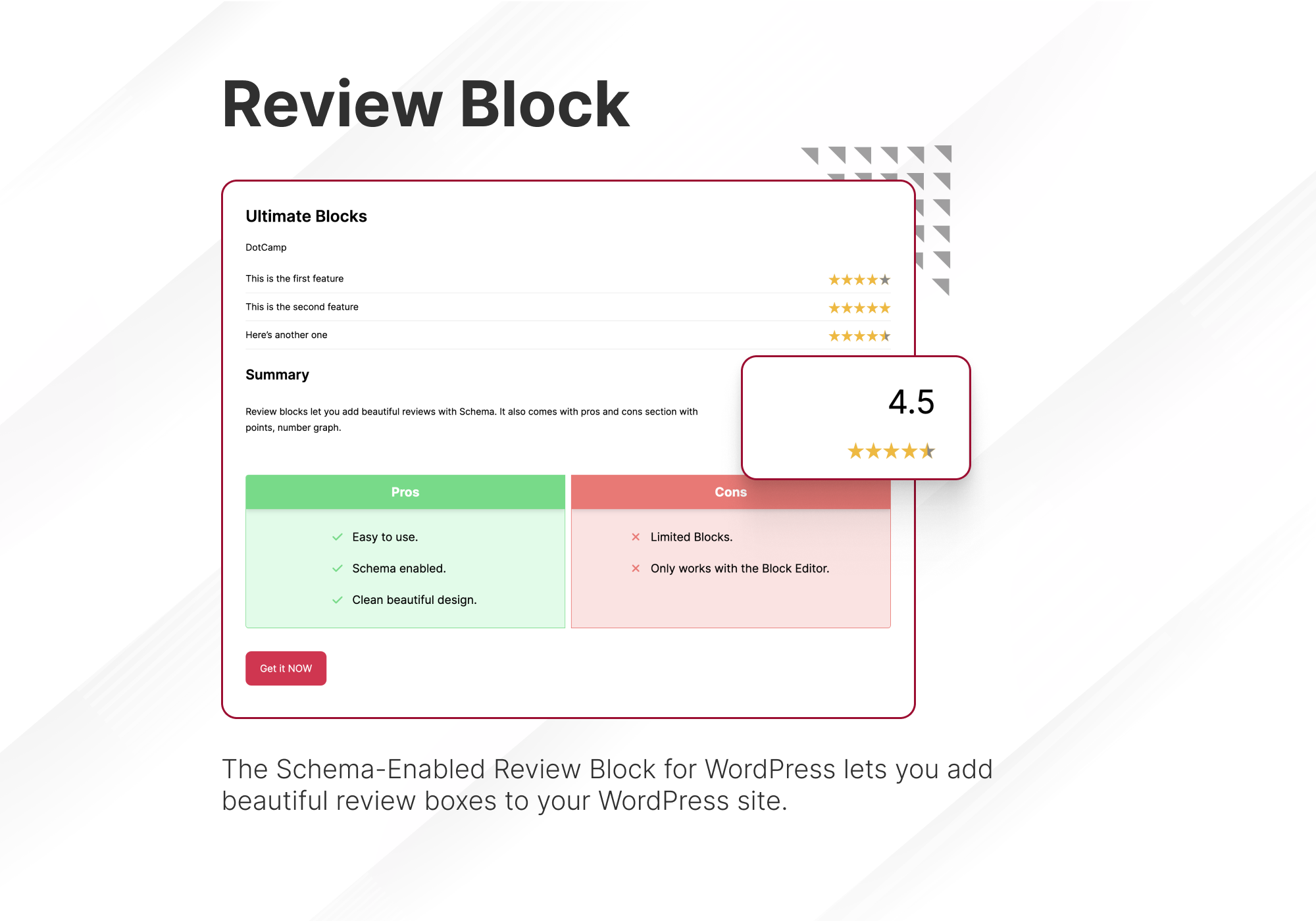
Review Block
Add a review block with product name, features, summary, button and star rating. It is Schema Markup enabled.
HowTo Schema Block
Add HowTo Schema with sections, steps and valid schema data.
Table of Contents Block
Generate a table of contents from your headings.
Tabbed Content Block
Add content in tabs in your posts/pages. This comes with a nice drag and drop feature to sort the tabs.
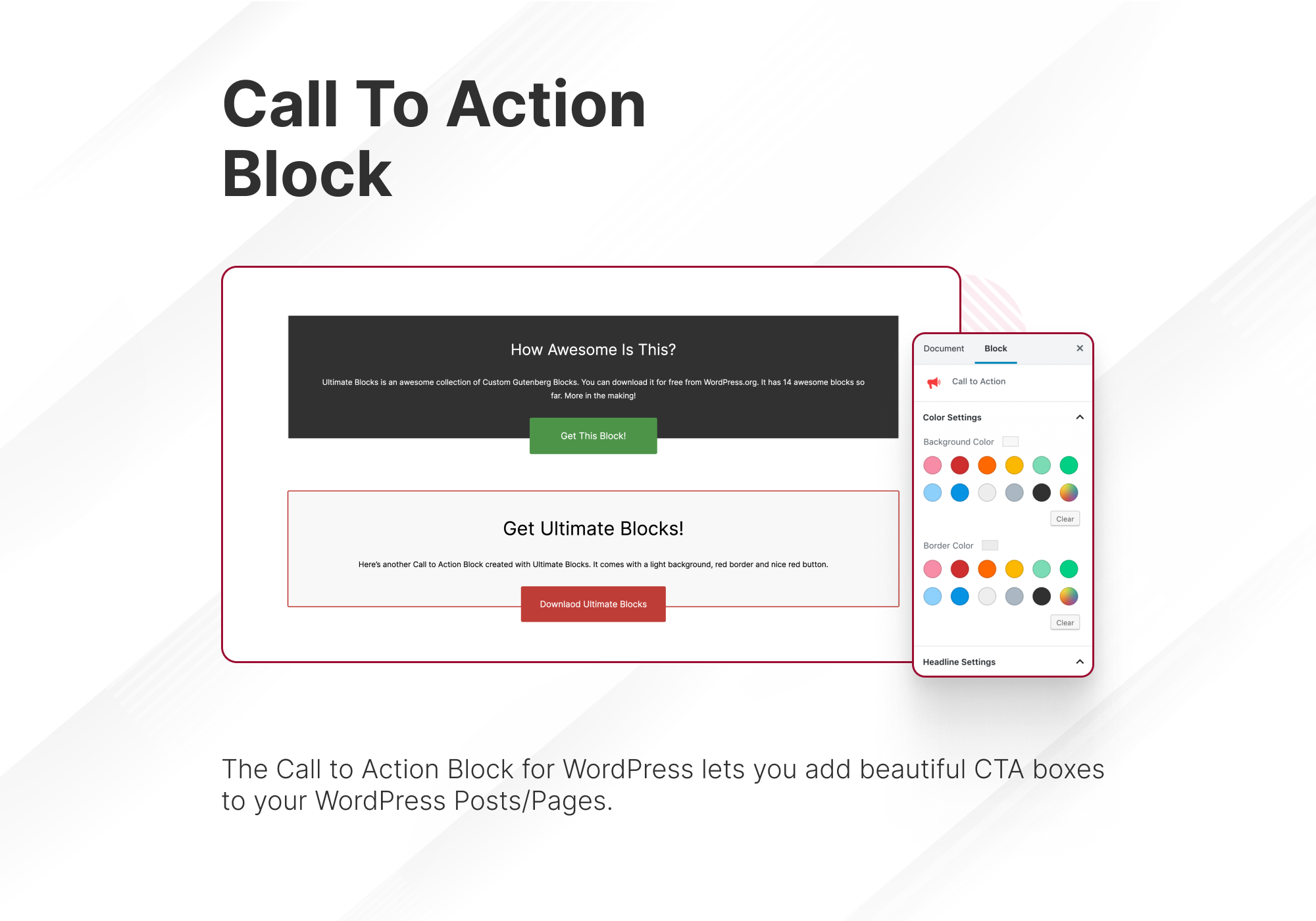
Call to Action Block
Add a nice call to action box with a button. Encourage users to take action, engage more. You can customize everything in the block.
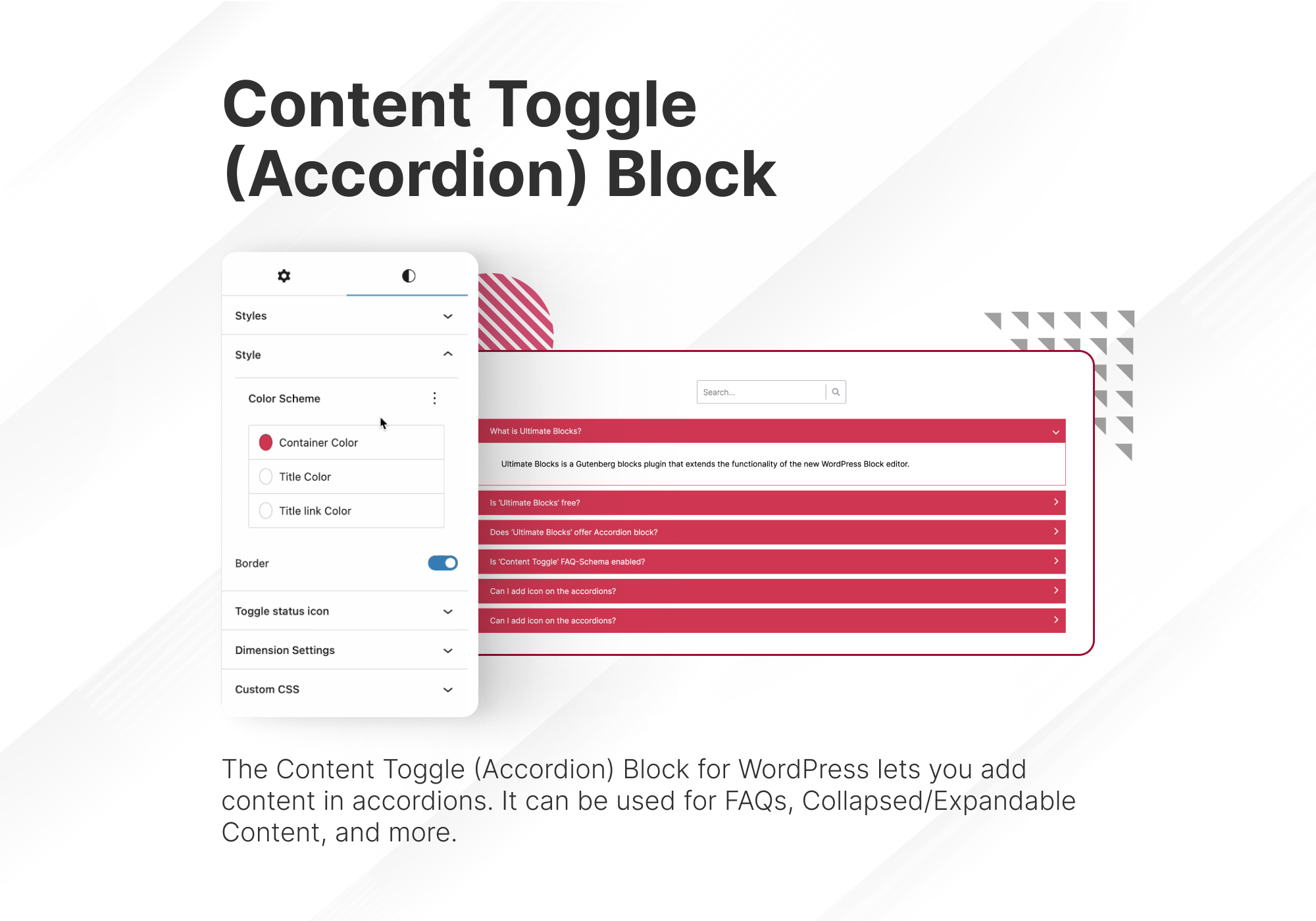
Content Toggle
Add contents in accordions. Let visitors expand them and show the content.
Styled Box Block
Add styled box like – Notification box, Number box, Feature box in your content. Three templates now, more in the making.
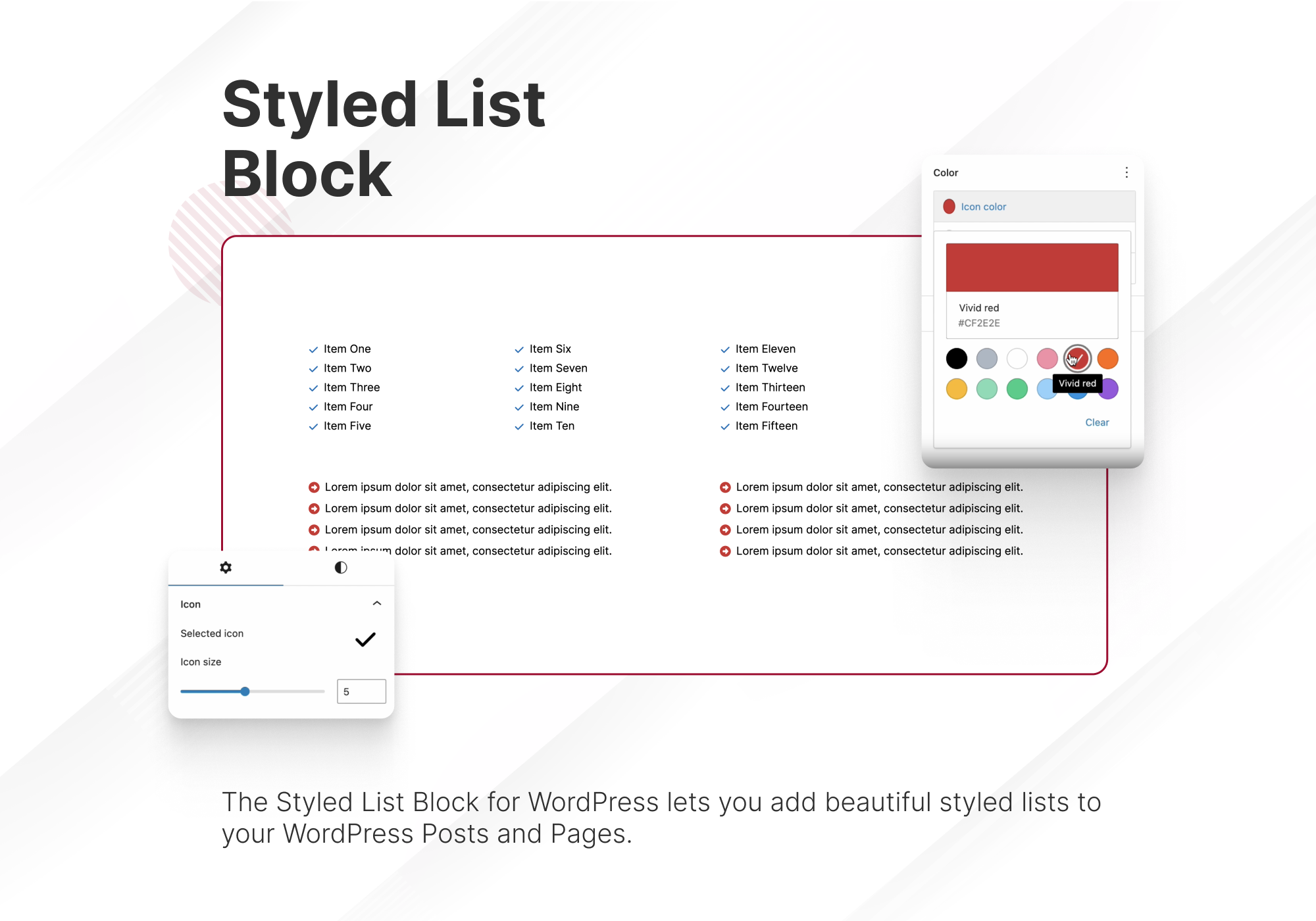
Styled List Block
This block lets you add a styled list in your post or pages. Instead of bullets you can use various icons as your list style type. You can also choose color for icons.
Expand Block
Expand Block lets you add expandable content. You can hide some part of your content initially. Upon clicking on ‘Show More’ it will show. It can be hidden again.
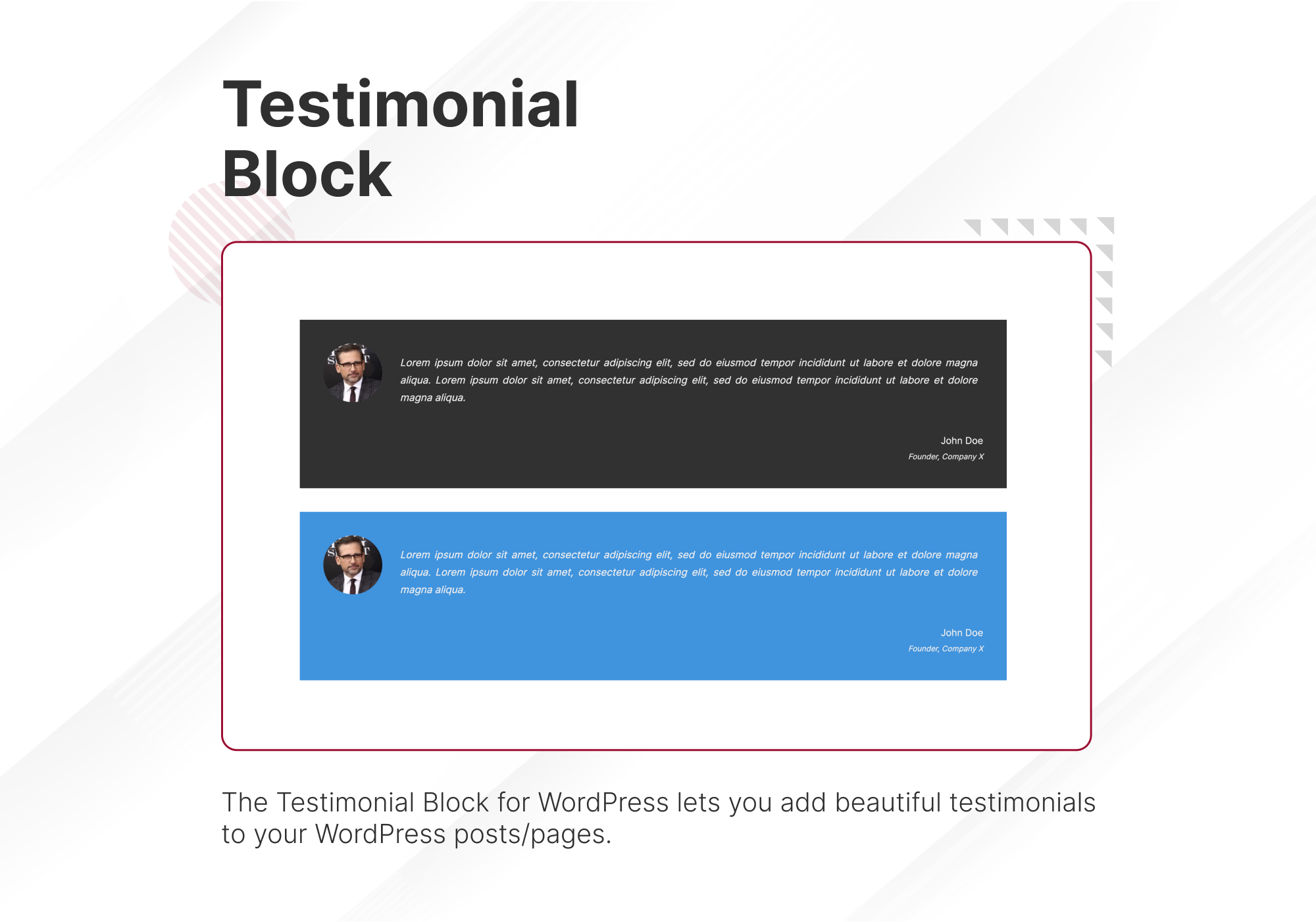
Testimonial Block
Nice, simple testimonial box with option to add image, name, role of the testimonial author.
Click to Tweet
Add tweetable content in your posts/pages.
Social Share Block
Add social share buttons in your posts and pages with this blocks. It comes with lots of customization options too.
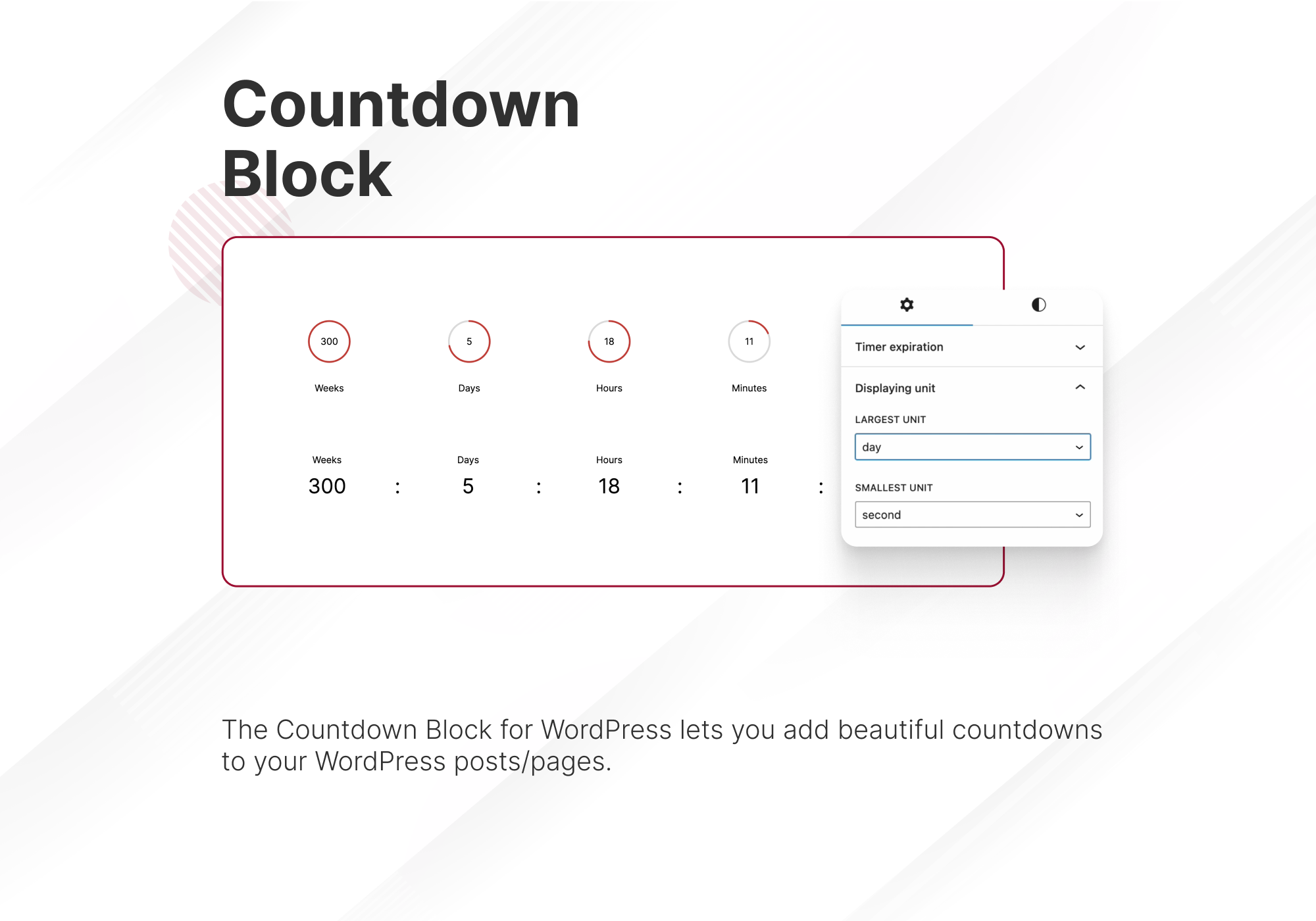
Countdown Block
Add a countdown in your post/pages. Comes with three different styles.
Progress Bar Block
Add Cirle/Line Progress bar with this blocks. Comes with options to change thickness, color.
Post Grid Block
Add a list or grid of your posts. Comes with options to change categories, order and many more.
Star Rating Block
Add Star ratings in your posts/pages. You can customize size, color, numbers of stars.
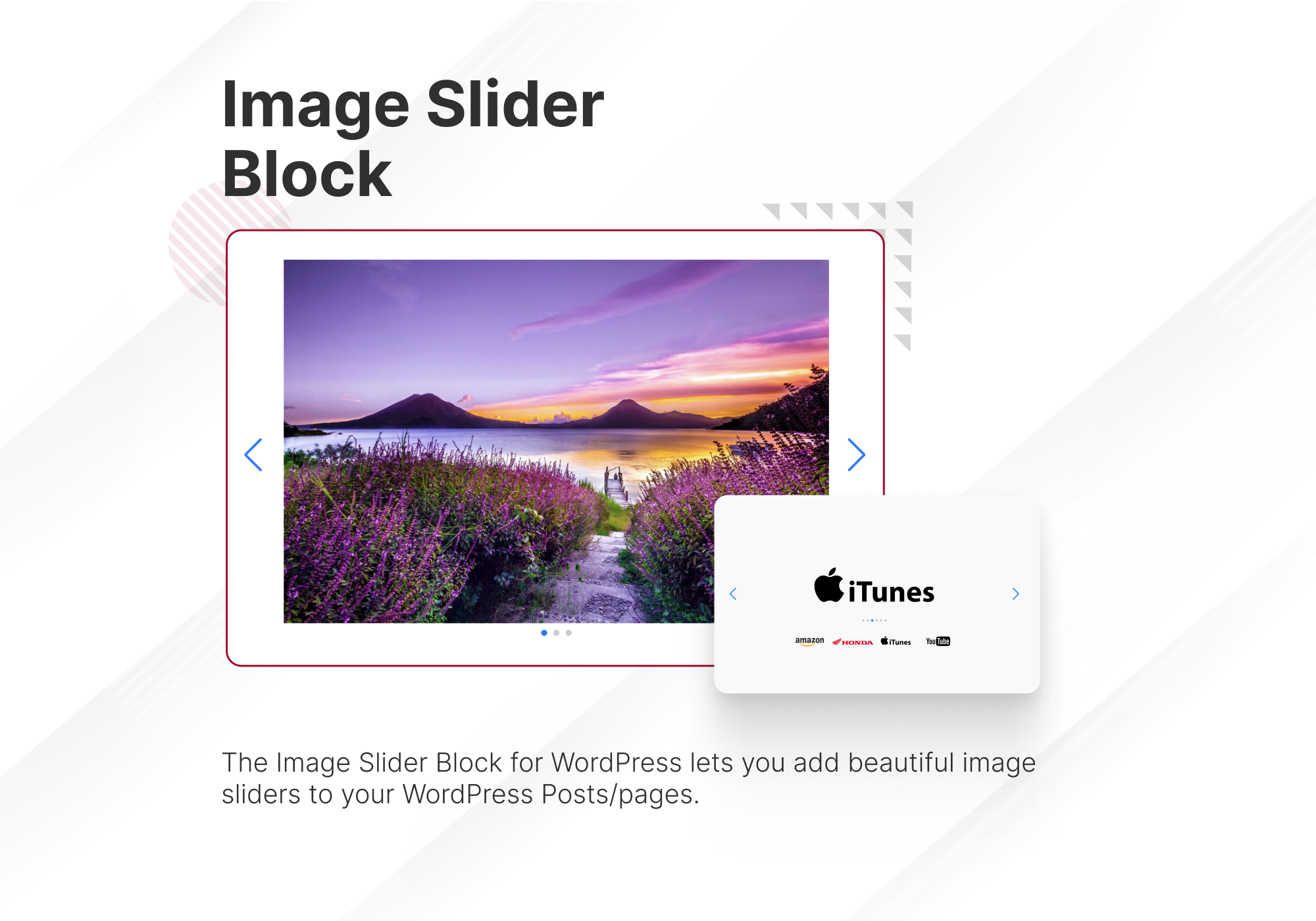
Image Slider Block
Add a lightweight, simple image slider in your post. Comes with additional settings.
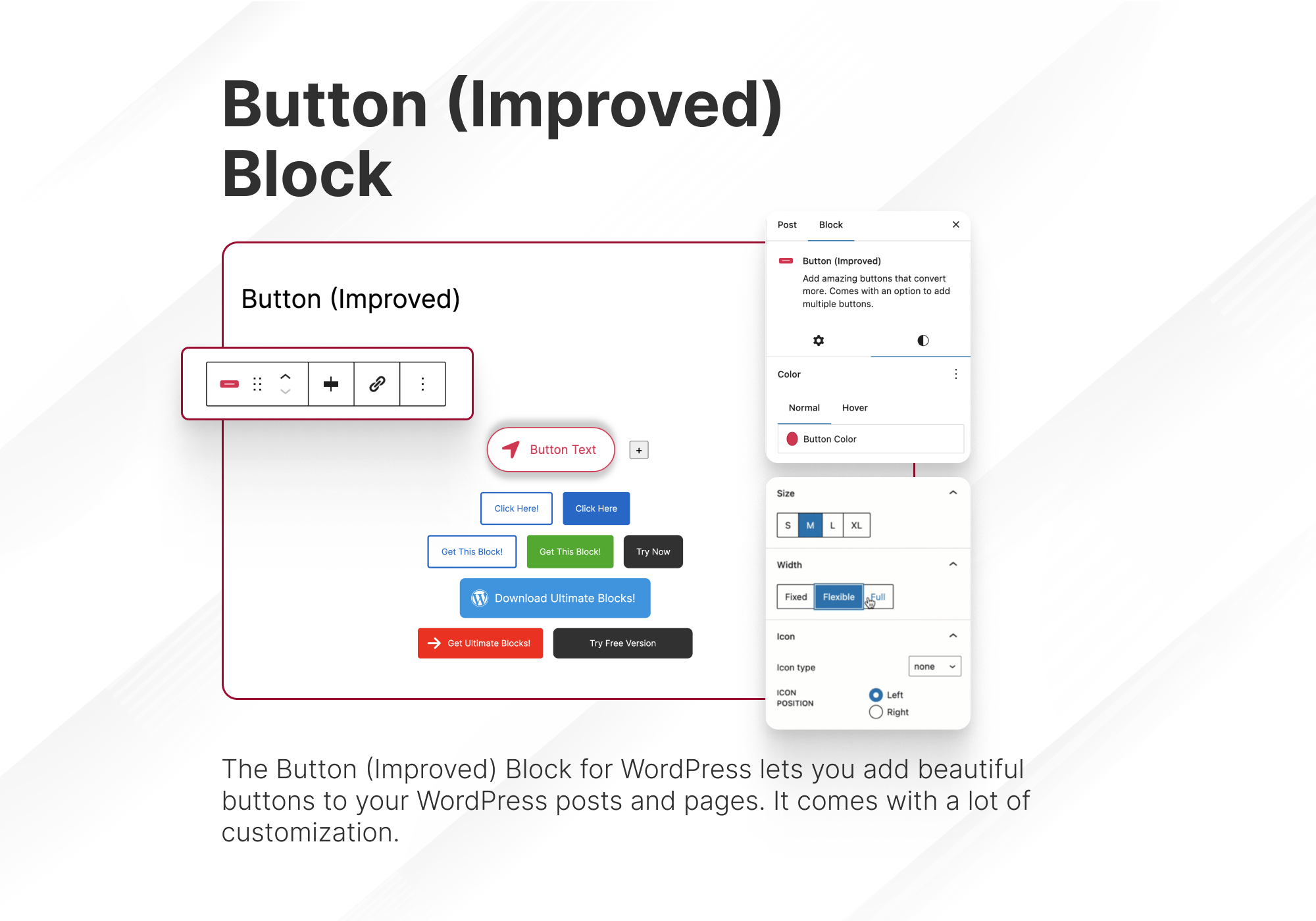
Button Block
Button block with more customization options and controls.
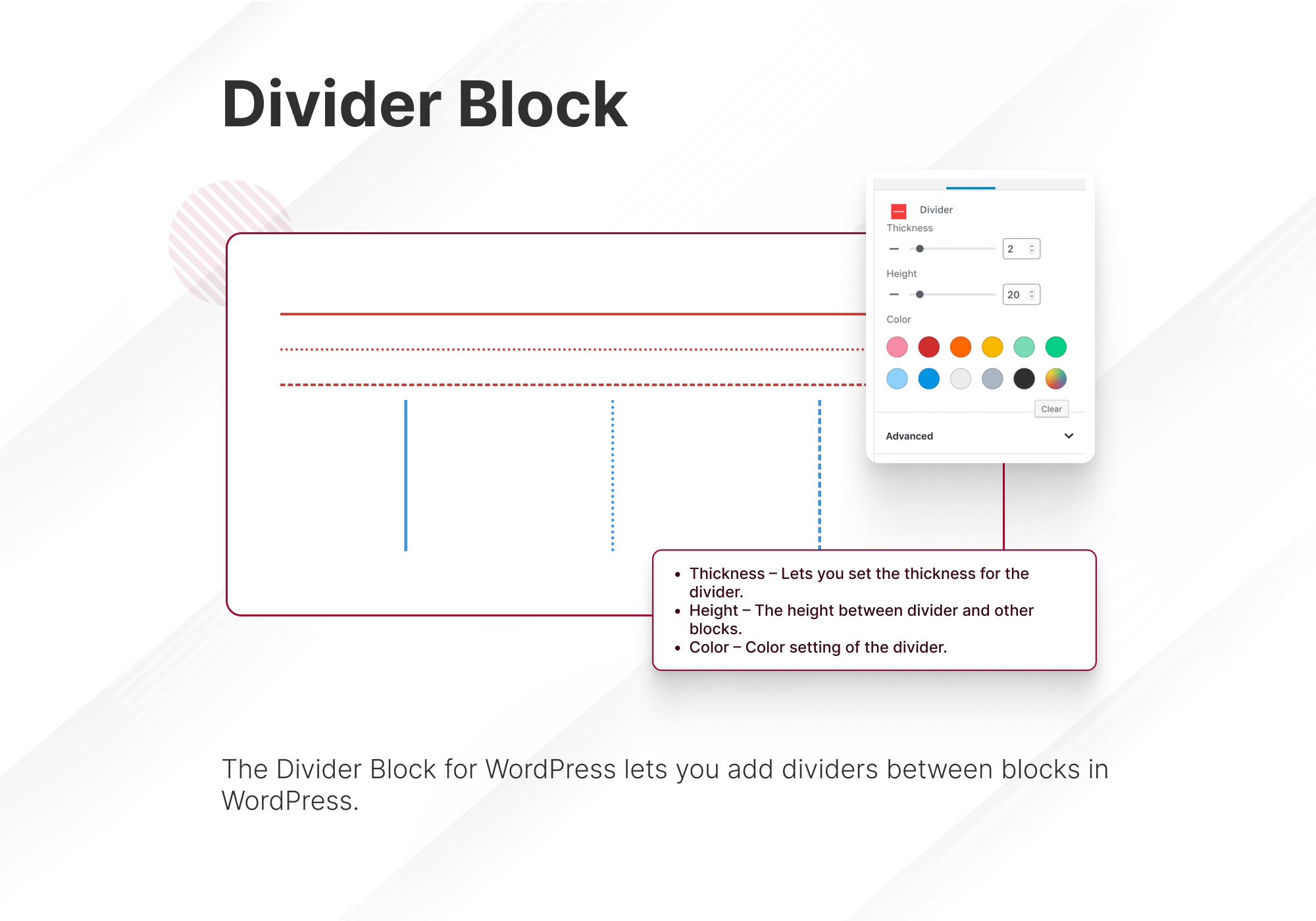
Divider Block
Add custom divider between your blocks. Customize the color, size, everything.
Other tools from us
Tableberg: The Best WordPress Block Table Plugin to create beautiful and responsive tables.
GroundWP: Lightweight and Minimal Block Theme for efficient Full-Site Editing.
Changelog
3.6.2
- NEW: Table of Contents Block – Added an optional “Show more” link that shortens long lists.
- NEW: Tabs Block – Added a Tab Spacing control to set the space between tab buttons, including no space at all.
- NEW: Tabs Block – Added a Show Border option that removes all of the block’s borders.
- NEW: Styled List Block – Paragraph blocks can now be transformed into a Styled List.
- UPDATE: Tabs Block – Renamed to “Tabs (UB)” so it is easy to tell apart from the core Tabs block.
- UPDATE: Updated Freemius SDK to the latest version.
- FIX: Countdown Block – New timers now start 7 days from today instead of showing as already finished.
- FIX: Accordions Block – The “Default Open” panel now shows open in the editor when Collapsed is enabled.
- FIX: Video Block – Fixed white bars inside Vimeo videos when a border is set.
- FIX: Video Block – Fixed the video becoming much wider than the page when autofit is turned off.
- FIX: Video Block – Rounded corners now apply to the video itself, not only to its border.
- FIX: Review Block – The Offer schema is now kept when the block has no call-to-action button.
- FIX: Review Block – Invalid GTIN values and empty SKU and publisher fields are no longer added to the schema.
- PRO: NEW: Summarize with AI Block – Added a background color, a full width buttons option and a side by side layout for the heading and buttons.
- PRO: FIX: Coupon Block – “Doesn’t Expire” coupons no longer show as “Expired” on the frontend.
- PRO: FIX: Coupon Block – New coupons now start with an expiration date one week ahead.
- PRO: FIX: Fixed PHP 8.5 deprecation notices.
3.6.1
- FIX: Accordions Block, Tabs Block, Table of Contents Block, Expand Block, Review Block, Divider Block, Image Slider Block, Progress Bar Block, Social Share Block – Fixed these blocks breaking in the editor on sites that also run the Widget Options plugin.
- FIX: Button Block – Fixed the transform from the core Buttons block failing with an error, and stopped one button’s colors carrying over to the next one.
- FIX: Block Settings – Fixed the spacing control icon sitting slightly below its slider in some settings panels.
- PRO: NEW: Summarize with AI Block – Lets readers send the post they are reading to an AI tool for a summary, with ChatGPT, Claude, Perplexity, Gemini and Grok, an editable prompt, and rules for archives, private, password protected and noindex content.
3.6.0
- FIX: Review Block – Fixed Product reviews being counted several times over in Google Search.
- FIX: React 19 Compatibility – Fixed the Blocks settings screen going blank on sites where WordPress serves React 19. Plugin scripts now use the React version WordPress provides instead of bundling their own copy.
- PRO: FIX: Accordions Block – Fixed the search box icons not appearing on the frontend.
- PRO: FIX: Accordions Block – Fixed the search icon being drawn inside an unwanted border box.
- PRO: FIX: Tabs Block, Review Block – Fixed tab icons and pros/cons icons that could fail to appear for the same reason.
- PRO: IMPROVE: Accordions Block – The frontend search script is now 4 KB instead of 3.7 MB and no longer loads React on the frontend, so pages using a searchable accordion load considerably faster.
- IMPROVE: Settings Page – The Blocks settings screen script is now 148 KB instead of 281 KB.
- IMPROVE: Setup Wizard – The setup wizard script is now 40 KB instead of 165 KB.
3.5.9
- PRO: NEW: Image Hotspots Block – Added Border, Border Radius, Caption, and Link options, plus Duotone filter support.
- PRO: NEW: Image Hotspots Block – Added an option to transform an Image block into an Image Hotspots block.
- NEW: Review Block – Added shipping and return policy schema markup for Product reviews.
- NEW: Review Block – Added review and aggregateRating fields to Product schema markup.
- NEW: Review Block – Added a notice highlighting missing or recommended schema fields.
- UPDATE: Accordions Block – Renamed the “Container Color” label to “Title Container Color” for clarity.
- UPDATE: Accordions Block – Panels now also collapse in the editor when the “Collapsed” option is enabled, matching the frontend.
- UPDATE: Setup Wizard – Added Image Hotspots to the Pro Blocks list and AssistCamp to the Optional Plugins list; updated the “Get WP Block Suite” button link.
- FIX: Review Block – Fixed Offer Price showing as 0 after reopening a saved post.
- FIX: Review Block – Fixed Offer Status missing from schema markup.
- FIX: Review Block – New blocks now default to today’s date instead of a fixed 2023 publication date.
- FIX: Accordions Block – Fixed inconsistent spacing in the color settings panel.
- PRO: FIX: Fixed the Pro block toggle silently reactivating after a page reload.
- FIX: Saved Styles – Fixed the hover preview causing a visible “bounce” in the editor for Accordions, Content Toggle, and Social Share blocks.
3.5.8
- PRO: NEW: Image Hotspots Block – Added a new Pro block for placing interactive hotspots with rich tooltips on top of any image.
- NEW: Accordions Block – Panels now have an 8px border-radius by default.
- NEW: Social Share Block – Added a Radius option for square-shaped icons, with an 8px default.
- UPDATE: Countdown Block – Renamed to “Countdown Timer” for clarity.
- UPDATE: Setup Wizard – Updated the OpinionCamp description and changed the ConvertForce/OpinionCamp badges from “Optional” to “Free”.
- FIX: Icon Block – Padding now applies to the icon itself instead of the block wrapper, so it no longer looks identical to Margin.
- FIX: Advanced Video Block – Fixed the editor preview failing to load for YouTube, Vimeo, and Dailymotion embeds (was showing a YouTube “Error 153” / blank preview).
- FIX: Advanced Video Block – Fixed an unwanted scrollbar appearing on the video preview in the editor.
- PRO: FIX: Social Share Block – Fixed the block becoming unselectable in the editor when Pro is active.
- PRO: FIX: Admin Notices – Fixed messages showing raw HTML tags instead of rendering them (e.g. bold text) in the “requires Ultimate Blocks” and license activation notices.
3.5.7
- FIX: Content Toggle Block – Fixed hover controls positioning and replaced dashicons with SVG icons.
- FIX: Tabs Block – Replaced dashicons with SVG icons for drag, remove, and add tab controls.
- FIX: Content Filter Block – Replaced dashicons with SVG icons for delete filter controls.
- FIX: Custom CSS – Fixed quotes being HTML-encoded in CSS output.
Screenshots
For developers
Is this your plugin? Show off the numbers.
Add a live badge to your site, docs or GitHub README. It updates on its own — no account needed.
Best Ultimate Blocks alternatives
All block-editor plugins →





FAQ
Ultimate Blocks: quick answers
Straight answers, pulled from live WordPress.org data.
Live data from WordPress.org · checked Nov 17, 2026
Is Ultimate Blocks free?
Yes. Ultimate Blocks is free to download and use from the official WordPress.org plugin directory.
Is Ultimate Blocks safe to use in 2026?
Yes — Ultimate Blocks is a safe, well-maintained plugin to use in 2026. It runs on 50K+ sites, is rated 4.9/5 and was last updated 1 week ago, and scores 95/100 on our health check.
How many websites use Ultimate Blocks?
Ultimate Blocks is active on 50K+ WordPress websites and has been downloaded 2,626,917 times since it launched in February 2018. It was downloaded 30,762 times in the last 30 days.
Does Ultimate Blocks work with WordPress 7.1?
Yes. The developer has tested Ultimate Blocks up to WordPress 7.1.4, the latest release. It requires WordPress 5.8 or newer.
What PHP version does Ultimate Blocks need?
Ultimate Blocks requires PHP 7.2 or higher. Most hosts run PHP 8.x today, so it works on any modern WordPress hosting.
When was Ultimate Blocks last updated?
The latest version, 3.6.2, was released on November 8, 2026 (1 week ago).
Who makes Ultimate Blocks?
Ultimate Blocks is developed and maintained by Ultimate Blocks.
What are the best alternatives to Ultimate Blocks?
The most popular alternatives to Ultimate Blocks are Classic Editor (8M+ installs), Advanced Editor Tools (1M+ installs) and Disable Gutenberg (500K+ installs).
Powered by PageForge
Want thousands of pages that rank like these? Build them in an afternoon.
This directory runs on the same engine as PageForge. Turn any spreadsheet, CSV or API into thousands of fast, SEO-ready WordPress pages — with schema, internal links and AI-written copy baked in.
- CSV, Google Sheets & API data sources
- AI content, schema & internal links per page
- Works with Elementor, Gutenberg, Yoast & Rank Math
- Free on WordPress.org — no credit card


