



Todo List Block
Add todo lists to posts that render only within the block editor.

Consider an alternative
Todo List Block shows warning signs in 2026 — compare the alternatives below before installing. It runs on 300+ sites, is rated 5/5 and was last updated 2 years ago, and scores 33/100 on our health check.
- Small user base (300+ active installs)
- Very few reviews so far
- No update in 2 years
- Only tested up to WordPress 6.6 (latest is 7.1)
How does it stack up?
Side-by-side on installs, updates, ratings & support



Daily downloads
Download spikes usually follow a new release — each site that auto-updates counts as a download.
Rankings
Where Todo List Block stands todayWordPress.org search rankings
Live position in the plugin search, top 100| Keyword | Position |
|---|---|
| block | >100 |
| blocks | >100 |
| gutenberg | >100 |
| markdown | >100 |
| todo | #18 |
Version adoption
Share of active sites per release.
Rating breakdown
★★★★★★★★★★ 5 from 2 reviews
About Todo List Block
From the official readme · v1.0.1Description
Editor-friendly blocks
While diving into this project I’ve explored a few areas where I can improve my personal publishing flow. The first was bringing editor comments into Gutenberg with my Markdown Comment block, and this Todo List block.
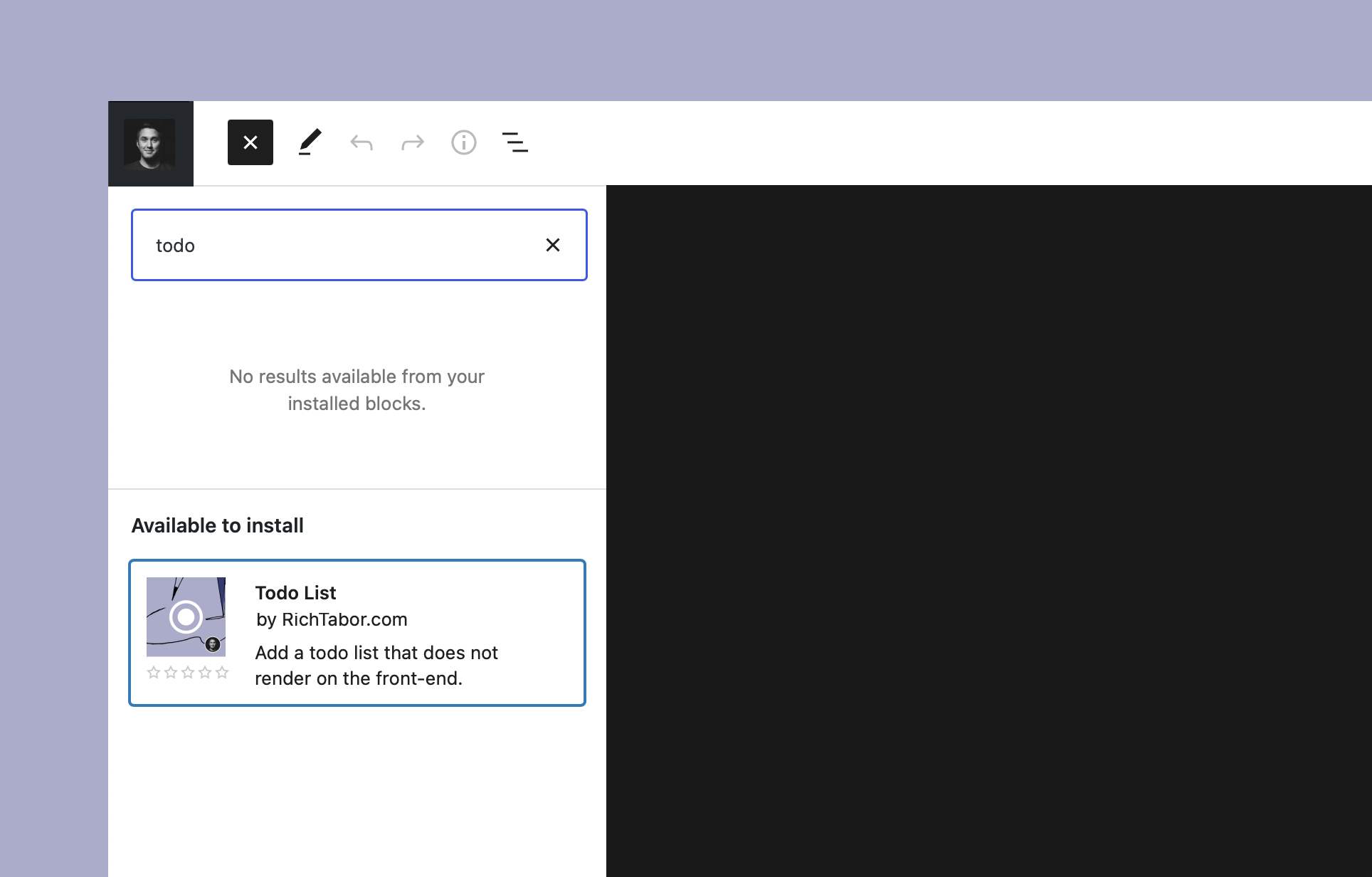
Todo List is a simple, editor-only block designed to quickly add tasks directly within the editor.
Todo List makes it easy to keep track of those tasks, all in the context of a particular post. You may also use it to add a publishing checklist to the post, such as using a headline analyzer, adding featured images, adding social images, etc.
Transforms
I’m a huge fan of blocks transforms and how they improve the WordPress publishing experience. Being able to morph a block into another, without loosing content/attributes, is a powerful way to level-up editing.
That saying, you may transform paragraph text, list items and even editorial comments added by Markdown Comment directly into actionable todos, just like you can in the iOS Notes app for example. You may even take multiple blocks of the sort and convert them all into a single todo list.
Todo List also supports block prefixes, which are keyboard shortcuts in a sense, to toss blocks in the editor with a few keystrokes. Adding [], or -[] plus the space key will add a Todo List to the page.
Installation
- Upload the
todo-list-blockfolder to your/wp-content/plugins/directory or alternatively upload the todo-list-block.zip file via the plugin page of WordPress by clicking ‘Add New’ and selecting the zip from your local computer. - Activate the plugin through the ‘Plugins’ menu in WordPress.
- Search for the block within the Gutenberg block editor.
Frequently asked questions
Can the Todo List block be used with my theme?
Yes! If you’re using Gutenberg (i.e. the block editor) on your site, you should have no issues with the block. It’s relatively simple to modify the CSS variables to tweak the comment styling if you’d like — learn more here.
Where can I send feedback or ideas?
Please reach out via the official plugin support forum.
Who’s Rich Tabor?
As a WordPress entrepreneur, designer and developer all wrapped up in one, @richard_tabor is recognized as one of the top leaders in this post-Gutenberg era of WordPress. His design chops have topped the 2018 Automattic Design Awards and led him to found CoBlocks – a top-notch set of page builder blocks and tools for Gutenberg, ThemeBeans – a premier WordPress theme shop and Iceberg – a markdown editor for Gutenberg.
Changelog
1.0.1
- Add back the default color.
- Ensure only todo items can exist within the todo list block.
1.0.0
- Simplify block styles to lean on theme.
0.1.4
- Add block.json to registerBlockType
- Add block title to register function
0.1.3
- WordPress 5.9 support
0.1.2
- Update readme
0.1.0
- Initial release
Screenshots


For developers
Is this your plugin? Show off the numbers.
Add a live badge to your site, docs or GitHub README. It updates on its own — no account needed.
Best Todo List Block alternatives
All block plugins →





FAQ
Todo List Block: quick answers
Straight answers, pulled from live WordPress.org data.
Live data from WordPress.org · checked Oct 8, 2026
Is Todo List Block free?
Yes. Todo List Block is free to download and use from the official WordPress.org plugin directory.
Is Todo List Block safe to use in 2026?
Todo List Block shows warning signs in 2026 — compare the alternatives below before installing. It runs on 300+ sites, is rated 5/5 and was last updated 2 years ago, and scores 33/100 on our health check.
How many websites use Todo List Block?
Todo List Block is active on 300+ WordPress websites and has been downloaded 8,446 times since it launched in July 2021. It was downloaded 348 times in the last 30 days.
Does Todo List Block work with WordPress 7.1?
Todo List Block is officially tested up to WordPress 6.6.10, while the latest release is 7.1.3. It may still work, but try it on a staging site first.
What PHP version does Todo List Block need?
Todo List Block requires PHP 7.0 or higher. Most hosts run PHP 8.x today, so it works on any modern WordPress hosting.
When was Todo List Block last updated?
The latest version, 1.0.1, was released on July 14, 2024 (2 years ago).
Who makes Todo List Block?
Todo List Block is developed and maintained by Rich Tabor.
What are the best alternatives to Todo List Block?
The most popular alternatives to Todo List Block are Spectra Legacy (1M+ installs), Breadcrumb NavXT (800K+ installs) and PDF Embedder (300K+ installs).
Powered by PageForge
Want thousands of pages that rank like these? Build them in an afternoon.
This directory runs on the same engine as PageForge. Turn any spreadsheet, CSV or API into thousands of fast, SEO-ready WordPress pages — with schema, internal links and AI-written copy baked in.
- CSV, Google Sheets & API data sources
- AI content, schema & internal links per page
- Works with Elementor, Gutenberg, Yoast & Rank Math
- Free on WordPress.org — no credit card


