



Team Section Block – Showcase Team Members with Layout Options
Showcase your team members in various layouts and designs .

Solid choice
Team Section Block is a solid plugin choice in 2026, with a few things worth checking first. It runs on 1K+ sites, is rated 3/5 and was last updated 3 days ago, and scores 71/100 on our health check.
- Actively developed — last update 3 days ago
- Tested with the latest WordPress (7.1)
- Momentum — downloads up 132.5% vs the previous 30 days
- Very few reviews so far
How does it stack up?
Side-by-side on installs, updates, ratings & support



Daily downloads
Download spikes usually follow a new release — each site that auto-updates counts as a download.
Rankings
Where Team Section Block stands todayWordPress.org search rankings
Live position in the plugin search, top 100| Keyword | Position |
|---|---|
| block | >100 |
| members | #38 |
| team | #18 |
| team builder | #28 |
| team members | #14 |
Version adoption
Share of active sites per release.
Rating breakdown
★★★★★★★★★★ 3 from 1 reviews
About Team Section Block
From the official readme · v2.0.4Description
This block plugin makes the displays fully customizable, so you can create unique team showcases for your site. This is the best WordPress team plugin that displays in a fantastic way of your team members on your site. It is 100% responsive and mobile-friendly, which guarantees the best views across all devices.
Team Section | Demos | Pricing
Free Features
- Universal Shortcodes – Works with Gutenberg and all page builders.
- Easy to use.
- Multiple Team Layouts.
- Fully Responsive Design – Optimized for desktop, tablet, and mobile.
- Social Media Icons – Add social links for each member.
- It does not require much technical knowledge to use.
- It is lightweight because it relies on JavaScript.
Pro Features
- All Free features.
- Includes 11+ ready-to-use templates.
- Added 1+ new built-in blocks.
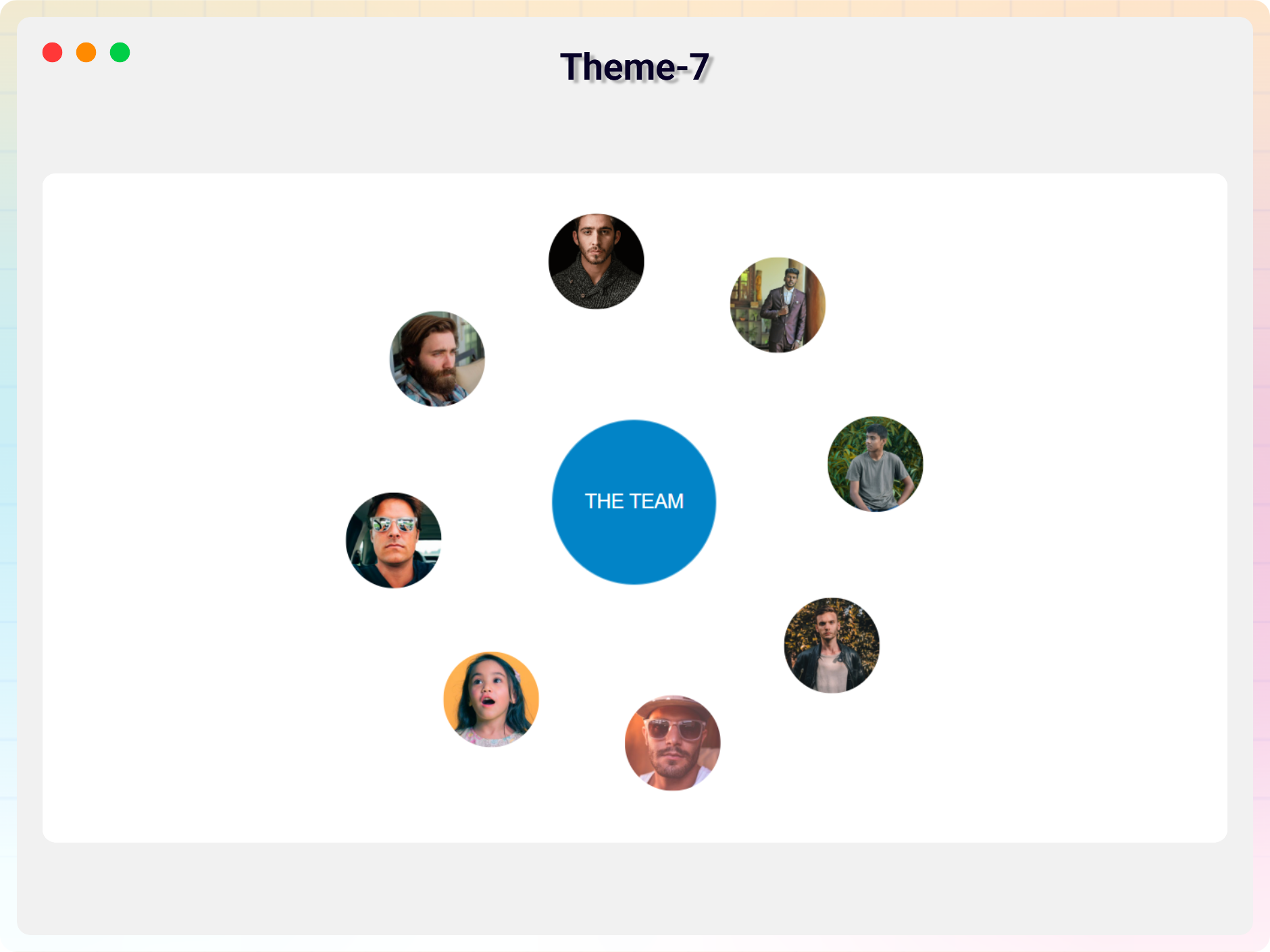
- Orbit Team – A Unique New Block
- Fully Responsive – Looks great on all devices.
- Member Styling – Customize photo, name, title, and bio.
- Typography & Color Controls – Full text and color customization.
- Photo Effects – Size, filter, and hover effects.
- Social Icons – Add and style social media links.
- Element Visibility – Show or hide any member content.
- Hover Effects & Animations – Smooth interactive effects.
- Layout Controls – Width, alignment, spacing options.
- Theme-Specific Features – Shapes, serials, stats, and more.
- Beginner Friendly – No coding required.
- Added 7+ New Blocks.
How to use
– First, install the Team Section plugin
– Add the Team Section block from the block category called “Widgets” in the Gutenberg editor.
– You can change block settings from the right-side settings sidebar.
– Enjoy!
- For installation help click on Installation Tab
Feedback
– Did you like this plugin? Dislike it? Have a feature request? Please share your feedback with us
Check out the Parent Plugin of this plugin-
bBlocks – A blocks collection and page building tool for Gutenberg.
Check out our other WordPress Plugins-
Html5 Video Player – Display videos as single and playlist in multiple skins.
PDF Poster – Display/Embed PDF files with different styles.
Html5 Audio Player – Listen audios with awesome visuals.
StreamCast – Customizable radio player with different skins.
3D Viewer – Embed 3D models and 3D products with interaction.
Advanced Post Block – Show posts and custom posts in different layouts.
Installation
From Gutenberg Editor:
- Go to the WordPress Block/Gutenberg Editor
- Search For Team Section
- Click on the Team Section block to add the block
Download & Upload:
- Download the Team Section plugin (.zip file)
- In your admin area, go to the Plugins menu and click on Add New
- Click on Upload Plugin and choose the
team-section.zipfile and click on Install Now - Activate the plugin and Enjoy!
Manually:
- Download and upload the Team Section plugin to the
/wp-content/plugins/directory - Activate the plugin through the Plugins menu in WordPress
Frequently asked questions
Is Team Section free?
Yes, Team Section is a free Gutenberg block plugin.
Does it work with any WordPress theme?
Yes, it will work with any standard WordPress theme.
Can I change block settings?
Yes, you can change block settings from the Gutenberg block editor’s right sidebar.
How many times can I reuse a block?
You can use unlimited times as you want.
Where can I get support?
You can post your questions on the support forum here
Changelog
Universal Shortcodes – Works with Gutenberg and all page builders. Added 11+ ready-to-use templates.
2.0.3 – 08 July 2026
- Update: Added 7+ New Blocks.
2.0.2 – 08 June 2026
- Update: Latest Dashboard Add.
2.0.1 – 11 Jan 2026
- Fixed: Button link sanitization issue.
2.0.0 – 17 Dec 2025
- Universal Shortcodes: Compatible with all page builders
- 11+ ready-made themes.
1.0.9 – 4 Mar 2024
- Update Icon Library
1.0.8
- Add Link in New Tab option
Screenshots
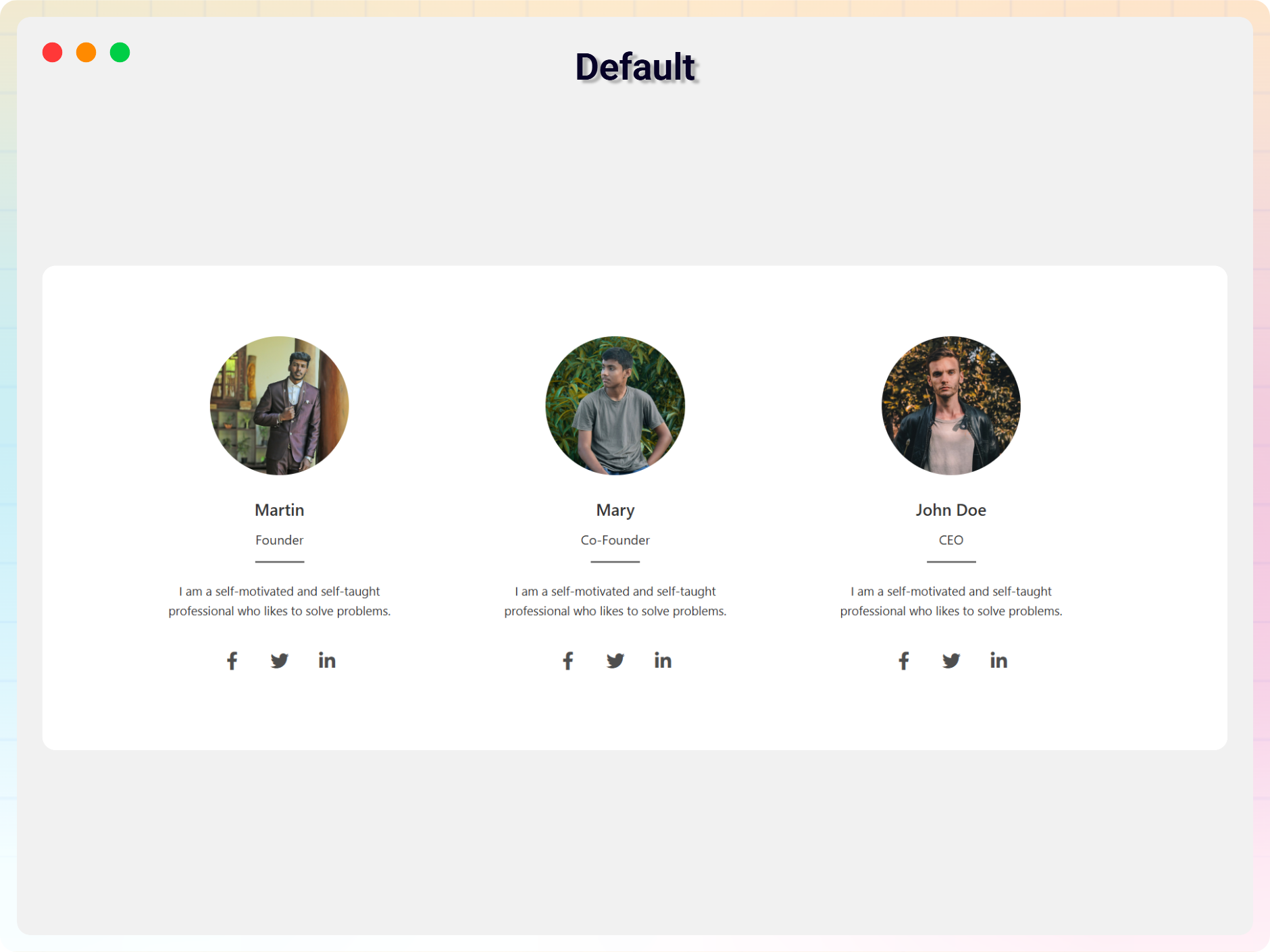
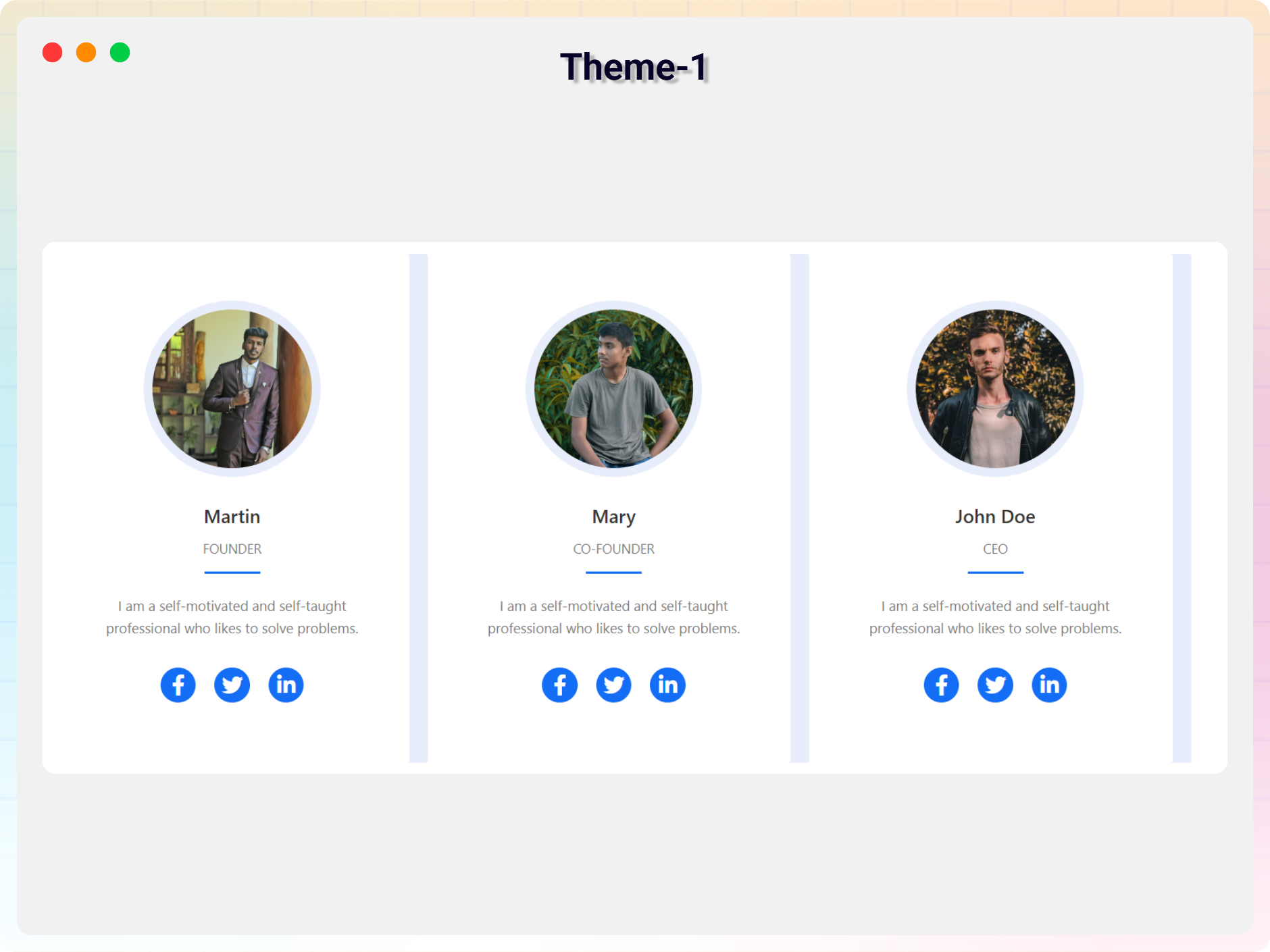
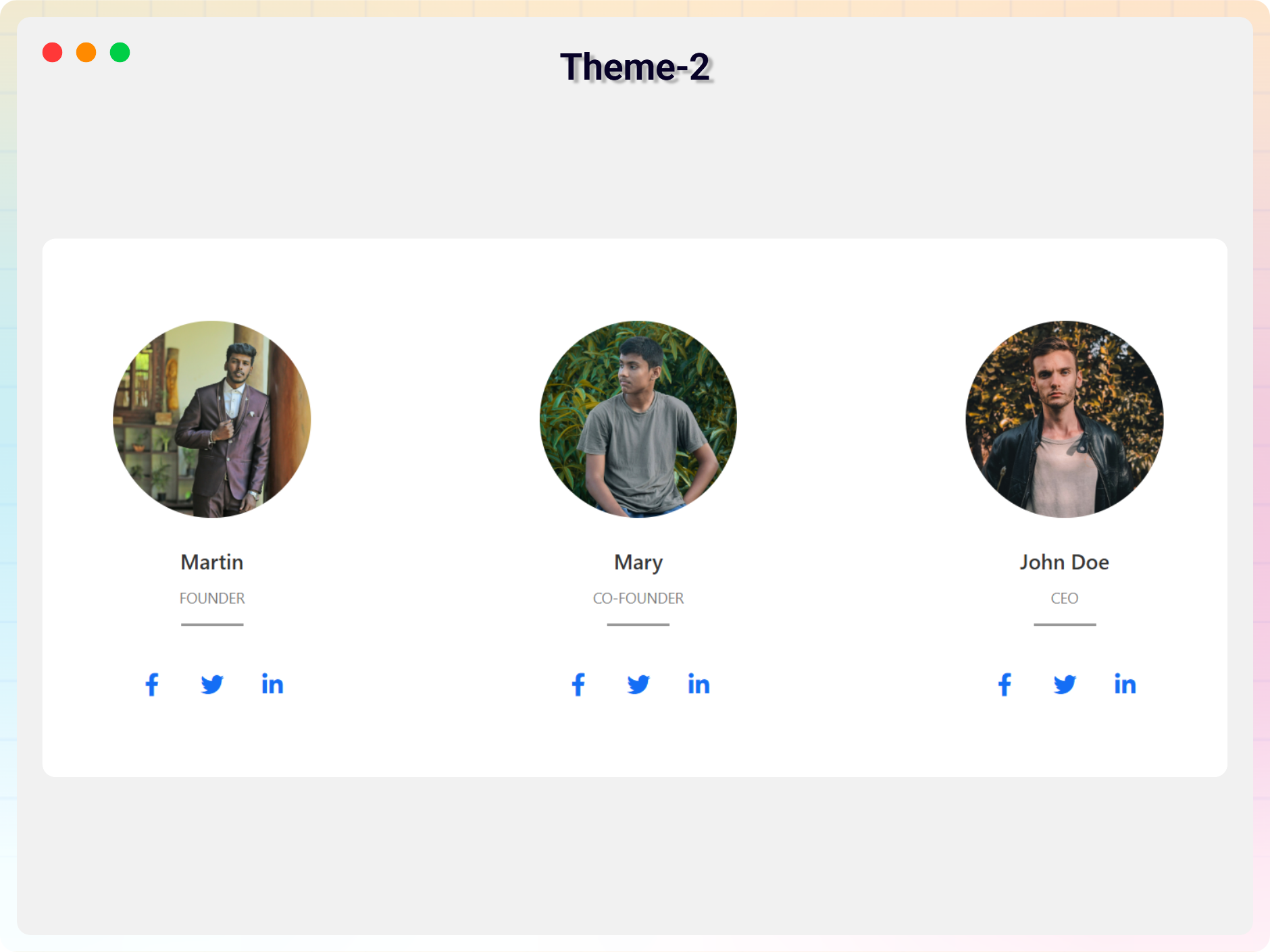
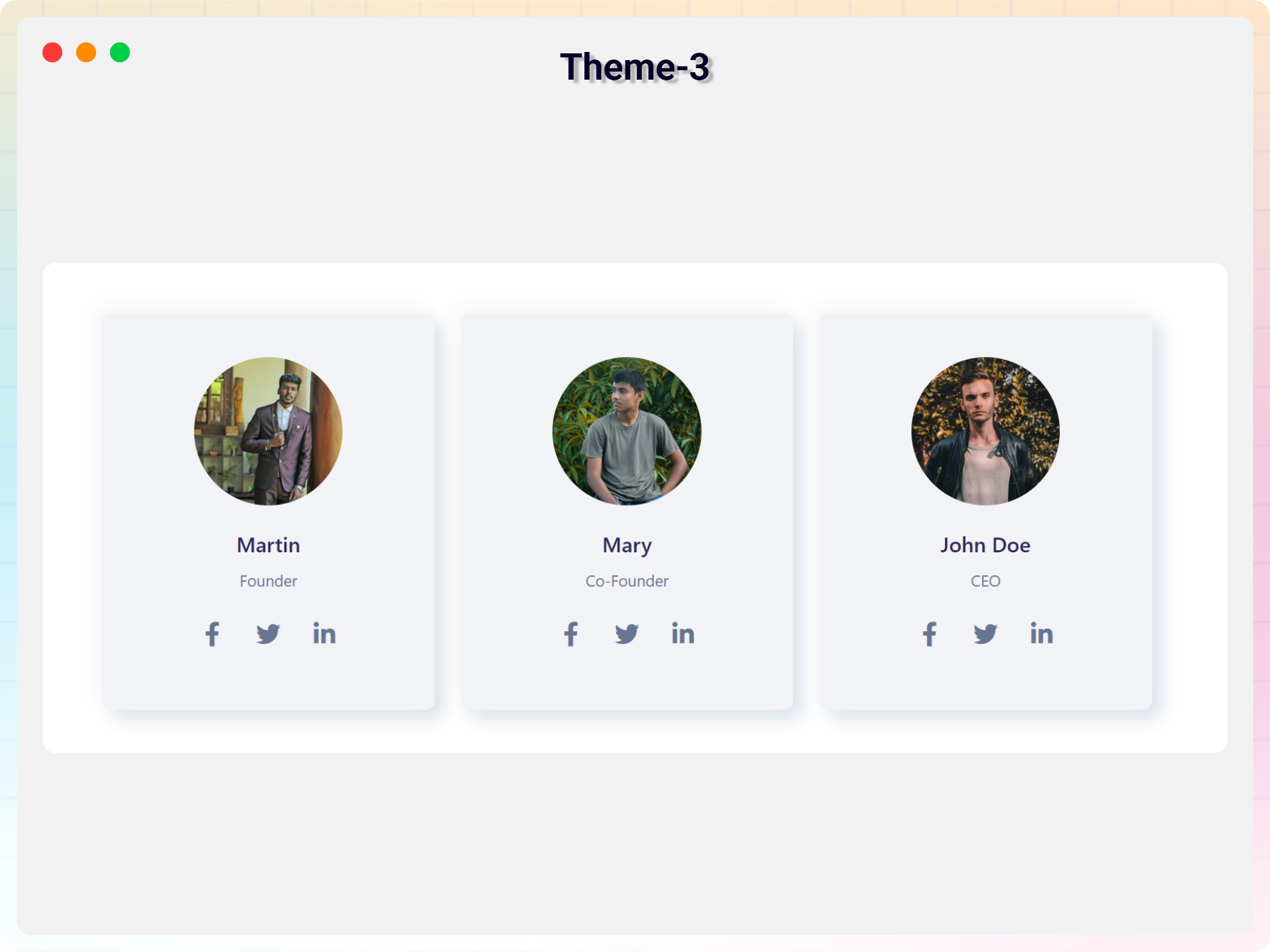
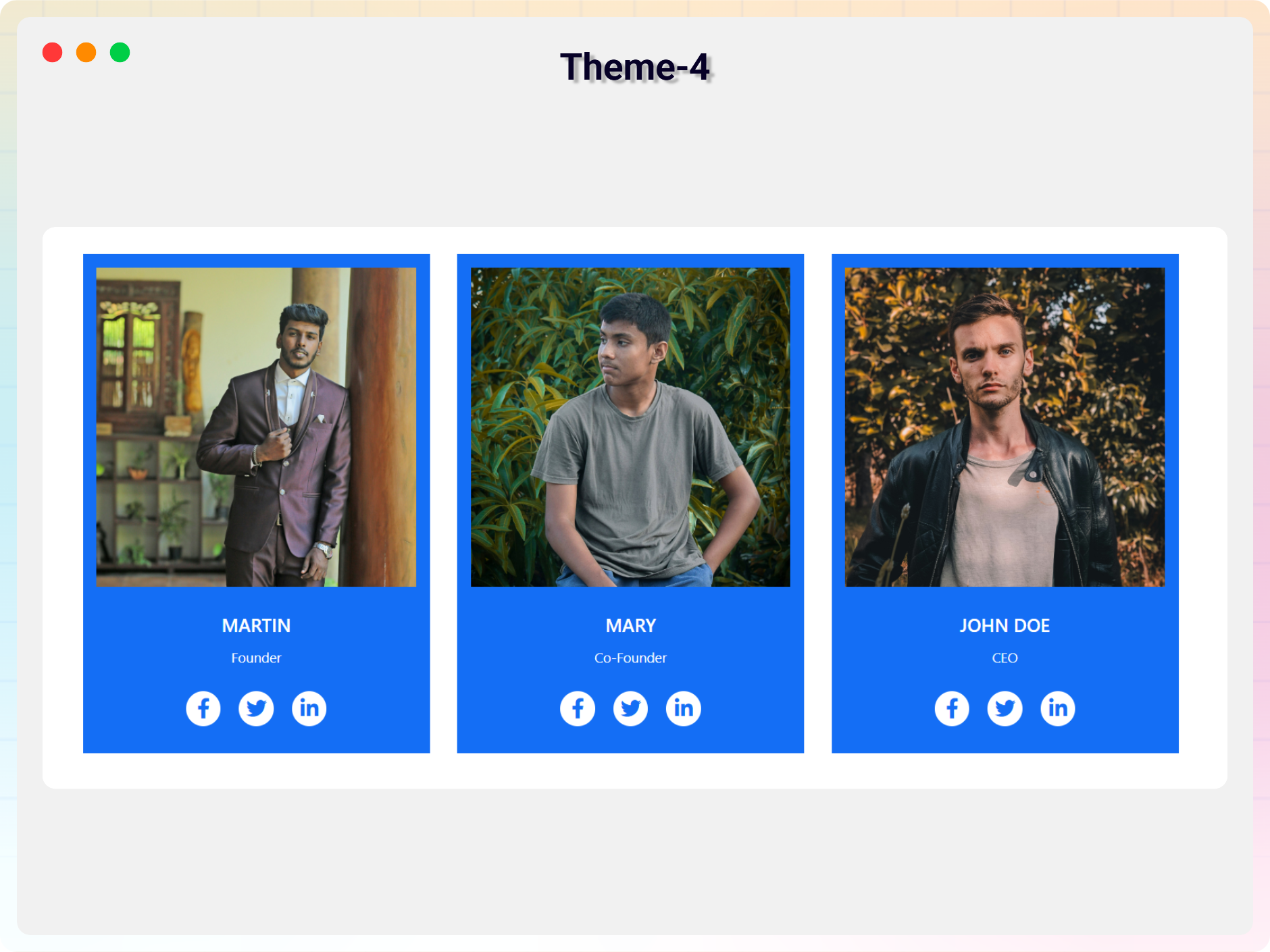
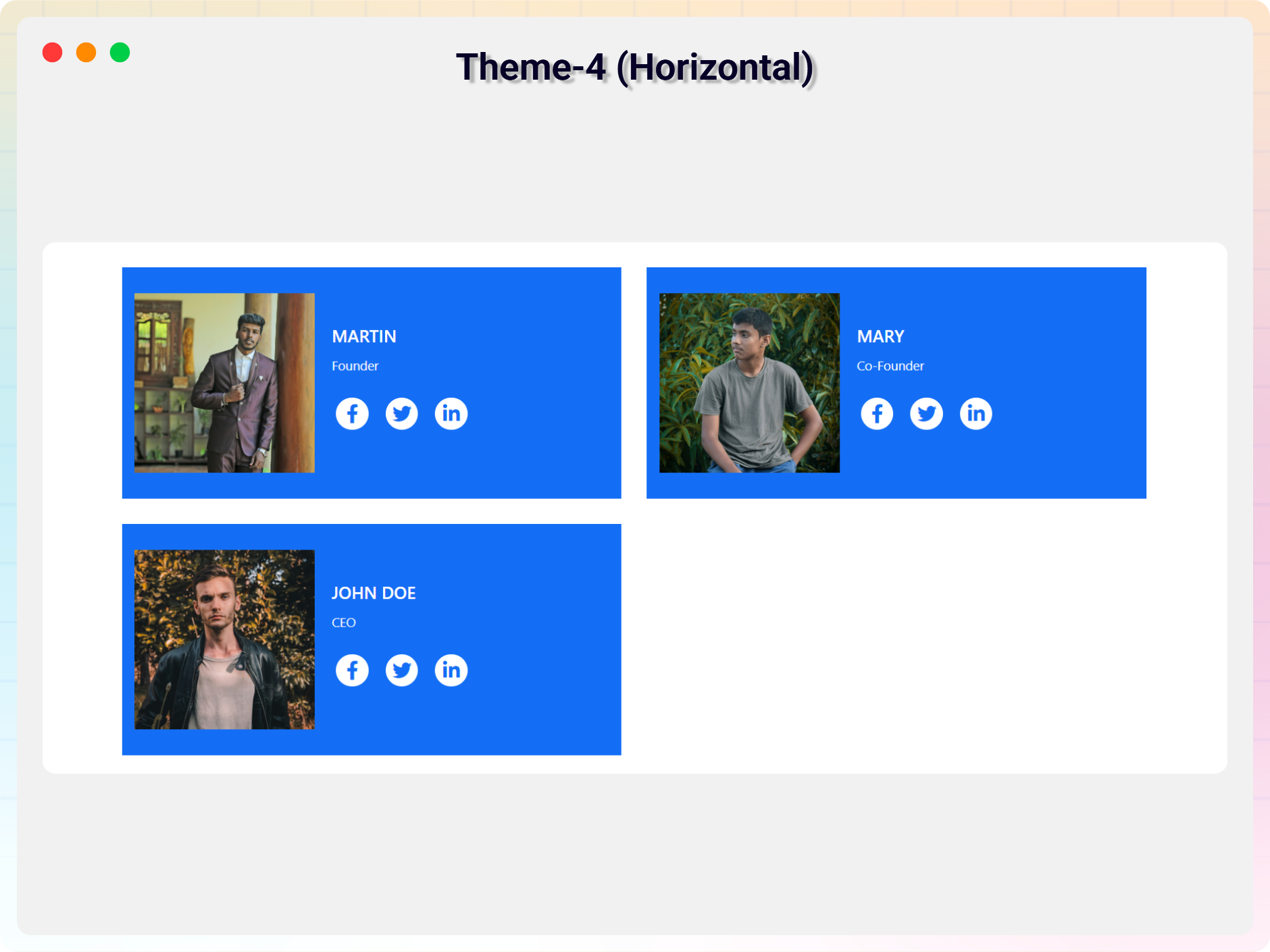
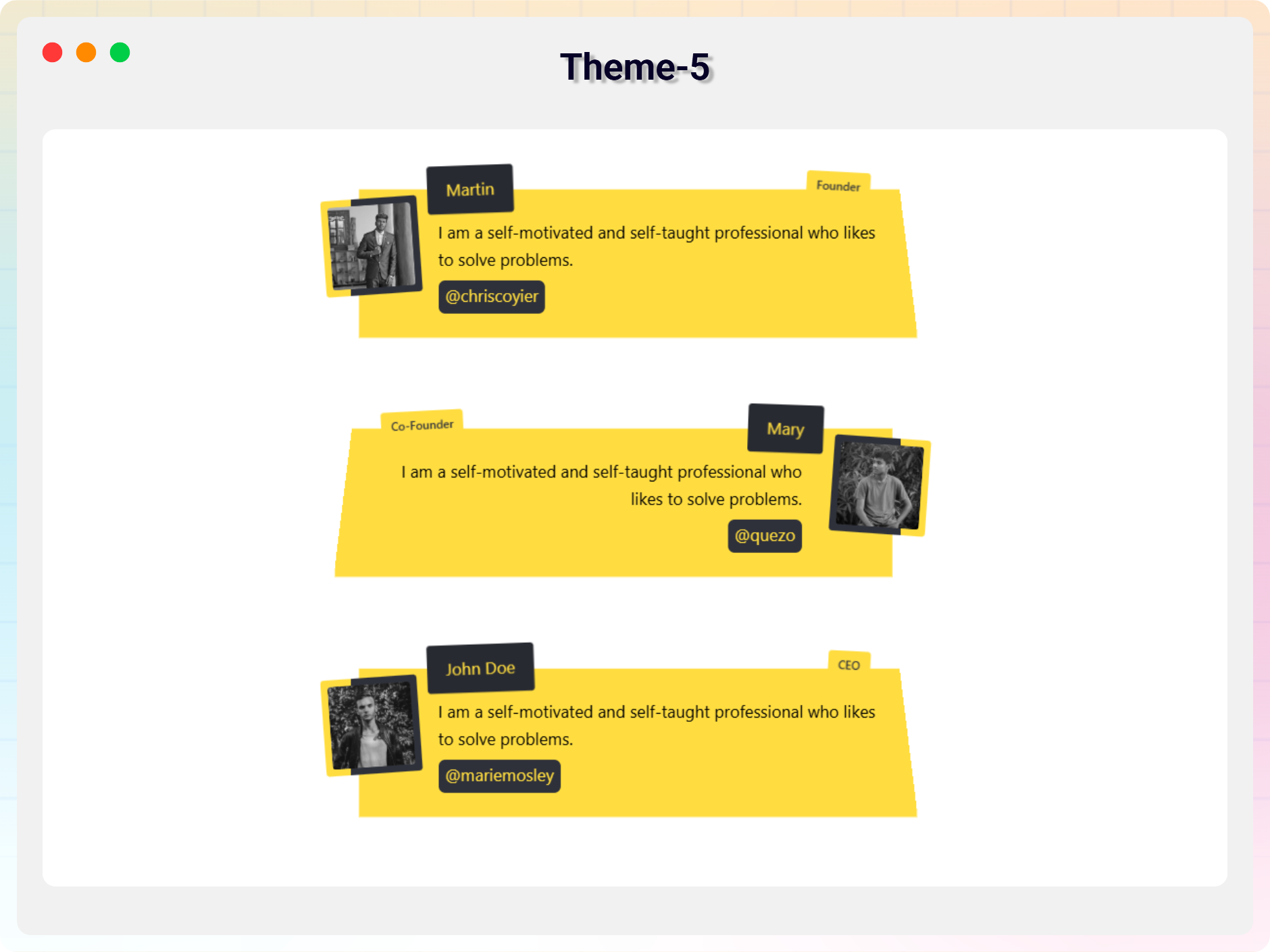
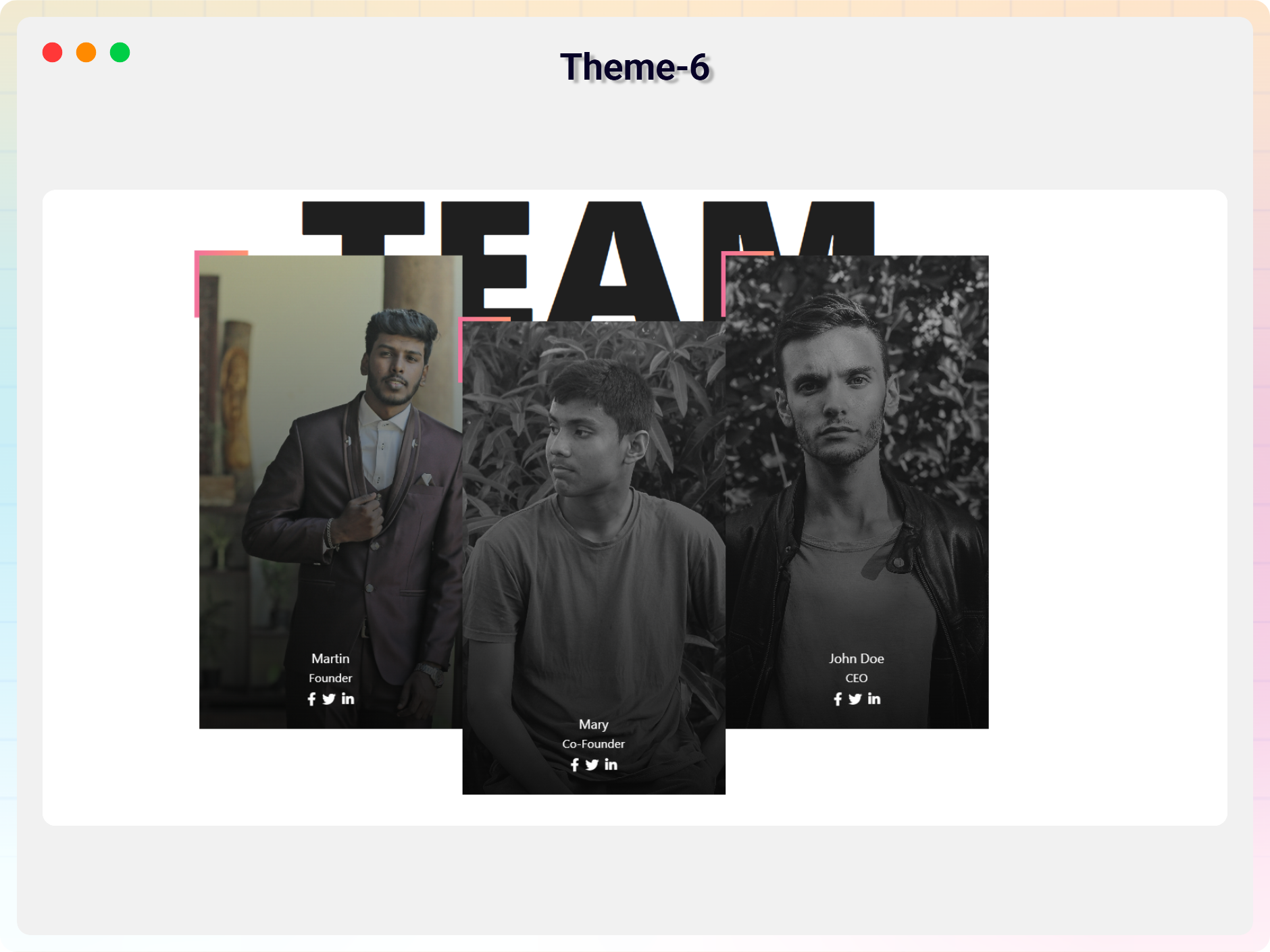
For developers
Is this your plugin? Show off the numbers.
Add a live badge to your site, docs or GitHub README. It updates on its own — no account needed.
Best Team Section Block alternatives
All block plugins →





FAQ
Team Section Block: quick answers
Straight answers, pulled from live WordPress.org data.
Live data from WordPress.org · checked Oct 3, 2026
Is Team Section Block free?
Yes. Team Section Block is free to download and use from the official WordPress.org plugin directory.
Is Team Section Block safe to use in 2026?
Team Section Block is a solid plugin choice in 2026, with a few things worth checking first. It runs on 1K+ sites, is rated 3/5 and was last updated 3 days ago, and scores 71/100 on our health check.
How many websites use Team Section Block?
Team Section Block is active on 1K+ WordPress websites and has been downloaded 24,449 times since it launched in February 2022. It was downloaded 1,590 times in the last 30 days.
Does Team Section Block work with WordPress 7.1?
Yes. The developer has tested Team Section Block up to WordPress 7.1.2, the latest release. It requires WordPress 6.5 or newer.
What PHP version does Team Section Block need?
Team Section Block requires PHP 7.4 or higher. Most hosts run PHP 8.x today, so it works on any modern WordPress hosting.
When was Team Section Block last updated?
The latest version, 2.0.4, was released on September 30, 2026 (3 days ago).
Who makes Team Section Block?
Team Section Block is developed and maintained by bPlugins.
What are the best alternatives to Team Section Block?
The most popular alternatives to Team Section Block are Spectra Legacy (1M+ installs), Breadcrumb NavXT (800K+ installs) and PDF Embedder (300K+ installs).
Powered by PageForge
Want thousands of pages that rank like these? Build them in an afternoon.
This directory runs on the same engine as PageForge. Turn any spreadsheet, CSV or API into thousands of fast, SEO-ready WordPress pages — with schema, internal links and AI-written copy baked in.
- CSV, Google Sheets & API data sources
- AI content, schema & internal links per page
- Works with Elementor, Gutenberg, Yoast & Rank Math
- Free on WordPress.org — no credit card


