


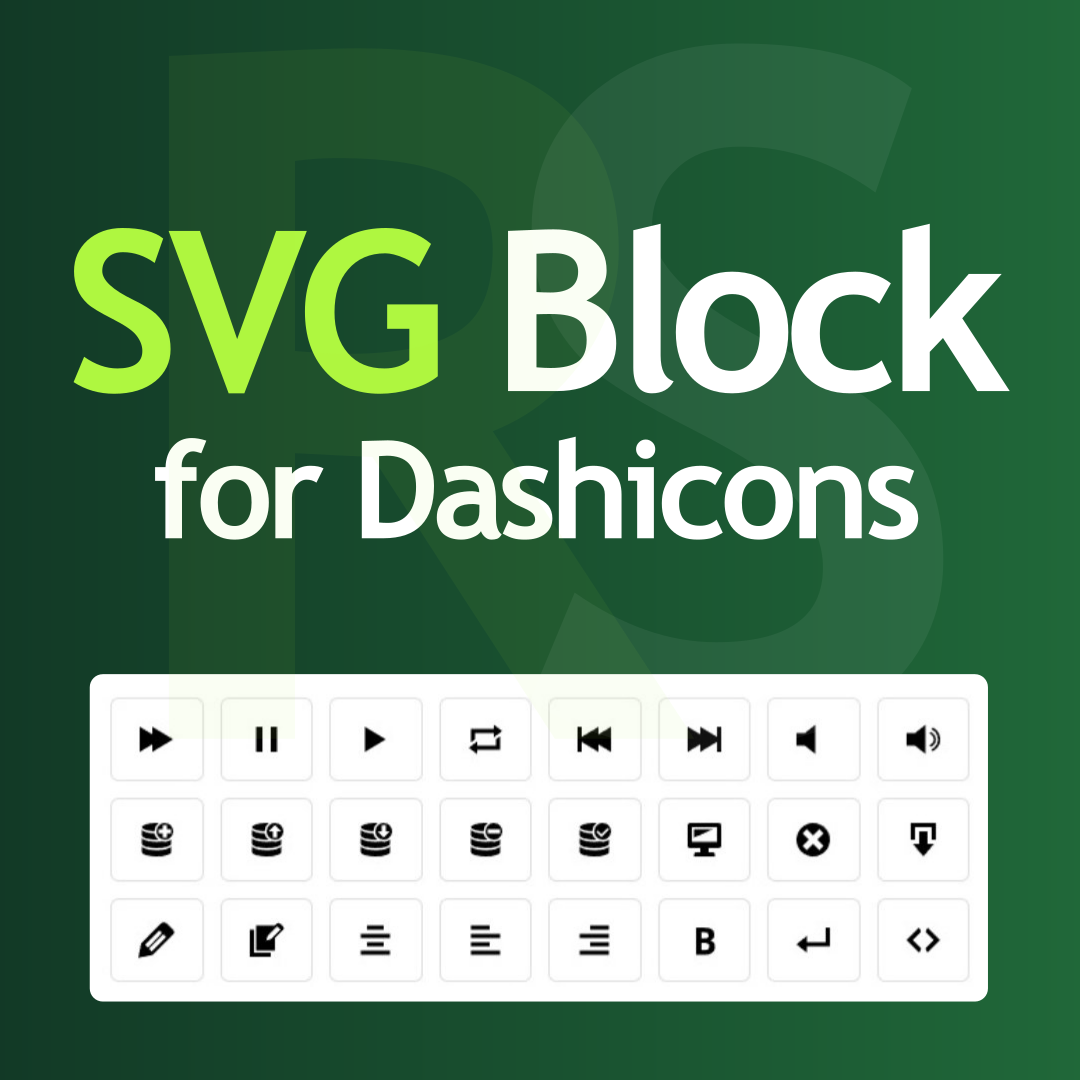
SVG Block for Dashicons by RotiStudio
Adds a native Gutenberg block for inserting 334 WordPress Dashicons as inline SVG — fast, lightweight, and fully customizable.

Use with caution
SVG Block for Dashicons by Roti… works, but test it on a staging site before relying on it in 2026. Was last updated 1 month ago, and scores 60/100 on our health check.
- Tested with the latest WordPress (7.1)
- Small user base (<10 active installs)
- Very few reviews so far
How does it stack up?
Side-by-side on installs, updates, ratings & support



Daily downloads
Download spikes usually follow a new release — each site that auto-updates counts as a download.
Rankings
Where SVG Block for Dashicons by… stands todayWordPress.org search rankings
Live position in the plugin search, top 100| Keyword | Position |
|---|---|
| block | >100 |
| Dashicons | #68 |
| gutenberg | >100 |
| icons | >100 |
| SVG | >100 |
About SVG Block for Dashicons by RotiStudio
From the official readme · v1.4.0Description
Hungarian: Magyar nyelvű bővítmény leírás
This plugin adds a Gutenberg block that lets you pick a Dashicon and render it on the frontend as an inline SVG. The icons are lightweight, scalable, and fully customizable, making them ideal for modern WordPress block-based sites.
The plugin does not rely on the traditional icon rendering approach (CSS-based icon fonts with pseudo-elements and large icons.css files). Instead, it uses a far more optimized yet fully compatible method. There is no separate CSS icon font file, and not a single extra asset is loaded on the frontend. Only the pure SVG icon markup is embedded and rendered by the browser. There are no image files and no CSS files involved, while icons remain perfectly sharp at any size.
Why is this plugin beneficial?
– Easily use Dashicons on the frontend
– Choose from 334 icons
– Core Web Vitals friendly
– No icon font or CSS file loading
– No images or image files
– No overengineered or unnecessary features
– No accessibility-hindering CSS pseudo-elements
– Icons scale to any size and stay sharp
– SVG icons appear as clean inline code in the content
– Secure and validated
Icons the way Gutenberg expects
The Dashicons set is finally available as a native block element. No HTML hacks, no font dependency — just clean inline SVG markup directly from the editor.
Works with the core Icon block (WordPress 7.1+)
On WordPress 7.1 and newer, all 334 Dashicons are also registered with the core Icons API. They appear in the core Icon block’s Icon Library under a dedicated “Dashicons” collection tab, so you can use them with the native Icon block as well – no extra setup needed.
Faster loading, more stable layout
Instead of downloading and rendering icon fonts, icons appear instantly in the HTML. No FOIT, no CSS pseudo-elements, no CLS risk — better Core Web Vitals and predictable rendering.
Safe SVG usage
No SVG uploads, no sanitizer, no risky pipeline. The plugin exclusively uses the official SVG sources of WordPress Dashicons — deterministic, verified markup.
JS-free, cache-friendly
No icon library JavaScript, no sprite loader, no runtime processing. SVG is static HTML — ideal for SSR, static caching, and block themes.
Editor experience for users
The Dashicons picker block uses a fast, familiar UI. Simple and consistent to use. Content creators choose icons — not edit code.
In your own language
The plugin can be easily and quickly translated on the official translate.wordpress.org platform, making it even easier to use in your own language.
Do you have other plugins? Yes, check my plugins website: rotistudio.com
Where can we learn more about your work? Check my personal website there: rottenbacher.hu
Installation
- Upload the plugin folder to the
/wp-content/plugins/svg-block-for-dashicon-rotistudiodirectory. - Activate the plugin through the ‘Plugins’ menu in WordPress.
Frequently asked questions
How can I use?
First install and activate it, then in the editor (Gutenberg) if you start typing /svg in a paragraph it will output it. Or you will find it in the editor when adding blocks if you search for SVG there.
How many icons are included in the plugin?
The plugin includes 334 Dashicons in SVG code format. (No files, just paths.)
How compatible is inline SVG icon usage?
Icons are rendered using SVG path markup, which has long been supported by all modern browsers.
Does it work with existing themes?
Yes. Styles are applied inline, so it works with all block themes and most classic themes as well.
Is it lightweight and fast?
Yes. The plugin code is minimal, fast, and performance-optimized. Only the selected SVG icon is rendered on the frontend and in the editor.
Can I customize the icons?
Yes. You can customize icon size, color, background color, border, border radius, padding, and margin.
Why do I see a color contrast warning in the block editor?
The WordPress block editor may show a contrast warning when comparing the icon’s text color to the page background. This warning can be safely ignored because it checks an incorrect color combination. What the editor checks: Text color vs. page background color What matters on the frontend: Text color vs. icon background color (applied to the SVG element) On the frontend, all colors (text, background, padding, margin) are correctly applied directly to the SVG element, ensuring proper contrast ratios where they actually matter.
Is the plugin translated into other languages?
Yes. The plugin is fully internationalized and ready for translation. Hungarian translation is included by default. Translation files are automatically loaded by WordPress 4.6+, making the plugin WordPress.org Plugin Check compliant.
Compatible with Classic Editor?
Unfortunately no, this is specifically designed for the Gutenberg editor.
Do the icons work with the core Icon block?
Yes, on WordPress 7.1 and newer. The plugin registers all 334 Dashicons with the WordPress Icons API, so they show up in the core Icon block’s Icon Library under a “Dashicons” collection tab. On older WordPress versions the plugin’s own block keeps working, only the core Icon block integration is skipped.
Changelog
All 334 Dashicons now also appear in the core Icon block (WordPress 7.1+) under a dedicated "Dashicons" collection. Block registration migrated to block.json - no changes to existing content.
1.4.0
- Add core Icon block integration: all 334 Dashicons are registered with the WordPress 7.1+ Icons API under a “Dashicons” collection.
- Migrate block registration to block.json: block metadata (attributes, supports, example) now lives in a single source instead of being duplicated in PHP and JavaScript. Existing content is not affected.
1.3.1
- WordPress 7.0 compatibility check
- PHP 8.5 compatibility check
1.3.0
- Fix 100% border-radius.
- Fix the original SVG paths for the 4 admin-site icons.
- Increased accessibility.
- Add fit-content width and height style value.
- Add gradient background color support.
- Add link support.
1.2.0
- Change plugin name, slug and textdomain.
- WordPress Coding Standards (WPCS) and ESLint fixes.
- Add block preview.
1.1.0
- Full internationalization (i18n) support with Hungarian translation included.
- WordPress.org Plugin Check compliant (automatic translation loading for WordPress 4.6+).
1.0.0
- Initial release.
Screenshots


For developers
Is this your plugin? Show off the numbers.
Add a live badge to your site, docs or GitHub README. It updates on its own — no account needed.
Best SVG Block for Dashicons by Ro… alternatives
All block plugins →





FAQ
SVG Block for Dashicons by RotiStud…: quick answers
Straight answers, pulled from live WordPress.org data.
Live data from WordPress.org · checked Sep 30, 2026
Is SVG Block for Dashicons by Roti… free?
Yes. SVG Block for Dashicons by Roti… is free to download and use from the official WordPress.org plugin directory.
Is SVG Block for Dashicons by Roti… safe to use in 2026?
SVG Block for Dashicons by Roti… works, but test it on a staging site before relying on it in 2026. Was last updated 1 month ago, and scores 60/100 on our health check.
How many websites use SVG Block for Dashicons by Roti…?
SVG Block for Dashicons by Roti… is active on <10 WordPress websites and has been downloaded 717 times since it launched in February 2026. It was downloaded 67 times in the last 30 days.
Does SVG Block for Dashicons by Roti… work with WordPress 7.1?
Yes. The developer has tested SVG Block for Dashicons by Roti… up to WordPress 7.1.2, the latest release. It requires WordPress 5.9 or newer.
What PHP version does SVG Block for Dashicons by Roti… need?
SVG Block for Dashicons by Roti… requires PHP 7.4 or higher. Most hosts run PHP 8.x today, so it works on any modern WordPress hosting.
When was SVG Block for Dashicons by Roti… last updated?
The latest version, 1.4.0, was released on August 20, 2026 (1 month ago).
Who makes SVG Block for Dashicons by Roti…?
SVG Block for Dashicons by Roti… is developed and maintained by Tamas Rottenbacher.
What are the best alternatives to SVG Block for Dashicons by Roti…?
The most popular alternatives to SVG Block for Dashicons by Roti… are Spectra Legacy (1M+ installs), Breadcrumb NavXT (800K+ installs) and PDF Embedder (300K+ installs).
Powered by PageForge
Want thousands of pages that rank like these? Build them in an afternoon.
This directory runs on the same engine as PageForge. Turn any spreadsheet, CSV or API into thousands of fast, SEO-ready WordPress pages — with schema, internal links and AI-written copy baked in.
- CSV, Google Sheets & API data sources
- AI content, schema & internal links per page
- Works with Elementor, Gutenberg, Yoast & Rank Math
- Free on WordPress.org — no credit card


