


Spotter Widget
Adds the Spotter feedback widget on selected pages and initializes it with options from WordPress admin settings.

Use with caution
Spotter Widget works, but test it on a staging site before relying on it in 2026. Was last updated 3 months ago, and scores 48/100 on our health check.
- Small user base (<10 active installs)
- Very few reviews so far
- Only tested up to WordPress 6.9 (latest is 7.1)
How does it stack up?
Side-by-side on installs, updates, ratings & support



Daily downloads
Download spikes usually follow a new release — each site that auto-updates counts as a download.
Rankings
Where Spotter Widget stands todayWordPress.org search rankings
Live position in the plugin search, top 100| Keyword | Position |
|---|---|
| customer feedback | >100 |
| feedback | >100 |
| website feedback | >100 |
| widget | >100 |
About Spotter Widget
From the official readme · v0.1.0Description
Spotter Widget loads the Spotter feedback script on your WordPress site and initializes it with the options you configure. Site administrators can enter a Spotter project key, enable or disable the widget, choose the button label and position, restrict loading to logged-in users, and include or exclude specific URL paths.
The plugin only loads the widget when it is enabled and a project key has been saved.
Once loaded, the widget gives visitors a floating Feedback button that opens a form rendered inside an isolated Shadow DOM, so it does not collide with theme or plugin styles.
What end users can do
- Open a feedback form from a floating button placed in the chosen corner.
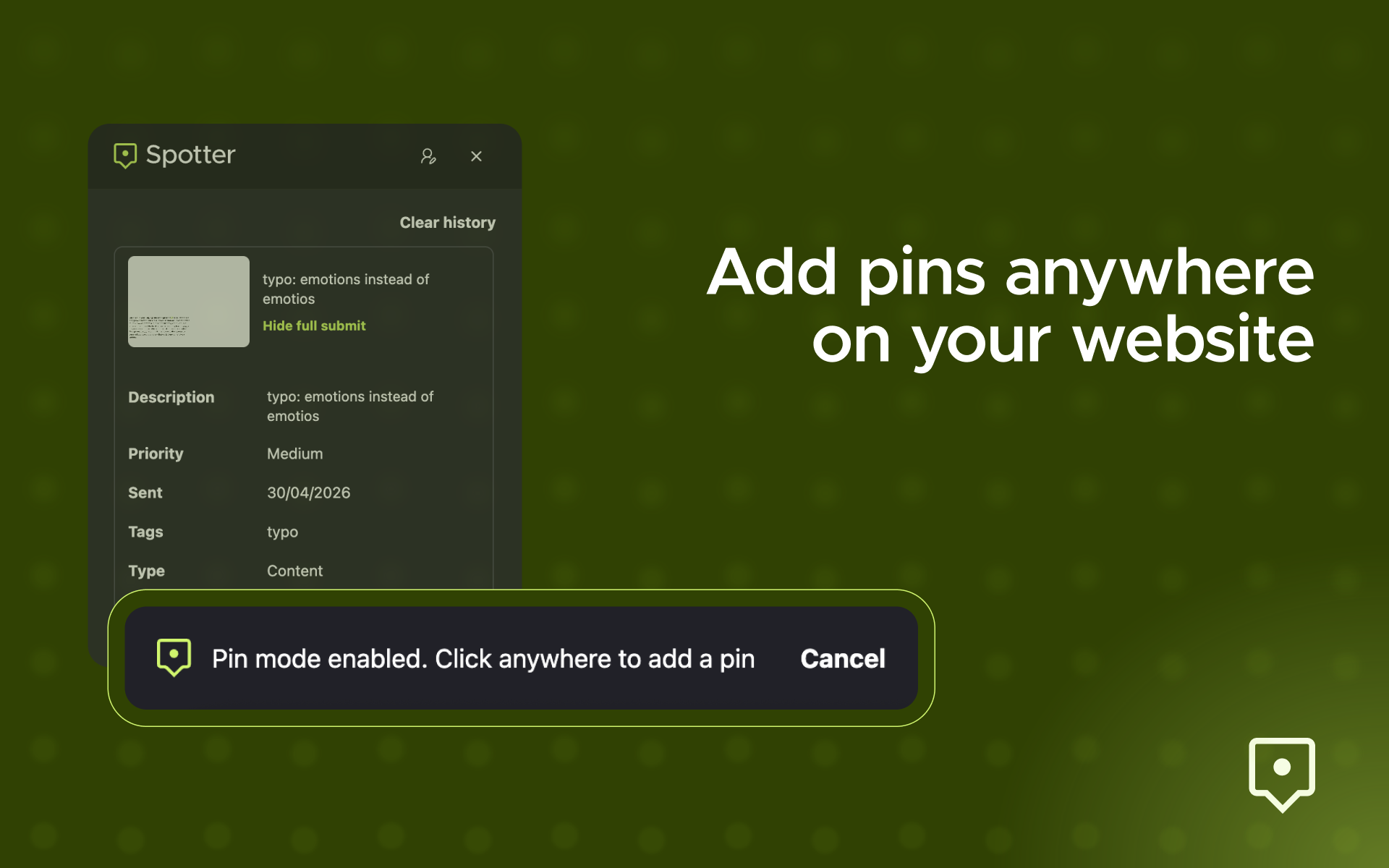
- Use pin mode to point and click on the page and attach feedback to a specific element and coordinate.
- Pick a feedback type and priority (low, medium, high, critical).
- Attach an optional screenshot.
- Record and attach an optional screen video.
- Recover an unsent draft automatically if the form is closed before submitting.
- Submit feedback together with technical metadata (browser, OS, screen size, user agent, page URL, and viewport).
Plugin admin features
- Configure the Spotter project key from Settings > Spotter Widget.
- Enable or disable script loading without removing saved settings.
- Customize the widget button label.
- Choose the widget button position: bottom right, bottom left, top right, or top left.
- Load the script in the footer, which is recommended for most sites.
- Optionally load the widget on wp-admin pages, excluding the Spotter Widget settings screen.
- Restrict frontend loading to logged-in users.
- Include or exclude pages with one URL path rule per line.
Configuration
After activation, open Settings > Spotter Widget and enter your Spotter project key. The widget will not load until the plugin is enabled and a project key is saved.
The settings page includes:
- Project key: the Spotter project key used to initialize the widget.
- Enable widget: controls whether the script is injected on matching pages.
- Button label: changes the visible feedback button text.
- Button position: controls where the feedback button appears.
- Load in footer: enqueues the Spotter script in the page footer.
- Load on wp-admin pages: also loads the widget in admin screens, except the plugin settings page.
- Only for logged-in users: limits frontend loading to authenticated users.
- Include paths: limits loading to the listed paths.
- Exclude paths: prevents loading on the listed paths.
Path matching
Include and exclude rules are entered one per line. Rules match an exact path or a path prefix segment.
For example, /shop matches /shop and /shop/cart, but it does not match /workshop.
If include rules are configured, the widget loads only on matching frontend paths. Exclude rules are checked after include rules and prevent script injection on matching paths.
External service disclosure
This plugin relies on Spotter as an external service. When enabled on a matching page, the plugin loads the Spotter widget from Spotter’s hosted service at cdn.tryspotter.io.
The widget is initialized with:
- The project key saved in this plugin’s settings.
- The configured button label and position.
Feedback submitted through the widget is handled by Spotter’s hosted service, not by this WordPress plugin. You should review Spotter’s service terms and privacy policy before enabling the widget on a production site.
Service website: https://tryspotter.io/
Terms of Service: https://tryspotter.io/terms-of-service
Privacy Policy: https://tryspotter.io/privacy-policy
Installation
- Upload the
spotter-widgetfolder to the/wp-content/plugins/directory, or install the plugin zip through the WordPress admin Plugins screen. - Activate the plugin through the Plugins screen in WordPress.
- Go to Settings > Spotter Widget.
- Enter your Spotter project key.
- Configure where the widget should load and save changes.
Frequently asked questions
Does the widget load on every page?
By default, it loads on frontend pages when the plugin is enabled and a project key is saved. You can use include and exclude path rules to control where it appears.
Can I load the widget only for logged-in users?
Yes. Enable the “Only for logged-in users” setting.
Can I load the widget in wp-admin?
Yes. Enable the “Load on wp-admin pages” setting. The widget is not loaded on the Spotter Widget settings page itself.
What happens if I do not enter a project key?
The plugin does not load the Spotter script.
What can visitors submit through the widget?
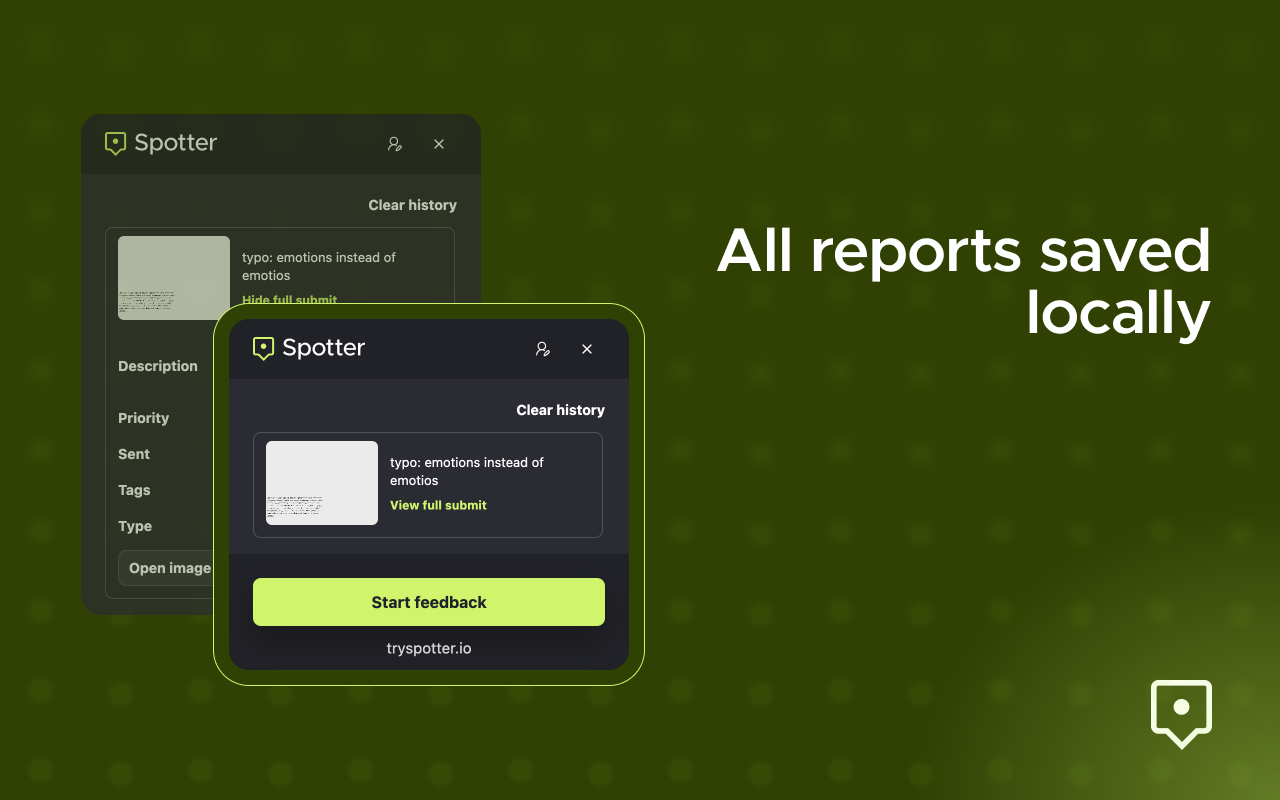
A title, a description, a feedback type, a priority, an optional screenshot, and an optional screen recording. Submissions also include the page URL, the clicked element selector and coordinates (when pin mode is used), the viewport size, and basic technical metadata such as browser, OS, screen size, and user agent.
Will the widget conflict with my theme styles?
The widget renders inside a Shadow DOM, so its styles are isolated from the host page.
Screenshots



For developers
Is this your plugin? Show off the numbers.
Add a live badge to your site, docs or GitHub README. It updates on its own — no account needed.
Best Spotter Widget alternatives
All customer feedback plugins →





FAQ
Spotter Widget: quick answers
Straight answers, pulled from live WordPress.org data.
Live data from WordPress.org · checked Sep 29, 2026
Is Spotter Widget free?
Yes. Spotter Widget is free to download and use from the official WordPress.org plugin directory.
Is Spotter Widget safe to use in 2026?
Spotter Widget works, but test it on a staging site before relying on it in 2026. Was last updated 3 months ago, and scores 48/100 on our health check.
How many websites use Spotter Widget?
Spotter Widget is active on <10 WordPress websites and has been downloaded 171 times since it launched in July 2026. It was downloaded 44 times in the last 30 days.
Does Spotter Widget work with WordPress 7.1?
Spotter Widget is officially tested up to WordPress 6.9.9, while the latest release is 7.1.2. It may still work, but try it on a staging site first.
What PHP version does Spotter Widget need?
Spotter Widget requires PHP 7.1 or higher. Most hosts run PHP 8.x today, so it works on any modern WordPress hosting.
When was Spotter Widget last updated?
The latest version, 0.1.0, was released on July 13, 2026 (3 months ago).
Who makes Spotter Widget?
Spotter Widget is developed and maintained by Buzzvel.
What are the best alternatives to Spotter Widget?
The most popular alternatives to Spotter Widget are Star Rating Field For Conta… (800+ installs), Mopinion Feedback Form (100+ installs) and Simple Feature Requests Free (100+ installs).
Powered by PageForge
Want thousands of pages that rank like these? Build them in an afternoon.
This directory runs on the same engine as PageForge. Turn any spreadsheet, CSV or API into thousands of fast, SEO-ready WordPress pages — with schema, internal links and AI-written copy baked in.
- CSV, Google Sheets & API data sources
- AI content, schema & internal links per page
- Works with Elementor, Gutenberg, Yoast & Rank Math
- Free on WordPress.org — no credit card


