



Spiffy Calendar
Manage and display your events in a responsive calendar with multiple views, widgets and shortcodes. Color-coded categories and recurrence support.

Use with caution
Spiffy Calendar works, but test it on a staging site before relying on it in 2026. It runs on 2K+ sites, is rated 4.9/5 and was last updated 5 months ago, and scores 55/100 on our health check.
- Loved by users — 4.9/5 from 38 reviews
- Only tested up to WordPress 6.9 (latest is 7.1)
How does it stack up?
Side-by-side on installs, updates, ratings & support



Daily downloads
Download spikes usually follow a new release — each site that auto-updates counts as a download.
Rankings
Where Spiffy Calendar stands todayWordPress.org search rankings
Live position in the plugin search, top 100| Keyword | Position |
|---|---|
| block | >100 |
| calendar | #31 |
| Event | >100 |
| recurring | #62 |
| responsive | >100 |
Version adoption
Share of active sites per release.
Rating breakdown
★★★★★★★★★★ 4.9 from 38 reviews
About Spiffy Calendar
From the official readme · v5.0.11Description
Manage and display your events in a responsive calendar with multiple views, widgets and shortcodes. Color-coded categories and recurrence support. The premium Bonus Add-Ons supplements the plugin with additional themes, customizer support, ICS export, front end submit, CSV import/export and custom fields.
Click here for helpful CSS snippets.
Click here to learn about Bonus Add-Ons.
Features
Post/page displays:
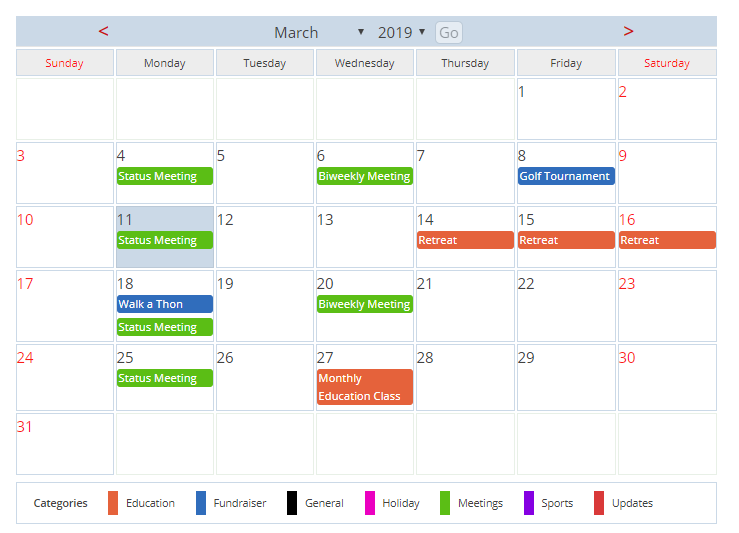
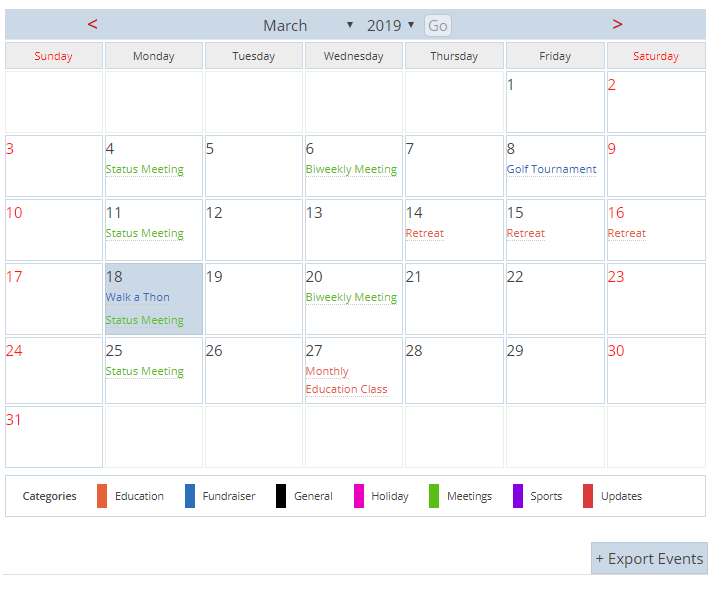
- Standard monthly calendar grid that toggles to a list view
- Category filter in the monthly calendar grid
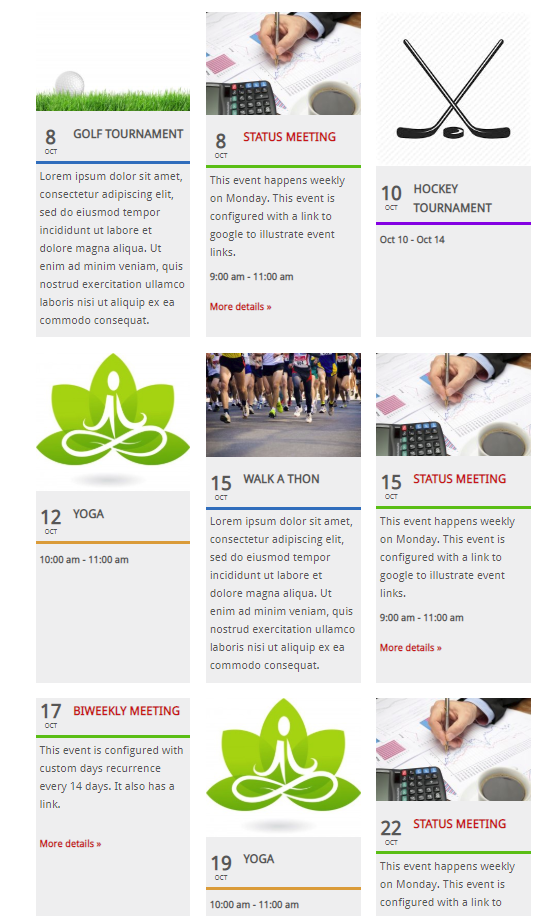
- Responsive 3-column event listing
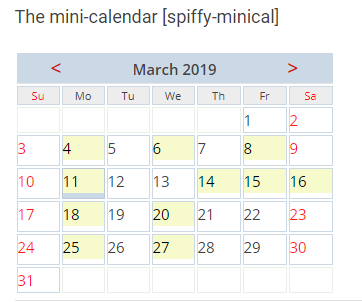
- Mini-calendar view for compact displays
- Weekly calendar grid
- Today’s events list
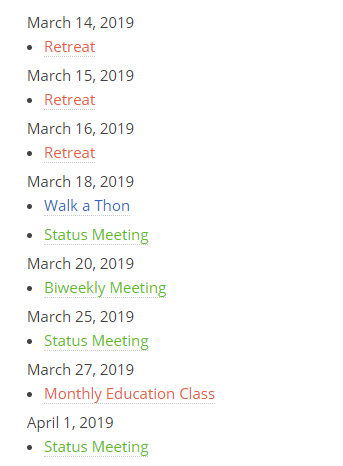
- Upcoming events list
Widgets:
- Featured event
- Today’s events list
- Upcoming events list
- Mini Calendar
Categories:
- Color-coded categories
- Option to display category color as background or foreground on the standard calendar grid
- Displays may be filtered by category list
- Optional sort categories alphabetically
- Live category filter on the full calendar
Other features:
- Mouse-over details for each event
- Choice of popup, columns or expanded display of lists
- Events can display their author (optional)
- Add custom CSS styles or just use the defaults
- Display upcoming events in your MailPoet newsletters
- Display week number in the full calendar
- Filters to allow additional formatting
- Optional responsive display for the full size calendar
- Optional drop down boxes to quickly change month and year
- Front end quick links to edit/delete events for logged in admins
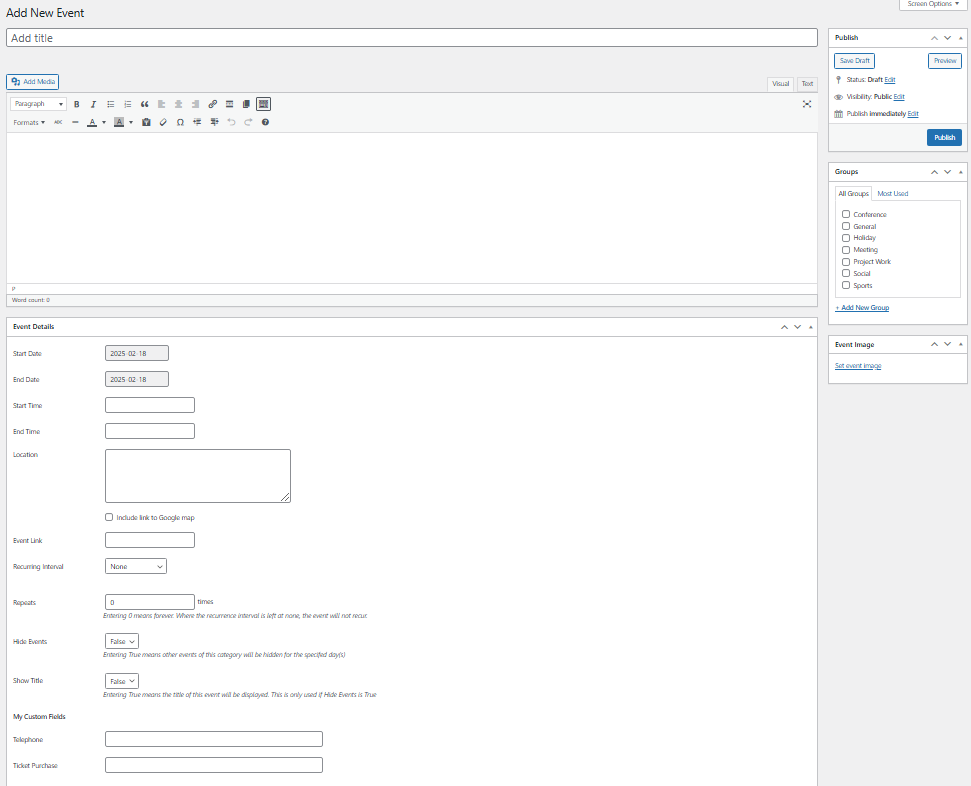
Enter and display for each event:
- title,
- description,
- location,
- link to Google map,
- event category,
- status,
- link,
- event start/end date
- event start/end time
- event recurrence details
- event hiding details
- event image
- custom fields (premium)
Schedule a wide variety of recurring events.
- Events can repeat on a daily (set numbers of days), weekly, monthly (by date), monthly (by day of week) or yearly basis
- Repeats can occur indefinitely or a limited number of times
- Events can span more than one day
Hide all events for specific days:
- Hide repeating event for a single day such as a holiday
- Hide full days of events that span more than one day
- Substitute new title to replace hidden events
- Select override based on category
Easy to use events manager in admin dashboard
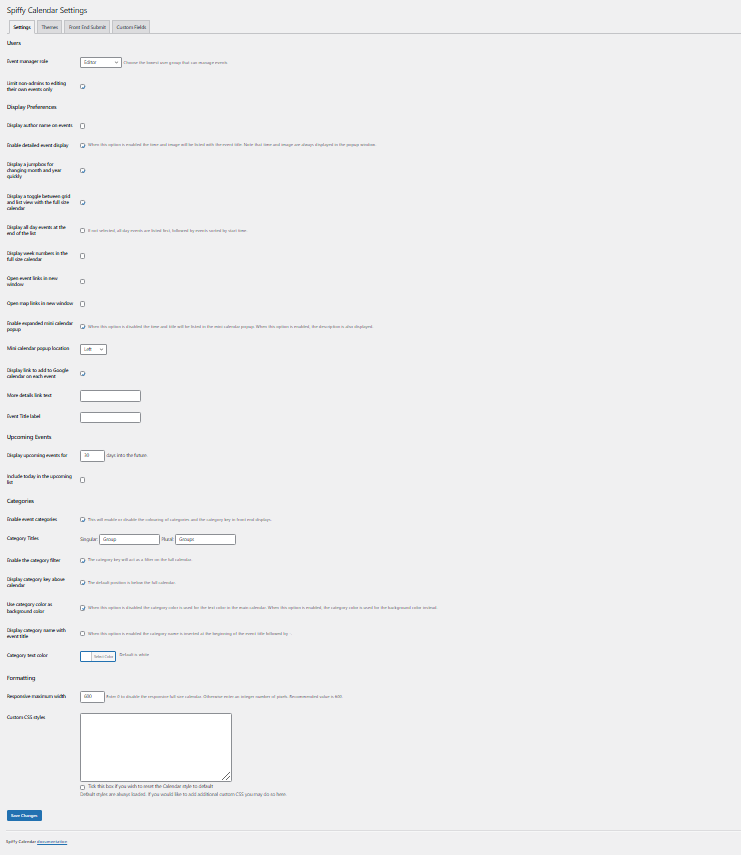
- Comprehensive settings panel for admin
- User groups other than admin can be permitted to manage events
- Authors can be restricted to editing their own events only
BONUS FEATURES AVAILABLE WITH DONATION
- Premium themes
- Live theme customizer
- ICS export
- Front End submit form with captcha
- Front End edit/delete events
- Import/Export events via CSV
- Custom fields
Installation
-
Install the plugin from the WordPress repository in the usual way.
-
Activate the plugin on your WordPress plugins page
-
Configure your settings and add some events from the new Events admin panel.
-
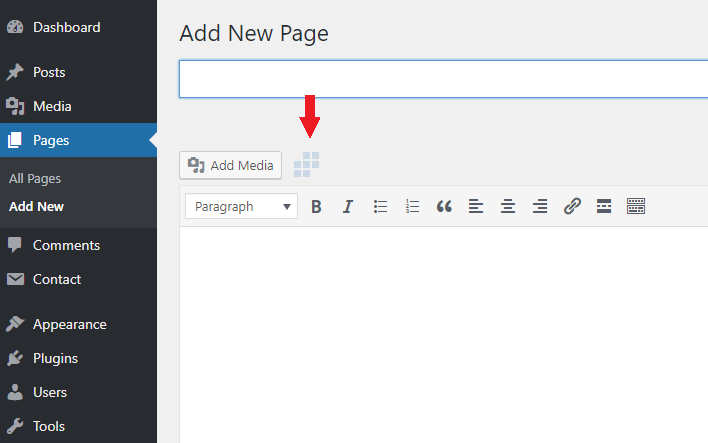
Edit or create a page on your blog which includes one of the shortcodes:
[spiffy-calendar] for the monthly calendar
[spiffy-minical] for the mini version of the monthly calendar
[spiffy-upcoming-list] for the upcoming events list
[spiffy-todays-list] for the list of today’s events
Add one of the spiffy widgets to your theme widget areas.
All of the shortcodes and widgets accept a comma separated list of category IDs, such as cat_list=’1,4′. The category list must be a numeric list of the category number, not the category name.
The list shortcodes and widgets also accept an optional limit and style selection (Popup, Columns or Expanded). Popup is the default classic style.
You can use the spiffy-upcoming-list expanded style shortcode in your MailPoet newsletter, with the following format (including arguments if needed):
[custom:spiffy-upcoming-list limit=4 …]
If you are upgrading from Version 2 you will need to re-add your widgets after upgrading to Version 3.
Frequently asked questions
How do I change the starting day of week on my calendar?
The WordPress sitewide setting is used. See “Settings > General > Week starts on”.
I updated/added/deleted an event and it is not reflected in my calendar. Why is this?
If you have a caching plugin, or if your theme has built-in caching, then you may need to clear your cache for the areas where the calendar is displayed.
Changelog
Initial release
Before updating from version 4 to version 5 it is strongly recommended to remove old events
Version 5 is a MAJOR UPDATE: events are now stored as custom post types. When upgrading from an existing installation, old events will be automatically converted to the new format.
5.0.11 (April 17, 2026)
5.0.10 (April 17, 2026)
- Fix: previous revision messed up front end submit titles
5.0.9 (April 1, 2025)
- Fix: add filter to prevent code insertion in title field for events.
5.0.8 (December 11, 2025)
- Fix: add event id to nonce for event copy
5.0.7 (October 22, 2025)
- Fix: support links in event descriptions
5.0.6 (May 17, 2025)
- Fix: mini calendar display for events with a start time but no end time
- Tweak: CSV import/export display when bonus add-ons not present
Screenshots
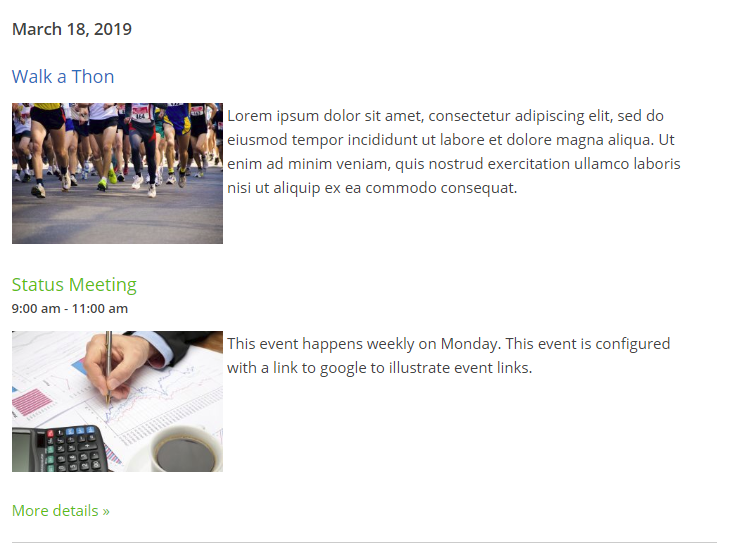
For developers
Is this your plugin? Show off the numbers.
Add a live badge to your site, docs or GitHub README. It updates on its own — no account needed.
Best Spiffy Calendar alternatives
All block plugins →





FAQ
Spiffy Calendar: quick answers
Straight answers, pulled from live WordPress.org data.
Live data from WordPress.org · checked Sep 26, 2026
Is Spiffy Calendar free?
Yes. Spiffy Calendar is free to download and use from the official WordPress.org plugin directory.
Is Spiffy Calendar safe to use in 2026?
Spiffy Calendar works, but test it on a staging site before relying on it in 2026. It runs on 2K+ sites, is rated 4.9/5 and was last updated 5 months ago, and scores 55/100 on our health check.
How many websites use Spiffy Calendar?
Spiffy Calendar is active on 2K+ WordPress websites and has been downloaded 208,694 times since it launched in November 2012. It was downloaded 550 times in the last 30 days.
Does Spiffy Calendar work with WordPress 7.1?
Spiffy Calendar is officially tested up to WordPress 6.9.9, while the latest release is 7.1.2. It may still work, but try it on a staging site first.
When was Spiffy Calendar last updated?
The latest version, 5.0.11, was released on April 17, 2026 (5 months ago).
Who makes Spiffy Calendar?
Spiffy Calendar is developed and maintained by Spiffy Plugins.
What are the best alternatives to Spiffy Calendar?
The most popular alternatives to Spiffy Calendar are Spectra Legacy (1M+ installs), Breadcrumb NavXT (800K+ installs) and PDF Embedder (300K+ installs).
Powered by PageForge
Want thousands of pages that rank like these? Build them in an afternoon.
This directory runs on the same engine as PageForge. Turn any spreadsheet, CSV or API into thousands of fast, SEO-ready WordPress pages — with schema, internal links and AI-written copy baked in.
- CSV, Google Sheets & API data sources
- AI content, schema & internal links per page
- Works with Elementor, Gutenberg, Yoast & Rank Math
- Free on WordPress.org — no credit card


