


Smart Forms – when you need more than just a contact form
Create calculators, quotes, registrations, order forms easily with the most advanced form builder.

Solid choice
Smart Forms is a solid plugin choice in 2026, with a few things worth checking first. It runs on 5K+ sites, is rated 4.6/5 and was last updated 5 months ago, and scores 65/100 on our health check.
- Loved by users — 4.6/5 from 220 reviews
- Only tested up to WordPress 6.9 (latest is 7.1)
How does it stack up?
Side-by-side on installs, updates, ratings & support



Daily downloads
Download spikes usually follow a new release — each site that auto-updates counts as a download.
Rankings
Where Smart Forms stands todayWordPress.org search rankings
Live position in the plugin search, top 100| Keyword | Position |
|---|---|
| contact form | >100 |
| custom form | >100 |
| form | >100 |
| form builder | >100 |
| forms | #61 |
Version adoption
Share of active sites per release.
Rating breakdown
★★★★★★★★★★ 4.6 from 220 reviews
About Smart Forms
From the official readme · v2.6.104Description
Smart Forms
Want to see a demo? Click here
Want to create a form with calculations? This is the best plugin for you And Here Is Why
So you want to create a beautiful form, the problem is, you are not a developer and of course you have no time to learn any of that?, well, if that is you (or your client) this is the plugin for you.
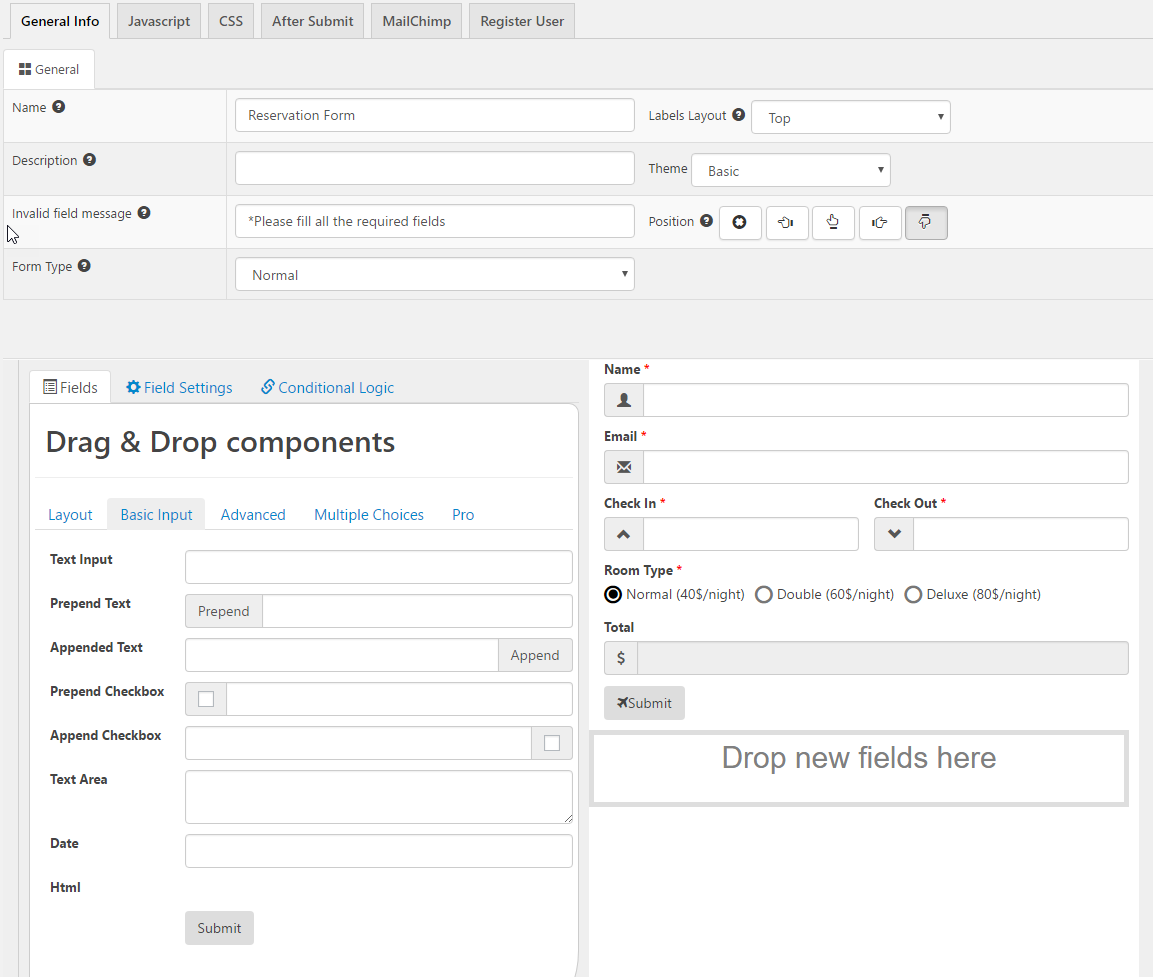
This plugin is focused in making really easy the process of creating your forms, with it you can add formulas to calculate totals (it doesn’t matter if your totals require complex calculations) or show the fields that you need just when you need them.
Emailing is easy, you can even send different types of emails to different persons at the same time, again no coding needed at all since everything is configured in a friendly screen.
You do know programing or web development? That’s fine!, even though it is not needed, because there is a friendly interface for everything, you can still use those skills to add custom css or javascript code into your form and tweak it as you want it.
If you want to learn more keep reading, there is a list of features bellow, or even better check out the video tutorials here: http://smartforms.rednao.com/tutorials. I hope you like it =).
Features:
- Responsive Forms– The forms adjust automatically to available space, making them look great in a pc or any device.
- Shortcode Forms– The forms can be easily added to any post or page using a shortcode or block.
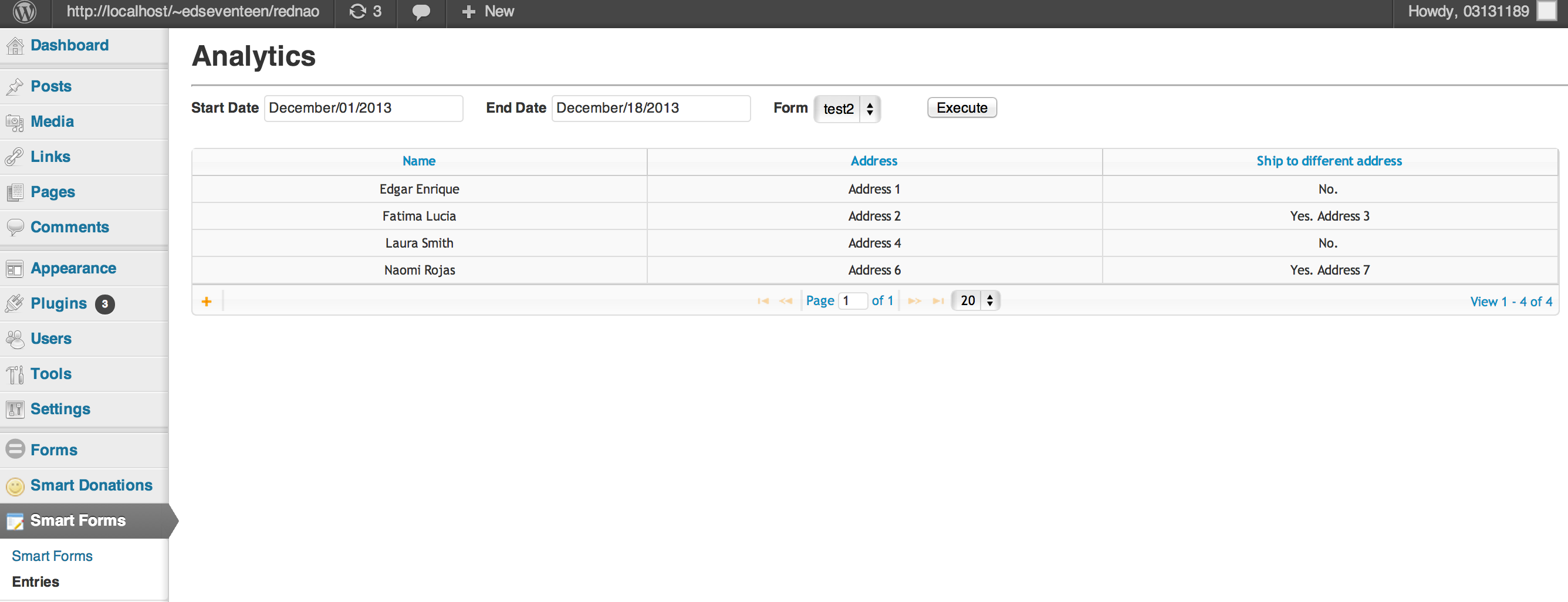
- Forms Entry Screen– Easily view responses you can also edit them.
- Export to pdf or csv– Export the submitted information as pdf or csv.
- Customizable forms emails– After a form is submitted, send notification email with any information, and in any format that you need.
- Conditional emails– Configure a type of email to be send only when a condition is met
- Calculated forms fields– Formulas fill fields automatically (up to three fields per formula in the free version)
- Custom forms fields– The plugin currently supports these custom forms elements: name, phone, email, address, number, captcha (free version support up to 8 fields per form).
- File Uploader (pro)– Allows you to upload files in a form; you can configure the form to accept only one file or multiple files.
- Conditional Logic– Show and hide fields depending on values in other fields; allows you to have an all-in-one form all in one place, instead of in multiple pages; prevents forms from overwhelming users.
- Tons of icons to decorate your form– Create awesome forms with more than 200 icons; more coming soon.
- Style editor– Change the aspect of your form with the build-in style editor, or if you are a designer create your own css rules easily.
- JavaScript editor_ Create your own JavaScript code and customize your form exactly as you want it.
- Forms Compatible with Smart donations– – You can create paypal forms with this plugin, and also enjoy all the power of smart donations (https://wordpress.org/plugins/smart-donations/, a smart donation license is required).
- Multiple Step Forms(pro)– Split your forms in section, making them easier to understand and submit.
Smart forms quick tutorials
Special thanks to
Designmodo – https://www.iconfinder.com/icons/115789/trash_icon#size=16
Installing Smart Forms
1. Upload smart forms to the /wp-content/plugins/ directory
2. Activate the item named ‘smart forms’ in the ‘Plugins’ menu in WordPress
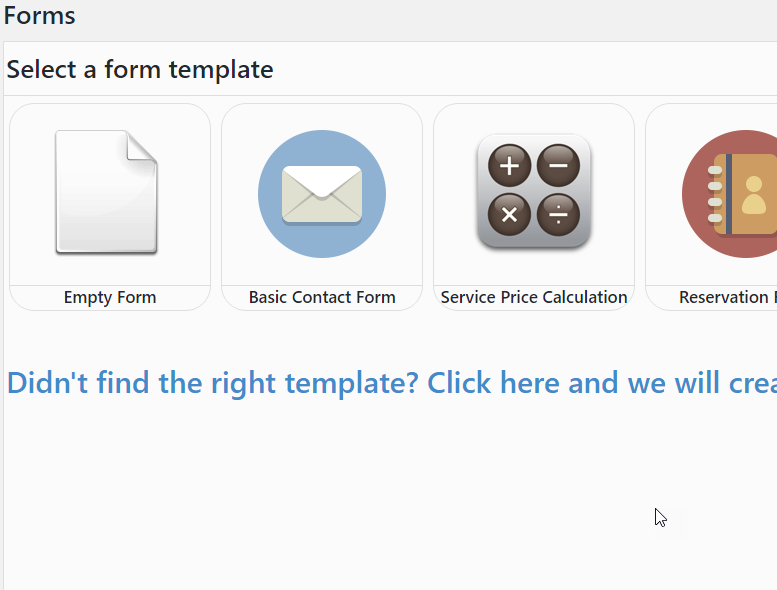
3. Go to Smart Forms /Add new and create a new form
4. To add the form to a widget go to widgets and drag the smart form widget
5. To add the form to a post type [sform]formid[/sform] (example:[sform]1[/sform]), you can find the formid of your form on the form list
Creating a new Forms
1. Follow “Installing Smart Forms”
2. Click in smart forms
3. Click in add new
4. Drag the forms elements that you want to display
3. (Optional) If you want to do an additional action after a form is submitted. Go to the forms after submit tab, you can:
a)Send a notification email with the form information
b)Show an alert with the text that you want. This alert is shown after the form was successfully saved.
c)Redireect the user that submitted the form to another page.
4. Save the form.
5. After the form is saved you might want to add the form to a post (Follow “Add form to a post”) or add the form to a widget (Follow “Add form to a widget”)
6. For a video tutorial please visit the smart forms tutorial screen
Add the form to a post
1. Follow “Installing Smart Forms”
2. Follow “Creating a new Form” to have your new form.
3. Go to a page or post
4. Click in the smart forms button
5. A pop up will show with the list of forms that you have created in Smart Forms. Select the form that you want.
6. Save the post.
7. When you visit the post the form will show up
8. For a video tutorial please visit the smart forms tutorial screen
Add the form as a widget
1. Follow “Installing Smart Forms”
2. Follow “Creating a new Form” to have your new form.
3. Go to the widget configuration
4. You will see an Smart Forms widget, drag it to wherever you want to display the form
5. The widget will contain the list of all the forms that you have created with Smart Forms.
6. Select the form that you want
7. The widget will display the form
8. For a video tutorial please visit the smart forms tutorial screen
Configuring forms notification email
1. Follow “Installing Smart Forms”
2. Click in smart forms
3. Click in add new
4. Drag the forms elements that you want
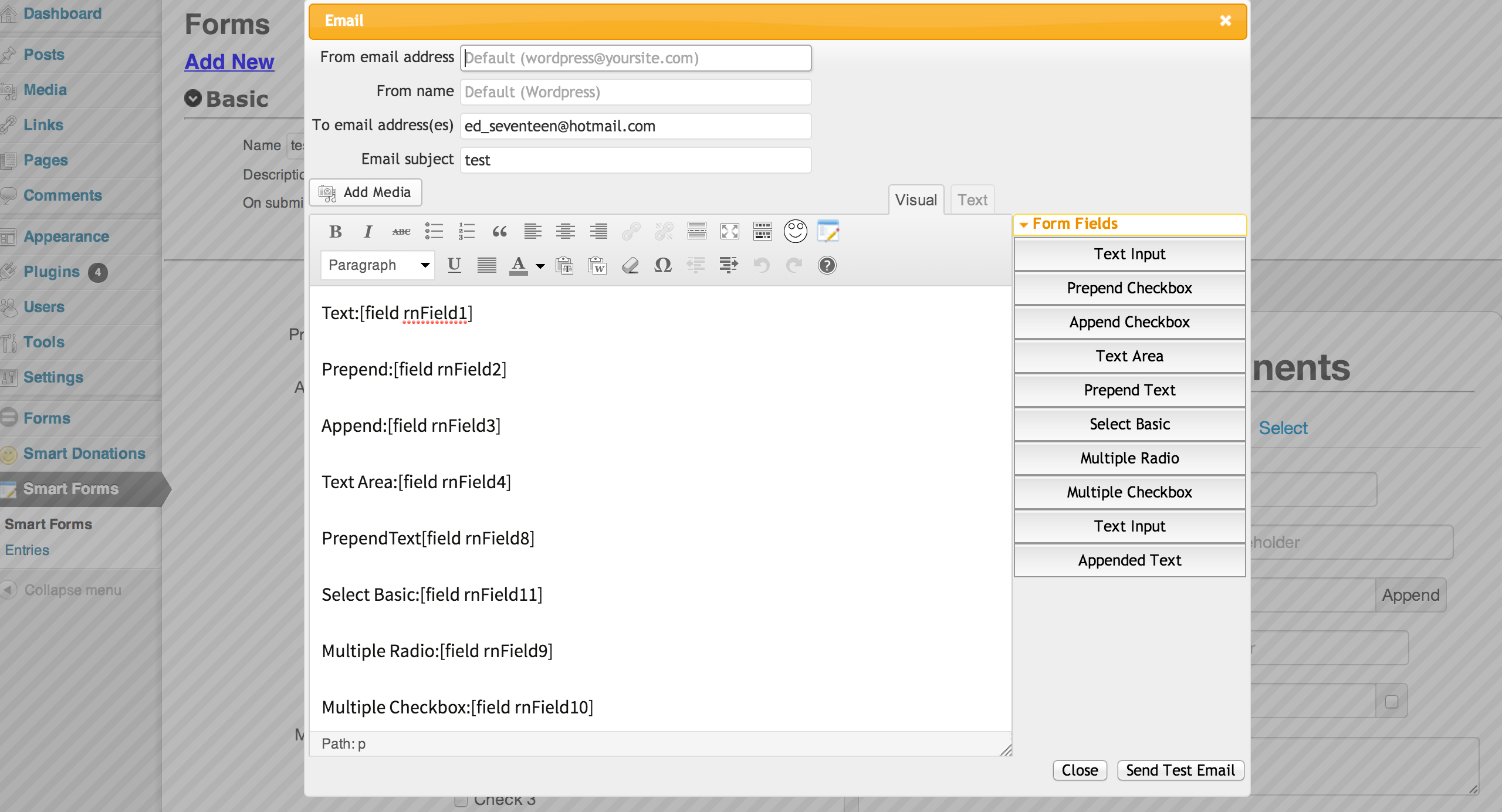
5. Go to edit email (in the forms after submit tab)
6. Configure the email as you want it. You can click in the field buttons to add form values
7. Put the emails that you want to be notified of a form submission in the “Send email to” box, you can also define a form field.
8. Save the form
9. For a video tutorial please visit the smart forms tutorial screen
Installation
- Upload smart forms to the
/wp-content/plugins/directory - Activate the item named ‘smart forms’ in the ‘Plugins’ menu in WordPress
- Go to Smart Forms /Add new and create a new form
- To add the forms to a widget go to widgets and drag the smart forms widget
- To add the forms to a post type [sform]formid[/sform] (example:[sform]1[/sform]), you can find the formid of your form on the form list
Frequently asked questions
How can i receive an email with the information of the form?
You can configure this in the form builder. Go to the email configuration screen (in the forms after submit tab->edit email) and add the email that you want to receive the form information in the field “Send email to”. For a video demostration pelase check the smart forms tutorials, specially this video: http://www.youtube.com/watch?v=kpRWqrYYPVY
I get an error message when i try to “Send a test email”
Your server should be able to send emails in order for this to work. Please check the configuration
How can i send an email to the person that submitted the forms?
Please check the smart forms tutorial: https://sfmanual.rednao.com/documentation/emailing/sending-an-email-to-the-person-who-filled-the-form
How can i make my forms to support japanese characters
This generally happens when your database doesn’t support UTF-8 characters, so the form elements can not be stores properly. Please change your database to support UTF-8 characters and then try to submit a form to see if that worked.
How can i style the elements of the forms
Select the form element that you want to style Click in the paint icon (to the right of the form element) Style it and save the form
Changelog
I fixed an issue with formulas in ie8, please after updating recreate your formulas (entering and exiting the formula screen) if you have any.
2.6.99
- Fixed issue with survey field
2.6.89
- Fixed issue with style tab
2.6.88
- Fixed issue with entries editor
2.6.87
- Fixed issue with newsletter message
2.6.85
- Fixed issue with save form settings
2.6.84
- Changed the support site
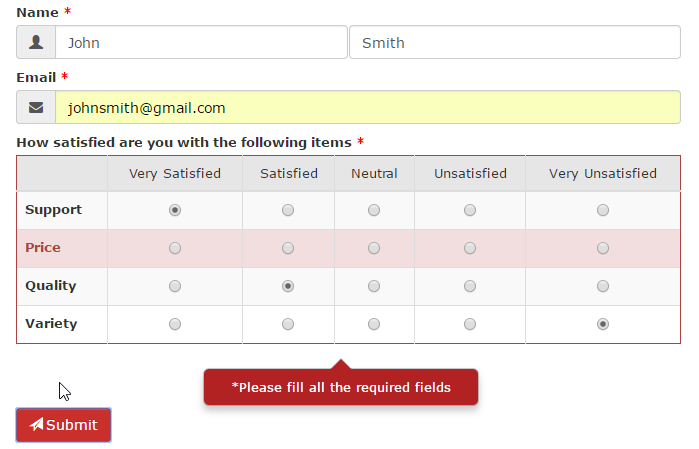
Screenshots
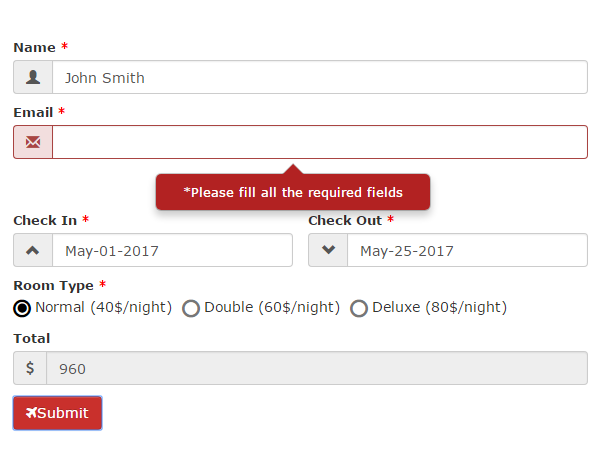
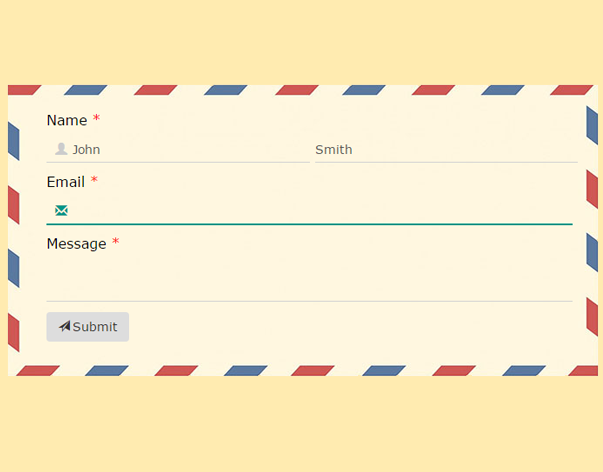
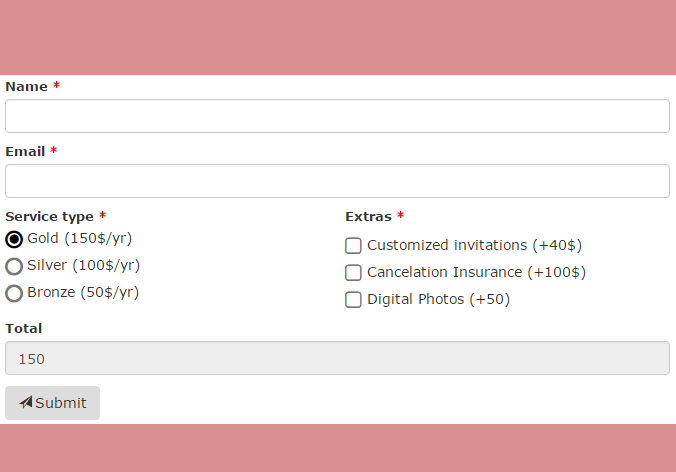
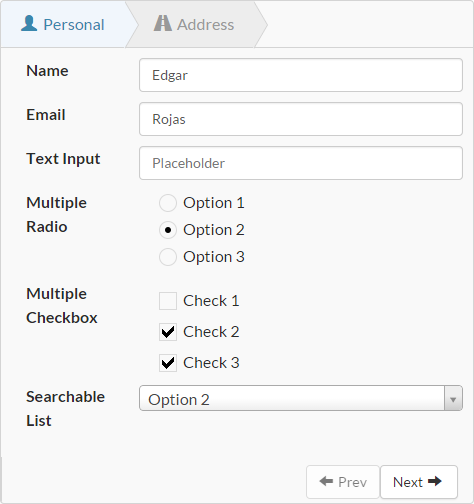
For developers
Is this your plugin? Show off the numbers.
Add a live badge to your site, docs or GitHub README. It updates on its own — no account needed.
Best Smart Forms alternatives
All contact form plugins →





FAQ
Smart Forms: quick answers
Straight answers, pulled from live WordPress.org data.
Live data from WordPress.org · checked Sep 28, 2026
Is Smart Forms free?
Yes. Smart Forms is free to download and use from the official WordPress.org plugin directory.
Is Smart Forms safe to use in 2026?
Smart Forms is a solid plugin choice in 2026, with a few things worth checking first. It runs on 5K+ sites, is rated 4.6/5 and was last updated 5 months ago, and scores 65/100 on our health check.
How many websites use Smart Forms?
Smart Forms is active on 5K+ WordPress websites and has been downloaded 705,302 times since it launched in December 2013. It was downloaded 908 times in the last 30 days.
Does Smart Forms work with WordPress 7.1?
Smart Forms is officially tested up to WordPress 6.9.9, while the latest release is 7.1.2. It may still work, but try it on a staging site first.
When was Smart Forms last updated?
The latest version, 2.6.104, was released on May 15, 2026 (5 months ago).
Who makes Smart Forms?
Smart Forms is developed and maintained by EDGARROJAS.
What are the best alternatives to Smart Forms?
The most popular alternatives to Smart Forms are Contact Form 7 (10M+ installs), Akismet Anti-spam: Spam Pro… (5M+ installs) and WPForms (5M+ installs).
Powered by PageForge
Want thousands of pages that rank like these? Build them in an afternoon.
This directory runs on the same engine as PageForge. Turn any spreadsheet, CSV or API into thousands of fast, SEO-ready WordPress pages — with schema, internal links and AI-written copy baked in.
- CSV, Google Sheets & API data sources
- AI content, schema & internal links per page
- Works with Elementor, Gutenberg, Yoast & Rank Math
- Free on WordPress.org — no credit card


