



SimplyBook.me – Booking and reservations calendar
Simply add a booking calendar to your site to schedule bookings, reservations, appointments and to collect payments.

Solid choice
SimplyBook.me is a solid plugin choice in 2026, with a few things worth checking first. It runs on 30K+ sites, is rated 1/5 and was last updated 2 weeks ago, and scores 70/100 on our health check.
- Proven at scale on 30K+ active sites
- Actively developed — last update 2 weeks ago
- Tested with the latest WordPress (7.1)
- Responsive support — 80% of recent threads resolved
- Very few reviews so far
How does it stack up?
Side-by-side on installs, updates, ratings & support



Daily downloads
Download spikes usually follow a new release — each site that auto-updates counts as a download.
Rankings
Where SimplyBook.me stands todayWordPress.org search rankings
Live position in the plugin search, top 100| Keyword | Position |
|---|---|
| appointments | #33 |
| booking | #31 |
| calendar | >100 |
| reservations | #3 |
| scheduling | >100 |
Version adoption
Share of active sites per release.
Rating breakdown
★★★★★★★★★★ 1 from 1 reviews
About SimplyBook.me
From the official readme · v3.5.0Description
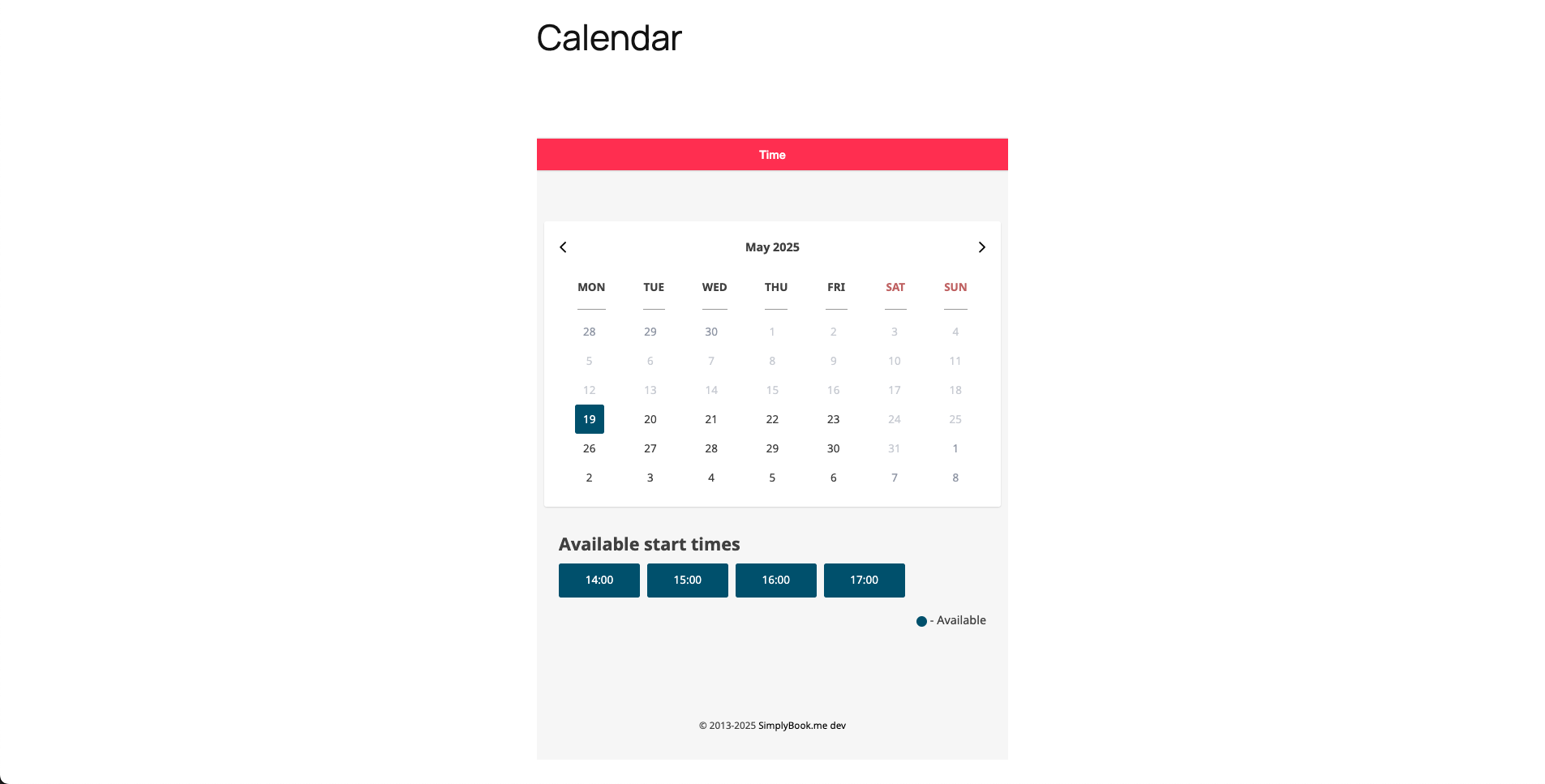
SimplyBook.me is the easiest way to start collecting bookings on your WordPress website. The plugin will allow you to register your free account and immediately publish your booking calendar on the front-end of your site. With a few clicks, you can easily add your services and service providers, and design the most beautiful booking widget. You will be collecting appointments and reservations in no-time!
- Easy appointment scheduling
- Simple plugin onboarding and configuration
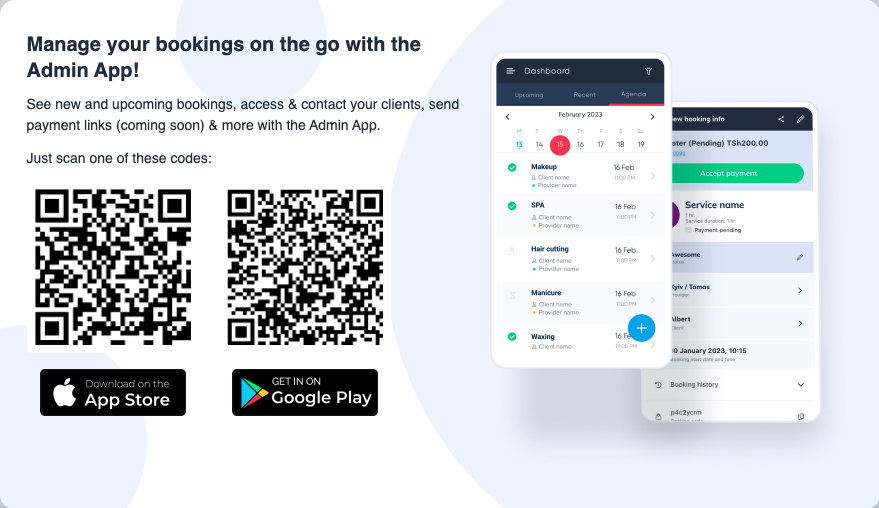
- Manage your calendar and bookings using the powerful mobile app (iOS and Android)
- Accept touchless payments via the app on your onsite checkout
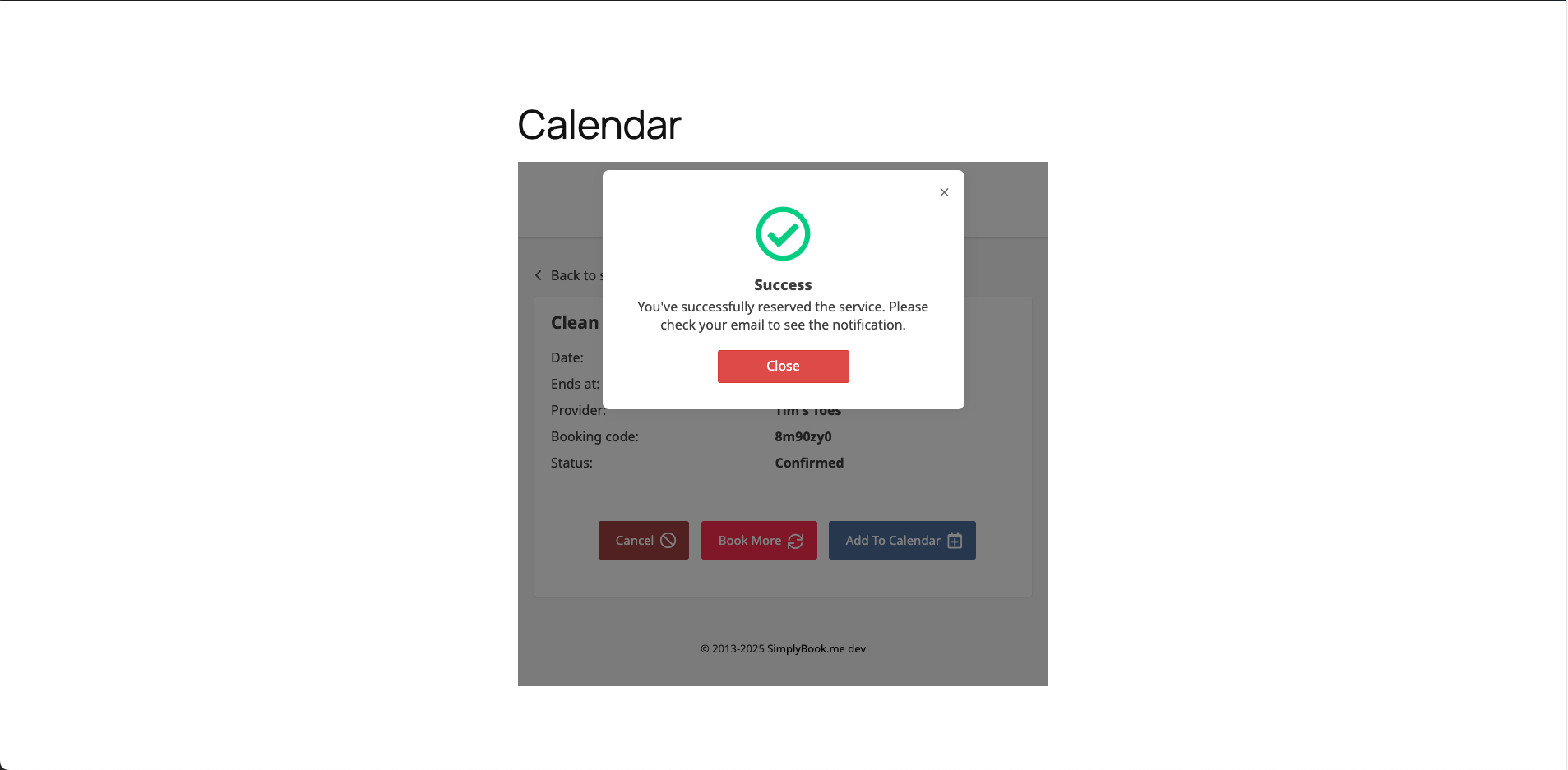
- High email deliverability for reservation confirmations and appointment reminders.
- Create multiple services, providers, categories and locations
- Send email and SMS notifications to your customers for their bookings
- Add “Book now” buttons on your Instagram, Facebook and Google Business Profile
- Sell Memberships, packages & gift cards
- Manage bookings for Classes & Events
- Increase sales by offering products and service add-ons in the booking process
- Marketing campaigns by emails and push notifications
- Waiting Lists and “Make me look busy” features
- Offer Coupons and a Loyalty System to enhance brand loyalty
- Insights and statistics about your bookings, reservations, cancellations, workload and revenues
- Adjust time zone settings if you have clients in different time zones
- Create individual schedules for staff
- Create multiple users related to providers
- Accepting payments and/or deposits to confirm the bookings in the booking process
- Easily implement your booking widget with a block in the Block Editor, an Elementor widget or a shortcode
SimplyBook.me can be used for free up to 50 appointments per month. In addition, you can use one of the Special features for free! After creating an account, you will automatically be signed up for a Free 14-day trial, which allows you to test the Special Features without any restrictions, including advanced scheduling tools. When the trial ends, you can select the Free plan on the Plans & Prices page and keep using SimplyBook.me for free.
Why SimplyBook.me?
SimplyBook.me is the online booking system behind the plugin. Your clients book your services on your site at any time. You manage the bookings in the plugin dashboard, the SimplyBook.me admin panel or the mobile app.
- Fewer no-shows. SimplyBook.me sends automatic email and SMS reminders for every booking.
- No double bookings. Services, providers and schedules live in one calendar. Clients only see free time slots.
- Insight into your business. See statistics on bookings, cancellations, workload and revenue.
- More revenue per booking. Offer service add-ons, products, memberships, packages and gift cards during booking.
- Fill quiet days. Send email campaigns and offer coupons or loyalty points to your clients.
- Manage on the go. Accept, move or cancel bookings in the mobile app for iOS and Android.
Thousands of businesses all over the world use SimplyBook.me. Read more at SimplyBook.me.
This is the official SimplyBook.me plugin. SimplyBook.me and Really Simple Plugins develop it together. SimplyBook.me is ISO 27001 certified. The plugin stores your settings, bookings and client data on SimplyBook.me through its API. Read the External services section below for each service the plugin connects to, the data it sends, and the privacy policy and terms of each service.
What the plugin does for you
The plugin brings SimplyBook.me into your WordPress dashboard. You do not need to leave WordPress to get started.
- Start in minutes. Register a free SimplyBook.me account from the plugin onboarding, or log in with an existing account. Custom domains and 2FA are supported.
- Place the widget anywhere. Add the booking calendar with the SimplyBook.me block in the Block Editor, with the SimplyBook.me widget in Elementor, or with a shortcode in any page, post or template.
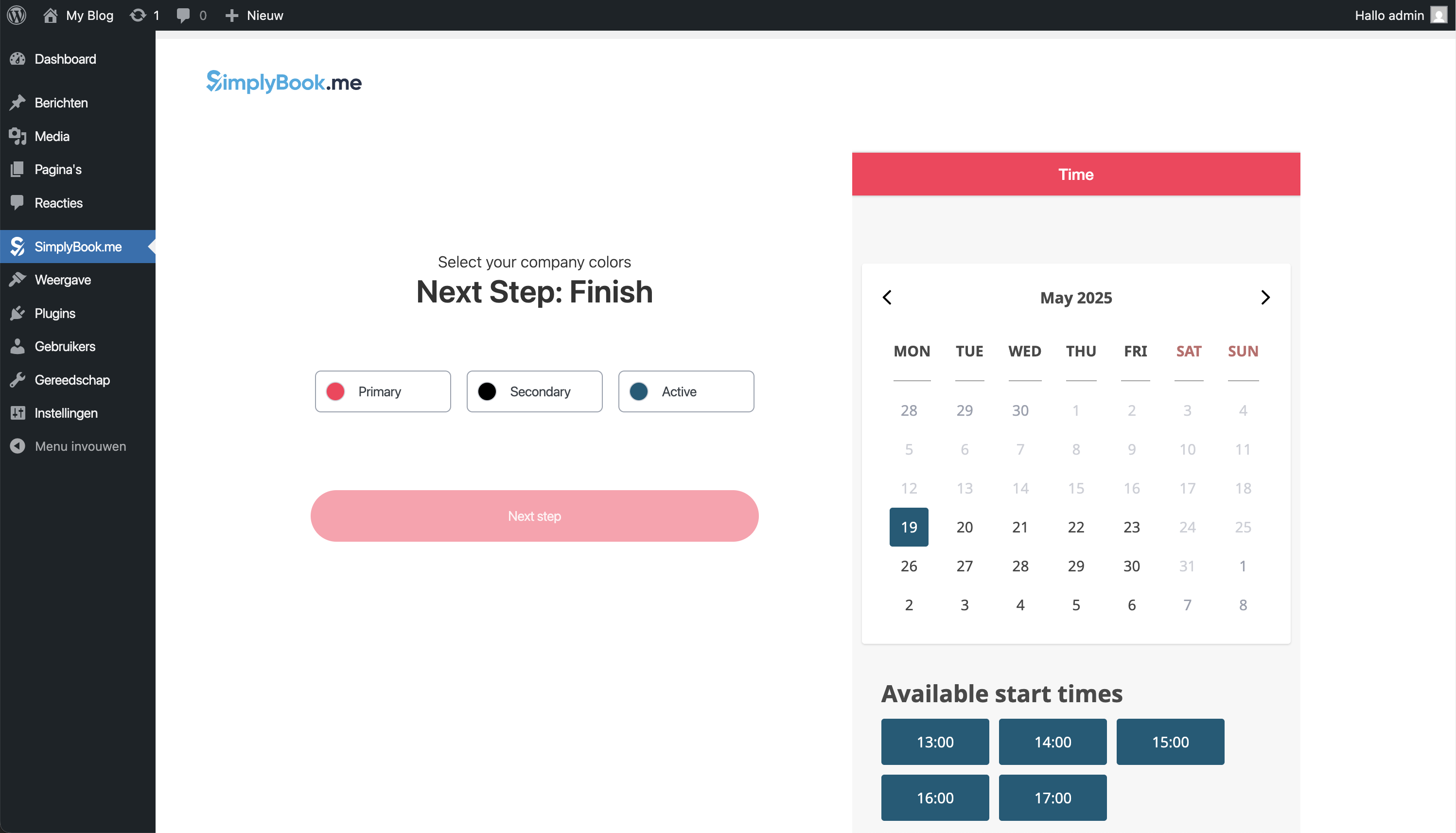
- Match your theme. The plugin reads your theme colors and uses them as the default widget style. Adjust colors and layout in the settings.
- Manage services in WordPress. Create and edit services, service providers and their details from the plugin.
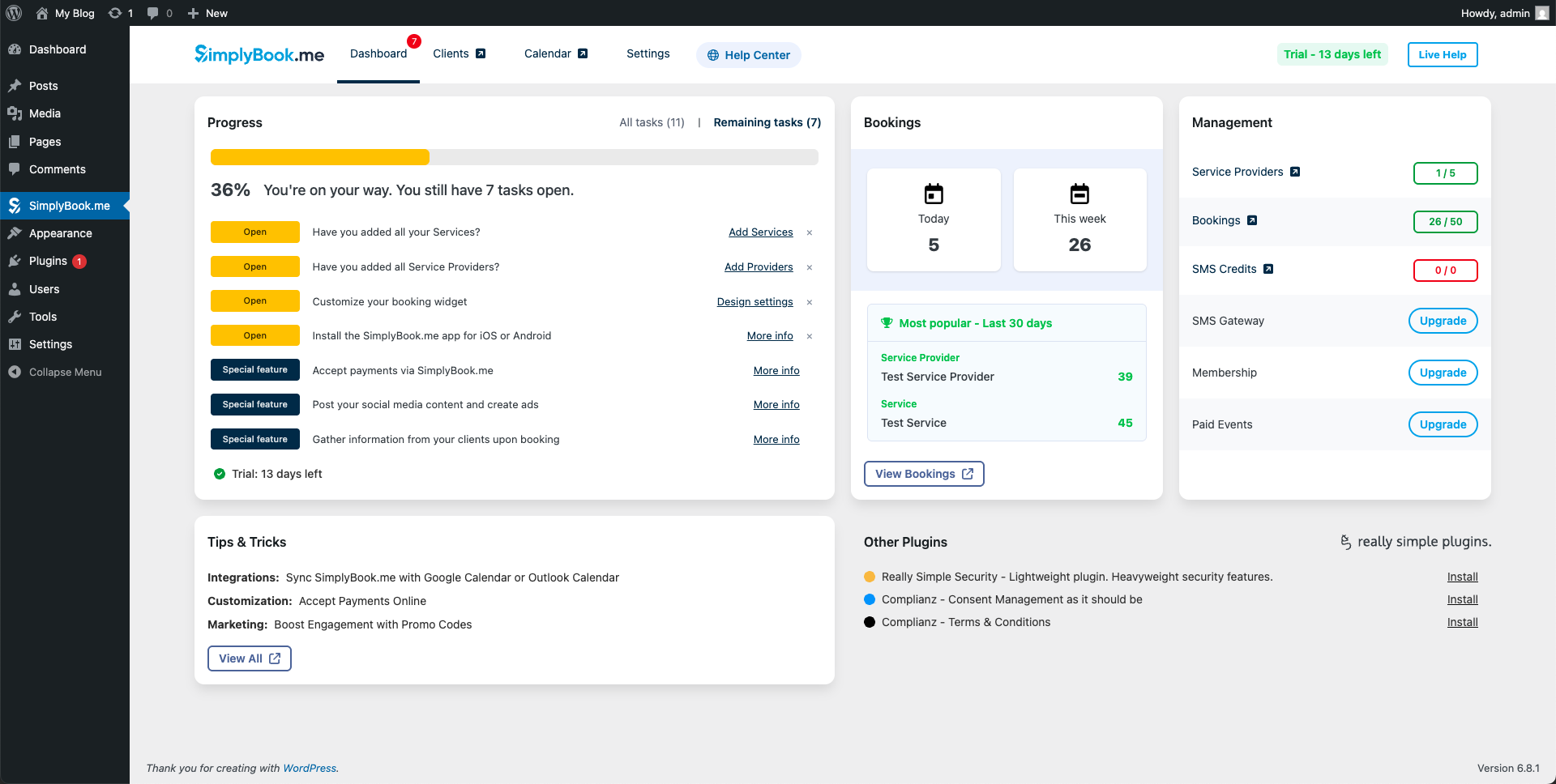
- Keep track. The plugin dashboard shows your recent bookings and open setup tasks.
External services
This plugin is a bridge between your WordPress site and your SimplyBook.me booking system. It connects to the SimplyBook.me API to log you in, to save your company settings, and to load your bookings and statistics in the plugin dashboard. With each request it sends your site URL and the plugin, WordPress and PHP version to SimplyBook.me. The Plans & Prices page loads a subscription script from SimplyBook.me.
The booking widget shows the booking form to your visitors. It sends the IP address of the visitor when a page with the widget loads, and the booking data when the visitor books. Without a connected account, a demo widget on demowidgetwpplugin.simplybook.it receives the IP address instead.
During onboarding, the plugin can create a SimplyBook.me account for you. It sends your site URL and plugin installation data to the Really Simple Plugins account service (simplybook.rsp-auth.com) together with your account details when you submit the account form. Google reCAPTCHA Enterprise protects this form and receives the IP address and browser data of the admin. The same step shows a tutorial video from YouTube, which receives your IP address and browser data. No cookies are set before you play the video.
For more information:
- SimplyBook.me: Terms and Conditions & Privacy Policy
- Really Simple Plugins: Terms of Use & Privacy Statement
- Google reCAPTCHA: Terms of Service & Privacy Policy
- YouTube: Terms of Service & Privacy Policy
Source code
This plugin contains compiled JavaScript in react/build/ and assets/block/build/. The uncompiled source code is publicly available at https://github.com/Really-Simple-Plugins/simplybook. The source of the admin app is located in react/src/ and the source of the block is located in assets/block/src/.
To build the admin app, run npm install and npm run build in the react/ directory. To build the block, run npm install and npm run build in the assets/block/ directory.
About Really Simple Plugins
Really Simple Plugins is the creator of several widely used plugins, including Really Simple Security and Complianz. With a total of ~5 million installs, we focus on making the most user-friendly and easy-to-use plugins. We work with SimplyBook.me to make the most powerful booking system available directly in your WordPress dashboard.
Installation
You can find detailed instructions with photos on the SimplyBook.me website.
Frequently asked questions
Is SimplyBook.me free to use?
Yes. The plugin is free and SimplyBook.me offers a free plan. You do not need to enter credit card details to create an account. On the Free plan you can publish the booking widget, manage your bookings in the SimplyBook.me mobile app for iOS and Android, and accept up to 50 bookings per month. You can also use one of the SimplyBook.me Special Features on the Free plan.
Can I try the Special Features before subscribing?
Yes. Every new account automatically gets a 14-day trial with all Special Features, unlimited service providers and unlimited bookings. After the trial you can select the Free plan on the Plans & Prices page in the plugin, or choose a paid plan if you want to use more Special Features or need more than 50 bookings per month.
Do I need to register for an account?
Yes. Your bookings are processed through the SimplyBook.me API, so the plugin needs to connect your site to a SimplyBook.me account. This is what makes features like the mobile app, email and SMS reminders and payment collection possible. The plugin guides you through a short onboarding, or you can register at SimplyBook.me first.
What if I already have a SimplyBook.me account?
Skip the onboarding and log in with your existing credentials. Custom SimplyBook.me domains and email two-factor authentication (2FA) are supported at login.
How do I add the booking calendar to my site?
The plugin creates a “Book now” page for you during onboarding. You can also place the booking widget anywhere on your site with the SimplyBook.me block in the Block Editor, the SimplyBook.me Elementor widget or a shortcode.
Will the booking widget match my theme?
Yes. The plugin reads your theme colors and uses them as the default widget style. You can change the colors and layout at any time in the plugin settings.
Where do I manage my bookings?
Wherever suits you. The plugin dashboard in WordPress shows your recent bookings and open setup tasks. You can also manage everything in the SimplyBook.me admin or accept, move and cancel bookings on the go in the mobile app for iOS and Android.
Can I manage my services and staff from WordPress?
Yes. You can create and edit services, service providers and their details directly in the plugin. More advanced options, such as multiple locations, categories and individual staff schedules, are available in the SimplyBook.me admin.
Can I accept payments or deposits?
Yes. You can require full payment or a deposit to confirm a booking, and you can sell products and service add-ons during the booking process. Payments are handled by SimplyBook.me and can be configured in your SimplyBook.me account.
Does SimplyBook.me send reminders to my clients?
Yes. SimplyBook.me sends automatic email and SMS confirmations and reminders for every booking, which helps reduce no-shows. You can also run email and push notification campaigns to your client base.
Can I take bookings for classes, events, memberships or gift cards?
Yes. SimplyBook.me supports classes and events with multiple attendees, and lets you sell memberships, packages and gift cards. These are part of the Special Features. You can use one Special Feature on the Free plan, or more on a paid plan.
My clients are in different time zones. Will the booking times be correct?
Yes. SimplyBook.me includes time zone settings so clients in other time zones see the available times in their local time.
Why do I see a demo widget on my site?
The plugin shows a demo widget until your site is connected to a SimplyBook.me account. Complete the onboarding or log in with an existing account and the demo widget is replaced by your own booking calendar.
What are the requirements for this plugin?
The plugin requires WordPress 6.6 or higher and PHP 7.4 or higher. The WordPress REST API must be enabled, as the plugin uses it to communicate with your site. The plugin will show a notice if the REST API is disabled.
Where is my booking data stored?
Your settings, bookings and client data are stored in your SimplyBook.me account through the SimplyBook.me API, not in your WordPress database. SimplyBook.me is ISO 27001 certified. See the External services section on this page for each service the plugin connects to and the data it sends.
Where can I get help?
Step-by-step instructions with screenshots are available in the SimplyBook.me help center. For questions about the plugin, you can post in the support forum on WordPress.org.
Changelog
3.5.0 – 2026-09-29
- Security: Hardened the booking widget on your site against script injection.
- Security: Blocked direct browser access to plugin files that could run code when opened directly.
- Security: All REST API routes now explicitly check user permissions.
- Security: The Plans & Prices page now loads the payment widget only from trusted SimplyBook.me sources.
- Fixed: Console errors in the block editor on WordPress 7.1.
- Fixed: Account creation now validates the exact email address you entered instead of a sanitized value.
- Fixed: The plugin now stores its version correctly after an update.
- Fixed: The provider limit message was shown twice in the Service Providers settings.
- Added: kellydekker is added as contributor.
- Added: “Remind me tomorrow” and “Don’t show again” buttons to the trial expiration notice.
- Added: Documentation of the external services the plugin uses in the readme.
- Added: A link to the public source code on GitHub in the readme.
- Added: A README.md with setup, installation and contribution instructions.
- Added: An error message with a retry button when the Plans & Prices page could not load.
- Changed: The Plans & Prices page is now only shown after your site is connected to SimplyBook.me.
- Changed: The block can now be added only once per page.
- Changed: The buttons in the review and onboarding notices no longer reload the page.
- Changed: The onboarding video now loads from youtube-nocookie.com.
- Changed: Improved the wording of texts in the plugin.
- Changed: Rewrote the plugin description and added more questions to the FAQ.
- Changed: The marketing consent checkbox in the account setup is now unchecked by default.
- Changed: The trial expiration notice is no longer shown on the plugin dashboard.
- Changed: Installing a plugin from the “Other plugins” section no longer affects other WordPress behavior.
- Changed: Made previously untranslated texts translatable.
- Changed: Updated third-party libraries to their latest versions.
- Removed: The seasonal promotions from the dashboard.
- Removed: The “Live Help” button and the third-party chat script.
- Removed: Font Awesome Pro icons; the plugin now uses free icons only.
3.4.0 – 2026-08-19
- Added: The plugin now uses the WordPress Abilities API
- Added: New submenu to manage your SimplyBook.me plans and prices.
- Added: The Metricool WordPress plugin is added to the “Other plugins” section.
- Added: Stricter theme setting validation.
- Changed: The title of the generated booking page now defaults to “Book now”.
- Changed: reCAPTCHA description no longer mentions the Google policies.
- Changed: The informative sign-up notice is triggered after installation.
- Changed: Tested up to version to WordPress 7.1.
- Fixed: Marketing opt-in choice is retained after a failed submission.
- Fixed: The “Add new provider”-button is now reacting reliably.
- Fixed: Added missing translations for theme settings.
- Fixed: New translatable texts are now reliably added to the .pot file.
3.3.1 – 2026-05-19
- Changed: Tested up to version to WordPress 7.0.
- Changed: PHP Mess Detector is now used in development, improving code style.
- Fixed: Admin notices can now trigger reliably after x-period has passed.
- Fixed: Background retries now correctly allow up to 3 attempts, improving onboarding.
- Fixed: Endpoint classes are now conditionally loaded in a reliable way.
- Fixed: Styled Gutenberg block dropdowns in proper dimensions.
3.3.0 – 2026-02-16
- Fixed: Message “form contains errors” briefly flashed in settings.
- Fixed: Direct SimplyBook.me links now work with plain permalinks.
- Fixed: REST API validation is now more reliable.
- Fixed: Issue preventing some users from creating Services or Service Providers.
- Fixed: Rendering issue when no name was provided for a Service (Provider).
- Added: Login now supports custom SimplyBook.me domains.
- Added: E-mail 2FA is now supported during log-in.
- Changed: Onboarding flow is shortened.
- Changed: Renamed button “Edit all properties” to “Advanced settings” for better clarity.
3.2.4 – 2025-12-17
- Fixed: API response codes now better reflect the actual error.
- Fixed: Color pickers no longer render behind the form footer.
- Fixed: Optimized tasks-endpoint.
- Fixed: Redirect to dashboard after onboarding now works reliably.
- Fixed: An error during sign-in for specific SimplyBook.me domains is resolved.
- Fixed: Invalid object cache value types no longer accepted to prevent errors.
- Fixed: We now properly invalidate object cache regarding javascript files.
- Changed: Improved RTL-styling for languages that require it.
3.2.3.1 – 2025-12-03
- Fixed: JavaScript error on the dashboard when having WordPress 6.9 installed.
- Added: Tested up to 6.9 in readme.txt.
Screenshots
For developers
Is this your plugin? Show off the numbers.
Add a live badge to your site, docs or GitHub README. It updates on its own — no account needed.
Best SimplyBook.me alternatives
All appointments plugins →





FAQ
SimplyBook.me: quick answers
Straight answers, pulled from live WordPress.org data.
Live data from WordPress.org · checked Oct 11, 2026
Is SimplyBook.me free?
Yes. SimplyBook.me is free to download and use from the official WordPress.org plugin directory.
Is SimplyBook.me safe to use in 2026?
SimplyBook.me is a solid plugin choice in 2026, with a few things worth checking first. It runs on 30K+ sites, is rated 1/5 and was last updated 2 weeks ago, and scores 70/100 on our health check.
How many websites use SimplyBook.me?
SimplyBook.me is active on 30K+ WordPress websites and has been downloaded 194,050 times since it launched in April 2024. It was downloaded 140 times in the last 30 days.
Does SimplyBook.me work with WordPress 7.1?
Yes. The developer has tested SimplyBook.me up to WordPress 7.1.3, the latest release. It requires WordPress 6.6 or newer.
What PHP version does SimplyBook.me need?
SimplyBook.me requires PHP 7.4 or higher. Most hosts run PHP 8.x today, so it works on any modern WordPress hosting.
When was SimplyBook.me last updated?
The latest version, 3.5.0, was released on September 29, 2026 (2 weeks ago).
Who makes SimplyBook.me?
SimplyBook.me is developed and maintained by Really Simple Plugins.
What are the best alternatives to SimplyBook.me?
The most popular alternatives to SimplyBook.me are Booking for Appointments an… (90K+ installs), Events Manager (60K+ installs) and Online Scheduling and Appoi… (60K+ installs).
Powered by PageForge
Want thousands of pages that rank like these? Build them in an afternoon.
This directory runs on the same engine as PageForge. Turn any spreadsheet, CSV or API into thousands of fast, SEO-ready WordPress pages — with schema, internal links and AI-written copy baked in.
- CSV, Google Sheets & API data sources
- AI content, schema & internal links per page
- Works with Elementor, Gutenberg, Yoast & Rank Math
- Free on WordPress.org — no credit card


