



Services Section Block – present your services in clean grids and columns
Services section block for Gutenberg – build a professional "Our Services" section with icons, templates, layouts, and custom colors. No code needed.

Solid choice
Services Section Block is a solid plugin choice in 2026, with a few things worth checking first. It runs on 2K+ sites, is rated 4.5/5 and was last updated 7 days ago, and scores 77/100 on our health check.
- Actively developed — last update 7 days ago
- Tested with the latest WordPress (7.1)
- Momentum — downloads up 134.3% vs the previous 30 days
- Very few reviews so far
How does it stack up?
Side-by-side on installs, updates, ratings & support



Daily downloads
Download spikes usually follow a new release — each site that auto-updates counts as a download.
Rankings
Where Services Section Block stands todayWordPress.org search rankings
Live position in the plugin search, top 100| Keyword | Position |
|---|---|
| block | >100 |
| our service | #8 |
| service card | #4 |
| services section | #1 |
| services template | #5 |
Version adoption
Share of active sites per release.
Rating breakdown
★★★★★★★★★★ 4.5 from 4 reviews
About Services Section Block
From the official readme · v1.4.6Description
Present your services professionally with a polished “Our Services” section your clients will trust – built right in the block editor, no code required.
Services Section | Demos | Pricing
Why Services Section Block?
Services Section Block adds a new block to the Block Editor that lets you create a professional-looking services or “OUR SERVICE” section in minutes. It is very effective at presenting your services nicely, with many options to decorate your section using any colors you like.
Pick an icon from the built-in icon library (or upload your own PNG, JPEG, or JPG), start from a ready-made template, and fine-tune typography for titles and descriptions until the section matches your brand.
Free Features
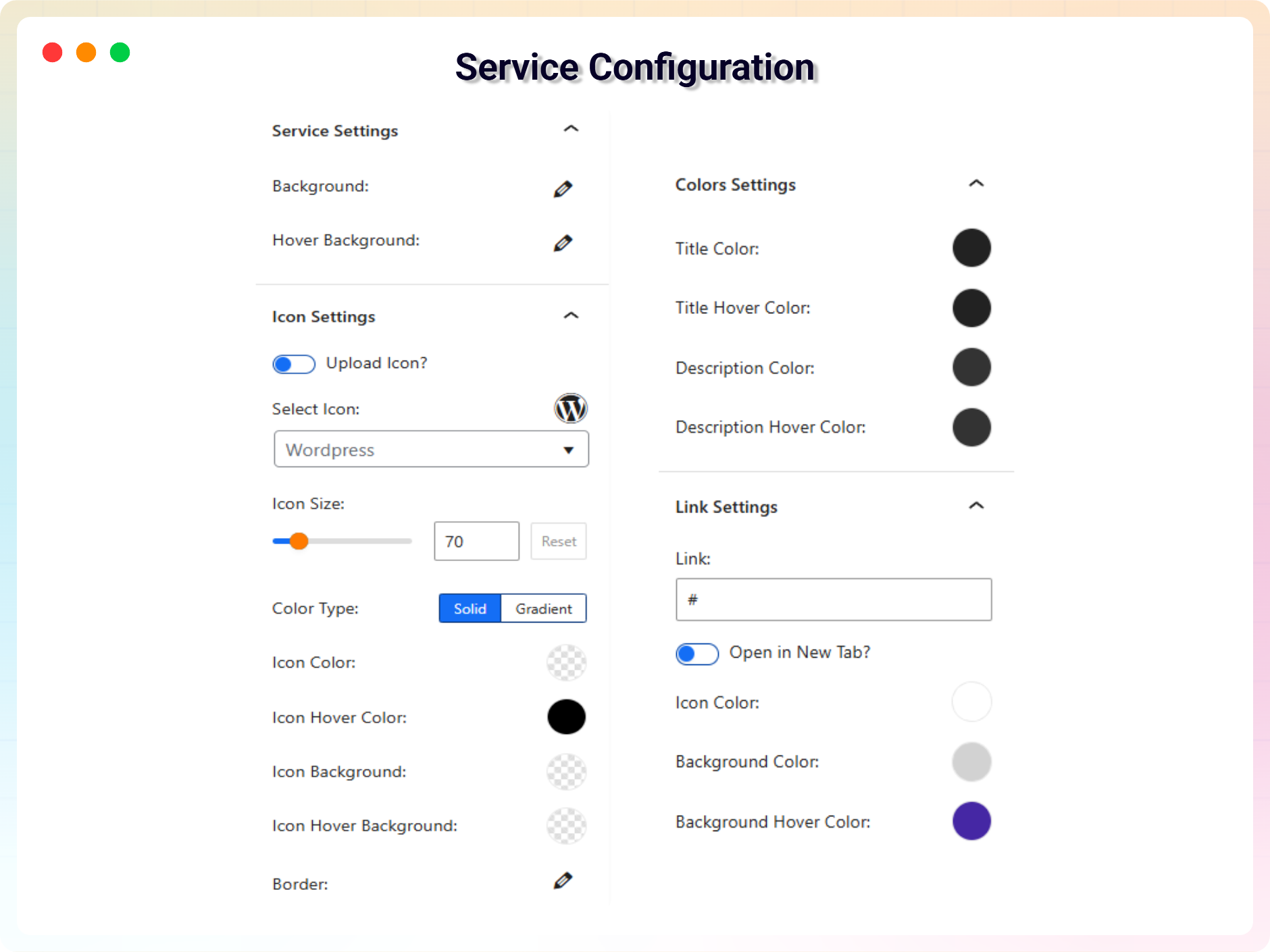
- Icon Library: Select the icon of your choice from the built-in library, or upload any image in PNG, JPEG, or JPG format as a service icon.
- Built-in Templates: Start from ready-made templates whenever you want to present your services.
- Customizable Elements: Apply custom typography to the title and description.
- Color Options: Decorate your service section using any color you like.
Pro Version – Unlock Advanced Layouts & Styling
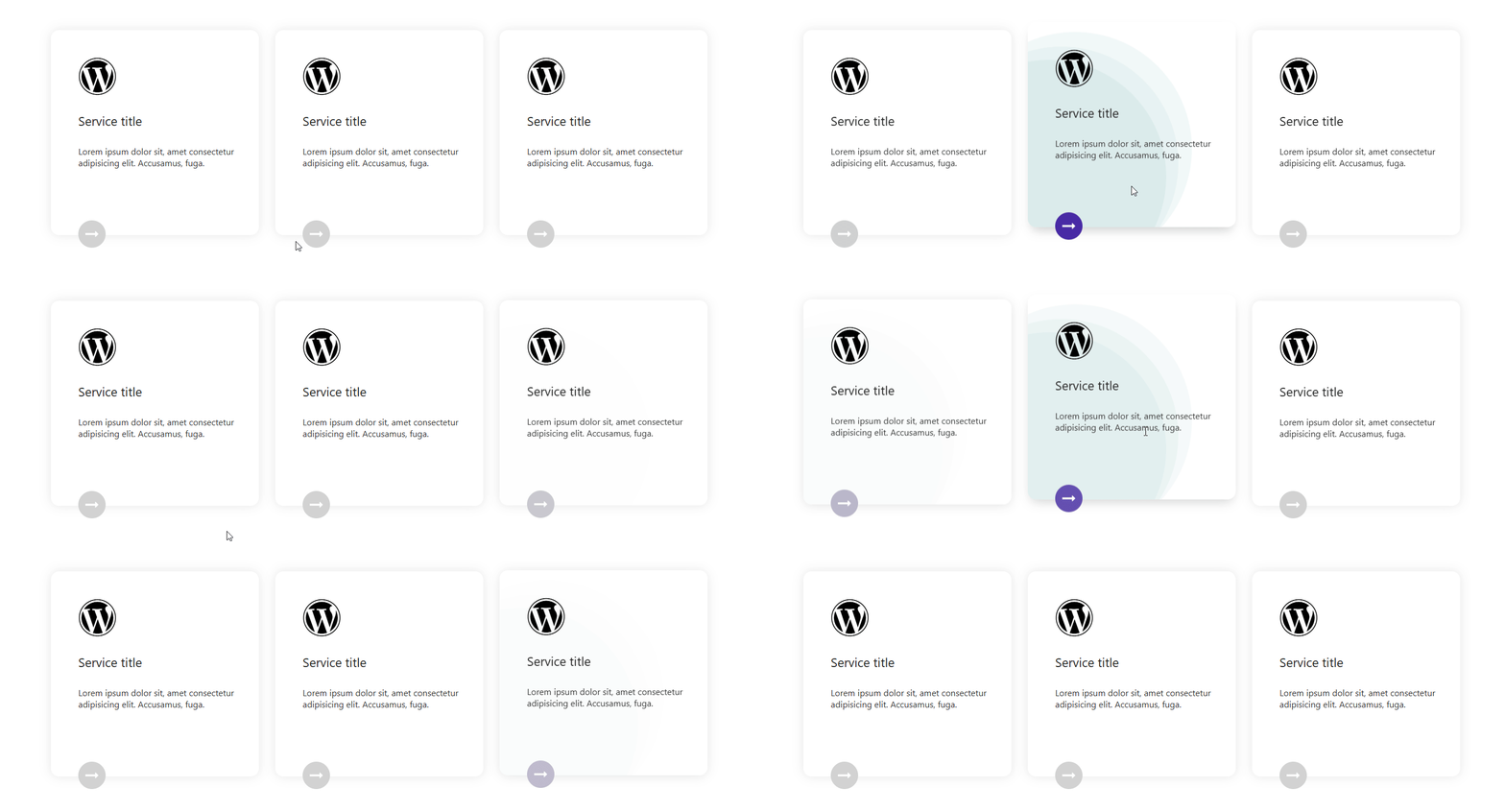
- Advanced Layout Variations: Unlock exclusive layouts (Layout 2 to Layout 8) with unique styles and structures.
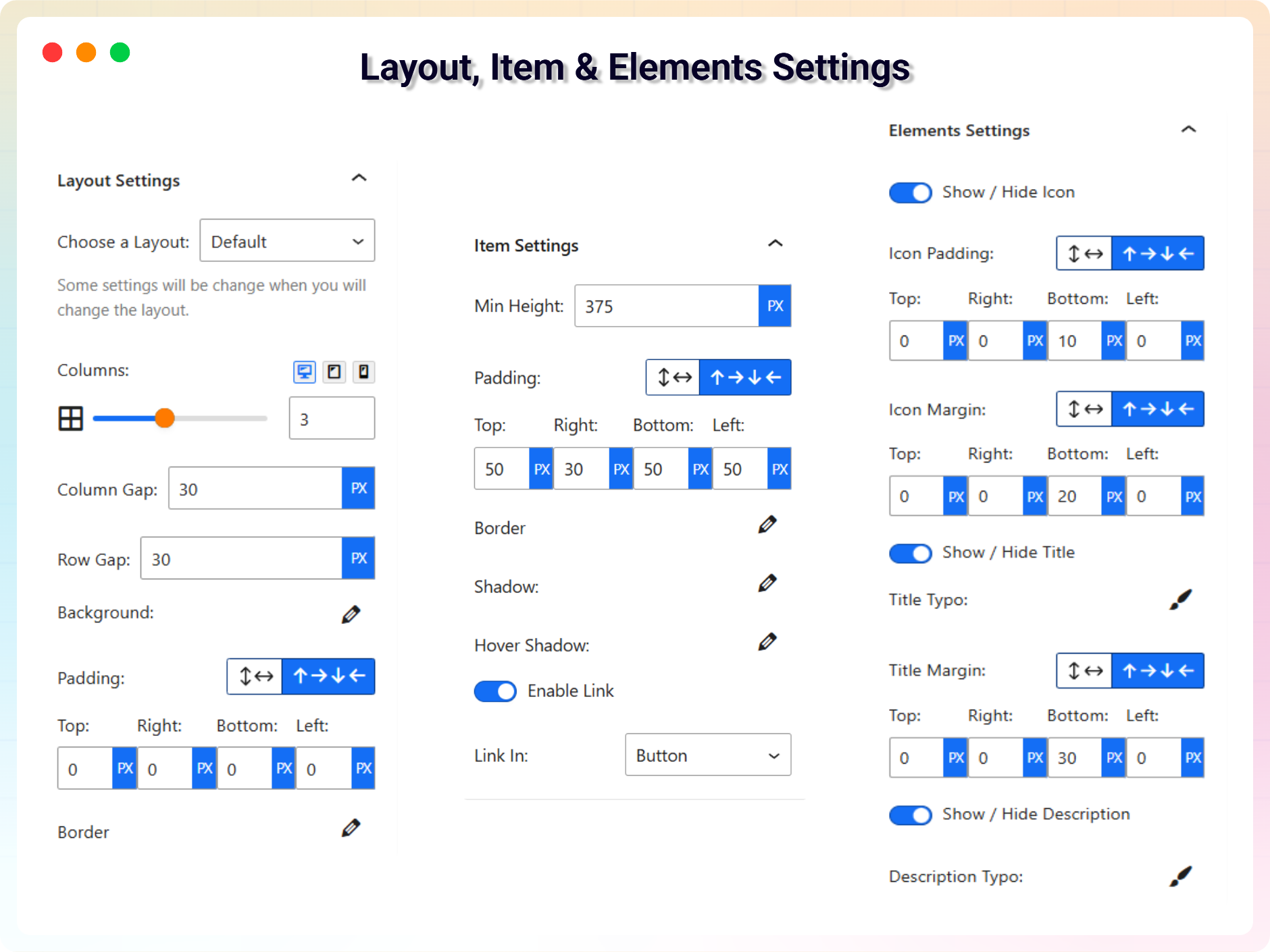
- Pro-Level Padding & Spacing Controls: Set custom padding and spacing per side with more flexibility.
- Enhanced Border Customization: Full border controls including individual side styles and advanced radius options.
- Animation Direction Settings: Directional animation control for layout-specific designs like Layout 4.
- Border Div Customization (Layout 8): Toggle and style an additional decorative border layer behind items.
- Advanced Shadow Effects: Smooth box shadows and hover transitions for modern aesthetics.
- Flexible Linking Options: Enable links on items and choose where they apply – button, title, or entire box.
- Open in New Tab: Choose whether links open in a new browser tab.
- Opacity & Hover Opacity: Control the transparency of the circle background, including on hover.
- Radius & Border: Control corner roundness and customize border style, width, and color.
How to Use Services Section Block – Quick Start
- Install and activate the Services Section Block plugin.
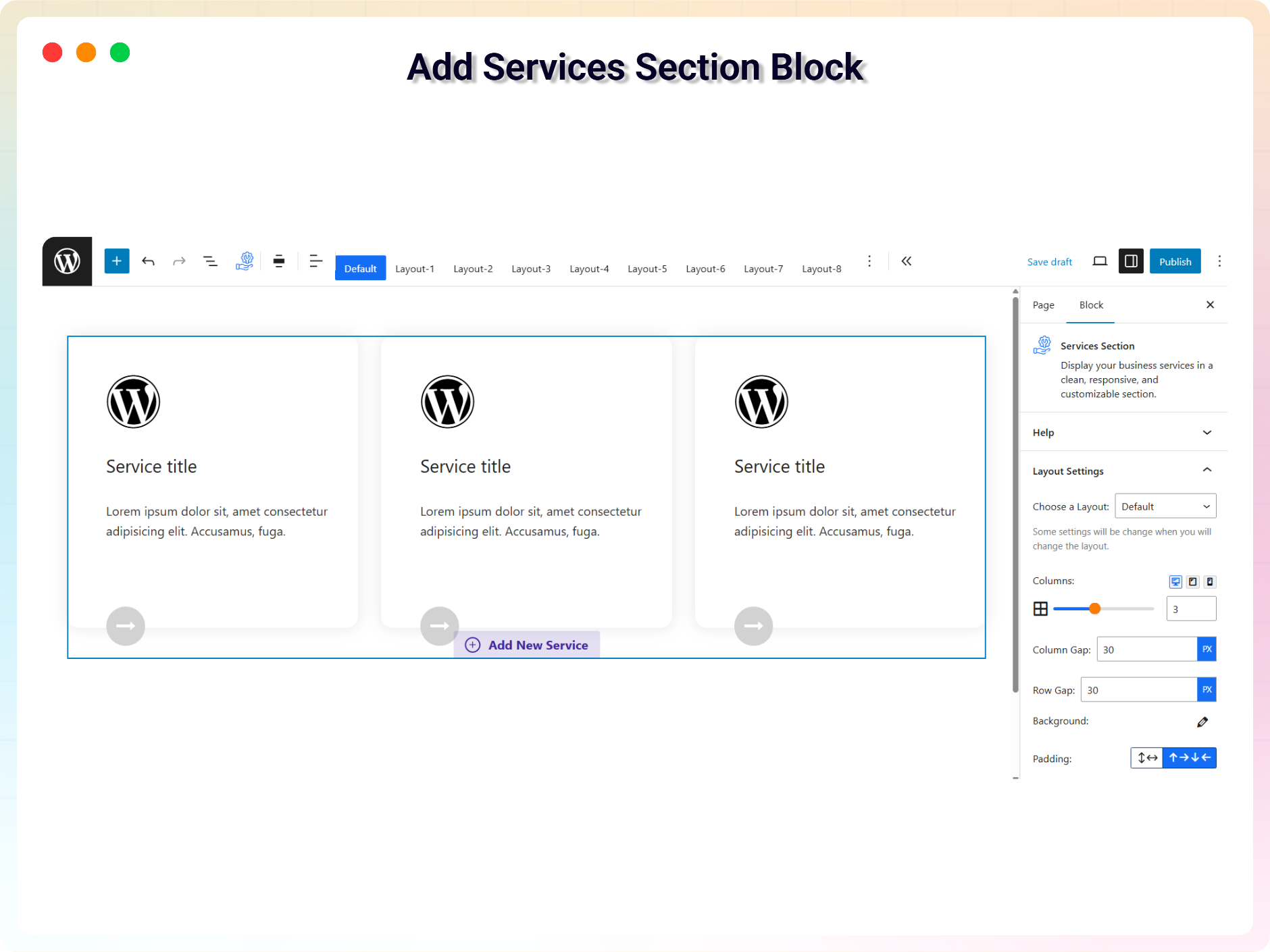
- In the Gutenberg editor, add the Services Section block from the Widgets block category.
- Add your services, choose icons from the library or upload your own images.
- Pick a template and adjust colors and typography from the right-side settings sidebar.
- Publish – enjoy!
Use Cases
- Agencies & Freelancers: Present design, development, or marketing services in a clean grid.
- Local Businesses: Showcase what you offer with icons and short descriptions.
- Corporate Sites: Build a polished “Our Services” page section with consistent branding.
- Landing Pages: Highlight key offerings with linked service cards (Pro).
Did you like this plugin? Do you have a feature request? Please share your feedback with us
⭐ Check out the Parent Plugin of this plugin-
🔥 B Blocks – Gutenberg blocks collection for WordPress.
⭐ Check out our other WordPress Plugins-
🔥 Html5 Audio Player – Audio player plugin for WordPress.
🔥 Html5 Video Player – Video player plugin for WordPress.
🔥 PDF Poster – A fully-featured PDF Viewer Plugin for WordPress.
🔥 Document Embedder – WordPress Document Embedder Plugin.
🔥 3D Viewer – Display interactive 3D models on the web.
🔥 Advanced Post Block – Post Display Plugin for WordPress.
Installation
From your WordPress dashboard (recommended):
- Go to Plugins → Add New.
- Search for “Services Section”.
- Click Install Now, then Activate.
- In the Gutenberg editor, search for the Services Section block and add it to any post or page.
Manual installation:
- Download the Services Section plugin (.zip file).
- In your admin area, go to Plugins → Add New → Upload Plugin, choose the
services-section.zipfile, and click Install Now. - Activate the plugin through the Plugins menu in WordPress.
Frequently asked questions
Is Services Section Block free?
Yes, Services Section Block is a free Gutenberg block plugin. A Pro version with advanced layouts and styling controls is also available.
Does it work with any WordPress theme?
Yes, it works with any standard WordPress theme.
Can I use my own images as service icons?
Yes. If the icon you want is not in the built-in icon library, you can upload any image in PNG, JPEG, or JPG format and set it as a service icon.
Are there ready-made templates?
Yes. Several built-in templates are included so you can present your services quickly without designing from scratch.
Can I add links to service items?
Yes, in the Pro version you can enable links on items and choose where they apply – on the button, the title, or the entire box – and whether they open in a new tab.
Can I change block settings?
Yes, you can change all block settings from the right sidebar of the Gutenberg block editor.
How many times can I reuse the block?
You can use the block an unlimited number of times across posts and pages.
Where can I get support?
You can post your questions on the support forum here
Changelog
1.4.6 – 05 September, 26
- New: Added 8 New Blocks.
1.4.5 – 09 August, 26
- Updated:Added a modern and intuitive dashboard layout.
- New:Added 8 New Blocks.
1.4.4 – 09 April, 26
- Fixed: Class naming conflict and namespace resolution issue in LicenseActivation.
- Updated: Freemius SDK to latest version.
1.4.3 – 28 Feb, 26
- Update brand new dashboard with license activation support
1.4.2 – 24 Jan, 26
- Improved section title formatting in dashboard
1.4.1 – 04 Nov, 25
- update sdk
Screenshots
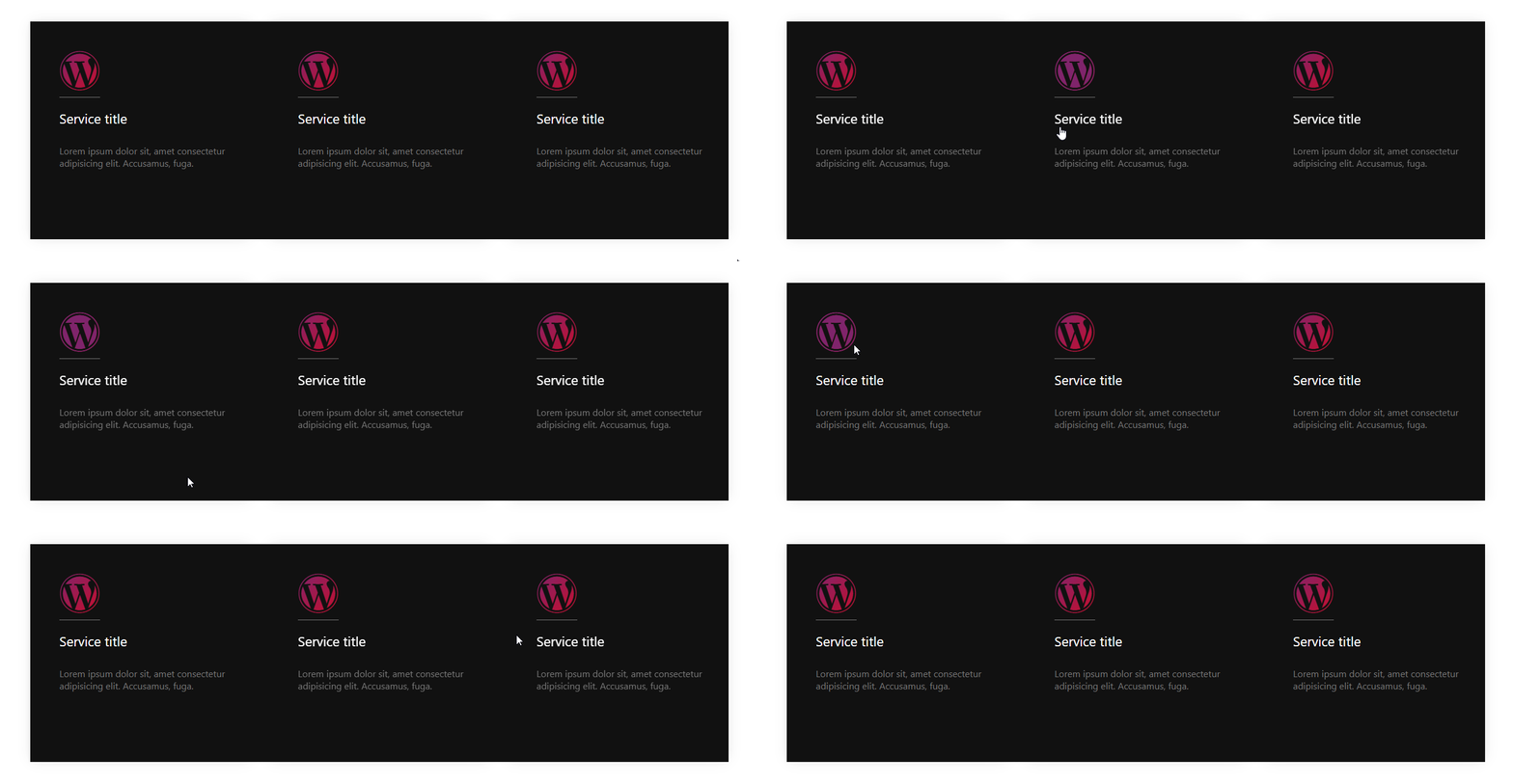

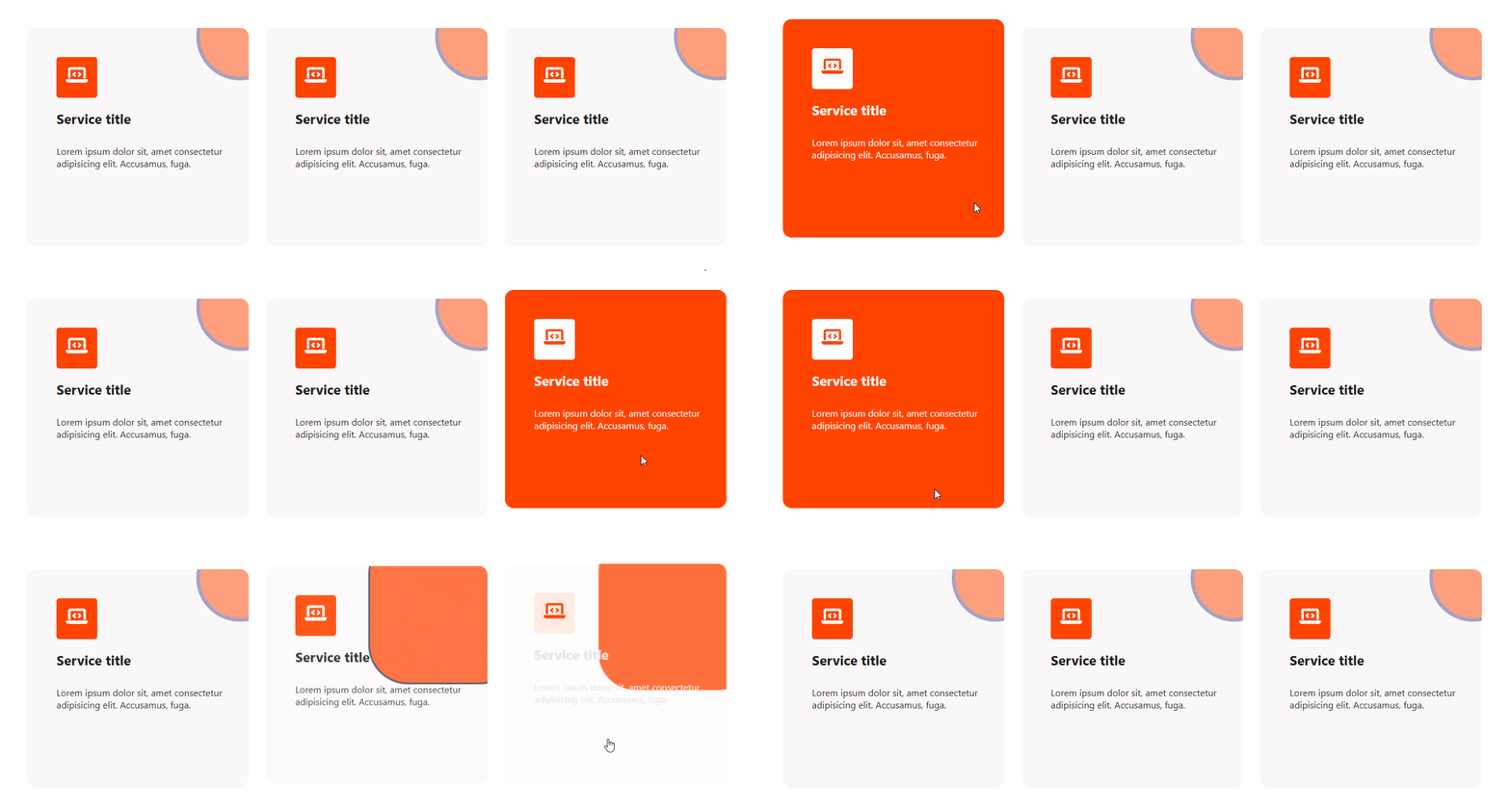
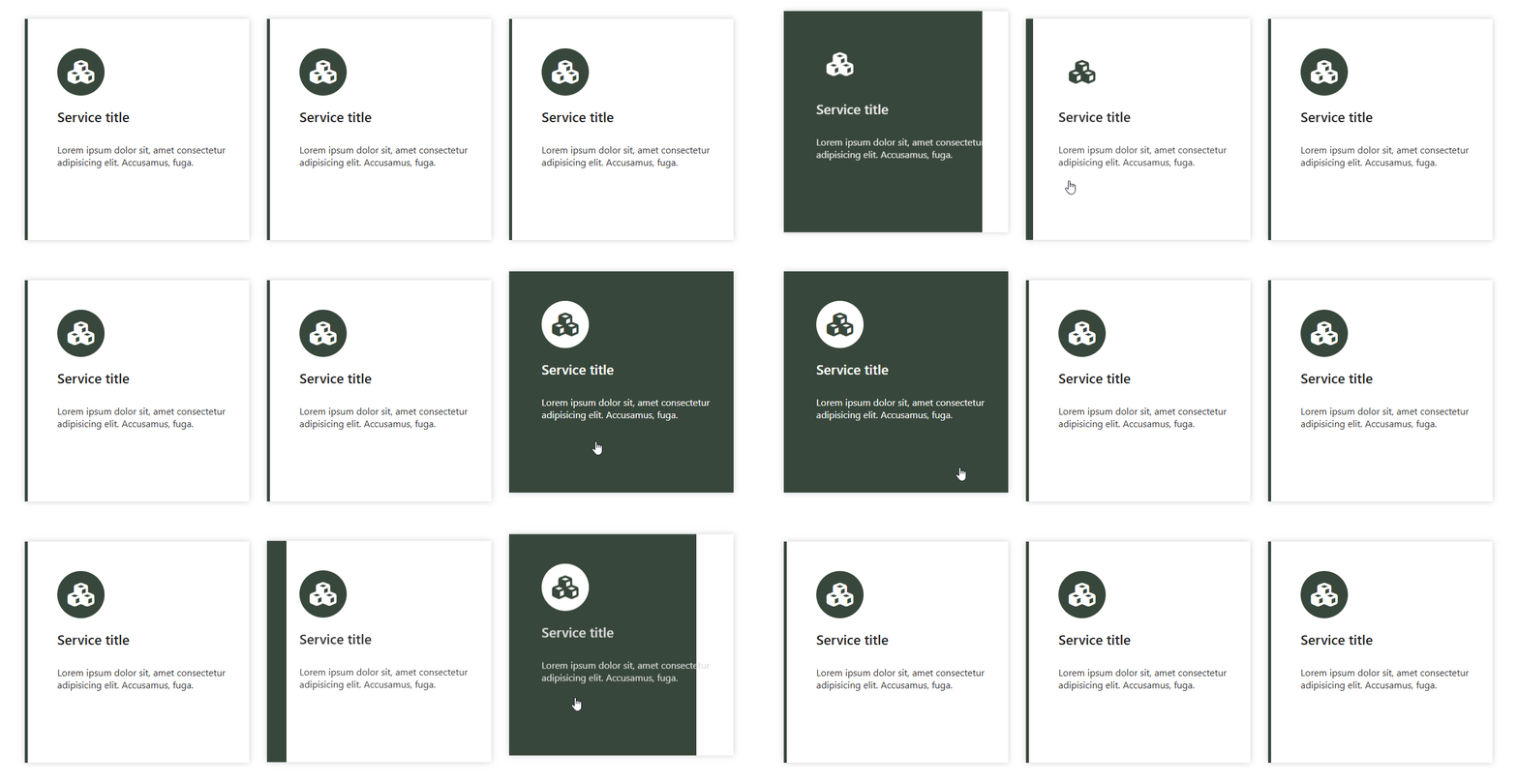
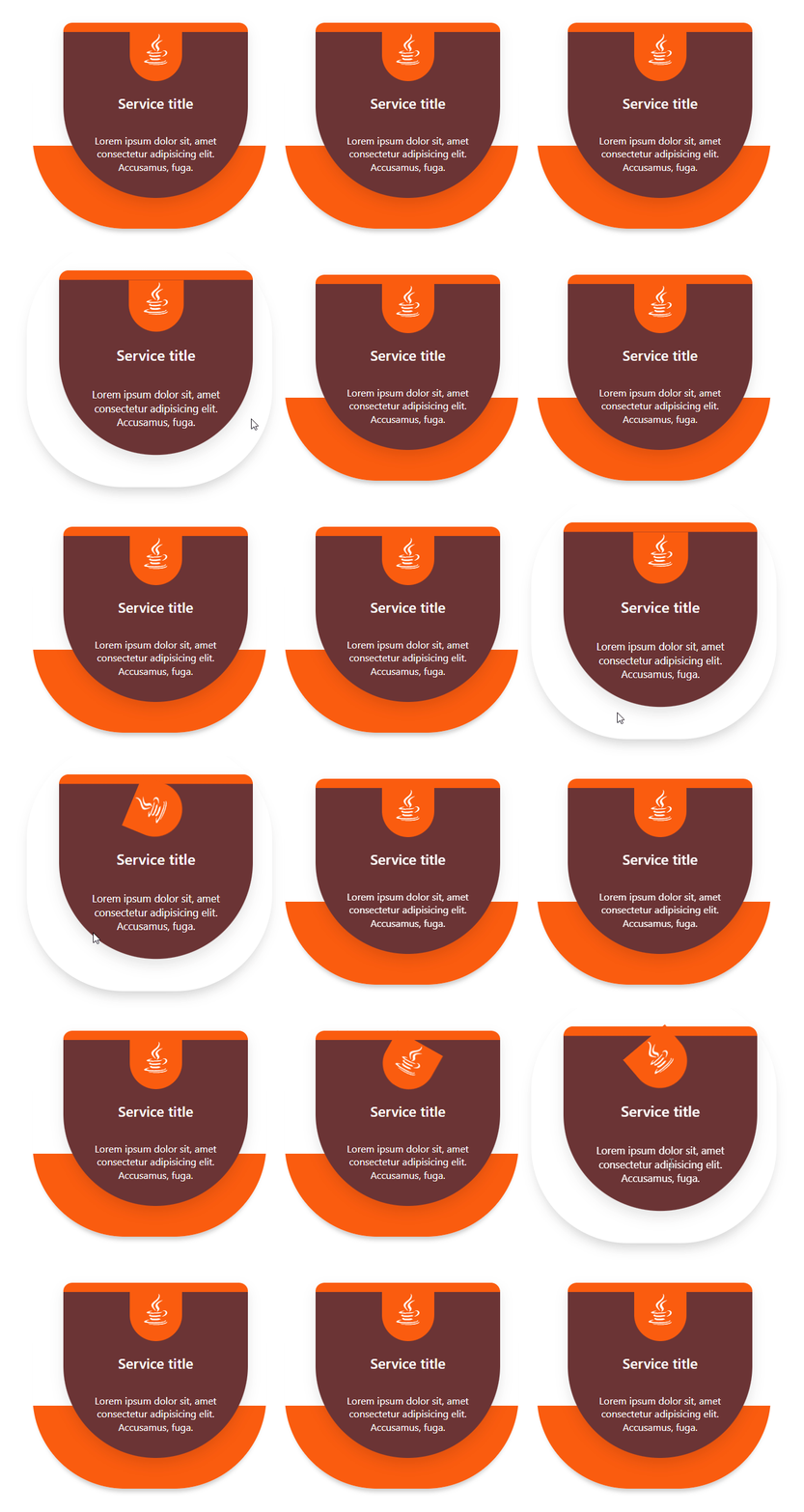
For developers
Is this your plugin? Show off the numbers.
Add a live badge to your site, docs or GitHub README. It updates on its own — no account needed.
Best Services Section Block alternatives
All block plugins →





FAQ
Services Section Block: quick answers
Straight answers, pulled from live WordPress.org data.
Live data from WordPress.org · checked Sep 26, 2026
Is Services Section Block free?
Yes. Services Section Block is free to download and use from the official WordPress.org plugin directory.
Is Services Section Block safe to use in 2026?
Services Section Block is a solid plugin choice in 2026, with a few things worth checking first. It runs on 2K+ sites, is rated 4.5/5 and was last updated 7 days ago, and scores 77/100 on our health check.
How many websites use Services Section Block?
Services Section Block is active on 2K+ WordPress websites and has been downloaded 43,324 times since it launched in August 2021. It was downloaded 1,891 times in the last 30 days.
Does Services Section Block work with WordPress 7.1?
Yes. The developer has tested Services Section Block up to WordPress 7.1.2, the latest release. It requires WordPress 6.5 or newer.
What PHP version does Services Section Block need?
Services Section Block requires PHP 7.4 or higher. Most hosts run PHP 8.x today, so it works on any modern WordPress hosting.
When was Services Section Block last updated?
The latest version, 1.4.6, was released on September 20, 2026 (7 days ago).
Who makes Services Section Block?
Services Section Block is developed and maintained by bPlugins.
What are the best alternatives to Services Section Block?
The most popular alternatives to Services Section Block are Spectra Legacy (1M+ installs), Breadcrumb NavXT (800K+ installs) and PDF Embedder (300K+ installs).
Powered by PageForge
Want thousands of pages that rank like these? Build them in an afternoon.
This directory runs on the same engine as PageForge. Turn any spreadsheet, CSV or API into thousands of fast, SEO-ready WordPress pages — with schema, internal links and AI-written copy baked in.
- CSV, Google Sheets & API data sources
- AI content, schema & internal links per page
- Works with Elementor, Gutenberg, Yoast & Rank Math
- Free on WordPress.org — no credit card


