



SearchWP Modal Search Form
Quickly and easily insert modal search forms into Menus, as a Block, or directly within theme templates.

Use with caution
SearchWP Modal Search Form works, but test it on a staging site before relying on it in 2026. It runs on 5K+ sites, is rated 5/5 and was last updated 10 months ago, and scores 56/100 on our health check.
- Only tested up to WordPress 6.9 (latest is 7.1)
How does it stack up?
Side-by-side on installs, updates, ratings & support


Daily downloads
Download spikes usually follow a new release — each site that auto-updates counts as a download.
Rankings
Where SearchWP Modal Search Form stands todayWordPress.org search rankings
Live position in the plugin search, top 100| Keyword | Position |
|---|---|
| form | >100 |
| modal | #7 |
| search | #60 |
| searchform | #2 |
| searchwp | #2 |
Version adoption
Share of active sites per release.
Rating breakdown
★★★★★★★★★★ 5 from 6 reviews
About SearchWP Modal Search Form
From the official readme · v0.5.7Description
Use SearchWP Modal Search Form to easily integrate an accessible, lightweight modal search form into your WordPress website! SearchWP Modal Search Form does not require SearchWP but it will utilize SearchWP if it’s installed and activated! 👍
Beyond the information made available in this README there is full documentation available as well.
What makes it different from other modals?
The philosophy behind SearchWP Modal Search Form is to make it easy to implement accessible and lightweight modal search forms but perhaps even more important make it a great developer (and user) experience.
SearchWP Modal Search Form directly integrates with WordPress in the way you use it, and the default modal form theme builds upon the styles put in place by your active theme, making the overhead as small as possible. There’s a full template loader built in as well, allowing you to fully customize your SearchWP Modal Search Form with minimal hassle.
Check out the default template for an example of how easy it is to customize 🤓
Adding modal forms to your site
SearchWP Modal Search Form makes it easy to implement modal search forms anywhere in your WordPress website. The following methods are built in and available to you:
- As a Menu Item
- Using a Shortcode
- As a Gutenberg Block
- Within your template(s) programmatically
Template Customization
SearchWP Modal Search Form integrates a proper template loader for displaying search forms in any number of templates, allowing you to fully customize what the modal looks like per template.
The most straightforward way to create a custom template is as follows:
- Create a folder named
searchwp-modal-formwithin your theme - Create a file within that folder named
template.php(or any name ending in.php) - Copy the contents of the default template into that file
- Customize the
SearchWP Modal Form Namevalue in the header comment block - Make any other customizations you\’d like to the markup/style, paying attention to the documentation
There are (jQuery) events that fire when modals are opened and closed. jQuery is not a dependency, but if jQuery is loaded the events will fire.
// Add a callback when a modal is opened:
jQuery('body').on('searchwpModalOnShow', function(e) {
    // Focus an input in the template.
    e.el.find('input').focus();
});

// Add a callback when a modal is closed:
jQuery('body').on('searchwpModalOnClose', function(e) {
    alert('Modal closed!');
});
Please review the full template documentation for more detailed information.
Installation
SearchWP Modal Search Form is installed like all WordPress plugins. You can install this plugin using the Plugins > Add New entry in the Admin Menu when logged into your WordPress Dashboard and searching for SearchWP Modal Search Form.
Alternatively, you can manually install the plugin as well:
- Download the plugin and extract the files
- Upload the
searchwp-modal-formfolder to your~/wp-content/plugins/directory - Activate the plugin through the \’Plugins\’ menu in WordPress
- Add one or more modal form(s) using the available methods
Frequently asked questions
Documentation?
Of course! View full documentation
How do I add a modal form to my website?
There are multiple ways to add modal form triggers to your site. You can add as many as you’d like wherever you’d like: As a Menu Item Using a Shortcode As a Gutenberg Block Within your template(s) programmatically
How do I customize the modal?
Please review the full template documentation for detailed information.
Changelog
0.5.7
– WordPress 6.9 compatibility.
0.5.6
– Adds an option to display the Search Modal trigger as an icon.
– Adds an option to select a SearchWP form to use in the modal if SearchWP is active.
– Minor UI improvements.
– Drops SearchWP 3.x support.
0.5.5
– Fixes settings page appearance and menu structure when SearchWP Live Search is active.
0.5.4
– Fixes Settings link location in the plugins list when SearchWP is activated.
– Fixes Modal breaks emojis in menu items.
0.5.3
– Fixes “Call to undefined method” error appearing on some themes.
0.5.2
– Fixes deprecation notices on PHP 8.2.
– Improves default template HTML tags semantics.
– Fixes the error on adding a Modal Form Gutenberg block to the page.
– Changes settings page appearance and menu structure to work seamlessly with a current version of SearchWP.
0.5.1
– Adds In-plugin notification system to get the latest updates from SearchWP.
0.5.0
– Adds new Settings admin page to control the behavior of the plugin easier.
0.4.1
– PHP 8 compatibility
0.4.0
– Fixes issue with character encoding in some cases
– Updates dependencies
– Updates bundler and associated NPM commands
0.3.4
– Fixes Error when using SearchWP 4
0.3.3
– Fixes Error in some cases introduced in 0.3.2
0.3.2
– SearchWP 4.0 compatibility (when it becomes available)
– Fixes issue with HTML output of Menu items
0.3.1
– Removes unused stylesheet enqueue
– Updates dependencies
0.3
– Updates dependencies
– Adds jQuery events when modals open and close
0.2.3
– Fixes regression introduced in 0.2.2 that prevented search with Enter key
0.2.2
– Fixes an issue with modal trigger not working in some cases
0.2.1
– Fixes $this context Fatal error
0.2
– Adds support for class argument
– Fixes issue with button type
0.1
Initial release
Screenshots
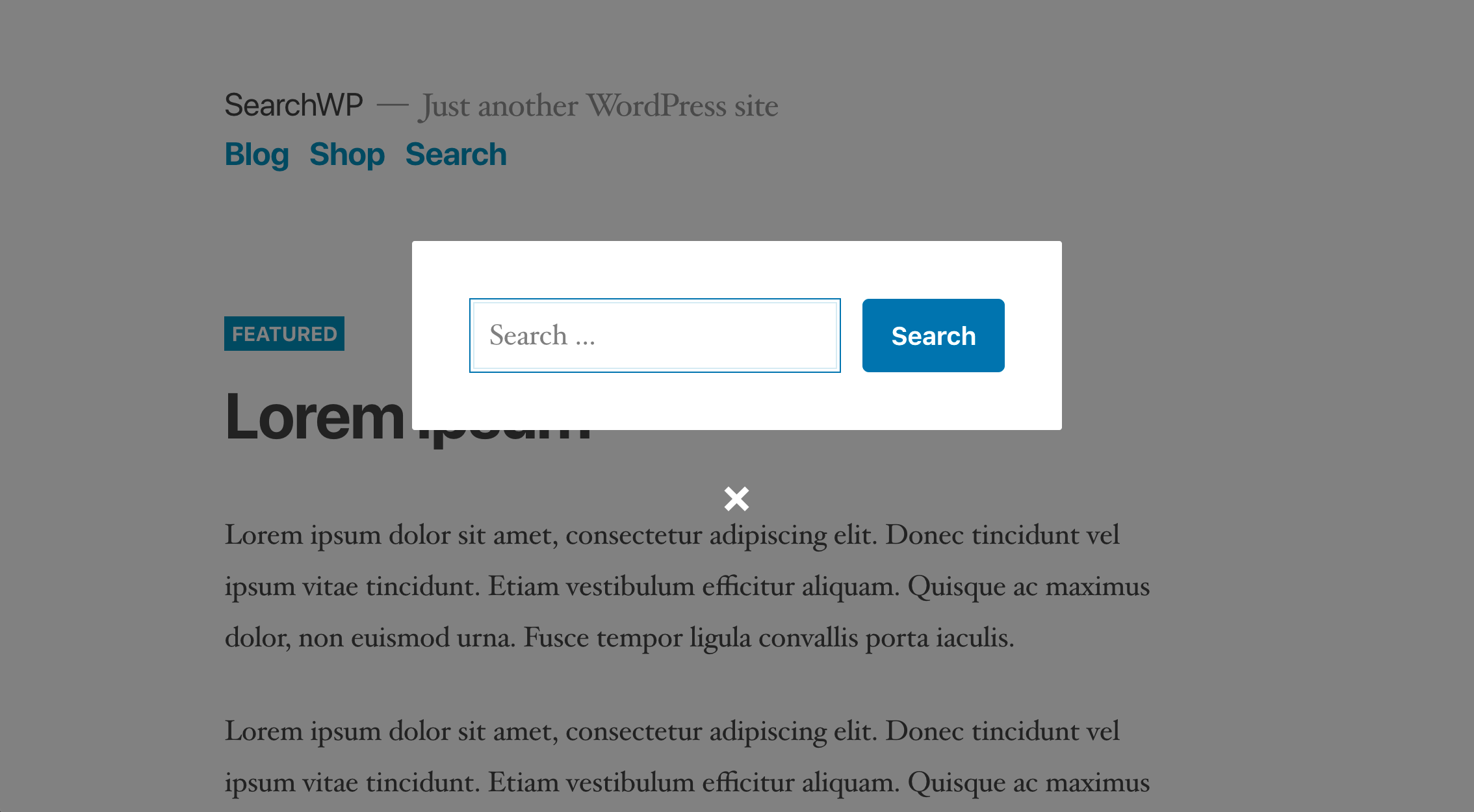
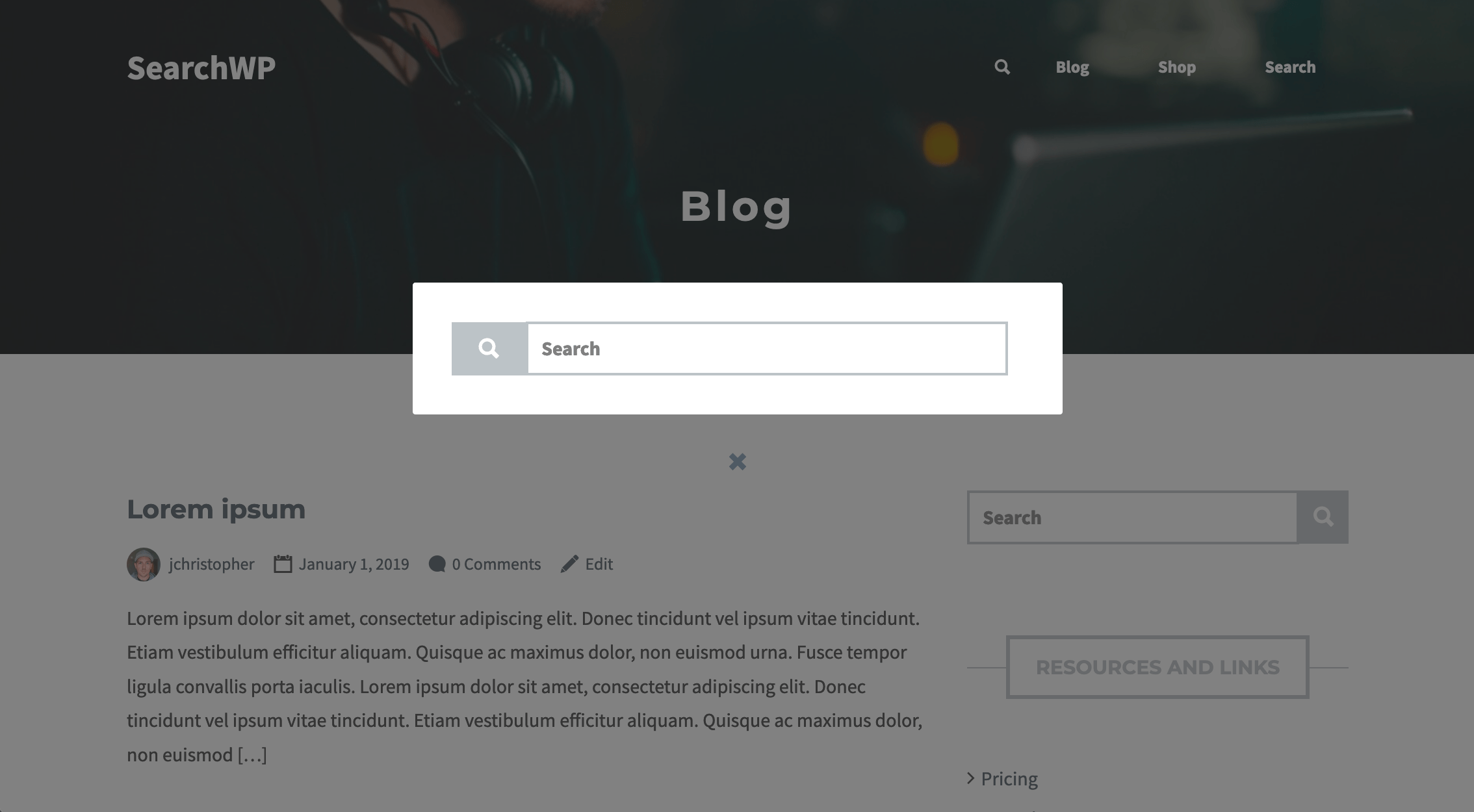
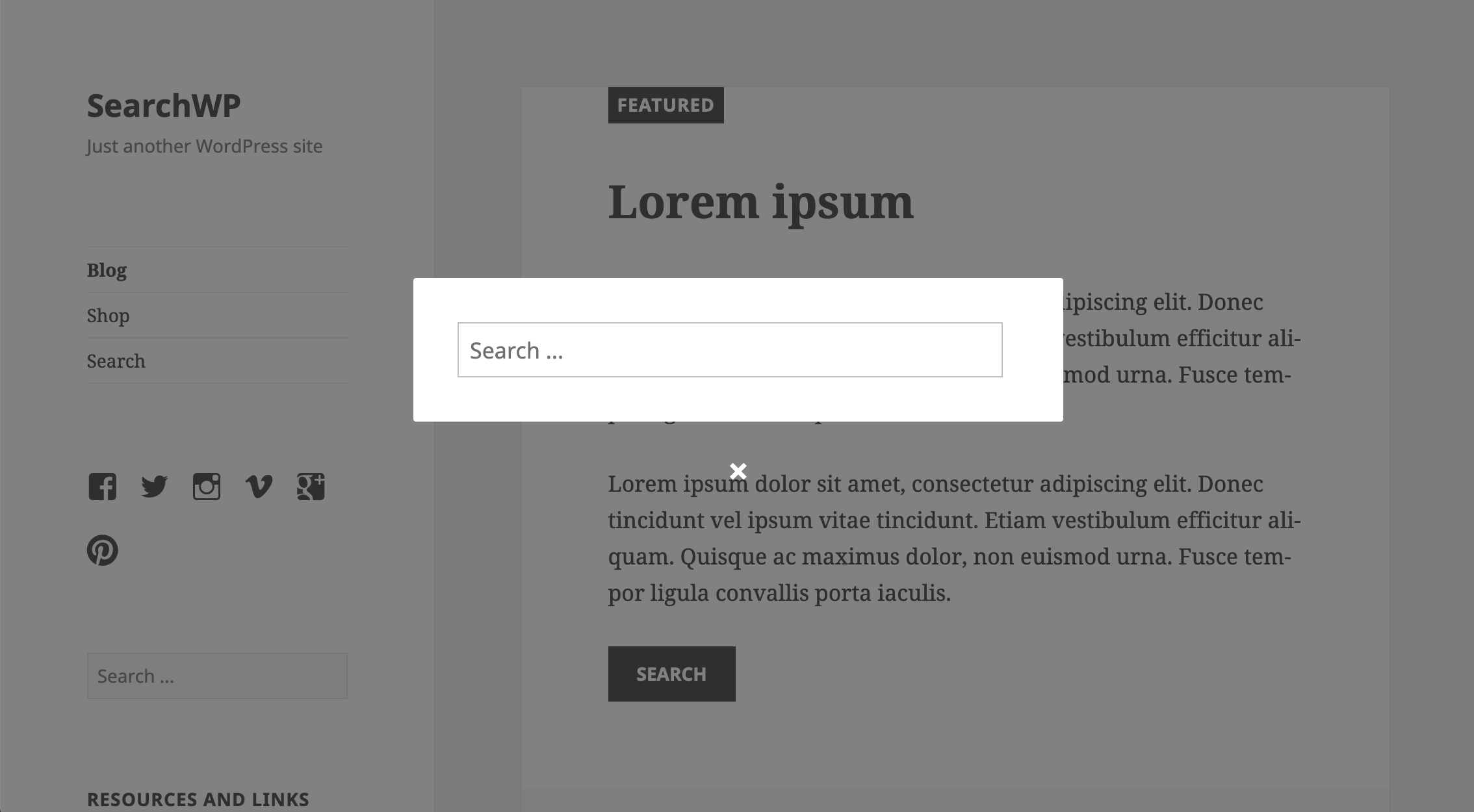
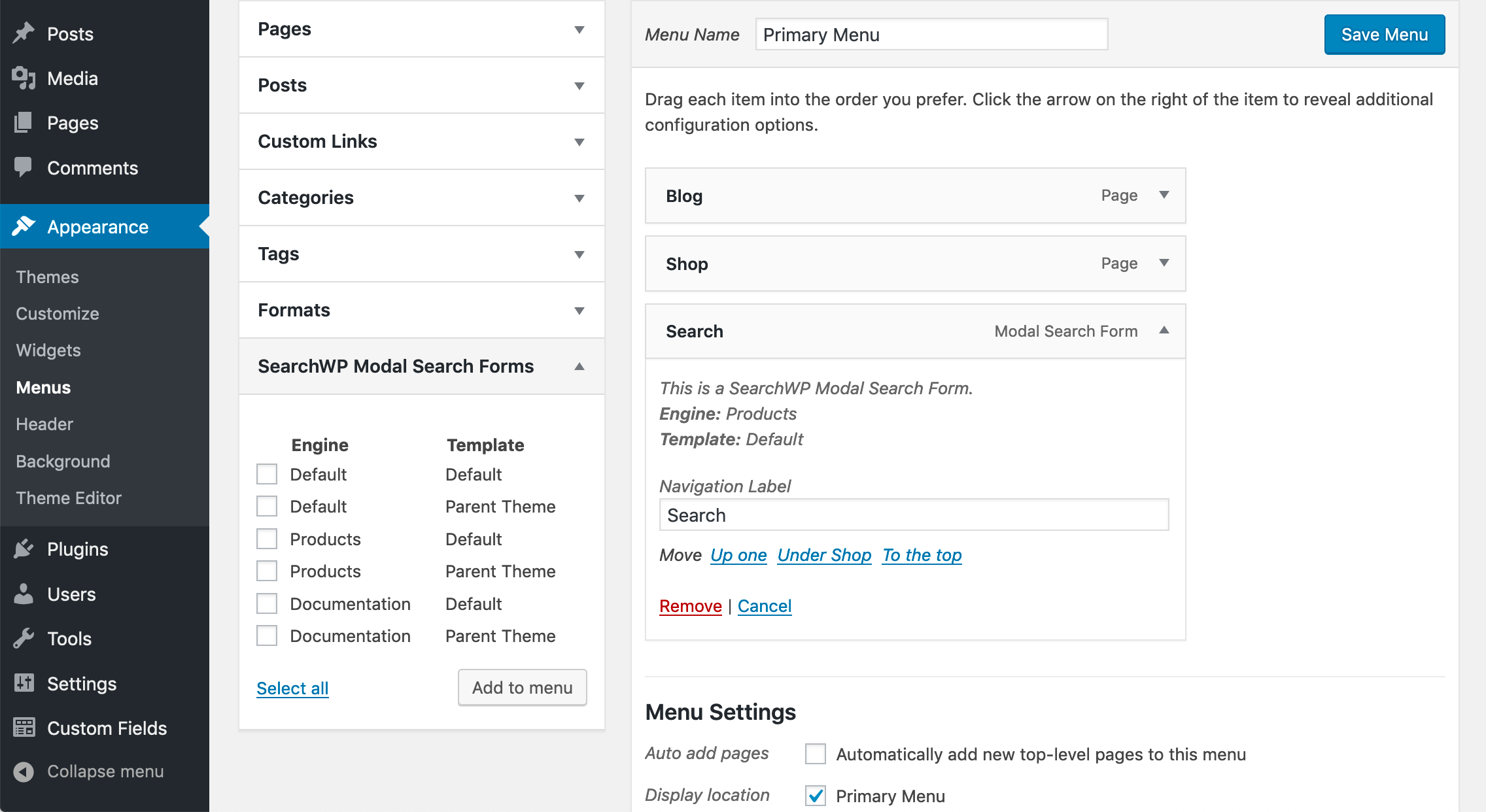
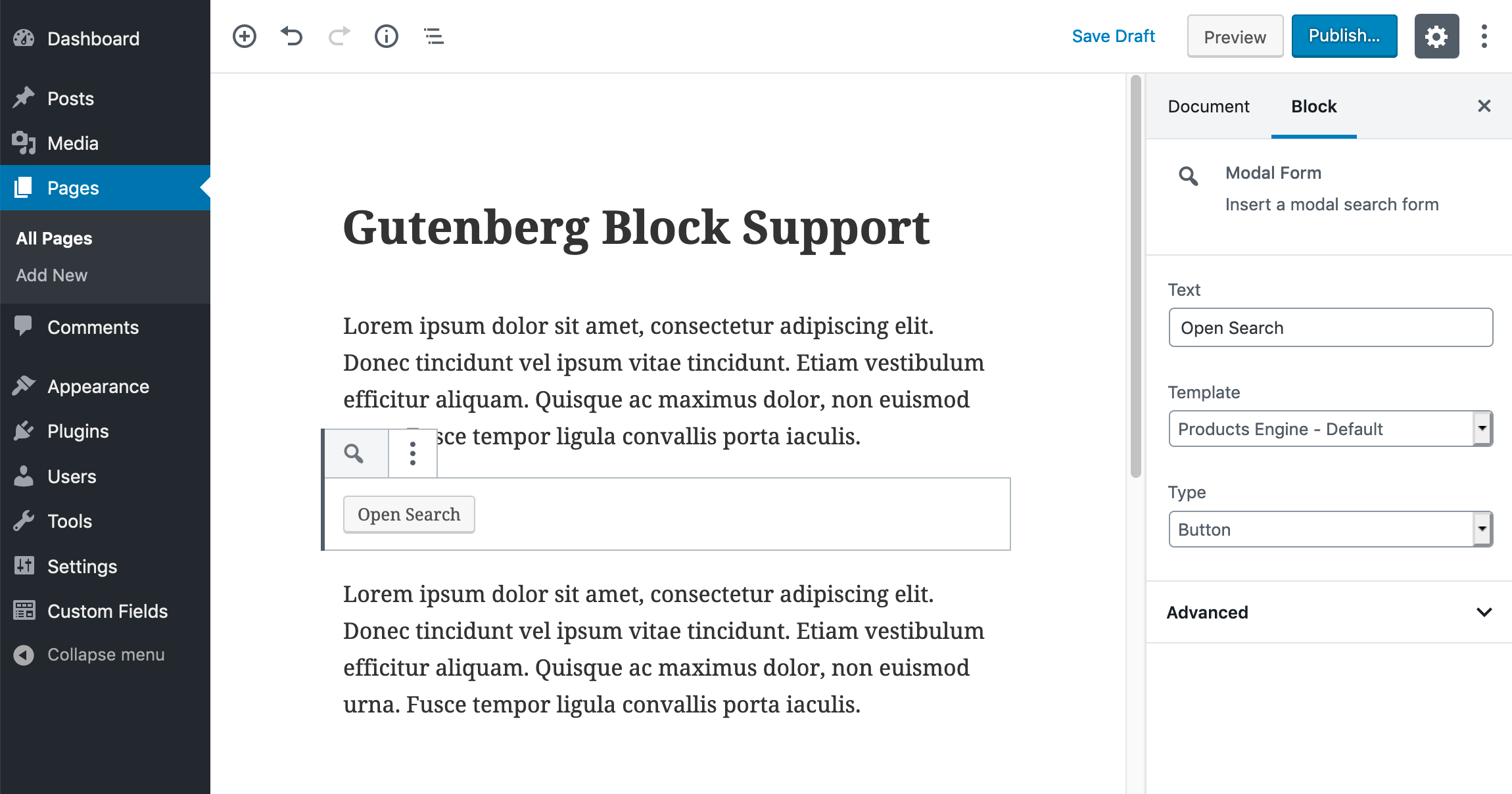
For developers
Is this your plugin? Show off the numbers.
Add a live badge to your site, docs or GitHub README. It updates on its own — no account needed.
Best SearchWP Modal Search Form alternatives
All form plugins →





FAQ
SearchWP Modal Search Form: quick answers
Straight answers, pulled from live WordPress.org data.
Live data from WordPress.org · checked Sep 26, 2026
Is SearchWP Modal Search Form free?
Yes. SearchWP Modal Search Form is free to download and use from the official WordPress.org plugin directory.
Is SearchWP Modal Search Form safe to use in 2026?
SearchWP Modal Search Form works, but test it on a staging site before relying on it in 2026. It runs on 5K+ sites, is rated 5/5 and was last updated 10 months ago, and scores 56/100 on our health check.
How many websites use SearchWP Modal Search Form?
SearchWP Modal Search Form is active on 5K+ WordPress websites and has been downloaded 86,822 times since it launched in June 2019. It was downloaded 722 times in the last 30 days.
Does SearchWP Modal Search Form work with WordPress 7.1?
SearchWP Modal Search Form is officially tested up to WordPress 6.9.9, while the latest release is 7.1.2. It may still work, but try it on a staging site first.
What PHP version does SearchWP Modal Search Form need?
SearchWP Modal Search Form requires PHP 7.0 or higher. Most hosts run PHP 8.x today, so it works on any modern WordPress hosting.
When was SearchWP Modal Search Form last updated?
The latest version, 0.5.7, was released on December 15, 2025 (10 months ago).
Who makes SearchWP Modal Search Form?
SearchWP Modal Search Form is developed and maintained by Syed Balkhi.
What are the best alternatives to SearchWP Modal Search Form?
The most popular alternatives to SearchWP Modal Search Form are MC4WP: Mailchimp for WordPr… (1M+ installs), MW WP Form (200K+ installs) and Conditional Fields for Cont… (100K+ installs).
Powered by PageForge
Want thousands of pages that rank like these? Build them in an afternoon.
This directory runs on the same engine as PageForge. Turn any spreadsheet, CSV or API into thousands of fast, SEO-ready WordPress pages — with schema, internal links and AI-written copy baked in.
- CSV, Google Sheets & API data sources
- AI content, schema & internal links per page
- Works with Elementor, Gutenberg, Yoast & Rank Math
- Free on WordPress.org — no credit card


