



Accordion FAQ – Compatible With All Page Builder (Elementor, Gutenberg)
Accordion And Collapse is the most easiest drag & drop accordion builder for WordPress. You can add multiple accordion and collapse with this.

Use with caution
Accordion FAQ works, but test it on a staging site before relying on it in 2026. It runs on 30K+ sites, is rated 4.6/5 and was last updated 12 months ago, and scores 50/100 on our health check.
- Proven at scale on 30K+ active sites
- Loved by users — 4.6/5 from 676 reviews
- Only tested up to WordPress 6.8 (latest is 7.1)
How does it stack up?
Side-by-side on installs, updates, ratings & support



Daily downloads
Download spikes usually follow a new release — each site that auto-updates counts as a download.
Rankings
Where Accordion FAQ stands todayWordPress.org search rankings
Live position in the plugin search, top 100| Keyword | Position |
|---|---|
| Accordion | #20 |
| collapse | #2 |
| faq | #50 |
| frequently asked questions | #7 |
| Responsive accordion | #7 |
Version adoption
Share of active sites per release.
Rating breakdown
★★★★★★★★★★ 4.6 from 676 reviews
About Accordion FAQ
From the official readme · v2.5.3Description
Thanks for visit our plugin. Need an awesome accordion FAQ plugin then this is it. Responsive Accordion is has buildup with excellent accordion FAq builder for wordpress. You can add unlimited accordion and collapse with unlimited color.You can easy sort your accordion position using backend. Responsive Accordion is built-in bootstrap.
Responsive Accordion Shortcode
[WPSM_AC id=xx]
Here xx is your accordion shortcode id.
Check Demo
Features Of Plugin
- Responsive Design
- Accordion is responsive and friendly to any mobile devices
- Limitless accordion anywhere in the theme
- Drag and Drop builder Api integrated.
- Draggable accordion items for easy sorting
- Use via short-codes
- Awesome input field for accordions content
- Unlimited colour option
- Bootstrap framework based
- Less for quick customization
- Font Awesome Icon Support
- Font Awesome Icon Picker Integrated
- Two different styles Integrated
- Hide All Accordion on page load or display all
- Gulp for instant workflow
- Highly customized for User Experience
- Slick Frontend and backend UI
- Add and remove accordion item from backend.
- Multiple Advanced Custom Field Available
- All browser compatible
CHECK SIMILAR PLUGINS BY WPSHOPMART
Accordion Pro Features
- Responsive Design
- 8 Design Templates
- 500+ Google Fonts
- 12 open/Close Icons Set
- 30+ Content Animation
- 4 types of background Overlay
- On Hover Accordion
- Preview Option
- Widget Option
- Limitless accordion anywhere in the theme
- Drag and Drop builder Api integrated.
- Draggable accordion items for easy sorting
- Use via short-codes
- Awesome input field for accordions content
- Unlimited colour option
- Bootstrap framework based
- Less for quick customization
- Font Awesome Icon Support
- Border Color Customization
- Font Awesome Icon Picker Integrated
- Two different styles Integrated
- Hide All Accordion on page load or display all
- Gulp for instant workflow
- Highly customized for User Experience
- Slick Frontend and backend UI
- Add and remove accordion item from backend.
- Multiple Advanced Custom Field Available
- All browser compatible
Check Demos
Responsive Design
Responsive Accordion is all mobile device compatible, it’s design is responsive and browser compatible.
Drag And Drop Api
You can create or add multiple accordion with plugin drag and drop feature. If you change position of accordion so just drag it and then drop that place where you want to show it. It’s a simplest drag n drop accordion builder in wordpress
Toggle/Collapse Effect
Responsive Accordion is integrated with toggle or collapse effect so you can open one or more accordion at a same time.
Unlimited Shortcode
Here you can create unlimited accordion group with unlimited shortcode. So using shortcode you can display your accordion on multiple page and post.
No Coding Required
Plugin so easy UI is user friendly, just add new accordion and then easily publish it.
It’s works With Your Theme
We have tested on with multiple themes, and work on every themes. So design is very clean and works with youe theme as well.
Translators
Please contribute to translate our plugin. Contact at wpshopmart(at)gmail(dot)com.
Installation
- Upload the entire
responsive-accordion-and-collapsefolder to the/wp-content/plugins/directory. - Activate the plugin through the ‘Plugins’ menu in WordPress.
- Go to Responsive Accordion menu to customize your Responsive Accordion plugin.
- Copy your publish accordion shortcode and then paste into your page or post to display your accordion
Frequently asked questions
How do i displayed my Accordion FAQ on page?
Just copy your FAQ accordion shortcode [WPSM_AC id=xx] and then paste it on your page.
Doesn’t work on my website ?
May be possible it’s conflict with other plugin so try to deactivate other plugin one by one and then check which one is conflict after then contact us here our support forum.
Do in need any coding skills to implement Accordion FAQ plugin ?
No, You don’t need to learn any coding skill or knowledeg of any coding skills. You can add accordion/faq with just few clicks.
Is this plugin responsive ?
yes, it’s based on bootstrap. Accordion FAQ content are compatible with all media devices.
Can i add accordion in widget ?
Just open your widget menu then add “Text widget” , now paste your accordion shortcode [WPSM_AC id=xx] (here xx your shortcode id) in text widget.
Can i add my own custom css on faq ?
Yes you can add your own custom css, there custom css field is available so you can add css code there.
I Really lIke your effort on this plugin and now i want to rate it !
We love your feedback please submit your review here pluign review
Changelog
2.5.3
- Compatible with WordPress 6.8.3
2.5.2
- Backend setting panel design improved
- Minor styling issue resolved
2.5.1
- Compatible with WordPress 6.7
2.5.0
- Minor Changes
2.4.9
- Compatible with WordPress 6.6
2.4.8
- Compatible with WordPress 6.5
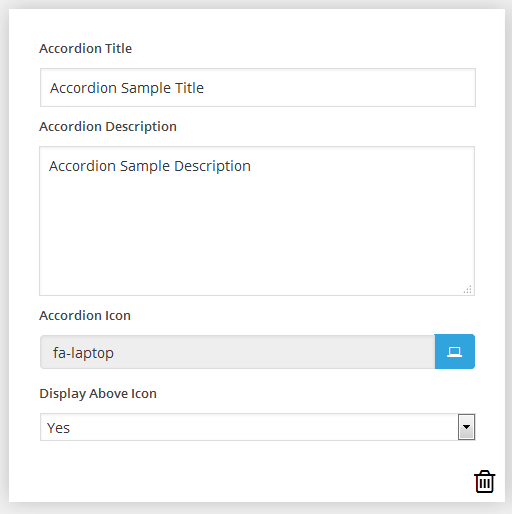
Screenshots


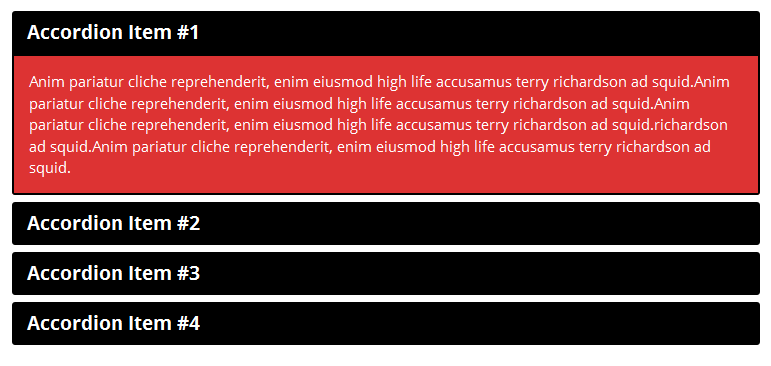
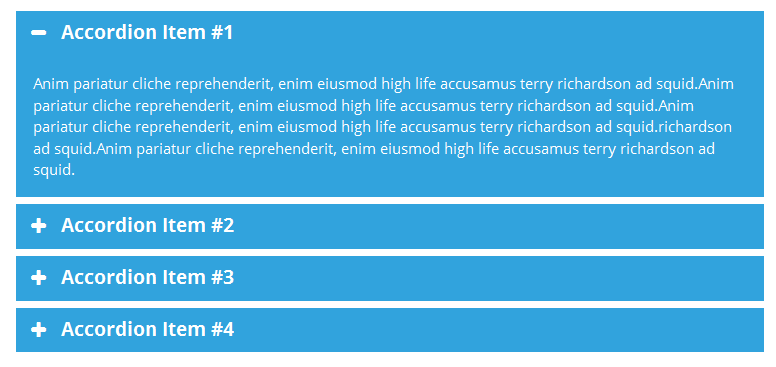
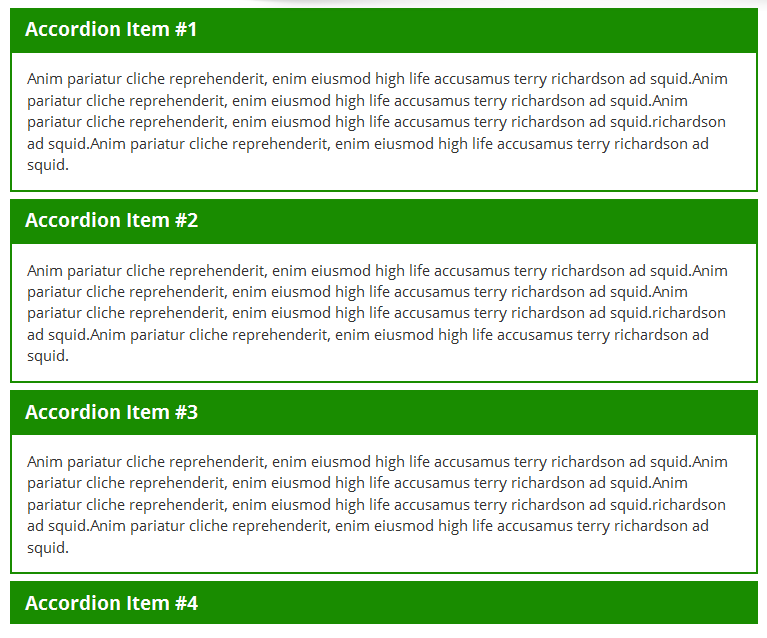
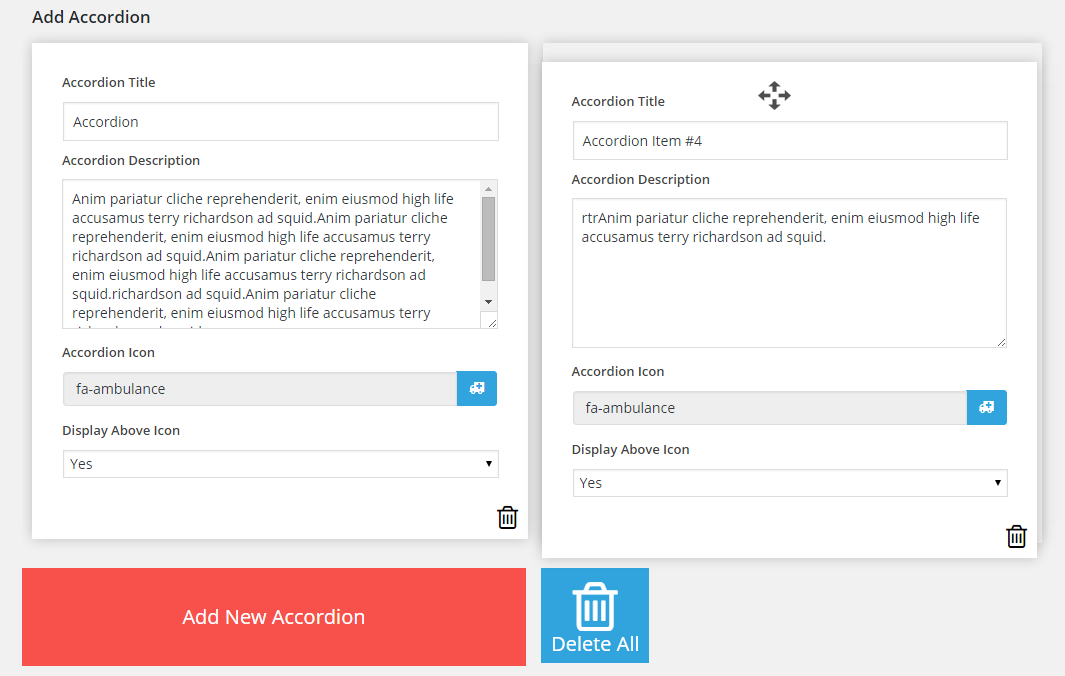


For developers
Is this your plugin? Show off the numbers.
Add a live badge to your site, docs or GitHub README. It updates on its own — no account needed.
Best Accordion FAQ alternatives
All Accordion plugins →





FAQ
Accordion FAQ: quick answers
Straight answers, pulled from live WordPress.org data.
Live data from WordPress.org · checked Sep 26, 2026
Is Accordion FAQ free?
Yes. Accordion FAQ is free to download and use from the official WordPress.org plugin directory.
Is Accordion FAQ safe to use in 2026?
Accordion FAQ works, but test it on a staging site before relying on it in 2026. It runs on 30K+ sites, is rated 4.6/5 and was last updated 12 months ago, and scores 50/100 on our health check.
How many websites use Accordion FAQ?
Accordion FAQ is active on 30K+ WordPress websites and has been downloaded 1,311,713 times since it launched in January 2016. It was downloaded 1,826 times in the last 30 days.
Does Accordion FAQ work with WordPress 7.1?
Accordion FAQ is officially tested up to WordPress 6.8.10, while the latest release is 7.1.2. It may still work, but try it on a staging site first.
When was Accordion FAQ last updated?
The latest version, 2.5.3, was released on October 15, 2025 (12 months ago).
Who makes Accordion FAQ?
Accordion FAQ is developed and maintained by wpshopmart.
What are the best alternatives to Accordion FAQ?
The most popular alternatives to Accordion FAQ are Ultimate FAQ Accordion Plug… (30K+ installs), Read More Without Refresh (20K+ installs) and Accordions (20K+ installs).
Powered by PageForge
Want thousands of pages that rank like these? Build them in an afternoon.
This directory runs on the same engine as PageForge. Turn any spreadsheet, CSV or API into thousands of fast, SEO-ready WordPress pages — with schema, internal links and AI-written copy baked in.
- CSV, Google Sheets & API data sources
- AI content, schema & internal links per page
- Works with Elementor, Gutenberg, Yoast & Rank Math
- Free on WordPress.org — no credit card


