



Premium Addons for Elementor – AI-Ready Elementor Addons, Widgets & Templates
90+ Elementor widgets & addons, 600+ templates, Mega Menu, WooCommerce, Display Conditions. The only Elementor addon AI agents can fully build with.

Safe pick
Yes — Premium Addons for Elementor is a safe, well-maintained plugin to use in 2026. It runs on 600K+ sites, is rated 4.9/5 and was last updated 1 day ago, and scores 97/100 on our health check.
- Proven at scale on 600K+ active sites
- Loved by users — 4.9/5 from 1,680 reviews
- Actively developed — last update 1 day ago
- Tested with the latest WordPress (7.1)
- Responsive support — 100% of recent threads resolved
How does it stack up?
Side-by-side on installs, updates, ratings & support


Daily downloads
Download spikes usually follow a new release — each site that auto-updates counts as a download.
Rankings
Where Premium Addons for Elementor stands todayWordPress.org search rankings
Live position in the plugin search, top 100| Keyword | Position |
|---|---|
| AI | #12 |
| elementor addons | #3 |
| elementor templates | #4 |
| elementor widgets | #4 |
| mcp | #23 |
Version adoption
Share of active sites per release.
Rating breakdown
★★★★★★★★★★ 4.9 from 1,680 reviews
About Premium Addons for Elementor
From the official readme · v4.11.120Description
Build faster in Elementor with 90+ Elementor widgets and addons, 600+ ready-made Elementor templates, without writing code. Premium Addons powers 600,000+ websites with the Elementor carousel, mega menu, blog posts list and slider, WooCommerce widgets, display conditions, AJAX search, testimonials, pricing tables and much more.
It is also the only Elementor addon built for AI agents. Connect Claude, ChatGPT, Cursor, Elementor’s Angie or any MCP (Model Context Protocol) client and let it build pages on your real site, insert and customize every Premium Addons widget and addon, and pull sections from the templates library. You connect it with one click over OAuth and never touch an API key.
Check Elementor Widgets & Addons Demo Pages | Watch AI Agents Build Elementor Pages
Useful Links
Docs | Video Tutorials | Facebook Group | Upgrade to Pro
Why Premium Addons for Elementor?
Elementor MCP & AI Abilities: Build Elementor Pages with Claude, ChatGPT, Cursor or Angie
Premium Addons MCP server registers WordPress Abilities and exposes them as MCP tools, so any AI agent can work on your live Elementor site: create pages and templates, add containers, insert any Premium Addons widget or addon and set any of its options, read your global colors, fonts and theme styles for consistent designs, browse and insert the 600+ pre-made templates, duplicate pages, copy sections between sites, upload media, and manage plugin settings. New abilities ship with almost every release.
Connecting takes one click from the Premium Addons dashboard, over OAuth or with an application password, and there is no API key to manage. The dashboard walks you through the setup for Claude Desktop, Claude Code, Claude.ai, ChatGPT, Codex, Cursor, VS Code, GitHub Copilot, Windsurf, Cline, Gemini CLI, Antigravity, Kilo Code and OpenCode. Elementor’s Angie needs no connection at all: it finds Premium Addons widgets and templates on its own.
Setup guides: Connect ChatGPT to Your WordPress/Elementor Website | Connect Claude to Build WordPress/Elementor Pages | Use Premium Addons with Angie
Watch the video tutorial: connect Claude, ChatGPT or Cursor and build Elementor pages with Premium Addons MCP and AI Abilities.
Elementor Mega Menu & Mobile Menu Builder
Build responsive navigation menus and mega menus with four layouts, Elementor templates inside dropdowns, badges, icons and dozens of style options. Pair it with the Mobile Menu widget for an off-canvas mobile navigation in a few clicks. Mega Menu Demo | Mobile Menu Demo
Elementor WooCommerce Widgets
Products Listing with grid, masonry and carousel layouts, Categories Listing, a live Mini Cart with free-shipping progress bar, Woo CTA buttons anywhere on the page, and WooCommerce Display Conditions to show or hide content based on cart and product data. WooCommerce Widgets Demo
Elementor Display Conditions
Show or hide any Elementor container or widget based on location, browser, operating system, device, user role, date and time, URL parameters, ACF fields, WooCommerce cart and product data, and more. Display Conditions Demo
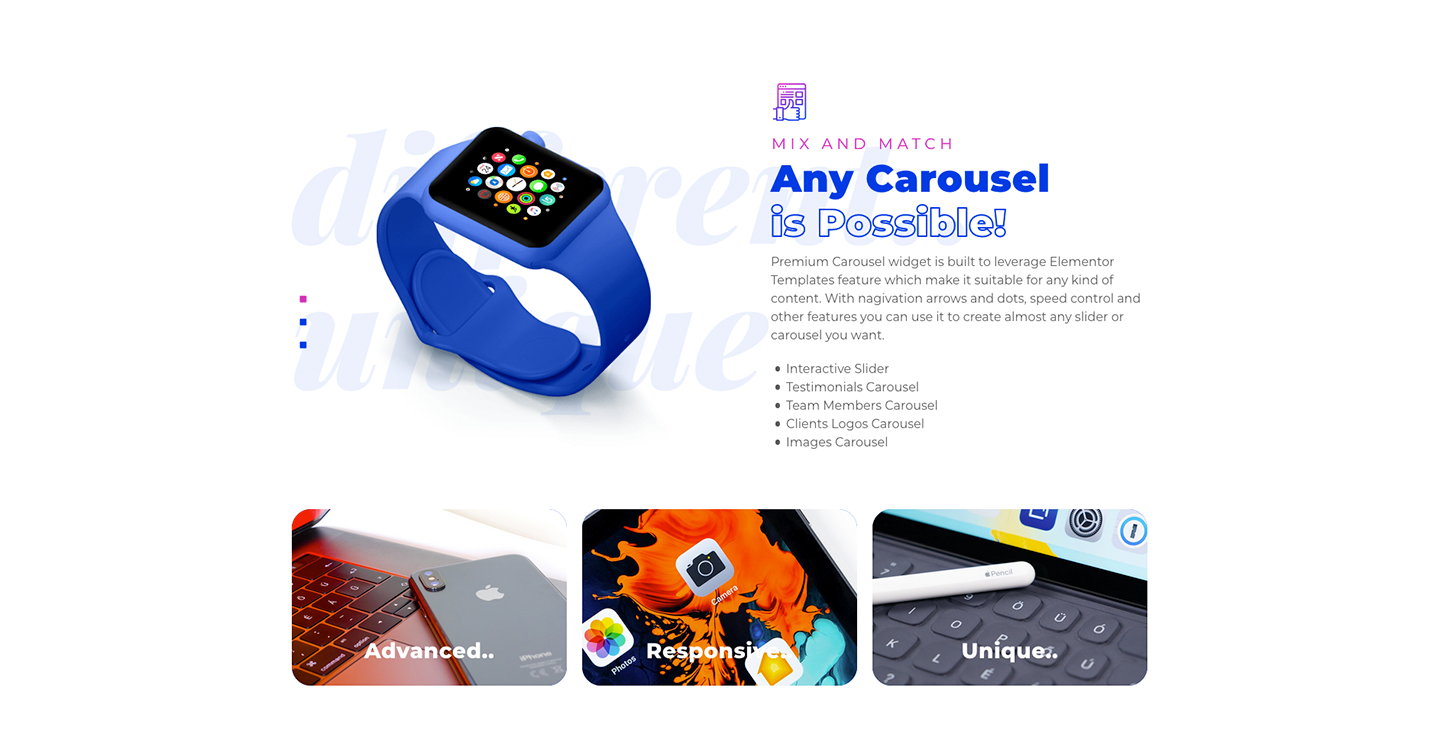
Elementor Carousel & Advanced Media Carousel
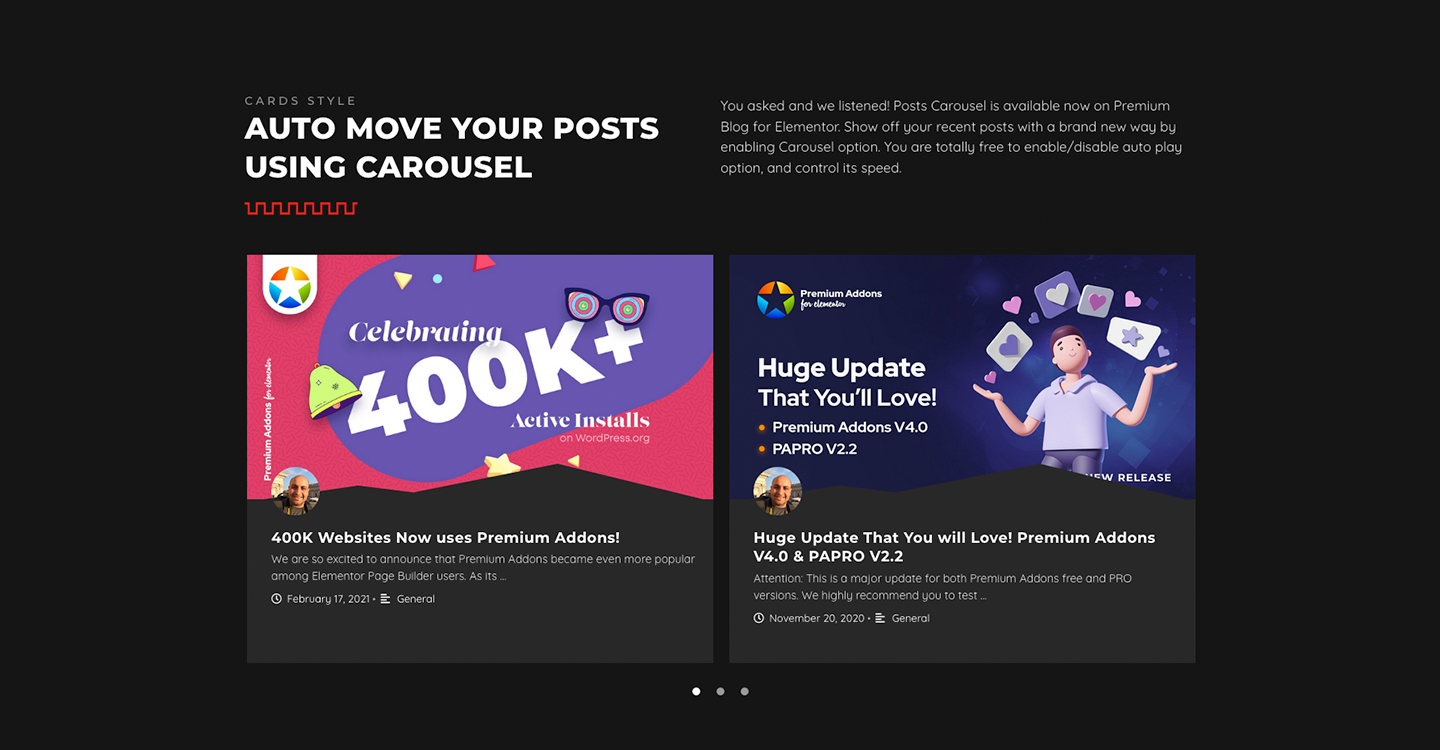
Turn any Elementor template into a carousel or slider, or build an advanced media carousel from images, videos and templates with four animation styles and dozens of navigation, pagination and responsive options. Carousel Demo | Advanced Media Carousel Demo
600+ Elementor Templates
Browse, preview and insert container blocks and full landing page templates from inside the Elementor editor with one click, without exporting or importing JSON files. The library is available in the free and Pro versions, and to your AI agents. Templates Library
Pro Highlights: Elementor Table, Tabs, Scroll Effects and Reviews
Premium Addons PRO adds the widgets our users ask for most: an Elementor table widget with sorting, search and pagination, an Elementor tabs widget in vertical and horizontal layouts, Horizontal Scroll and Multi-Scroll widgets for one-page storytelling, the Magic Scroll addon for scroll-driven animations on any element, and Google, Facebook and Yelp reviews widgets. Table Demo | Tabs Demo | Horizontal Scroll Demo | Magic Scroll Demo
Key Features
- 90+ Free and Pro Elementor Widgets and Addons
- 600+ Ready-made Elementor Container and Full Page Templates
- 37+ AI Abilities (MCP Tools) to build and customize Elementor pages
- OAuth or Application Password connection for 15 AI clients, plus Angie
- Modular and lightweight, loads only the elements you use
- Carousel and Advanced Media Carousel Widgets
- Mega Menu and Mobile Menu Builder
- WooCommerce Widgets Bundle (Products, Categories, Mini Cart, Woo CTA, Woo Display Conditions)
- Magazine Widgets Bundle (Smart Post Listing, Elementor Blog Widget, News Ticker, Weather, World Clock, Tags Cloud, Recent Posts Notification)
- Advanced Display Conditions Addon
- Apple-style Liquid Glass and Glassmorphism Addon
- Equal Height Containers Addon
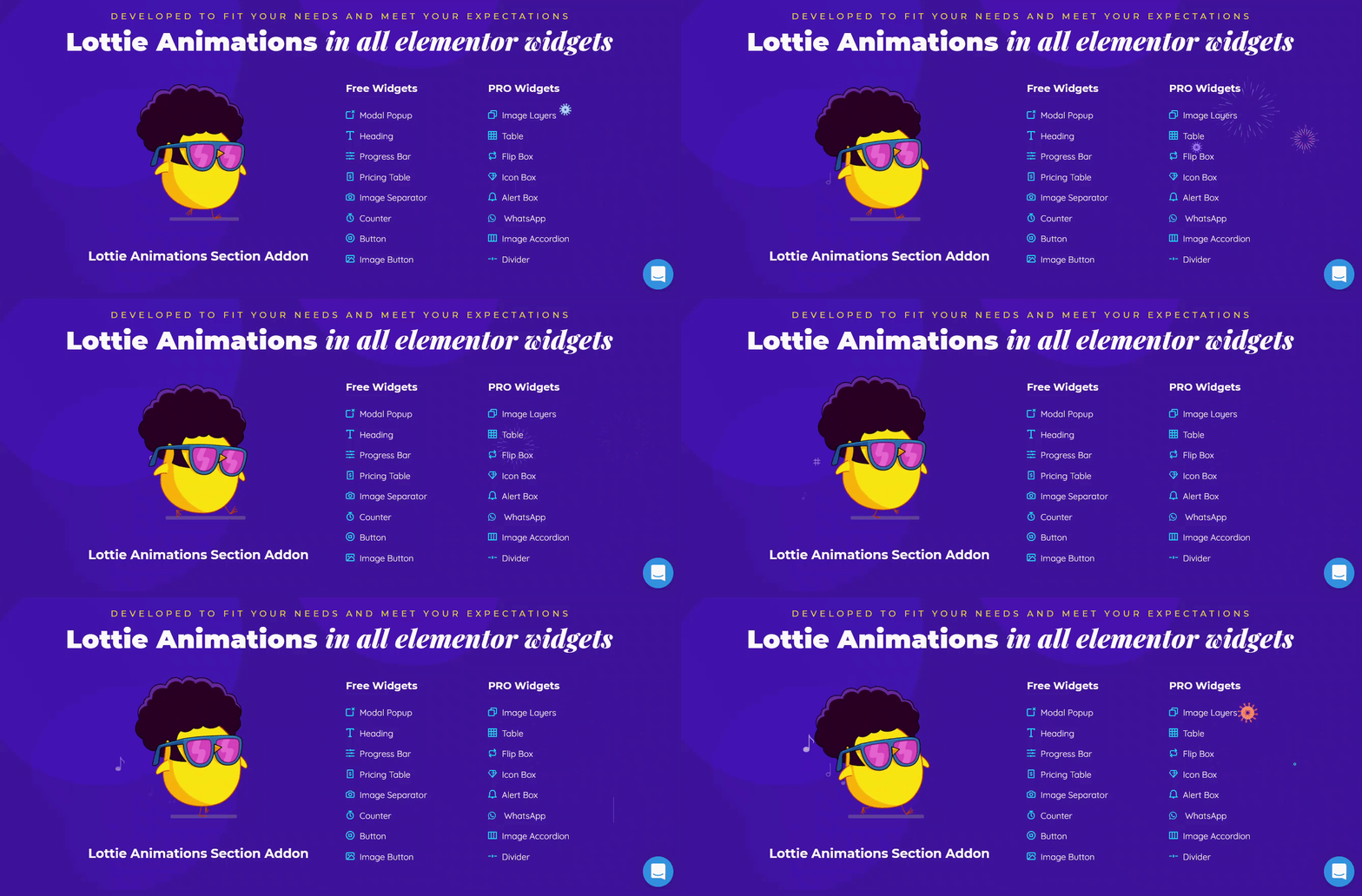
- Lottie Animations in every widget with an image or icon
- Cross-Domain Copy and Paste of Elementor elements
- Elementor Page and Post Duplicator
- 100% WPML Ready
- Fully Responsive and Cross-Browser Ready
Trusted by Teams at Orange, Deloitte, Leica Geosystems, NASA and Hilton
Premium Addons is rated 4.9/5 by 1,600+ users on WordPress.org.
“The support attitude was beyond my imagination. I had a lot of questions, it can be annoying sometimes, but they were correct in every question and they tried to solve it as fast as they can. I recommend everyone to feel free to use this extension and experience it for themselves.”
“I use these widgets on all my Elementor projects and they are endlessly helpful. Rarely do I experience a widget not working, and the whole suite of widgets is very good considering the many Elementor updates they have to keep up with.”
“I’m really happy with this plugin and the features it provides. I had some issues on my website, but the support team helped me very well. They responded to my support ticket instantly, and the problems were resolved very quickly. Great service and a great plugin.”
From 5-star reviews on WordPress.org.
Elementor Widgets & Addons Included
How the labels work: (FREE) widgets and addons are fully usable in the free plugin; some of them unlock extra skins, sources or options with Pro. (PRO) widgets and addons are available only in Premium Addons PRO. The templates library and AI Abilities work in both.
Content Widgets
- Carousel Widget (FREE): Create a slider of any Elementor content.
- Blog Widget (FREE): Elementor blog widget for posts or any custom post type in 5 skins.
- Mega Menu Widget (FREE): Responsive navigation and mega menus in four layouts.
- Mobile Menu Widget (FREE): Create an off-canvas mobile menu in a few clicks.
- AJAX Search Widget (FREE): Add search form to your website with custom search query.
- Smart Post Listing Widget (PRO): Build any grid layout for posts or custom post types.
- World Clock Widget (FREE): Show analog or digital clocks for any time zone.
- Weather Widget (FREE): Show a weather forecast by city or coordinates in three layouts.
- News Ticker Widget (FREE): Scroll posts, gold, stock or currency prices in four layouts.
- Textual Showcase Widget (FREE): Animate text with images, icons, SVG draw and Lottie for eye-catching headings.
- Tags Cloud Widget (FREE): Showcase tags and categories as cloud, sphere, labeled.
- Recent Posts Notification Widget (FREE): Show a notification icon with posts your visitors have not seen yet.
- Google Maps Widget (FREE): Google Maps with multiple markers, custom skins and more.
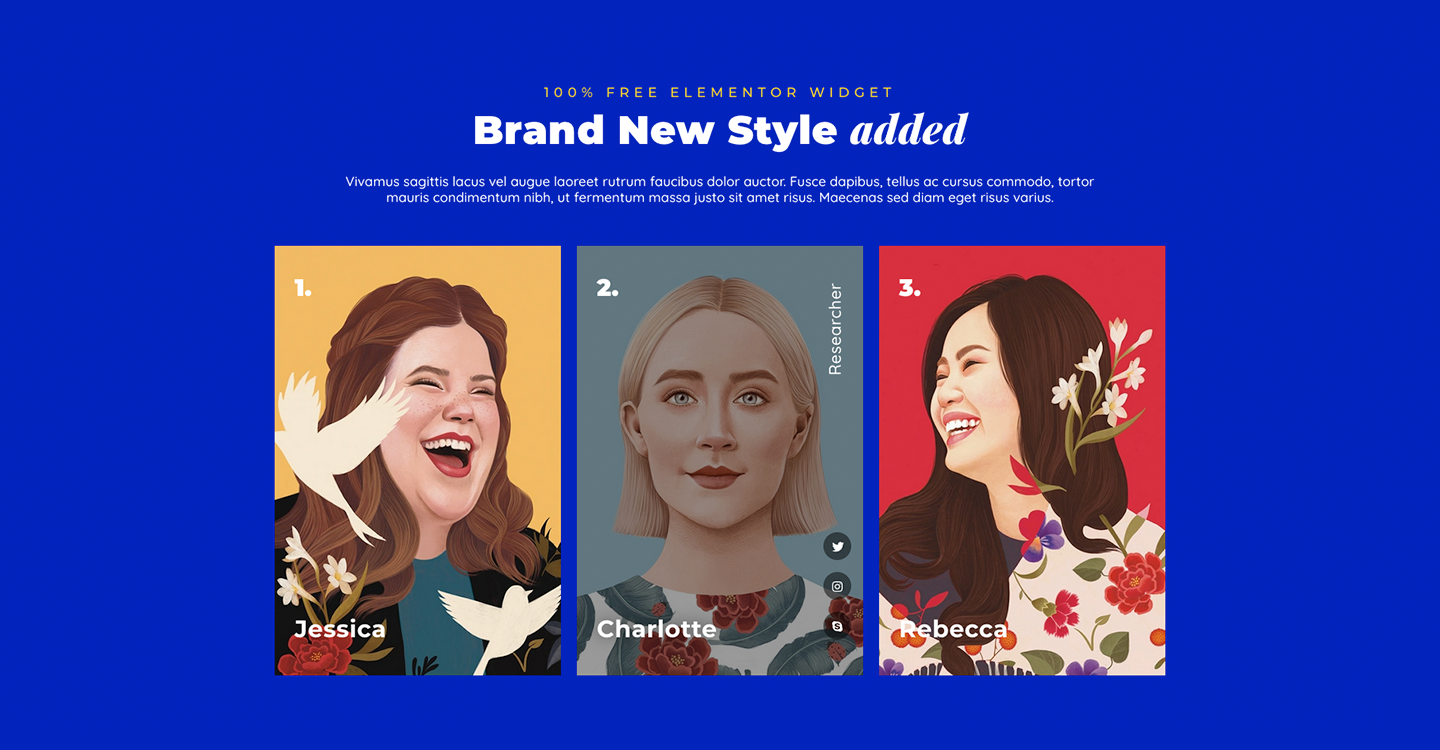
- Team Members Widget (FREE): List team members with many customization options.
- Tabs Widget (PRO): Create both Vertical and Horizontal tabs with tons of styling features.
- Content Toggle (PRO): Present multiple content in a smart way.
- Animated Text Widget (FREE): Animated fancy text for attractive marketing messages.
- Heading Widget (FREE): Heading with ready-made styles and many customization options.
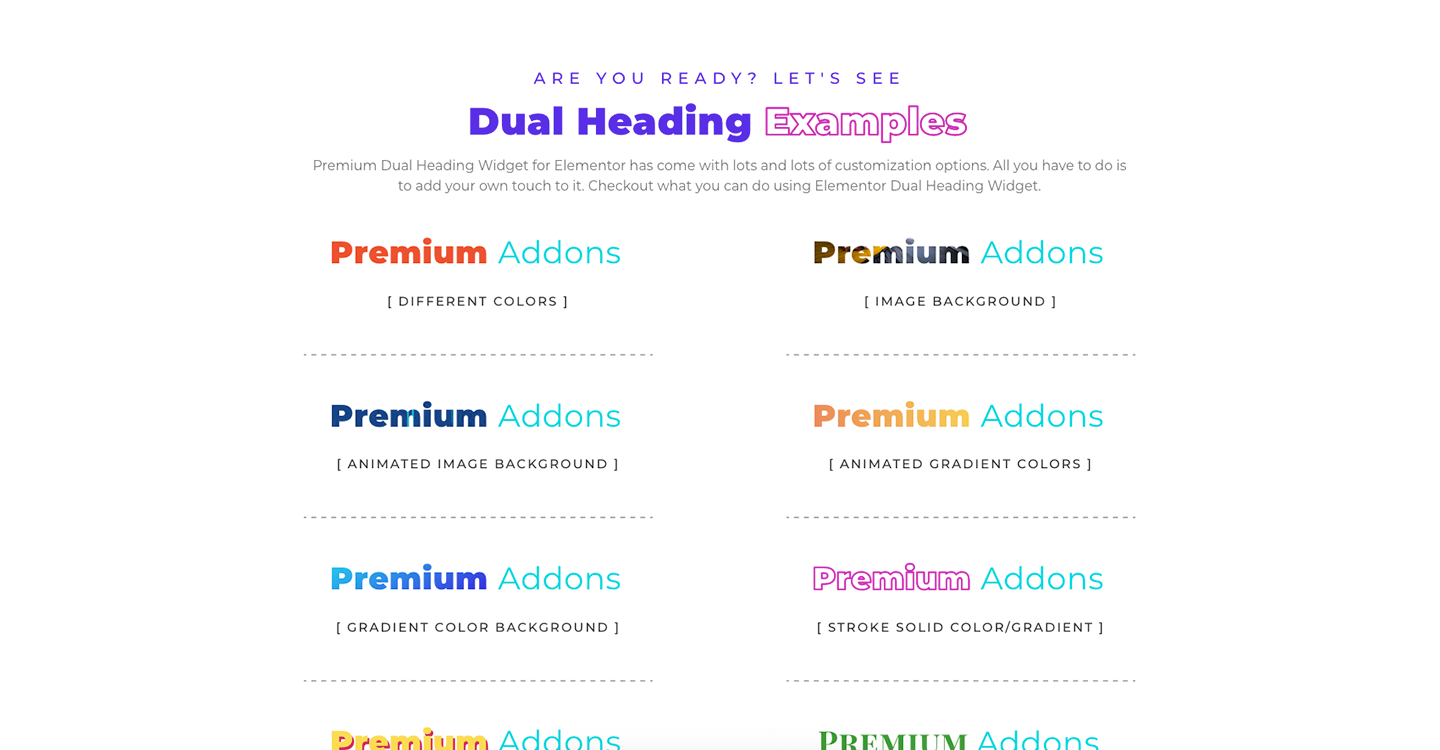
- Dual Heading Widget (FREE): Create a headline with 2 different unique styles.
Image & Video Widgets
- Site Logo Widget (PRO): Logo from an image, SVG or Lottie animation with many options.
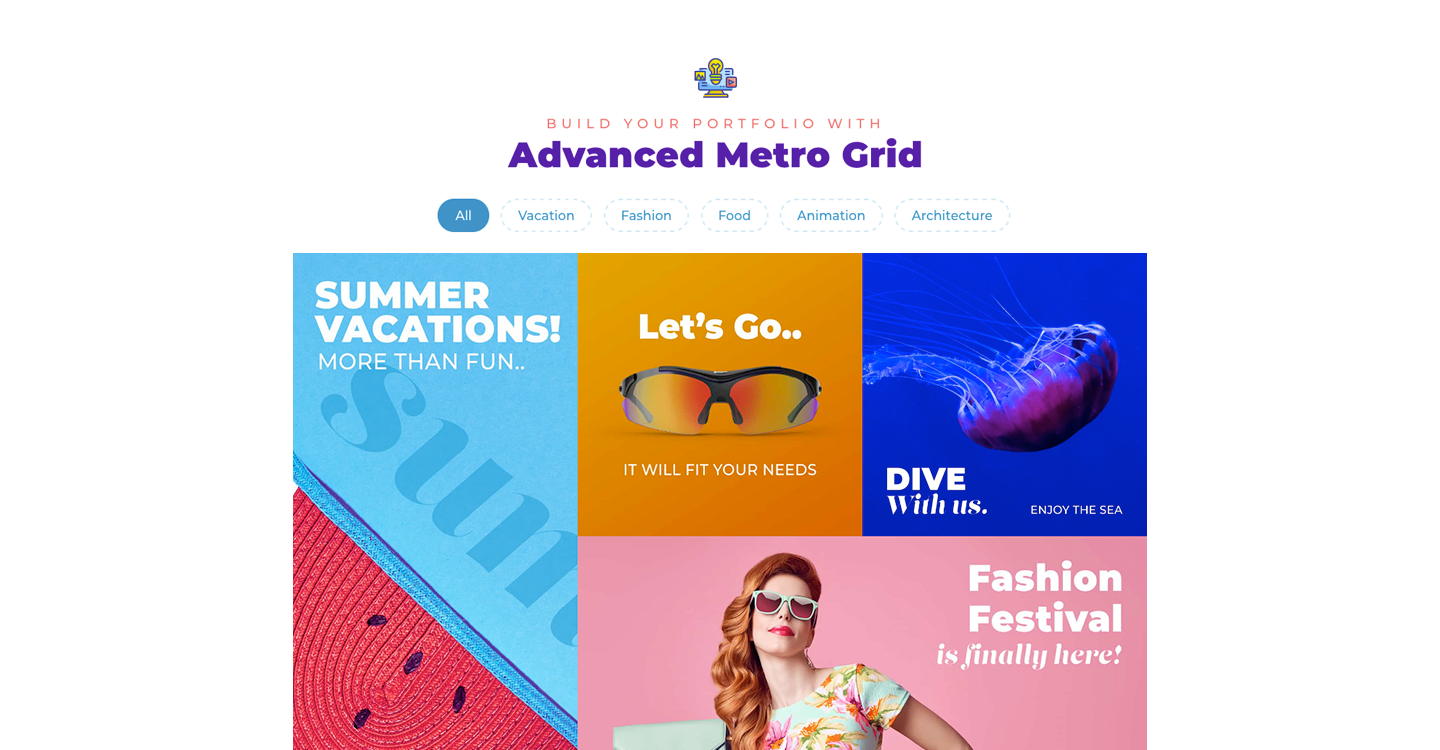
- Media Gallery Widget (FREE): Customizable image galleries and portfolios.
- Advanced Media Carousel Widget (FREE): Carousel of images, videos or Elementor templates.
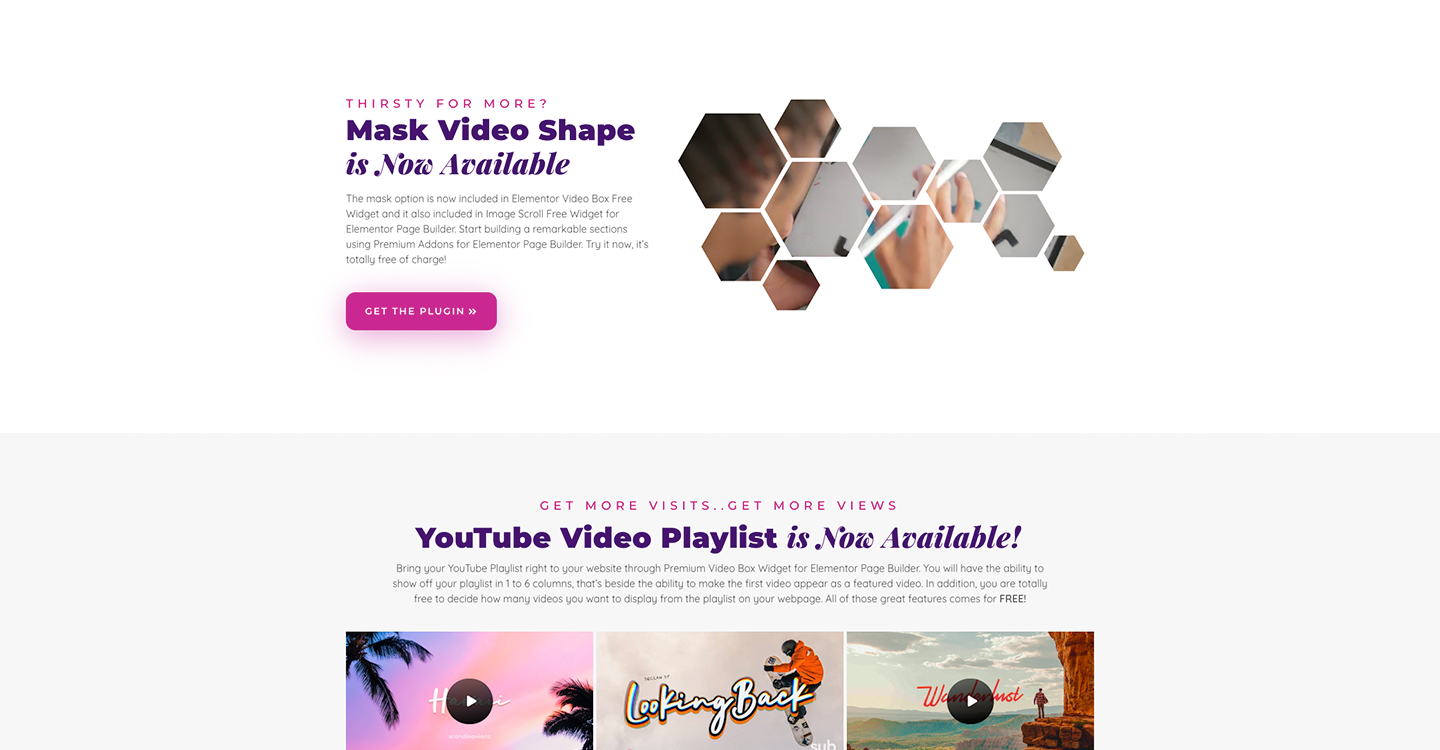
- Image Scroll Widget (FREE): Allows you to represent your images in a brand new yet attractive way.
- Image Comparison Widget (PRO): Vertical or horizontal before/after image comparison.
- Image Hotspots Widget (PRO): Freehand image hotspots placed with drag and drop.
- Image Layers Widget (PRO): Combine images, Lottie animations and texts.
- Image Accordion Widget (PRO): Vertical or horizontal image accordions.
- Video Box Widget (FREE): YouTube, Vimeo, Dailymotion or self-hosted videos with many options.
Container Addons & Widgets
- Horizontal Scroll Widget (PRO): Create horizontal scroll websites with just few clicks.
- Vertical Scroll Widget (FREE): Vertical scroll pages with advanced responsive controls.
- Background Transition Widget (PRO): Create fancy, colorful, and eye-catching webpages.
- Multi-Scroll Widget (PRO): Create attractive multi-scroll effect.
- Display Conditions Addon (FREE): Show or hide any container or widget based on location, browser, device, user role, date, URL parameters and more.
- Liquid Glass Addon (FREE): Apply six liquid glass and glassmorphism effects to any widget or container.
- Equal Height Addon (FREE): Make containers, widgets or any selector the same height with one click.
- Wrapper Link Addon (FREE): Make any container or widget clickable with a link.
- Floating Effects Addon (FREE): Add floating translate, rotate and scale animations to any element.
- Custom Mouse Cursor Global Addon (PRO): Add a custom mouse cursor to any container or widget.
- Magic Scroll Global Addon (PRO): Scroll animations for any widget with full control over the scene.
- Animated Shape Divider Addon (FREE): Animated container dividers from a library or your own SVG.
- Tooltips Global Addon (FREE): Add icon, image, Lottie animation or Elementor template as a tooltip for any Elementor container element.
- Badge Global Addon (PRO): Add an icon, image, Lottie animation, or SVG blob shape badge to any container.
- Animated Blob Generator (PRO): Add multiple animated blob layers to your containers with a wide range of smart customization options.
- Lottie Animations Container Addon (PRO): Multiple Lottie animations on any container with interactivity options.
- Parallax Container Addon (PRO): Parallax container backgrounds with freehand design and many styles.
- Particles Container Addon (PRO): Create eye-catching particles background with many customization options.
- Animated Gradient Container Addon (PRO): Subtle animated gradients effect that makes your backgrounds attractive.
- Ken Burns Container Addon (PRO): Add multiple images to your container background and animate them with the popular Ken Burns effect.
Off-Grid Widgets
- Modal Box Widget (FREE): All purpose modal box widget with the ability to use Elementor Templates and many other options.
- Alert Box Widget (PRO): Popups, GDPR alerts and notices.
- Off-canvas Widget (PRO): Slide in a container from any direction with a trigger.
- Preview Window Widget (PRO): Very clever way to show more data in less content area.
Elementor WooCommerce Widgets & Addons
- Woo Products Listing (FREE): WooCommerce products in grid, masonry or carousel layouts with query controls and skins.
- Woo Categories Listing (FREE): WooCommerce categories in grid or carousel layouts with filtering and design controls.
- Woo CTA (FREE): Add to cart, wishlist or compare buttons anywhere on product pages.
- Woo Mini Cart (FREE): Live mini cart with styling options and a free shipping progress bar.
- Woo Display Conditions (PRO): Show or hide any Elementor content based on WooCommerce conditions like cart items, product categories, stock, user role, and more.
Social Reviews & Testimonials Widgets
- Testimonials Widget (FREE): Modern testimonials; pair with the Carousel widget for a testimonials slider.
- Facebook Reviews Widget (PRO): This widget allows you to show off your Facebook Reviews on your website.
- Google Reviews Widget (PRO): Show your business’s latest Google Reviews right on your webpage.
- Yelp Reviews Widget (PRO): Show your business’s Yelp Reviews in your website pages with this useful widget.
Blurbs & CTA Widgets
- Bullet List Widget (FREE): Create a bullet list with icons, images, and text tags beside Lottie animations.
- Countdown Widget (FREE): Create urgency for events, sales and coming-soon pages.
- Banner Widget (FREE): Animated and interactive Banner Widget comes with multiple styles and customization features.
- Button Widget (FREE): Advanced button with interactive animations, styles and onClick events.
- Image Button Widget (FREE): A creative image-based call to action.
- 3D Hover Box Widget (PRO): Comes with 8 cool 3D interactive effects.
- Icon Box Widget (PRO): An advanced Icon Box Widget with endless customization options.
- iHover Widget (PRO): The popular iHover Widget with various interactive animations and styling options.
- Unfold Widget (PRO): Fit long text in a small area with an unfold effect.
Social Feed Widgets
- Pinterest Feed Widget (FREE): Pins and boards from your Pinterest account in three layouts and four skins.
- TikTok Feed Widget (FREE): TikTok feed with filtering, three layouts and three skins.
- Facebook Feed Widget (PRO): Show your Facebook Feed directly inside your website.
- X (Twitter) Feed Widget (PRO): Display your X (Twitter) feed on your website pages.
- Instagram Feed Widget (PRO): Show your Instagram photos right on your webpage.
- Behance Feed Widget (PRO): Show off your amazing portfolio projects using Behance Feed Widget.
Tables, Charts & Anything Data Widgets
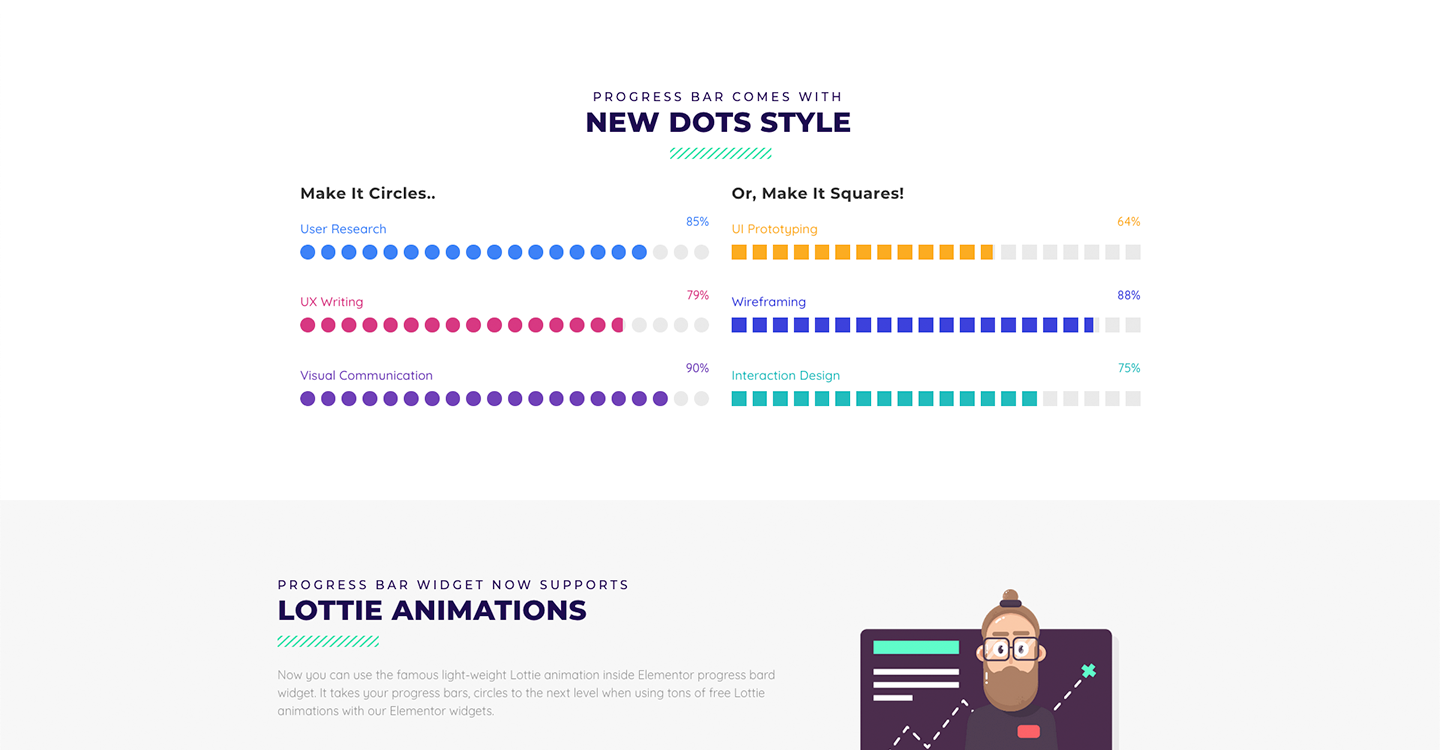
- Progress Bar Widget (FREE): Progress bars with multiple labels.
- Pricing Table Widget (FREE): Highly customizable Pricing Table Widget with tons of styling options.
- Charts Widget (PRO): Line, bar, doughnut, radar and more chart types.
- Tables Widget (PRO): Sophisticated tables with styling and interactivity options.
- Counter Widget (FREE): Show your facts & figures with Counter Widget.
Contact Widgets
- Contact Form 7 Widget (FREE): Include contact forms in your contact us page using Contact Form 7 Widget.
- WhatsApp Chat Widget (PRO): Get instant WhatsApp messages right from your website visitors.
Design Widgets
- Divider Widget (PRO): Design beautiful dividers with this unique widget.
- Image Separator Widget (FREE): Add an Image Separator between containers with this handy yet fully responsive widget.
Support & Documentation
- Documentation: search here first to learn how a widget works or to troubleshoot.
Need more? Check Premium Addons PRO.
Love Premium Addons? Rate us on WordPress.org 🙂
Installation
- Install and activate the free Elementor plugin. Premium Addons works only with Elementor.
- Upload the plugin to
/wp-content/plugins/or install it from the WordPress Plugins screen, then activate it. - Find the widgets under the “Premium Addons” category in the Elementor editor panel, and the templates library button on any container.
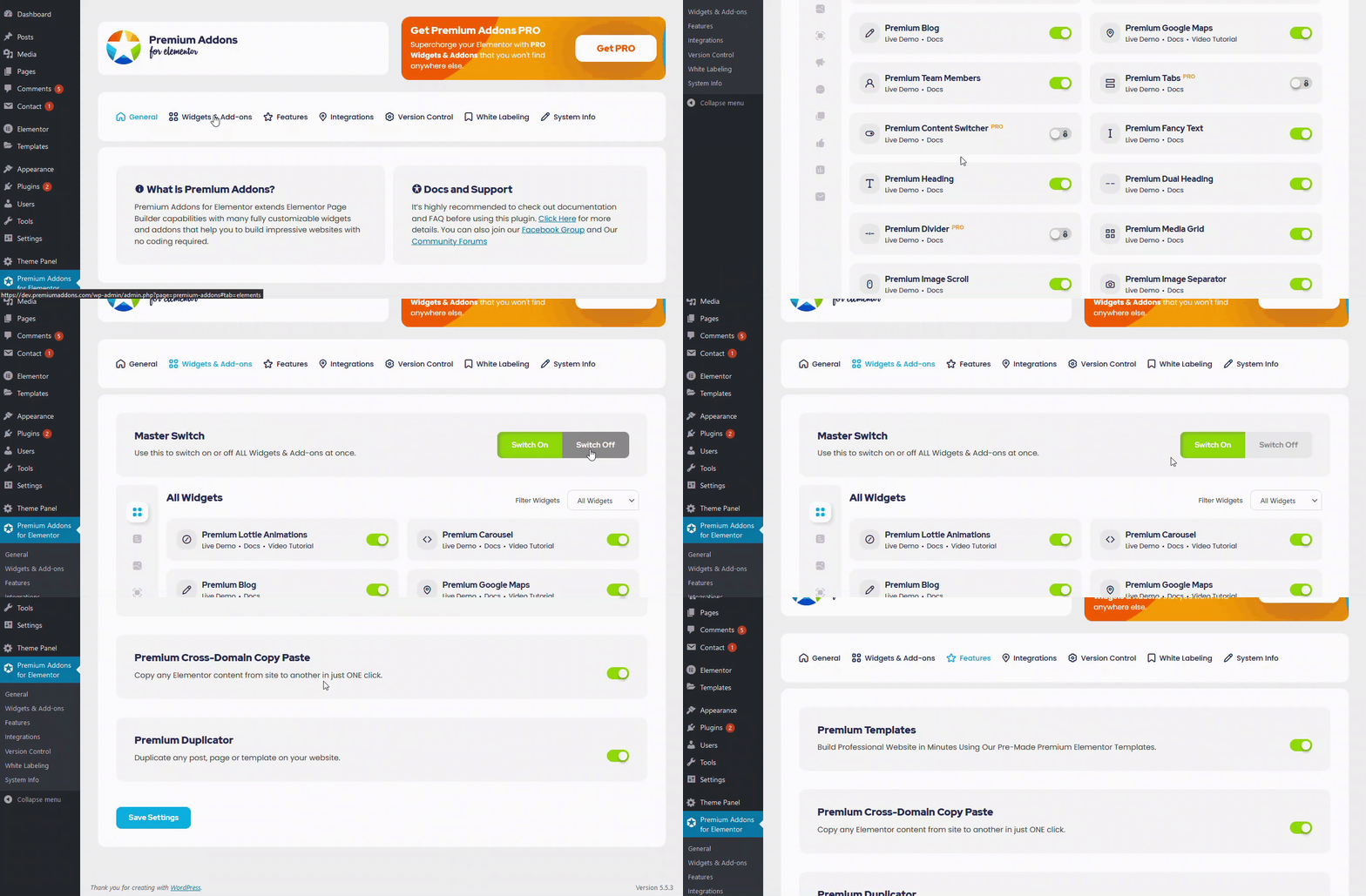
- To connect an AI agent, open Premium Addons > MCP Config & AI Abilities, enable AI Abilities and follow the setup steps for your client (requires WordPress 6.9 or higher).
Changelog
4.11.120 – 16/11/2026
- Tweak: Returning Visitor display condition is now compatible with WP Consent API.
- Tweak: Counter widget now renders the final number in the page HTML for search engines and AI crawlers.
- Fixed: Security issue in Lottie animations.
- Fixed: Product title not showing after pagination or Load More in Woo Products widget.
4.11.119 – 12/11/2026
- Fixed: Some texts not translatable with WPML in Heading, Dual Heading, Image Scroll, Search Form, Tags Cloud, Post Ticker, Countdown and Video Box widgets and Global Tooltip addon.
- Fixed: Page, Post and category display conditions not working on WPML translated pages.
- Fixed: “Is Not” operator not working as expected in some display conditions.
4.11.118 – 11/11/2026
- Tweak: Compatibility with Elementor v4.4.
- Fixed: Layout shift on page load in Mega Menu widget.
- Fixed: SEO issue caused by an empty link in Heading widget.
- Fixed: Author job alignment ignored when the text wraps in Testimonial widget.
- Fixed: Author job line height option not working in Testimonial widget.
- Fixed: Improved code security enforcement in Display Conditions addon and widget icons.
4.11.117 – 26/10/2026
- Tweak: Upload Media AI ability can now upload files from the AI agent’s computer, not only public URLs.
- Fixed: Mega Menu dropdown closing while moving the cursor from a menu item to its mega content.
- Fixed: “Undefined array key” warning showing above Shape Divider addon on the frontend.
- Fixed: Improved code security enforcement in Upload Media AI ability.
4.11.116 – 23/10/2026
- Tweak: Headroom and Flipster scripts now load in the footer for better page performance in Mega Menu and Media Wheel widgets.
- Fixed: “Purchased” option not working as expected in WooCommerce Category display condition.
- Fixed: Improved code security enforcement.
4.11.115 – 22/10/2026
- Tweak: Upload Media AI ability now supports videos.
- Fixed: Elementor MCP widget schema tools failing when Carousel, Media Wheel, Modal Box or Vertical Scroll widgets are enabled.
- Fixed: Icons overlapping the Load More button in Media Grid widget.
Screenshots
For developers
Is this your plugin? Show off the numbers.
Add a live badge to your site, docs or GitHub README. It updates on its own — no account needed.
Best Premium Addons for Elementor alternatives
All AI plugins →





FAQ
Premium Addons for Elementor: quick answers
Straight answers, pulled from live WordPress.org data.
Live data from WordPress.org · checked Nov 17, 2026
Is Premium Addons for Elementor free?
Yes. Premium Addons for Elementor is free to download and use from the official WordPress.org plugin directory. The developer also sells premium add-ons or a Pro version with extra features.
Is Premium Addons for Elementor safe to use in 2026?
Yes — Premium Addons for Elementor is a safe, well-maintained plugin to use in 2026. It runs on 600K+ sites, is rated 4.9/5 and was last updated 1 day ago, and scores 97/100 on our health check.
How many websites use Premium Addons for Elementor?
Premium Addons for Elementor is active on 600K+ WordPress websites and has been downloaded 67,603,306 times since it launched in January 2018. It was downloaded 1,142,845 times in the last 30 days.
Does Premium Addons for Elementor work with WordPress 7.1?
Yes. The developer has tested Premium Addons for Elementor up to WordPress 7.1.4, the latest release. It requires WordPress 6.6 or newer.
What PHP version does Premium Addons for Elementor need?
Premium Addons for Elementor requires PHP 7.4 or higher. Most hosts run PHP 8.x today, so it works on any modern WordPress hosting.
When was Premium Addons for Elementor last updated?
The latest version, 4.11.120, was released on November 16, 2026 (1 day ago).
Who makes Premium Addons for Elementor?
Premium Addons for Elementor is developed and maintained by Leap13.
What are the best alternatives to Premium Addons for Elementor?
The most popular alternatives to Premium Addons for Elementor are Elementor Agent Ready Websi… (10M+ installs), Jetpack (3M+ installs) and All in One SEO (2M+ installs).
Powered by PageForge
Want thousands of pages that rank like these? Build them in an afternoon.
This directory runs on the same engine as PageForge. Turn any spreadsheet, CSV or API into thousands of fast, SEO-ready WordPress pages — with schema, internal links and AI-written copy baked in.
- CSV, Google Sheets & API data sources
- AI content, schema & internal links per page
- Works with Elementor, Gutenberg, Yoast & Rank Math
- Free on WordPress.org — no credit card


