



Postlane
A Gutenberg block to display WordPress posts in grid or list layouts with drag-and-drop reordering and full customization controls.

Consider an alternative
Postlane shows warning signs in 2026 — compare the alternatives below before installing. Is rated 5/5 and was last updated 8 months ago, and scores 37/100 on our health check.
- Small user base (<10 active installs)
- Very few reviews so far
- Only tested up to WordPress 6.7 (latest is 7.1)
How does it stack up?
Side-by-side on installs, updates, ratings & support



Daily downloads
Download spikes usually follow a new release — each site that auto-updates counts as a download.
Rankings
Where Postlane stands todayWordPress.org search rankings
Live position in the plugin search, top 100| Keyword | Position |
|---|---|
| block | >100 |
| grid | >100 |
| gutenberg-post | >100 |
| posts grid | >100 |
| widget | >100 |
Rating breakdown
★★★★★★★★★★ 5 from 1 reviews
About Postlane
From the official readme · v1.0.0Description
Postlane adds a powerful Gutenberg block that lets you display your WordPress posts anywhere on your site — in a clean list or a responsive grid. You control the layout, the content, and even the order of posts using a simple drag-and-drop interface right inside the editor.
Whether you’re building a blog homepage, a news section, or a portfolio, Postlane gives you everything you need without writing a single line of code.
Key Features
- Grid and List Layouts — Choose between list view or grid view with 2, 3, or 4 columns
- Drag & Drop Reordering — Reorder posts visually in the editor; custom order is saved and shown on the frontend
- Category Filtering — Show posts from a specific category or display all posts
- Post Count Control — Display anywhere from 1 to 20 posts
- Sort Options — Order posts by date, title, or randomly
- Toggle Display Elements — Show or hide featured images, titles, excerpts, dates, authors, and category labels
- Excerpt Length Control — Adjust excerpt word count between 5 and 100 words
- Multiple Image Sizes — Choose from thumbnail, medium, large, or full image sizes
- Fully Responsive — Layouts adapt automatically for desktop, tablet, and mobile
- Lightweight — No jQuery, no external dependencies, minimal resource usage
How It Works
After activating the plugin, open any post or page in the block editor. Search for “Postlane” in the block inserter and add it to your content. Use the sidebar settings panel to configure the layout, filters, and display options. Optionally drag and drop posts in the editor preview to set a custom display order. Save and publish — your post feed is live.
Privacy
Postlane does not collect any personal data, does not set cookies, and makes no external HTTP requests. It is fully compliant with GDPR and similar privacy regulations.
Installation
Automatic Installation
- Log in to your WordPress admin dashboard
- Go to Plugins > Add New
- Search for Postlane
- Click Install Now, then click Activate
- Open any post or page in the block editor and search for the Postlane block
Manual Installation
- Download the plugin ZIP file
- Go to Plugins > Add New > Upload Plugin in your WordPress dashboard
- Upload the ZIP file and click Install Now
- Click Activate Plugin
Requirements
- WordPress 5.8 or higher
- PHP 7.4 or higher
- A theme that supports the block editor (Gutenberg)
Frequently asked questions
Does this plugin work with my theme?
Yes. Postlane works with any WordPress theme that supports the block editor (WordPress 5.0 and above).
Can I display posts from a specific category?
Yes. Use the Category dropdown in the block settings panel to filter posts by any category on your site.
Can I show multiple Postlane blocks on one page?
Yes. You can add as many Postlane blocks as you need on a single page, each with its own settings.
Can I manually set the order of posts?
Yes. Drag and drop the posts in the editor preview to reorder them. The custom order will be reflected on the frontend. Click “Reset Custom Order” in the block settings to revert to default sorting.
Can I control how long the excerpt is?
Yes. Use the Excerpt Length slider in the Display Settings panel to set a word count between 5 and 100 words.
Does it support custom post types?
Currently Postlane supports standard WordPress posts. Support for custom post types is planned for a future release.
Is the plugin translation ready?
Yes. Postlane is fully internationalized and ready to be translated into any language using standard WordPress translation tools.
Where do I report a bug or request a feature?
Please use the WordPress.org support forum to report bugs or submit feature requests.
Changelog
Initial release of Postlane.
1.0.0
- Initial release
- Grid layout with 2, 3, and 4 column options
- List layout
- Drag and drop post reordering
- Category filtering
- Post count control (1–20 posts)
- Sort by date, title, or random
- Toggle featured images, titles, excerpts, dates, authors, and category labels
- Adjustable excerpt length
- Multiple image size options
- Fully responsive design
- REST API integration for editor preview
- No jQuery dependency
Screenshots
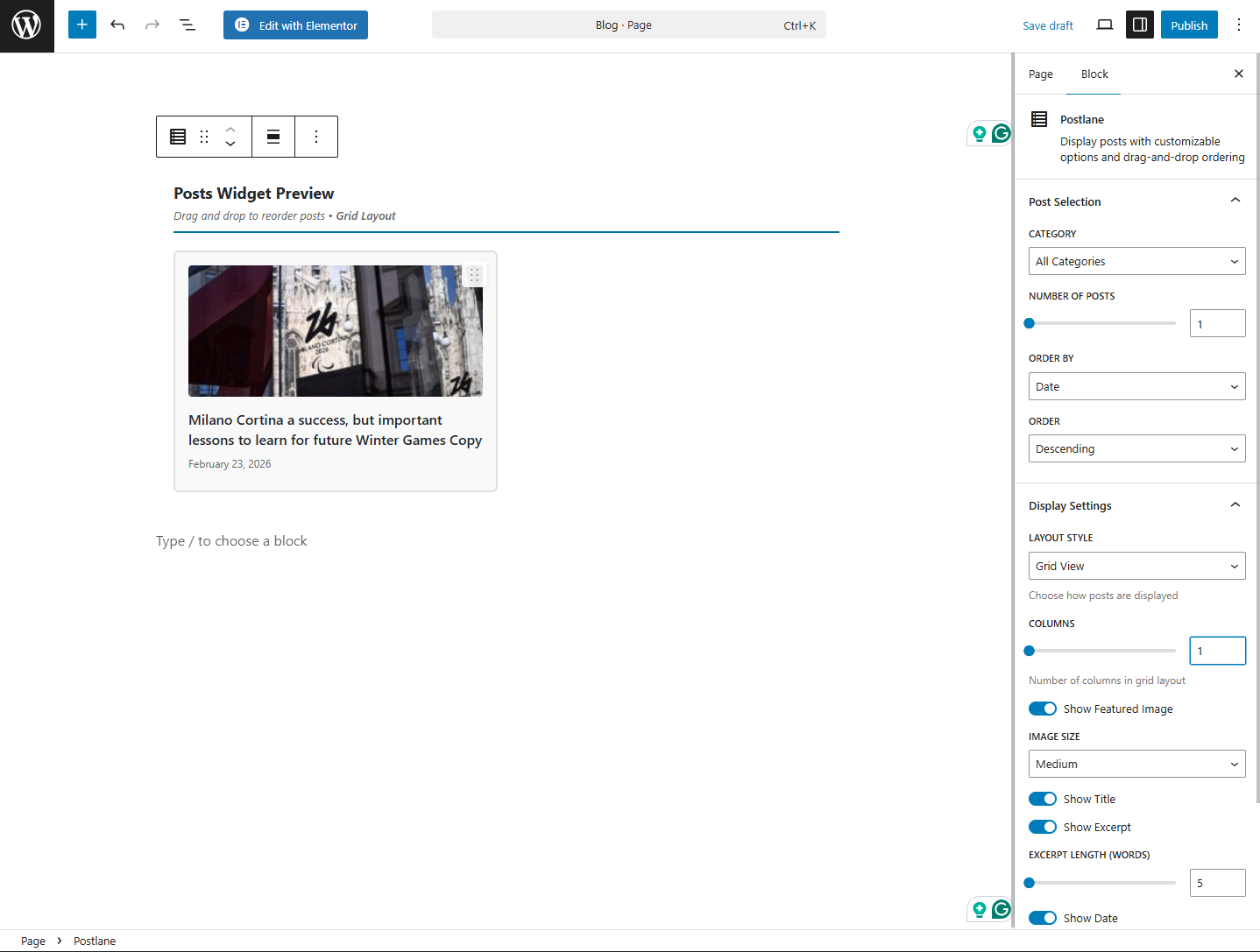
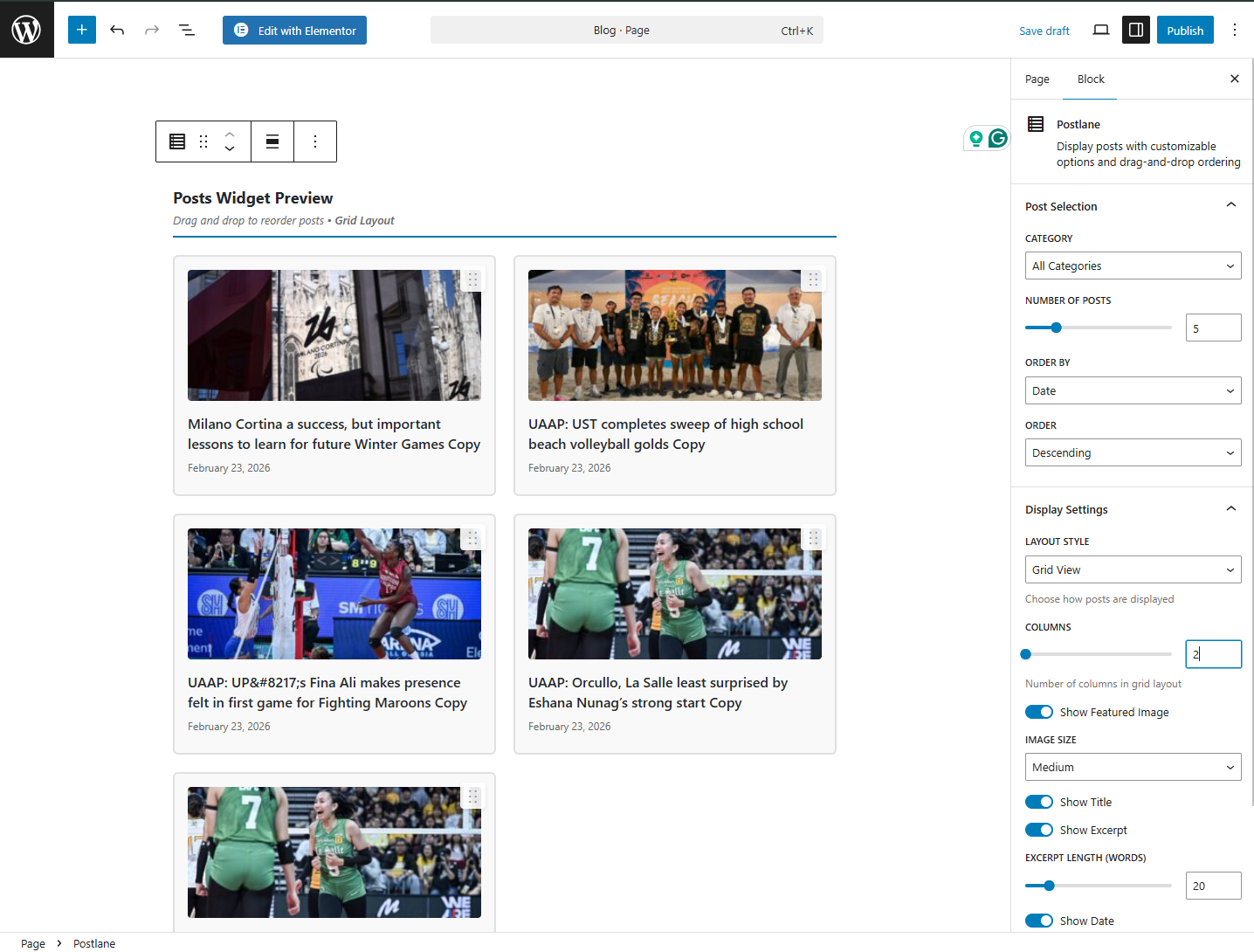
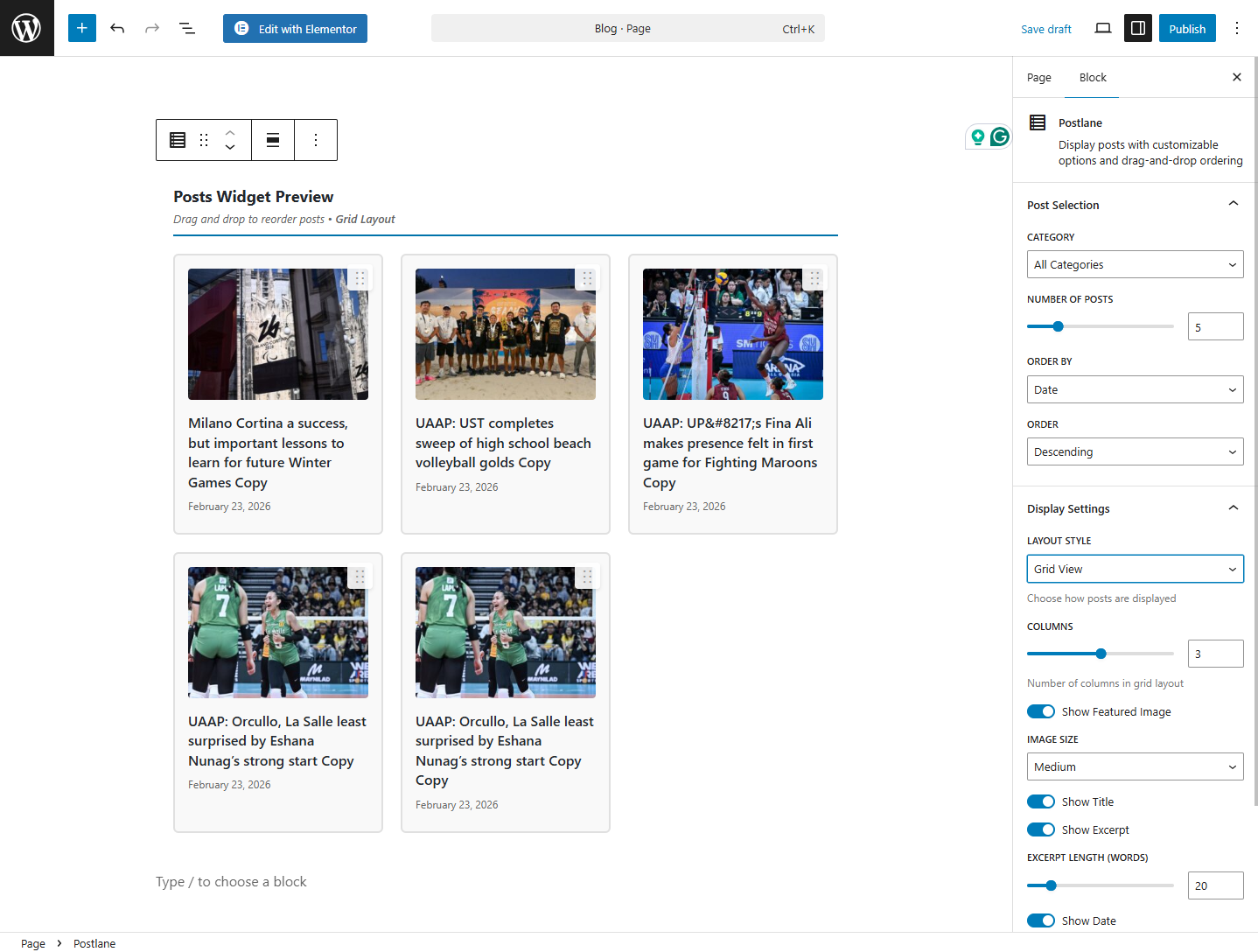
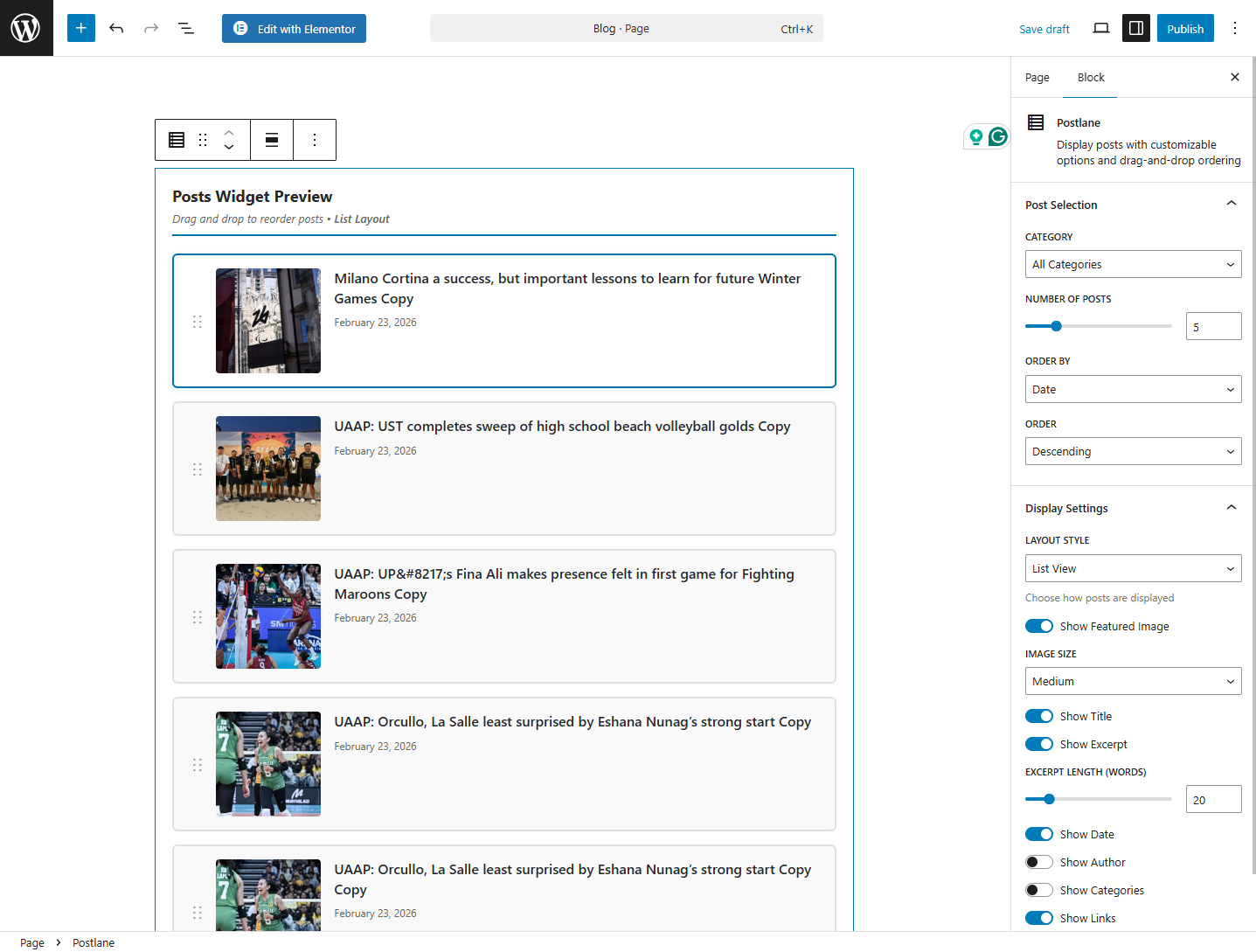
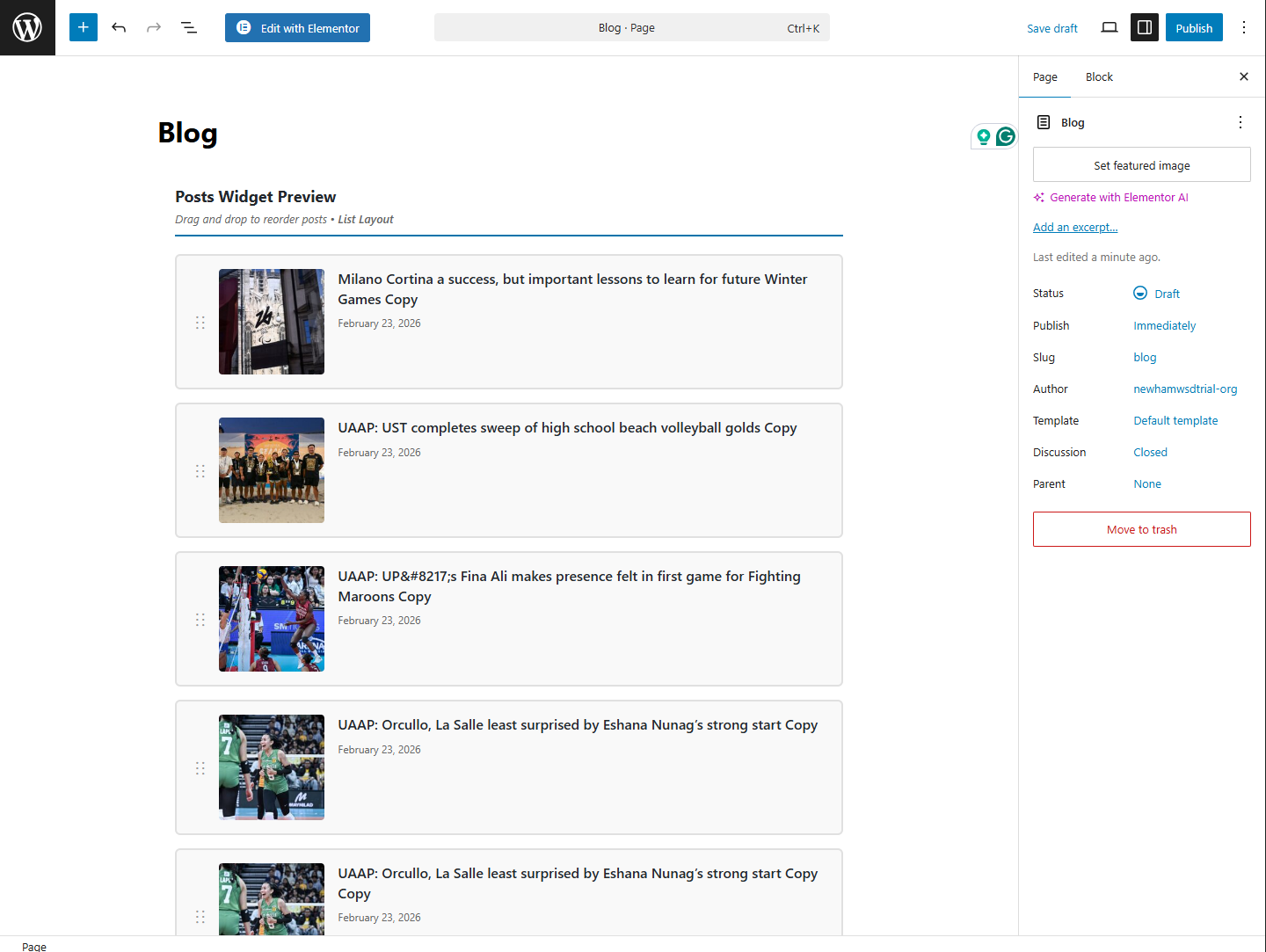
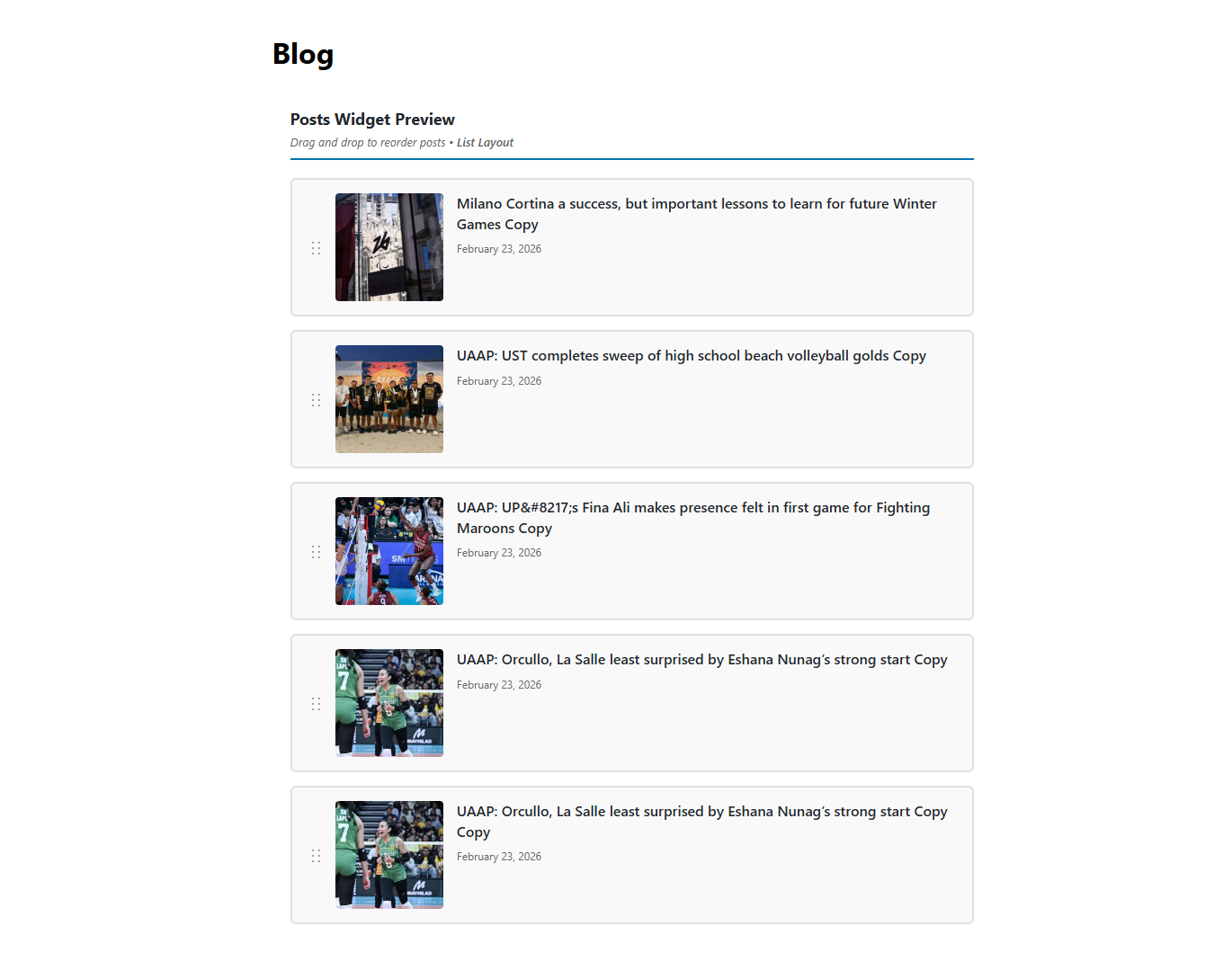
For developers
Is this your plugin? Show off the numbers.
Add a live badge to your site, docs or GitHub README. It updates on its own — no account needed.
Best Postlane alternatives
All block plugins →





FAQ
Postlane: quick answers
Straight answers, pulled from live WordPress.org data.
Live data from WordPress.org · checked Oct 10, 2026
Is Postlane free?
Yes. Postlane is free to download and use from the official WordPress.org plugin directory.
Is Postlane safe to use in 2026?
Postlane shows warning signs in 2026 — compare the alternatives below before installing. Is rated 5/5 and was last updated 8 months ago, and scores 37/100 on our health check.
How many websites use Postlane?
Postlane is active on <10 WordPress websites and has been downloaded 447 times since it launched in February 2026. It was downloaded 46 times in the last 30 days.
Does Postlane work with WordPress 7.1?
Postlane is officially tested up to WordPress 6.7.10, while the latest release is 7.1.3. It may still work, but try it on a staging site first.
What PHP version does Postlane need?
Postlane requires PHP 7.4 or higher. Most hosts run PHP 8.x today, so it works on any modern WordPress hosting.
When was Postlane last updated?
The latest version, 1.0.0, was released on February 24, 2026 (8 months ago).
Who makes Postlane?
Postlane is developed and maintained by haroondev.
What are the best alternatives to Postlane?
The most popular alternatives to Postlane are Spectra Legacy (1M+ installs), Breadcrumb NavXT (800K+ installs) and PDF Embedder (300K+ installs).
Powered by PageForge
Want thousands of pages that rank like these? Build them in an afternoon.
This directory runs on the same engine as PageForge. Turn any spreadsheet, CSV or API into thousands of fast, SEO-ready WordPress pages — with schema, internal links and AI-written copy baked in.
- CSV, Google Sheets & API data sources
- AI content, schema & internal links per page
- Works with Elementor, Gutenberg, Yoast & Rank Math
- Free on WordPress.org — no credit card


