


Pattern CSS – The CSS Editor For Blocks
Add a CSS editor to your blocks and patterns! Loads only where necessary. Supports adding global CSS too.

Solid choice
Pattern CSS is a solid plugin choice in 2026, with a few things worth checking first. It runs on 100+ sites, is rated 5/5 and was last updated 1 month ago, and scores 76/100 on our health check.
- Tested with the latest WordPress (7.1)
- Small user base (100+ active installs)
How does it stack up?
Side-by-side on installs, updates, ratings & support



Daily downloads
Download spikes usually follow a new release — each site that auto-updates counts as a download.
Rankings
Where Pattern CSS stands todayWordPress.org search rankings
Live position in the plugin search, top 100| Keyword | Position |
|---|---|
| block | >100 |
| css | #31 |
| editor | >100 |
| inline | >100 |
| styles | >100 |
Version adoption
Share of active sites per release.
Rating breakdown
★★★★★★★★★★ 5 from 8 reviews
About Pattern CSS – The CSS Editor For Blocks
From the official readme · v1.5.7Description
The missing inline block CSS editor for the Gutenberg editor. Very powerful with synced patterns as well. And it pairs well with global styles.
This plugin is perfect for users looking to add CSS for blocks without needing to create a child theme, or use a bloated plugin. Client safe too. CSS won’t leak outside of the block, and only valid block CSS is persisted.
Star it on GitHub
Follow me on Twitter @kevinbatdorf
How to
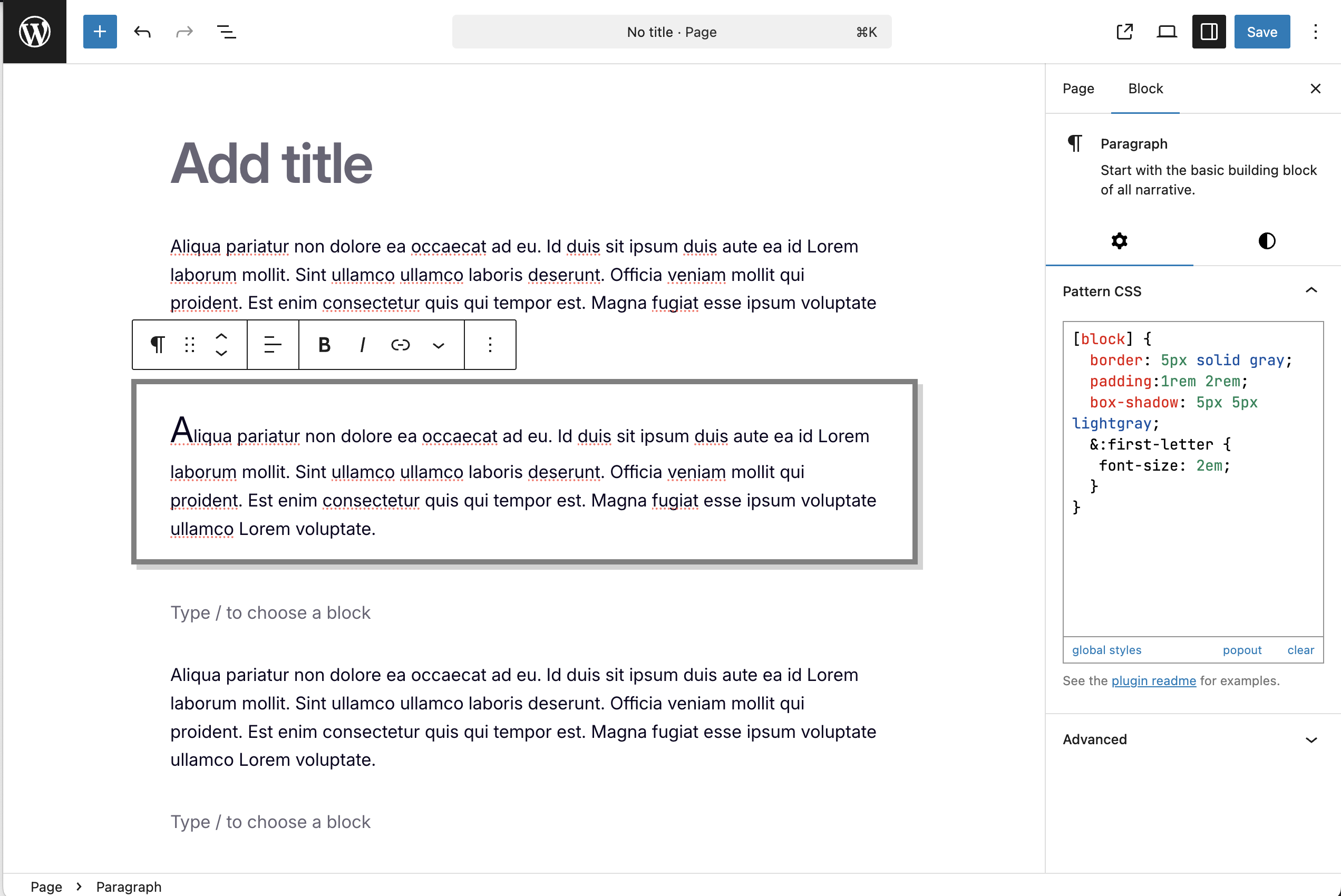
- Every block will have a new “Pattern CSS” settings panel
- Open it and add any CSS. It will be scoped to the block
- To target the block directly, you must use the
[block]selector - To target any element inside the block, use the normal CSS selector
- Use
!importantto override your theme styles (use sparingly)
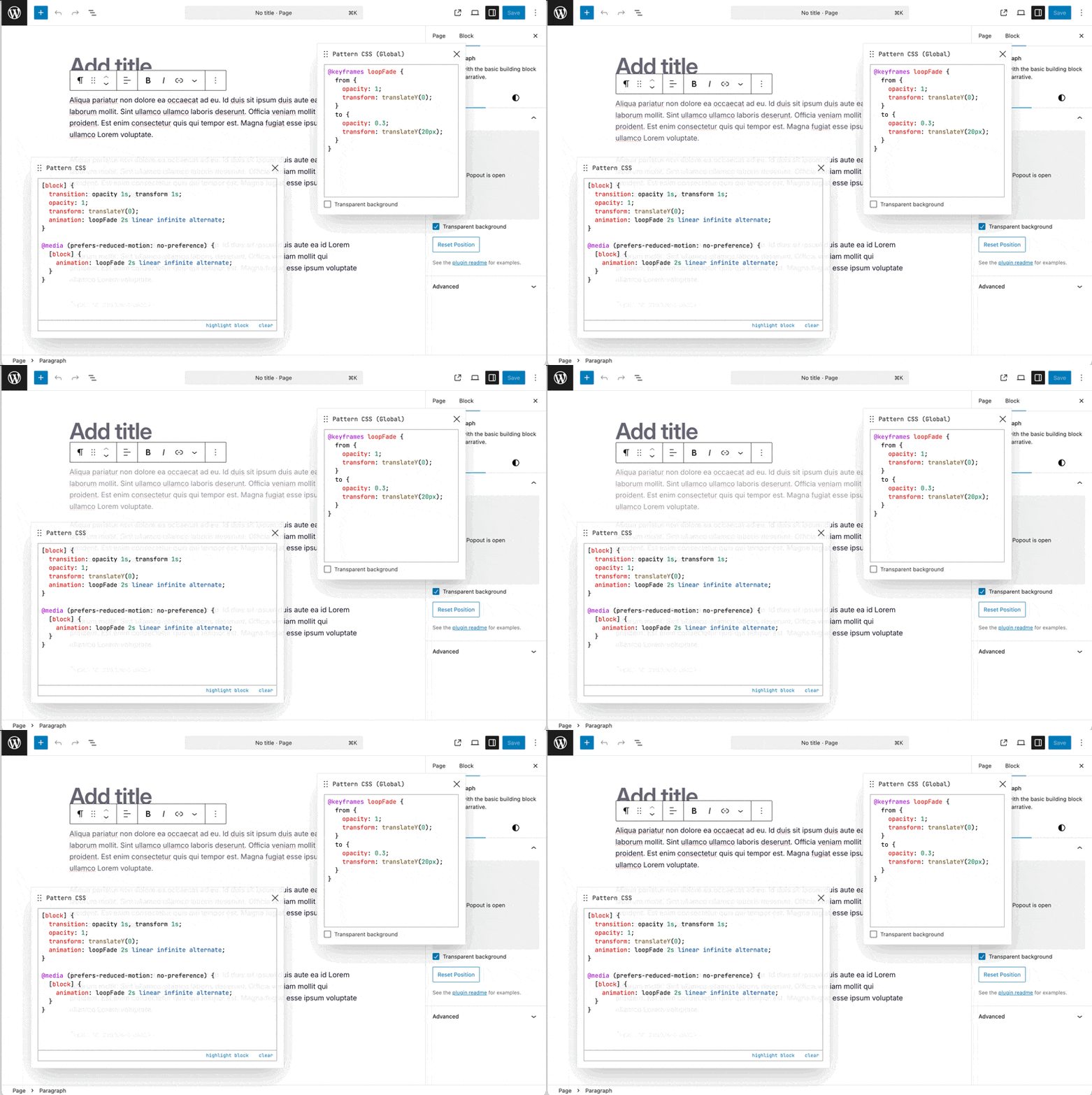
Global Editor
- Access global styles under the options menu (three dots) in the top right corner of the editor
- Additionaly, you can open from the Pattern CSS block editor controls
Features
- Powered by WebAssembly for fast and secure CSS parsing
- Smart loading. Only loads the CSS when the block is present
- Styles persist when changing themes
- Scopes styles to the block so that parent/sibling blocks are not affected
- It’s fast
- CSS is minified and optimized
- It’s safe. Invalid, non-spec CSS is never persisted
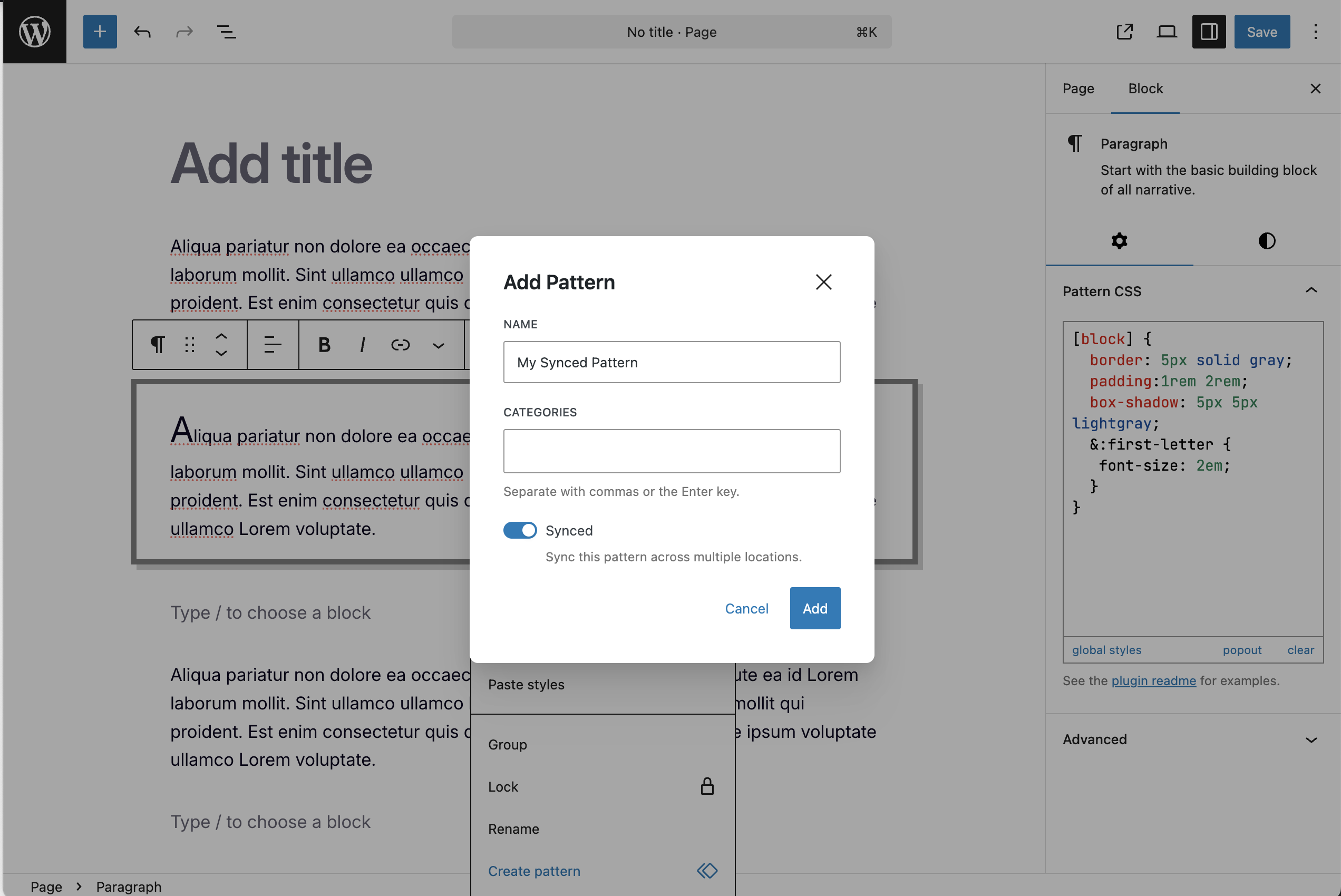
- Supports reusable (synced or not-synced) patterns
- See changes on the page as you make them
- Combines adjacent rules (to decrease size)
- Minifies colors and math functions to simplify according to spec
- Supports CSS nesting
Basic Example
/* Target the block directly */
[block] {
  background: antiquewhite;
  padding: 2rem;
}
/* Target any inner elements */
a {
  text-decoration-color: burlywood;
  text-decoration-thickness: 2px;
  text-decoration-style: solid !important;
}
a:hover {
  text-decoration-color: darkgoldenrod;
}

/* Output: */
.pcss-a1b7b016{background:#faebd7;padding:2rem}.pcss-a1b7b016 a{text-decoration-color:#deb887;text-decoration-thickness:2px;text-decoration-style:solid!important}.pcss-a1b7b016 a:hover{text-decoration-color:#b8860b}
Supports Media Queries
@media (prefers-color-scheme: dark) {
  [block] {
    border-color: blue;
  }
}

/* Output: */
@media (prefers-color-scheme:dark){.pcss-cddaa023{border-color:#00f}}
Combines Rules
[block] {
  color: red;
}
.bar {
  color: red;
}

/* Output: */
.pcss-3aa0f0fc,.pcss-3aa0f0fc .bar{color:red}
Fixes redundant properties
[block] {
  padding-top: 5px;
  padding-left: 50px;
  padding-bottom: 15px;
  padding-right: 5px;
}

/* Output: */
.pcss-3aa0f0fc{padding:5px 5px 15px 50px}
Supports CSS nesting
[block] {
  padding: 1rem;
  a {
    color: red;
  }
  background: white;
  /* Including media queries */
  @media (prefers-color-scheme: dark) {
    background: black;
    color:white;
  }
}

/* Output: */
.pcss-f526bb2d{background:#fff;padding:1rem;& a{color:red}@media (prefers-color-scheme:dark){&{color:#fff;background:#000}}}
Check browser support for CSS nesting
Installation
- Activate the plugin through the ‘Plugins’ screen in WordPress
Frequently asked questions
Error about application/wasm mime type
Your server needs to be able to identify the mime type being used. See here: https://wordpress.org/support/topic/webassembly-instantiatestreaming-failed-because-your-server-does-not-serve-wasm/
Can I use something other than [block]?
You can add a custom selector via a PHP constant. It requires setting a type (type, attribute, etc) and the name. Here’s an example for “foo { color: red }”, where foo will be replaced with .pcss-h3Hso39bsK (or something similar): Add this to functions.php: define('PATTERN_CSS_SELECTOR_OVERRIDE', ['name' => 'foo', 'type' => 'type']);
Can I manually set the class ID?
By default, class IDs are auto-generated. If you need to manually set or change a block’s class ID (e.g. to match an existing class), you can enable this by adding the following constant to wp-config.php or functions.php: define('PATTERN_CSS_ALLOW_MANUAL_OVERRIDE', true); Once enabled, the ID field in the Advanced panel becomes editable. Type your desired class name and press “Apply” to save it. The value will be slugified automatically.
Changelog
1.5.7 – 2026-08-15
- Tested up to WordPress 7.1
- Chore: Update GitHub Actions off the deprecated Node 20 runtime
1.5.6 – 2026-04-11
- Removes class ID from block when CSS is cleared
1.5.5 – 2026-03-24
- Added manual class ID override (opt-in via constant)
- Warns when duplicate class IDs are detected in the editor
- Prevents duplicate inline styles on the frontend
- Switched to Biome for linting and formatting
- Switched to Playwright and WP Playground for testing
1.5.4 – 2026-03-23
- Fixed dynamic blocks with POST
1.5.3 – 2025-09-27
- Fixes an issue where filtered attributes sent wp/v2/block-renderer causes a block validation error
1.5.2 – 2025-05-21
- Fixes an overflow bug in the editor
Screenshots

For developers
Is this your plugin? Show off the numbers.
Add a live badge to your site, docs or GitHub README. It updates on its own — no account needed.
Best Pattern CSS alternatives
All block plugins →





FAQ
Pattern CSS: quick answers
Straight answers, pulled from live WordPress.org data.
Live data from WordPress.org · checked Sep 29, 2026
Is Pattern CSS free?
Yes. Pattern CSS is free to download and use from the official WordPress.org plugin directory.
Is Pattern CSS safe to use in 2026?
Pattern CSS is a solid plugin choice in 2026, with a few things worth checking first. It runs on 100+ sites, is rated 5/5 and was last updated 1 month ago, and scores 76/100 on our health check.
How many websites use Pattern CSS?
Pattern CSS is active on 100+ WordPress websites and has been downloaded 5,479 times since it launched in November 2023. It was downloaded 176 times in the last 30 days.
Does Pattern CSS work with WordPress 7.1?
Yes. The developer has tested Pattern CSS up to WordPress 7.1.2, the latest release. It requires WordPress 6.7 or newer.
What PHP version does Pattern CSS need?
Pattern CSS requires PHP 7.0 or higher. Most hosts run PHP 8.x today, so it works on any modern WordPress hosting.
When was Pattern CSS last updated?
The latest version, 1.5.7, was released on August 15, 2026 (1 month ago).
Who makes Pattern CSS?
Pattern CSS is developed and maintained by Kevin Batdorf.
What are the best alternatives to Pattern CSS?
The most popular alternatives to Pattern CSS are Spectra Legacy (1M+ installs), Breadcrumb NavXT (800K+ installs) and PDF Embedder (300K+ installs).
Powered by PageForge
Want thousands of pages that rank like these? Build them in an afternoon.
This directory runs on the same engine as PageForge. Turn any spreadsheet, CSV or API into thousands of fast, SEO-ready WordPress pages — with schema, internal links and AI-written copy baked in.
- CSV, Google Sheets & API data sources
- AI content, schema & internal links per page
- Works with Elementor, Gutenberg, Yoast & Rank Math
- Free on WordPress.org — no credit card


