



Orders Sync to Airtable for WooCommerce
Sync WooCommerce orders to Airtable easily and efficiently.

Solid choice
Orders Sync to Airtable for Woo… is a solid plugin choice in 2026, with a few things worth checking first. It runs on 30+ sites, is rated 5/5 and was last updated 3 months ago, and scores 65/100 on our health check.
- Small user base (30+ active installs)
- Very few reviews so far
How does it stack up?
Side-by-side on installs, updates, ratings & support



Daily downloads
Download spikes usually follow a new release — each site that auto-updates counts as a download.
Rankings
Where Orders Sync to Airtable for… stands todayWordPress.org search rankings
Live position in the plugin search, top 100| Keyword | Position |
|---|---|
| Airtable | #5 |
| api | >100 |
| orders | #100 |
| synchronization | #60 |
| woocommerce | >100 |
Version adoption
Share of active sites per release.
Rating breakdown
★★★★★★★★★★ 5 from 1 reviews
About Orders Sync to Airtable for WooCommerce
From the official readme · v1.0.1Description
Orders Sync to Airtable for WooCommerce is a free plugin that allows you to synchronize automatically your WooCommerce store’s orders to your Airtable base with ease.
Whether you want to manage your order data, automate your reports, or centralize your store activity in Airtable, this plugin helps you streamline the process without manual data entry.
You can use our predefined Airtable template or connect to your own Airtable base for maximum flexibility.
Looking to sync products, inventory, and more from Airtable to WooCommerce? Check out our full-featured plugin Air WP Sync for WooCommerce. It also includes Air WP Sync Pro+ which allows you to sync posts, pages, users, and taxonomy terms.
Features
Sync your WooCommerce orders to Airtable
- Send new orders from your WooCommerce store directly to Airtable.
- Map key data like:
- Order ID, status, date, total
- Billing and shipping details
- Customer information
Flexible synchronization triggers
- Sync orders manually at any time.
- Or enable automatic syncing when the order status changes.
- Syncs are queued and processed in a short time interval (~5 minutes), depending on your server’s cron and API limits.
Use a template or your own Airtable base
- Use our ready-made Airtable template for a quick start.
- Or connect to your own Airtable structure with custom mappings.
Built for simplicity
- Minimal setup required.
- No code or complex configurations.
Want more power? Sync your full store
To sync your products, inventory, custom fields, and SEO data, upgrade to Air WP Sync for WooCommerce. With it, you can:
* Import products from Airtable to WooCommerce, including variable and downloadable products.
* Keep inventory automatically in sync.
* Sync WooCommerce custom fields and meta.
* Manage orders from Airtable.
* Get full support for ACF and major SEO plugins.
* Gain access to Air WP Sync Pro+, which includes synchronization of:
– Pages
– Posts & Custom Posts Type
– Users
– Taxonomy terms
How to Use Orders Sync to Airtable for WooCommerce
- Go to the Orders Sync to Airtable for WooCommerce page in your WordPress dashboard.
- Click Get Started.
- Enter your Airtable Access Token (get it here).
- Select the target table for syncing your WooCommerce orders.
- Map WooCommerce fields to Airtable columns.
- Choose your synchronization trigger: manual or automatic on order status change.
- Save the connection and start syncing.
Support
If you need assistance, please open a ticket at our Support Center or check our documentation.
Troubleshooting
- Make sure your Airtable table structure is properly set up.
- Fields must match the expected order data columns.
- Logs can be found in:
/wp-content/uploads/orders-sync-to-airtable-for-woocommerce-logs
Source
All source code is hosted on github.com (JavaScript source files, development tools…)
External Services
This plugin connects to the Airtable API to sync WooCommerce orders into an external Airtable base.
Data sent includes:
– Customer name and email
– Order total and order status
– Product information
– Stock quantity
– Shipping and billing addresses (if configured)
Data is sent to Airtable every time a new WooCommerce order is created or updated. It can be synced manually as well.
The Airtable API service is provided by Airtable Inc. You can find their terms and policies here:
Installation
- In your WordPress dashboard, go to Plugins > Add New.
- Search for “Orders Sync to Airtable for WooCommerce”.
- Click Install Now, then Activate.
- Go to Orders Sync to Airtable for WooCommerce in the WordPress admin menu to begin setup.
Frequently asked questions
What is Airtable?
Airtable is a collaborative online database that works like a spreadsheet but with the power of a relational database. It’s ideal for organizing and managing order data.
Do I need an Airtable account?
Yes. You’ll need an Airtable account and an access token to connect your store. You can start with a free Airtable plan.
Can I use this plugin with any Airtable base?
Yes. You can either use the Airtable template we provide or set up your own custom base and column mappings.
Does it sync orders in real time?
Yes, orders can sync in real time. Every time a new order is created, it will automatically sync to Airtable. The same applies when the order status is updated. You also have the option to sync manually by clicking “Save and Sync”. This will sync all orders up to the moment you click the button. * The orders are processed via scheduled tasks and may take a few minutes depending on your server’s cron configuration and API limits.
Can I sync products and stock too?
Not with this plugin. For full WooCommerce-Airtable integration including products, inventory, custom fields, and more, use Air WP Sync for WooCommerce, which also includes Air WP Sync Pro+.
Where can I get help?
You can consult our documentation or contact our support team: * Documentation * Support Center
Screenshots
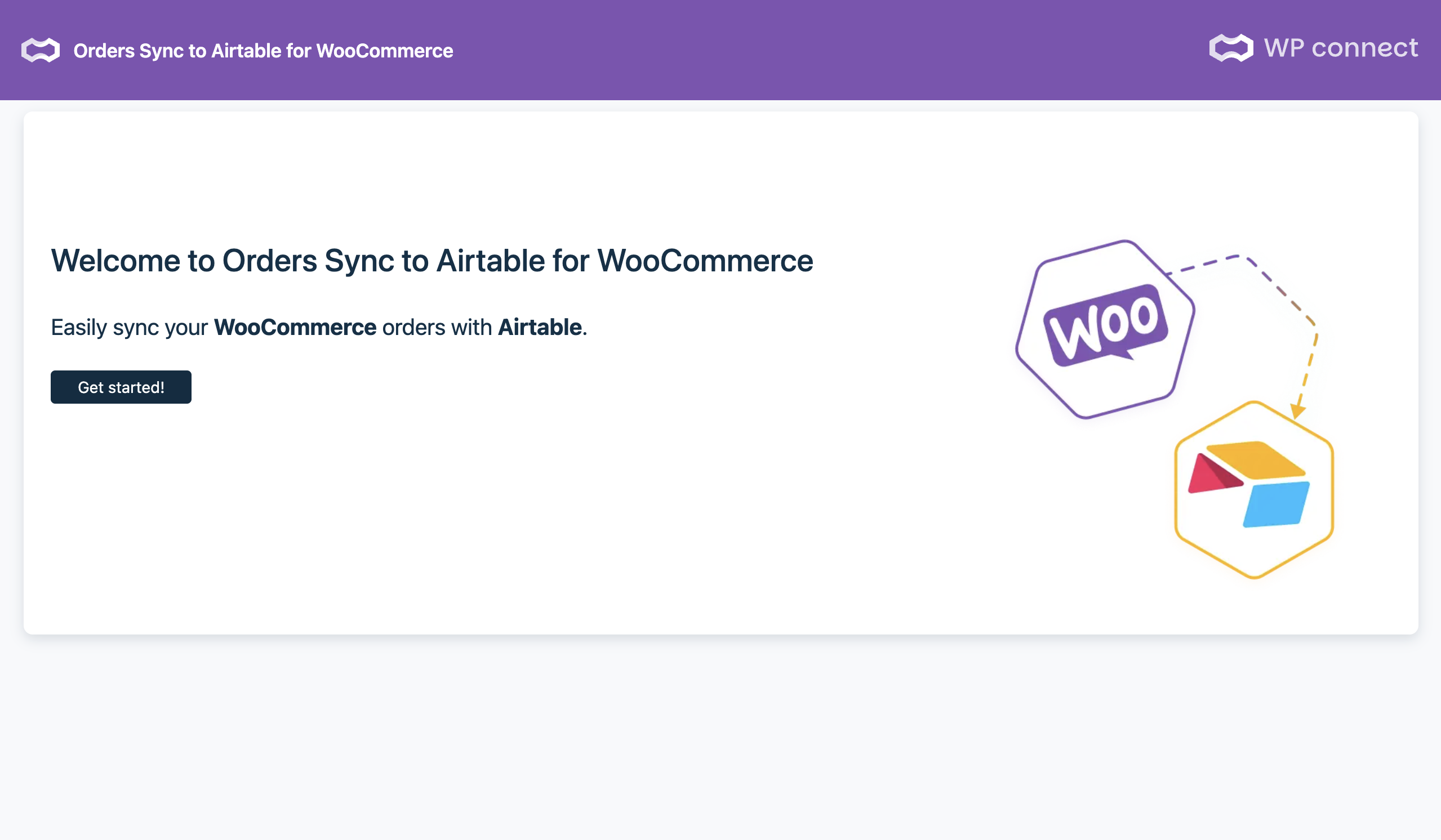


For developers
Is this your plugin? Show off the numbers.
Add a live badge to your site, docs or GitHub README. It updates on its own — no account needed.
Best Orders Sync to Airtable for W… alternatives
All Airtable plugins →



FAQ
Orders Sync to Airtable for WooComm…: quick answers
Straight answers, pulled from live WordPress.org data.
Live data from WordPress.org · checked Oct 7, 2026
Is Orders Sync to Airtable for Woo… free?
Yes. Orders Sync to Airtable for Woo… is free to download and use from the official WordPress.org plugin directory.
Is Orders Sync to Airtable for Woo… safe to use in 2026?
Orders Sync to Airtable for Woo… is a solid plugin choice in 2026, with a few things worth checking first. It runs on 30+ sites, is rated 5/5 and was last updated 3 months ago, and scores 65/100 on our health check.
How many websites use Orders Sync to Airtable for Woo…?
Orders Sync to Airtable for Woo… is active on 30+ WordPress websites and has been downloaded 832 times since it launched in October 2025. It was downloaded 122 times in the last 30 days.
Does Orders Sync to Airtable for Woo… work with WordPress 7.1?
Orders Sync to Airtable for Woo… is officially tested up to WordPress 7.0.7, while the latest release is 7.1.3. It may still work, but try it on a staging site first.
What PHP version does Orders Sync to Airtable for Woo… need?
Orders Sync to Airtable for Woo… requires PHP 7.4 or higher. Most hosts run PHP 8.x today, so it works on any modern WordPress hosting.
When was Orders Sync to Airtable for Woo… last updated?
The latest version, 1.0.1, was released on July 22, 2026 (3 months ago).
Who makes Orders Sync to Airtable for Woo…?
Orders Sync to Airtable for Woo… is developed and maintained by WP connect.
What are the best alternatives to Orders Sync to Airtable for Woo…?
The most popular alternatives to Orders Sync to Airtable for Woo… are Air WP Sync (1K+ installs), Add-On for Contact Form 7 t… (300+ installs) and Aeropage Sync for Airtable (40+ installs).
Powered by PageForge
Want thousands of pages that rank like these? Build them in an afternoon.
This directory runs on the same engine as PageForge. Turn any spreadsheet, CSV or API into thousands of fast, SEO-ready WordPress pages — with schema, internal links and AI-written copy baked in.
- CSV, Google Sheets & API data sources
- AI content, schema & internal links per page
- Works with Elementor, Gutenberg, Yoast & Rank Math
- Free on WordPress.org — no credit card


