


OmniForm
Easily create and manage custom forms with the block editor, customizable fields, and form submission management for your website.

Use with caution
OmniForm works, but test it on a staging site before relying on it in 2026. It runs on 50+ sites and was last updated 3 months ago, and scores 53/100 on our health check.
- Small user base (50+ active installs)
- Very few reviews so far
How does it stack up?
Side-by-side on installs, updates, ratings & support



Daily downloads
Download spikes usually follow a new release — each site that auto-updates counts as a download.
Rankings
Where OmniForm stands todayWordPress.org search rankings
Live position in the plugin search, top 100| Keyword | Position |
|---|---|
| block-editor | >100 |
| contact form | >100 |
| >100 | |
| form builder | >100 |
| forms | >100 |
Version adoption
Share of active sites per release.
About OmniForm
From the official readme · v1.3.4Description
OmniForm is a powerful WordPress plugin that allows you to create and manage forms within your WordPress site. With OmniForm, you can easily create custom forms for your website, collect user data, and manage form submissions.
🌟 Features
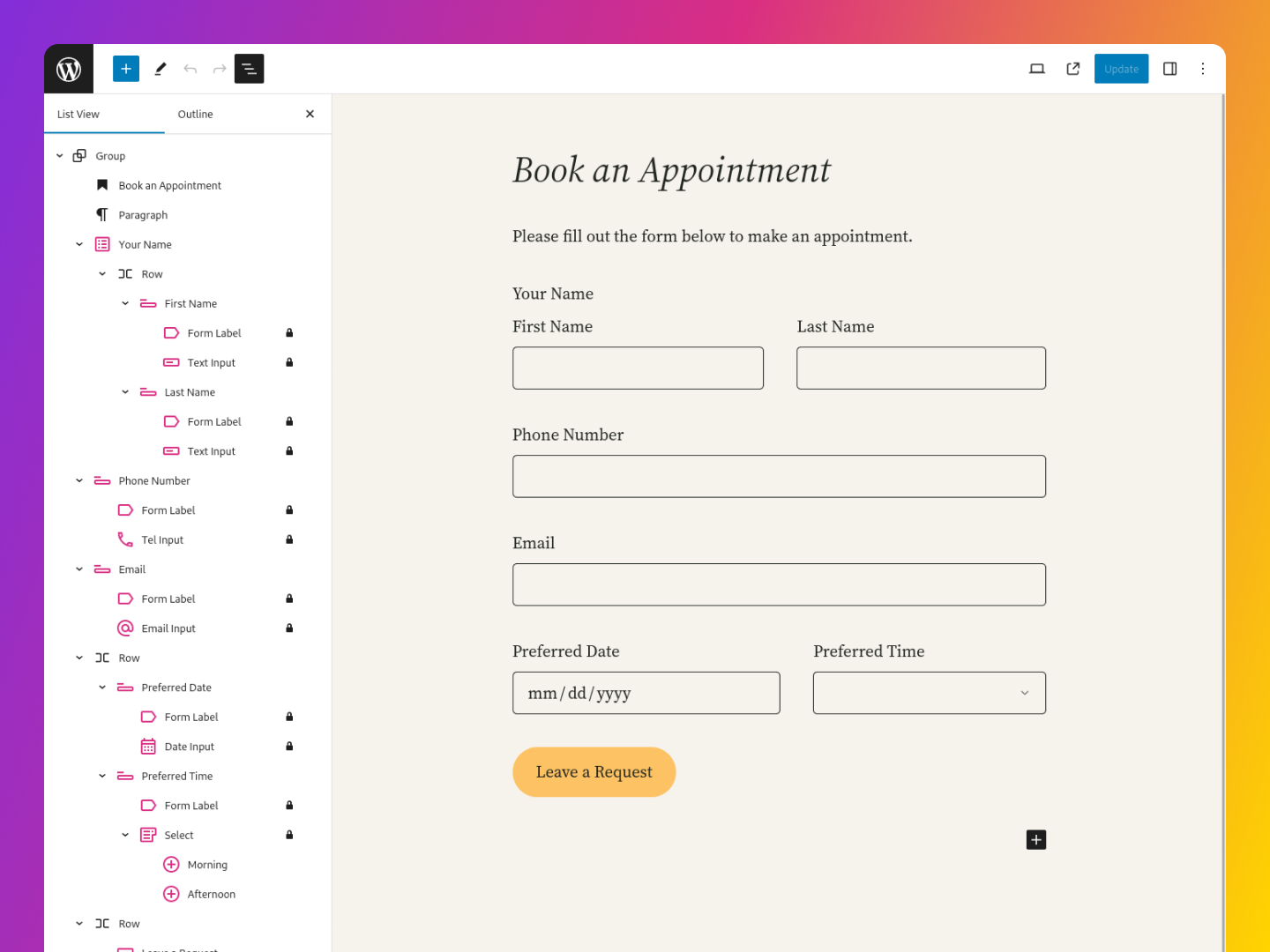
- Complete and steadfast support for the block editor and block themes.
- Choose from 20+ form fields blocks, including text fields, checkboxes, radio buttons, and more
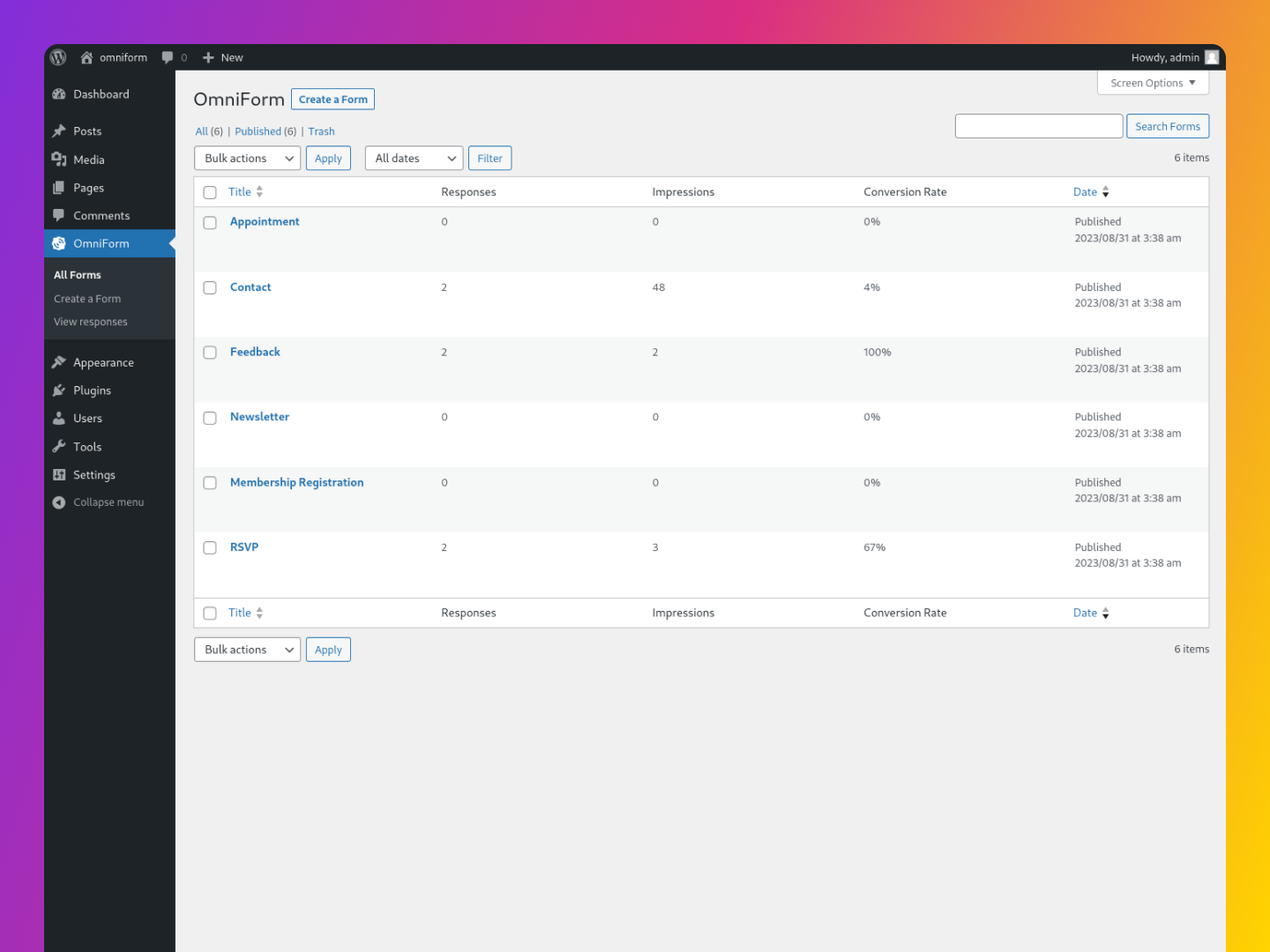
- Comprehensive analytics for tracking form impressions, submissions, and conversions.
- Choose from pre-built form templates or create your own from scratch
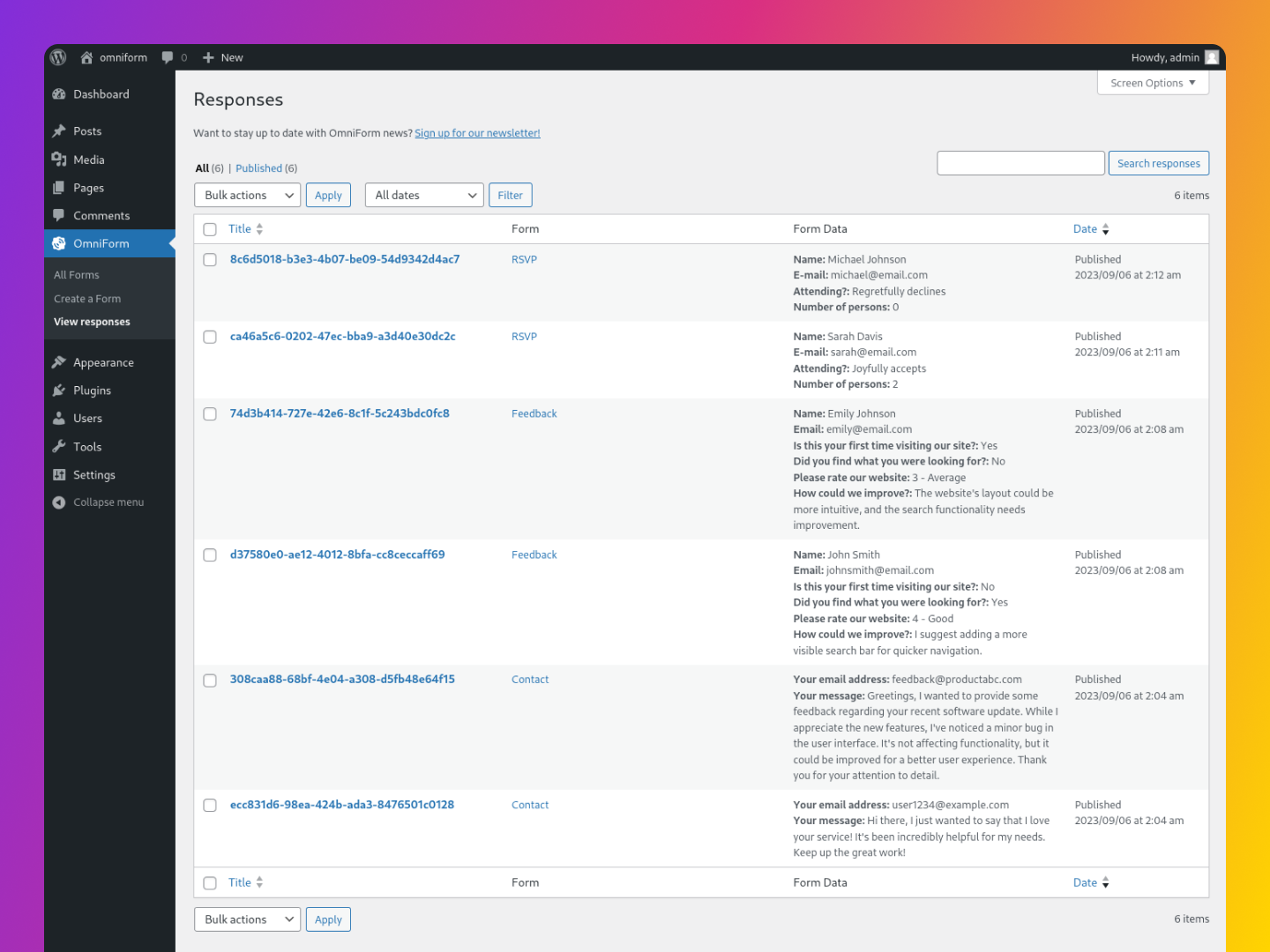
- Manage form submissions within the admin dashboard
- Email notifications for new form submissions
- Customize form styling to match your website’s design
- Spam protection with Cloudflare Turnstile, hCaptcha, and Google reCAPTCHA.
- Convert default WordPress blocks (like comments and search) into OmniForms for enhanced customization.
- Specific styling adjustments for various themes including Kanso, Twenty Twenty-Four, Twenty Twenty-Five, Ollie, and Rockbase.
🚀 Getting Started
To get started with OmniForm, simply install and activate the plugin on your WordPress site. Once activated, you can create new forms by navigating to the OmniForm menu in your WordPress dashboard.
From there, you can choose to create a new form from scratch or use one of the pre-built form templates. Once you’ve created your form, you can customize it to your liking using the block editor interface.
🙏 A Special Thanks from OmniForm
Whether you’re a first-time user or someone who’s considering giving OmniForm a try, thank you! Your interest is what fuels ongoing improvements and innovations.
Feel free to explore, provide feedback, or even contribute to the plugin’s development. Every bit of support counts and is highly appreciated.
Installation
Automatic installation
To do an automatic install of OmniForm, log in to your WordPress dashboard, navigate to the Plugins menu, and click “Add New.”
In the search field type “OmniForm,” then click “Search Plugins.” Once you’ve found us, you can click “Install Now” and WordPress will take it from there.
Manual installation
Manual installation method requires downloading the OmniForm plugin and uploading it to your web server via your favorite FTP application. The WordPress codex contains instructions on how to do this here.
Changelog
1.3.4 / 2025-12-16
- Fixed compatibility issue with Gutenberg plugin.
1.3.3 / 2025-07-15
- Enhanced display of standalone checkboxes in response content. #43
- Implemented permission checks for form access in FormsController.
1.3.2 / 2025-03-14
- Fixed a fatal error on PHP 7.4 servers by correcting data serialization Bug Report
1.3.0 / 2025-01-22
- Introduced multiple form types with customizable submission methods and settings. #28
- Now forms can be added directly to any post or page, independent of default templates. #32
- Added comprehensive analytics to track form impressions, submissions, and conversions. #30
- Introduced a new onboarding experience to simplify setup, guiding users through CAPTCHA setup, form templates, and performance tracking. #38
- Convert the default core/post-comments-form block into an OmniForm for enhanced customization. #37, #33
- Convert the default core/search block into an OmniForm for enhanced customization. #36
- Convert Jetpack Forms into OmniForms with ease.
- Tailored styling added for Kanso, Twenty Twenty-Four, Twenty Twenty-Five, Ollie, and Rockbase themes.
- Improved labeling and structure of form elements for better accessibility.
- Expanded pattern and block variations for more design flexibility.
- Corrected various issues with form submissions and improved error management.
- Fixed inconsistencies in buttons, textareas, and required field indicators.
Screenshots


For developers
Is this your plugin? Show off the numbers.
Add a live badge to your site, docs or GitHub README. It updates on its own — no account needed.
Best OmniForm alternatives
All block-editor plugins →





FAQ
OmniForm: quick answers
Straight answers, pulled from live WordPress.org data.
Live data from WordPress.org · checked Oct 12, 2026
Is OmniForm free?
Yes. OmniForm is free to download and use from the official WordPress.org plugin directory.
Is OmniForm safe to use in 2026?
OmniForm works, but test it on a staging site before relying on it in 2026. It runs on 50+ sites and was last updated 3 months ago, and scores 53/100 on our health check.
How many websites use OmniForm?
OmniForm is active on 50+ WordPress websites and has been downloaded 4,874 times since it launched in September 2023. It was downloaded 138 times in the last 30 days.
Does OmniForm work with WordPress 7.1?
OmniForm is officially tested up to WordPress 7.0.7, while the latest release is 7.1.3. It may still work, but try it on a staging site first.
What PHP version does OmniForm need?
OmniForm requires PHP 7.4 or higher. Most hosts run PHP 8.x today, so it works on any modern WordPress hosting.
When was OmniForm last updated?
The latest version, 1.3.4, was released on July 6, 2026 (3 months ago).
Who makes OmniForm?
OmniForm is developed and maintained by JR Tashjian.
What are the best alternatives to OmniForm?
The most popular alternatives to OmniForm are Classic Editor (8M+ installs), Advanced Editor Tools (1M+ installs) and Disable Gutenberg (500K+ installs).
Powered by PageForge
Want thousands of pages that rank like these? Build them in an afternoon.
This directory runs on the same engine as PageForge. Turn any spreadsheet, CSV or API into thousands of fast, SEO-ready WordPress pages — with schema, internal links and AI-written copy baked in.
- CSV, Google Sheets & API data sources
- AI content, schema & internal links per page
- Works with Elementor, Gutenberg, Yoast & Rank Math
- Free on WordPress.org — no credit card


