


No Code Structure Builder
No Code Structure Builder is a visual tool that helps you create and manage WordPress content structures without coding.

Consider an alternative
No Code Structure Builder shows warning signs in 2026 — compare the alternatives below before installing. Was last updated 8 months ago, and scores 36/100 on our health check.
- Small user base (<10 active installs)
- Very few reviews so far
- Only tested up to WordPress 6.9 (latest is 7.1)
How does it stack up?
Side-by-side on installs, updates, ratings & support



Daily downloads
Download spikes usually follow a new release — each site that auto-updates counts as a download.
Rankings
Where No Code Structure Builder stands todayWordPress.org search rankings
Live position in the plugin search, top 100| Keyword | Position |
|---|---|
| custom post type | >100 |
| drag-and-drop | >100 |
| No-code | >100 |
| taxonomy | >100 |
| wordpress tools | >100 |
About No Code Structure Builder
From the official readme · v1.0.1Description
No Code Structure Builder is a visual tool that helps you create and manage WordPress content structures without coding.
Instead of writing code or configuring complex settings, you can simply use a clean drag-and-drop interface to define how your content is structured.
Create custom post types, attach taxonomies, and organize everything visually — all inside your WordPress dashboard.
This plugin is built for speed, clarity, and simplicity.
What you can do
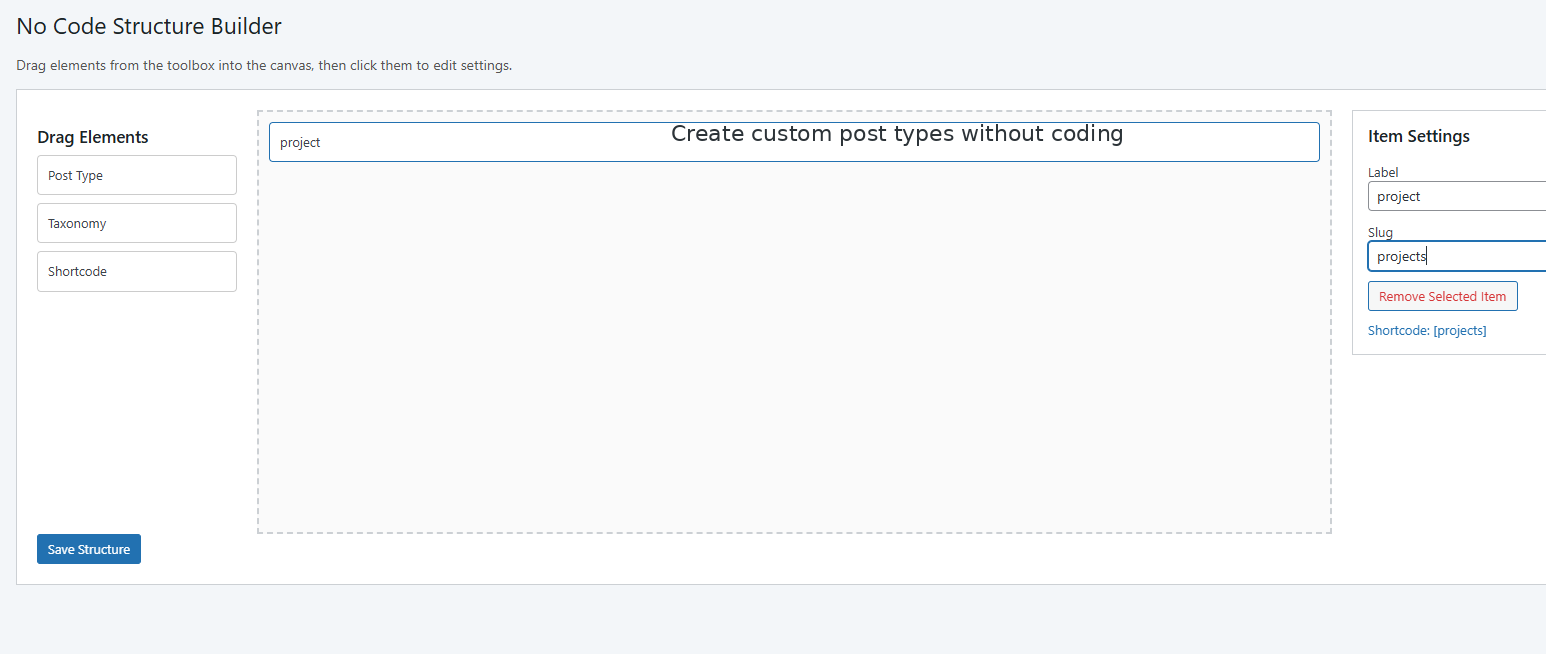
- Create custom post types visually
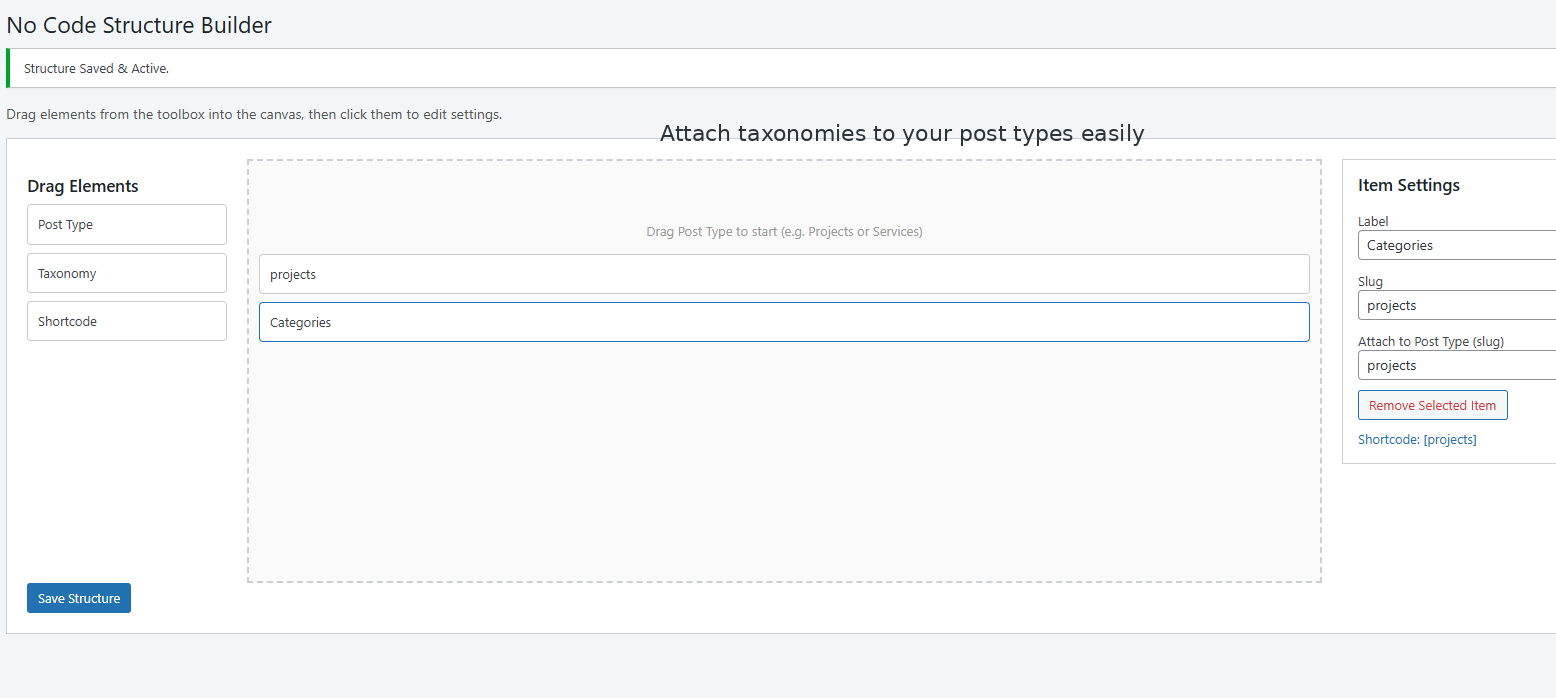
- Attach taxonomies to post types
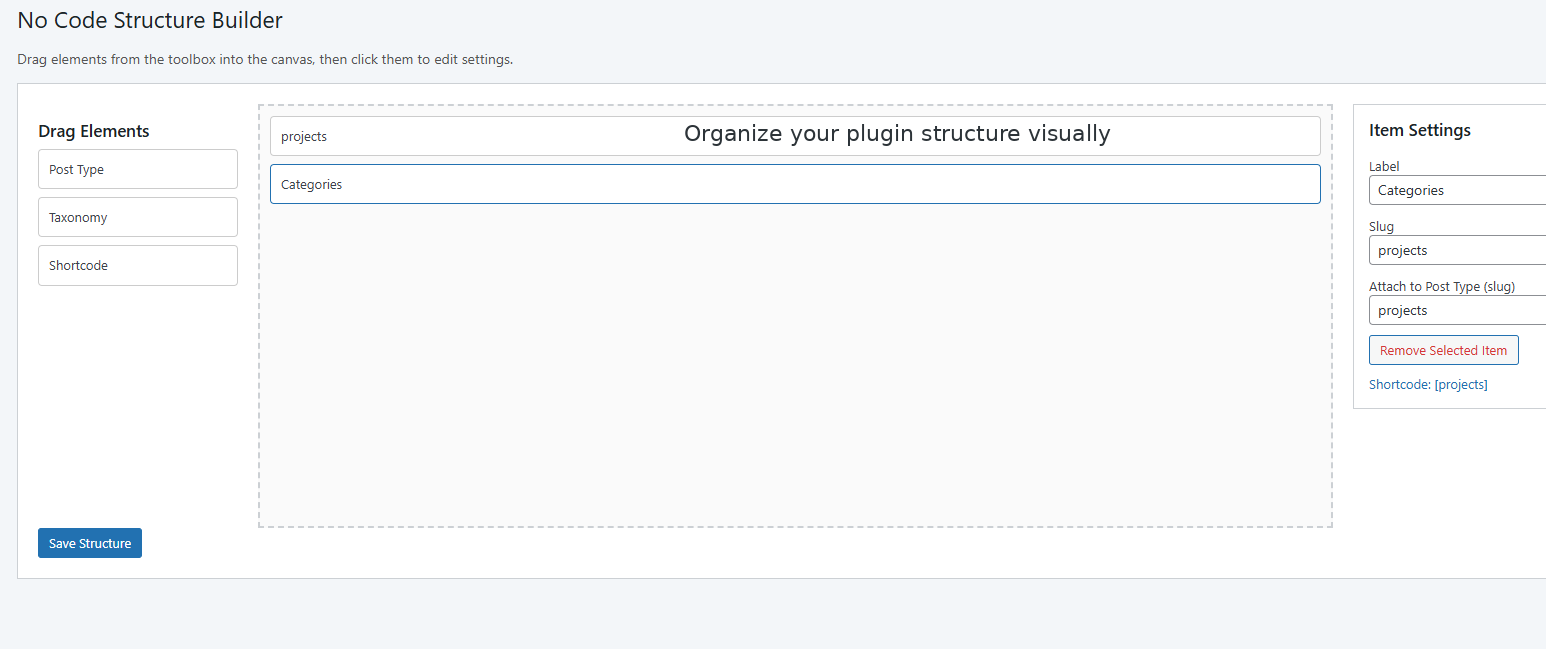
- Organize your content structure in one place
- Plan plugin/content architecture before development
- Build structured systems without touching code
Key Features
- Visual structure builder inside WordPress admin
- Create custom post types without coding
- Easy taxonomy creation and linking
- Clean drag and drop workflow
- Instant integration into WordPress dashboard
- Lightweight and fast performance
- Beginner-friendly interface
- No configuration complexity
Why this plugin?
Most plugins require manual setup or coding.
No Code Structure Builder simplifies the process by giving you a visual system to plan and build your structure efficiently.
It helps you:
- Save development time
- Avoid repetitive setup work
- Reduce errors in structure planning
- Clearly visualize your content architecture
Who is this for?
- Freelancers building client websites
- WordPress developers speeding up workflow
- Agencies managing multiple projects
- Beginners learning WordPress structures
- Anyone who wants to work faster without coding
Example Use Cases
- Create a “Projects” custom post type with categories
- Build structured content for portfolios or services
- Plan plugin data structure before development
- Organize dynamic content systems visually
Installation
- Upload the plugin files to the
/wp-content/plugins/no-code-structure-builderdirectory, or install via the WordPress plugin screen. - Activate the plugin through the ‘Plugins’ menu.
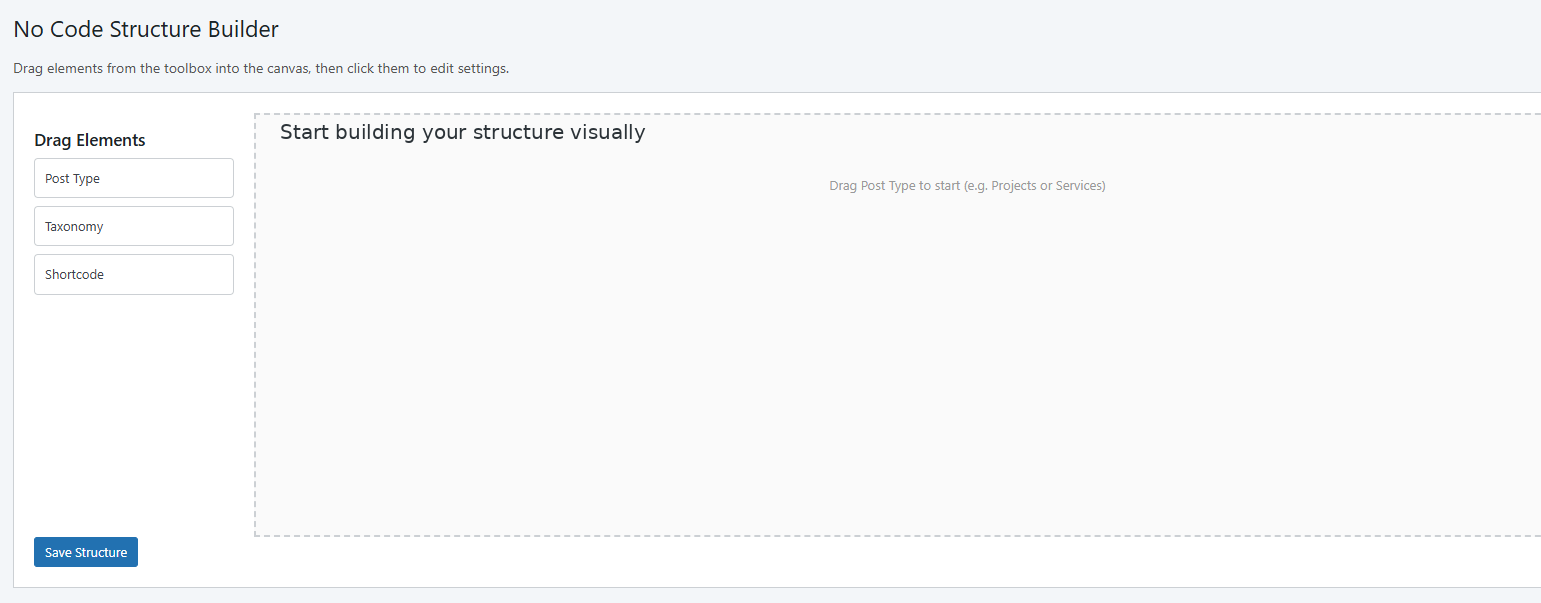
- Go to Structure Builder from the admin sidebar.
- Drag elements like Post Type and Taxonomy into the canvas.
- Configure and save your structure.
Changelog
Initial release of No Code Structure Builder.
1.0.0
- Initial release
- Visual structure builder
- Custom post type creation
- Taxonomy linking system
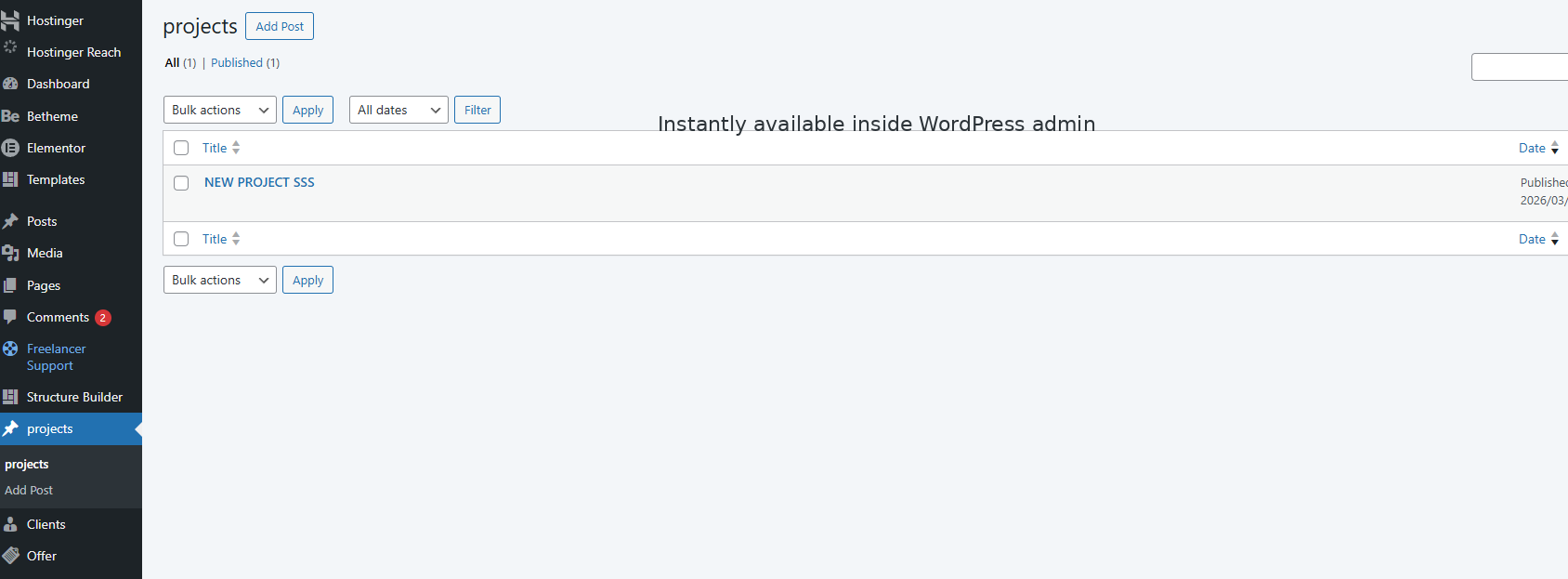
Screenshots
For developers
Is this your plugin? Show off the numbers.
Add a live badge to your site, docs or GitHub README. It updates on its own — no account needed.
Best No Code Structure Builder alternatives
All custom post type plugins →





FAQ
No Code Structure Builder: quick answers
Straight answers, pulled from live WordPress.org data.
Source: WordPress.org
Is No Code Structure Builder free?
Yes. No Code Structure Builder is free to download and use from the official WordPress.org plugin directory.
Is No Code Structure Builder safe to use in 2026?
No Code Structure Builder shows warning signs in 2026 — compare the alternatives below before installing. Was last updated 8 months ago, and scores 36/100 on our health check.
How many websites use No Code Structure Builder?
No Code Structure Builder is active on <10 WordPress websites and has been downloaded 477 times since it launched in April 2026. It was downloaded 54 times in the last 30 days.
Does No Code Structure Builder work with WordPress 7.1?
No Code Structure Builder is officially tested up to WordPress 6.9.12, while the latest release is 7.1.5. It may still work, but try it on a staging site first.
What PHP version does No Code Structure Builder need?
No Code Structure Builder requires PHP 7.4 or higher. Most hosts run PHP 8.x today, so it works on any modern WordPress hosting.
When was No Code Structure Builder last updated?
The latest version, 1.0.1, was released on April 17, 2026 (8 months ago).
Who makes No Code Structure Builder?
No Code Structure Builder is developed and maintained by gayatripol.
What are the best alternatives to No Code Structure Builder?
The most popular alternatives to No Code Structure Builder are Custom Post Type Permalinks (200K+ installs), Custom Post Type Widgets (10K+ installs) and Custom Post Types and Custo… (10K+ installs).
Powered by PageForge
One template and a spreadsheet. A real page for every search.
PageForge turns each row of a CSV into a WordPress page with its own title, URL, SEO fields and schema, built on the layout you already designed. Free on WordPress.org.
- CSV and XLSX, plus Google Sheets on Professional and Enterprise
- Its own title, URL, SEO fields and schema for every page
- Works with the block editor, Elementor, Divi and Avada
- Free on WordPress.org, no credit card