



Minimal Gallery Page – Simple Custom Post Type Gallery
Minimal Gallery Page is a simple and minimal WordPress gallery plugin built for users who want a clean, fast, and distraction-free way to display images.

Use with caution
Minimal Gallery Page works, but test it on a staging site before relying on it in 2026. Was last updated 6 months ago, and scores 42/100 on our health check.
- Small user base (<10 active installs)
- Very few reviews so far
- Only tested up to WordPress 6.9 (latest is 7.1)
How does it stack up?
Side-by-side on installs, updates, ratings & support



Daily downloads
Download spikes usually follow a new release — each site that auto-updates counts as a download.
Rankings
Where Minimal Gallery Page stands todayWordPress.org search rankings
Live position in the plugin search, top 100| Keyword | Position |
|---|---|
| custom post type | >100 |
| image gallery | >100 |
| minimal gallery | #61 |
| portfolio | >100 |
| simple gallery | >100 |
About Minimal Gallery Page
From the official readme · v1.2.0Description
Minimal Gallery Page is a simple and minimal WordPress gallery plugin built for users who want a clean, fast, and distraction-free way to display images.
Instead of relying on shortcodes or page builders, the plugin creates a custom post type gallery that integrates naturally into WordPress. Each gallery automatically gets its own single page gallery view, along with a generated gallery archive page that lists all galleries.
This plugin is ideal if you’re looking for a really simple gallery, a minimal gallery plugin, or a lightweight custom post type based image gallery without unnecessary features or visual clutter.
Galleries are easy to manage from the WordPress admin using a familiar drag-and-drop image interface. On the frontend, galleries are displayed using responsive, optimized layouts that work seamlessly on desktop and mobile devices.
Minimal Gallery Page is perfect for portfolios, photography websites, and anyone who wants a single page gallery for each collection of images – clean, fast, and easy to maintain.
Features
- Simple and minimal image gallery plugin
- Custom post type gallery for structured image management
- Automatic gallery archive page
- Single page gallery view for each gallery
- Drag-and-drop image management
- Optimized image sizes for performance
- Responsive and mobile-friendly gallery layout
- Customizable gallery URL slug
- Clean frontend templates with no bloat
- Theme-friendly and easy to override
- Automatic permalink flushing when slug changes
- Translation ready
Usage
- Go to Gallery > Add New in your WordPress admin
- Enter a title and optional description for your gallery
- Click “Add images” in the Gallery Images meta box
- Select multiple images from your media library
- Click “Add to gallery”
- Publish to create a single page gallery
Visit Gallery > Settings to customize the gallery URL slug and access the gallery archive page.
Custom Image Sizes
- minigp_single_gallery – 1230px wide (single gallery view)
- minigp_list_gallery – 500x500px (gallery archive/listing)
Theme Integration
You can override the default gallery templates by copying them into your theme.
Supported template files:
- gallery-single-style-1.php- Single gallery template
- template-gallery-1.php – Gallery archive template
For Sage / Blade themes:
- your-theme/resources/views/templates/minimal-gallery-page/gallery-single-style-1.blade.php
Installation
Automatic Installation
- Log in to your WordPress admin panel
- Navigate to Plugins > Add New
- Search for “Minimal Gallery Page”
- Click “Install Now” and then “Activate”
Manual Installation
- Download the plugin ZIP file
- Go to Plugins > Add New > Upload Plugin
- Upload the ZIP file and click “Install Now”
- Activate the plugin
After Installation
- Go to Gallery > Settings
- Customize the gallery URL slug if needed
- Start creating galleries via Gallery > Add New
Frequently asked questions
How do I add images to a gallery?
Go to Gallery > Add New, enter a title, then click “Add images” in the Gallery Images meta box. Select multiple images and click “Add to gallery”.
Can I change the gallery URL structure?
Yes. Go to Gallery > Settings and change the Gallery Slug. This controls both the gallery archive and single page gallery URLs.
Do I need to flush permalinks manually?
No. The plugin automatically flushes permalinks when the slug is changed. If needed, you can manually visit Settings > Permalinks and click “Save Changes”.
How do I view all galleries?
You can view all galleries on the frontend via the gallery archive page, or manage them in the admin under Gallery > All Items.
Can I customize the gallery templates?
Yes. The plugin supports template overrides in your theme. See the Theme Integration section above for file paths.
Is the plugin translation ready?
Yes. The plugin is fully translation ready using the text domain “minimal-gallery-page”.
Changelog
1.2.0
- Added Gutenberg block to display a gallery anywhere on a page or post
1.0.1
- Bug fixes and improvements
1.0.0
- Initial release
- Custom post type gallery
- Drag-and-drop image management
- Gallery archive and single page gallery templates
- Admin settings page
- Customizable URL slug
- Automatic permalink flushing
- Theme integration support
- Translation ready
Screenshots

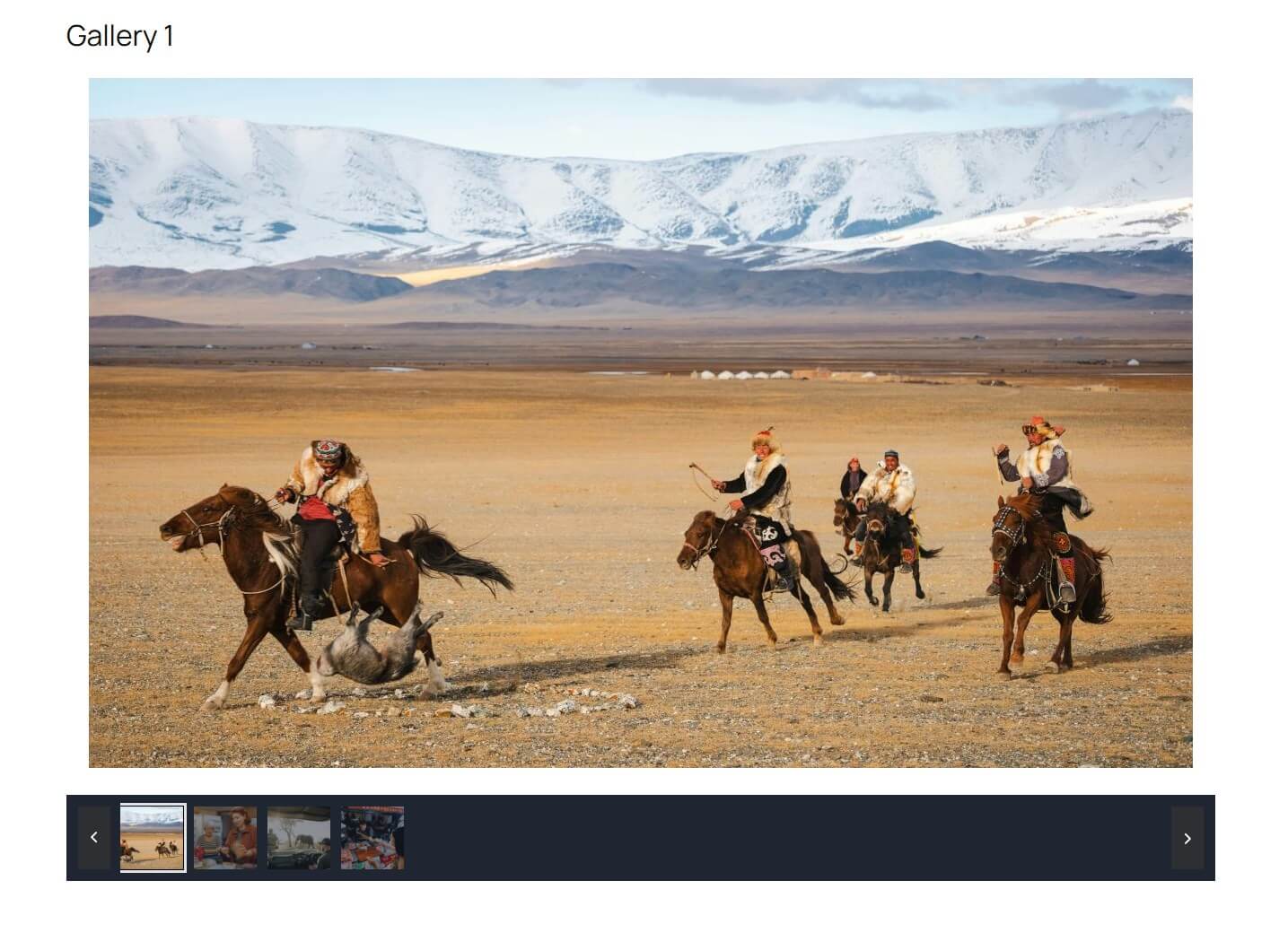
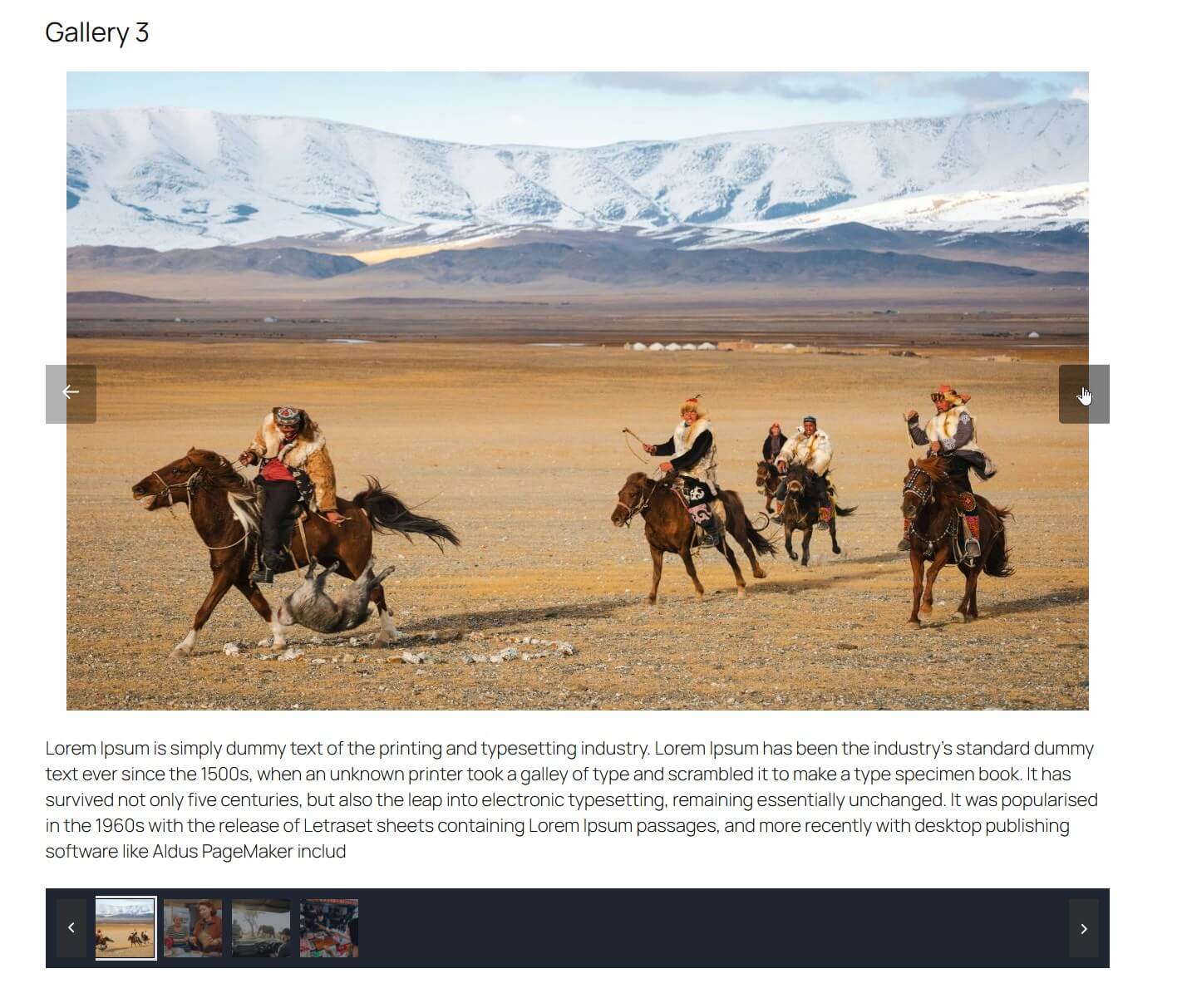

For developers
Is this your plugin? Show off the numbers.
Add a live badge to your site, docs or GitHub README. It updates on its own — no account needed.
Best Minimal Gallery Page alternatives
All custom post type plugins →





FAQ
Minimal Gallery Page: quick answers
Straight answers, pulled from live WordPress.org data.
Live data from WordPress.org · checked Oct 10, 2026
Is Minimal Gallery Page free?
Yes. Minimal Gallery Page is free to download and use from the official WordPress.org plugin directory.
Is Minimal Gallery Page safe to use in 2026?
Minimal Gallery Page works, but test it on a staging site before relying on it in 2026. Was last updated 6 months ago, and scores 42/100 on our health check.
How many websites use Minimal Gallery Page?
Minimal Gallery Page is active on <10 WordPress websites and has been downloaded 462 times since it launched in February 2026. It was downloaded 55 times in the last 30 days.
Does Minimal Gallery Page work with WordPress 7.1?
Minimal Gallery Page is officially tested up to WordPress 6.9.10, while the latest release is 7.1.3. It may still work, but try it on a staging site first.
What PHP version does Minimal Gallery Page need?
Minimal Gallery Page requires PHP 7.4 or higher. Most hosts run PHP 8.x today, so it works on any modern WordPress hosting.
When was Minimal Gallery Page last updated?
The latest version, 1.2.0, was released on April 16, 2026 (6 months ago).
Who makes Minimal Gallery Page?
Minimal Gallery Page is developed and maintained by Edgars V.
What are the best alternatives to Minimal Gallery Page?
The most popular alternatives to Minimal Gallery Page are Custom Post Type Permalinks (200K+ installs), Custom Post Type Widgets (10K+ installs) and Custom Post Types and Custo… (10K+ installs).
Powered by PageForge
Want thousands of pages that rank like these? Build them in an afternoon.
This directory runs on the same engine as PageForge. Turn any spreadsheet, CSV or API into thousands of fast, SEO-ready WordPress pages — with schema, internal links and AI-written copy baked in.
- CSV, Google Sheets & API data sources
- AI content, schema & internal links per page
- Works with Elementor, Gutenberg, Yoast & Rank Math
- Free on WordPress.org — no credit card


