



Magical Blocks – Elementor Style Blocks for Gutenberg
Get Elementor vibe in the WordPress Editor! Powerful Gutenberg blocks with Flexbox containers, responsive controls, and professional design options.

Use with caution
Magical Blocks works, but test it on a staging site before relying on it in 2026. It runs on 900+ sites and was last updated 5 months ago, and scores 55/100 on our health check.
- Small user base (900+ active installs)
- Very few reviews so far
How does it stack up?
Side-by-side on installs, updates, ratings & support



Daily downloads
Download spikes usually follow a new release — each site that auto-updates counts as a download.
Rankings
Where Magical Blocks stands todayWordPress.org search rankings
Live position in the plugin search, top 100| Keyword | Position |
|---|---|
| blocks | #51 |
| container | #32 |
| elementor alternative | #13 |
| gutenberg | #73 |
| page builder | >100 |
Version adoption
Share of active sites per release.
About Magical Blocks
From the official readme · v2.0.1Description
Magical Blocks brings the Elementor experience to Gutenberg – build stunning websites with the same powerful design controls you love, but 100% native to the WordPress block editor.
🎯 Why Magical Blocks?
- Elementor-Style Workflow – Familiar container-based layouts with Flexbox controls
- Lightweight & Fast – Only loads assets for blocks you actually use
- Design-First – Professional styling with full customization options
- WordPress Native – Built entirely on the Gutenberg block editor
- Developer Friendly – Clean code following WordPress coding standards
🚀 Get the Elementor Vibe in WordPress Editor
Miss Elementor’s intuitive design controls? Magical Blocks brings that same power to Gutenberg:
- Flexbox Containers – Build complex layouts with direction, wrap, justify, and align controls
- Nested Containers – Create sophisticated multi-column designs with Inner Container blocks
- Full Responsive Control – Desktop, tablet, and mobile settings for every property
- Visual Design Panel – Intuitive controls just like your favorite page builder
📦 12 Free Blocks
Layout Blocks:
1. Container Block – Powerful Flexbox container with full layout controls (direction, wrap, justify, align)
2. Inner Container Block – Nestable container for complex multi-column layouts
3. Section Block – Full-width sections with backgrounds and inner blocks
Content Blocks:
4. Heading Block – Advanced typography controls with Google Fonts integration
5. Button Block – Stylish buttons with hover effects and icon support
6. Icon Box Block – Icon + text combinations for features and services
7. Testimonial Block – Customer reviews with avatar and star ratings
8. Info Box Block – Information cards with icons and call-to-action
9. Image Box Block – Image + text layouts with hover effects
10. Counter Block – Animated number counters for statistics
11. Progress Bar Block – Visual progress indicators with animations
12. Divider Block – Stylish separators with icons and text
⚡ Key Features
- Flexbox Layout System – Container blocks with full Flexbox controls like Elementor
- On-Demand Asset Loading – CSS/JS only loads when blocks are used
- Responsive Controls – Desktop, tablet, and mobile settings for all properties
- CSS Variables – Easy theme integration and customization
- Block Patterns – Pre-designed layouts (coming soon)
- Pro Blocks – Additional premium blocks available (coming soon)
🎨 Full Customization
Every block includes comprehensive styling options – just like Elementor:
- Typography (font family, size, weight, line-height, letter-spacing)
- Colors (text, background, borders with opacity support)
- Spacing (padding, margin with responsive controls)
- Borders (width, radius, style, color)
- Shadows (customizable box shadows)
- Hover effects (transitions and transforms)
- Layout Controls (Flexbox direction, wrap, justify, align, gap)
🔧 Developer Features
- PHPCS compliant (WordPress Coding Standards)
- ESLint & Prettier configured
- Webpack build system with @wordpress/scripts
- Proper internationalization (i18n ready)
- Documented codebase with PHPDoc/JSDoc
💡 Perfect For Elementor Users
Switching from Elementor to Gutenberg? Magical Blocks makes the transition smooth:
- Same container-based workflow you’re used to
- Familiar Flexbox layout controls
- Visual design panels for all styling options
- No learning curve – just start building!
Installation
Automatic Installation
- Go to Plugins > Add New in your WordPress admin
- Search for “Magical Blocks”
- Click Install Now and then Activate
Manual Installation
- Download the plugin ZIP file
- Go to Plugins > Add New > Upload Plugin
- Choose the ZIP file and click Install Now
- Activate the plugin
After Activation
- Create or edit a page/post
- Click the + button to add a block
- Look for “Magical Layout” category for Container blocks
- Start with a Container block and add Inner Containers for columns
- Add content blocks inside your containers – just like Elementor!
Frequently asked questions
Is this like Elementor for Gutenberg?
Yes! Magical Blocks brings Elementor-style design controls to the native WordPress editor. You get Flexbox containers, responsive controls, and visual design panels – all without leaving Gutenberg.
Does this plugin work with my theme?
Yes! Magical Blocks works with any properly coded WordPress theme. It uses CSS variables that integrate seamlessly with modern themes like Twenty Twenty-Four, Astra, Kadence, and GeneratePress.
Will this slow down my website?
No. Magical Blocks uses on-demand asset loading, which means CSS and JavaScript files only load on pages that actually use the blocks. Pages without Magical Blocks have zero additional assets.
How do I create multi-column layouts?
Use the Container Block as a parent, then add Inner Container Blocks inside for each column. Set the parent container’s Flex Direction to “Row” and adjust the width of each Inner Container. It works just like Elementor’s sections and columns!
Is it compatible with the Gutenberg plugin?
Yes! We test with both WordPress core editor and the latest Gutenberg plugin to ensure compatibility.
Can I use this with other block plugins?
Absolutely. Magical Blocks is designed to complement other block plugins and won’t conflict with them.
Do you offer support?
Yes! Free support is available through the WordPress.org support forums. Pro users get priority email support.
Is there a Pro version?
Yes! Magical Blocks Pro includes additional premium blocks, advanced features, and priority support. Visit our website for details.
Changelog
🚀 MAJOR UPDATE: Complete plugin rebuild! The old simple blocks have been completely removed and replaced with a modern, professional block collection. Fresh install recommended.
2.0.1
- Fixed securit issue
- tested wordpress 7.0
2.0.0
- MAJOR UPDATE – Complete plugin rebuild from the ground up!
- Completely rewritten codebase with modern architecture
- All blocks rebuilt with improved performance and stability
- Enhanced responsive design controls
- Improved CSS variables system
- Better on-demand asset loading
- Cleaner, more maintainable code structure
- Improved WordPress 6.7 compatibility
- Note: This is a breaking change from the old WordPress.org version
Screenshots

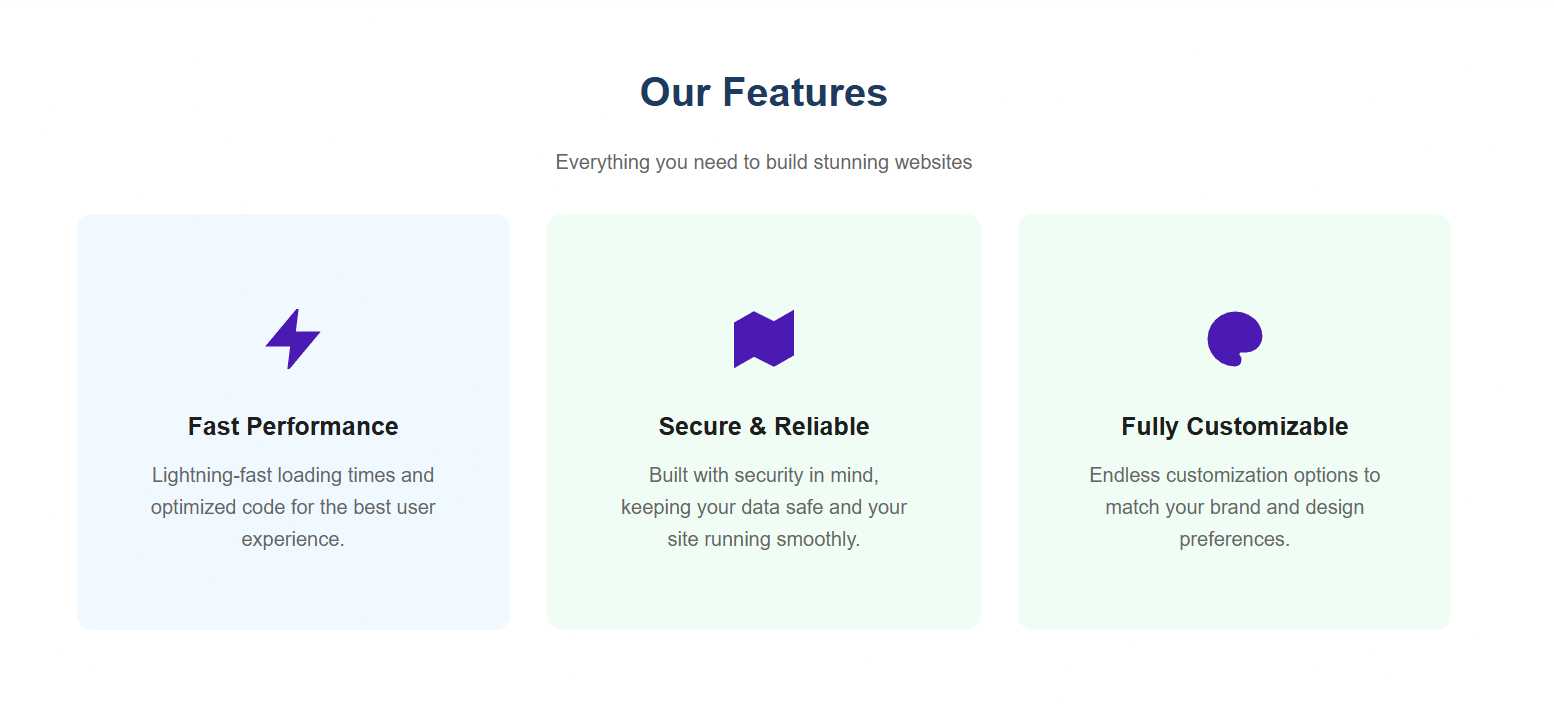


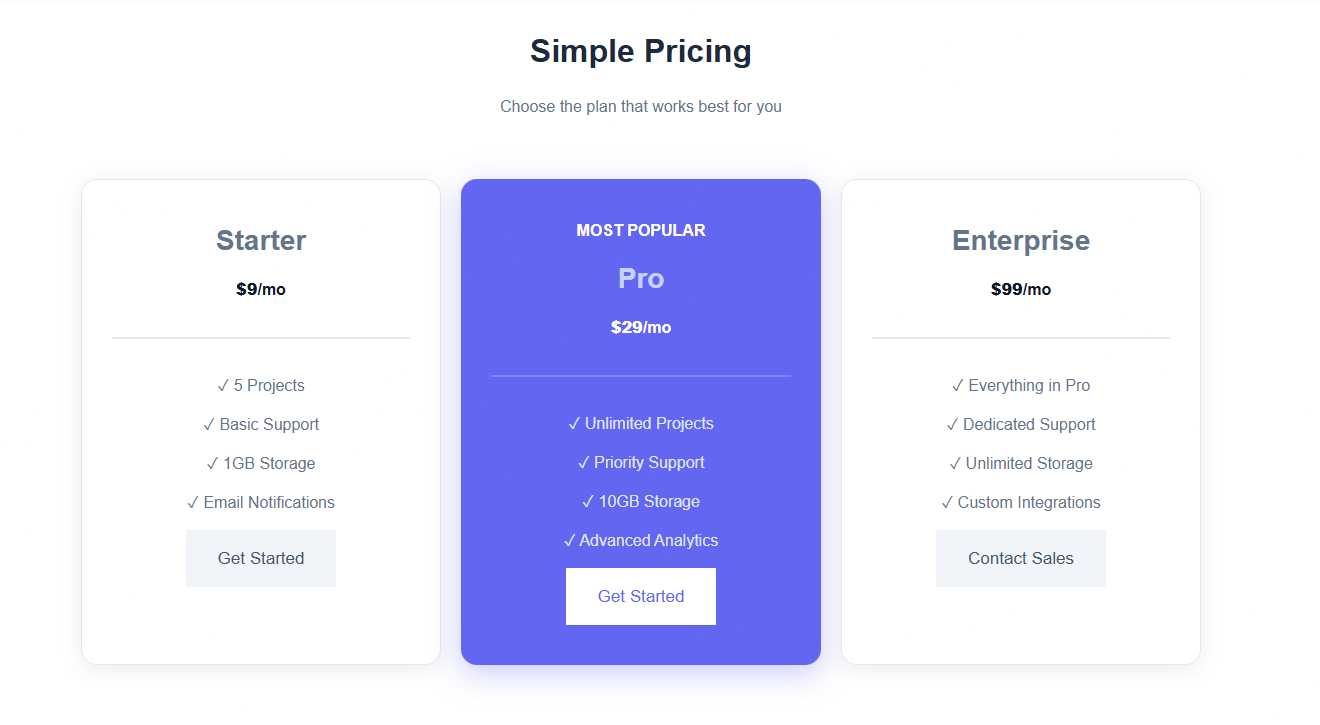
For developers
Is this your plugin? Show off the numbers.
Add a live badge to your site, docs or GitHub README. It updates on its own — no account needed.
Best Magical Blocks alternatives
All blocks plugins →





FAQ
Magical Blocks: quick answers
Straight answers, pulled from live WordPress.org data.
Live data from WordPress.org · checked Oct 10, 2026
Is Magical Blocks free?
Yes. Magical Blocks is free to download and use from the official WordPress.org plugin directory.
Is Magical Blocks safe to use in 2026?
Magical Blocks works, but test it on a staging site before relying on it in 2026. It runs on 900+ sites and was last updated 5 months ago, and scores 55/100 on our health check.
How many websites use Magical Blocks?
Magical Blocks is active on 900+ WordPress websites and has been downloaded 35,642 times since it launched in April 2020. It was downloaded 445 times in the last 30 days.
Does Magical Blocks work with WordPress 7.1?
Magical Blocks is officially tested up to WordPress 7.0.7, while the latest release is 7.1.3. It may still work, but try it on a staging site first.
What PHP version does Magical Blocks need?
Magical Blocks requires PHP 8.0 or higher. Most hosts run PHP 8.x today, so it works on any modern WordPress hosting.
When was Magical Blocks last updated?
The latest version, 2.0.1, was released on May 21, 2026 (5 months ago).
Who makes Magical Blocks?
Magical Blocks is developed and maintained by Noor Alam.
What are the best alternatives to Magical Blocks?
The most popular alternatives to Magical Blocks are Spectra Legacy (1M+ installs), Kadence Blocks (600K+ installs) and Extendify (500K+ installs).
Powered by PageForge
Want thousands of pages that rank like these? Build them in an afternoon.
This directory runs on the same engine as PageForge. Turn any spreadsheet, CSV or API into thousands of fast, SEO-ready WordPress pages — with schema, internal links and AI-written copy baked in.
- CSV, Google Sheets & API data sources
- AI content, schema & internal links per page
- Works with Elementor, Gutenberg, Yoast & Rank Math
- Free on WordPress.org — no credit card


