


Jupa – Post Type Field for Contact Form 7
Adds drop-down, checkbox, and radio button fields to Contact Form 7 that are automatically populated with posts from any post type.

Use with caution
Jupa works, but test it on a staging site before relying on it in 2026. Was last updated 2 months ago, and scores 60/100 on our health check.
- Tested with the latest WordPress (7.1)
- Small user base (<10 active installs)
- Very few reviews so far
How does it stack up?
Side-by-side on installs, updates, ratings & support



Daily downloads
Download spikes usually follow a new release — each site that auto-updates counts as a download.
Rankings
Where Jupa stands todayWordPress.org search rankings
Live position in the plugin search, top 100| Keyword | Position |
|---|---|
| checkbox | >100 |
| contact form 7 | >100 |
| dropdown | >100 |
| post type | >100 |
| radio button | >100 |
About Jupa
From the official readme · v1.0.1Description
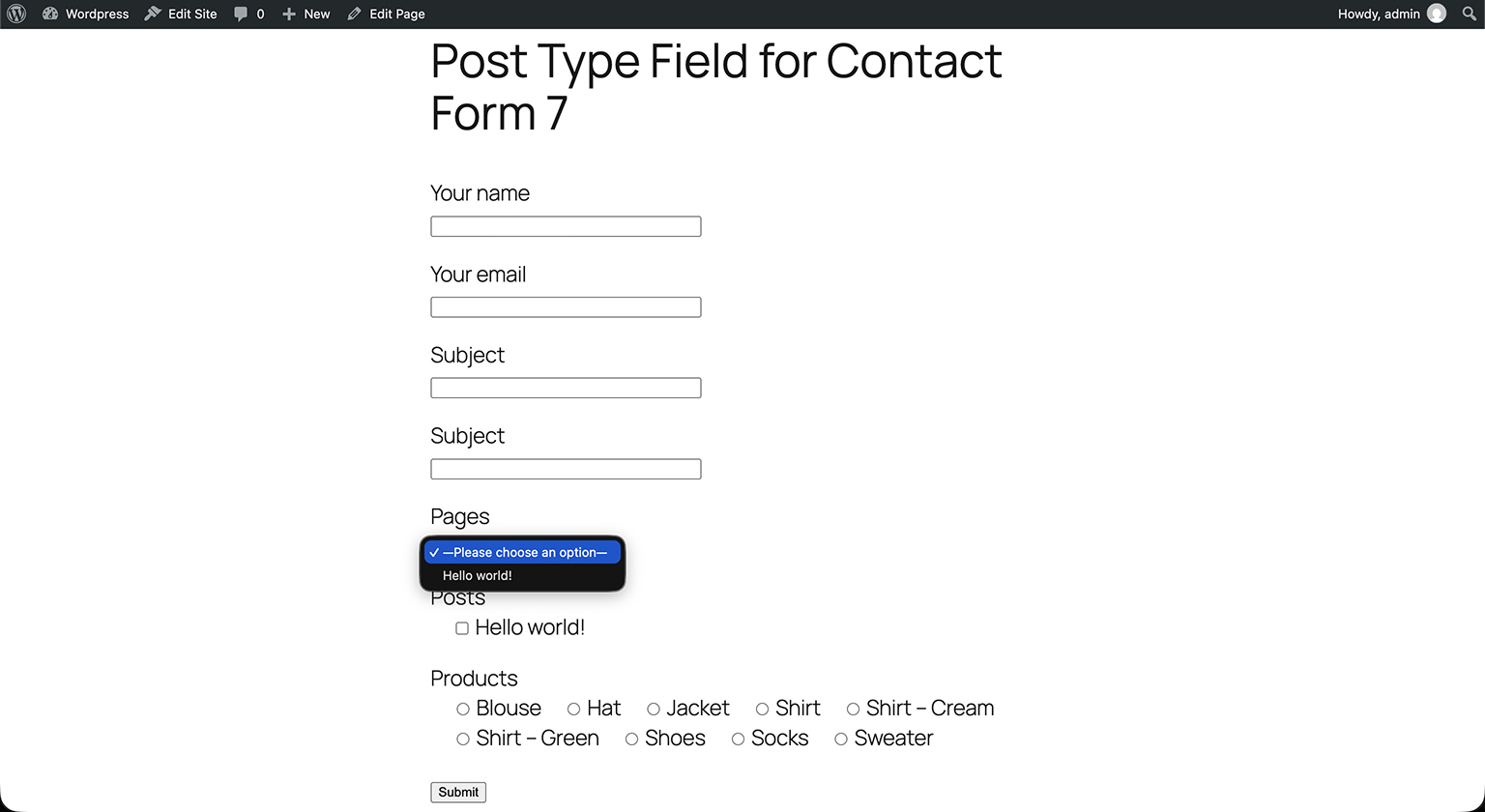
Jupa – Post Type Field for Contact Form 7 adds three new field types to Contact Form 7: a drop-down menu, a group of checkboxes, and a group of radio buttons. Each one is automatically filled with the titles of posts from any post type you choose (posts, pages, products, or any custom post type registered on your site).
This is useful when you want visitors to pick from a list that already exists in your content, such as choosing a location, category page, product, or any other custom post type entry, without maintaining that list by hand inside the form.
Features
- Three form-tag types: drop-down menu, checkboxes, and radio buttons.
- Works with any public post type, including custom post types.
- Choose the ordering (
orderbyandorder) of the listed posts. - Limit how many posts are shown, or show all of them.
- Full integration with the Contact Form 7 tag generator (visual UI, no manual tag writing required).
- Supports the standard
id:andclass:tag options, the same way native Contact Form 7 fields do. - Supports required-field validation.
Usage
- Edit a Contact Form 7 form.
- Open the “Insert form-tag” menu and choose one of “posts drop-down menu”, “posts checkboxes”, or “posts radio buttons” (they appear at the end of the list).
- Select the post type to pull posts from, the sort order, and (optionally) how many posts to show.
- Insert the tag and save the form.
Installation
- Make sure Contact Form 7 is installed and active.
- Upload the plugin files to the
/wp-content/plugins/jupa-post-type-field-for-contact-form-7directory, or install the plugin through the WordPress plugins screen directly. - Activate the plugin through the “Plugins” screen in WordPress.
- Edit any Contact Form 7 form and use the new field types from the tag generator.
Changelog
Adds screenshots to the plugin listing, no functional changes.
1.0.1
- Added screenshots to the readme.
1.0.0
- Initial release. Adds drop-down, checkbox, and radio button field types populated from posts, with tag generator support for all three.
Screenshots

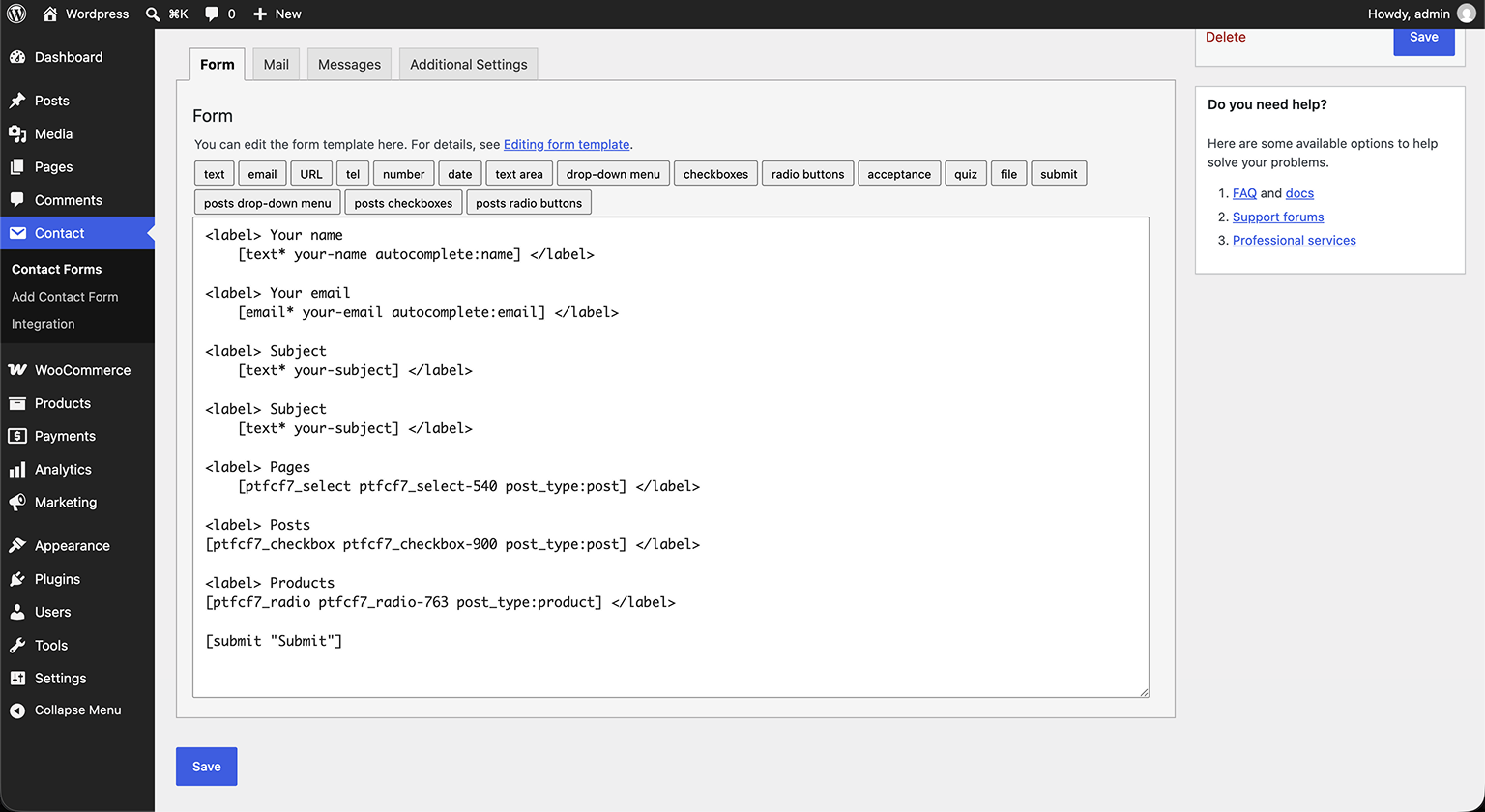
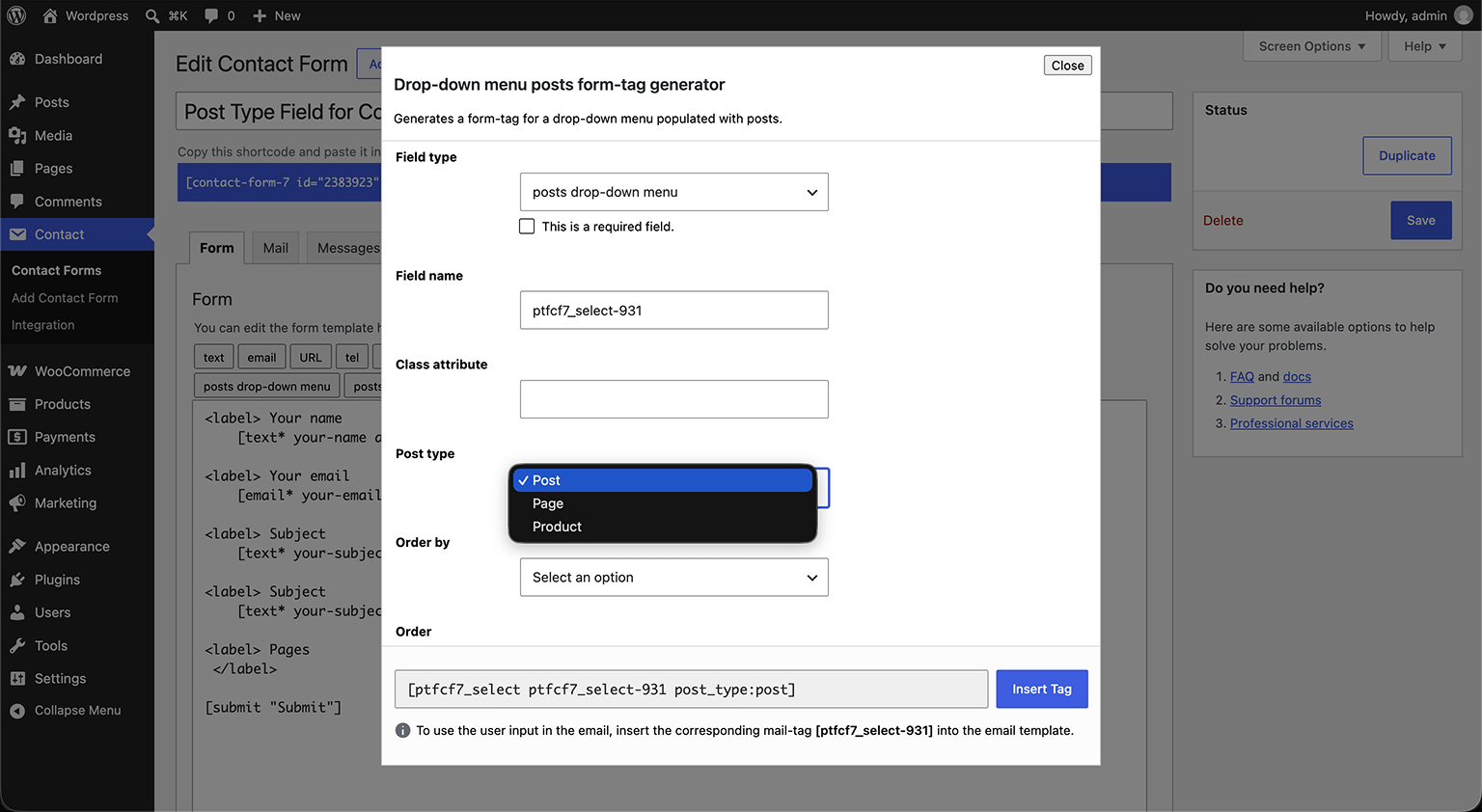
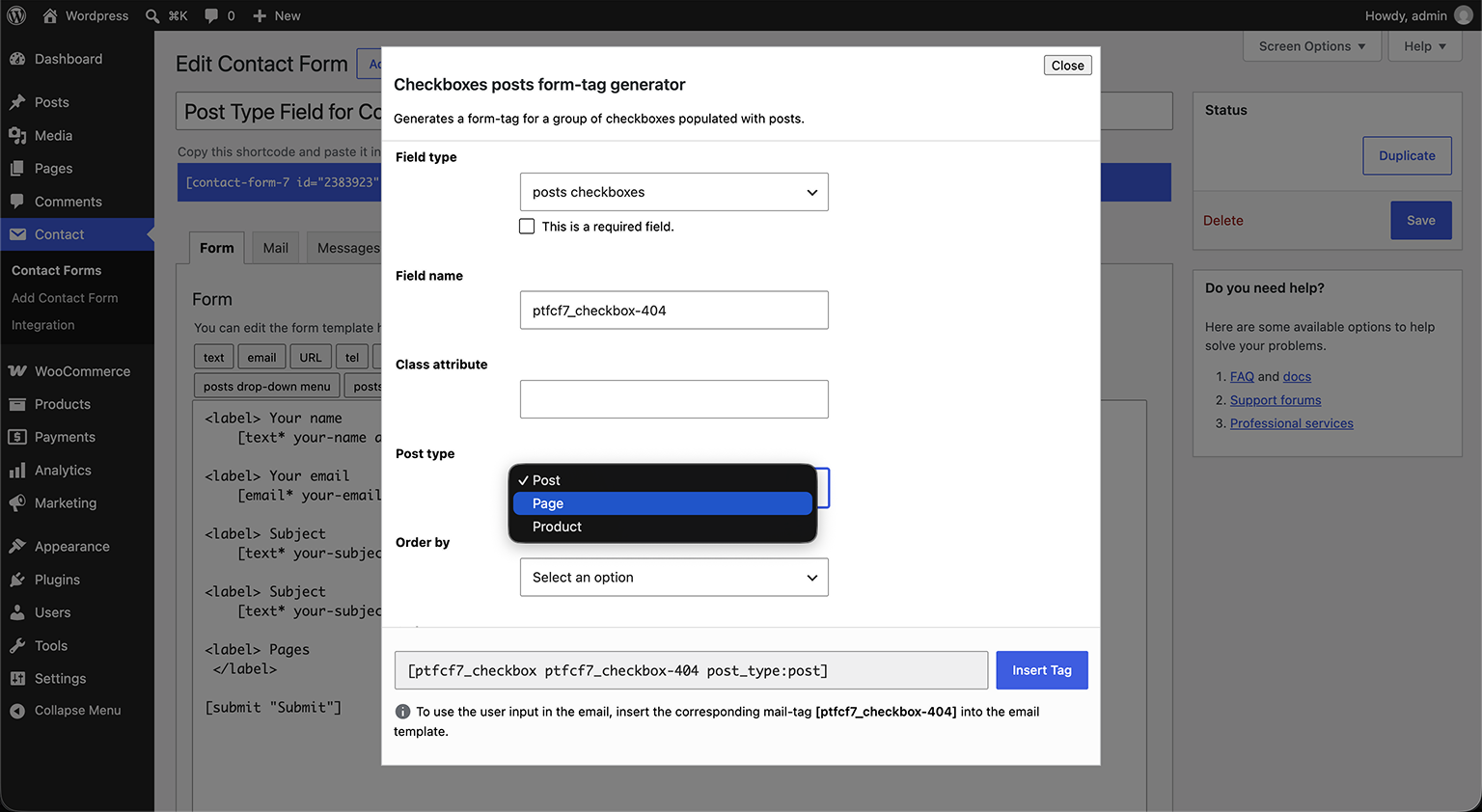
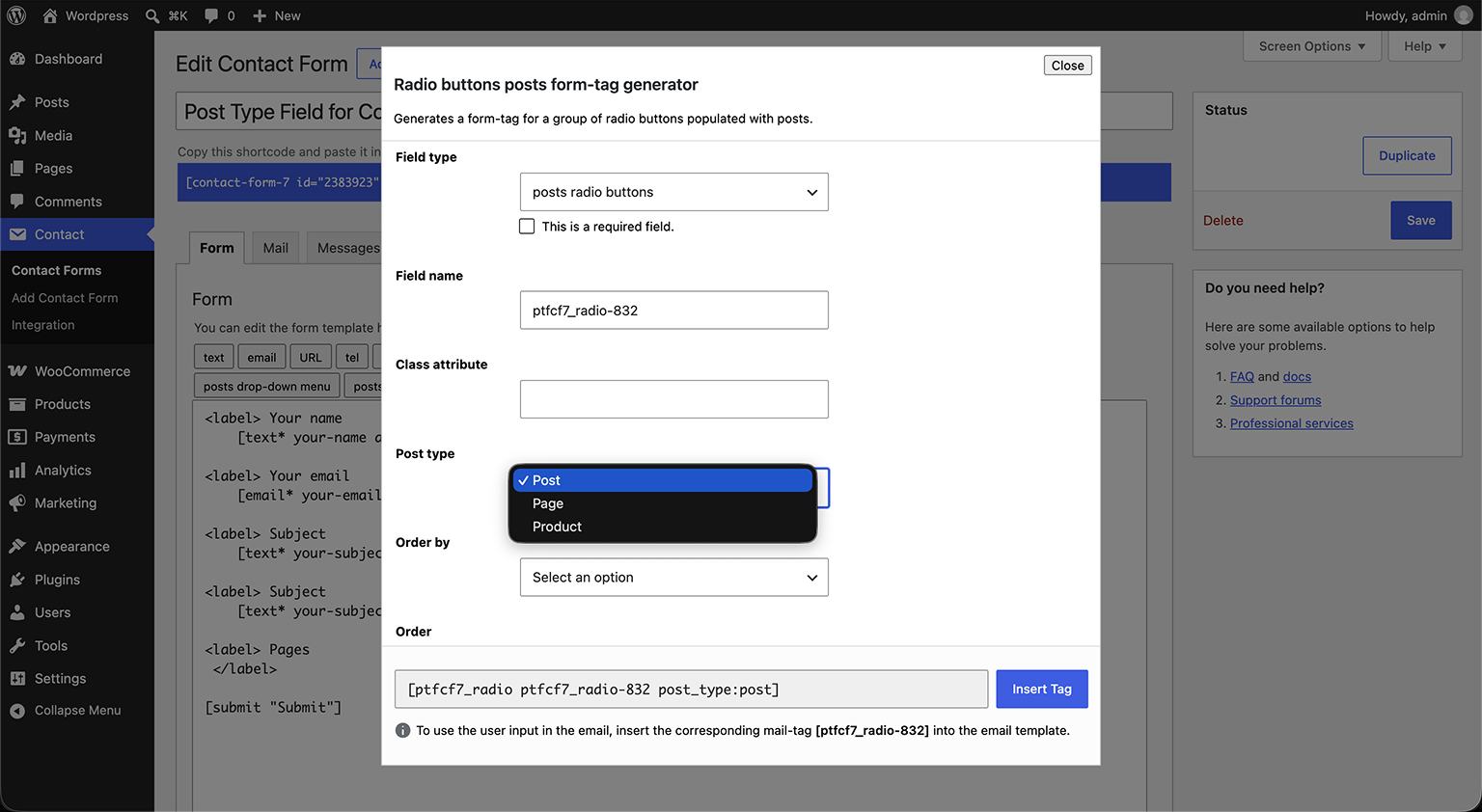
For developers
Is this your plugin? Show off the numbers.
Add a live badge to your site, docs or GitHub README. It updates on its own — no account needed.
Best Jupa alternatives
All checkbox plugins →





FAQ
Jupa: quick answers
Straight answers, pulled from live WordPress.org data.
Source: WordPress.org
Is Jupa free?
Yes. Jupa is free to download and use from the official WordPress.org plugin directory.
Is Jupa safe to use in 2026?
Jupa works, but test it on a staging site before relying on it in 2026. Was last updated 2 months ago, and scores 60/100 on our health check.
How many websites use Jupa?
Jupa is active on <10 WordPress websites and has been downloaded 342 times since it launched in September 2026. It was downloaded 82 times in the last 30 days.
Does Jupa work with WordPress 7.1?
Yes. The developer has tested Jupa up to WordPress 7.1.5, the latest release. It requires WordPress 6.0 or newer.
What PHP version does Jupa need?
Jupa requires PHP 7.4 or higher. Most hosts run PHP 8.x today, so it works on any modern WordPress hosting.
When was Jupa last updated?
The latest version, 1.0.1, was released on September 13, 2026 (2 months ago).
Who makes Jupa?
Jupa is developed and maintained by Jupa.
What are the best alternatives to Jupa?
The most popular alternatives to Jupa are WP Comment Policy Checkbox (5K+ installs), Rel Nofollow Checkbox (4K+ installs) and Select All Categories and T… (3K+ installs).
Powered by PageForge
One template and a spreadsheet. A real page for every search.
PageForge turns each row of a CSV into a WordPress page with its own title, URL, SEO fields and schema, built on the layout you already designed. Free on WordPress.org.
- CSV and XLSX, plus Google Sheets on Professional and Enterprise
- Its own title, URL, SEO fields and schema for every page
- Works with the block editor, Elementor, Divi and Avada
- Free on WordPress.org, no credit card