



Interactive Map Widget
the WordPress locations plugin “Interactive Map Widget” is ideal for entrepreneurs. It allows the integration of interactive maps with different locations on websites. Pins show information such as name, photo, phone…

Use with caution
Interactive Map Widget works, but test it on a staging site before relying on it in 2026. It runs on 10+ sites and was last updated 2 months ago, and scores 57/100 on our health check.
- Small user base (10+ active installs)
- Very few reviews so far
How does it stack up?
Side-by-side on installs, updates, ratings & support



Daily downloads
Download spikes usually follow a new release — each site that auto-updates counts as a download.
Rankings
Where Interactive Map Widget stands todayWordPress.org search rankings
Live position in the plugin search, top 100| Keyword | Position |
|---|---|
| business locations | >100 |
| elementor widget | >100 |
| interactive map | #68 |
| map-with-locations | >100 |
| Store locator | #89 |
Version adoption
Share of active sites per release.
About Interactive Map Widget
From the official readme · v1.2.28Description
the WordPress locations plugin “Interactive Map Widget” is ideal for entrepreneurs. It allows the integration of interactive maps with different locations on websites. Pins show information such as name, photo, phone number and email address. Fully compatible with Elementor.
Practical and simple to use
Interactive Map Widget for Elementor as a WordPress tool will definitely simplify your work significantly and provide real value to your customers. It is the key to excellence in visualizing geographic data on WordPress.
To transform the way your visitors interact with your geographic content, the Interactive Map offers a visually and functionally superior and engaging experience. It’s more than just a simple add-on; it’s an essential tool that enriches your website by allowing you to create detailed interactive maps with amazing ease.
Designed to integrate seamlessly with WordPress and Elementor, this widget allows you to use a drag-and-drop interface to fully personalize your maps, making implementation intuitive and accessible to everyone, regardless of their technical level.
With the ability to draw maps of specific countries and their regions, you can present key information in a way that’s easy to understand and visually appealing. Each pin on your map isn’t just a marker; it’s a gateway to a rich information map with details like photos, contacts, and descriptions that appear with a simple click, greatly improving user engagement.
Furthermore, customization is where the Interactive Map Widget for Elementor really shines. You can adjust everything from the size and color of the pins and maps to the alignment and overall layout to ensure that every element of the map is perfectly in line with your brand’s aesthetic. This not only improves the visual coherence of your page, but also reinforces your corporate identity at every point of interaction.
WordPress map with locations, optimized for the DACH region
Discover the powerful “Interactive Map Widget”! This WordPress locations plugin is specially optimized for the DACH region and allows you to create and customize interactive maps for any city. Fully compatible with WordPress and Elementor Pro, our plugin offers lightweight and lightning-fast performance.
It allows companies to seamlessly integrate visually appealing, interactive maps into their websites. With extensive style configuration options and user-friendly operation, it is the ideal tool to improve your online presence and offer your customers an impressive user experience. Turn your website into an interactive experience with our innovative map solution!
Integration with WordPress and Elementor
Interactive Map Widget is specially designed for websites that use WordPress and leverage the power of Elementor, one of the most popular and flexible page builders on the market. This integration ensures that users can easily implement and configure the widget, leveraging Elementor’s intuitive interface for fast and efficient design.
WordPress locations plugin, creation of maps with regional subdivisions
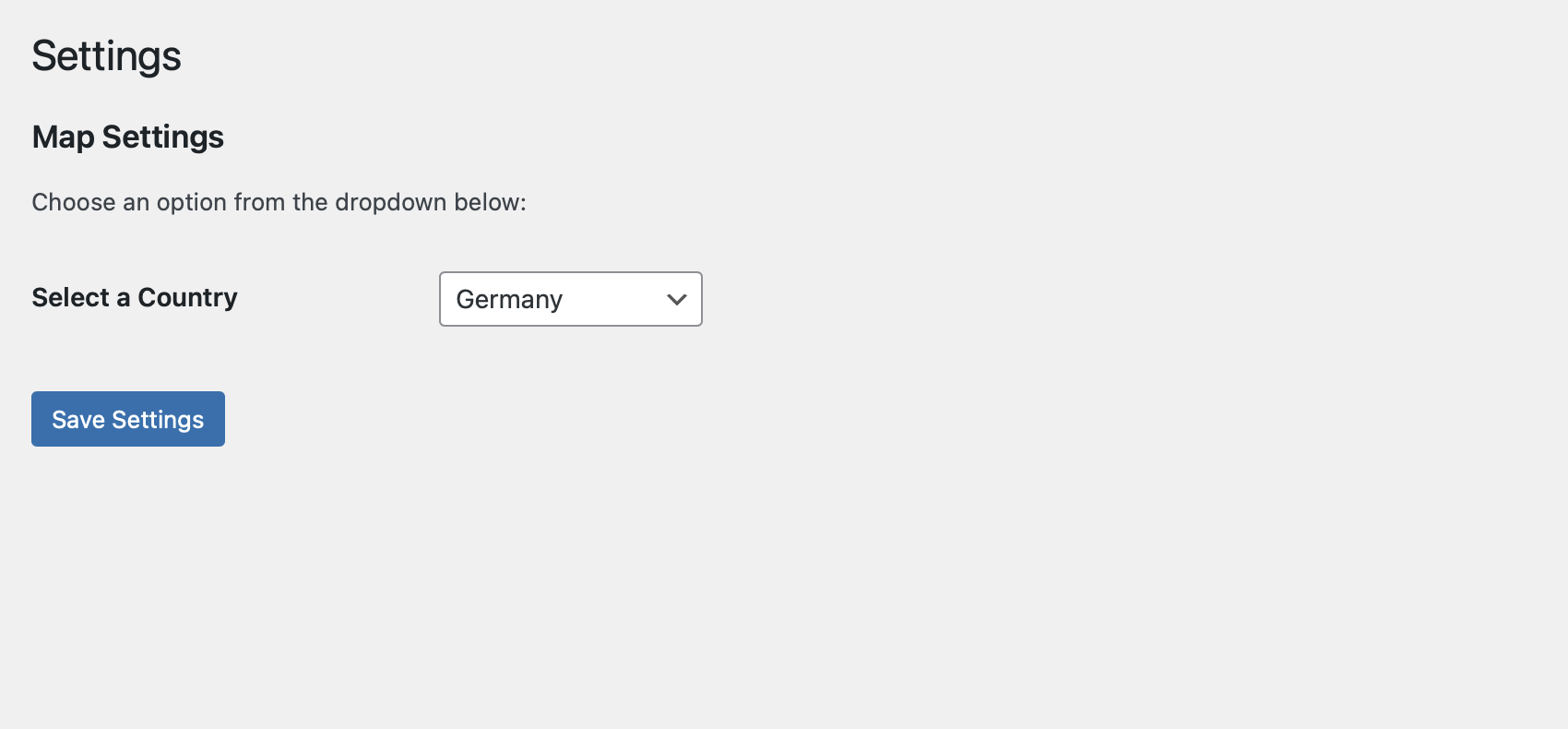
One of the main features of the WordPress Locations Plugin, Interactive Map Widget is its ability to draw detailed maps of countries, including internal regional divisions. Users can select any country they want to display and customize the map to fit the specific needs of their project or presentation.
WordPress map with locations, information cards when clicking on the pins
Clicking on any pin displays an information card that may contain data such as the name, photo, phone number and email address of the person or place depicted.
The maps are also customizable, with options that allow you to change the style, text size, color, and more to ensure that the presentation of information is clear and consistent with the website’s visual identity.
Features
- Interactive Maps for Elementor
- Customizable Pins
- Include Maps from: Austria, Argentina, Belgium, China, France, Germany, Japan,
- Ireland, Italy, Luxembourg, Poland, Portugal, Spain, United States, Venezuela and more.
- Fast and light.
- Excellent resolution on any screen
- User-friendly
- Active languages: English, German, Spanish.
WordPress Hilfe & Support – Nahiro.net
Interactive Map Widget Pro
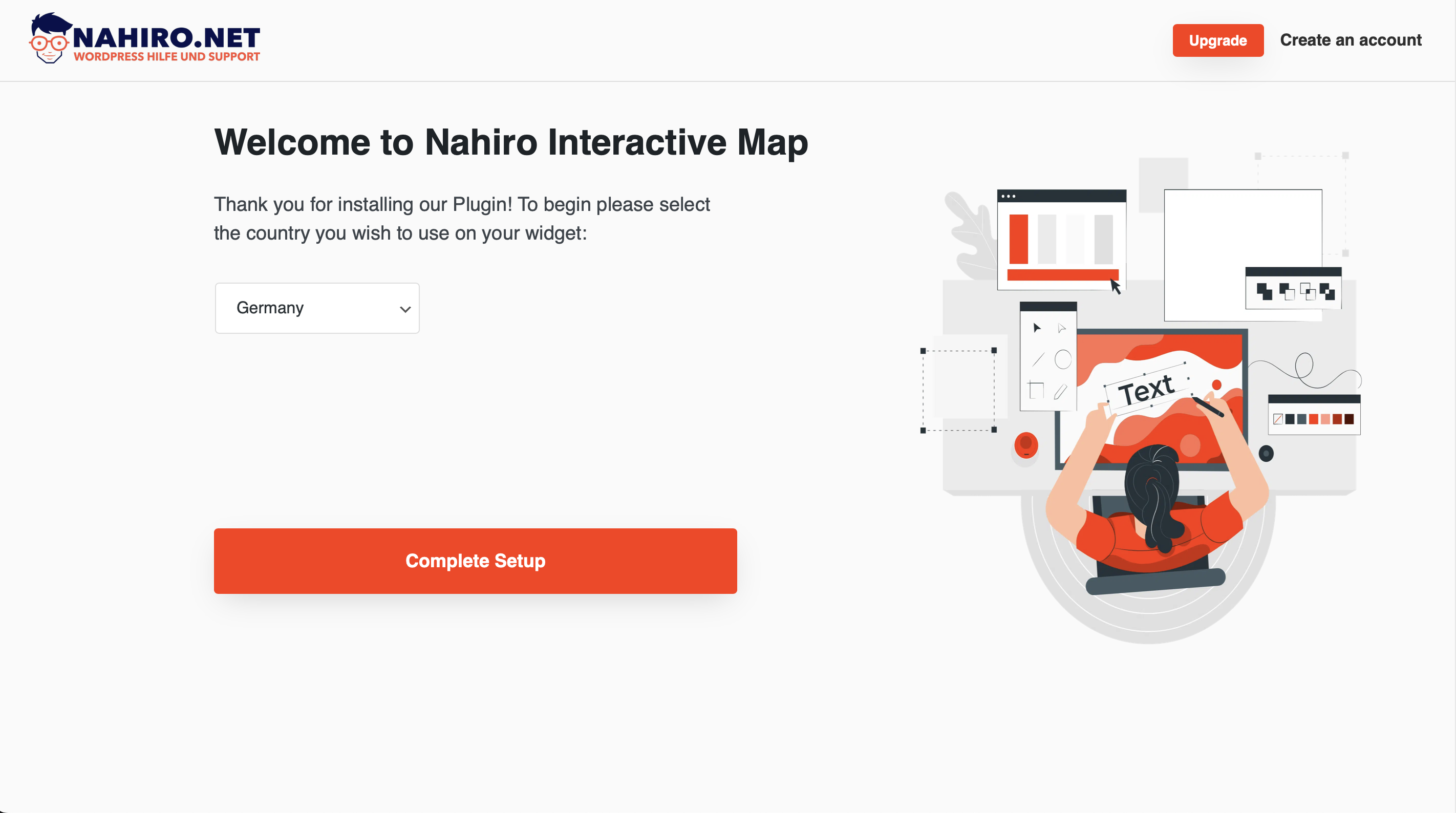
To further improve the interactive map widget we released “Interactive Map WIdget Pro” a professional version of the free plugin constantly evolving and improving.
The professional version of this plugin includes everything in the free version and more additional features listed below:
⭐️ Unlimited pins/markers: mark multiple locations in any point of a region without worrying about limits
⭐️ More maps: you can have more different maps with different countries on your page, don’t limit yourself to just one!
⭐️ Adjustable cards: In any card if your content grows beyond expected the card grows with you! No need to make adjustments, we do it for you. Card height and image proportion on cards adjust individually to give you flexibility
⭐️ New rich content field: introducing a new card field that allows you to add formatted content! Add headings, links, bullet list and more to your cards content.
⭐️ More personalization options
⭐️ New features: the professional version will constantly improve, quality of life improvement or feature will be released in this version. The free version won’t receive new features frequently.
Are you interested? Check out: Interactive Map Widget Pro
Installation
- Extra the contents of the .zip file and upload
interactive-map-widgetto the/wp-content/plugins/directory - Activate the plugin through the ‘Plugins’ menu in WordPress
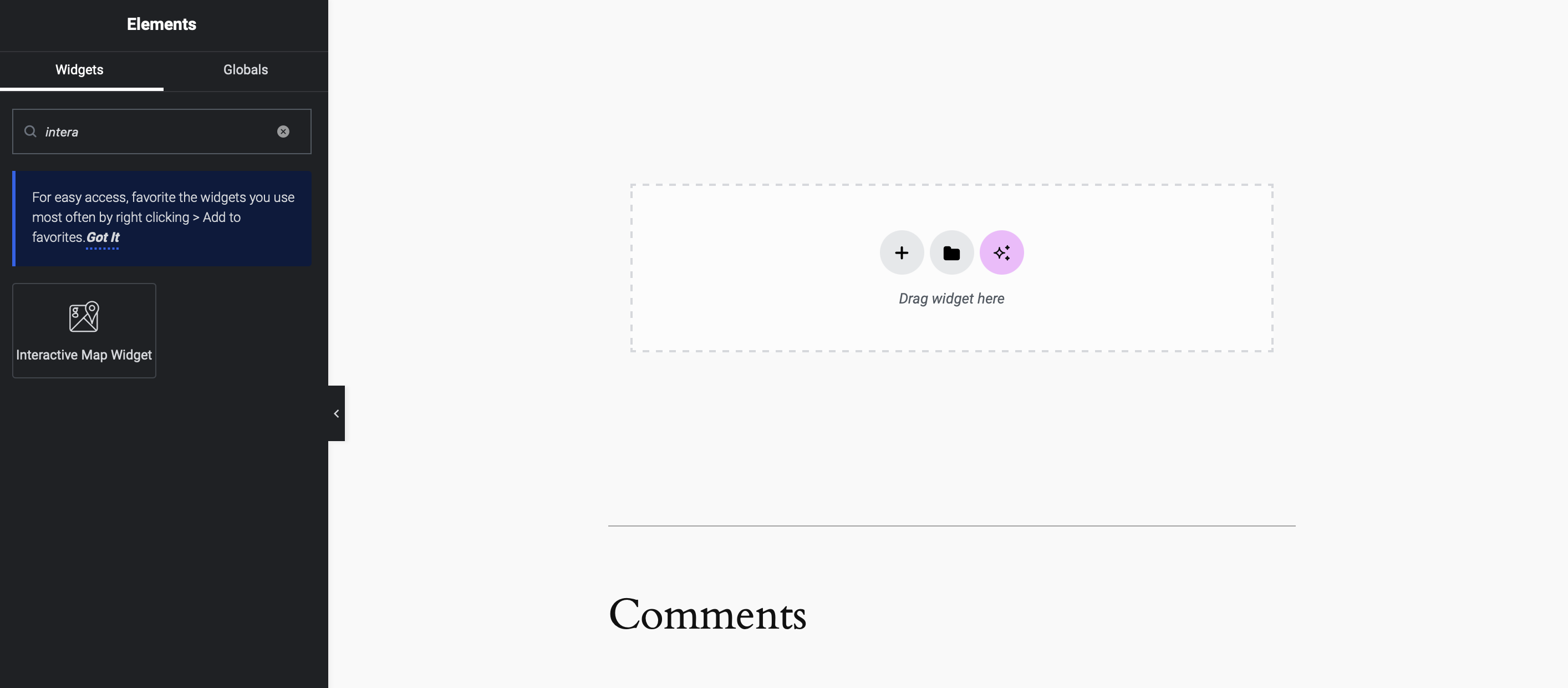
- Add the map through the elementor editor to the page, search for “Interactive Map Widget”.
Changelog
1.2.9
- bug fixes and improvements
1.2.7
- bug fixes and improvements
1.2.6
- bug fixes and improvements
1.2.1
- new feature: tool to positions pins easily on the editor
1.0.4
- Css improvements
1.0.0
- Initial Release
Screenshots


For developers
Is this your plugin? Show off the numbers.
Add a live badge to your site, docs or GitHub README. It updates on its own — no account needed.
Best Interactive Map Widget alternatives
All business locations plugins →


FAQ
Interactive Map Widget: quick answers
Straight answers, pulled from live WordPress.org data.
Live data from WordPress.org · checked Sep 30, 2026
Is Interactive Map Widget free?
Yes. Interactive Map Widget is free to download and use from the official WordPress.org plugin directory.
Is Interactive Map Widget safe to use in 2026?
Interactive Map Widget works, but test it on a staging site before relying on it in 2026. It runs on 10+ sites and was last updated 2 months ago, and scores 57/100 on our health check.
How many websites use Interactive Map Widget?
Interactive Map Widget is active on 10+ WordPress websites and has been downloaded 7,047 times since it launched in August 2024. It was downloaded 249 times in the last 30 days.
Does Interactive Map Widget work with WordPress 7.1?
Interactive Map Widget is officially tested up to WordPress 7.0.0, while the latest release is 7.1.2. It may still work, but try it on a staging site first.
What PHP version does Interactive Map Widget need?
Interactive Map Widget requires PHP 7.4 or higher. Most hosts run PHP 8.x today, so it works on any modern WordPress hosting.
When was Interactive Map Widget last updated?
The latest version, 1.2.28, was released on August 3, 2026 (2 months ago).
Who makes Interactive Map Widget?
Interactive Map Widget is developed and maintained by WordPress Hilfe & Support Nahiro.net.
What are the best alternatives to Interactive Map Widget?
The most popular alternatives to Interactive Map Widget are Store Locator for WordPress📍 (1K+ installs), CM Map Locations (70+ installs) and Mapsmith (<10 installs).
Powered by PageForge
Want thousands of pages that rank like these? Build them in an afternoon.
This directory runs on the same engine as PageForge. Turn any spreadsheet, CSV or API into thousands of fast, SEO-ready WordPress pages — with schema, internal links and AI-written copy baked in.
- CSV, Google Sheets & API data sources
- AI content, schema & internal links per page
- Works with Elementor, Gutenberg, Yoast & Rank Math
- Free on WordPress.org — no credit card


