



MapGeo – Interactive Geo Maps
Create interactive vector maps of the world, continents, any country in the world and specific regions, including individual US state county maps.

Solid choice
MapGeo – Interactive Geo Maps is a solid plugin choice in 2026, with a few things worth checking first. It runs on 30K+ sites, is rated 4.5/5 and was last updated 2 months ago, and scores 69/100 on our health check.
- Proven at scale on 30K+ active sites
- Loved by users — 4.5/5 from 64 reviews
How does it stack up?
Side-by-side on installs, updates, ratings & support



Daily downloads
Download spikes usually follow a new release — each site that auto-updates counts as a download.
Rankings
Where MapGeo stands todayWordPress.org search rankings
Live position in the plugin search, top 100| Keyword | Position |
|---|---|
| interactive map | #2 |
| map | #15 |
| travel map | #6 |
| us map | #4 |
| world map | #4 |
Version adoption
Share of active sites per release.
Rating breakdown
★★★★★★★★★★ 4.5 from 64 reviews
About MapGeo – Interactive Geo Maps
From the official readme · v1.6.30Description
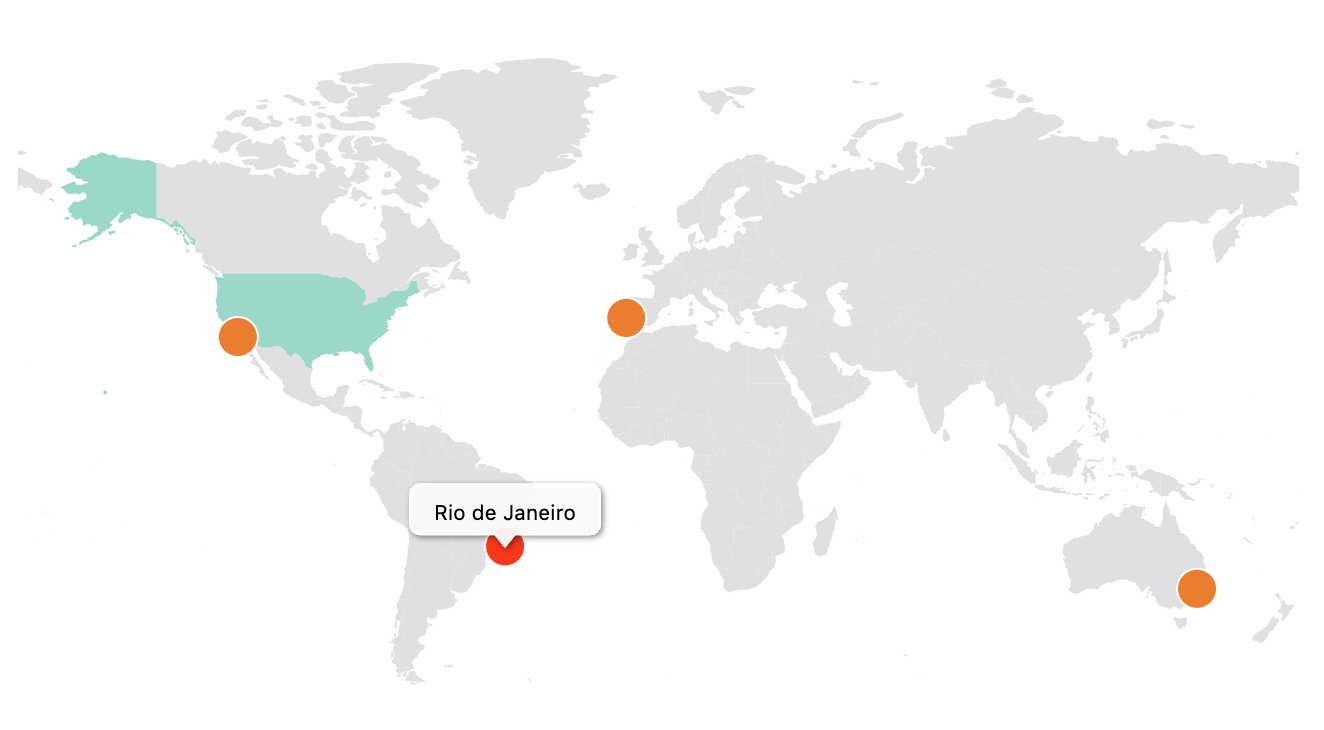
Create interactive maps with regions and coloured markers. You can display the world map, continent maps and single country maps.
Demo | Admin Demo | Maps | Documentation | Pro
More than 250 vector maps available
- World map (with and without Antarctica)
- World map divided by continents (different variations)
- Maps of continents and regions (Africa, Asia, Caribbean, Central America, Europe, Latin America, Middle East, North America, Oceania, South America )
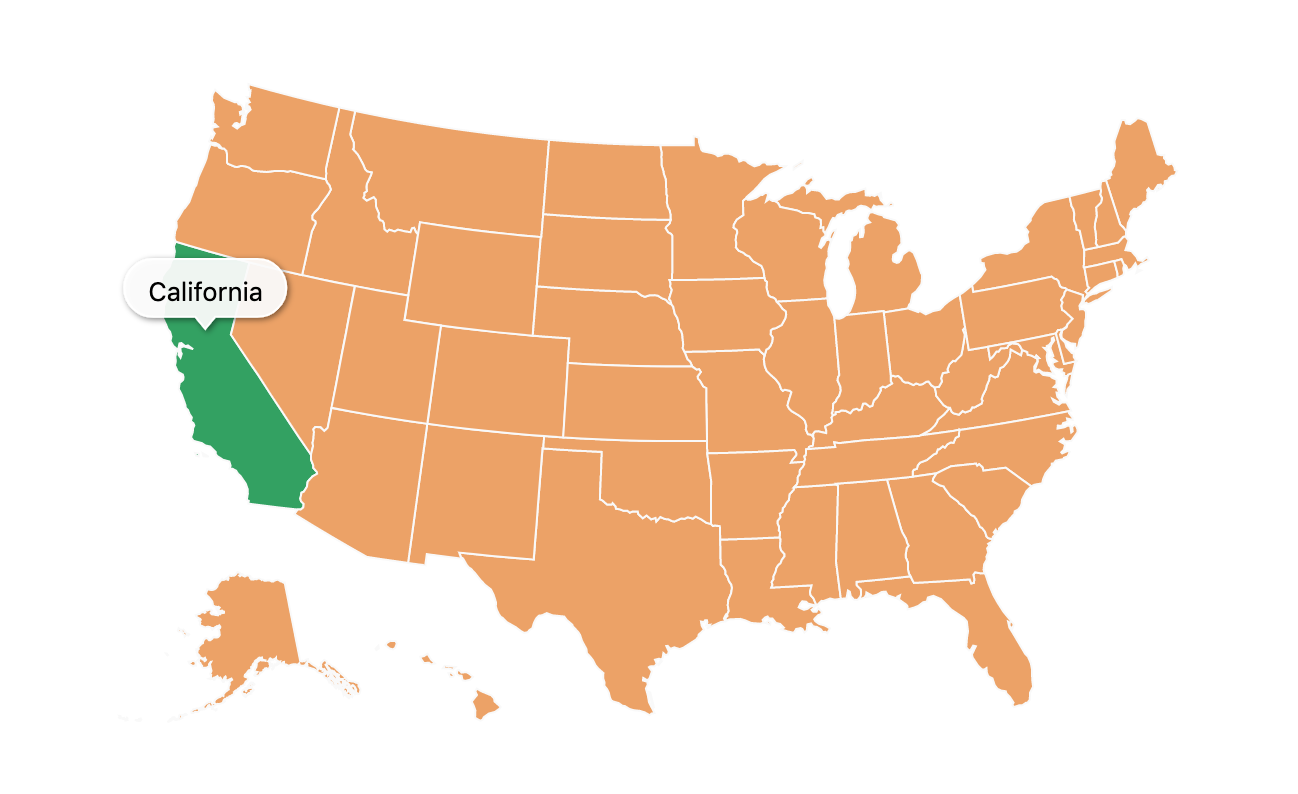
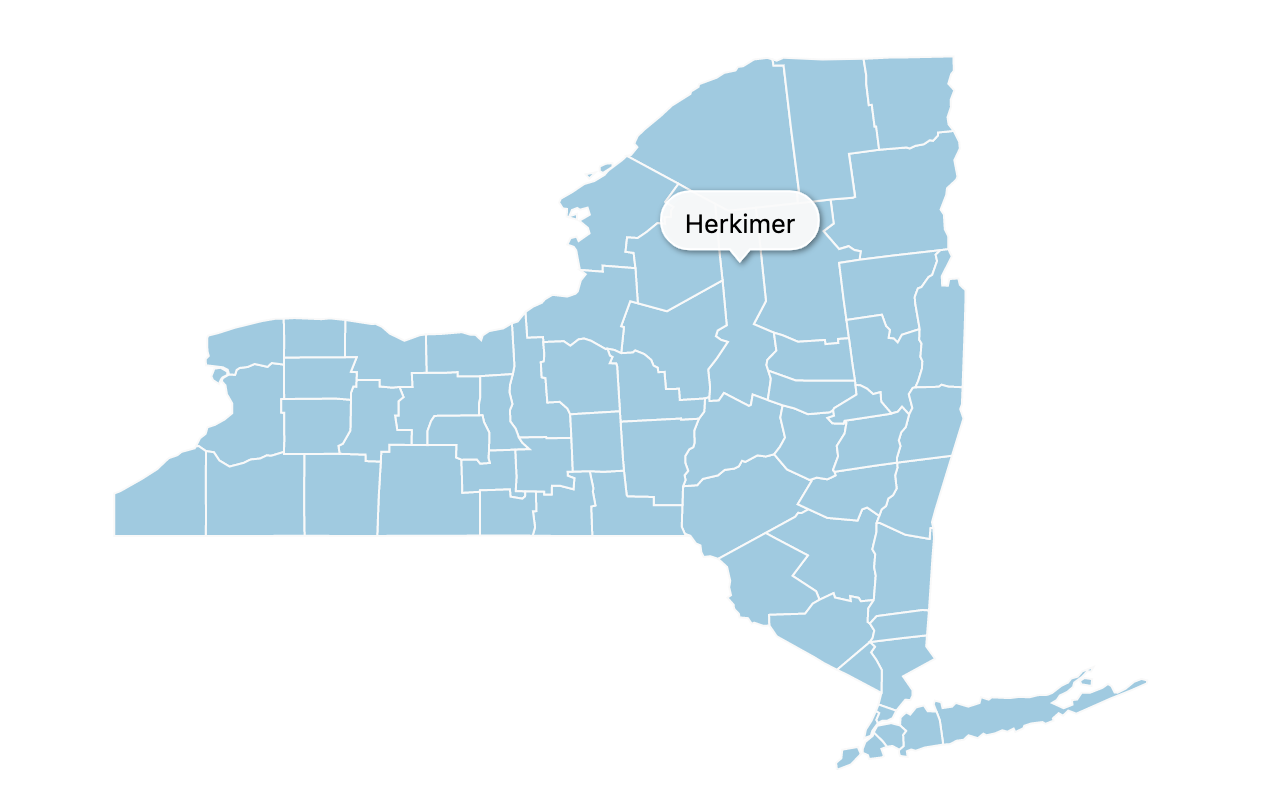
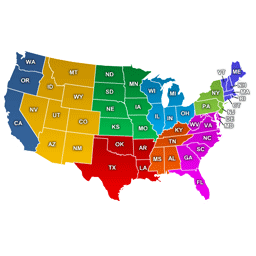
- US States divided by counties (California, Texas, Florida, New York and all the others)
- Mexico county maps
- Canada county maps
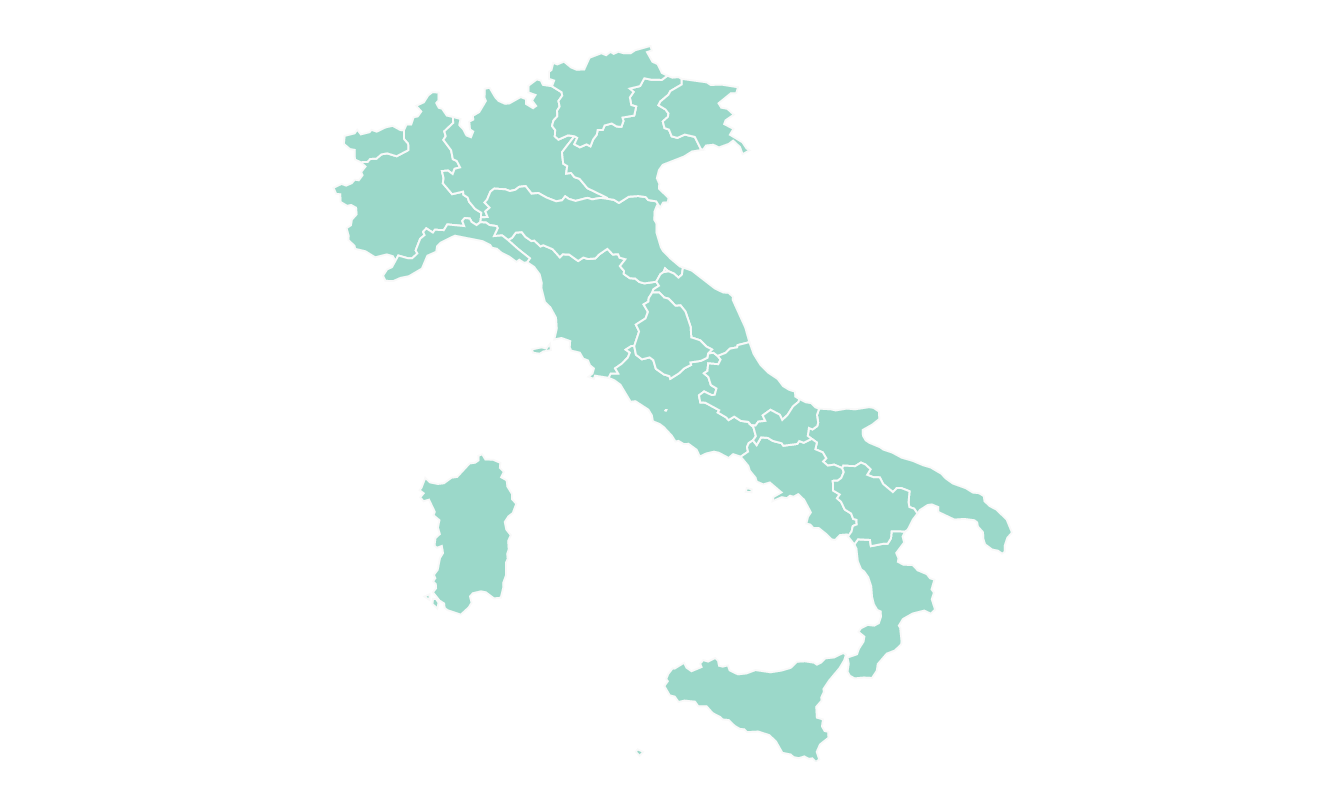
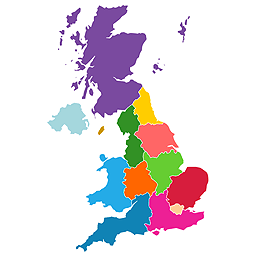
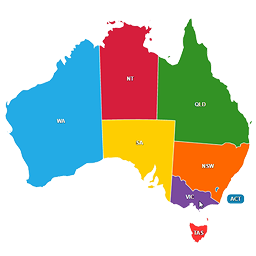
- Most countries in the world, including United States of America (USA), Germany, France, United Kingdom (UK), Netherlands, Spain, Australia, Italy, Poland, South Africa, Brazil, India, Japan and many others.
- Some countries with different map variations like France, divided by regions or departments, Portugal divided by districts or municipalities, among others.
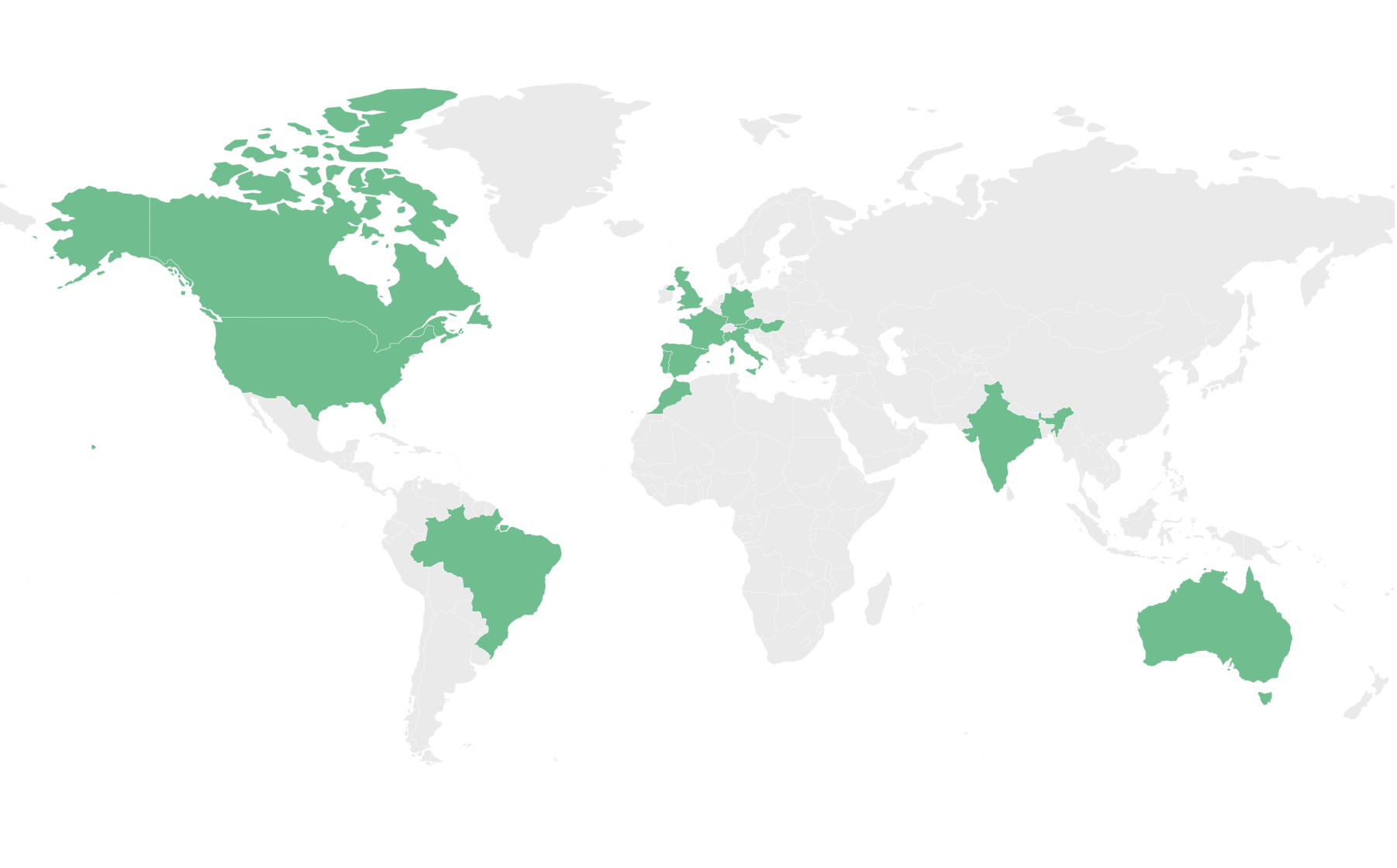
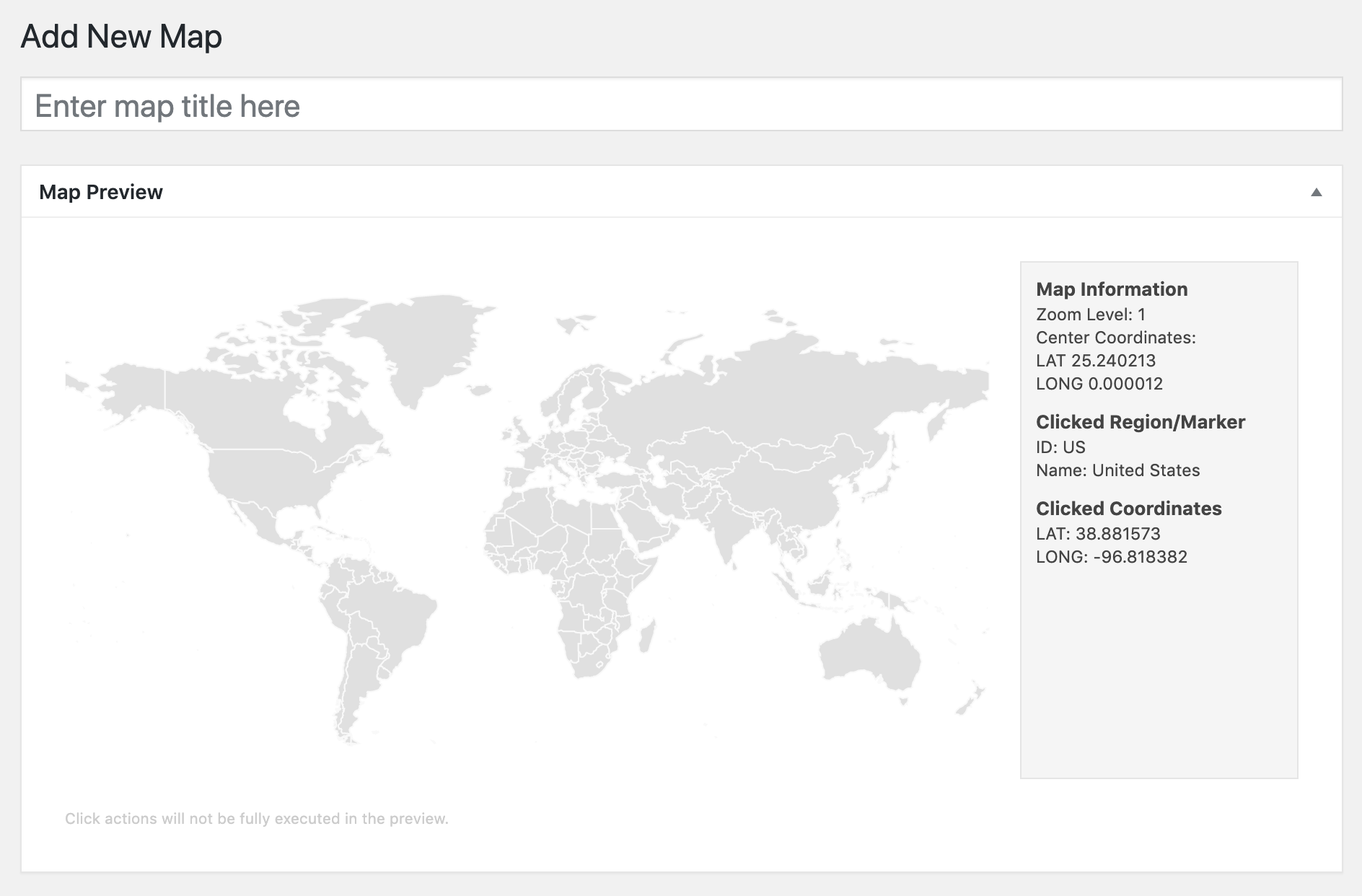
Create your first interactive map in minutes! Use it to display your visited countries map, travel map, office locations, projects map, representatives map, statistics map, data visualization map or any other thing!
Features
- Create as many maps as you want
- Responsive and cross-device
- Color countries
- Add round coloured markers
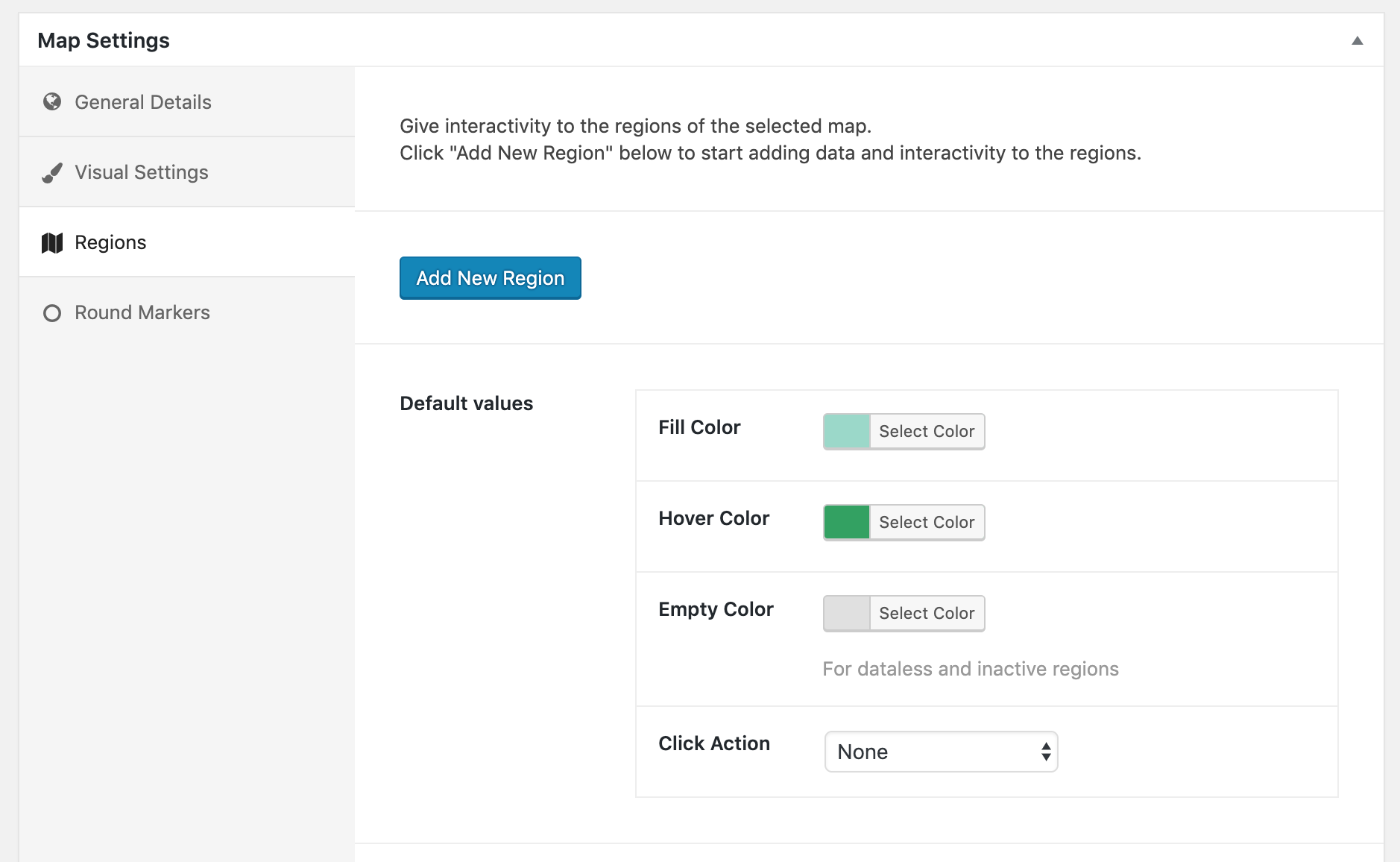
- Set hover color change
- Set click actions, like open a new window
- Choose from different map projections (Mercator, Miller, NaturalEarth1, among others)
- Select which regions to display in a map
- Exclude specific regions from a map
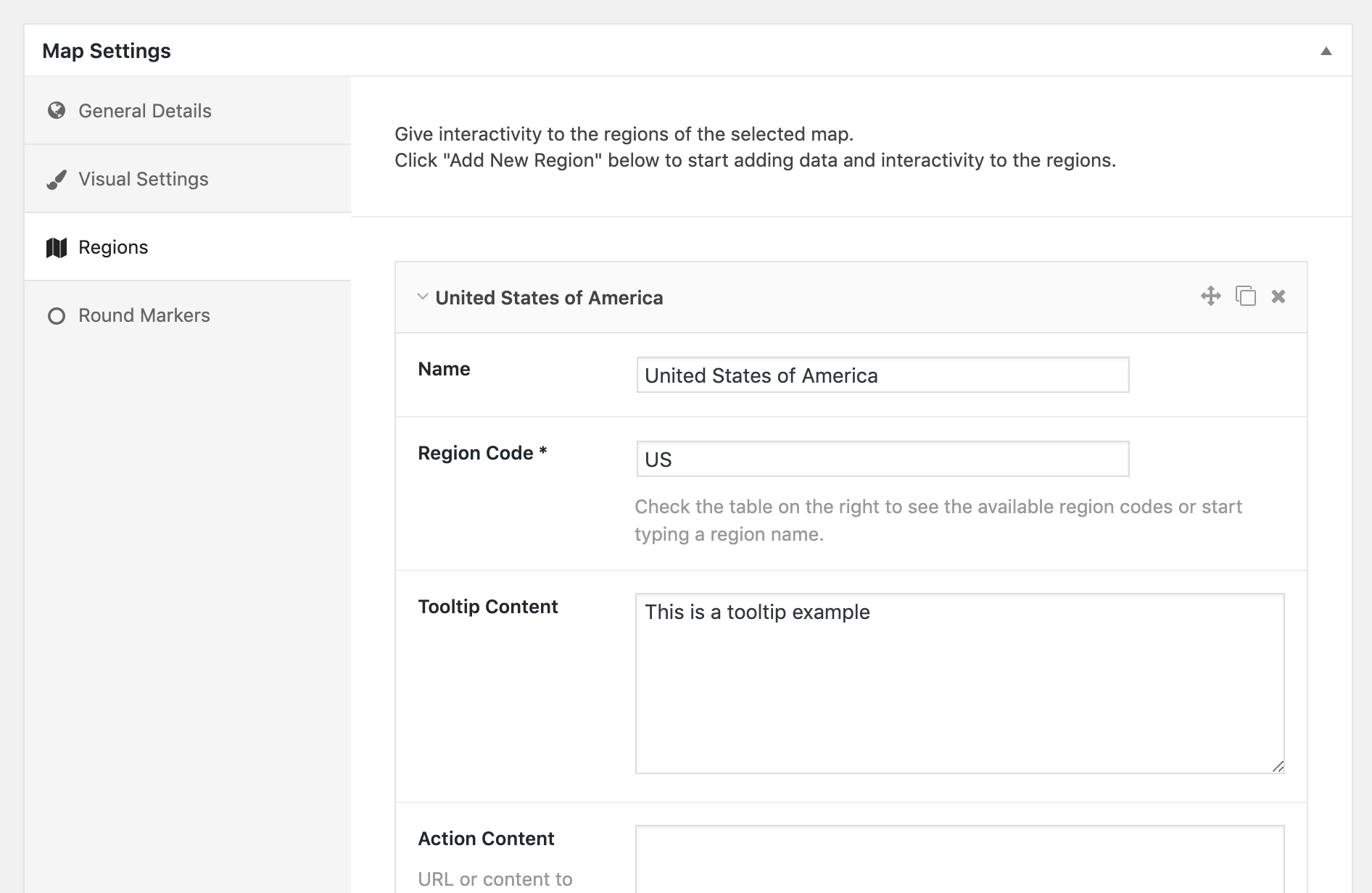
- Display HTML tooltips on hover
- Zoom controls and Pan
Pro only Features
- Colour regions and markers individually
- Change initial zoom and center
- Cluster markers
- Add Legend
- Custom images as markers
- Vector icons as markers
- Text Labels
- Display content on click outside the map
- Display content in a lightbox
- Group regions
- Create heatmaps (choropleth maps)
- Add lines connecting markers
- Overlay different maps (have US states map on world map for example)
- Populate map automatically from existing categories or Tags
- Advanced zoom options
The plugin generates interactive, responsive, touch-enabled SVG maps which are embedded directly into your HTML5 pages and compatible with all modern browsers and devices.
Privacy Information & External Services
This plugin will build the maps using the amcharts visualization library which provides hundreds of different maps. The plugin loads some files from their CDN to build the map and display it on your page. You won’t need to have a amcharts account for the maps to work. More information about their amcharts Privacy Policy.
When you first install the plugin, you can choose to opt-in to share non-sensitive data with Freemius, a framework we use to collect data about your WordPress installation that will help us improve the plugin. This is optional and the plugin will still work if you don’t opt-in. It will not collect any data from your visitors.
Credits
- amcharts
- jsonTree
- autocomplete
- unDraw – Banner Illustrations
- Codestar Framework
- Extended CPTs
Frequently asked questions
Do I need an amcharts account or license for the plugin to work?
No, you won’t need any license or specific account. The plugin will work out of the box.
Do I need a Google Maps API Key for the plugin to work?
No, you won’t need one. The plugin will not use the Google Maps API. However you can add a Google Maps API Key in the settings of the plugin to enable geocoding when adding markers and therefore get the latitude and longitude directly in the plugin’s administration.
Where can I get coordinates for a marker?
You can get the latitude and longitude needed to a add a marker to a map using sites like GetLatLong or LatLong.net or any other similar website. Optionally, you can add a Google Maps API Key in the settings page of the plugin and this will enable you to get the coordinates directly in the map administration panel, when adding a maker. In this case, Google’s geocoding service is only used in the administration to get the coordinates, it won’t be used when the map displays in your pages.
Where can I learn how to use the plugin?
You can visit the documentation pages on the official website.
The map is not displaying when using WP Rocket!
You can visit this article on how to use the plugin together with WP Rocket.
Changelog
1.6.30
Update the in-plugin pricing page with the new MapGeo logo and branding.
1.6.29
WordPress 7.0 compatibility, tested up to 7.0
Update Freemius SDK to v2.13.4
Raise minimum PHP version to 7.4, matching WordPress 7.0 requirements
Code quality and security hardening (output escaping, input unslashing, license header)
1.6.28
Security Improvements
1.6.27
Fix script loading bug with wordpress version 6.9
1.6.26
Update Freemius SDK to v2.12.0
Fixed bug with translation loading too early, causing a warning with php v.6.8.1
1.6.25
Security Improvements
Screenshots

For developers
Is this your plugin? Show off the numbers.
Add a live badge to your site, docs or GitHub README. It updates on its own — no account needed.
Best MapGeo – Interactive Geo Maps alternatives
All interactive map plugins →


FAQ
MapGeo – Interactive Geo Maps: quick answers
Straight answers, pulled from live WordPress.org data.
Live data from WordPress.org · checked Sep 27, 2026
Is MapGeo – Interactive Geo Maps free?
Yes. MapGeo – Interactive Geo Maps is free to download and use from the official WordPress.org plugin directory. The developer also sells premium add-ons or a Pro version with extra features.
Is MapGeo – Interactive Geo Maps safe to use in 2026?
MapGeo – Interactive Geo Maps is a solid plugin choice in 2026, with a few things worth checking first. It runs on 30K+ sites, is rated 4.5/5 and was last updated 2 months ago, and scores 69/100 on our health check.
How many websites use MapGeo – Interactive Geo Maps?
MapGeo – Interactive Geo Maps is active on 30K+ WordPress websites and has been downloaded 748,776 times since it launched in October 2019. It was downloaded 6,827 times in the last 30 days.
Does MapGeo – Interactive Geo Maps work with WordPress 7.1?
MapGeo – Interactive Geo Maps is officially tested up to WordPress 7.0.6, while the latest release is 7.1.2. It may still work, but try it on a staging site first.
What PHP version does MapGeo – Interactive Geo Maps need?
MapGeo – Interactive Geo Maps requires PHP 7.4 or higher. Most hosts run PHP 8.x today, so it works on any modern WordPress hosting.
When was MapGeo – Interactive Geo Maps last updated?
The latest version, 1.6.30, was released on August 7, 2026 (2 months ago).
Who makes MapGeo – Interactive Geo Maps?
MapGeo – Interactive Geo Maps is developed and maintained by MapGeo.
What are the best alternatives to MapGeo – Interactive Geo Maps?
The most popular alternatives to MapGeo – Interactive Geo Maps are Open User Map (10K+ installs), HTML5 Maps (4K+ installs) and Mapster WP Maps (3K+ installs).
Powered by PageForge
Want thousands of pages that rank like these? Build them in an afternoon.
This directory runs on the same engine as PageForge. Turn any spreadsheet, CSV or API into thousands of fast, SEO-ready WordPress pages — with schema, internal links and AI-written copy baked in.
- CSV, Google Sheets & API data sources
- AI content, schema & internal links per page
- Works with Elementor, Gutenberg, Yoast & Rank Math
- Free on WordPress.org — no credit card


