


Image Converter for WebP
Convert your WordPress JPG and PNG images to efficient WebP format, improving performance, reducing file size, and enhancing website speed.

Solid choice
Image Converter for WebP is a solid plugin choice in 2026, with a few things worth checking first. It runs on 1K+ sites, is rated 5/5 and was last updated 3 months ago, and scores 72/100 on our health check.
- Very few reviews so far
How does it stack up?
Side-by-side on installs, updates, ratings & support



Daily downloads
Download spikes usually follow a new release — each site that auto-updates counts as a download.
Rankings
Where Image Converter for WebP stands todayWordPress.org search rankings
Live position in the plugin search, top 100| Keyword | Position |
|---|---|
| convert | #25 |
| image | #77 |
| jpeg | #15 |
| png | #20 |
| webp | #18 |
Version adoption
Share of active sites per release.
Rating breakdown
★★★★★★★★★★ 5 from 4 reviews
About Image Converter for WebP
From the official readme · v1.6.0Description
As an internet user, you already know images can be the difference between a great website experience and a terrible one! Think about how often you’ve landed on a website and hit the back button because the home page was too busy or the banner image was taking so much time to load due to its size.
You may not realize it, but imagery is a large part of it. This plugin helps take care of all those concerns, by converting your WordPress images to WebP format during page load so that your site loads extremely fast, without any disruptions or downtime.
✔️ Features
Our plugin comes with everything you need to convert your WP website images to WebP.
✔️ Convert your WP images to WebP feature.
✔️ Convert images on both upload and page load.
✔️ Conversion Quality & WebP Engine options.
✔️ Error Loggging Capabilities.
✔️ Custom Hooks to help you customize plugin behaviour.
✔️ Compatible with Divi & Elementor page builders.
✔️ Available in mutiple langauges such as Arabic, Chinese, Hebrew, Hindi, Russian, German, Italian, Croatian, Spanish & French languages.
✔️ Backward compatible, works with most WP versions.
✨ Getting Started
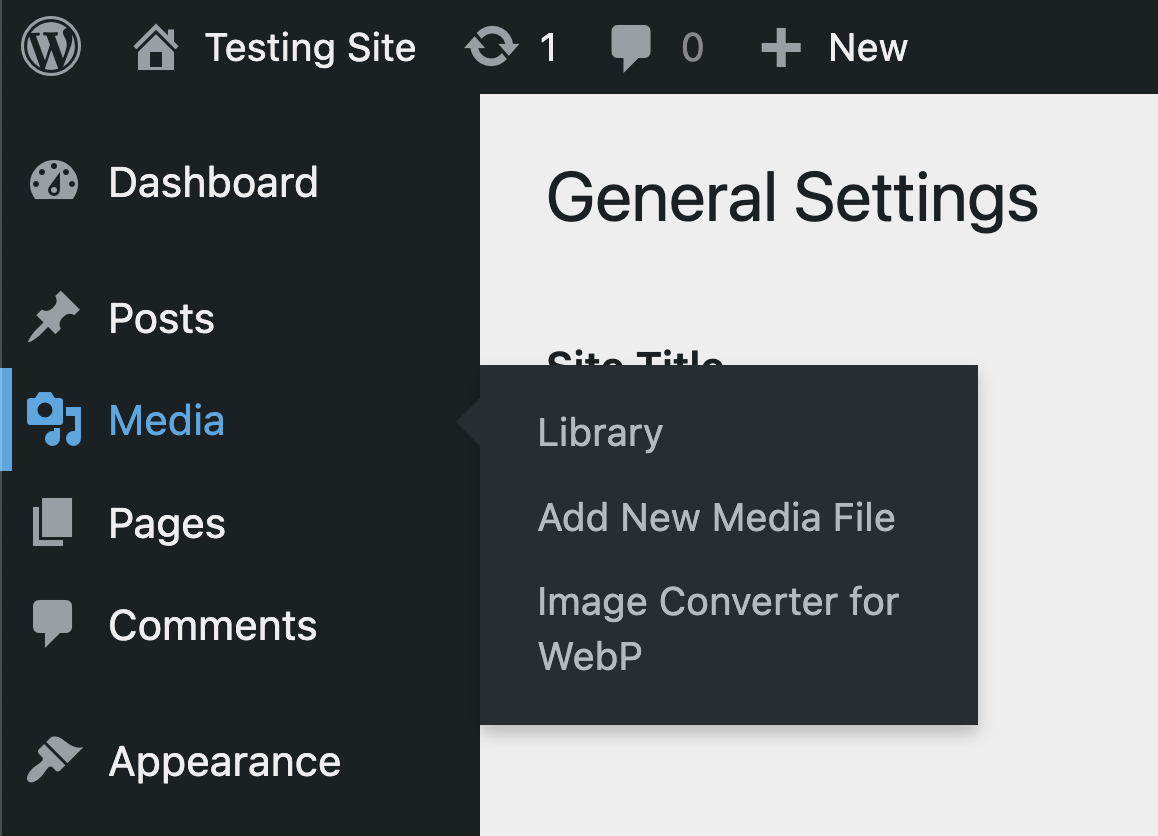
- Locate the Media menu option on the left side of the WP admin dashboard.
- You should see the Image Converter for WebP menu listed as one of the options, click on it.
- You can now set your plugin options here. Ensure you enable the Convert Images on Upload option.
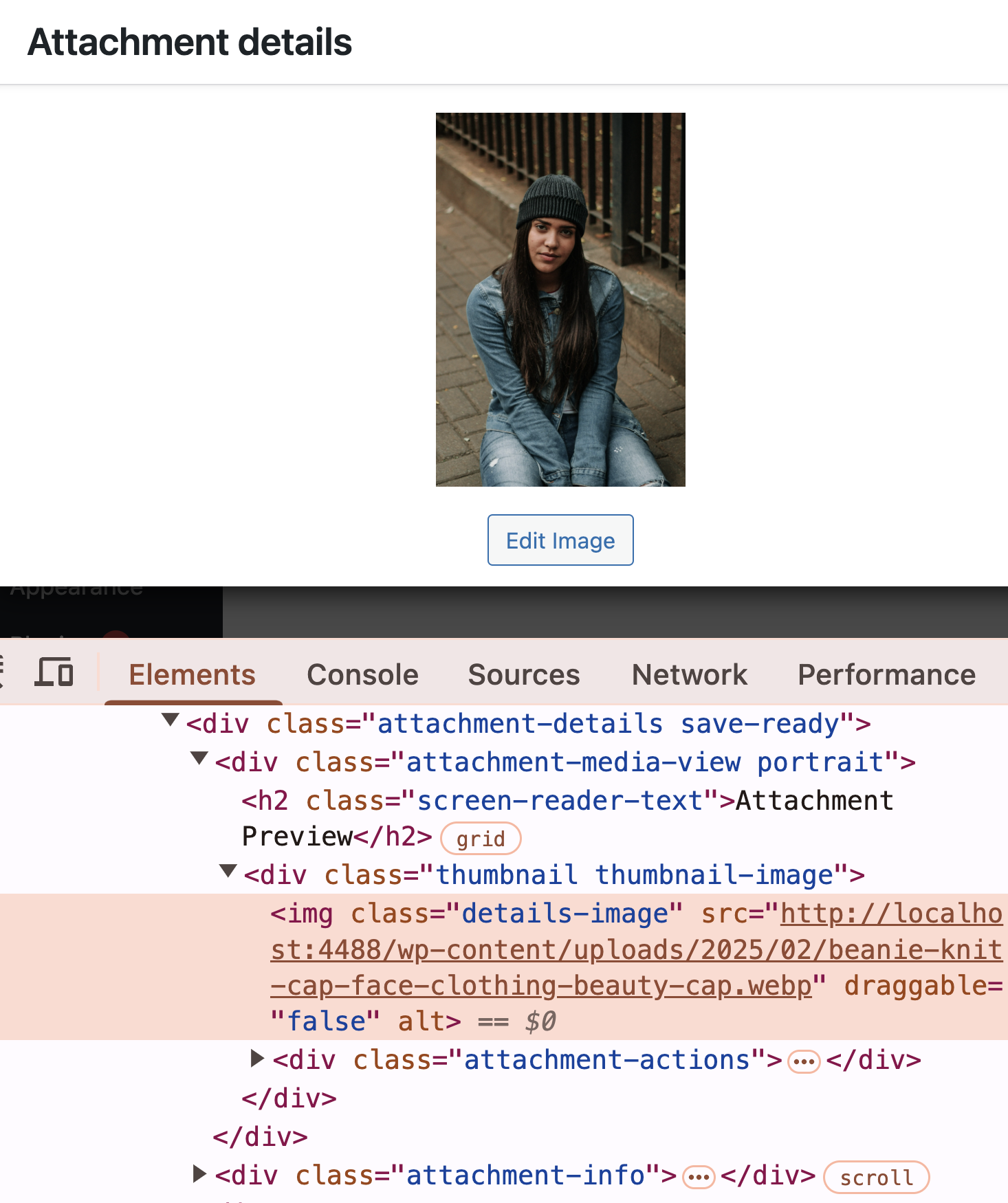
- Now upload any image into your WP website, it would convert it to a WebP format that will be served on your pages when users visit your website.
- You’re all set!
You can get a taste of how this works, by using the demo link.
⚡ WooCommerce, Posts, Pages & Images
By default, Image Converter for WebP, will serve WebP images for your posts, pages and woocommerce pages. For future releases, you should be able to toggle this feature ON/OFF based on your needs.
NB: The Convert Images on Page Load option helps you convert and serve WebP images for images that were already uploaded on your WP website before the plugin was installed. It does this when the page or post that contains that image is loaded.
🔌🎨 Plug and Play or Customize
The Image Converter for WebP plugin is built to work right out of the box. Simply install, activate, configure options and start using straight away.
Want to add your personal touch? All of our documentation can be found here. You can override the plugin’s behaviour with custom logic of your own using hooks.
Contribute
If you’d like to contribute to the development of this plugin, you can find it on GitHub.
Installation
- Go to Plugins > Add New on your WordPress admin dashboard.
- Search for Image Converter for WebP plugin from the official WordPress plugin repository.
- Click Install Now and then Activate.
- Locate the Image Converter for WebP menu option on the WP admin dashboard.
- Click on it.
- You can now set your plugin options here. Ensure you enable the Convert Images on Upload option.
- Now upload any image into your WP website, it would convert it to a WebP format that will be served on your pages when users visit your website.
- You’re all set!
Changelog
1.6.0
- Feat: Add
More Pluginsoptions page.
1.5.2
- Tested up to WP 7.0.
1.5.1
- Chore: Update CI/CD pipeline.
1.5.0
- Feat: Add translation languages for
Japanese,Indonesian,Danish,Turkish,Polish,Dutch,BrazilandPortuguese. - Feat: Add new custom filter
icfw_image_abs_destinationandicfw_image_rel_destination. - Docs: Update README notes.
- Tested up to WP 6.9.
1.4.1
- Specify
wordpress-pluginas Composer package type. - Tested up to WP 6.9.
1.4.0
- Fix: Resolve issue for Image with no
srcsetattribute. - Fix: Missing thumbnail images in Media Library.
- Chore: Improve menu visibility on WP admin dashboard.
- Tests: Refactor & Improve PHP unit tests.
- Docs: Update README notes.
- Update to WP 6.9.
Screenshots


For developers
Is this your plugin? Show off the numbers.
Add a live badge to your site, docs or GitHub README. It updates on its own — no account needed.
Best Image Converter for WebP alternatives
All convert plugins →





FAQ
Image Converter for WebP: quick answers
Straight answers, pulled from live WordPress.org data.
Live data from WordPress.org · checked Sep 28, 2026
Is Image Converter for WebP free?
Yes. Image Converter for WebP is free to download and use from the official WordPress.org plugin directory.
Is Image Converter for WebP safe to use in 2026?
Image Converter for WebP is a solid plugin choice in 2026, with a few things worth checking first. It runs on 1K+ sites, is rated 5/5 and was last updated 3 months ago, and scores 72/100 on our health check.
How many websites use Image Converter for WebP?
Image Converter for WebP is active on 1K+ WordPress websites and has been downloaded 17,609 times since it launched in June 2024. It was downloaded 450 times in the last 30 days.
Does Image Converter for WebP work with WordPress 7.1?
Image Converter for WebP is officially tested up to WordPress 7.0.6, while the latest release is 7.1.2. It may still work, but try it on a staging site first.
What PHP version does Image Converter for WebP need?
Image Converter for WebP requires PHP 7.4 or higher. Most hosts run PHP 8.x today, so it works on any modern WordPress hosting.
When was Image Converter for WebP last updated?
The latest version, 1.6.0, was released on July 8, 2026 (3 months ago).
Who makes Image Converter for WebP?
Image Converter for WebP is developed and maintained by badasswp.
What are the best alternatives to Image Converter for WebP?
The most popular alternatives to Image Converter for WebP are EWWW Image Optimizer (1M+ installs), ShortPixel Adaptive Images (10K+ installs) and Cimo (10K+ installs).
Powered by PageForge
Want thousands of pages that rank like these? Build them in an afternoon.
This directory runs on the same engine as PageForge. Turn any spreadsheet, CSV or API into thousands of fast, SEO-ready WordPress pages — with schema, internal links and AI-written copy baked in.
- CSV, Google Sheets & API data sources
- AI content, schema & internal links per page
- Works with Elementor, Gutenberg, Yoast & Rank Math
- Free on WordPress.org — no credit card


