



Icon List Block – Add Icon-Based Lists with Custom Styles
Create a list with an icon with this block plugin.

Solid choice
Icon List Block is a solid plugin choice in 2026, with a few things worth checking first. It runs on 4K+ sites, is rated 3.7/5 and was last updated 1 week ago, and scores 76/100 on our health check.
- Actively developed — last update 1 week ago
- Tested with the latest WordPress (7.1)
- Momentum — downloads up 224.4% vs the previous 30 days
How does it stack up?
Side-by-side on installs, updates, ratings & support



Daily downloads
Download spikes usually follow a new release — each site that auto-updates counts as a download.
Rankings
Where Icon List Block stands todayWordPress.org search rankings
Live position in the plugin search, top 100| Keyword | Position |
|---|---|
| block | #68 |
| bullet list | #1 |
| icon list | #1 |
| list icon | #1 |
| menu icon | #5 |
Version adoption
Share of active sites per release.
Rating breakdown
★★★★★★★★★★ 3.7 from 6 reviews
About Icon List Block
From the official readme · v1.2.9Description
The #1 No-Code Icon List Block Plugin – Trusted by 5000+ Websites Worldwide
Icon List Block | Documentation | Pricing | Support | Demo
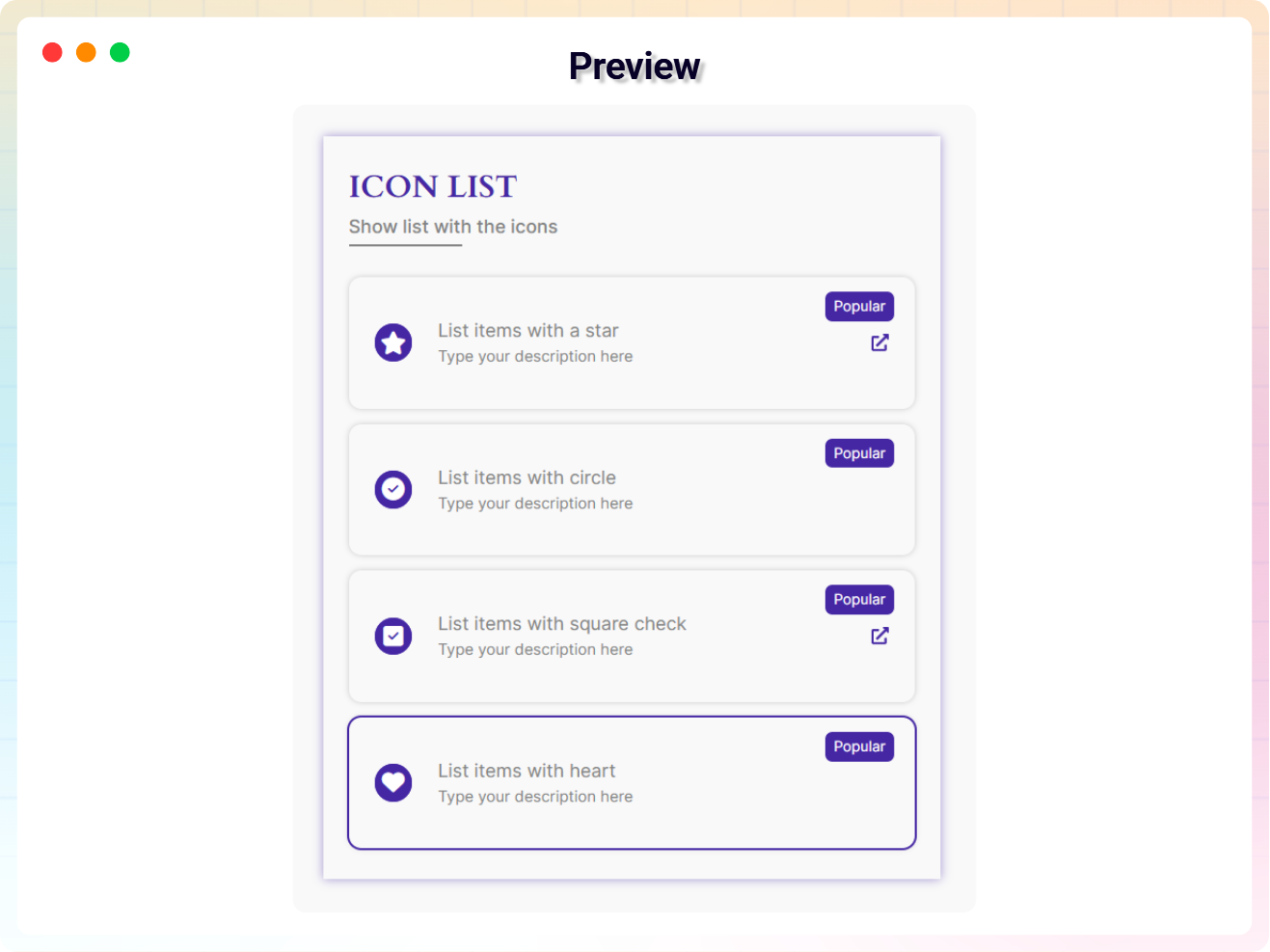
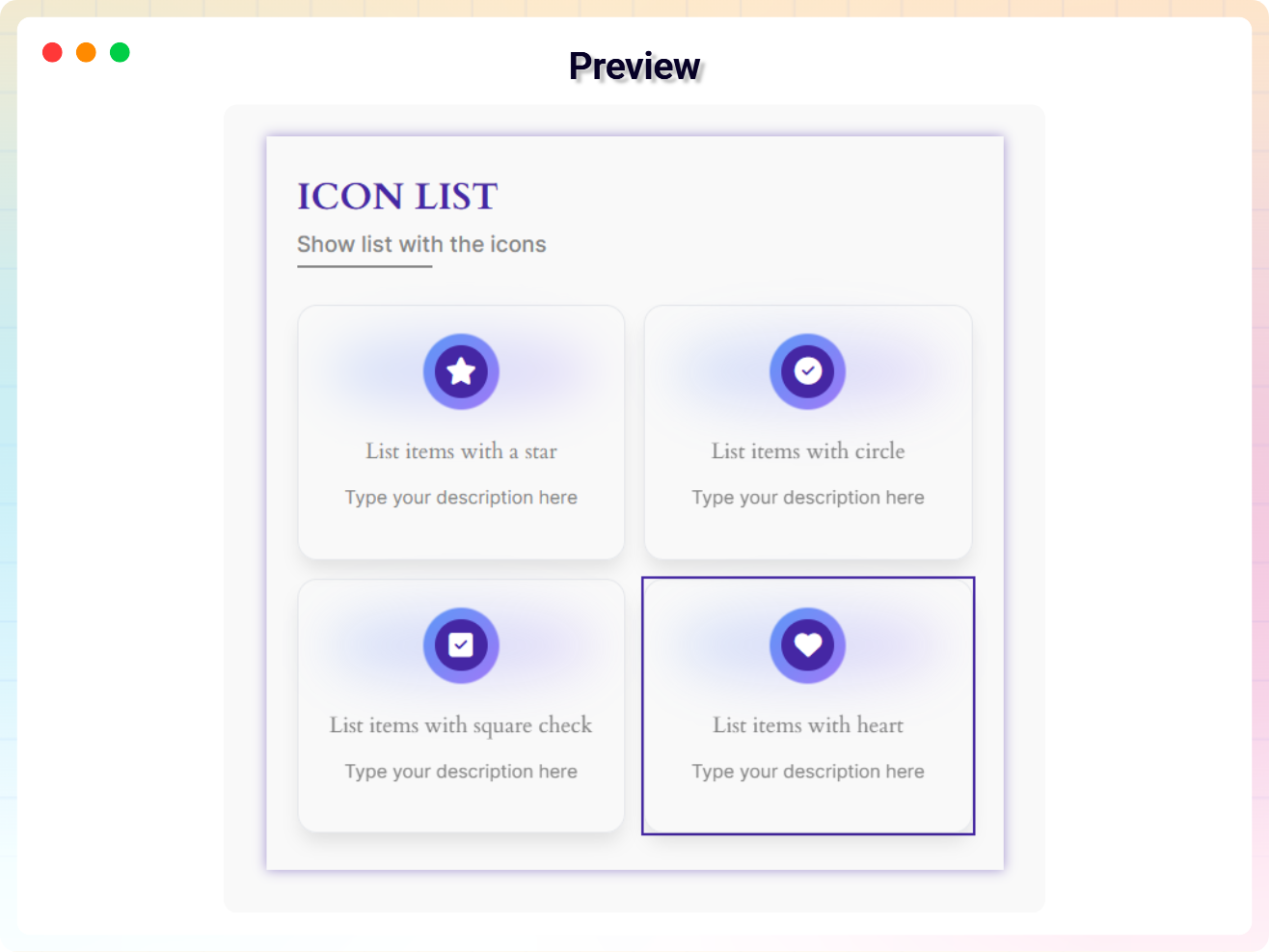
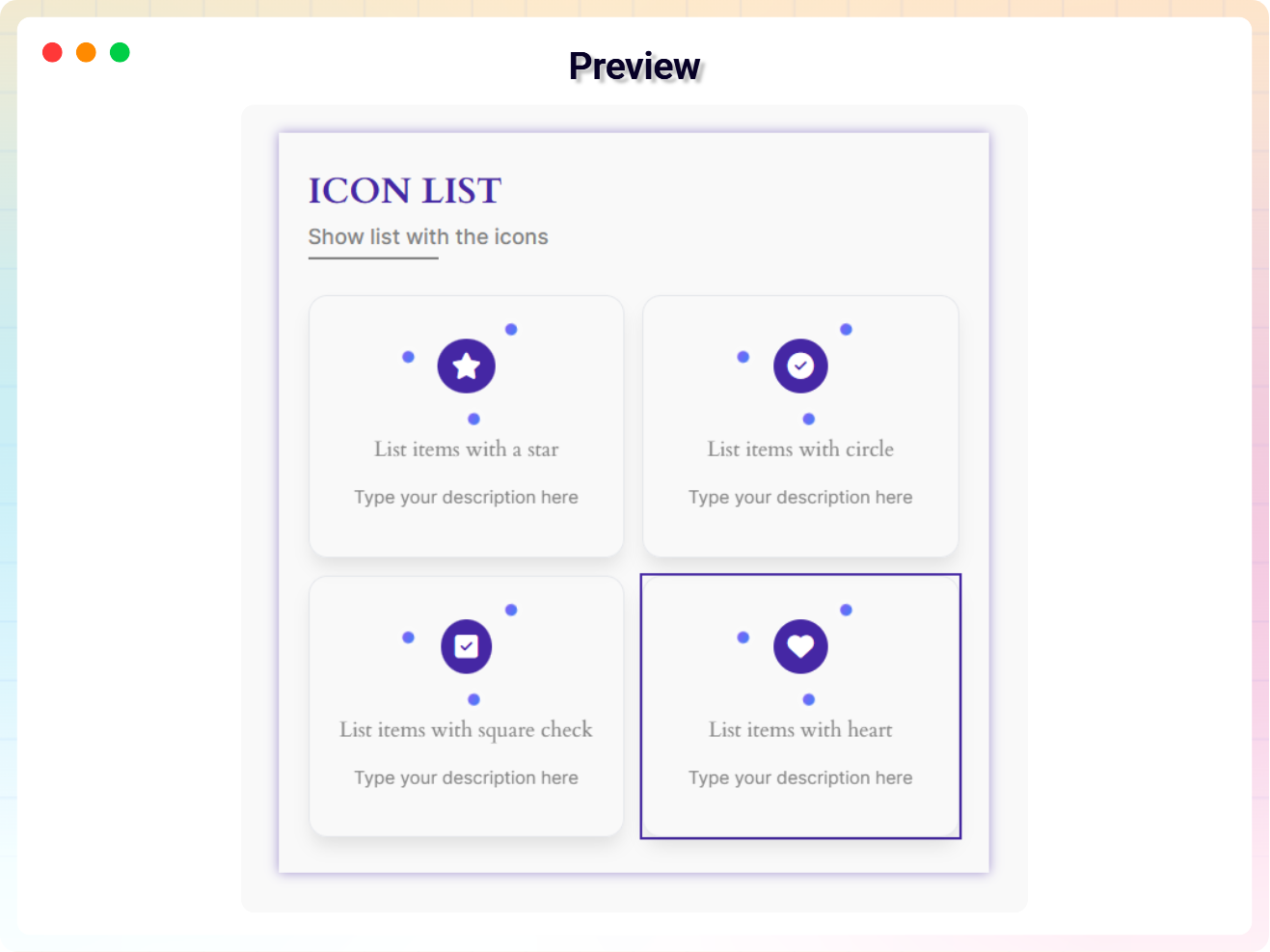
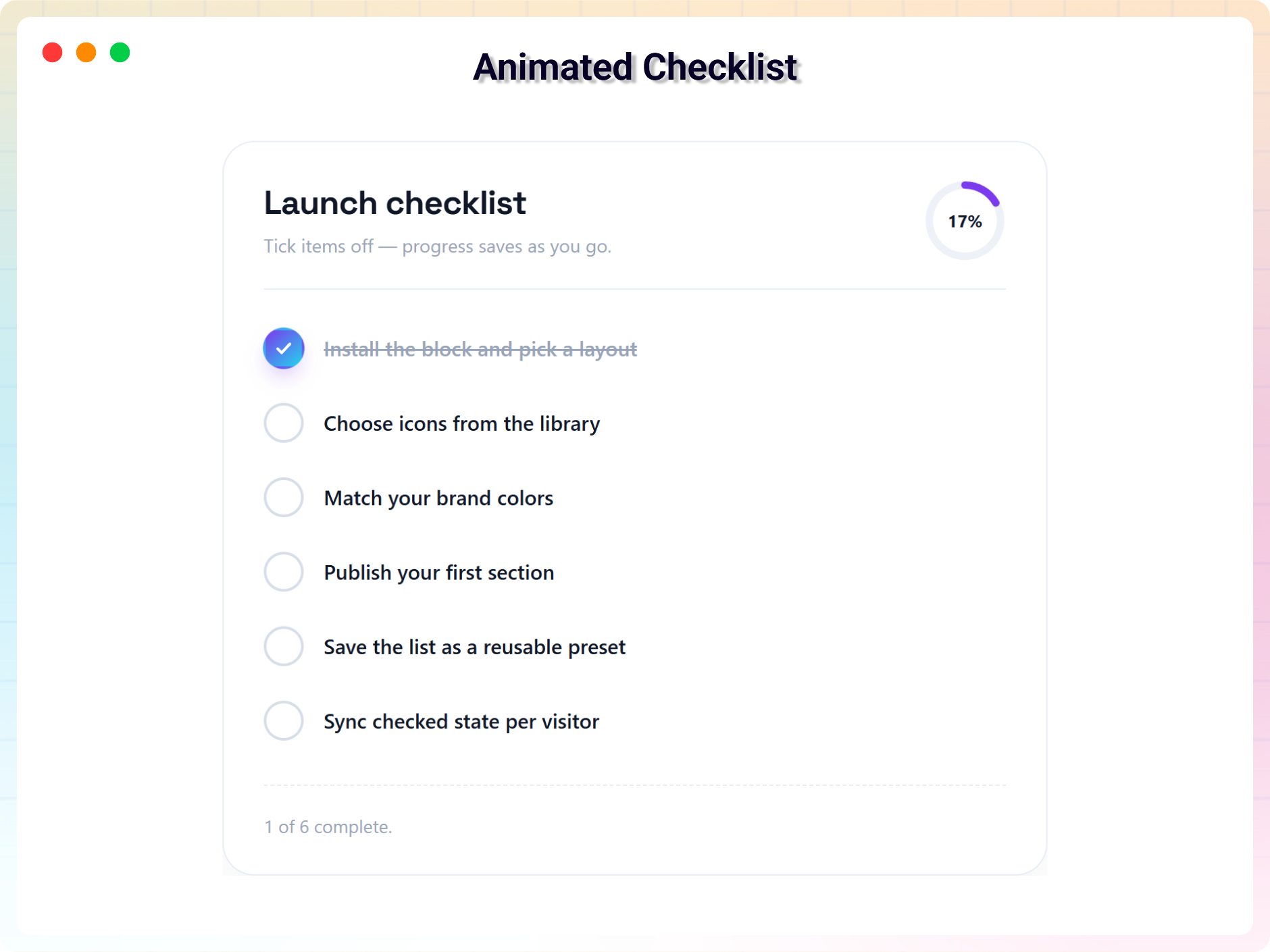
Icon List Block lets you create clean, stylish, and highly customizable icon-based lists with ease. Choose from multiple themes, custom icons, badges, and layout options to highlight features, services, or key information. Each list item supports individual links, animations, and advanced styling controls for full design flexibility. It works seamlessly with the Full Site Editor and requires no external block libraries. Perfect for creating visually engaging and interactive content on any WordPress website.
Key Features
- Comprehensive Customization Options: Arrange your showcase effortlessly with a wide range of settings tailored to your preferences.
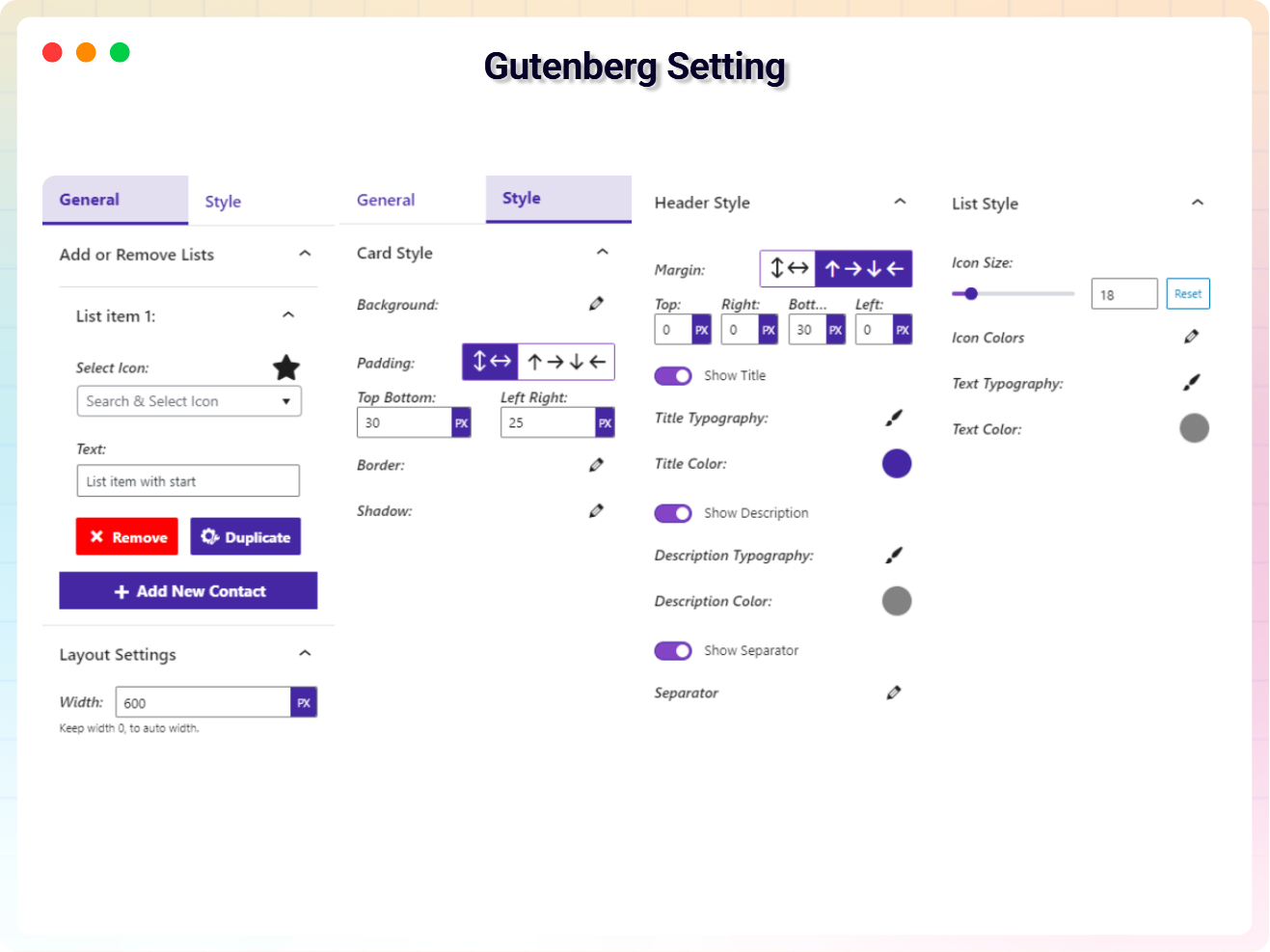
- Advanced Controls: Includes extensive controls for link management, rotation, alignment, colors, borders, padding, margins, and more.
- Custom Icon Selection: Choose your preferred icons to enhance each list item with a personalized touch.
- Badge Title Configuration: Assign specific titles to list item badges for added context and detail.
- Unlimited List Items: Add as many list items as you need, complete with customizable bullet points.
- URL-Specific List Items: Define URLs for individual list items to make them interactive and functional.
- Theme Customization: Select from various themes to match your design preferences.
- **Quick theme Options: Instantly switch between predefined styles to update the animated text appearance.
- Full Site Editor Compatibility: Works perfectly with the Site Editor for a smooth editing experience.
- No Block Library Dependency: Operates independently without requiring any additional block libraries. 🎉
🚀 Upgrade to Icon List Block Pro
- Choose Your Preferred Theme: Select the theme of your choice to personalize your experience and give your website the look and feel that suits your style.
- Background On Your List Item: Customize the background of your list items to enhance their appearance and match your design preferences.
- Hide/Show List Item URL Icon: Toggle the visibility of URL icons for list items, allowing you to show or hide them based on your design needs.
- Hide/Show List Item Badge: Enable or disable badges for list items to highlight specific content or keep the design clean and simple.
- Badge Title Input Field: Provide a title for the badge to display descriptive or relevant text alongside your list items.
- Badge Text Styles: ‘Customize the typography of badge text, including font style, size, weight, and spacing, to match your design aesthetics.
- Badge Text Color & Background: Set the color and background for the badge text to ensure it stands out and complements your design.
- Icon Animated styles: Set a variant styles for the animated pulse effect to draw attention and enhance visual engagement.
- Custom Upload images: Upload and use custom images to personalize your list items and make your content stand out.
- Custom styles Grid for themes: Customize grid layouts for themes to organize and display your list items with precision and style.
- Premium Animations: Exclusive smooth effects available only in Pro.
How to use
- First, Install the Icon List Block plugin
- Add the Icon List block from the block category called “Widgets” in the Gutenberg editor.
- You can change block settings from the right-side settings sidebar.
-
Enjoy!
-
For installation help click on Installation Tab
Feedback
- Did you like this plugin? Dislike it? Do you have a feature request? Please share your feedback with us
⭐ Check out the Parent Plugin of this plugin-
🔥 B Blocks – Best gutenberg blocks collections for WordPress.
⭐ Check out our other WordPress Plugins-
🔥 Html5 Audio Player – Best audio player plugin for WordPress.
🔥 Html5 Video Player – Best video player plugin for WordPress.
🔥 PDF Poster – A fully-featured PDF Viewer Plugin for WordPress.
🔥 Document Embedder – Best WordPress Document Embedder Plugin.
🔥 3D Viewer – Display interactive 3D models on the webs.
🔥 Advanced Post Block – Best Post Display Plugin for WordPress.
External Service
Service Name: Image source
- Service URL: https://i.ibb.co.com/X5kT0kp/facebook.png
- Service URL: https://i.ibb.co.com/PMNw2gY/twitter.png
- Service URL: https://i.ibb.co.com/gwqfvbF/linkedin.png
- Service URL: https://i.ibb.co.com/268pCN9/instagram.png
Main Image Source
- Host URL: https://imgbb.com/
- Download URL: https://www.flaticon.com/
Installation
From Gutenberg Editor:
- Go to the WordPress Block/Gutenberg Editor
- Search For Icon List Block
- Click on the Icon List to add the block
Download & Upload:
- Download the Icon List- Block plugin (.zip file)
- In your admin area, go to the Plugins menu and click on Add New
- Click on Upload Plugin and choose the
icon-list-block.zipfile and click on Install Now - Activate the plugin and Enjoy!
Manually:
- Download and upload the Icon List Block plugin to the
/wp-content/plugins/directory - Activate the plugin through the Plugins menu in WordPress
Frequently asked questions
Is Icon List block free?
Yes, Icon List block is a free Gutenberg block plugin.
Does it work with any WordPress theme?
Yes, it will work with any standard WordPress theme.
Can I change block settings?
Yes, you can change block settings from the Gutenberg block editor’s right sidebar.
How many times can I reuse a block?
You can use unlimited times as you want.
Where can I get support?
You can post your questions on the support forum here
Where do I report security bugs found in this plugin?
Please report security bugs found in the source code of the Icon List Block plugin through the Patchstack Vulnerability Disclosure Program. The Patchstack team will assist you with verification, CVE assignment, and notify the developers of this plugin.
Changelog
1.2.9 – 05 September 26
- New: Added 11+ new blocks.
1.2.8 – 30 March 26
- Update: Added a modern and intuitive dashboard layout.
- Update: Freemius sdk latest version updated.
1.2.7 – 14 March 26
- Fixed: dataset issue fixed.
- Update: Alert pro modal import from bpl-tools.
- Update: Competitor stablist version with wordpress.
1.2.6 – 1 March 26
- Fixed: Resolved plugin update license prompt issue.
1.2.5 – 26 Feb 26
- Update: Update dashboard.
- Update: Rename dashboard menu item.
1.2.4 – 23 Feb 26
- Update: Pro modal upgrade the premium quality designed and Quick themes Change options.
Screenshots
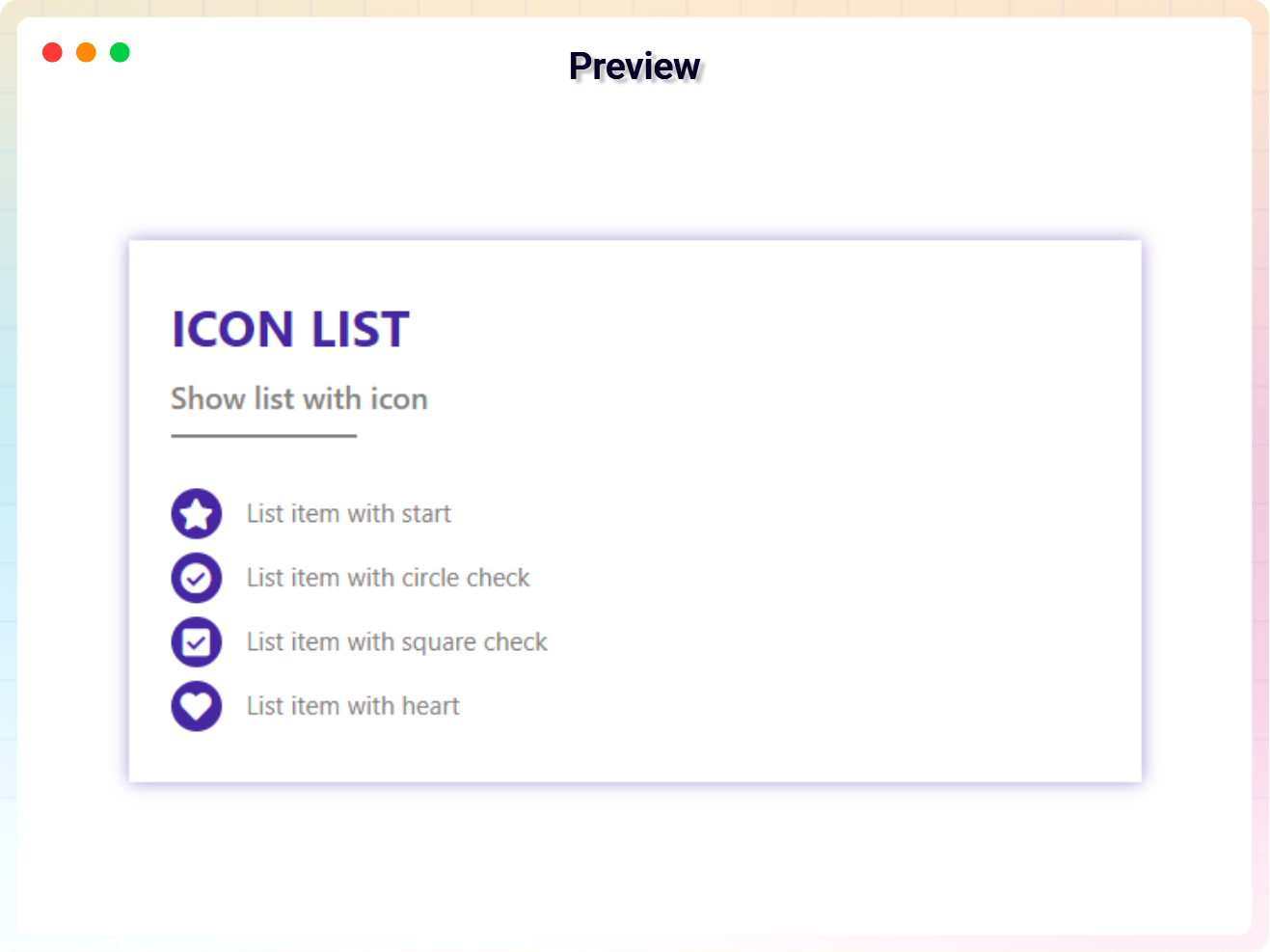
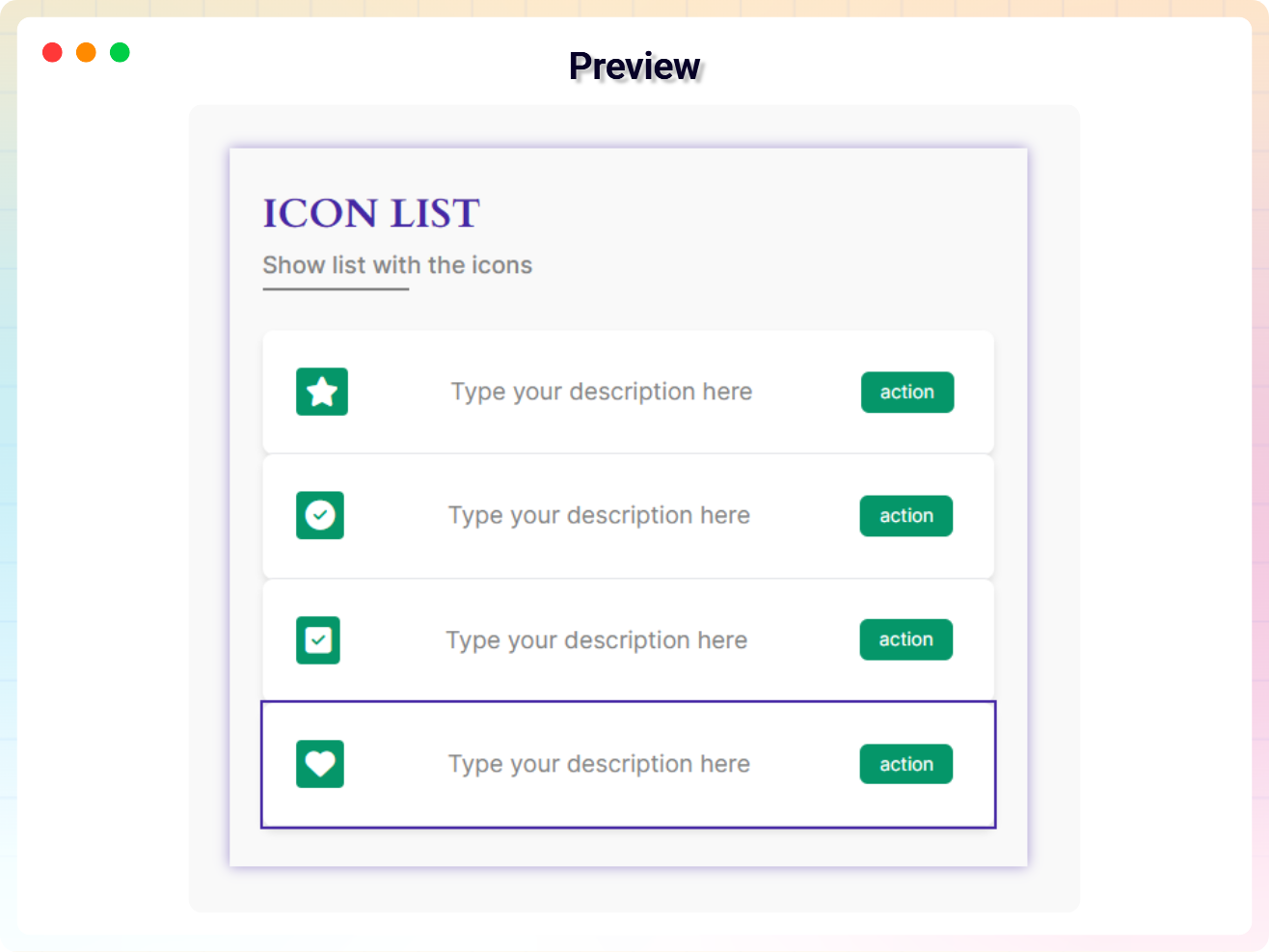
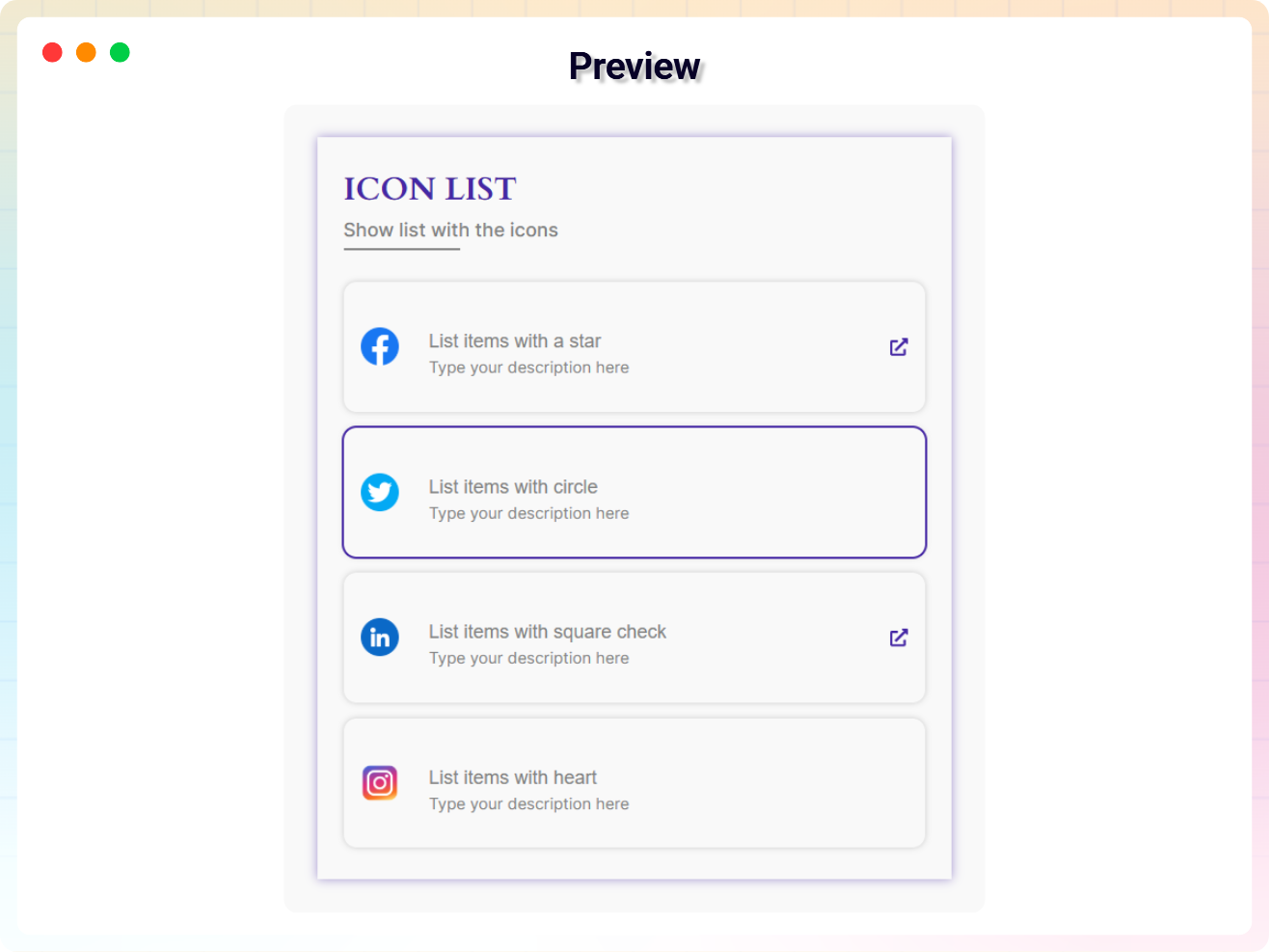
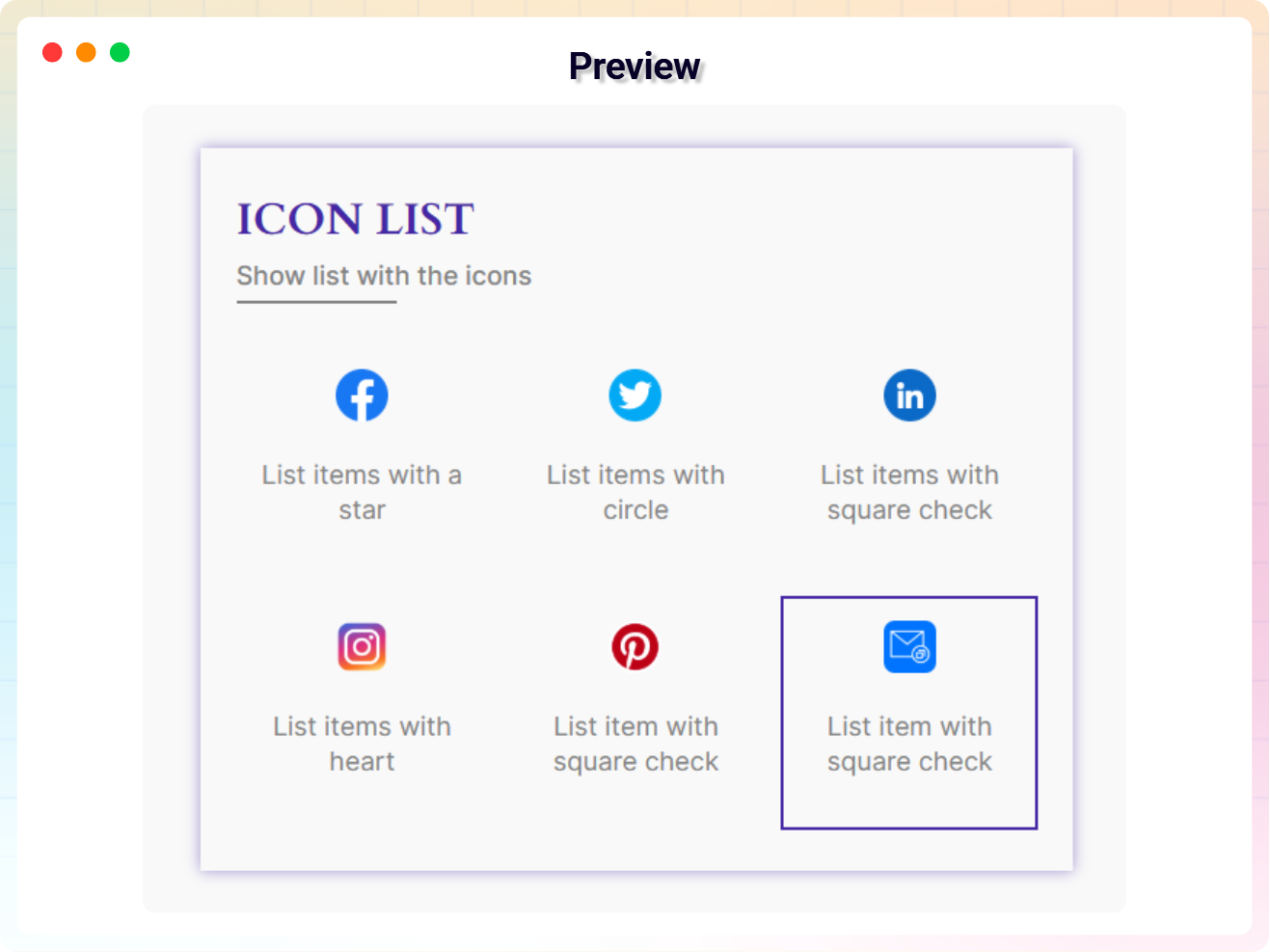
For developers
Is this your plugin? Show off the numbers.
Add a live badge to your site, docs or GitHub README. It updates on its own — no account needed.
Best Icon List Block alternatives
All block plugins →





FAQ
Icon List Block: quick answers
Straight answers, pulled from live WordPress.org data.
Live data from WordPress.org · checked Sep 27, 2026
Is Icon List Block free?
Yes. Icon List Block is free to download and use from the official WordPress.org plugin directory.
Is Icon List Block safe to use in 2026?
Icon List Block is a solid plugin choice in 2026, with a few things worth checking first. It runs on 4K+ sites, is rated 3.7/5 and was last updated 1 week ago, and scores 76/100 on our health check.
How many websites use Icon List Block?
Icon List Block is active on 4K+ WordPress websites and has been downloaded 93,964 times since it launched in March 2022. It was downloaded 3,617 times in the last 30 days.
Does Icon List Block work with WordPress 7.1?
Yes. The developer has tested Icon List Block up to WordPress 7.1.2, the latest release. It requires WordPress 6.5 or newer.
What PHP version does Icon List Block need?
Icon List Block requires PHP 7.4 or higher. Most hosts run PHP 8.x today, so it works on any modern WordPress hosting.
When was Icon List Block last updated?
The latest version, 1.2.9, was released on September 20, 2026 (1 week ago).
Who makes Icon List Block?
Icon List Block is developed and maintained by bPlugins.
What are the best alternatives to Icon List Block?
The most popular alternatives to Icon List Block are Spectra Legacy (1M+ installs), Breadcrumb NavXT (800K+ installs) and PDF Embedder (300K+ installs).
Powered by PageForge
Want thousands of pages that rank like these? Build them in an afternoon.
This directory runs on the same engine as PageForge. Turn any spreadsheet, CSV or API into thousands of fast, SEO-ready WordPress pages — with schema, internal links and AI-written copy baked in.
- CSV, Google Sheets & API data sources
- AI content, schema & internal links per page
- Works with Elementor, Gutenberg, Yoast & Rank Math
- Free on WordPress.org — no credit card


