


HoverEcho Ads
Make WordPress ads and website elements speak on hover, touch-and-hold, or keyboard focus—before the visitor clicks.

Use with caution
HoverEcho Ads works, but test it on a staging site before relying on it in 2026. Was last updated 1 month ago, and scores 60/100 on our health check.
- Tested with the latest WordPress (7.1)
- Small user base (<10 active installs)
- Very few reviews so far
How does it stack up?
Side-by-side on installs, updates, ratings & support



Daily downloads
Download spikes usually follow a new release — each site that auto-updates counts as a download.
Rankings
Where HoverEcho Ads stands todayWordPress.org search rankings
Live position in the plugin search, top 100| Keyword | Position |
|---|---|
| ads | >100 |
| advertising | >100 |
| audio | >100 |
| gutenberg | >100 |
| voice | >100 |
About HoverEcho Ads
From the official readme · v2.0.3Description
Your Website Can Now Speak
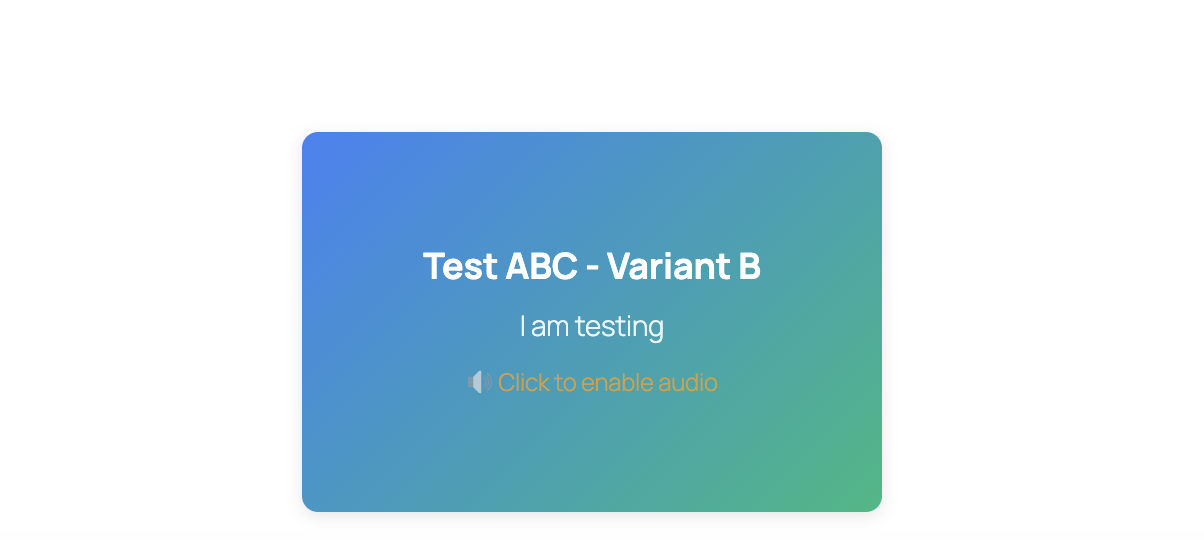
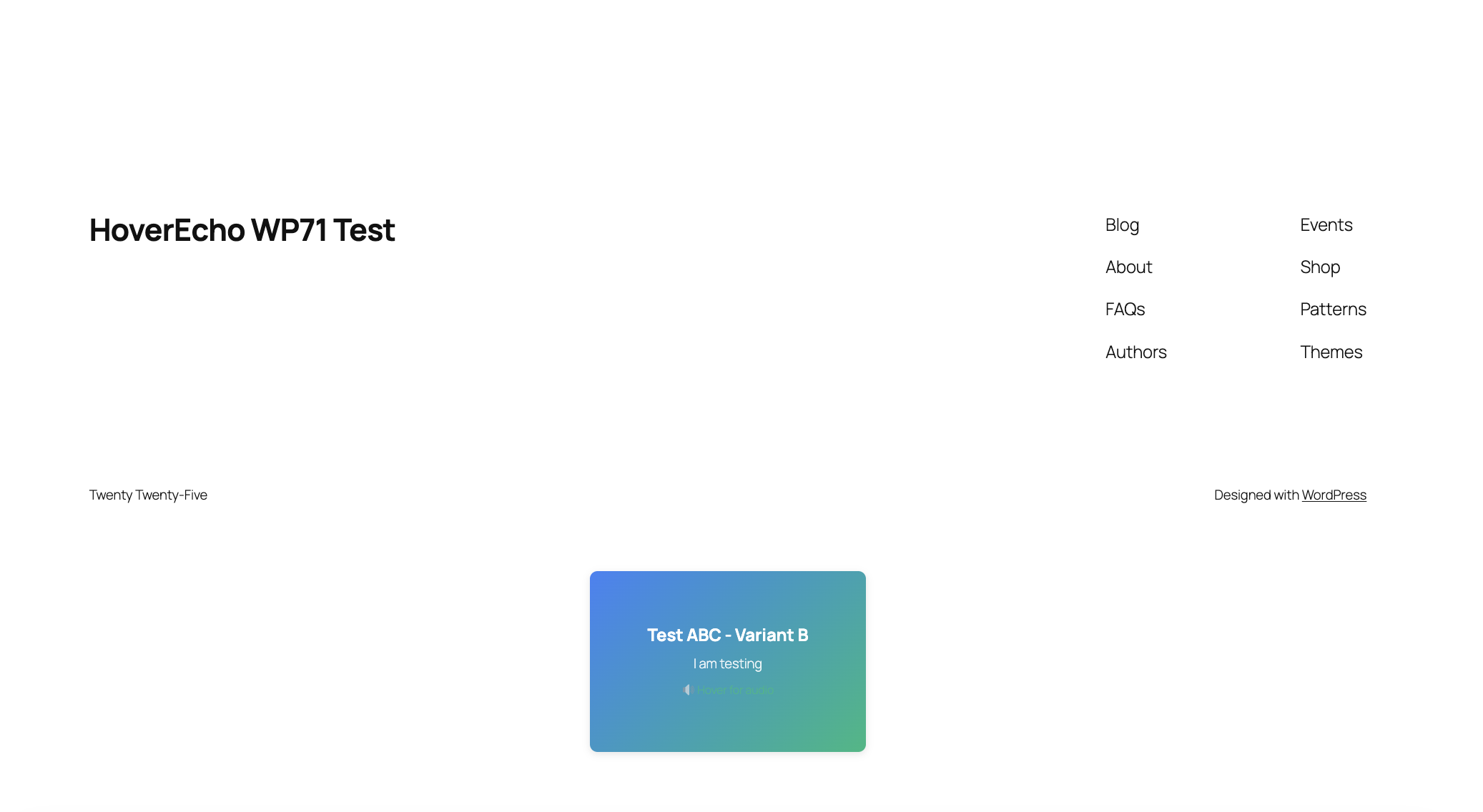
HoverEcho adds an interactive audio layer to WordPress. Visitors can hear a short spoken message when they hover over an advertisement or website element—before they decide whether to click.
On supported devices, HoverEcho can respond to desktop hover, mobile touch-and-hold, and keyboard focus.
What Can HoverEcho Make Speak?
- Digital advertisements
- Buttons and calls to action
- Menus and navigation choices
- Product and featured-content cards
- Forms and input fields
- Pricing options
- Other selected website elements
How It Works
- Install and activate HoverEcho Ads.
- Connect the plugin to your HoverEcho account.
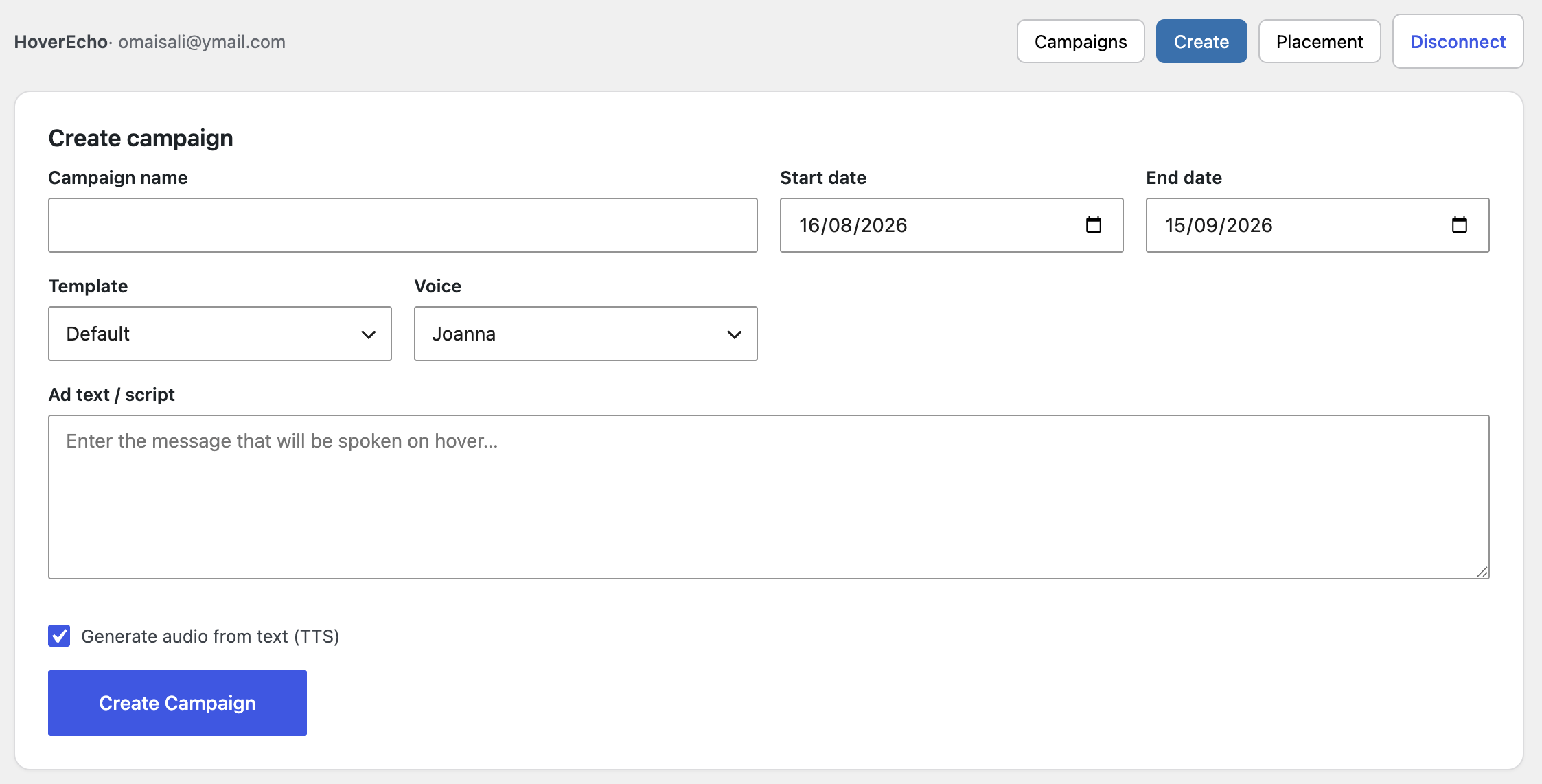
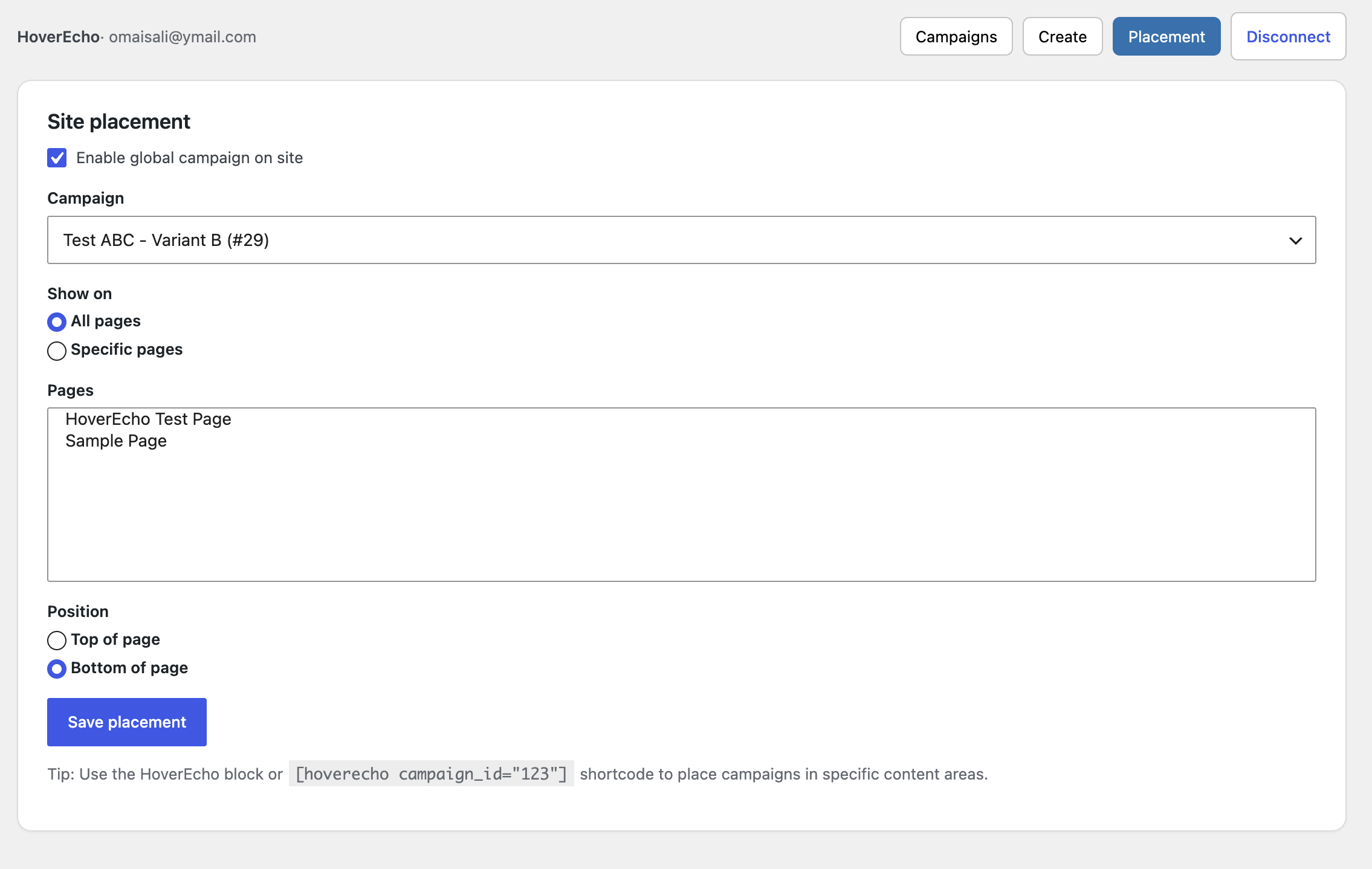
- Create or select a campaign.
- Add a written message for text-to-speech, or upload recorded audio.
- Select where the experience should appear.
- Publish it to your WordPress website.
No copying and pasting embed code is required.
Why Use HoverEcho?
- Let visitors hear an explanation before clicking.
- Add audio to advertisements without changing the original creative.
- Explain buttons, menus, products, prices, and forms at the point of decision.
- Use text-to-speech or your own recorded audio.
- Manage campaigns from one HoverEcho account.
- Create a more understandable and engaging website experience.
HoverEcho Account and Subscription
This plugin connects your WordPress website to the HoverEcho hosted service. A HoverEcho account is required.
New customers receive a 30-day free trial. Unless cancelled, the selected paid subscription begins automatically on day 31. Customers may cancel before the trial ends to avoid being charged.
- Create a HoverEcho account: https://hoverecho.com/signup
- Pricing: https://hoverecho.com/pricing
- Terms of Service: https://hoverecho.com/terms
- Privacy Policy: https://hoverecho.com/privacy
The WordPress plugin is the installation and connection component for the HoverEcho service. HoverEcho is not a free product.
Free Setup Support
We will help new customers connect their websites and publish their first HoverEcho experience during the 30-day trial.
- Email: Support@HoverEcho.com
- Plugin and setup help: https://hoverecho.com/wordpress-plugin
Configuration
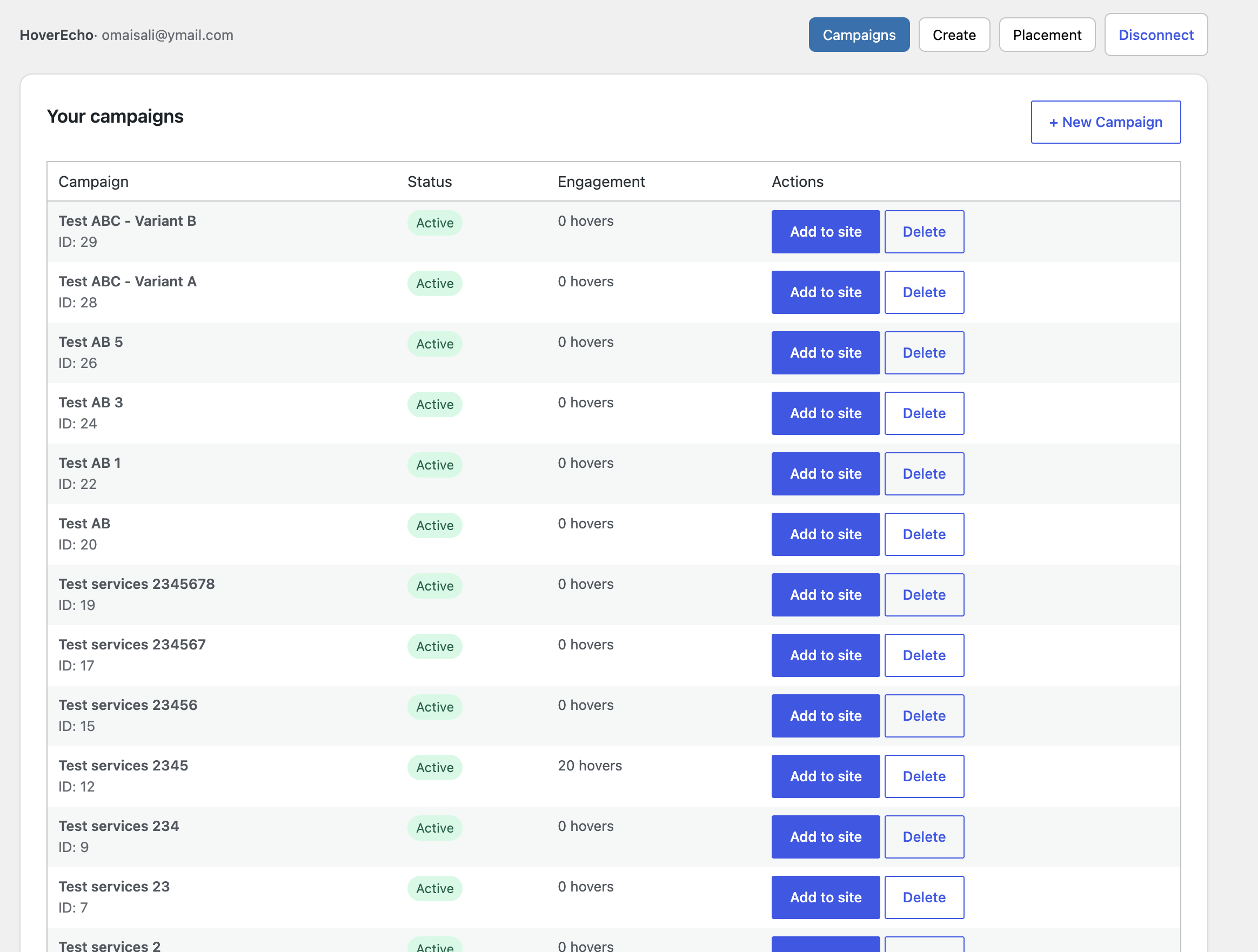
- HoverEcho → Dashboard: connect, disconnect, campaigns, create campaign, site placement
- HoverEcho → Settings: explanation of the HoverEcho connection (no custom host settings)
Disconnect removes the stored token and connected-account fields from this WordPress site.
Deleting the plugin (uninstall) removes:
- hoverecho_settings
- hoverecho_auth
- hoverecho_placements
- hoverecho_campaign_cache
Privacy
This plugin stores data in WordPress only after an administrator connects a HoverEcho account.
Stored in WordPress (hoverecho_auth):
- Encrypted HoverEcho API token
- HoverEcho user id
- First name (if provided by the login response)
- Last name (if provided)
- Subscription plan name (if provided)
- Connected-at timestamp
Also stored:
- hoverecho_settings (plugin settings)
- hoverecho_placements (which campaign is shown and where)
- hoverecho_campaign_cache (transient campaign list for the block/widget, 5 minutes)
What is sent to HoverEcho on Connect:
- Password
- rememberMe (boolean)
What may be sent later from wp-admin (while connected), depending on the action:
- Campaign fields such as name, dates, text message, language, voice, translation flags, receiving site URL (defaults to this WordPress site’s home URL), and related create/update fields
- Requests to list campaigns, templates, TTS voices, and translation languages
What may be sent from the public site after a campaign is placed:
- A request for public campaign data (campaign ID)
- Optional tracking POSTs that include the current page URL (
websiteUrl) for hover/click-style events implemented by the widget
The plugin registers WordPress privacy policy helper text, a personal data exporter, and a personal data eraser for the connected HoverEcho email. Disconnect or uninstall deletes the local token and connected-account option. That does not automatically delete the HoverEcho account on hoverecho.com.
HoverEcho service Privacy Policy: https://hoverecho.com/privacy
HoverEcho service Terms of Service: https://hoverecho.com/terms
External Services
This plugin communicates with the HoverEcho service operated at https://hoverecho.com
Base API: https://hoverecho.com/api
HTTP from WordPress uses the WordPress HTTP API (wp_remote_request).
1. Administrator Connect (required for Dashboard features)
POST https://hoverecho.com/api/auth/login
JSON body sent:
- password
- rememberMe
Response used by the plugin: token and user object. The token is encrypted and stored in WordPress. The password is not stored.
2. Administrator Dashboard (only while connected)
Authenticated with header: Authorization: Bearer {token}
- GET https://hoverecho.com/api/auth/profile
- GET https://hoverecho.com/api/campaigns
- GET https://hoverecho.com/api/campaigns/{id}
- POST https://hoverecho.com/api/campaigns/create-enhanced
- PUT https://hoverecho.com/api/campaigns/{id}
- DELETE https://hoverecho.com/api/campaigns/{id}
- GET https://hoverecho.com/api/templates
- GET https://hoverecho.com/api/campaigns/tts/voices
- GET https://hoverecho.com/api/campaigns/translate/languages
3. Public pages (only if a campaign is rendered)
Script loaded:
https://hoverecho.com/embed/hoverecho-widget.js
The widget then calls:
- GET https://hoverecho.com/api/campaigns/public/{campaignId}
- POST https://hoverecho.com/api/campaigns/{campaignId}/track-{eventType}
JSON body: { “websiteUrl”: “” }
Service links
- Service: https://hoverecho.com
- Privacy Policy: https://hoverecho.com/privacy
- Terms of Service: https://hoverecho.com/terms
- Sign up: https://hoverecho.com/signup
- Sign in: https://hoverecho.com/signin
- Plugin page: https://hoverecho.com/wordpress-plugin
- Pricing page (HoverEcho website, not this plugin): https://hoverecho.com/pricing
- Support email: Support@HoverEcho.com
Installation
- Upload the
hoverechofolder to/wp-content/plugins/(or install the ZIP via Plugins → Add New → Upload Plugin). - Activate the plugin through the Plugins menu.
- In wp-admin, go to HoverEcho → Dashboard.
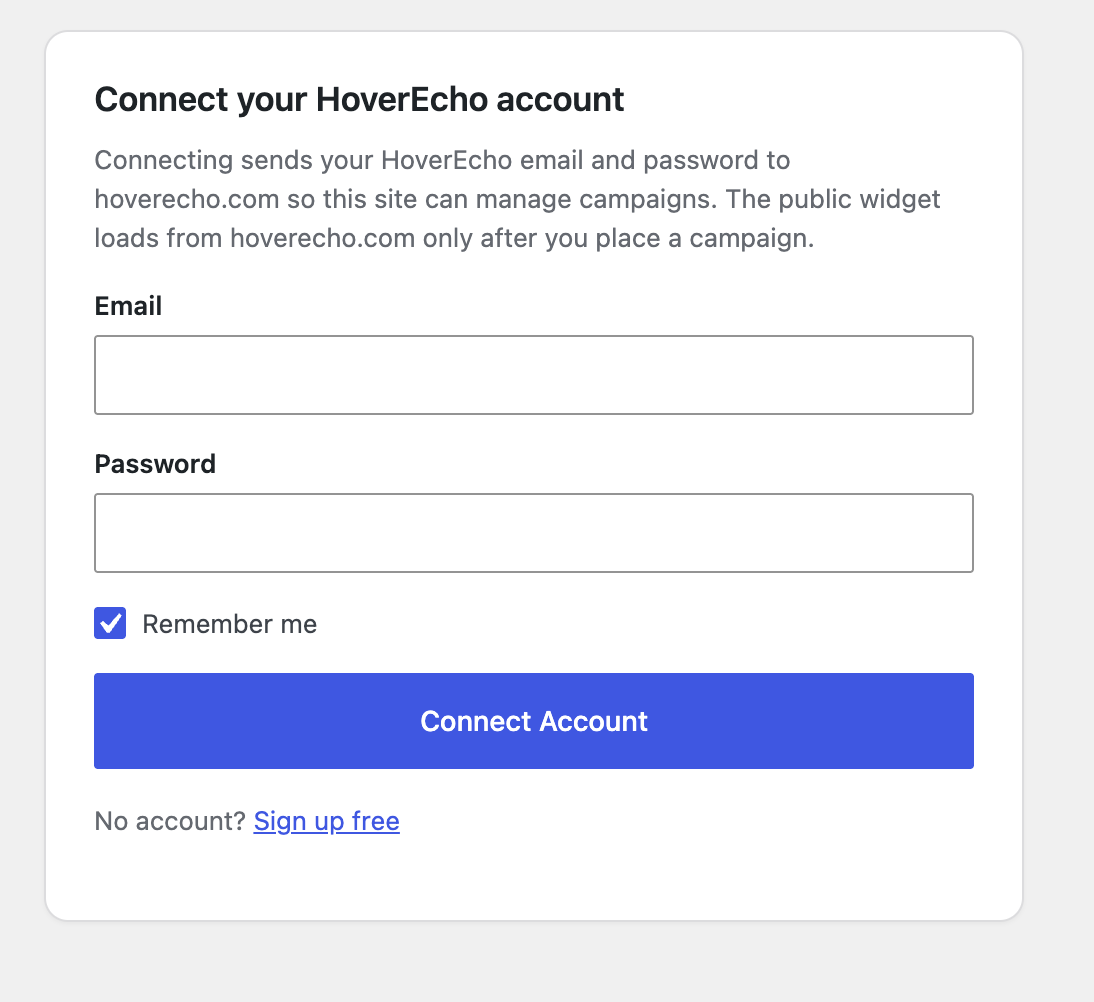
- Click Connect Account and sign in with a HoverEcho email and password.
Connecting sends that email and password to https://hoverecho.com/api/auth/login. See External Services. - After connecting, select or create a campaign and click Add to site, or insert the shortcode, block, or widget.
No API URL field is required. The plugin is hardcoded to:
- https://hoverecho.com
- https://hoverecho.com/api
Frequently asked questions
Do I need a HoverEcho account?
Yes. Create one at https://hoverecho.com/signup or connect an existing account from HoverEcho → Dashboard.
Do you offer setup help for new customers?
Yes. Free Setup Support is included during the 30-day trial. Email Support@HoverEcho.com or visit https://hoverecho.com/wordpress-plugin.
Do I still paste embed code?
No. Current versions place campaigns by campaign ID.
Is my HoverEcho password stored in WordPress?
No. After a successful login, WordPress stores an encrypted API token (the token returned by HoverEcho login) plus a small user summary (id, email, first name, last name, subscription plan). The password is sent only to https://hoverecho.com/api/auth/login at connect time and is not saved in WordPress options.
How is the token stored?
The token is encrypted with AES-256-CBC using a key derived from WordPress AUTH_KEY (or wp_salt(‘auth’) if AUTH_KEY is the default placeholder). It is saved in the hoverecho_auth option. Admin screens talk to this site’s WordPress REST API (hoverecho/v1). Those routes require the manage_options capability and the WordPress REST nonce. WordPress then calls HoverEcho with the decrypted token as a Bearer token. The admin JavaScript does not receive the HoverEcho JWT.
When does the plugin contact hoverecho.com?
Activating the plugin does not send data to HoverEcho. HoverEcho is contacted when: An administrator clicks Connect (login) An administrator uses Dashboard features that load or change campaigns (list, create, delete, templates, voices, languages) A campaign is output on a public page (widget script + public campaign request + optional event tracking)
Who can use the Dashboard?
WordPress users with the manage_options capability (typically administrators).
What shortcode is supported?
[hoverecho campaign_id=”123″] Optional attributes: align (left, center, right), width, height.
How do I get support?
Email Support@HoverEcho.com Website: https://hoverecho.com Plugin download page: https://hoverecho.com/wordpress-plugin
Changelog
Readme and WordPress.org page updates only. No code changes required to update.
2.0.3
- Rewrite WordPress.org plugin page for product launch (description, video, subscription disclosure)
- Update banner and icon assets on WordPress.org
2.0.2
- Add Privacy Policy and Terms of Service links for HoverEcho external service disclosure
- Change text domain to hoverecho-ads to match the WordPress.org plugin slug
2.0.1
- WordPress.org compliance pass on the current 2.x plugin
- Document external HoverEcho API and widget traffic
- Add WordPress privacy exporter, eraser, and policy helper text
- Remove affiliate/Reditus tracking from the plugin
- Lock API and site host to https://hoverecho.com (no custom API URL setting)
- Sanitize campaign REST payloads
- Load public widget CSS/JS only when a campaign is rendered
- Replace inline widget init script with wp_add_inline_script
- Fix widget fetch/audio on localhost publisher sites
- Improve wp-admin form layout
2.0.0
- Connected-account dashboard inside WordPress
- Campaign list, create, delete, and one-click site placement
- Encrypted token storage and WordPress REST API proxy to HoverEcho
- Gutenberg block campaign picker
- Widget campaign dropdown from the connected account
1.0.0
- Initial release using pasted embed code, shortcode, Gutenberg block, and widget
Screenshots
For developers
Is this your plugin? Show off the numbers.
Add a live badge to your site, docs or GitHub README. It updates on its own — no account needed.
Best HoverEcho Ads alternatives
All ads plugins →





FAQ
HoverEcho Ads: quick answers
Straight answers, pulled from live WordPress.org data.
Live data from WordPress.org · checked Oct 4, 2026
Is HoverEcho Ads free?
Yes. HoverEcho Ads is free to download and use from the official WordPress.org plugin directory.
Is HoverEcho Ads safe to use in 2026?
HoverEcho Ads works, but test it on a staging site before relying on it in 2026. Was last updated 1 month ago, and scores 60/100 on our health check.
How many websites use HoverEcho Ads?
HoverEcho Ads is active on <10 WordPress websites and has been downloaded 169 times since it launched in August 2026. It was downloaded 63 times in the last 30 days.
Does HoverEcho Ads work with WordPress 7.1?
Yes. The developer has tested HoverEcho Ads up to WordPress 7.1.2, the latest release. It requires WordPress 6.0 or newer.
What PHP version does HoverEcho Ads need?
HoverEcho Ads requires PHP 7.4 or higher. Most hosts run PHP 8.x today, so it works on any modern WordPress hosting.
When was HoverEcho Ads last updated?
The latest version, 2.0.3, was released on August 24, 2026 (1 month ago).
Who makes HoverEcho Ads?
HoverEcho Ads is developed and maintained by hoverecho.
What are the best alternatives to HoverEcho Ads?
The most popular alternatives to HoverEcho Ads are Google for WooCommerce (800K+ installs), Ad Inserter (300K+ installs) and Head, Footer and Post Injec… (200K+ installs).
Powered by PageForge
Want thousands of pages that rank like these? Build them in an afternoon.
This directory runs on the same engine as PageForge. Turn any spreadsheet, CSV or API into thousands of fast, SEO-ready WordPress pages — with schema, internal links and AI-written copy baked in.
- CSV, Google Sheets & API data sources
- AI content, schema & internal links per page
- Works with Elementor, Gutenberg, Yoast & Rank Math
- Free on WordPress.org — no credit card


